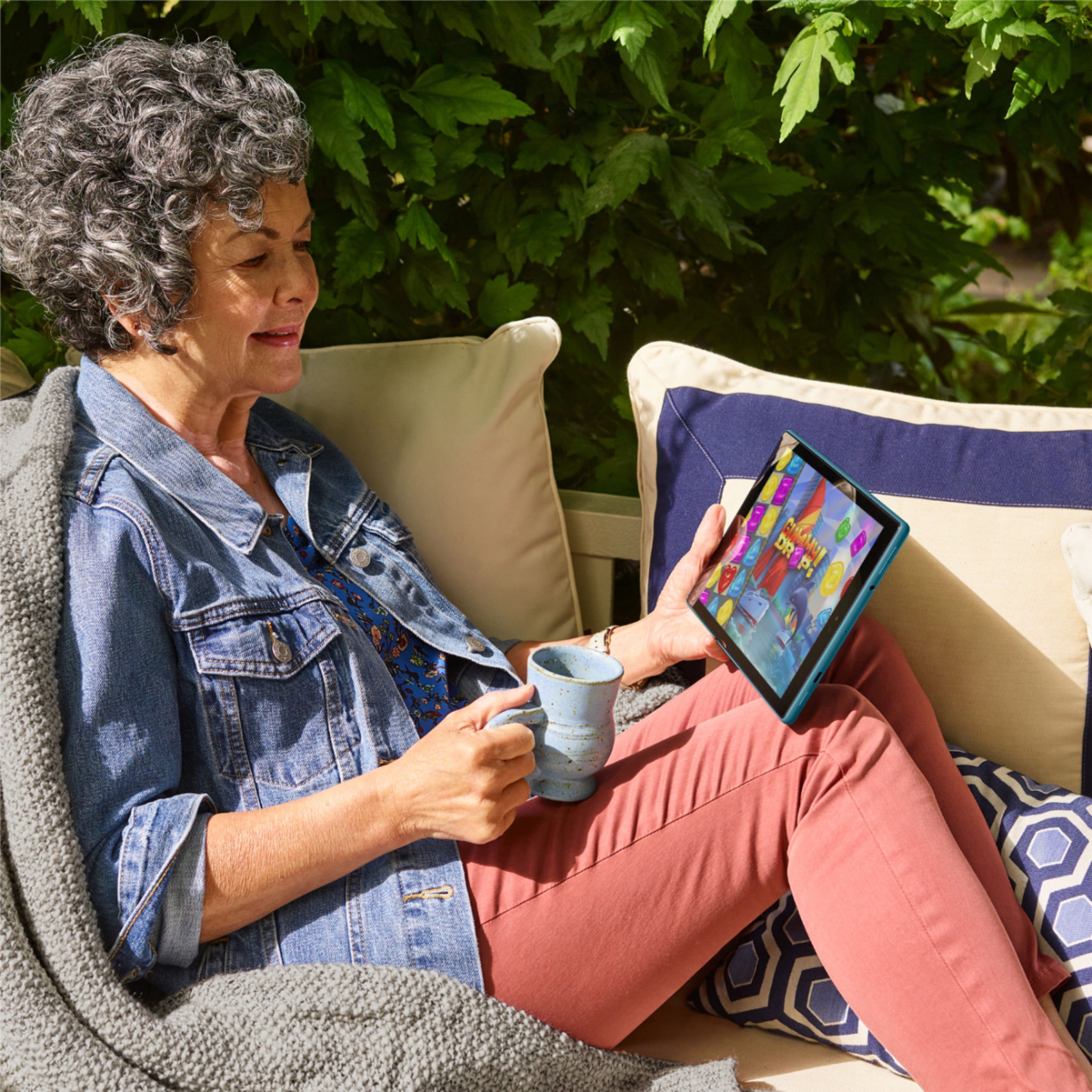
A:AnswerHello, the games you've downloaded from the app store will be available to download on your 10.1 inch tablet. Although, keep in mind that your progress in some games may be lost if the developer does not choose to store your progress in the cloud.
A:AnswerIf you purchased the extended warranty with your tablet from Bestbuy please take your tablet to the nearest Bestbuy store and they will be able to assist you.
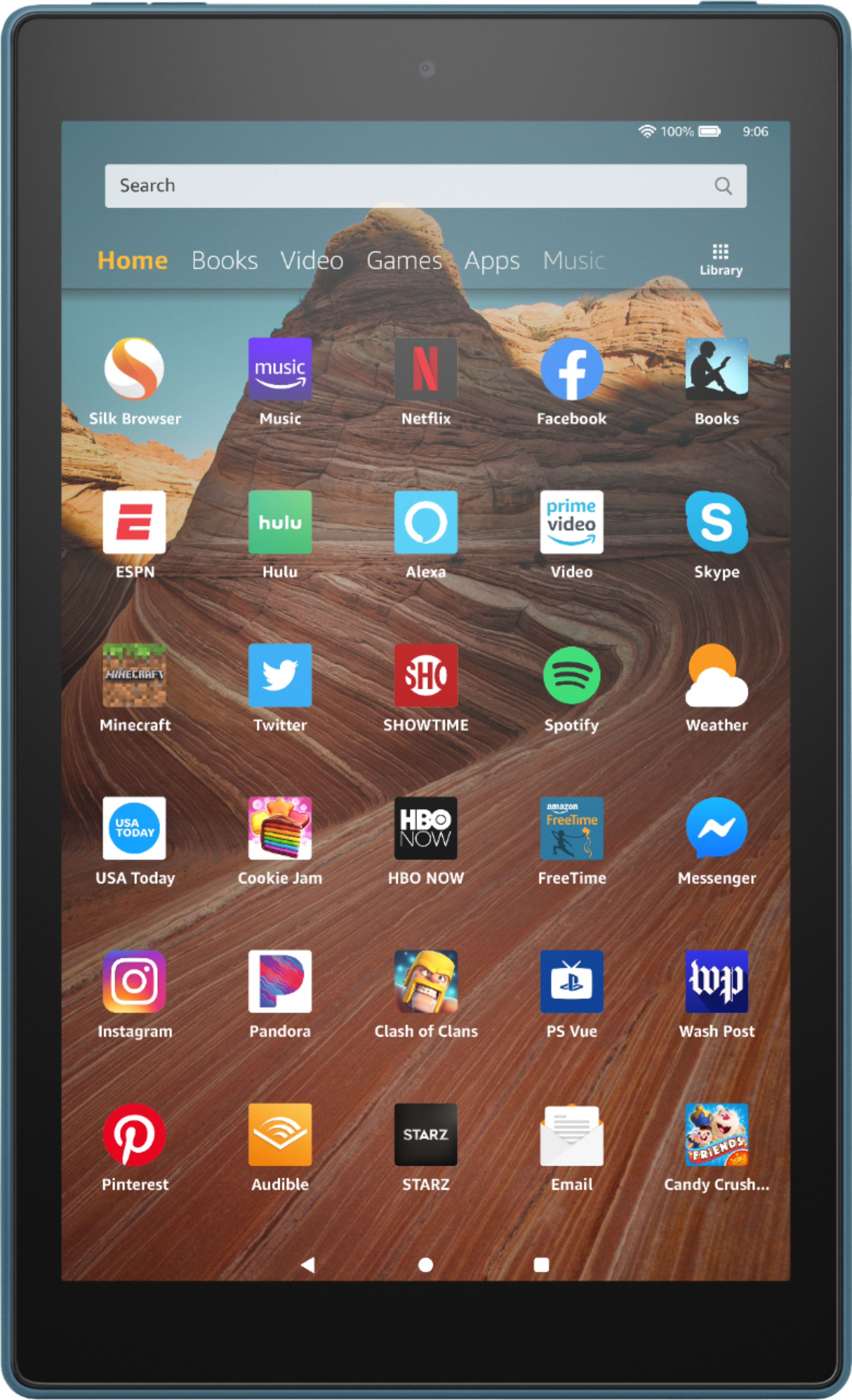
A:AnswerHey there. As of right now, this tablet uses the Silk Browser. Firefox is not available at this time. The nice thing about the Silk Browser is that you can choose to have Google, Bing, Yahoo or DuckDuckGO as the default search engine. Hope this Helps!
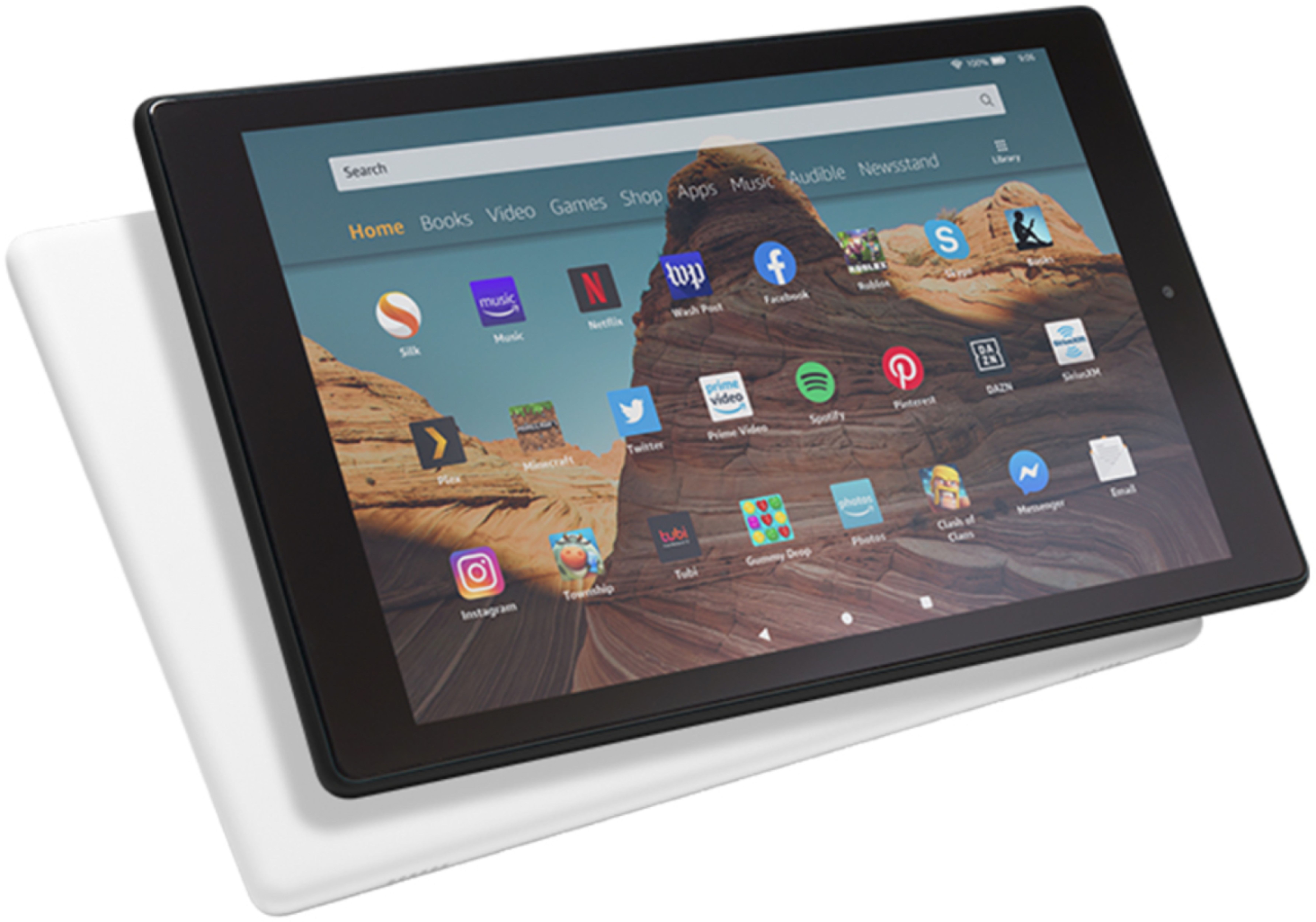
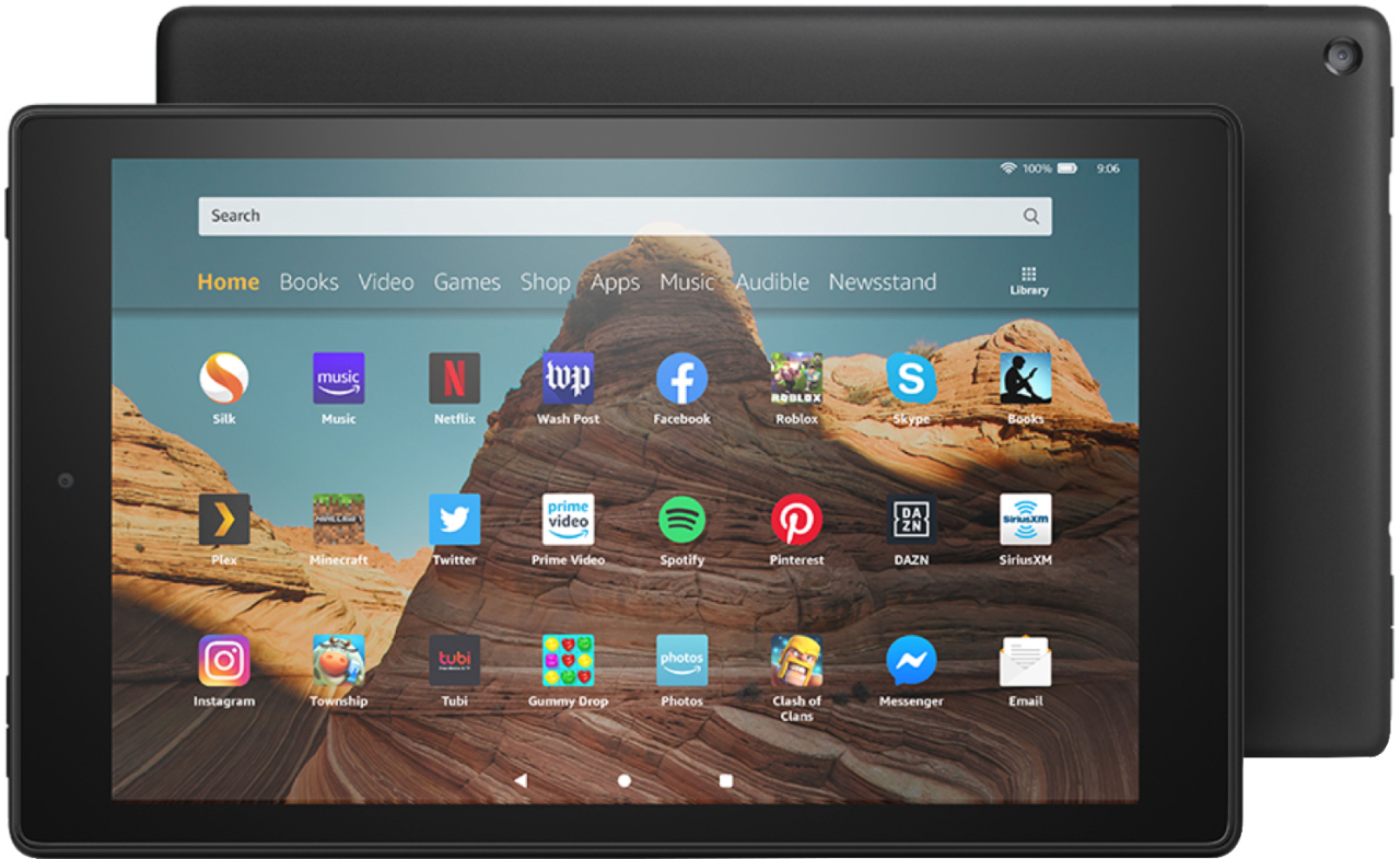
A:AnswerHi Wayne! The software that comes with this device is Fire OS. Amazon Fire OS is a mobile operating system based on Android and created by Amazon. Hope this helps!
A:AnswerHi Skinnyj,
The steps to reset your tablet are below!
Power off the device. Depending on your device model, press a button combination to launch recovery mode. Kindle Fire HDX (3rd Generation), Fire (4th Generation), and Fire HD 10 (7th Generation) devices: Press and hold the "power" and "volume up" buttons simultaneously. Release the buttons immediately after a logo appears on the screen.
For all other devices: Press and hold the "power" and "volume down" buttons simultaneously. Release the buttons after five seconds. When the Recovery Mode options are displayed, use the volume up and down buttons to navigate the screen. Select Wipe data/factory reset by pressing the power button and confirm.
Upon completion of a factory reset, your device is deregistered from your Amazon account. To use the device, register it again.
Hope that helps!
A:AnswerHello LarryT, unfortunately there's no way to guarantee that saved game data will transfer to a new device. Some games have cloud based save points, where signing in with your account will restore saved data, but others may save your game progress to the device. I would recommend seeing if your games allow you to sign into your account to save progress before switching devices. Any content that you'd purchased will be available for download to your new device upon signing into your Amazon account. Hope this helps!