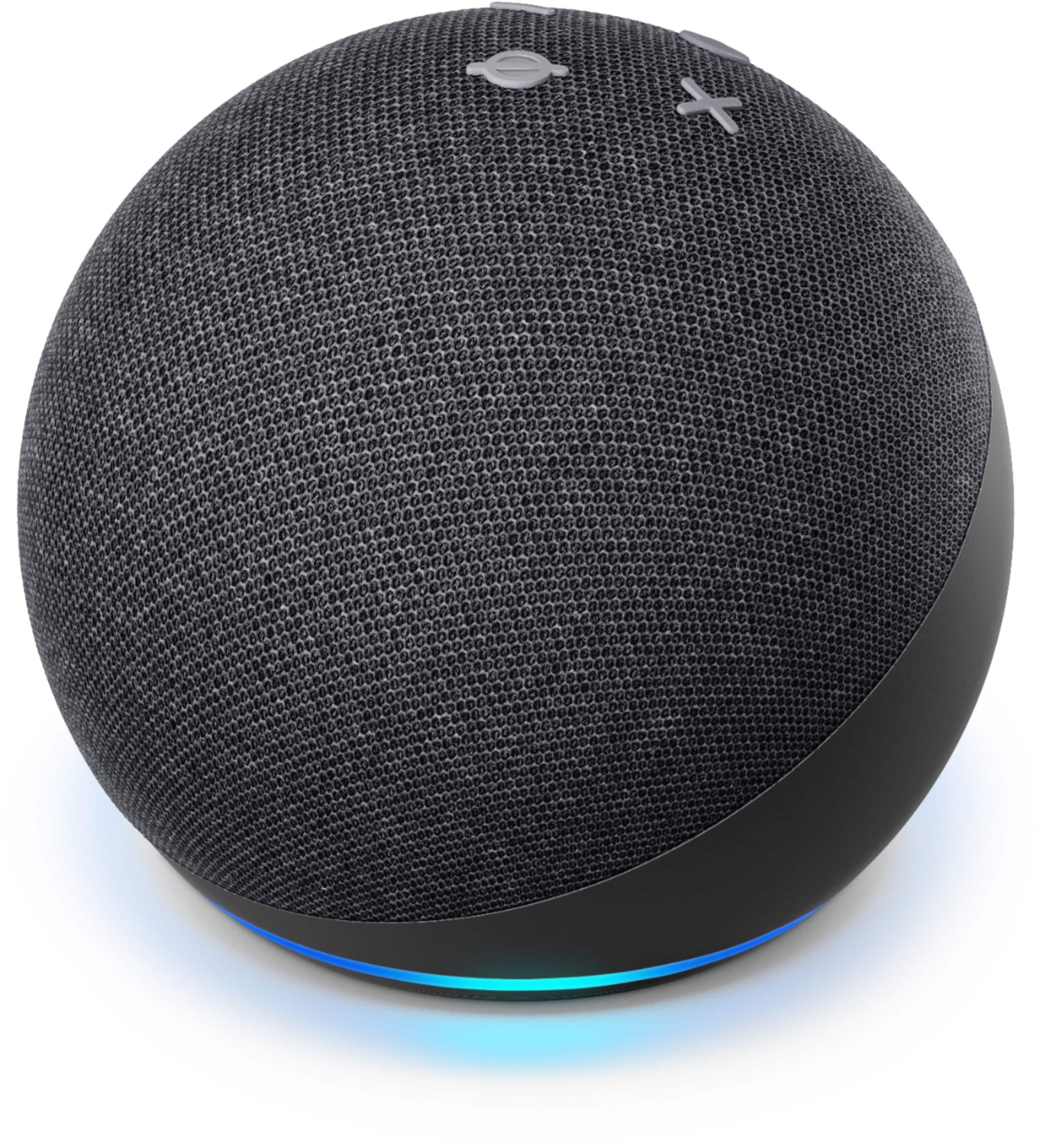
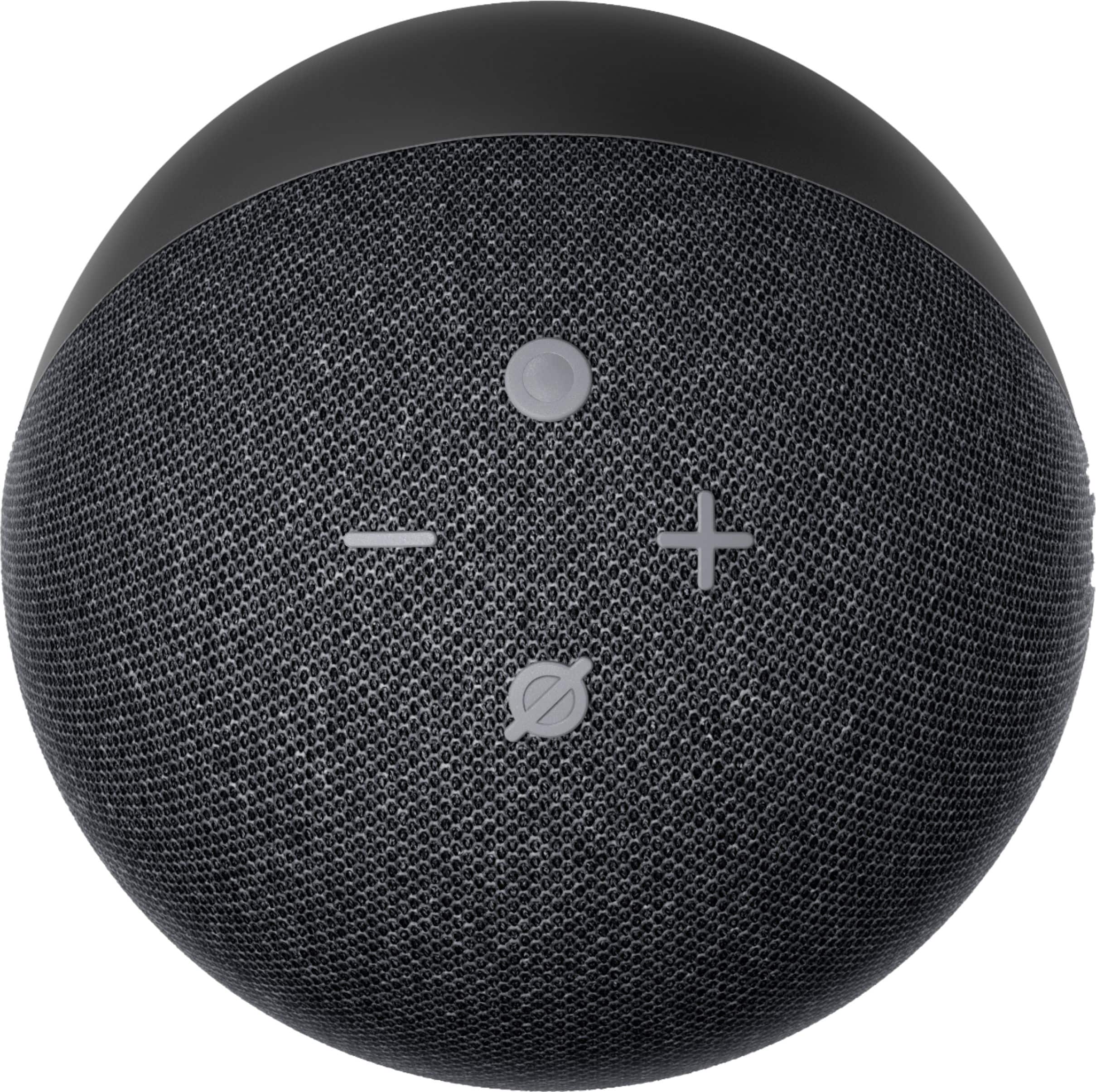
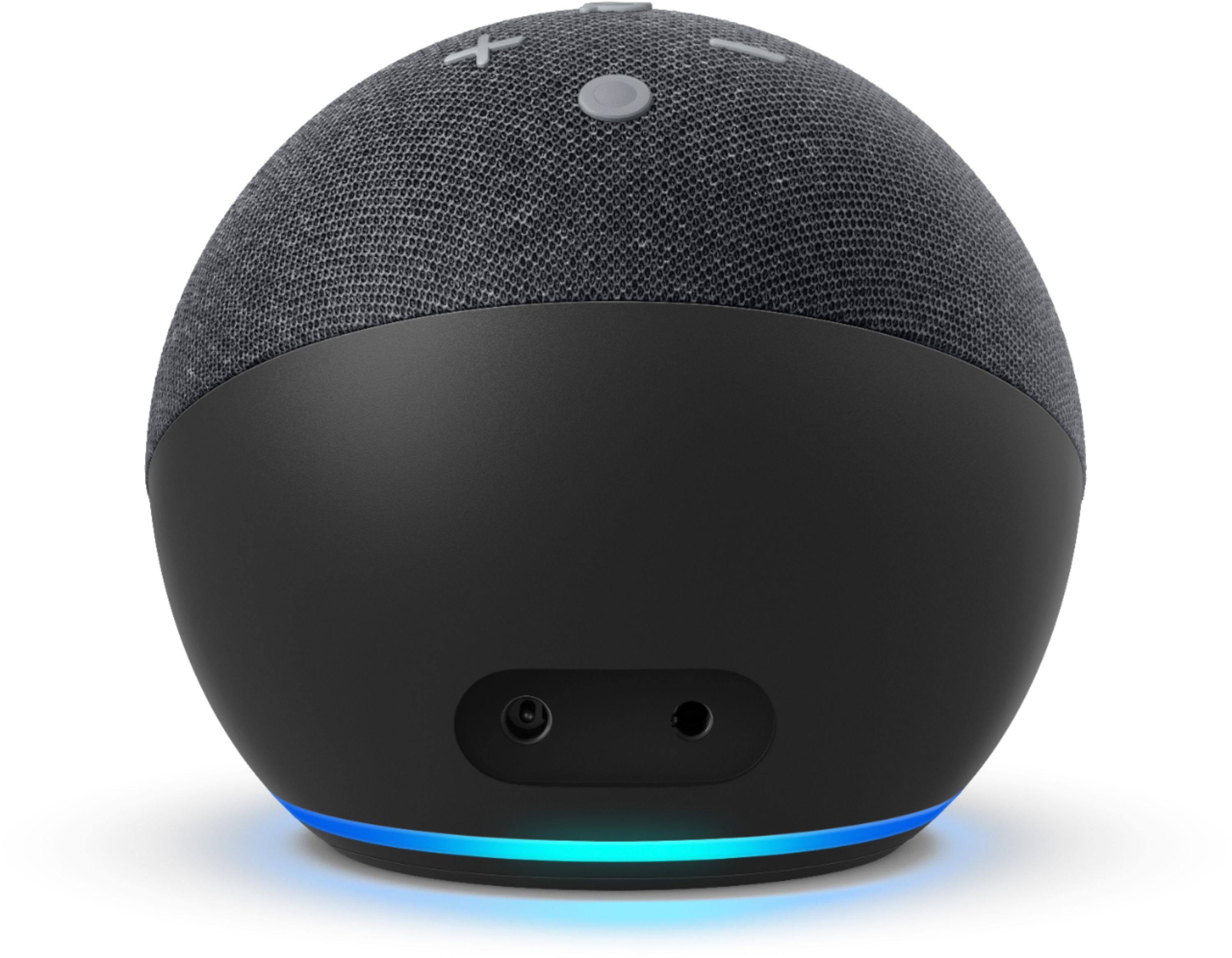
A:AnswerSet up is really easy. First download the alexa app on your phone. Plug in your device and look for it under add device on the app, and follow the prompts. As long as all your devices are connected to the same wifi, you should be good to go.
A:AnswerFunny, I just did that last week with my samsung qled, which you know has horrible speakers. You have to go into the tv's settings and pair it as you would with the tv bluetooth setting and you should have no problems. However I did find out that it will only work on one echo dot or show at a time.
A:AnswerI can control my fire tv with it. I can access apps on my tv to watch video. In order to utilize the device, you will need WiFi to connect other devices, accessing google for news, and/or streaming music.
A:AnswerHello Girt and thank you so much for your question! Great question! Samsung Bixby and Amazon Alexa are different products supporting different systems and services. Samsung Bixby is specifically a virtual assistant that your phone would use while Alexa is an app you can download via the Google Play store in order to utilize and setup Amazon Alexa enabled devices. They will not conflict and the app wouldn't replace Bixby on your phone. I hope this answers your question and that you have a great day!