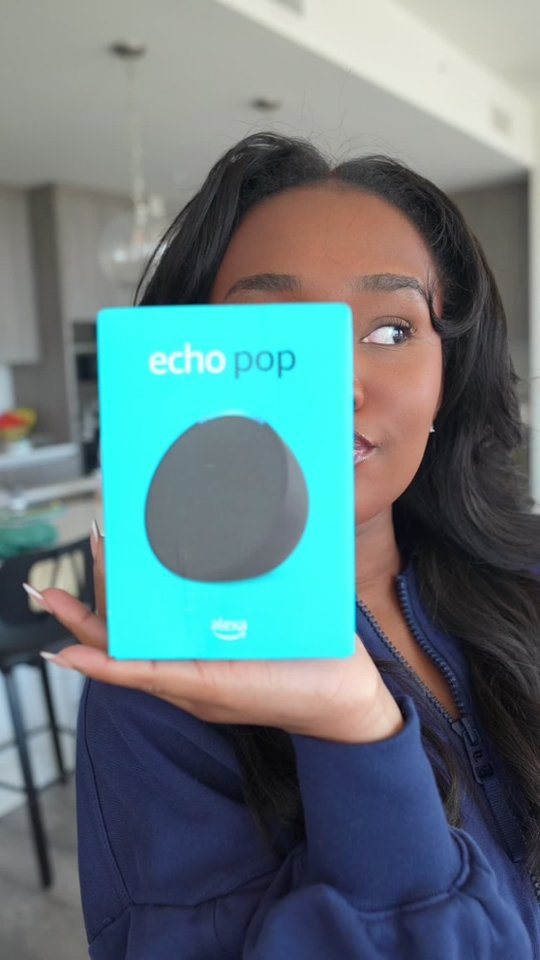
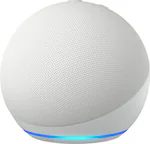
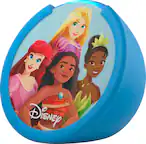
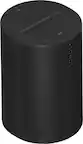
A:AnswerHi Grandma! The Echo Pop works great with Sonos speakers, you'll just need to enable the Sonos skill to get everything working together. To enable the Sonos skill: Open the free Alexa app. Open More and select Skills & Games. Search for the Alexa skill you want to enable (Sonos in this case), and sign in using your Sonos account. The easiest way to make sure things play properly from here is to put the Sonos and Echo Pop in the same group by going to Devices, then tapping the '+' icon at the top right. Tap 'Add Group' and then 'Create a room or device group' and follow the instructions. Add your Sonos and Echo Pop and finish up. Finally, tap on your newly created group and scroll down to the bottom. Under Speakers, you can choose speakers as the default. Just select your Sonos as the default and music requests you make to Alexa will automatically play from the Sonos speaker! I hope that helps, have a great rest of your day!
A:AnswerHi al. Yes, there is a warranty. It is as follows, directly off Best Buy's website:
"Manufacturer's Warranty - Parts
90-day limited warranty and service included."
So, the warranty is for 90 days. You can also call Amazon Customer Service and confirm. Their number is 888-280-4331. Hope this helps. Good luck.
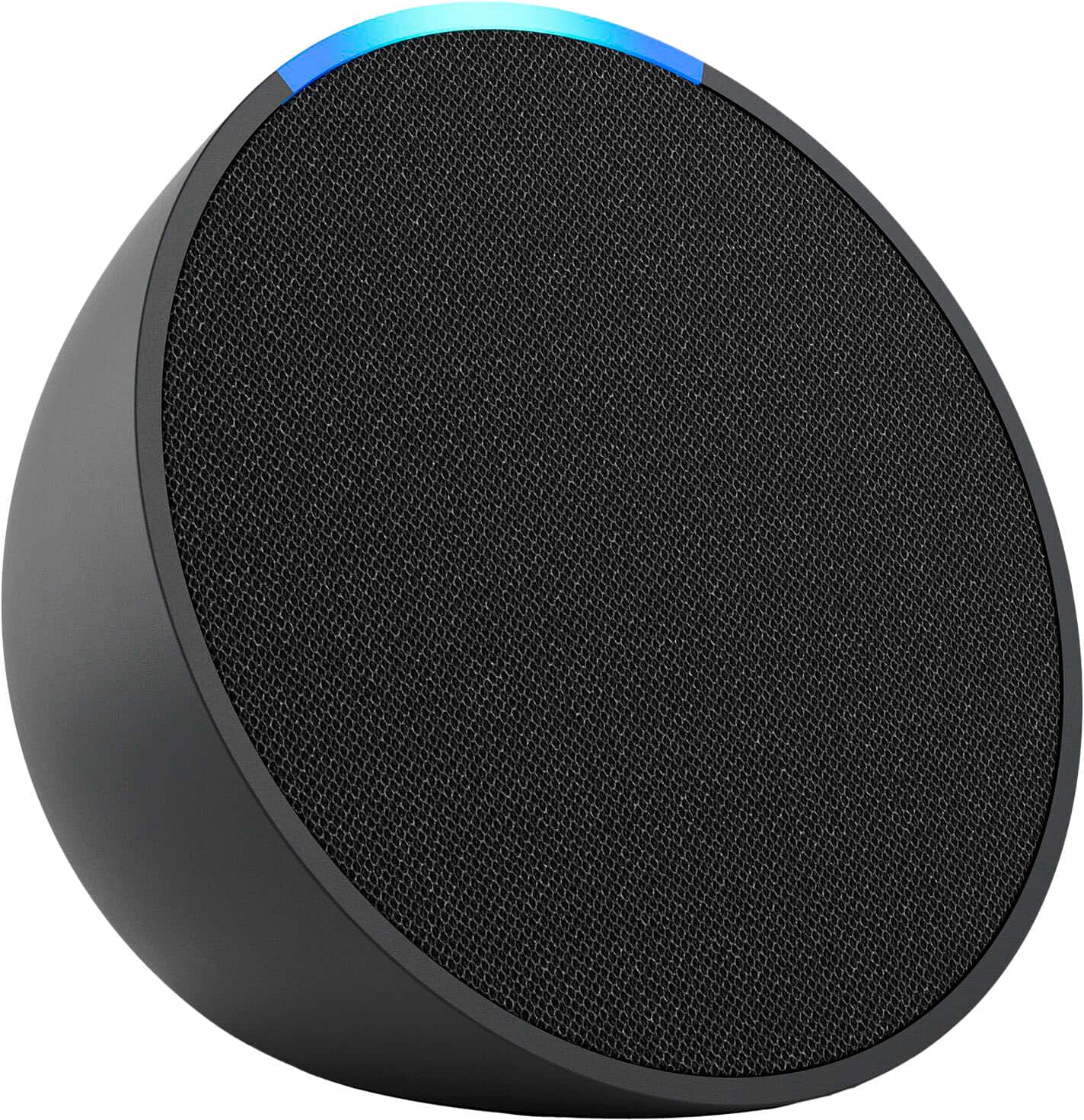
A:AnswerHello Franciaco and thank you for asking this question! You can absolutely have multiples of any Echo speaker in one household. When setting up the speaker through the Alexa application you can decide what room to put the speaker in as well as its name. You can even have multiple of the same speaker in one room! If you choose to do this, you’ll gain the option to have those speakers operate as a stereo set. I hope this answers your question and that you have a wonderful day.