Early Black Friday DealsNew Doorbusters every Friday.Shop now

Main Content

Questions & Answers

Your price for this item is $399.99
Page Showing 41-51 of 51 questions
  • QuestionIs there an option to create individual chore lists that can display on the screen?

    Asked by Nae.

    • Answer You could put it on a post it or calendar and display it.

      Answered by Leotaskforce

  • QuestionCan you add apps

    Asked by Anonymous.

    • Answer Yes

      Answered by Leotaskforce

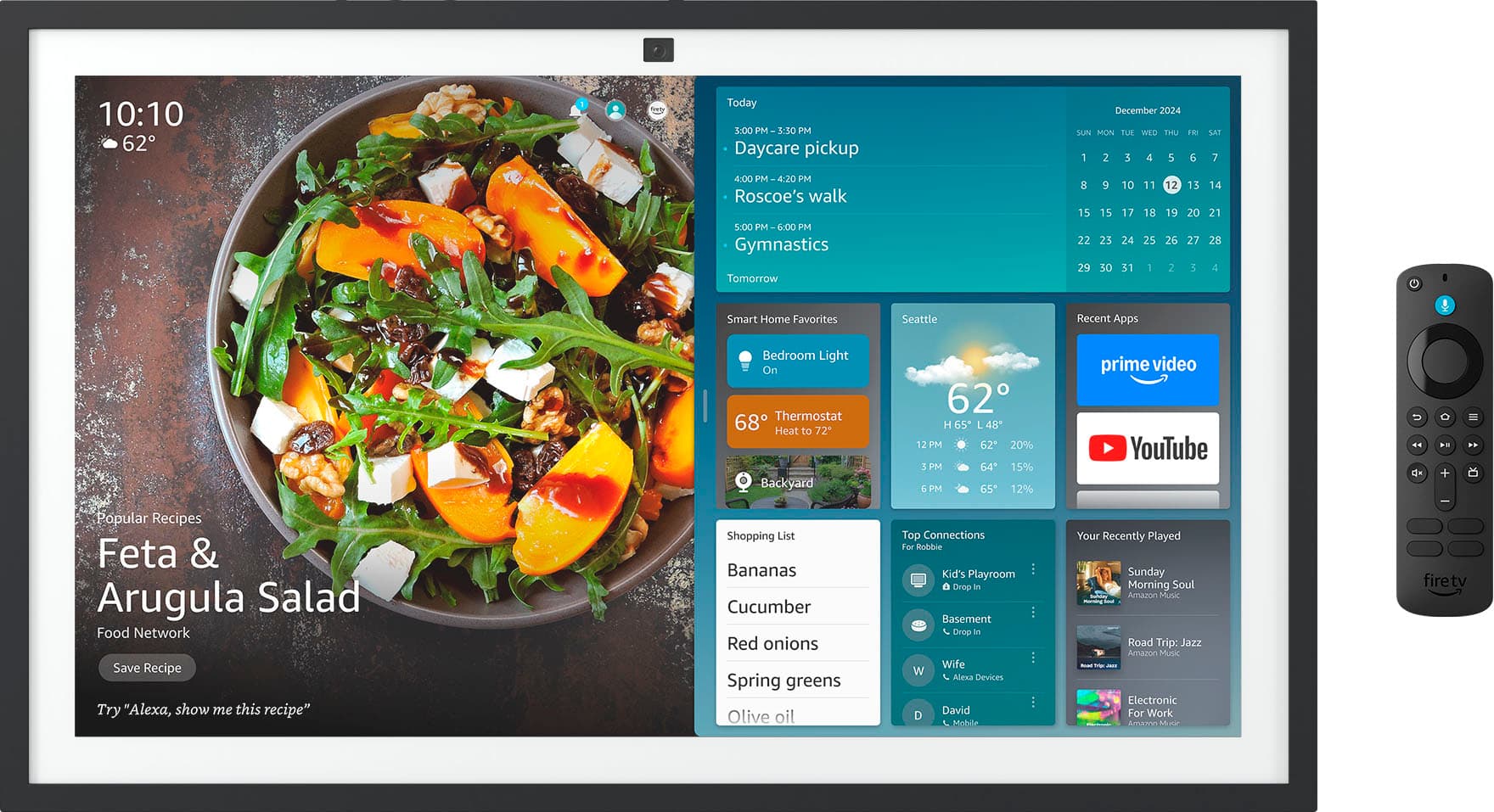
  • QuestionIs this touch screen

    Asked by NickGur.

    • Answer touch screen but the remote works the best

      Answered by PeggyT

  • QuestionCan you upload a photo library on the echo 21 on portrait mode?

    Asked by Dirtydevil115.

    • Answer Hello Dirtydevil115, Thank you for your question. Yes you can upload photos to your Echo Show 21, here are the steps: -Say "Go to settings" or swipe down from the top of the screen and select Settings -Select Clock & Photo Display -Choose the photo or photo album you want to display -To display photos from Amazon Photos, you can: -Select Amazon Photos -Add the photos to your Amazon account on Amazon Photos To display photos from your phone, you can: -Select Upload photos -Click on Camera roll or an album on your phone -Select Add to upload the photos You can also use the Photo Frame feature to display rotating images from selected collections for up to three hours. Hope this helps, have a nice day!

      Answered by Amazon Devices Customer Support

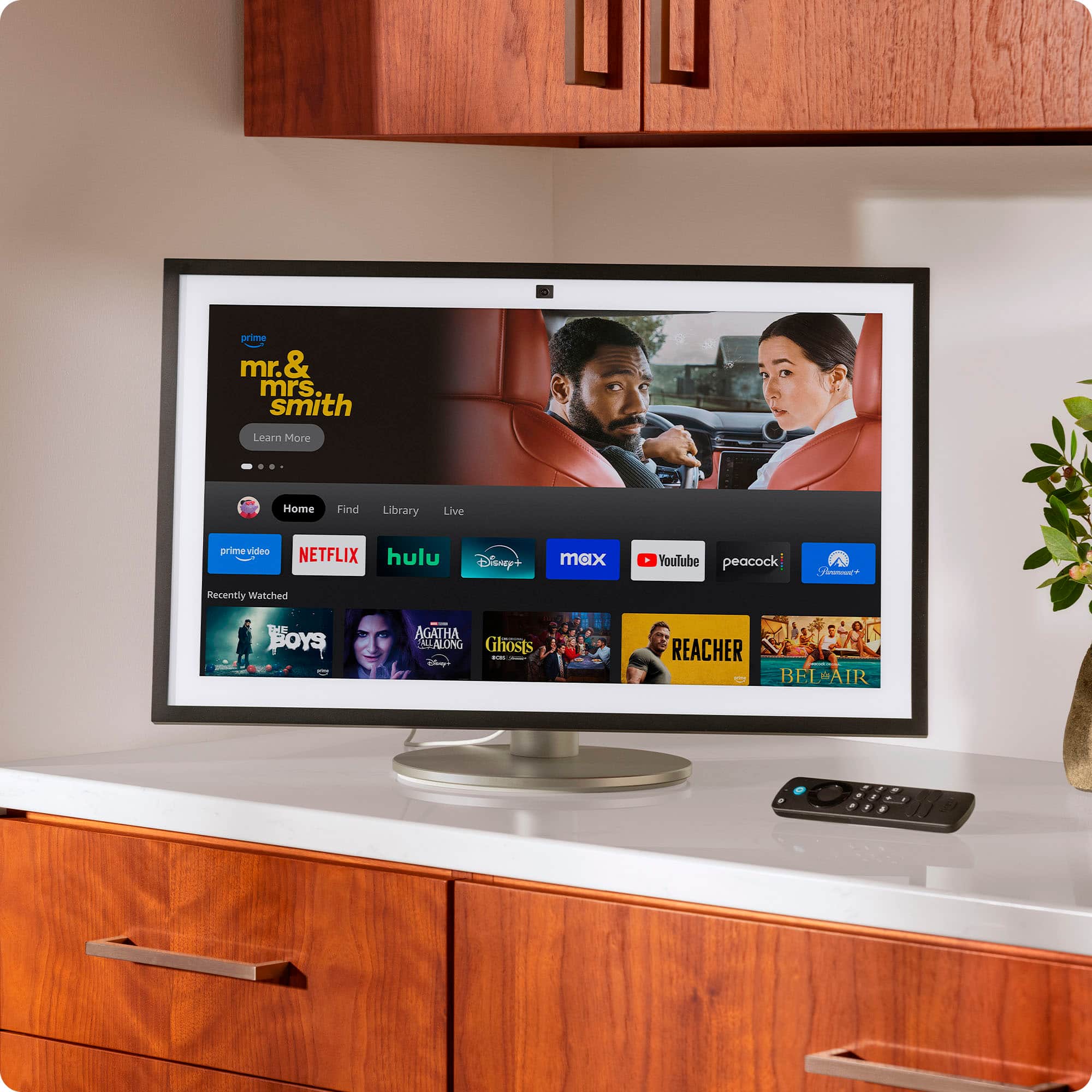
  • Questiondoes it have Xfinity cable connection with remote

    Asked by willie.

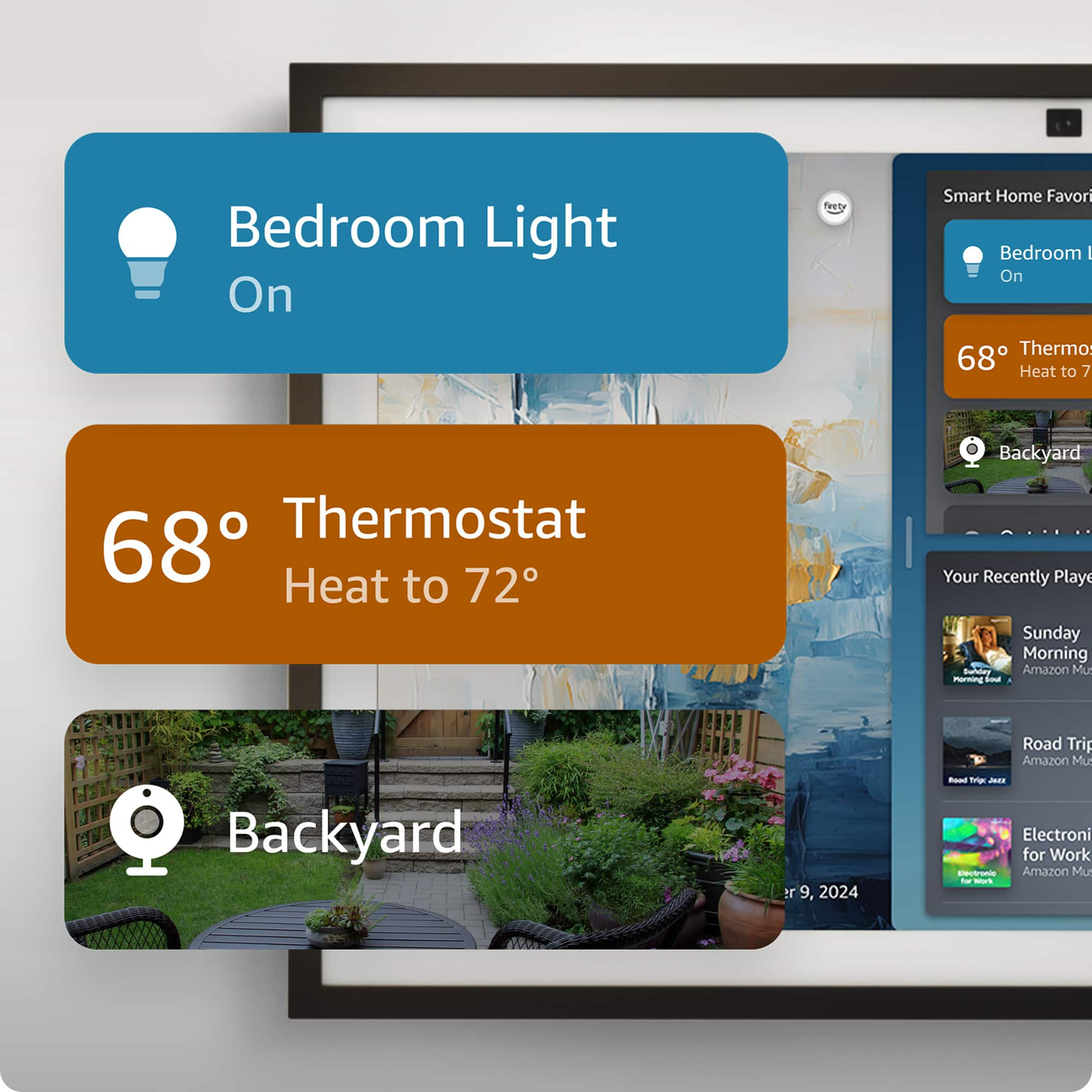
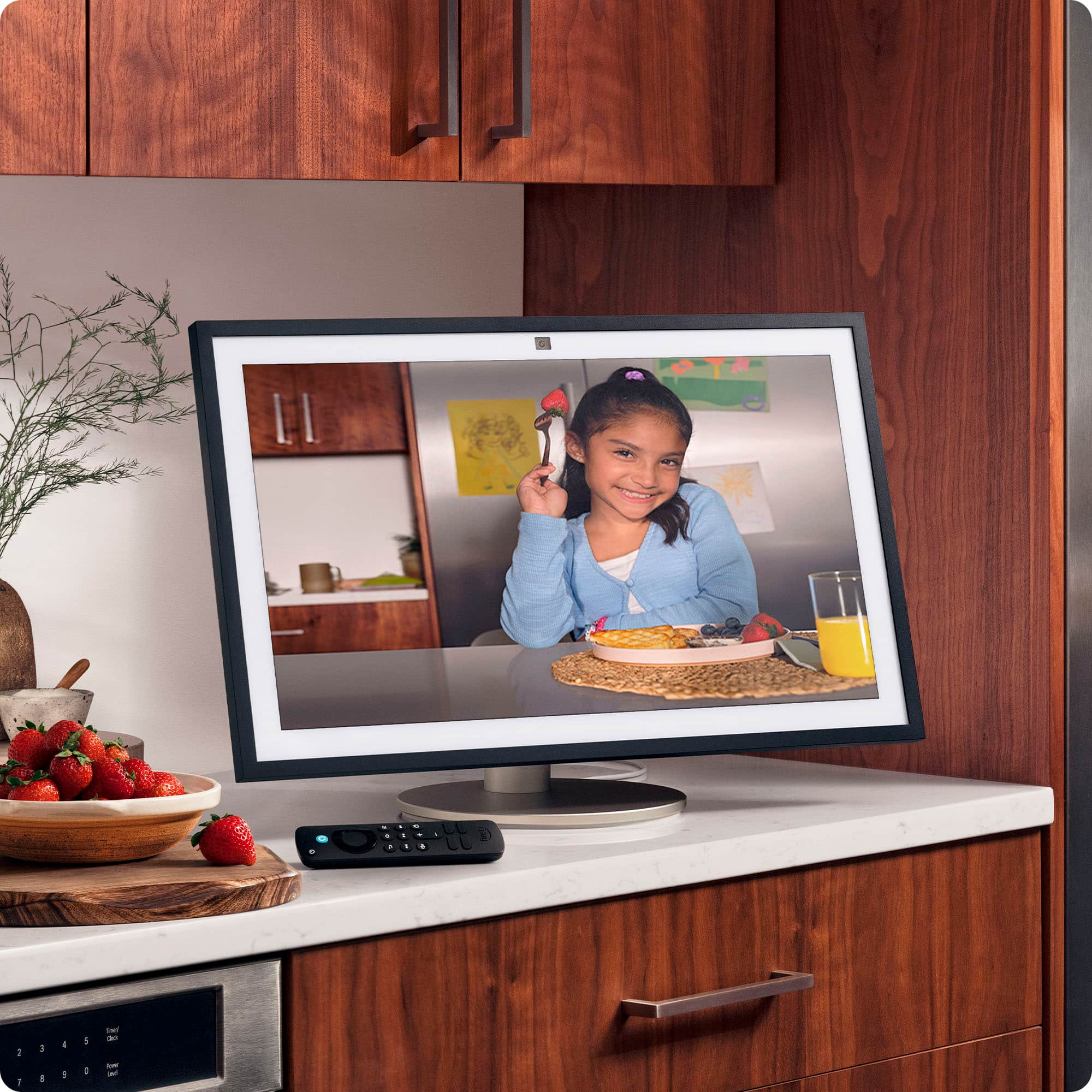
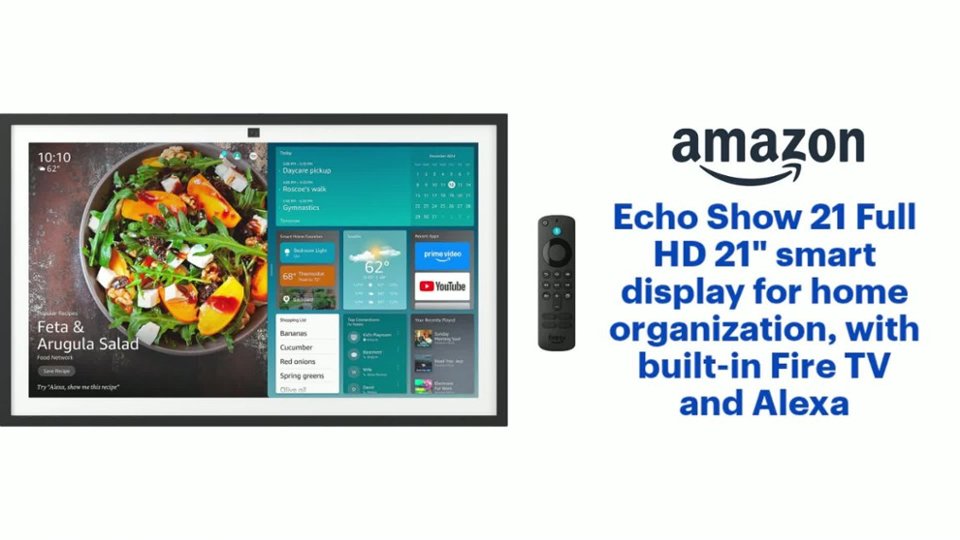
    • Answer Hello Willie! The Echo Show 21 is our largest smart display yet - A stunning 21" Full-HD (1080p) smart display with built-in Fire TV and Alexa that's perfect for your kitchen and built to show you more. Use customizable widgets to keep your day on track, experience your favorite content with powerful vibrant sound and immersive HD streaming, and stay connected with crisp, clear video calling, with 3.3x zoom and wide field of view. It can stream whatever you can add in credentials for, I hope this information helps, have a great day!

      Answered by Amazon Devices Customer Support

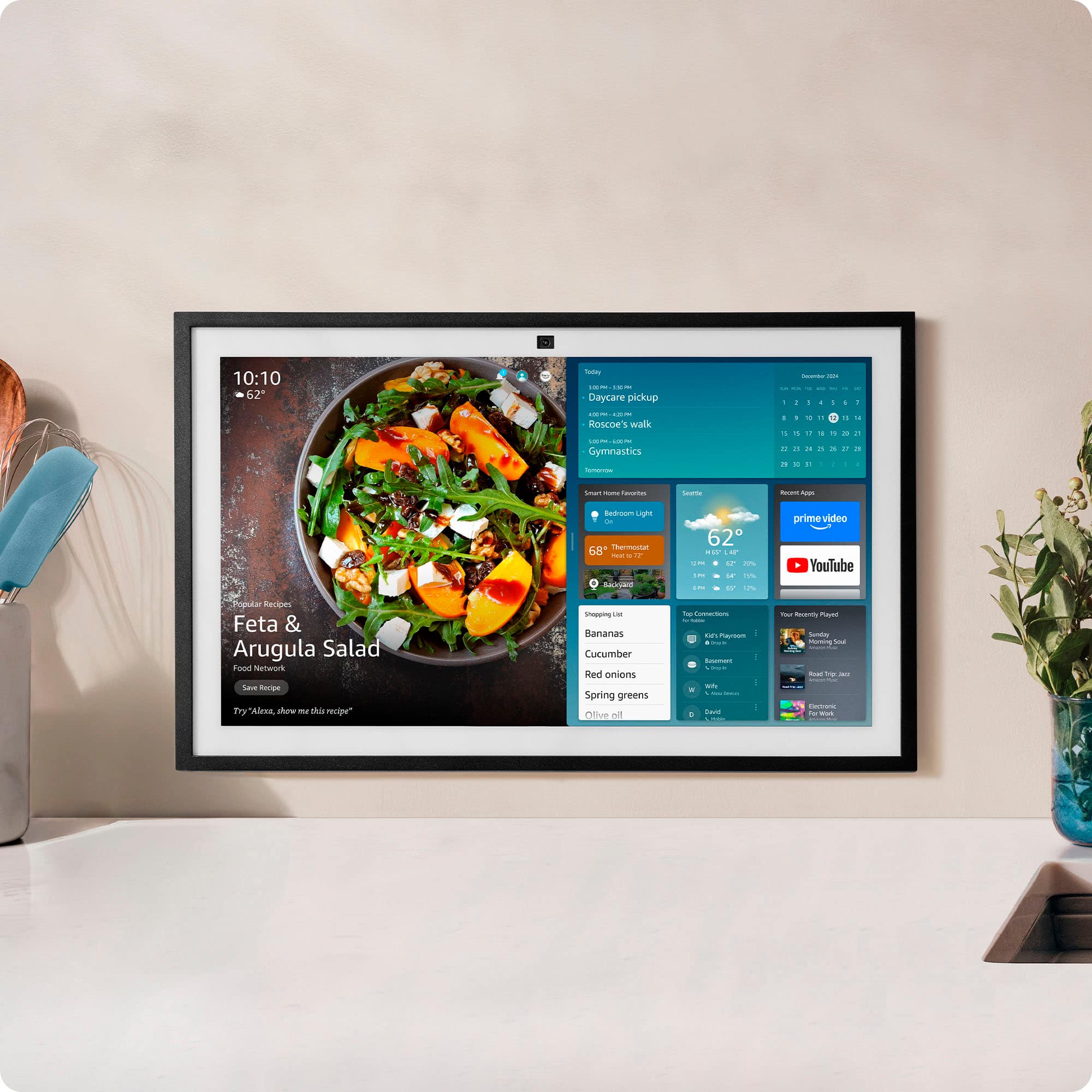
  • QuestionCan you mount this sideways

    Asked by Rick.

    • Answer Hi Rick! The Echo Show 21 can be mounted in landscape (long edges pointing up and down) or portrait (short edges pointing up and down) modes, and I have even seen some mounts that allow you to quickly rotate the device into either mode while mounted on the wall! Fire TV mode generally works best in landscape, though some apps like YouTube have portrait mode content available. I hope that helps, have a great rest of your day!

      Answered by Amazon Devices Customer Support

  • QuestionCan you use headphones

    Asked by Junior.

    • Answer Hello Junior, The Amazon Echo Show 21 does not have a headphone jack, however, the Show 21 does have the capability to connect Bluetooth headphones for wireless audio. Simply, turn your Bluetooth headphones pairing mode on, Go to the settings on your show 21, Select Bluetooth, and your headphones will show up on the display for connectable Bluetooth devices. I hope this helps!

      Answered by Amazon Devices Customer Support

  • QuestionIs this echo show 21 the 2024 release? When does the 2025 release come out? TY

    Asked by primcrazy.

    • Answer Hello Primcrazy! The Echo Show 21 is our largest smart display to help keep your day organized, your to do's tackled, and your smart home in sync! This is the brand new version released in the last 30 days!! We are always looking to innovate and improve our devices but there is no 2025 discussion of another Echo being released at this time, I hope this information helps,have a great day!

      Answered by Amazon Devices Customer Support

  • QuestionSince echo show turns off after 10 minutes of next camera viewing ( correct ?) - what large monitor/? Do you recommend to continually show nest camera view? Also: how do I tell echo show to quickly restart nest camera view and how long will it take ?

    Asked by Marklou.

    • Answer Hello Marklou, First of all, in order to control the Nest Camera, I would make sure that your Nest Device has the most up to date software. As long as you have the Nest Skill enabled on your Alexa App, you will be able to restart the camera from the App. Alexa does not currently have a voice prompt enabled to restart a nest camera, however from the Alexa App, you can trigger a routine to restart the Nest camera. Here are the directions to trigger the restart. In the Alexa app, go to Routines > Create Routine. Choose a trigger (e.g., a voice command, time of day, or when another device changes state). Select your Nest camera as the device and choose the "Restart" action, if available. Save the routine. Once you have created a routine, you can easily restart your Nest Camera from the Alexa App. I hope this helps!

      Answered by Amazon Devices Customer Support

  • QuestionDoes the echo show 21 have a power brick or just a cord?

    Asked by MickeyDee.

    • Answer Hello MikeD, Thank you for your question. Included in the Echo Show 21 box is a power adapter (30W) and 5 ft. cord. Hope this helps, have a nice day!

      Answered by Amazon Devices Customer Support

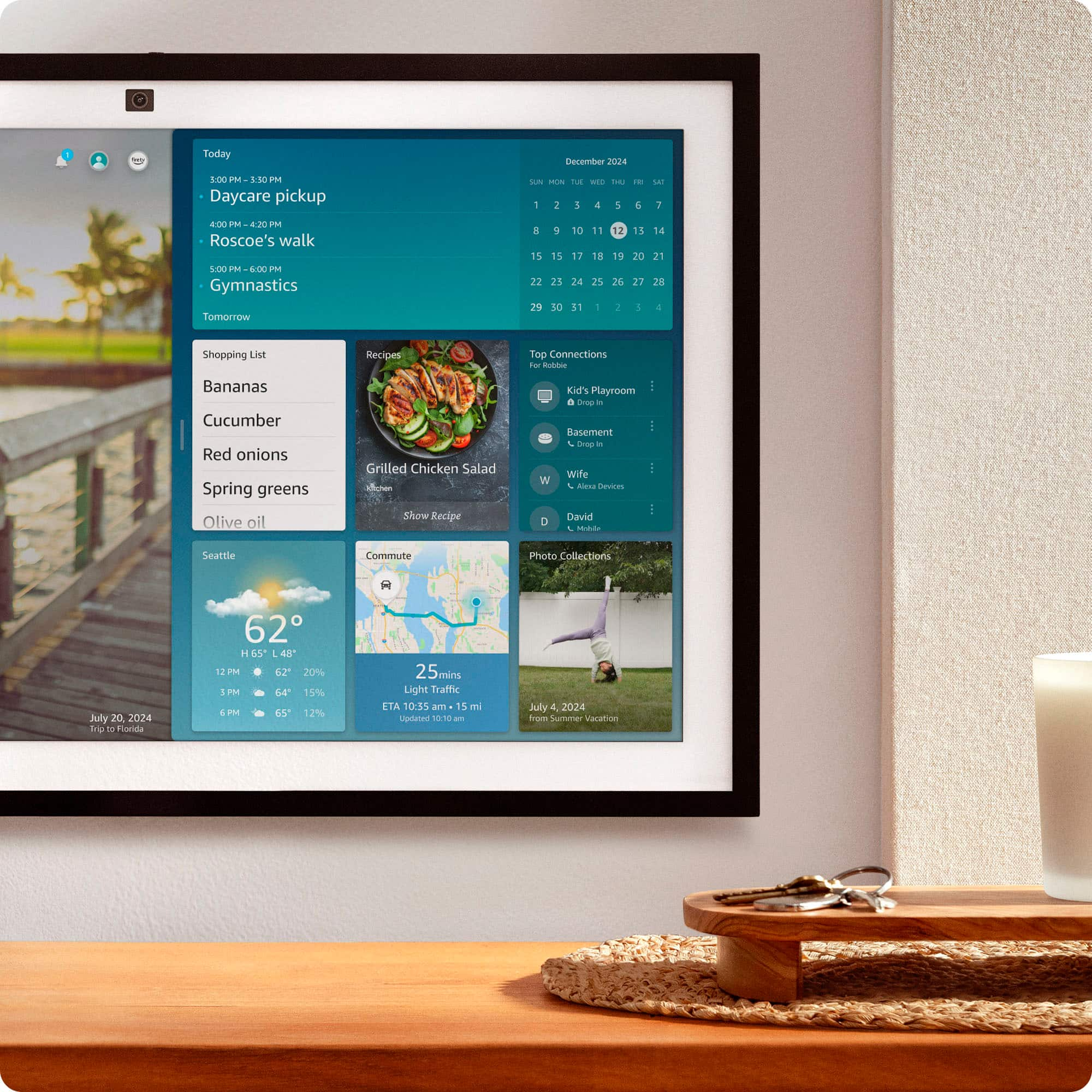
  • QuestionCan I use strictly like a skylight calendar?

    Asked by Cortez.

    • Answer No, you unfortunately cannot currently. FEB of 2025. I bought it for my wife for xmas instead of an expensive dedicated digital calendar and you can only view a small calendar all the time. Yes it does have a Google linkable calendar but when opened to full screen, it defaults back to a home screen with various apps/widgets. Im hoping they update the software so we can use it strictly as a calendar.

      Answered by JoeM