Techtober SaleEnds Sunday. Limited quantities. No rainchecks.Shop now

Main Content

Questions & Answers

Page Showing 21-40 of 112 questions
  • QuestionWhich smart plug do I need with the 5th generation

    Asked by Anonymous.

    • Answer Hello, Smart Plug lets you voice control your lights, fans, coffee makers and more. All you need is an Alexa-enabled device, such as Echo, Fire TV, Fire tablet, or even just the Alexa app on your phone. and with multiple Amazon Smart Plugs, you can control multiple outlets. Amazon has a Amazon Smart Plug that is sold at Best Buy for $24.99. Hope this helps you out!
      Answered by Amazon Devices Customer Support

  • QuestionIs this compatible with ring doorbell 2?

    Asked by Stella.

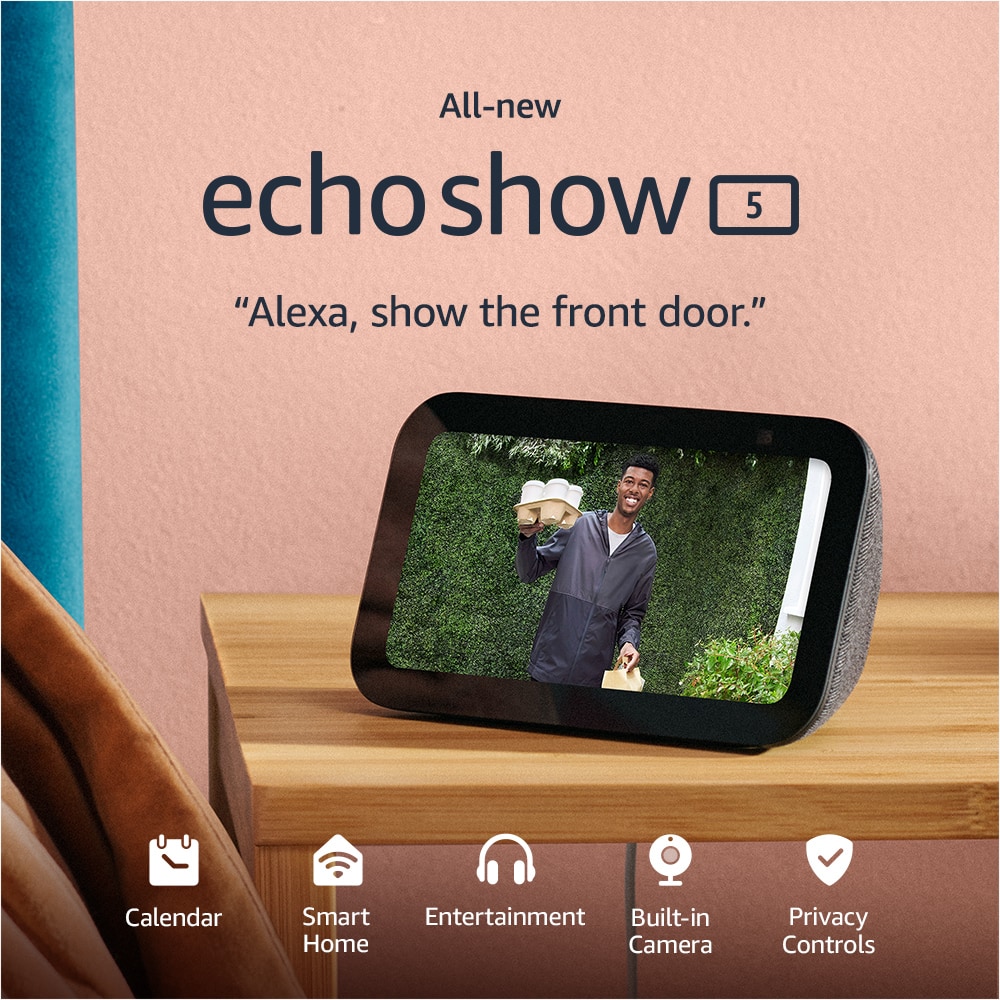
    • Answer Hi, Stella! Yes! The Echo Show 5 (3rd Generation) is compatible with the Ring Video Doorbell. All you need to do is connect your Ring to your Alexa device via the Alexa app. I hope this helps. Have a great day!

      Answered by Amazon Devices Customer Support

  • QuestionDoes this unit work well with all phones and phone companies for receiving calls?

    Asked by Teri.

    • Answer Yes and i love it

      Answered by Anonymous

  • QuestionCan a charging station be added to this show?

    Asked by Knox.

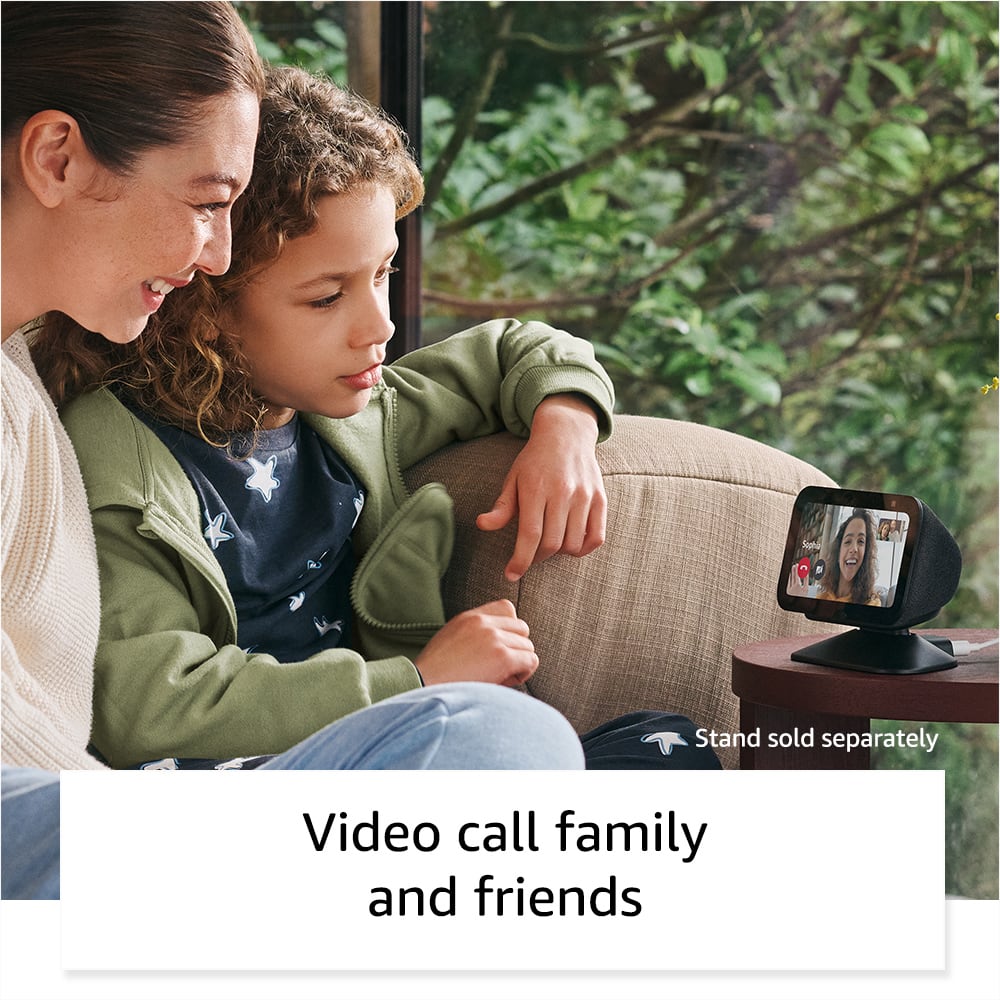
    • Answer Hi Knox, yes — Amazon offers a compatible charging stand for the Echo Show 5 that can also charge another device. Hope this helps!

      Answered by Amazon Devices Customer Support

  • QuestionCan I listen to the radio?

    Asked by Monika.

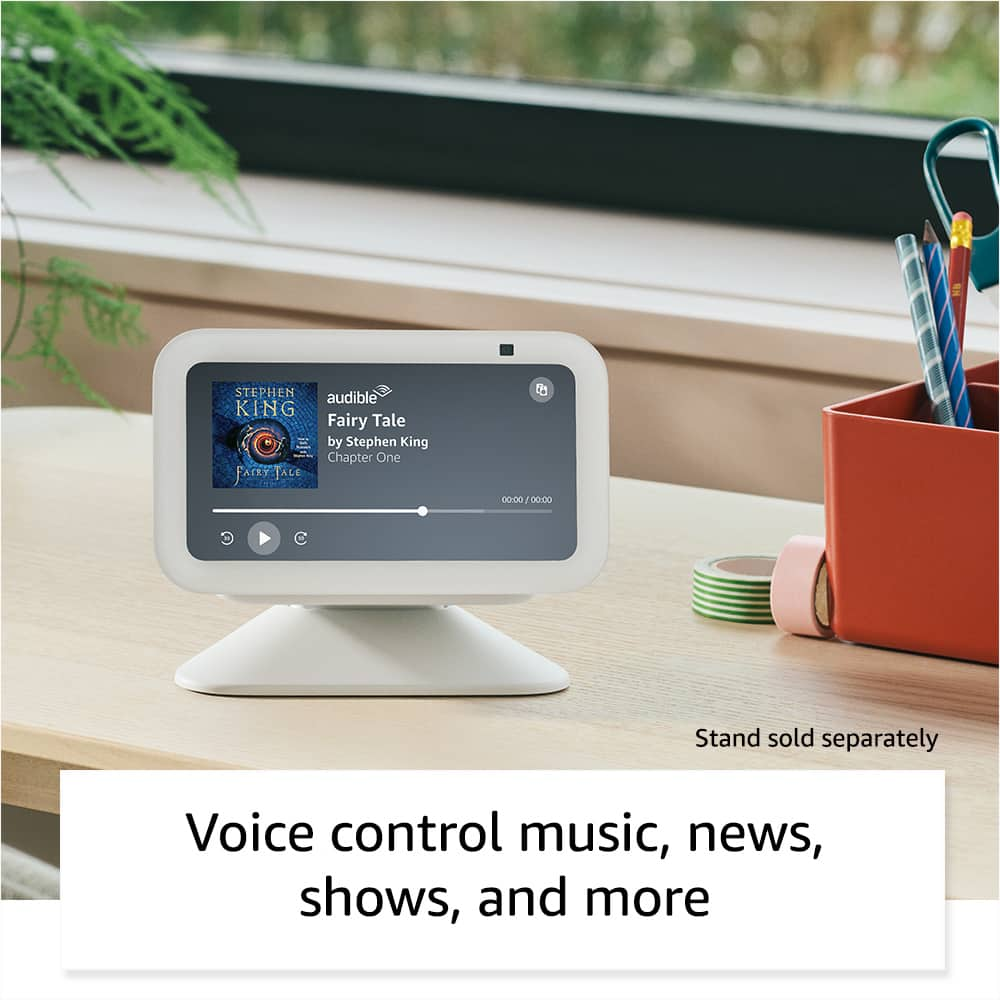
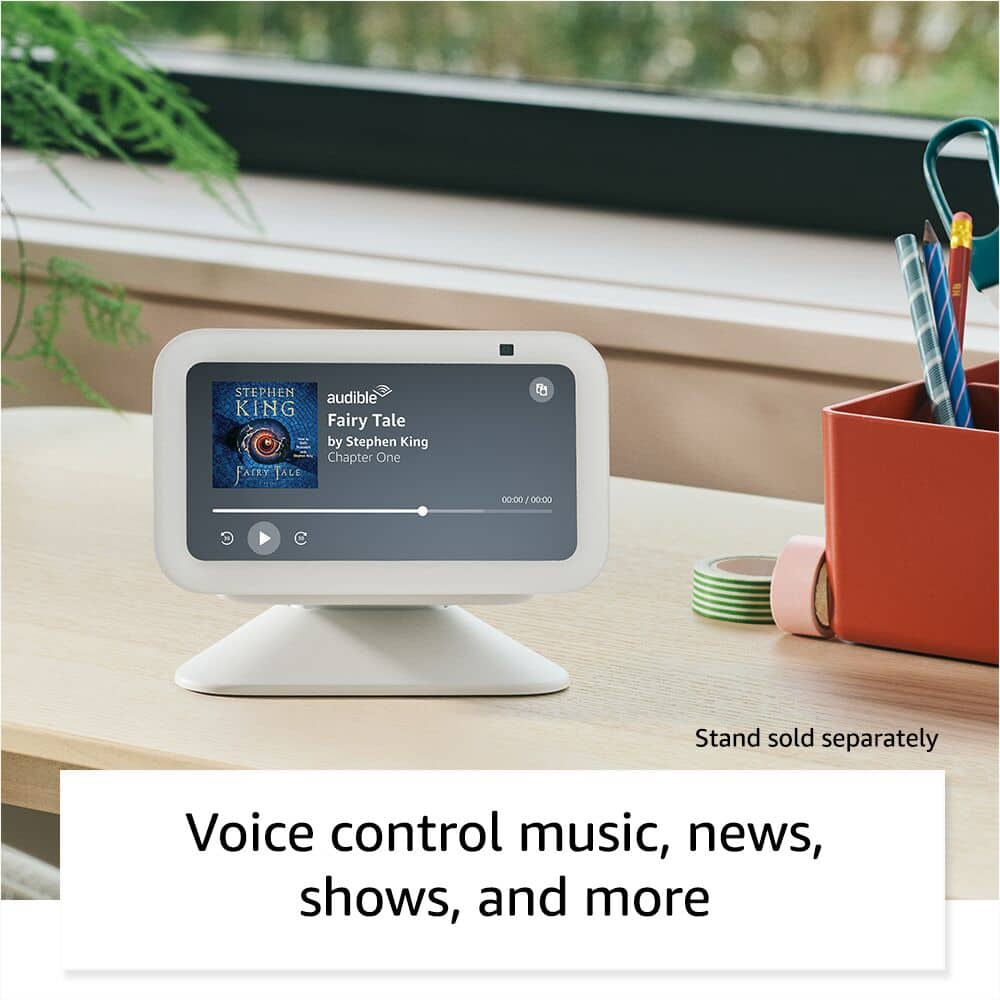
    • Answer Hello Monika, you can listen to music from several sources using the Echo Show 5. You can stream from Amazon Music, Apple, Pandora, iHeart Radio, Spotify and TuneIn. For radio stations you will want to use iHeartRadio or TuneIn. Have a great day!

      Answered by Amazon Devices Customer Support

  • QuestionDoes it show pictures?

    Asked by Luis.

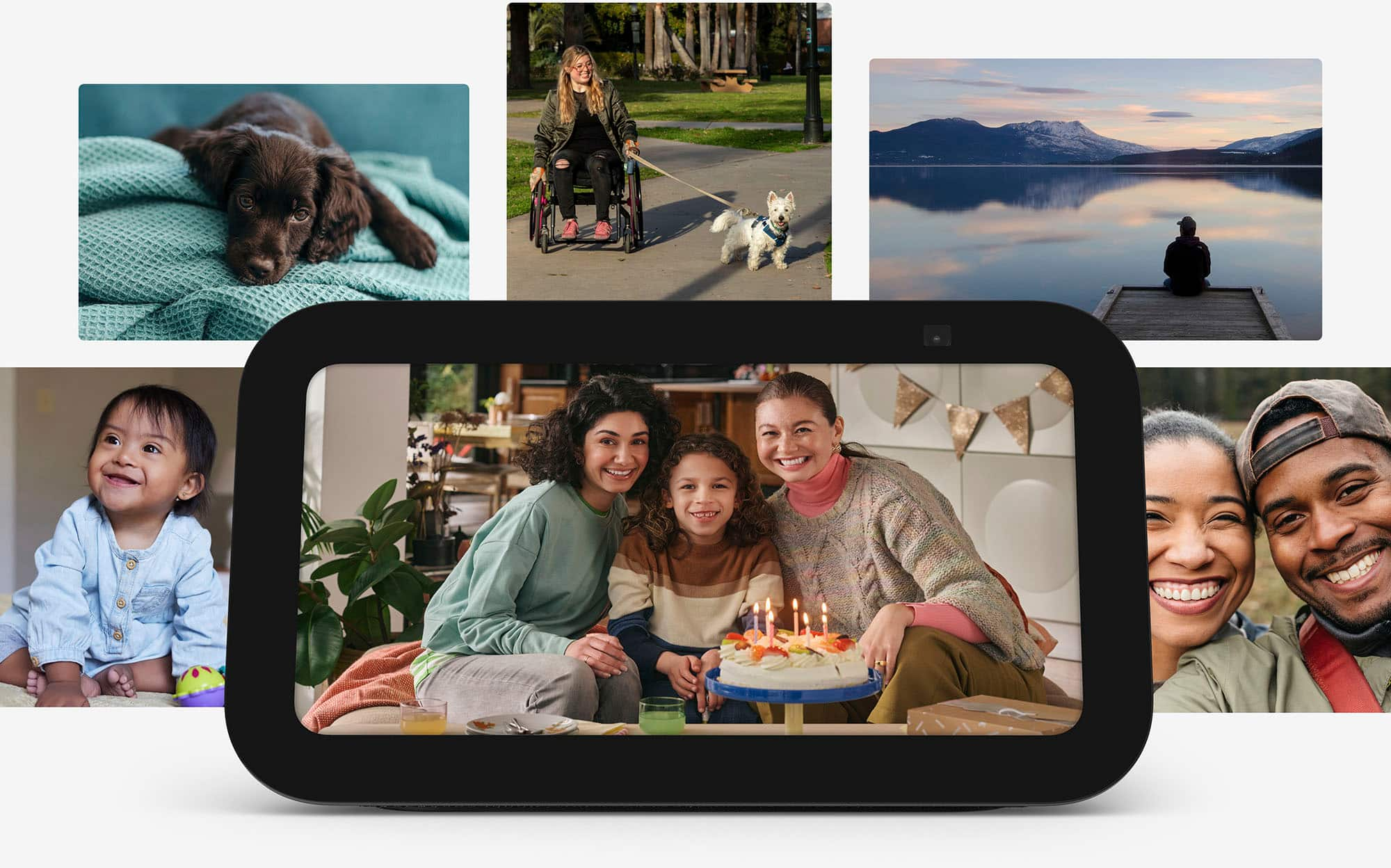
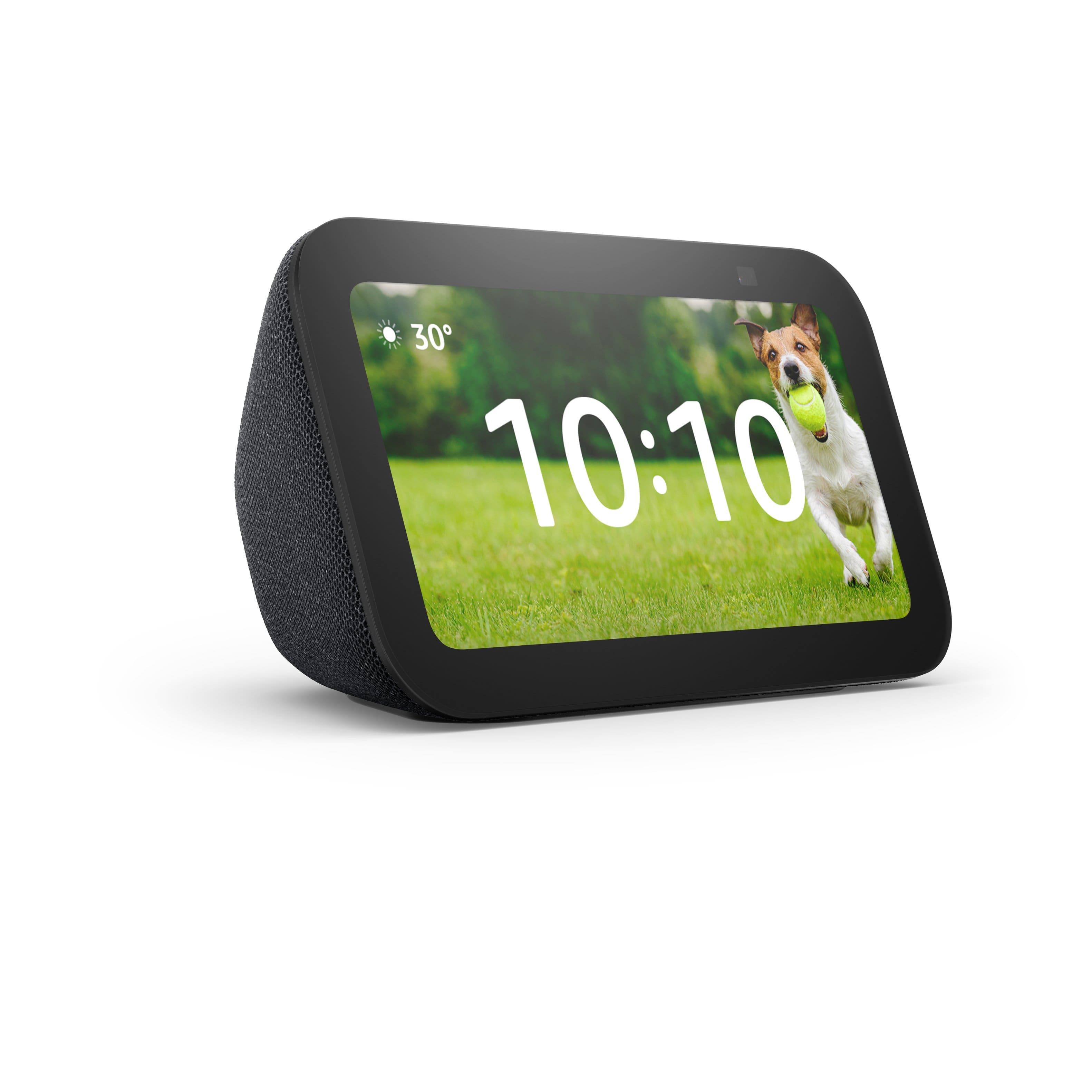
    • Answer Hi Luis! Yes! The Echo Show 5 can absolutely display pictures like a digital photo frame. This is actually one of its most popular features. The Echo Show 5 has a built-in Photo Display feature that turns the device into a smart digital photo frame. Your photos rotate on the home screen either mixed with other content (like clock, weather, etc.) or as a dedicated full-screen slideshow. You can set it up either by Voice command: Just say "Alexa, set up my Photo Display" Or Manual setup: Swipe down from the top of the screen → Settings → Home and Clock → Clock and Photo Display, then choose your photo sources. Hope this answers your question! Have a great day!

      Answered by Amazon Devices Customer Support

  • QuestionIs this devise compatible to Vivint cameras

    Asked by Dlwms958.

    • Answer Hello Dlwms958, Unfortunately Vivint is no longer compatible for the Echo Show 5. I hope this helps answer your question!

      Answered by Amazon Devices Customer Support

  • Questionis a subscription to prime required to use the device?

    Asked by Anonymous.

    • Answer An Amazon Prime subscription is not required to use an Echo Show 5 for everyday tasks like checking the weather, setting alarms, or streaming music with a free Amazon account. However, having active Prime membership does grant you full access to the new, AI-powered Alexa Plus. This next-generation upgrade brings advanced conversational skills and deeper personalization to your device, ensuring you get the absolute most out of your smart display.

      Answered by Amazon Devices Customer Support

  • QuestionDoes this item play Netflix?

    Asked by Netflix.

    • Answer Hi there! Yes you can watch Netflix on the Echo 5 1st and 2nd generation but not on the 3rd gen which does not support the app. Hope that helps!

      Answered by Amazon Devices Customer Support

  • QuestionIs this device compatible with any smart tv?

    Asked by Nena.

    • Answer Hi Nena, The Amazon Echo Show 5 is compatible with virtually any modern smart TV equipped with Amazon Alexa capabilities or a compatible streaming device. It cannot be used as a video output display for your TV, but it can serve as a voice-controlled remote. I hope this answers your question!

      Answered by Amazon Devices Customer Support

  • QuestionHow big can the time numerals be

    Asked by MysticMonster.

    • Answer Hello, On the latest Amazon Echo Show 5, the time numerals on a standard full-screen digital clock face measure approximately 1.5 inches in height.

      Answered by Amazon Devices Customer Support

  • QuestionIs this zwave

    Asked by Gr.

    • Answer Hello Gr, this is an Echo Show 5 with Alexa made by Amazon, and does not currently support direct communication with Z-wave. I hope this answers your question and I hope you have a great day!

      Answered by Amazon Devices Customer Support

  • QuestionDo you need an Alexa for the Alexa show to connect to the internet?

    Asked by Jeff.

    • Answer Hello, Jeff! No, you do not need another device or a separate "Alexa" to connect it to the internet. Because the Echo Show 5 has a built-in touchscreen, it is completely self-contained for the setup process. You don't even need to use a smartphone or the Alexa mobile app to get it online. Here is all you actually need to connect it: A Wi-Fi Network: You just need your home's Wi-Fi network name (SSID) and password. An Amazon Account: You will need your standard Amazon email and password to log in. When you plug the Echo Show 5 into the wall for the first time, the screen will light up and automatically walk you through a setup wizard. It will display a list of nearby Wi-Fi networks right on the screen. You simply tap your network, type your Wi-Fi password using the on-screen keyboard, and then type in your Amazon account details. Once it connects, the built-in "Alexa" voice assistant is ready to use. I hope this helps!

      Answered by Amazon Devices Customer Support

  • QuestionHow do I turn off the annoying ads that wake me up at night?

    Asked by Tony.

    • Answer Hi Tony, on your Echo Show 5, swipe down from the top and go to Settings > Home Content to turn off things like recommendations, trending topics, and promotional content. You can also enable Do Not Disturb or Night Mode so the screen stays dimmer at night. Hope this helps!

      Answered by Amazon Devices Customer Support

  • QuestionIs the Echo Show 5 compatible with my Blink video doorbell second generation and Sync Module XR ? Does the Echo Show 5 make a chime sound and show who is at the door ? Does the Echo Show 5 store doorbell video ?

    Asked by TCflyer.

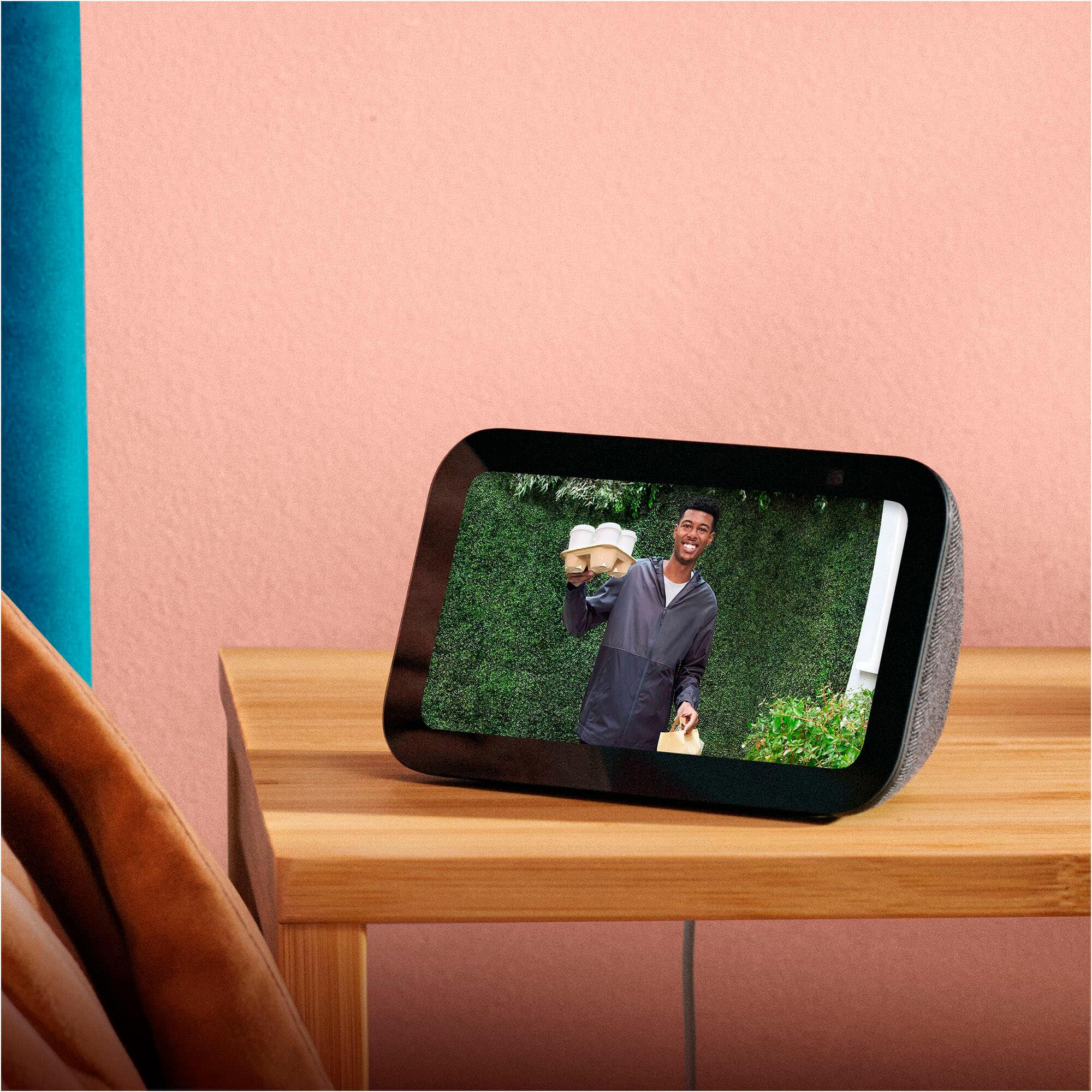
    • Answer Hello TCflyer! Yes, the Echo Show 5 is fully compatible with the 2nd Gen Blink Doorbell and Sync Module XR. You can enable "Doorbell Press Notifications" in the Alexa app. Then, when someone presses the doorbell your Echo will make a chime and Alexa will announce that someone is at the door. You can also set it to "automatic Live-view", which means as soon as the doorbell is pressed a live-feed will pop up on your Show 5. The Show 5 does not store video internally and can only be used for viewing live footage. Old clips can be brought up within the Blink app. I hope this answers your question and I hope you have a great day!

      Answered by Amazon Devices Customer Support

  • QuestionI have an Echo model H23K37 and don't know how to use it. How can I get user instructions as to how it works?

    Asked by Anonymous.

    • Answer Hello, It looks like you have a first generation Echo show 5. If the Echo Show 5 is factory reset to it's original settings, once you turn it on, it will walk you through the set up process. It will ask for your Wi-Fi network and password, your Amazon Account, which is free to setup if you don't have one already. As well as other questions which are optional such as naming the device or giving it a room location. If the device is not factory reset and you purchased or were gifted a refurbished unit, I would recommend calling our Customer Service number at 1.888.280.4331 I hope this helps!

      Answered by Amazon Devices Customer Support

  • QuestionCan you add a daily schedule on it

    Asked by Akira.

    • Answer Yes on the Alexa App which transfers to your Echo Show.

      Answered by AbramW

  • Questionhow to set it up

    Asked by dav.

    • Answer Hello Dav, To set up your Echo Show 5 all you need to do is plug the device in and follow the prompts. These are the prompts that you will follow: - Language Selection - WiFi Network - Amazon Account Login Credentials - Verify your Time Zone and Address After these prompts, you will be given the option to customize the device. Options such as Device Name, Wallpaper, Room Location. These are optional settings and can be skipped. The device may also require an update. It will notify you of this during the setup process and will complete the update on its own. I hope this helps!

      Answered by Amazon Devices Customer Support

  • QuestionCan echo 5 pair to ring cameras?

    Asked by jp.

    • Answer Hello Jp Yes, the Amazon Echo Show 5 pairs seamlessly with Ring cameras and doorbells to display live video, provide two-way audio communication, and announce motion or doorbell presses. You can set this up through the Alexa app. I hope this information helps. Have a great day.

      Answered by Amazon Devices Customer Support

  • QuestionIs it compatible with youkey life doorbell?

    Asked by Rachel.

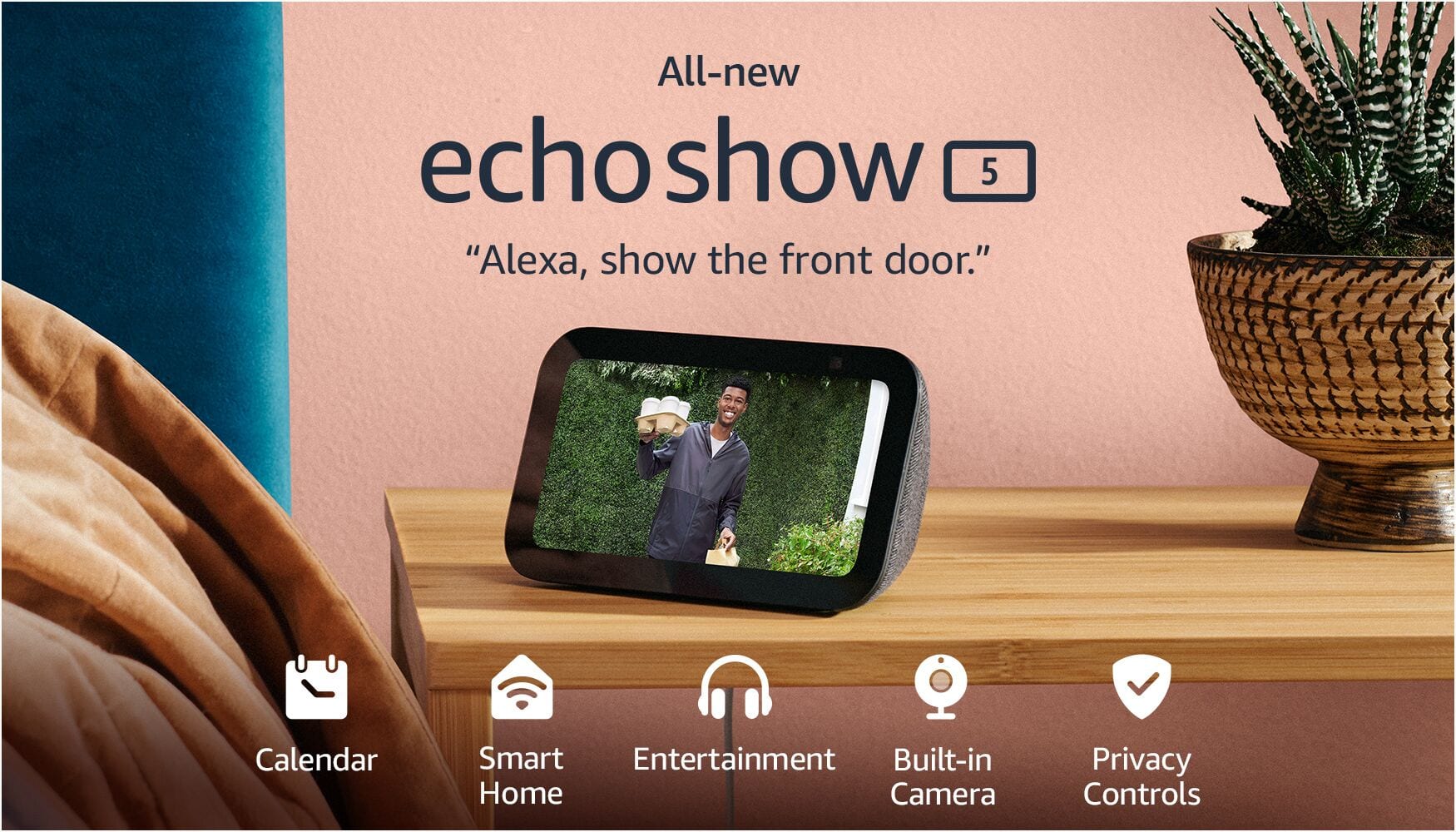
    • Answer Hi Rachel, Yes, the Youkey Life doorbell (such as the DB312 wireless or DB322 wired models) is compatible with the Amazon Echo Show 5. Youkey Life doorbells officially support Amazon Alexa integration. This means you can: 1) View the live video feed from the doorbell on your Echo Show 5 using voice commands like “Alexa, show the front door camera” (or whatever name you assign to it). 2) Stream live feeds on Alexa-enabled screen devices like the Echo Show series. 3) Use two-way talk in some setups (check the specific model for full details). 4) Receive notifications and control basic functions through the Alexa app. Hope you have a great day.

      Answered by Amazon Devices Customer Support