A:Answer Hello,
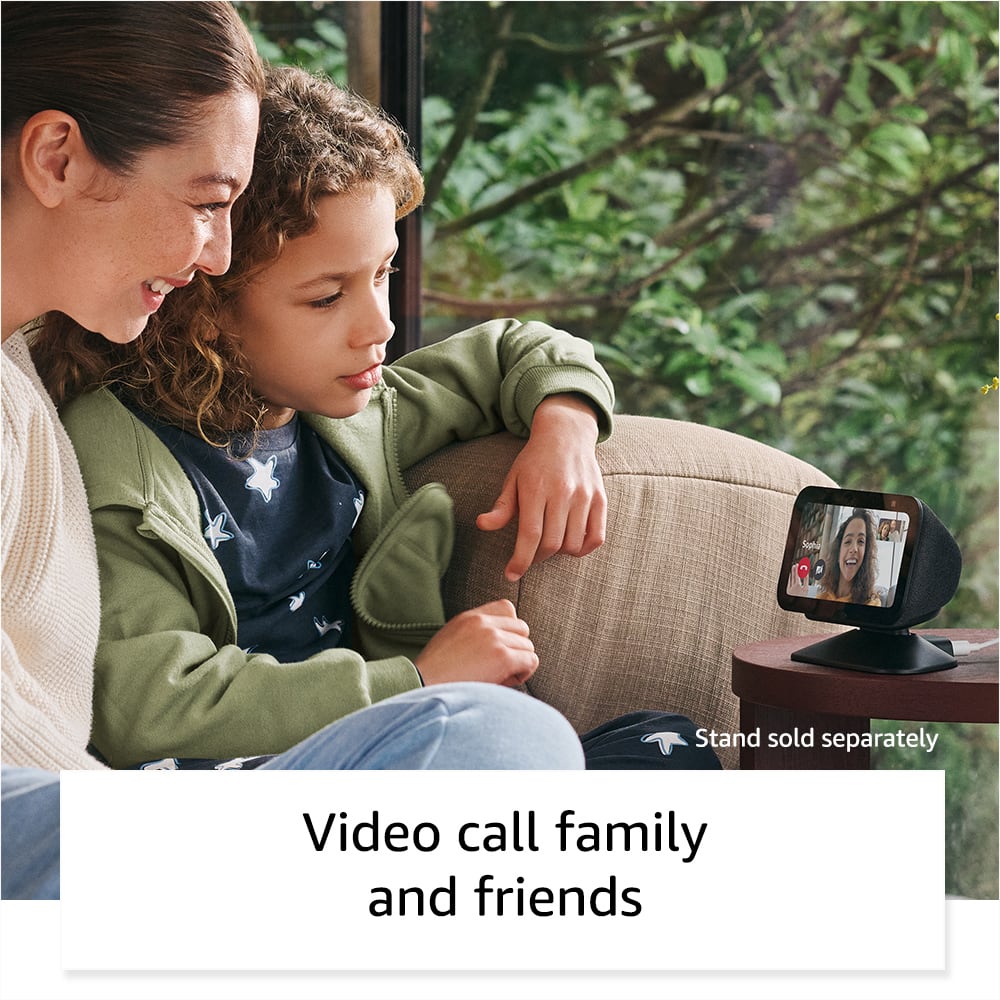
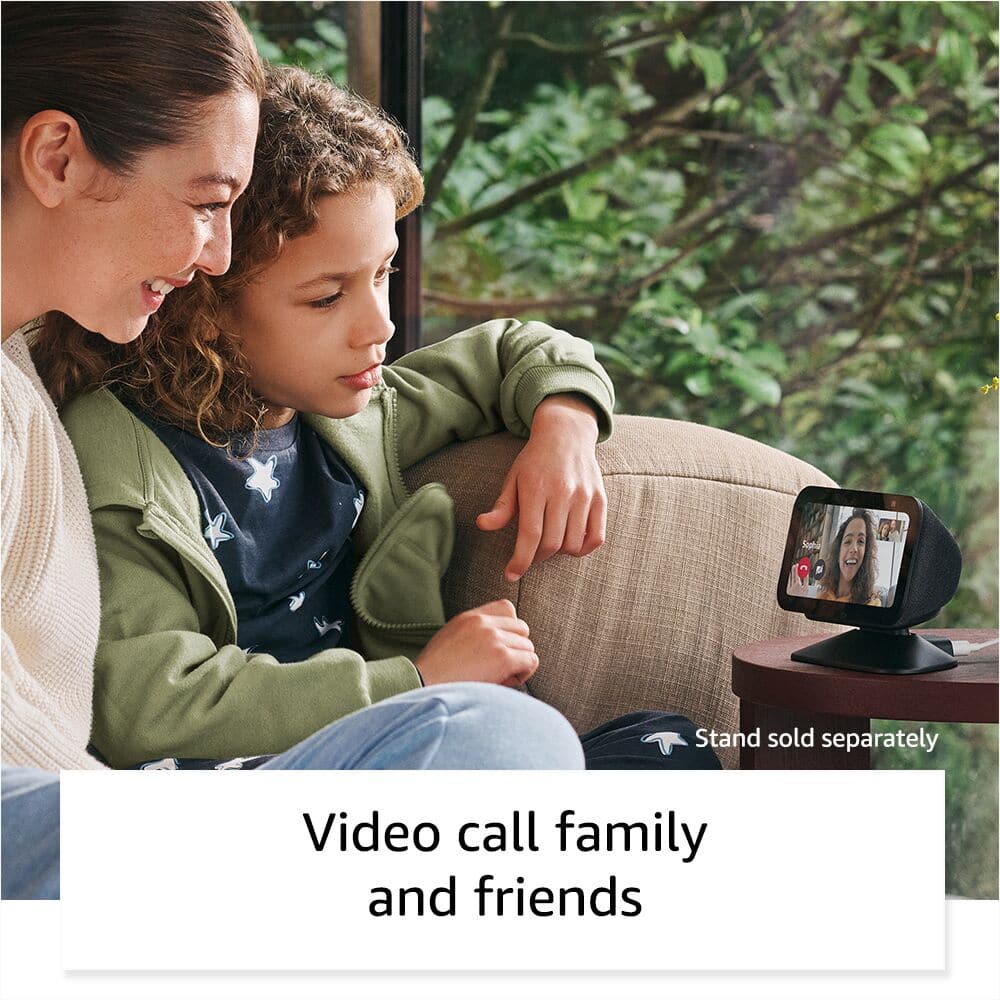
Alexa does not use the FaceTime or Meet apps for video calling. Alexa does however offer Drop in video calling. Using Alexa's Drop In feature you can video or voice call anyone in your contacts. For example, My family all use Android phones, but I have an iPhone, When my wife and I want to video chat with my parents, I can say "Alexa, Video Call Mom and Dad". The one thing that is required is that any party you would like to call do need to have the Alexa App, which is free on IOS or Android.
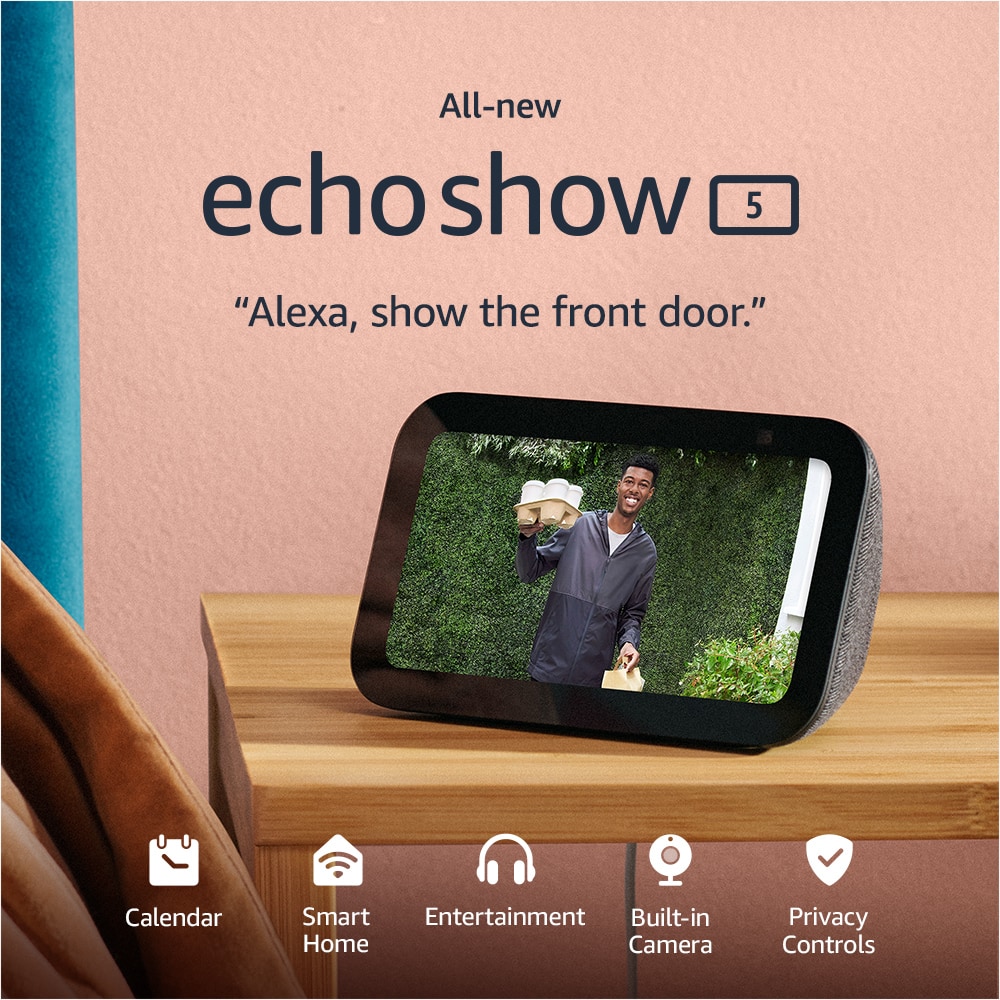
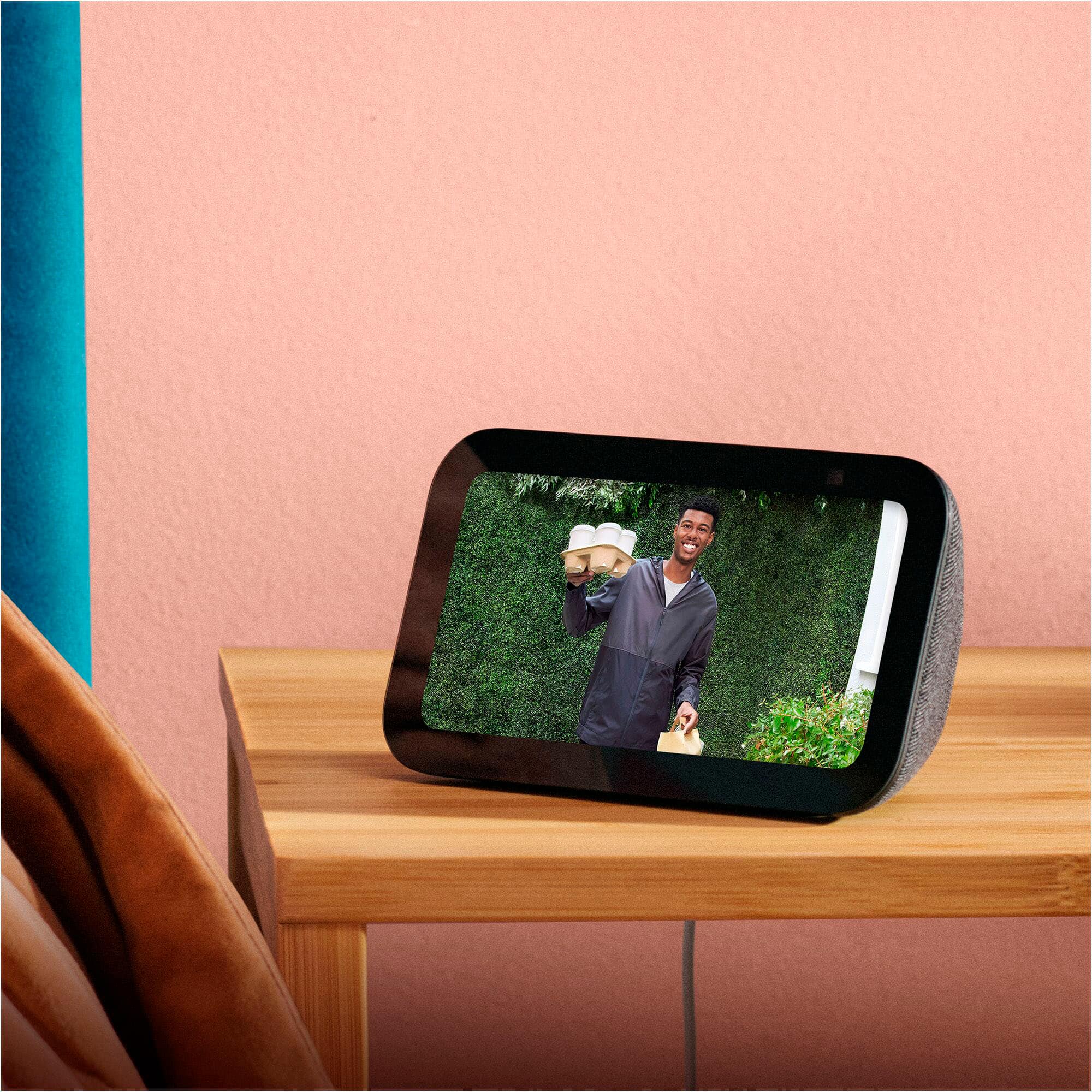
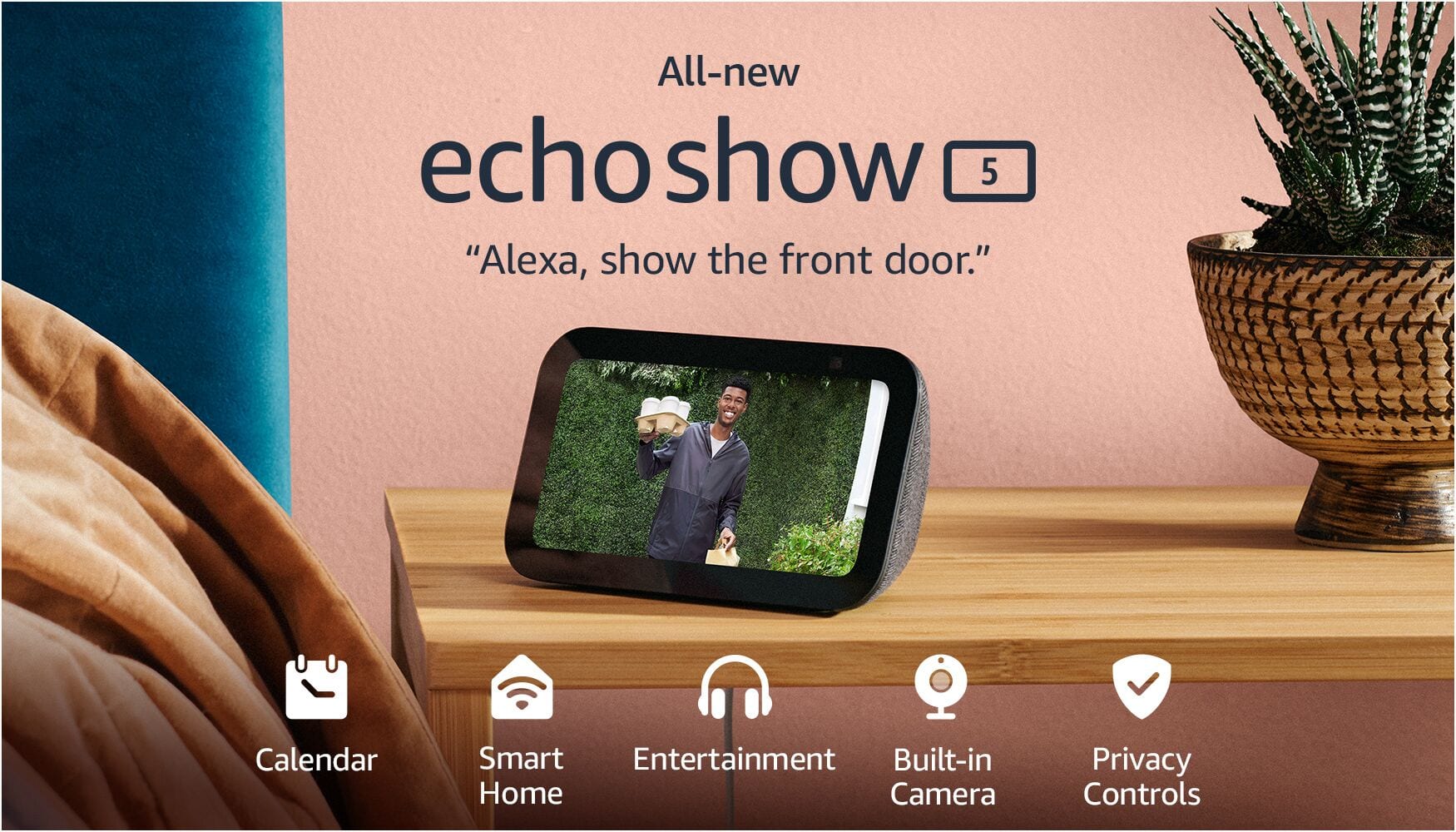
Roku Cameras are supported by Alexa Devices, In order to view your Roku Cameras on your Echo Show 5 you can complete the following steps:
- Make sure your Roku Cameras are on and connected to your network.
- On your Phone or Mobile Device open the Alexa App.
- Tap "More" Icon
-Tap "Skills & Games"
- Search for "Roku Smart Home"
- Enable Skill and sign in to your Roku Account on the Alexa App.
- The Alexa App will give you prompts to follow to discover your devices.
- If the Discovery process does not work, you can tell your Show 5 "Alexa, Discover Devices"
I hope this answers your questions!