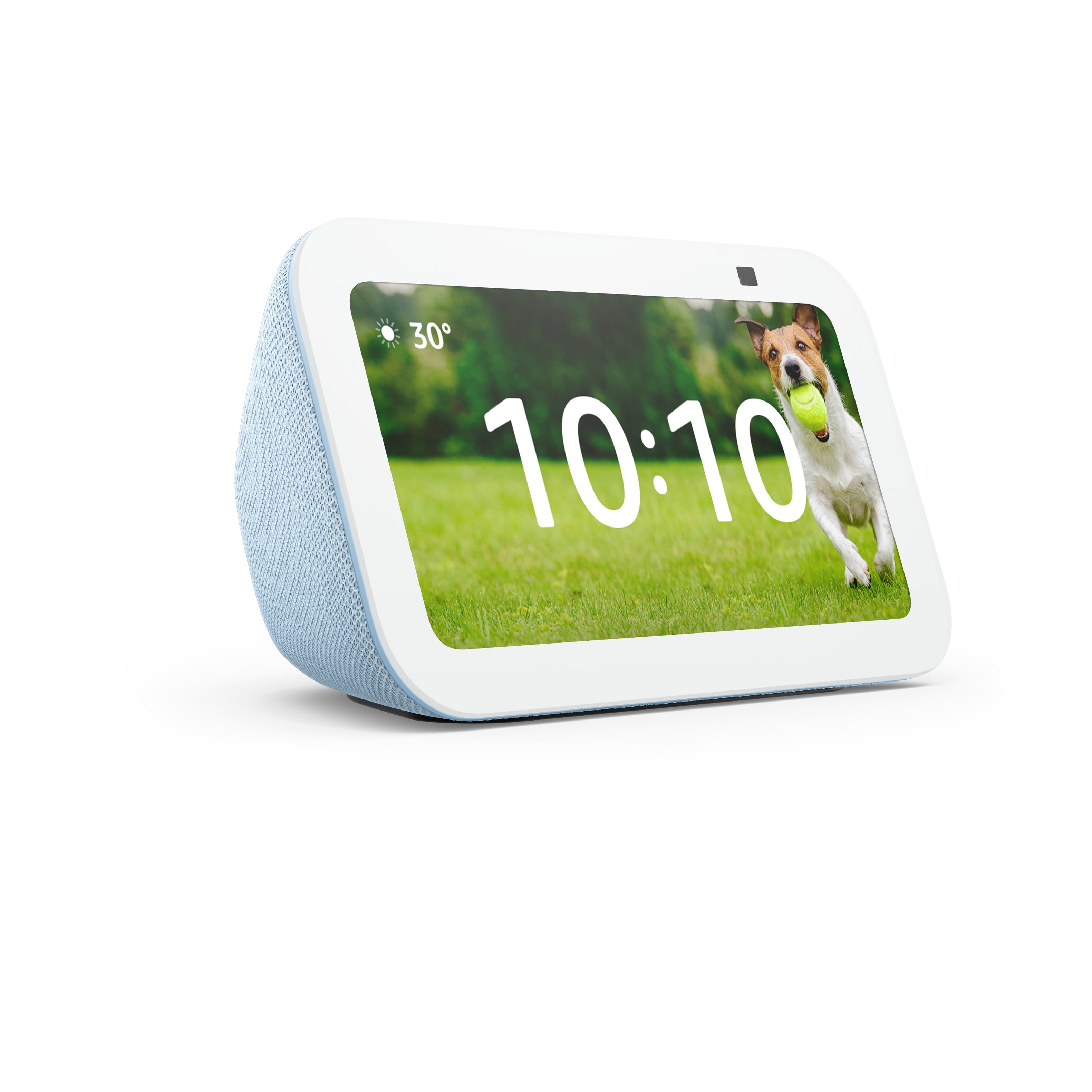
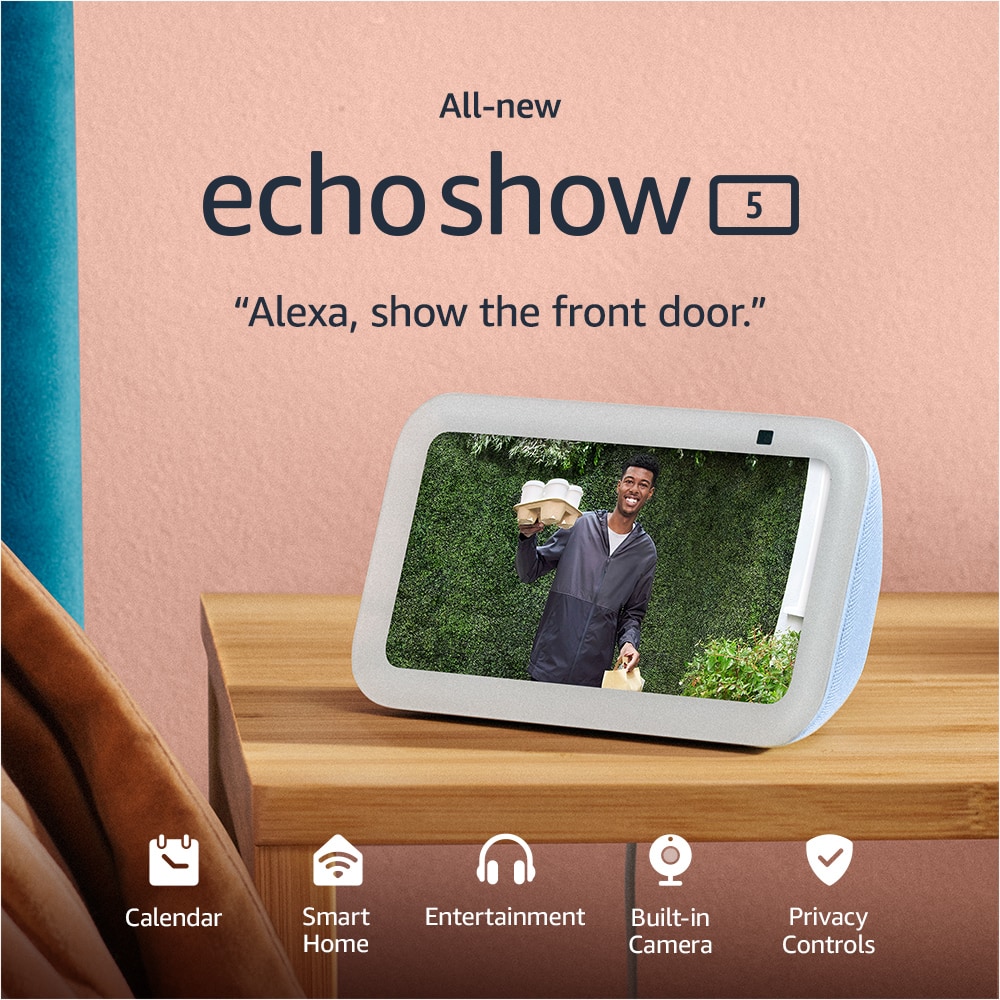
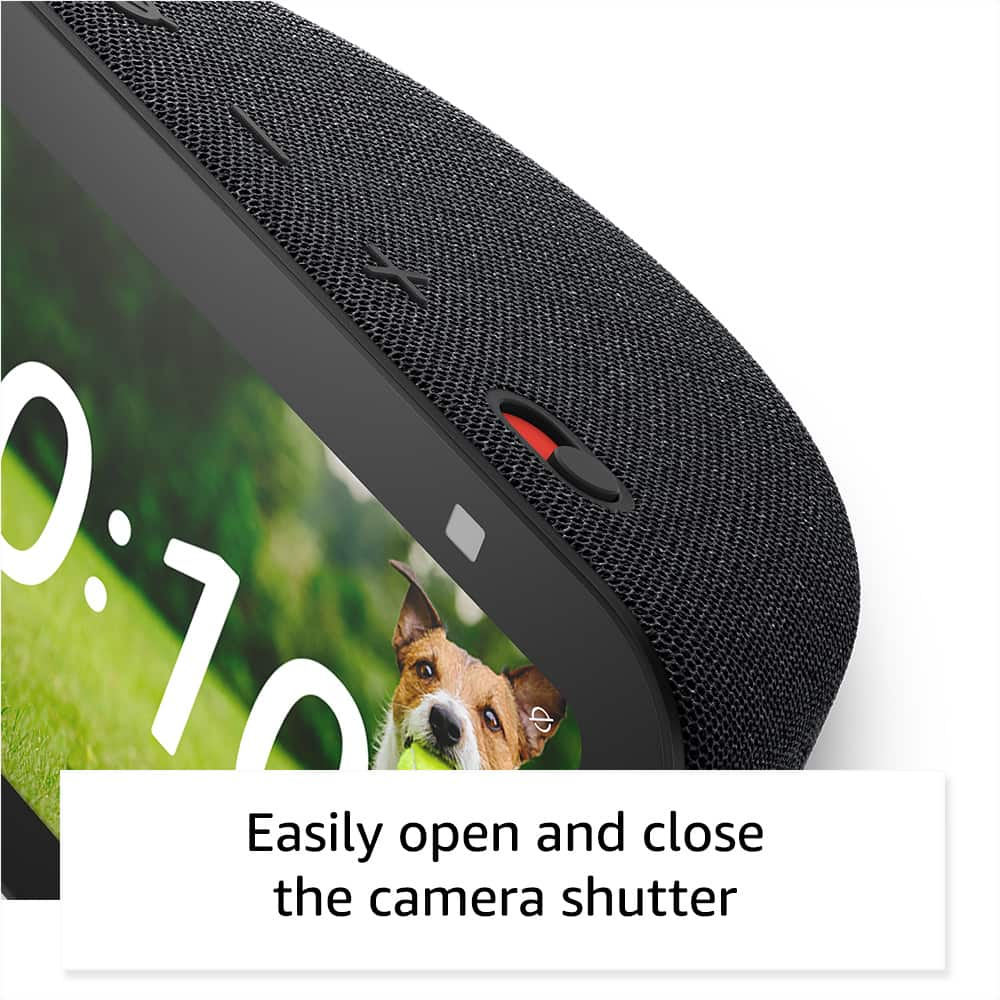
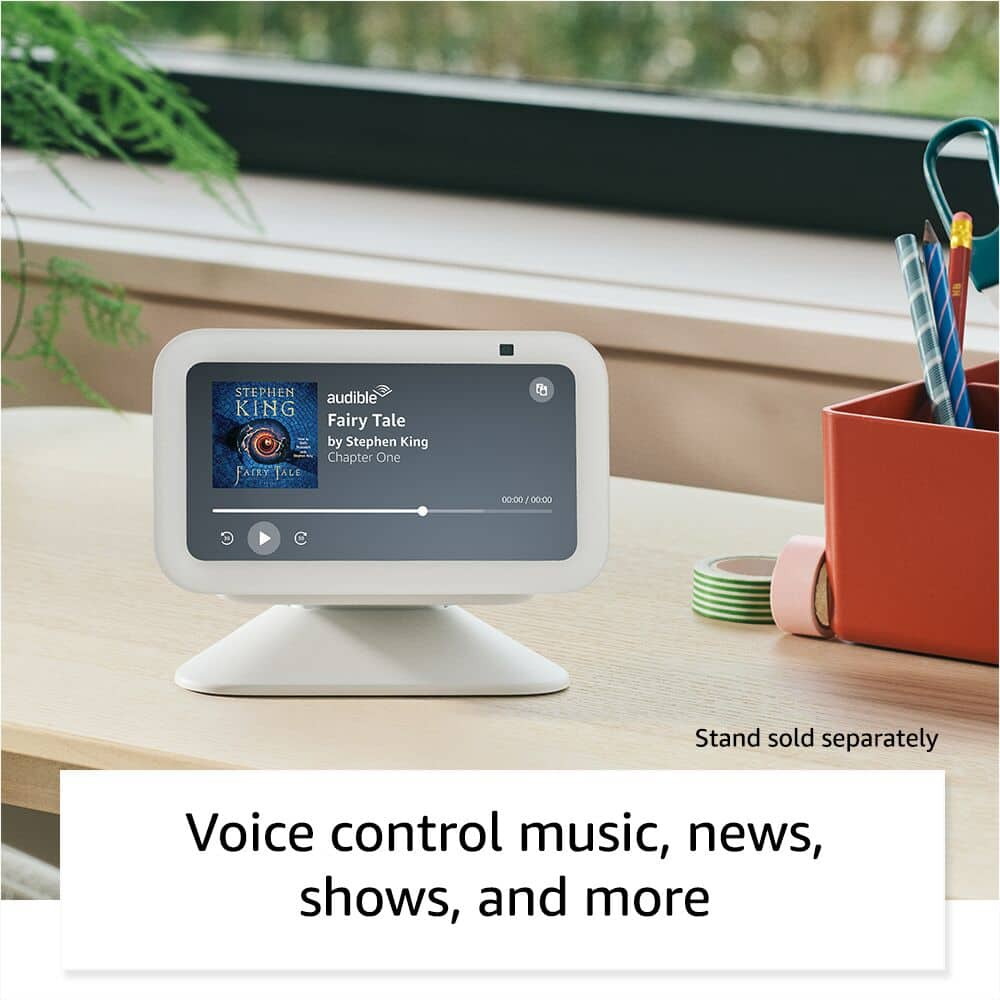
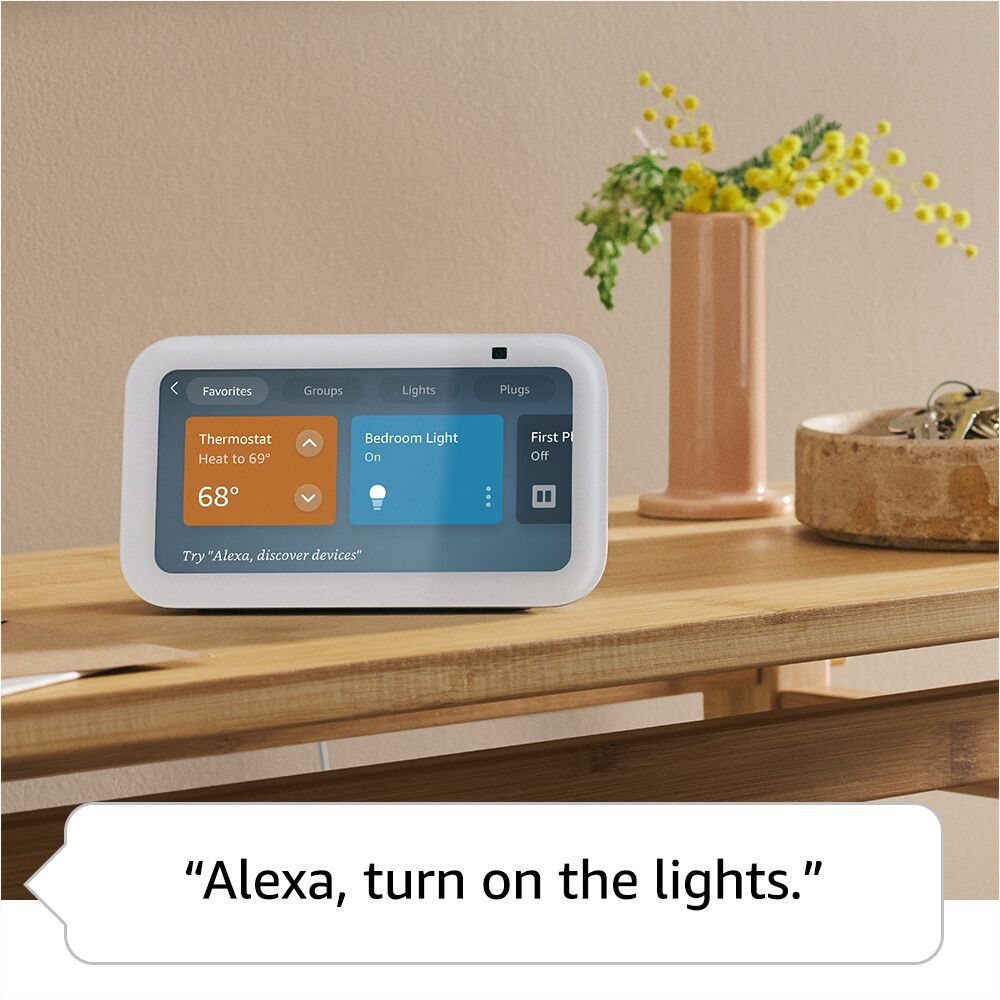
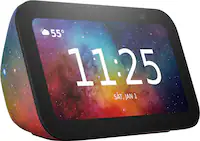
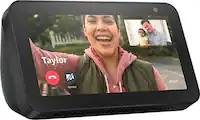
A:Answer Hello Cassie! Happy to report that Alexa device setup is simple and frustration free! All you'll need to do is plug it in, connect to wi-fi, and follow a few prompts. Here's a step by step guide:
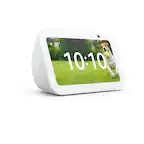
1. Power On: Plug the included power adapter into a wall outlet and the back of the Echo Show 5. It will automatically begin booting up.
2. Select Language: Select your preferred language on the screen.
3. Connect to Wi-Fi: Select your Wi-Fi network from the list and enter the password.
4. Log in to Amazon Account: Enter your Amazon account email and password, or if you purchased it on your account, it may pre-register.
5. Confirm Information: Verify your time zone, address, and name the device.
6. Update and Customize: The device will likely install a software update, which takes about 5-10 minutes. Then, select your preferred clock face, background photo, and room location.
7. Final Settings: Decide on settings for Amazon Sidewalk, camera monitoring, and Kid-friendly content.
I hope I've answered your question and that you have a great day!