Black Friday is hereShop new DoorbustersShop now

Main Content

Questions & Answers

Your price for this item is $149.99
Page Showing 41-60 of 79 questions
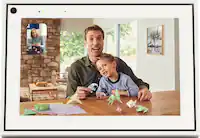
  • QuestionCan this device receive FaceTime phone calls. for Elderly?

    Asked by Ellen.

    • Answer Yes! It’s the best! I’ll be fixing dinner ands one of my little Grandchildren will surprise FaceTime call me!

      Answered by KarenL

  • QuestionIs this good for a rear seat entertainment

    Asked by jen.

    • Answer Hi jen! The Echo Show 8 is a wired device that needs to be plugged into a wall outlet. I would recommend an Amazon tablet for a better on-the-go solution for you. Hope this helps! Have a great day!

      Answered by Amazon Devices Customer Support

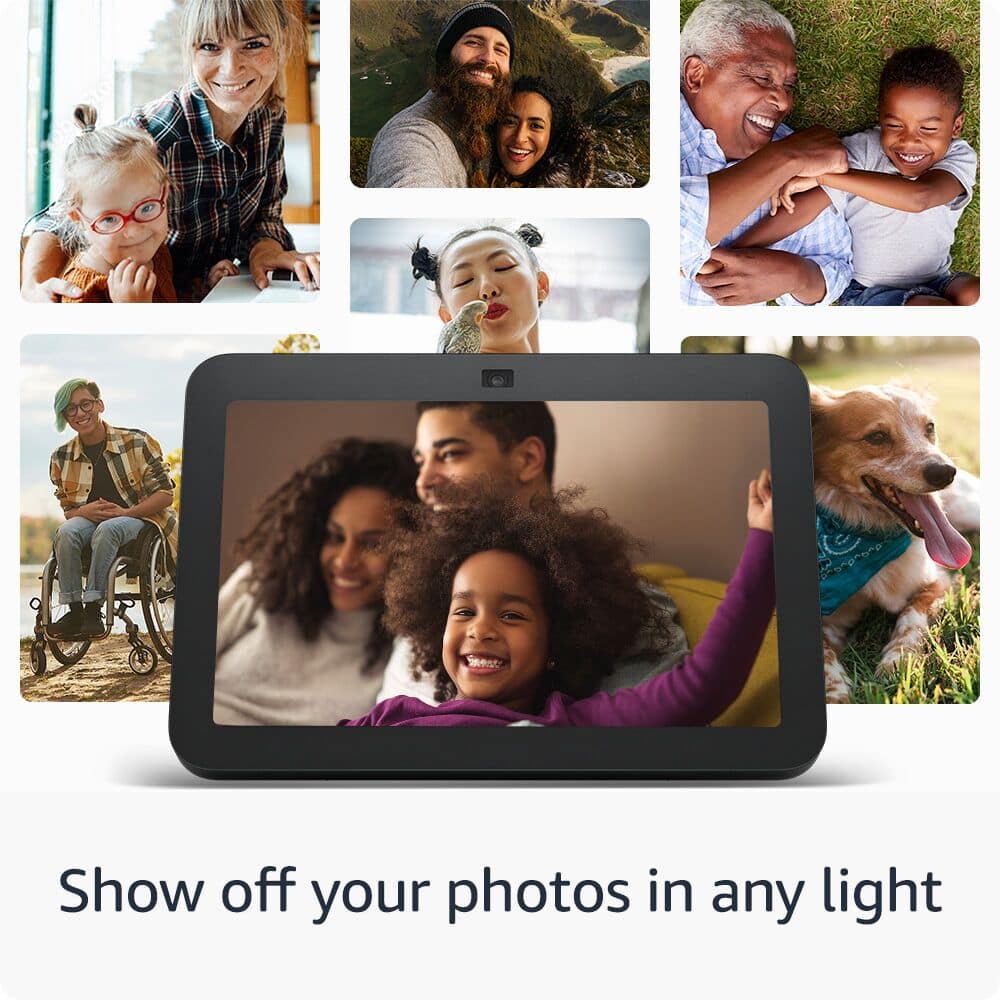
  • QuestionCan this be paired with an apple watch, or can apps be installed, e.g., sirius xm, Spotify, etc. . ALSO, can photos be uploaded to device?

    Asked by BBJ1.

    • Answer Hi BBJ1! Apps like Sirius XM and Spotify can't be directly installed on the Echo Show 8 like you would on a tablet. However, you can use these services through Alexa skills or by connecting your accounts. Yes, photos can be uploaded to the Echo Show 8. You can add photos using the Alexa app, Amazon Photos. Hope this helps! Have a great day!

      Answered by Amazon Devices Customer Support

  • QuestionWell this system connect to SimplySafe cameras?

    Asked by Buck.

    • Answer I do not have a SimpliSafe, but I do have an Arlo video doorbell. Second generation I believe and it does work with it perfectly.

      Answered by CHELL

  • QuestionI want to know if can I use Echo 8 at my current home to view the blink camera's that are at my vacation home that is out of state?

    Asked by JohRim.

    • Answer Hi Joh! You can use the Echo Show 8 to view any cameras that you have set up on a connected Blink account using the Blink Alexa Skill. To add the Blink Skill: Open the Alexa app. Open More and select Skills & Games. Search for the Alexa skill you want to enable. Select Enable Skill and log in using your Blink account. Once you've done that, you may need to give Alexa a moment to discover your cameras. At this point, all you need to do is say "Alexa, show me ____" replacing the blank with whatever you named the camera you'd like to see. I hope that helps, have a great rest of your day!

      Answered by Amazon Devices Customer Support

  • QuestionCan I pair my Unitron hearing aids to the unity

    Asked by Anonymous.

    • Answer Hello, if your Unitron hearing aids are Bluetooth then you can connect them to the Amazon Echo Show 8. On the Echo Show you will swipe down from the top and select Settings and navigate to Bluetooth. Have a great day!

      Answered by Amazon Devices Customer Support

  • Questiondoes the blink cameras work?

    Asked by gavin.

    • Answer Hello gavin and thank you for your question! The Amazon echo show 8 can display Blink cameras. To display your Blink camera on an Echo Show, you can link your Blink camera to your Echo Show using the Amazon app: Open the Amazon app on your phone or tablet Select More in the bottom right corner Select Skills and Games Select the magnifying glass and search for Blink Select the Blink Smart Home skill and press Enable to Use Sign into your Blink account Select Discover Devices Wait for your device to be found Once your Blink camera is linked to your Echo Show, you can view your camera or ask Alexa. Hope this helps! Have a great day!

      Answered by Amazon Devices Customer Support

  • QuestionIs this product support 220 volts?

    Asked by Jessie.

    • Answer Hello Jessie, according to the specs on the plug itself it will support 100-240V. Have a great day!

      Answered by Amazon Devices Customer Support

  • QuestionMy Echo Alexa stopped working suddenly! It is not even 1 year old!

    Asked by Beaver.

  • QuestionWhy does my Echo Show 3rd generation stops playing music?

    Asked by JANICE.

    • Answer Hello Janice! If your Echo Show 3rd Gen stops playing music intermittently, a few potential reasons could be causing this: - Wi-Fi Connectivity Issues: Echo devices rely on a strong, stable Wi-Fi connection to stream music. If the connection drops or fluctuates, it can cause interruptions. • Fix: Restart your router or ensure your Echo Show is connected to a stable network. You might also move it closer to the router. - Streaming Service Issues: If you are using a music streaming service (like Amazon Music, Spotify, etc.), there could be service outages or account issues. • Fix: Check if the streaming service is down or if your subscription/account is active. - Device Software Update: Sometimes, outdated firmware or software bugs can cause performance issues. • Fix: Check for and install the latest software updates for your Echo Show. - Multiple Device Interference: If you have multiple Alexa-enabled devices nearby, commands can be confused, and music may stop unexpectedly. • Fix: Ensure the Echo Show is the only device responding to your voice command, or name the devices differently. - Power or Resource Overload: Running multiple tasks or having a lot of background processes (like video feeds or other apps) could cause music to stop unexpectedly. • Fix: Restart the Echo Show to clear any temporary issues or memory overload. - Bluetooth or External Device Issues: If your Echo Show is connected to an external Bluetooth speaker, issues with the speaker could cause playback interruptions. • Fix: Try disconnecting and reconnecting the speaker, or play the music directly through the Echo Show's speakers. If none of these seem to resolve the issue, performing a factory reset could help identify or fix any deeper hardware or software problems. Have a great day!

      Answered by Amazon Devices Customer Support

  • QuestionCan this Amazon Alexa pair with the ring doorbell

    Asked by Jen.

    • Answer Yes it can.

      Answered by toezie

  • QuestionHow do I set up an incoming call from ALexa to display as it is coming in from my "MOM"....it shows as various numbers instead of her name.

    Asked by Peter.

    • Answer It calls everyone beside the one phone number you need

      Answered by Freefre

  • QuestionGood afternoon, I bought a black one and the cable came white, why? it makes no sense

    Asked by Apple.

    • Answer Its just the default color of the cord. All 3 of mine came with a white one too.

      Answered by TaylorI

  • QuestionHow do I exit out of finger tapping?

    Asked by Mo.

    • Answer Hello Mo, Thank you for your question. I am not 100% sure of your issue, but you can always command the device to go back to Home screen by saying: "Alexa, go home". Hope this helps. Have a great day!

      Answered by Amazon Devices Customer Support

  • QuestionHello can I connect Amazon echo 8 with my ring doorbell camera

    Asked by Anonymous.

    • Answer Yes i have a Blink doorbell camera connected.

      Answered by MiguelG

  • Questioncan the screen be set to stay awake indefinitely?

    Asked by Bill.

    • Answer No

      Answered by Freefre

  • QuestionHello, How can I know if motion or sound detection is active? because it does not detect anything, perhaps it is a failure of the echo show 8 sensor, good day.

    Asked by Tony27.

    • Answer Hi Tony27! The Echo Show 8, and other Echo devices with ultrasound motion detection, only emit ultrasound when a routine or feature requires it. If you'd like to test out the motion detection, a simple occupancy routine could be set up to announce when the Show 8 detects someone in the room. To try it out open your Alexa app and find Routines under "More" at the bottom right of the app. Create a new routine by tapping the "+" button at the top right. For 'When' tap add an event, then Smart Home, then select the Echo Show 8 and choose "Occupancy" followed by 'People are detected.' Then under Alexa Will: tap Alexa Says and choose something for Alexa to say following detecting occupancy. Finally save your routine and give it a shot! If you are still not seeing any motion detection, I would reach out to Amazon's customer service. I hope that helps, have a great rest of your day!

      Answered by Amazon Devices Customer Support

  • QuestionHello, How can I know if motion or sound detection is active? because it does not detect anything, perhaps it is a failure of the echo show 8 sensor, good day.

    Asked by Tony27.

    • Answer My device doesn't respond to anything turns up and with out comand

      Answered by Freefre

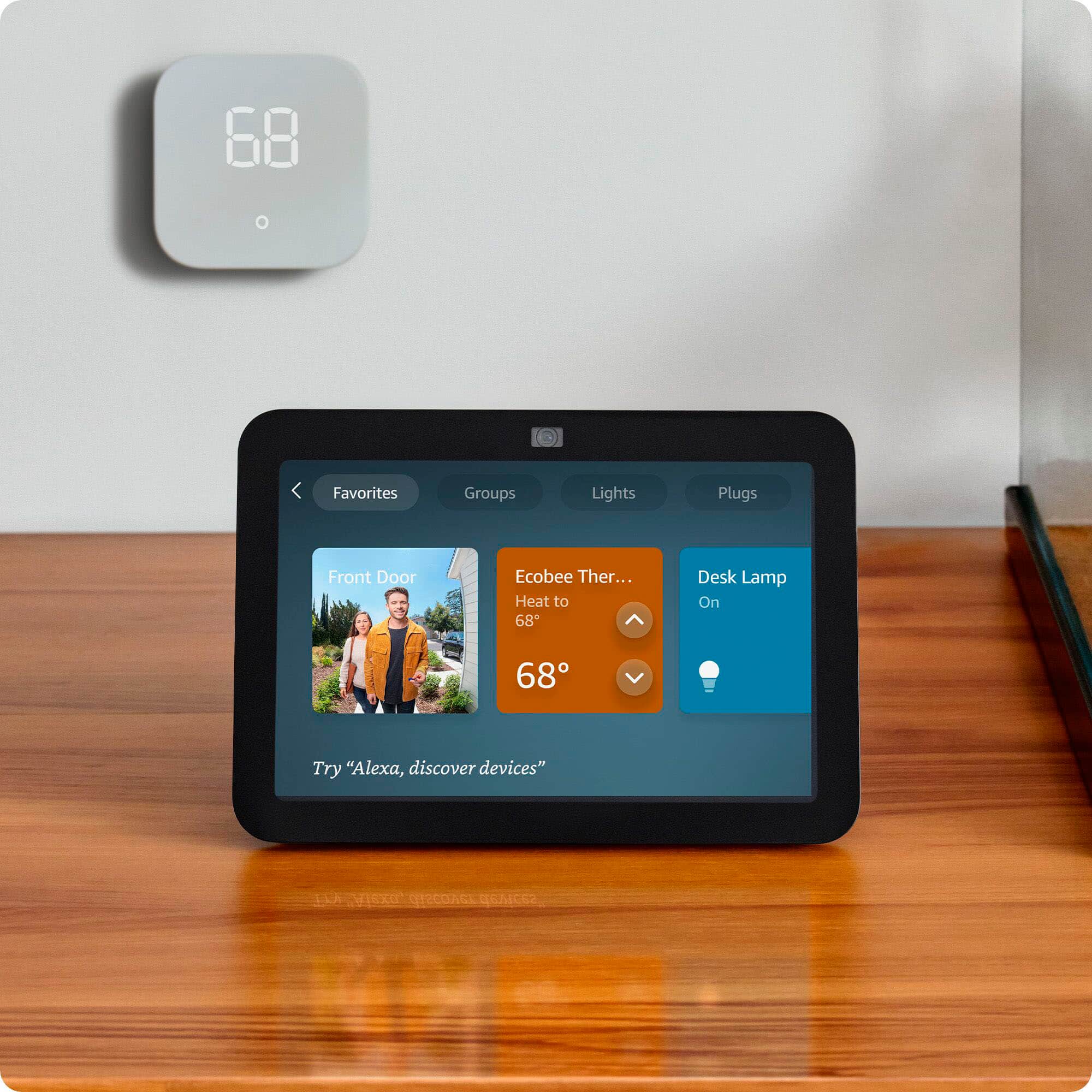
  • QuestionWill it show my ring camera video on the echo 8 screen . And if so , how many camerS will it show.

    Asked by John.

    • Answer Hi John, thanks for reaching out. You can use your Echo Show 8 to show up to 4 compatible cameras at once, by saying "Alexa, show me my cameras." For more than 4 devices, you will want to create customized groups in the Alexa app. Hopefully this helps. Have a great day!

      Answered by Amazon Devices Customer Support

  • QuestionCan you tell me if I need anything other than a wifi connection for this to work, and will I be able to link to my smart tv, watch, etc?

    Asked by dmorrison.

    • Answer H dmorrison, thank you for reaching out. If you do not already have one, you will need to create an Amazon.com account in order to register the Echo Show 8. From there, you will be able to complete set up, and pair any of your devices that are "Works With Alexa" compatible. Hope this information helps. Have a great day!

      Answered by Amazon Devices Customer Support