A:AnswerHello,
The simple answer is yes, the tablet will work in other countries but, there is no way of knowing exactly what will and will not work. Anything that doesn't require a WiFi connection will be available for you, such as, pre-downloaded books, games, any apps. etc etc. will all work as long as the tablet is charged! I hope this helps, have a great day!
A:AnswerHello, Sunny!
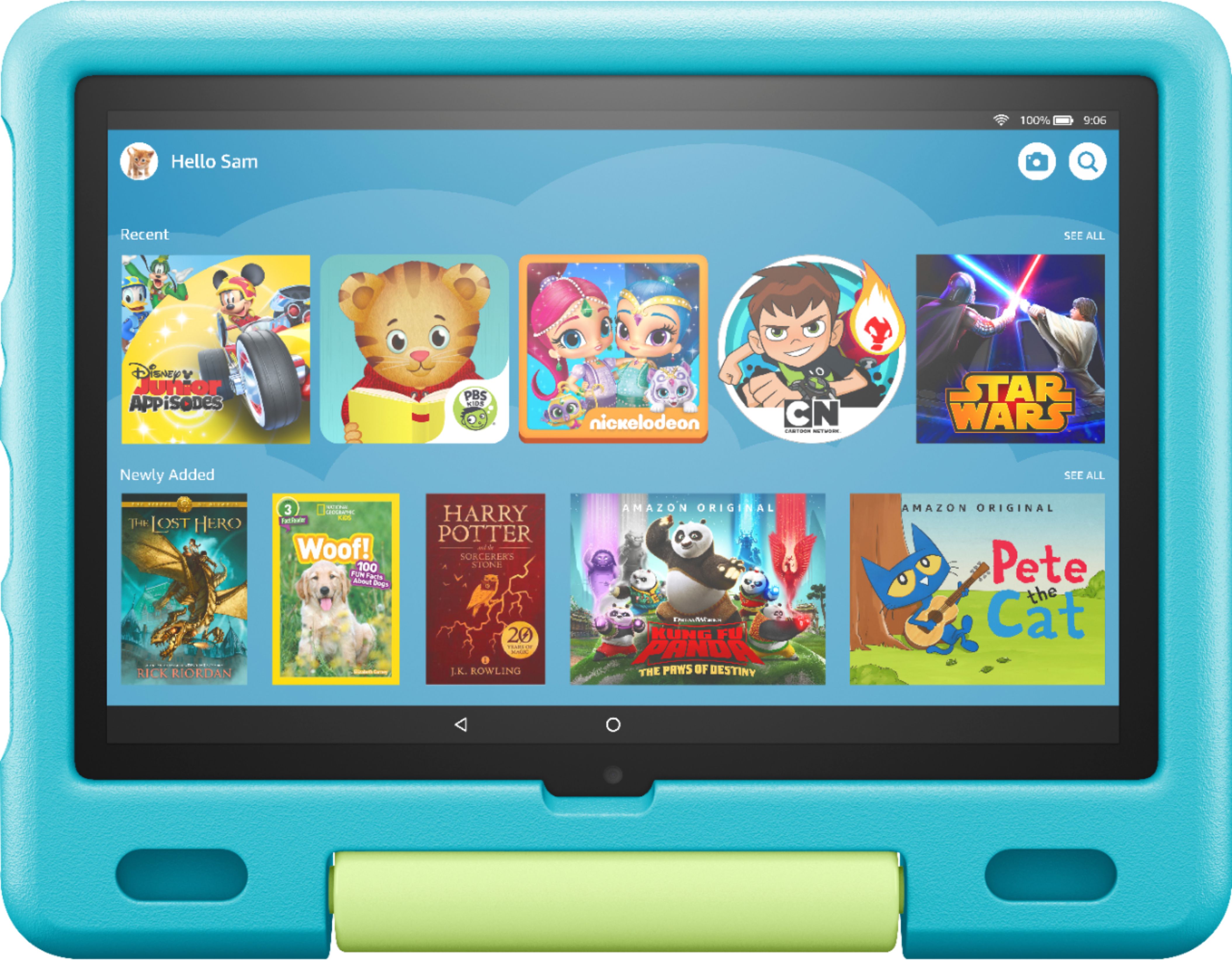
The Fire 10 Kids tablet would not be able to connect via cellular data. You can use many of the apps without being connected to WiFi. Each app is different, so I would check the ones you want to use off WiFi. You can also download books to the device which would be available off of WiFi. I hope that information helps. Have a great day!
A:AnswerHello! Netflix is available by downloading from the adult profile on the tablet and then adding it to the child account as follows:
To add content to your Child Profile on a Fire Tablet, follow these steps:
1. Go to the Parent Dashboard
2. Navigate to the child profile you wish to manage and select Settings.
3. Select Add content.
4. Select the desired content category using the tabs above the list of content.
5. Add or remove content by toggling the switch next to them.
Currently there is no supported app for the Apple Store app at this time. I hope this answers your question and you have a great day!
A:AnswerHello Mohanad1987! Thanks so much for your question regarding these numerous online studying apps with our Fire HD 10 Kids Edition. Currently, all of the necessary Microsoft apps (Office, Outlook, Teams, Excel, Word) are all available for use with this model. As for the Google Classroom app, it isn't available at this time for download on the Amazon AppStore. You may be able to utilize web based versions using the onboard Silk Web Browser and other Google apps such as Google Docs are available for use. I hope this answers your question and you have an awesome day!
A:AnswerHi Steven! Google Duo is not available for Kindle Fire but there are a few alternatives with similar functionality. The best Kindle Fire alternative is Paltalk, which is free. Hope this helps, enjoy your day!
A:AnswerHello Anthony, you want to know if you are about to download Plants vs. Zombies on the All-New Fire 10 Kids 10.1" Tablet. You will not be able to download Plants vs. Zombies the All-New Fire 10 Kids 10.1" Tablet, how you you will be able to download countless other apps from the Amazon AppStore. Hope this has answered your question. Have an amazing day!
A:AnswerHello Glamma! The specific app YouTube Kids is not currently available for download from the Amazon Appstore. Thanks so much for your question and have a terrific day!
A:AnswerHello Nessa! There are a couple ways you can do this. You can locate the Amazon Kids app icon located on the home page of your adult profile on the device and then tap the gear icon next to the child's profile you would like to add content to. From there you can also control age filters, time limits, goals, amongst numerous other things for your child. Another way you can do this is through the Amazon Kids+ app on a smartphone or through the Parent Dashboard under the settings of your Amazon account on the Amazon website. I hope this helps answer your question and that you have a Happy New Year!