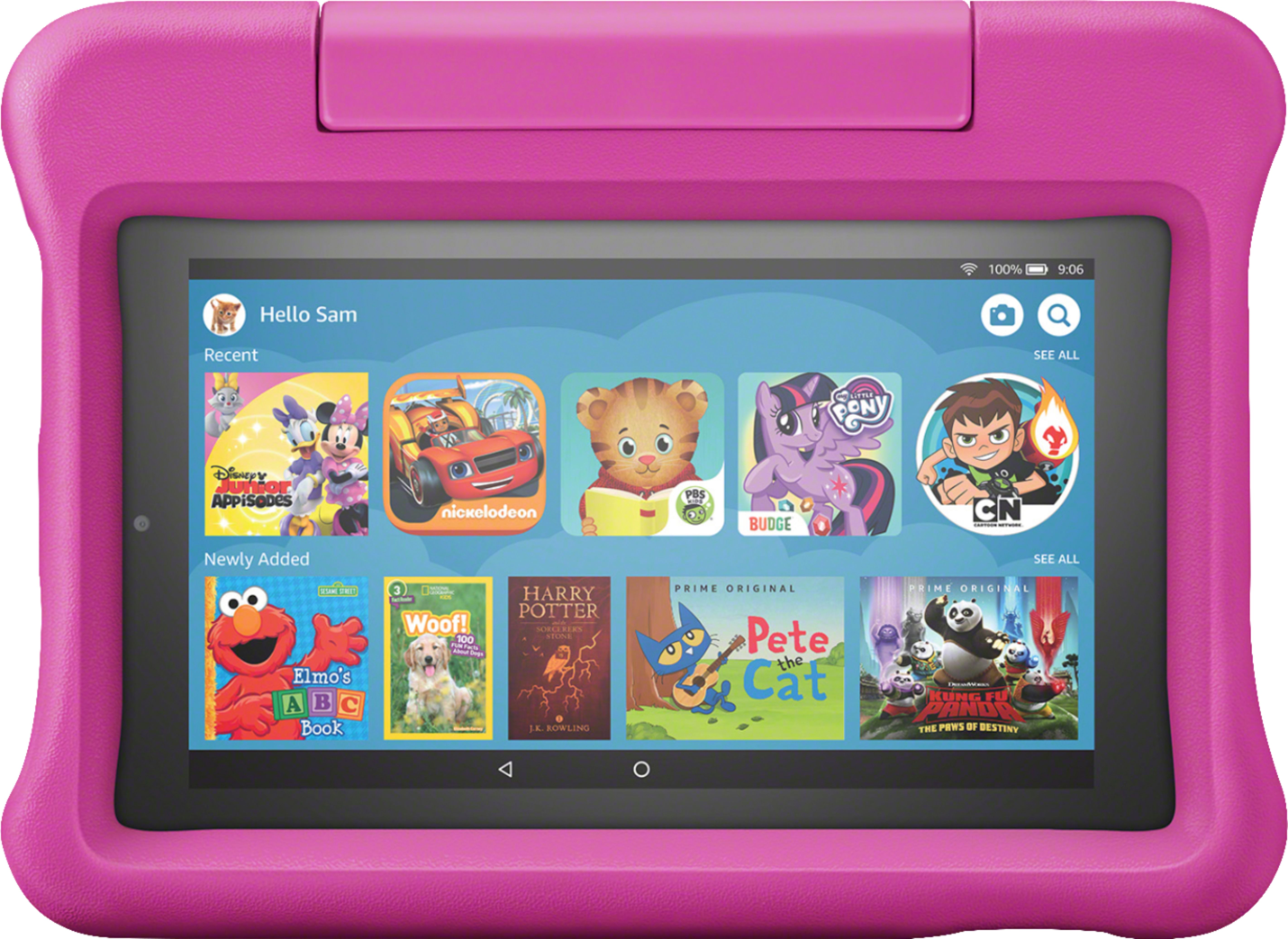
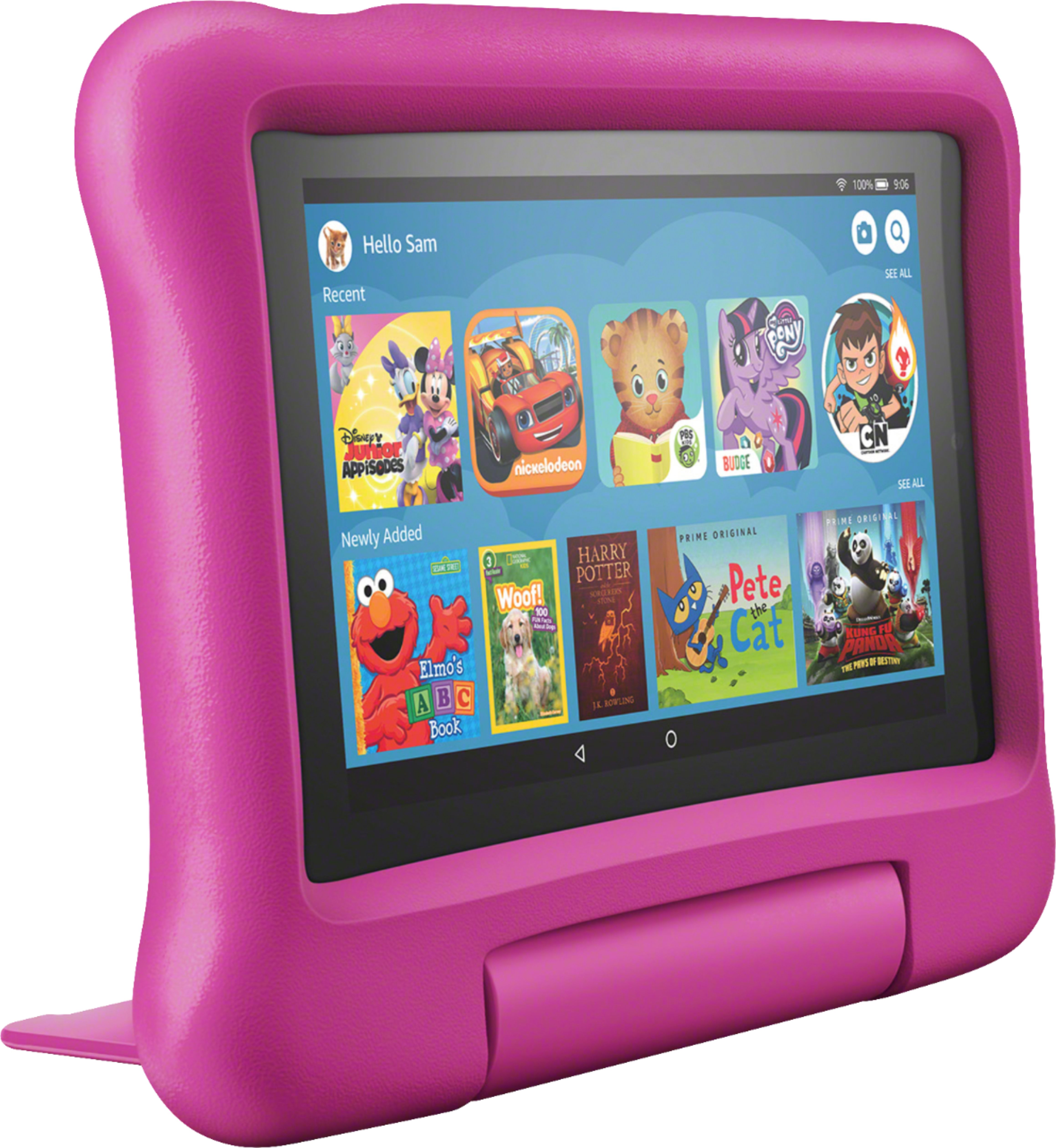
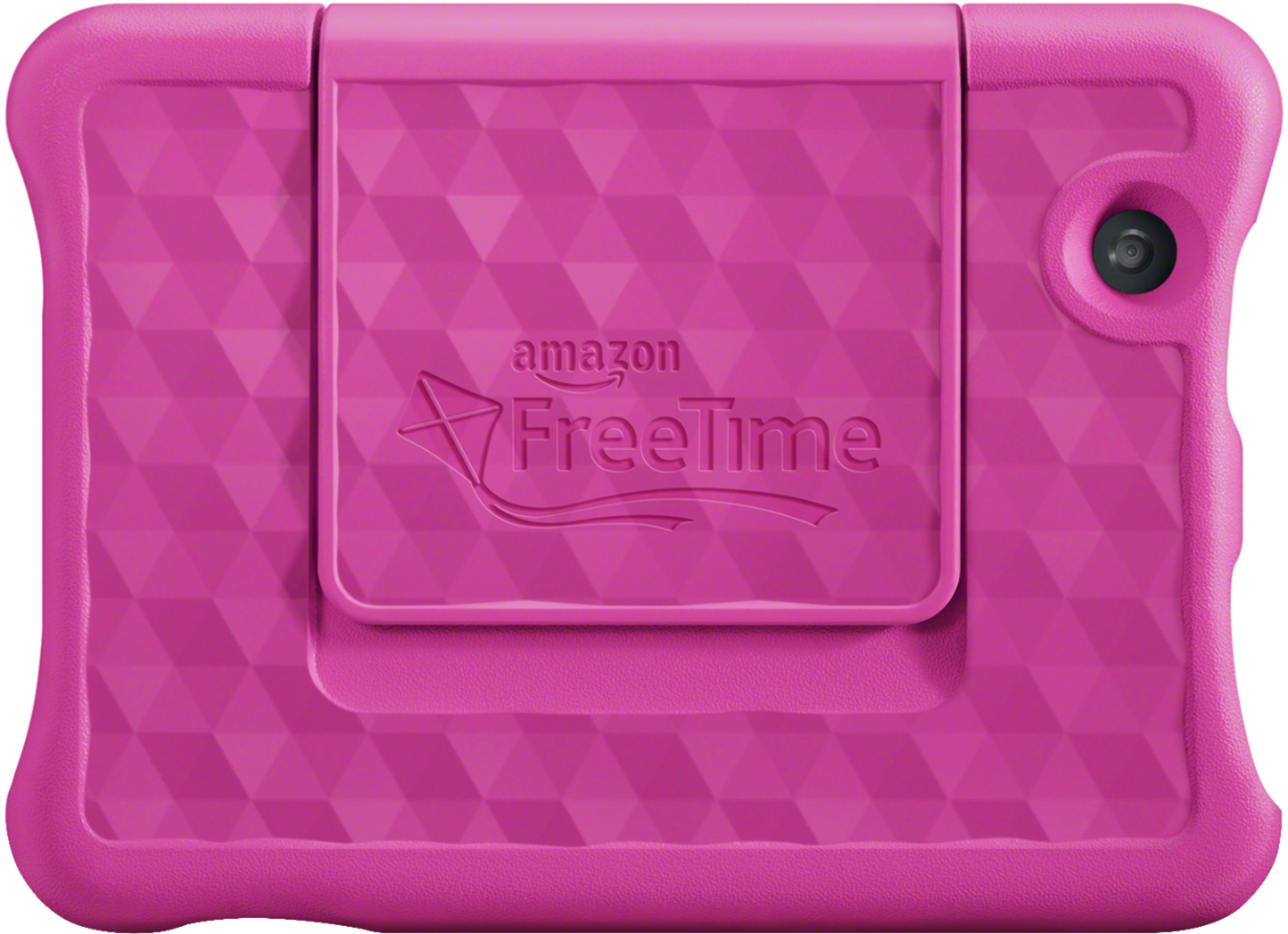
A:AnswerIt's the exact same as the fire tablet the only thing that makes itvkids is the app called free time and the bumper cover. The free time app is amazing love all the parental settings and time limits
A:AnswerI don't know if that particular program works with fire kindle. If it doesn't, it usually brings a lot of other options close to what you're looking for that can be useful for the kids while learning. Hope this helps you
A:AnswerJust click on your childs profile and it should let you change to the adult mode. If your on the child screen slide the screen down and choose exit profile and it will take you to the main lock screen to go to your adult profile.
A:Answeryes but I am not finding this product to be any better than any other tablet. I have yet to be able to access any of the "free" things it was supposed to offer and I cannot download things like Google or Chrome on the child's profile so we end up just using my profile which negates the whole parental control piece. Plus I seem to need to have an "cable " provider to access things like Disney and Nickelodeon to get the full content - instead we have to use Youtube or the "limited version of the services which do not give the children full access to complete episodes but compilations which I am sure could be very confusing in these young minds because stories do not begin and end properly.
Anyway, I should bought the regular tablet as I was thinking, the sales people dissuaded me and U ended up with this product and would not really recommend it over any regular tablet where you can download the apps for yourself (keeping in mind I still have not been able to access the "free bundle").
A:AnswerHi Mike,
Yes there is a full selection of learning games for Kids. With the free year of Amazon Free Time, you will be able to access even more free content! Have a great day