Early Black Friday DealsNew Doorbusters every Friday.Shop now

Main Content

Questions & Answers

Your price for this item is $139.99
Page Showing 101-120 of 218 questions
  • QuestionCan this have Facebook messenger, so I could FaceTime with my granddaughter?

    Asked by Anonymous.

    • Answer Hi there, Yes, you can add Facebook Messenger to the tablet so that you could do that. With parental controls, you can help keep your child from accessing certain things, avoiding accidental purchases, and set time limits with on-device controls. Here are the things the parental controls let you restrict access to: -Web browsing -Email, Contacts, and Calendar apps -Purchasing from the Amazon Store or Amazon Shop app -Playing titles from Prime Video -Specific content types or titles (for example, books or apps) -Wireless connectivity -The camera -Location-based Services You can also use the daily curfew option to schedule when your child can use the device. Enabling Parental Controls does not remove Mature or Adult-rated content from the device. You may encounter such content in Apps and Games, Music, and Books, or in Amazon store search results. To restrict the content available on the device, you can: -Create an Amazon Kids child profile and select which apps and content are available to that profile. -Block access to content on the device (for example, ""Apps and Games,"" ""Books,"" and ""Music"") by going to Amazon Content and Apps menu under Parental Controls and selecting the button next to each category to say Blocked. I hope that information helps! Have a great day!

      Answered by Amazon Devices Customer Support

  • QuestionDo you recommend a screen protector or is there already protection for the glass screen through the case that comes with this?

    Asked by AliMil.

    • Answer Really no need for a screen protector.

      Answered by Ihawk16

  • QuestionCan kids download games and watch Netflix movies?

    Asked by YoungGrandma.

    • Answer I would not recommend very slow and it crashes a lot

      Answered by Bigedward17

  • QuestionDo this tablet has to be used with WiFi? Is that the only way it can work

    Asked by Dee.

    • Answer Hi Dee, This tablet, although works better with Wifi, it is not 100% necessary all of the time. You will need it to set it up, as well as to download games, and books and whatever else you may want to download. Some apps will require Wifi to work, such as Netflix or some game apps, but that just depends on what you will be doing with the tablet. I hope this information helps. Have a great day.
      Answered by Amazon Devices Customer Support

  • QuestionMy grandson wants to use YouTube kids. Can that be downloaded easily?

    Asked by Grammy12.

    • Answer Hello Grammy12 and thank you so much for your question regarding YouTube Kids availability for the Fire HD 8 Kids Edition. Currently, YouTube Kids the app is not available on the Amazon AppStore however YouTube is. Also there is a plethora of additional kids content that you can access and add to the tablet by following the below steps: 1. Go to the Parent Dashboard 2. Navigate to the child profile you wish to manage and select Settings. 3. Select Add content. 4. Select the desired content category using the tabs above the list of content. 5. Add or remove content by toggling the switch next to them. I hope this answers your question and that you have a great day!

      Answered by Amazon Devices Customer Support

  • QuestionAre you able to download YouTube on this tablet

    Asked by Gen.

    • Answer Hi Gen, Yes, you can download YouTube to this tablet, so long as you give permissions in the parent portal for the child to use if you have parental controls on. To add content to your Child Profile on a Fire Tablet, follow these steps: 1. Go to the Parent Dashboard 2. Navigate to the child profile you wish to manage and select Settings. 3. Select Add content. 4. Select the desired content category using the tabs above the list of content. 5. Add or remove content by toggling the switch next to them. Have a great day!

      Answered by Amazon Devices Customer Support

  • QuestionCan you download YouTube on this tablet?

    Asked by Anonymous.

    • Answer Hi there, Yes, YouTube is available for download in the app store, as long as you give permission in the parent portal for the child profile to use it. To add content to your Child Profile on a Fire Tablet, follow these steps: 1. Go to the Parent Dashboard 2. Navigate to the child profile you wish to manage and select Settings. 3. Select Add content. 4. Select the desired content category using the tabs above the list of content. 5. Add or remove content by toggling the switch next to them. Have a great day!

      Answered by Amazon Devices Customer Support

  • QuestionDoes YouTube work on this?

    Asked by MoraFam.

    • Answer Yes, I believe I had to give my son permission to the app itself but he watches the YouTube.com app

      Answered by Sherlockhughes

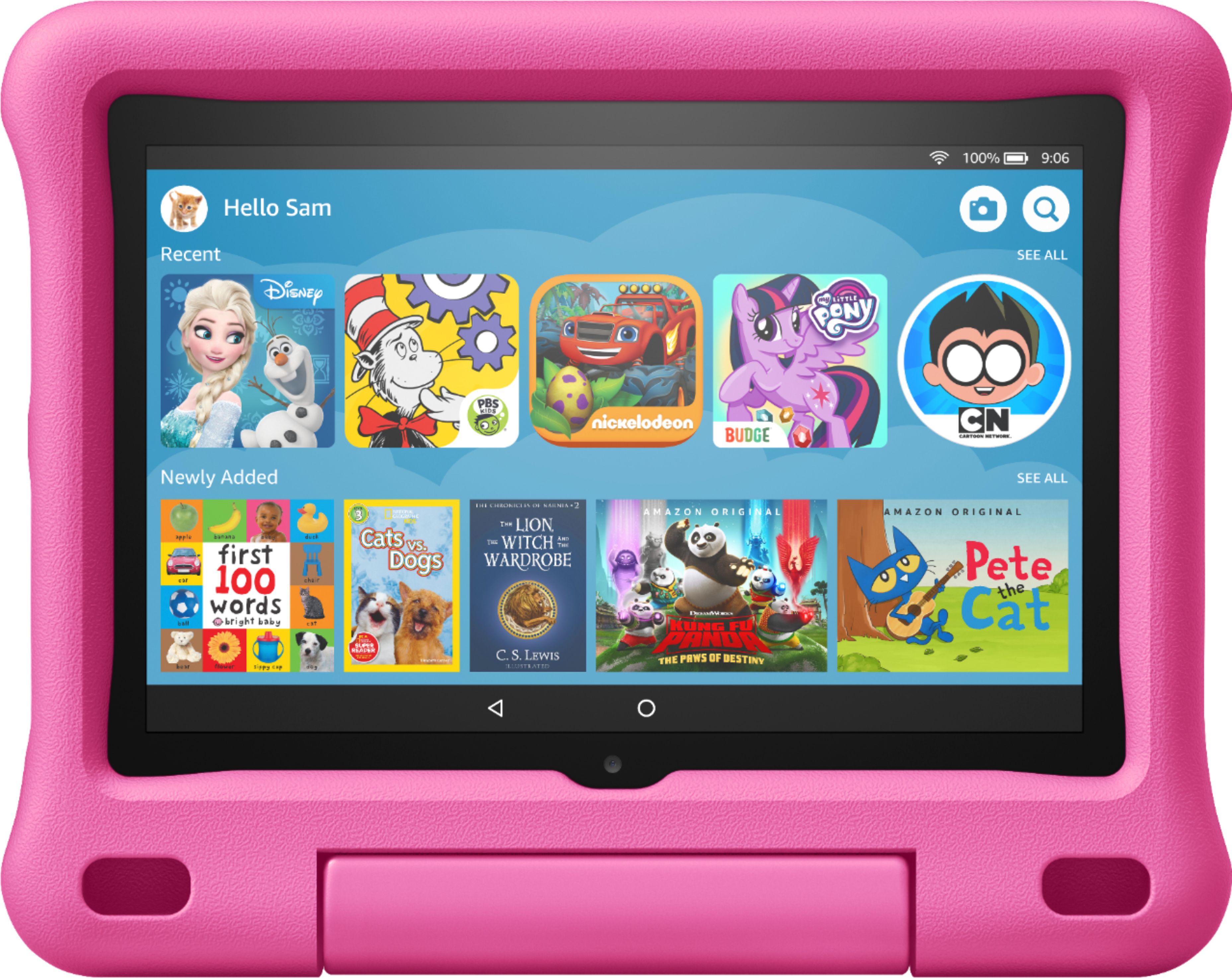
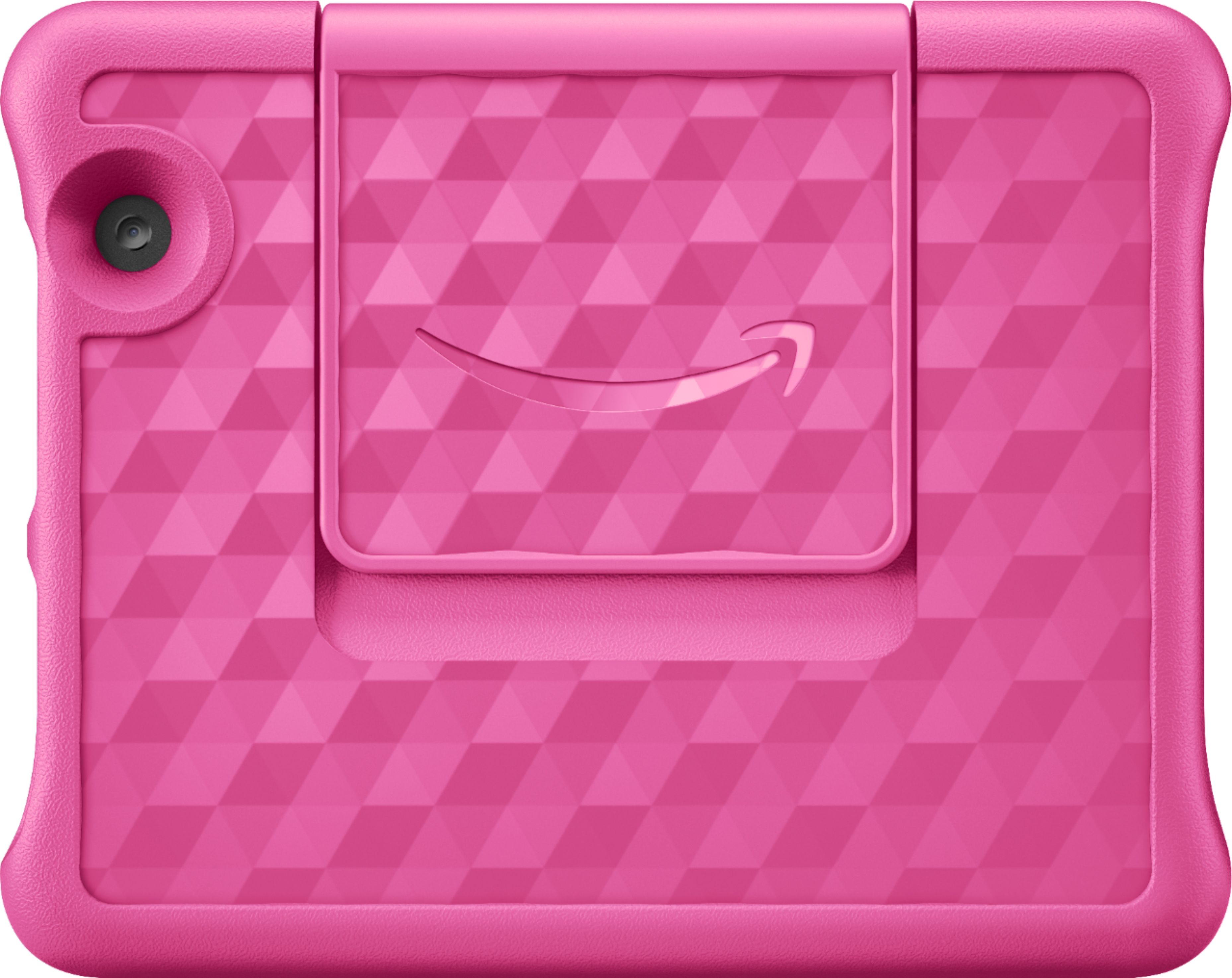
  • Questiondoes this come with the pink case

    Asked by Anonymous.

    • Answer I’ve bought two in pink. I’ve seen both the blue and pink in stock when I gone to buy.

      Answered by Mickey171

  • QuestionHow can I use this tablet to view the programming when I am away from my house, like in the car.

    Asked by Anonymous.

    • Answer Hello, You would need to be connected to Wifi to stream content when away from your home. You could connect to a free wifi from a local business, or if your mobile carrier gives you the option to tether and use your phone as a mobile hot spot, you could do that as well. I hope this info helps. Have a great day.

      Answered by Amazon Devices Customer Support

  • QuestionDoes it works with google accounts... classroom?

    Asked by PatBAq.

    • Answer Hi PatBAq, You can access Google Classroom via the web browser, but it is not a great version of it. It looks like and acts like when you are viewing on a mobile phone, and may not have full capability. I hope this information helps. Have a great day!

      Answered by Amazon Devices Customer Support

  • Questionare the apps Only in english? or can i chance the language?

    Asked by Vane.

    • Answer there are language choices on the simple set up

      Answered by Anonymous

  • QuestionDoes the tablet comes with blue case

    Asked by Eric.

    • Answer Hi Eric, Yes, the Blue bumper kid friendly case that is shown in the picture comes with the tablet. Hope this info helps. Have a great day!

      Answered by Amazon Devices Customer Support

  • QuestionCan we get You Tube for Kids on this tablet?

    Asked by Gomma.

    • Answer Hi Gomma, You Tube for Kids is not available as an app right now on this tablet, but you can access it through the web browser. I hope this info helps. Have a great day!

      Answered by Amazon Devices Customer Support

  • QuestionWant this for special needs child for music and to Zoom with him.

    Asked by MJC1.

    • Answer Hi MJC1, This is great for children. You can use the Zoom app by downloading it from the Amazon App store, as well as access it on a web browser. The tablet has a lot of built in parental controls, as well as it comes with a year of Amazon Kids (kid friendly content subscription), a bumper case and a 2 year worry free guarantee. I hope this information helps in making a decision. Have a great day!

      Answered by Amazon Devices Customer Support

  • QuestionIs this tablet good for an 7 year old

    Asked by Page.

    • Answer Hi Page, Yes, this tablet is great for kids. It has built in parental controls, apps that are specific to your children's ages, timers, books, educational content and so much more. It will come with a 2 year worry free guarantee (protects the tablet from damage/accidents) as well as a kid friendly bumper, and a year of Amazon Kids for free which gives them access to even more premium content. I hope this info helps. Have a great day!

      Answered by Amazon Devices Customer Support

  • QuestionCan I install youtube?

    Asked by Rib.

    • Answer Hello Rib, Yes, the You Tube app can be downloaded to your Fire Tablet. You can download games and apps and use them on the go by following these steps: 1. Select Games & Apps or open the Apps or Games app. 2. Select an app from your Library to download it or search for a new app in the Store. Have a great day!

      Answered by Amazon Devices Customer Support

  • QuestionHow can I order a replacement charger for this device?

    Asked by Johnetta.

    • Answer The newer kids tablet use the usb-c cable. The same as a updated Android phone. So you'll just order. Usb-c Cable. I hope this helps.

      Answered by WorkMom

  • QuestionCan a child use this Fire HD 8" Kids Edition 10th Generation to drop into grandma's Alexa Echo Show 5 in another state? If yes, how?

    Asked by Chris.

    • Answer Hello, If you have the Alexa App on the tablet, and the person who you would want to drop in on has enabled drop in on that device in the Alexa app from you specifically, then yes. You would go into the Alexa app, and choose the "communicate" icon and then choose "drop in" and it will give you a list of devices you can drop in on in your own network. If you want to drop in on someone outside of your home, you would choose the "person icon" in the top right of the screen and if they have enabled drop in the option would be then presented when you choose them from the list of contacts. If they have not listed you as a contact that can just drop in, you can also just do a video call, and that is listed as an option under the contact the same way. Hope that info helps.

      Answered by Amazon Devices Customer Support

  • QuestionCan you download movies and play them without wifi for car rides and airplane rides? Thanks in advance!

    Asked by Tiggles.

    • Answer Yes, We download Netflix items before trips for my son to watch.

      Answered by Sherlockhughes















