Main Content

Questions & Answers

Page Showing 41-60 of 137 questions
  • QuestionDoes the kindle show ads?

    Asked by Joe.

    • Answer Yes, or you can pay $20 to remove the ads. It was $20 well worth it.

      Answered by WHITNEY

  • QuestionDoes this version have ads?

    Asked by Clint.

    • Answer Yes, the "sleep" screen has ads.

      Answered by CAMERONO

  • QuestionIs this with or without lockscreen ads?

    Asked by SLDubz.

    • Answer With.

      Answered by CAMERONO

  • QuestionAre there lock screen ads?

    Asked by S1mpl3man.

    • Answer Not to my knowledge...

      Answered by LouiseG

  • QuestionDoes this have ads on the home screen?

    Asked by Anonymous.

    • Answer If you have the ad free one you won’t.

      Answered by JONb

  • QuestionDoes this device have Bluetooth capability

    Asked by Warren.

    • Answer Yes, which is great if you like audiobooks!

      Answered by EVAH

  • QuestionDoes it come with subscription

    Asked by Anonymous.

    • Answer Not mine...

      Answered by LouiseG

  • QuestionDoes this come with ads?

    Asked by Ruben.

    • Answer It’s only one add in the front page and that’s it

      Answered by CATHERINES

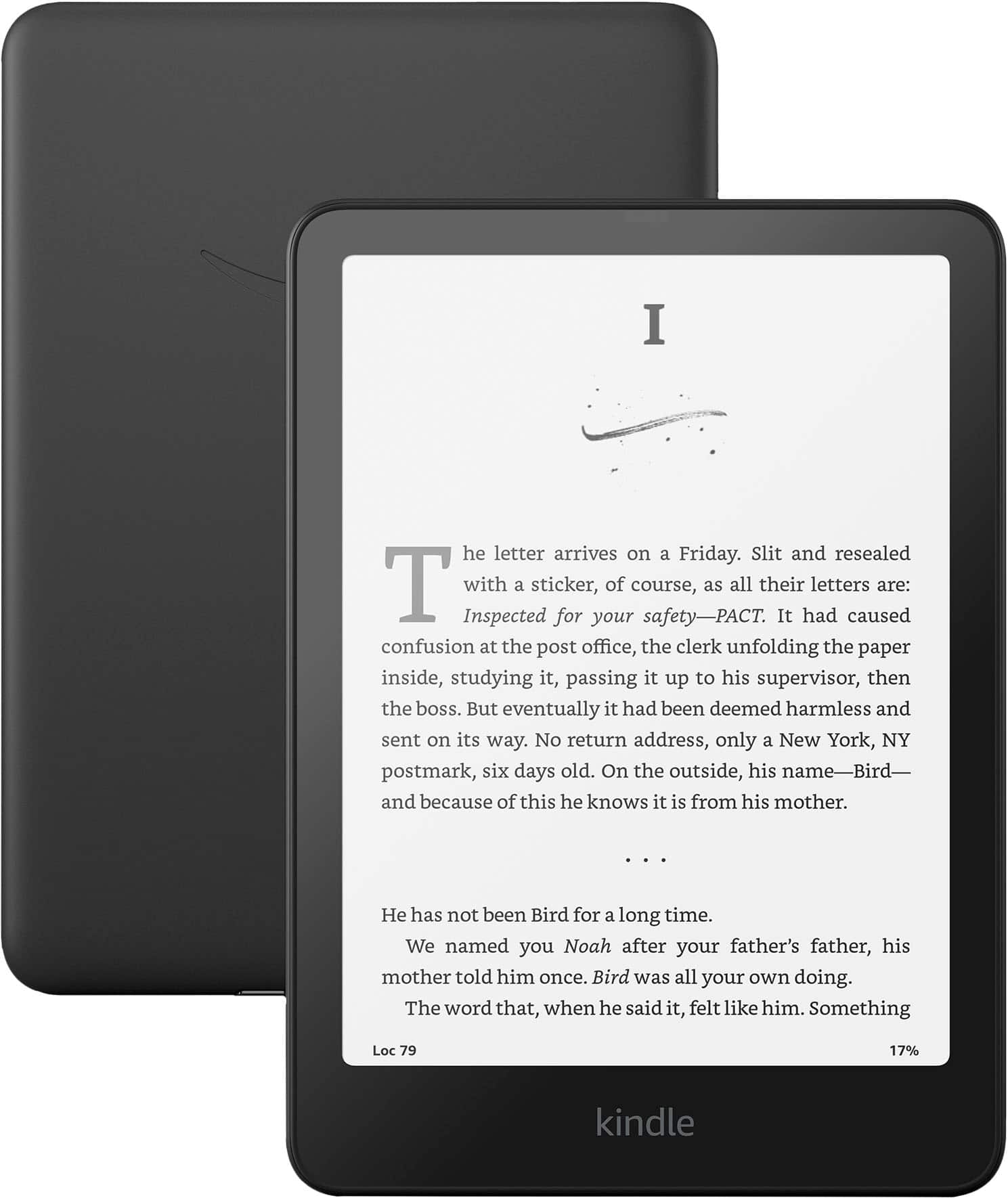
  • QuestionWhat comes in the box?

    Asked by KathyH.

    • Answer In box is the Kindle and the charging cord. There is a user manual as well.

      Answered by MARYB

  • QuestionWhat is the generation of this kindle

    Asked by Nellaah.

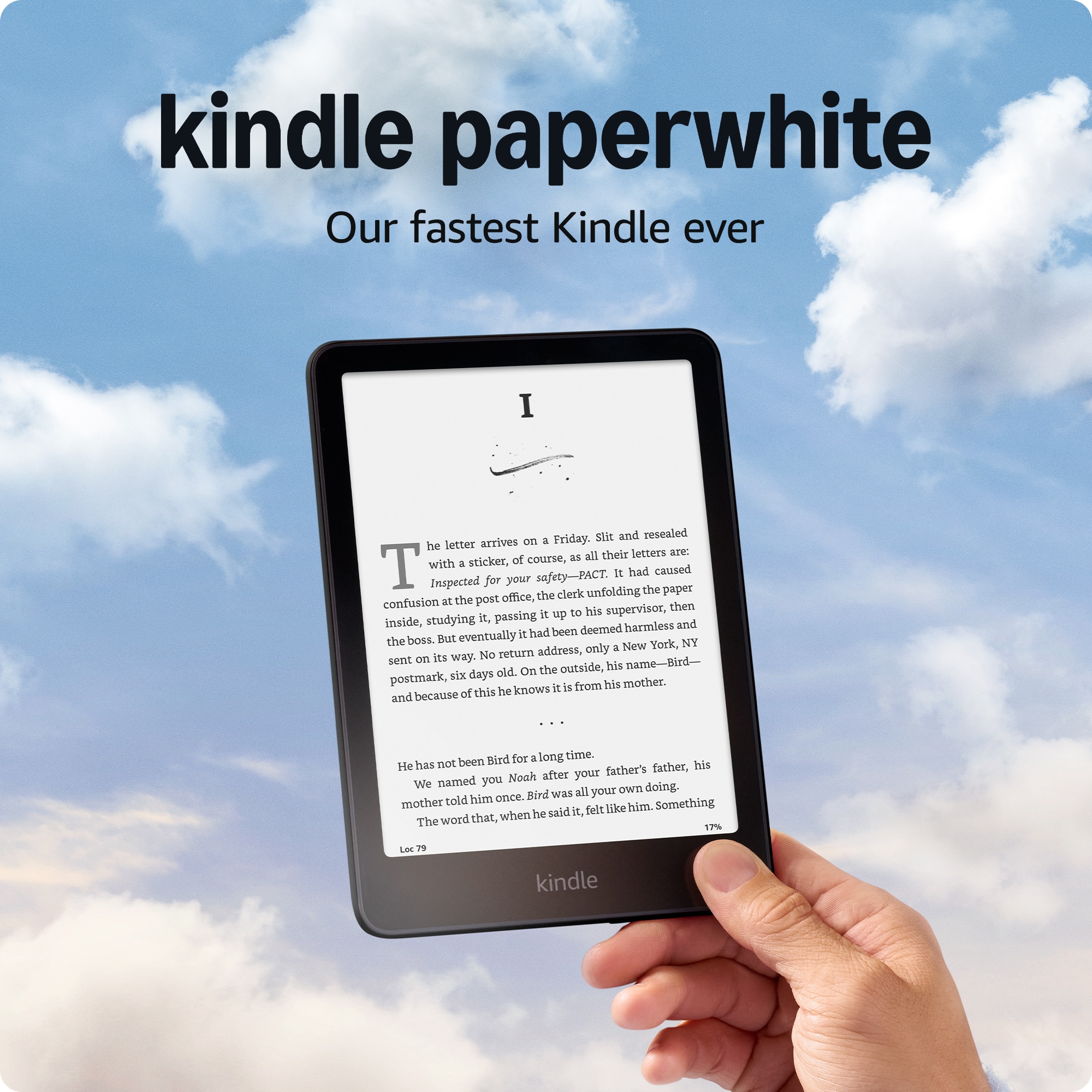
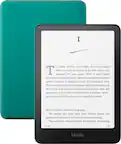
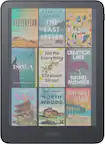
    • Answer Hello Nellaah, this is the 12th generation(2024 release) of the Kindle Paperwhite. Have a great day!

      Answered by Amazon Devices Customer Support

  • QuestionI have thousands of epub files on my pc that were bought outside of the amazon network and some are my own self created works can I upload those to this device as well? And will the text to speech feature work on those?

    Asked by Cj.

    • Answer Hello Cj, yes you can load EPUB files onto a Kindle by using the Send to Kindle feature. It's fairly simple. Go to amazon.com/sendtokindle and drag your EPUB file right onto the upload screen. You can then choose which Kindle you send it to if you have more than one. Have a great day!

      Answered by Amazon Devices Customer Support

  • QuestionDoes this have 3 months of kindle unlimited

    Asked by Beli.

    • Answer Hi Beli, yes — new Kindle Paperwhite devices include 3 months of Kindle Unlimited. You'll be prompted to claim the offer during the initial Kindle setup. Hope this helps!

      Answered by Amazon Devices Customer Support

  • QuestionWhat is the cost of the subscription to access books?

    Asked by Subscription.

    • Answer Hi! In the US, the standard amazon kindle unlimited subscription cost 11.99$ per month (plus applicable state and local taxes) You can also opt for a Prepaid 12-month plan for 119$ a year (plus applicable state and local taxes) reducing the cost to roughly 9.99$ a month ( saving you the cost of two individual months) Hope this answers your question! Have a great day!

      Answered by Amazon Devices Customer Support

  • Questioncan you store photos to view on the kindle

    Asked by td.

    • Answer Hello TD! While the kindle does not have a traditional gallery/photo viewer, you are able to email a PDF to yourself to view on the Kindle or transfer using a computer via USB-C, so you could add images to a PDF and view them on your Kindle! Once your kindle is registered you can see your Send-to-Kindle email address in the settings menu under "Your account". I hope this answers your question and I hope you have a great day!

      Answered by Amazon Devices Customer Support

  • QuestionHow do I transfer saved books to the new kindle

    Asked by Anonymous.

    • Answer Hi there! Your Kindle library is tied to the Amazon account that you registered to the device when you set it up, so all you'll have to do is login with that same account to see all of your books, documents, and notes. If you added content directly via a PC, you will have to re-add that content yourself on the new device. WhisperSync will mean that you won't lose your place on your synced books though, even if you swap devices back and forth! I hope that helps, have a great rest of your day!
      Answered by Amazon Devices Customer Support

  • QuestionDoes it come with kindle unlimited

    Asked by Anonymous.

    • Answer Hi Jade! Kindle does not usually come with Kindle Unlimited though there is usually a 30 day or 3 month free trial when you buy a new Kindle or on Prime Day. Keep a lookout for special offers on Amazon Prime. Hope that helps!

      Answered by Amazon Devices Customer Support

  • QuestionCan i bay icelandics books if i bay this here in usa

    Asked by Ernst.

    • Answer Hello Ernst! Yes, you can absolutely buy and read Icelandic books on a Kindle purchased in the USA! Kindles are not "region-locked" so the hardware works the same regardless of where you buy it. The Kindle fully supports the Icelandic alphabet including special characters. The search for a book just search "Icelandic edition" after the title of the book and it should come up in the Kindle store as long as there's a translation available. Takk fyrir and I hope you have a great day!

      Answered by Amazon Devices Customer Support

  • Questionhow do i get a kindle with no ads?

    Asked by mimi.

    • Answer Hello Mimi, In order to make your Kindle Paperwhite Ad free, you can follow the steps I've listed below. There is a one time charge for this feature, the charge is currently $20 but that is subject to change. Here are the steps to do so: - From a web browser on a computer or your smart device navigate to the Amazon website - Log in to your Amazon Account - Locate the "Manage Devices Page" - Select "Devices" and then Select your Kindle - Under Special Offers click "Remove Offers" - A Pop up will display the price. - Click "End Offers and Pay Fee" to Proceed. I hope this answers your question!

      Answered by Amazon Devices Customer Support

  • QuestionIs this product add free?

    Asked by Noah.

    • Answer Hello Noah, The Kindle Paperwhite does come standard with Ads, however, you can select to go ad free by paying a one time charge. Currently the one time fee is $20. This will permanently remove ads from your Kindle Device. Here is how you can do this from your web browser on a smart phone or laptop: - Go to Amazon.com and Log in to your account. - Navigate to the "Manage Your Devices" Page - Select "Devices" and then select the Kindle you would like to be ad free. - Under "Special Offers" Click Remove Offers. A pop up window will display showing the price to remove ads. Select "End Offers and Pay the Fee" and you're all set! I hope this helps!

      Answered by Amazon Devices Customer Support

  • QuestionHow can I check what year model I own, when I no longer have my purchase information. Is it printed somewhere on the device or how can find out? Thanks….

    Asked by Cammoman99.

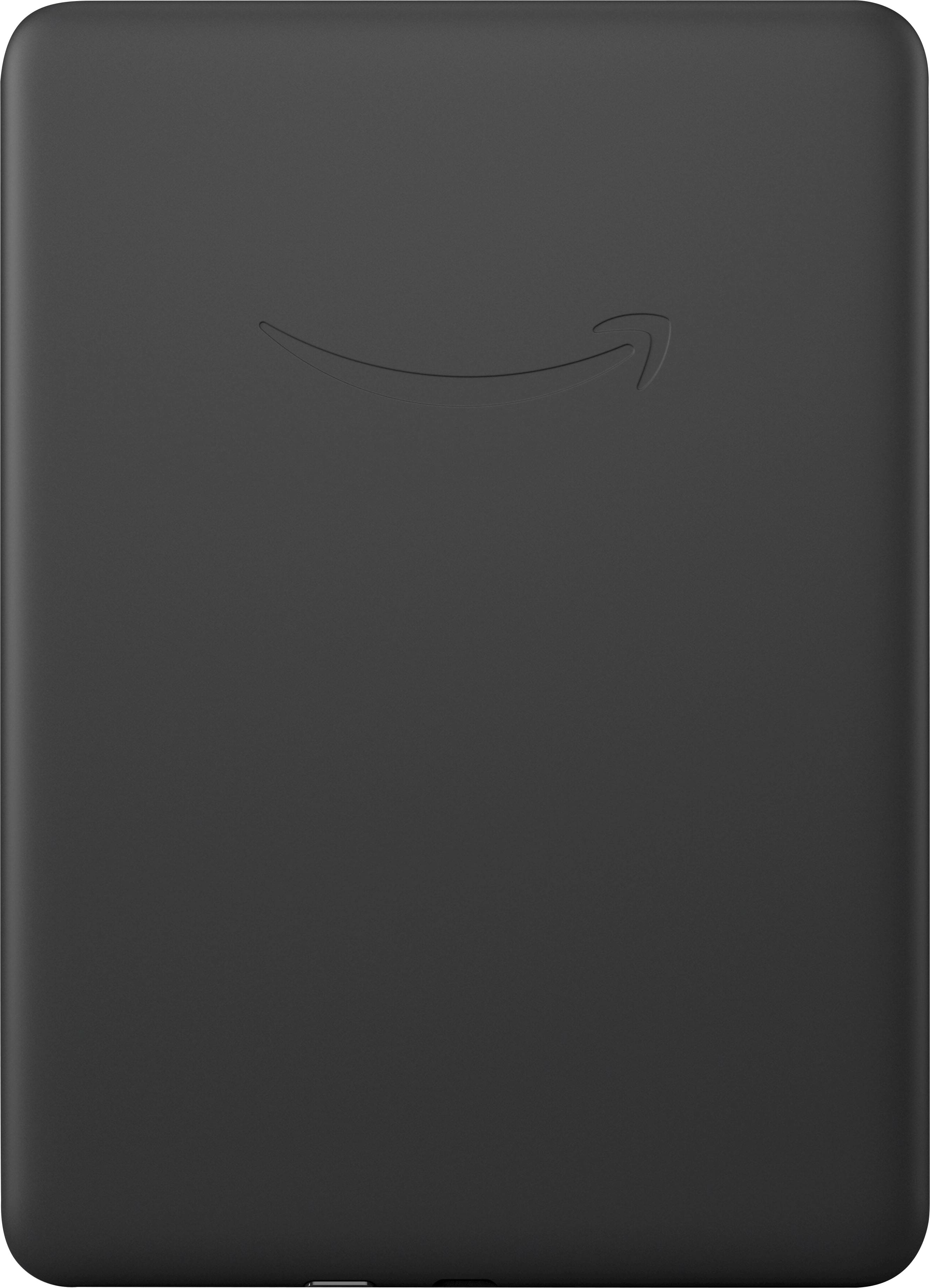
    • Answer Hello Cammoman99! As long as the Kindle is still working all you have to do is go to Settings > Device Options > Device Info. This screen will show the generation and serial number. If the device is not functioning you can typically find the serial number printed in small font on the back of the device. Searching online for the first 5-6 characters of the serial number should yield the info on what generation your device is. I hope this answers your question and I hope you have a great day!

      Answered by Amazon Devices Customer Support