Presidents’ Day SaleEnds February 16. Limited quantities. No rainchecks.Shop now

Main Content

Questions & Answers

Your price for this item is $159.99
Page Showing 41-60 of 88 questions
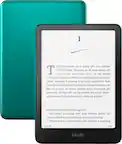
  • QuestionDoes it come with the protective jade cover?

    Asked by 08088.

    • Answer Hello 08088, thank you for your question. The Kindle Paperwhite does not include a case, but there are multiple covers that fit this Kindle Paperwhite. When looking for a compatible case, you will want to make sure it is designed to fit the Kindle Paperwhite (12th generation), 2024 release. I hope that helps; have a great day!

      Answered by Amazon Devices Customer Support

  • Questiondoes this kindle have games

    Asked by Anonymous.

    • Answer No.

      Answered by JacksonS

  • QuestionDoes it allow you to highlight s word to get the definition and conext?

    Asked by Steve.

    • Answer Yes but you have to turn airplane mode off

      Answered by DAVIDM

  • QuestionHi, can I use this in Canada? Can i download books purchased on amazon.ca into the kindle?

    Asked by Ann.

    • Answer I believe so

      Answered by NadiaB

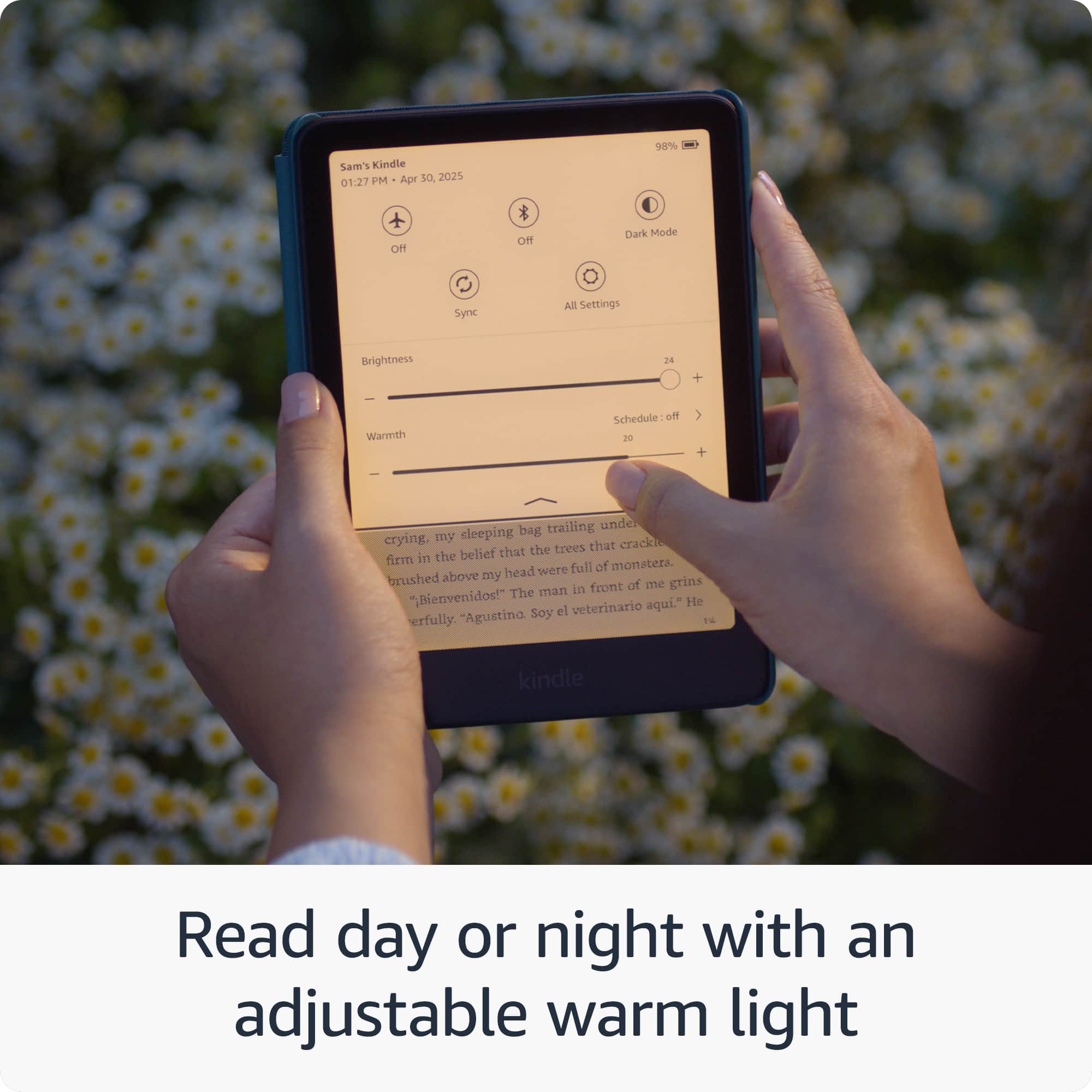
  • QuestionDoes this kindle have a night light?

    Asked by Halfpint117.

    • Answer Yes

      Answered by NadiaB

  • QuestionIs there a slot for a memory card?

    Asked by Anonymous.

    • Answer No

      Answered by LeslieW

  • QuestionHi, does this kindle come with some months of kindle unlimited free?

    Asked by jb.

    • Answer Yes!! Mine came w 3 months of KU for free when I registered it!

      Answered by Bryn

  • QuestionCan you highlight text and write notes on the page?

    Asked by LizM.

    • Answer Yes! It is just in all black and white if you are okay with that, if you prefer colored highlights I’d look into the Kindle Colorsoft. But I love the highlighting and notes feature.

      Answered by Bryn

  • QuestionDoes this require an Amazon account?

    Asked by elliott.

    • Answer Hello Elliott, the Amazon Kindle devices do require a free Amazon account. You do not need a Prime membership to use this. Have a great day!

      Answered by Amazon Devices Customer Support

  • QuestionCan it display white letters on a black background?

    Asked by Jack.

    • Answer Yes, in “dark mode”

      Answered by Resp

  • QuestionHi, does this Kindle come with a charger? Vic

    Asked by Anonymous.

    • Answer It comes with a cord to plug into a USB port

      Answered by Anonymous

  • QuestionIs this the International Version? Can I use it outside the US? For example in South America?

    Asked by Antonio.

    • Answer You can read your books anywhere in the world. You may not be able to download new ones but you can load it up before you go.

      Answered by Barry

  • QuestionDoes the home screen have color? My screen shows everything in black and white?

    Asked by Suzy.

    • Answer It does not. The Kindle colorsoft is the one with color.

      Answered by lindaaa

  • QuestionIs there a manual for this

    Asked by Karri.

    • Answer Hello Karri and thank you for asking this question, the Kindle comes with basic instructions, and the device itself gives you a walkthrough on how to use it when you first start it up. A more in depth user guide is also available on amazon.com. I hope this answers your question and that you have a great day.

      Answered by Amazon Devices Customer Support

  • QuestionWhat cover fits this kindle

    Asked by Turk6482.

    • Answer Hello, Turk6482. There are multiple covers that fit this Kindle Paperwhite. When looking for a compatible case, you will want to make sure it is designed to fit the Kindle Paperwhite Signature Edition (12th generation), 2024 release. I hope that helps; have a great day!

      Answered by Amazon Devices Customer Support

  • QuestionCan you play solitaire on this device?

    Asked by Norvin.

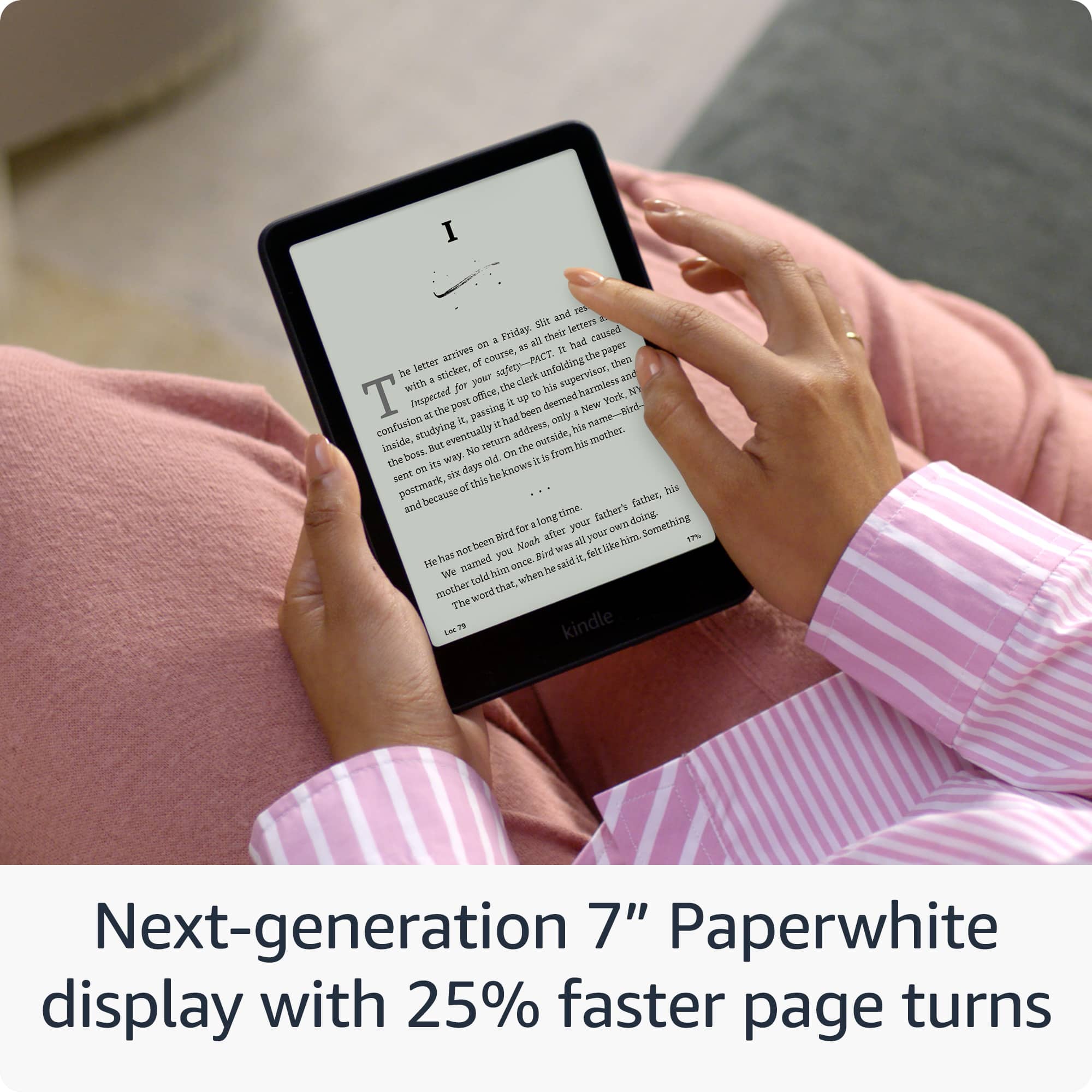
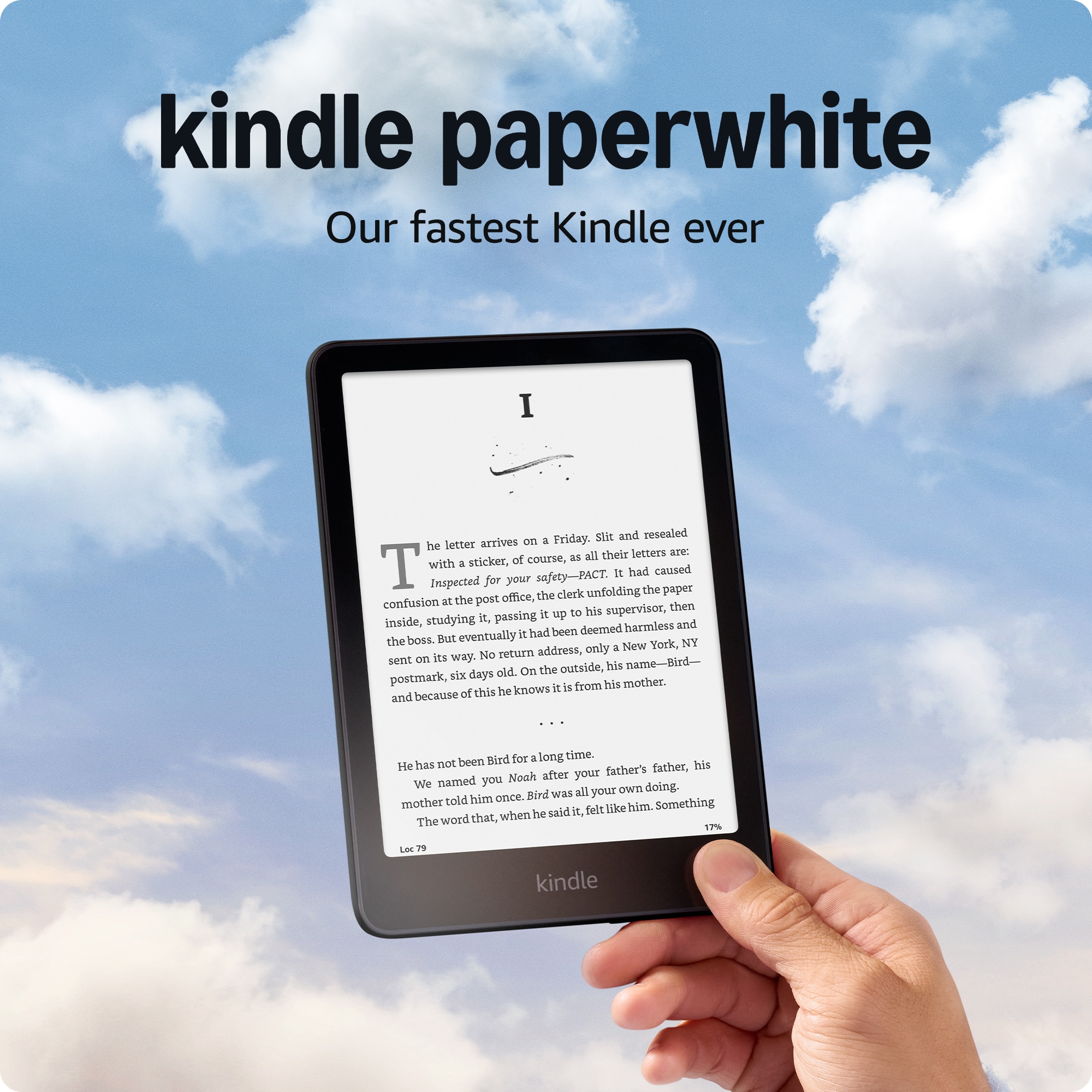
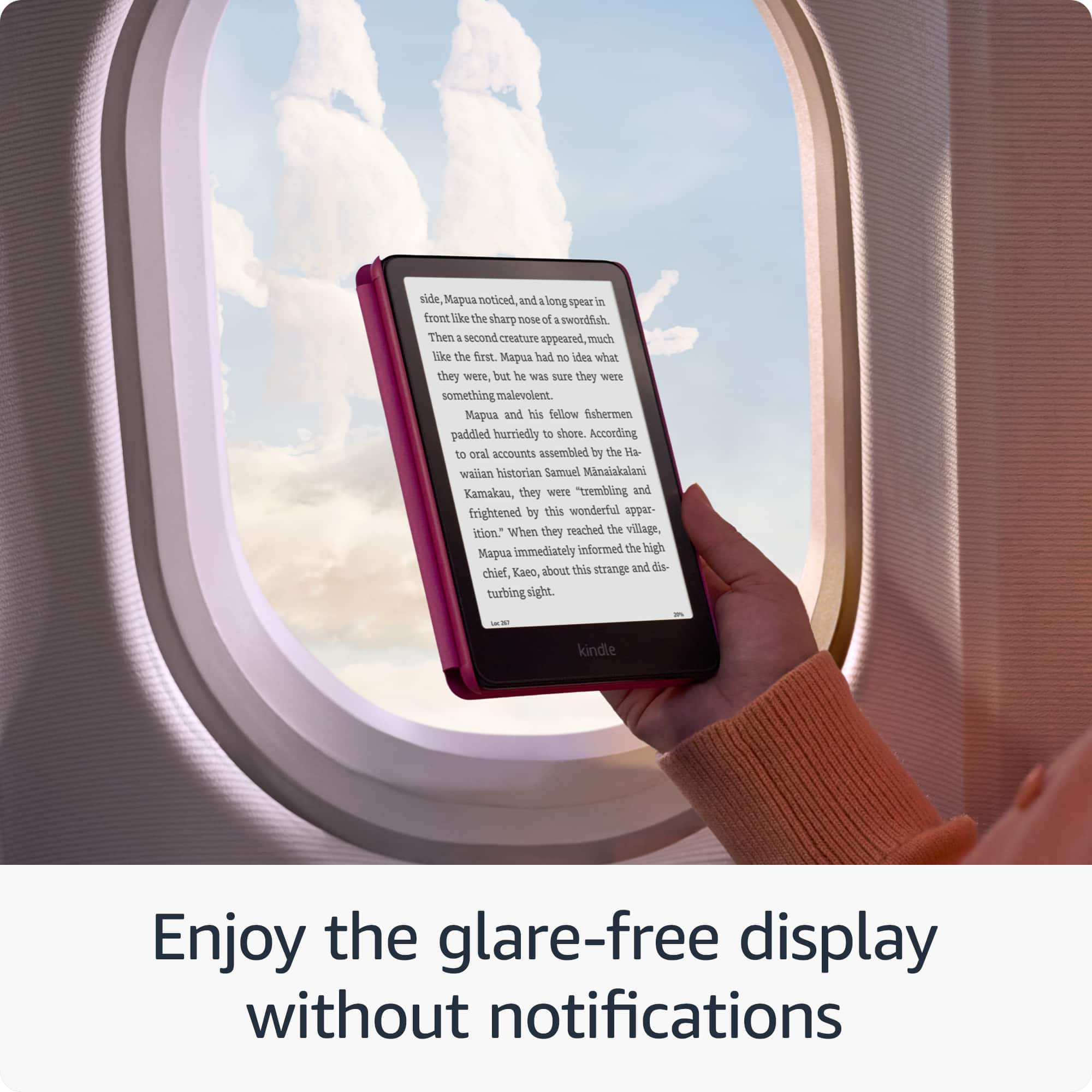
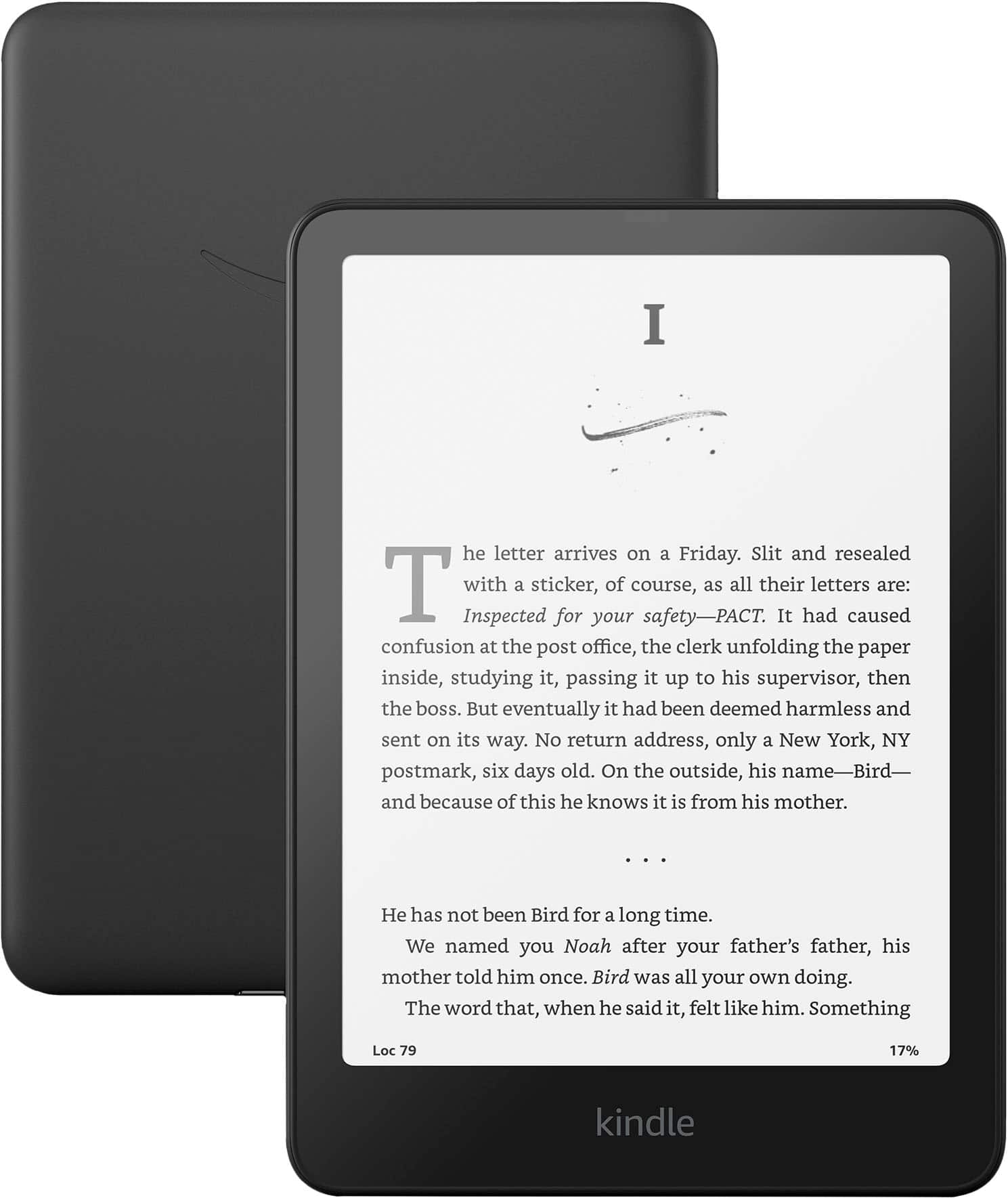
    • Answer Hello Norvin! Our fastest Kindle ever – The next-generation 7“ Paperwhite display has a higher contrast ratio and 25% faster page turns. Ready for travel – The ultra-thin design has a larger glare-free screen so pages stay sharp no matter where you are. Escape into your books – Your Kindle doesn’t have social media, notifications, or other distracting apps. This device is for a friction free reading experience, it doesn't have games available. I hope this information helps, have a great day!

      Answered by Amazon Devices Customer Support

  • QuestionHow much is the fee to remove the ads?

    Asked by Sierra.

    • Answer The ads only show up on the homescreen. I have not encountered any ads popping up while reading. It really is not worth paying to remove those ads. Truly do not affect the experience at all.

      Answered by MaritaL

  • QuestionDoes it come with a case?

    Asked by Case.

    • Answer No

      Answered by TracyD

  • QuestionCan I use Apple Books on the kindle?

    Asked by Amazin2.

    • Answer Hi Amazin2! Apple Books are not generally compatible with the Kindle Paperwhite due to the DRM (Digital Rights Management) that they are purchased with. Typically books must be purchased from Amazon, though DRM free titles and files can be added using the Send to Kindle function. I hope that helps, have a great rest of your day!
      Answered by Amazon Devices Customer Support

  • QuestionWhat is the cost of the one time fee to remove the ads on the Lock Screen?

    Asked by Sydney.

    • Answer Hello Sydney, The current cost of removing ads from a Kindle or Fire Device is $15, but that is subject to change. In order to enable Ad free use, You can log on to your Amazon Account on a web browser, from there you can click on "Manage Devices". You will see a list of your devices pop up, from their, you can select the device you would like to remove adds from. On the device page, you will see an option that says "Special Offers". Once you select that button, you will be able to click on "Remove Offers". A pop up window will display the price and ask if you would like to remove ads. From that point, you can decide if you would like to pay the fee, or keep the ads on your device. I hope this helps!

      Answered by Amazon Devices Customer Support