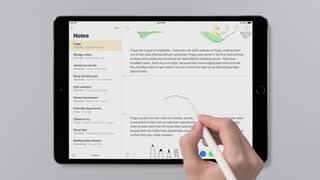
A:AnswerI think there's a way to do it with iCloud, but I don't use that. I transferred everything from an old iPad4 last week using iTunes. Just make a backup of your old iPad in iTunes, and then restore that backup to the new iPad Pro. The first time I ran the restore, it only copied over my settings, but then I repeated the restore and everything moved over. iTunes doesn't store your apps anymore, so the iPad Pro will download them all automatically after the restore is complete.
A:AnswerIt runs IOS 11. The same operating system on iPhones. I can do the many things on my IPad that I do on my Mac. But the iPad is more for any browser based task. If you need a spreadsheet you have an Apple program for that. As well as for documents.
The only things you can run are apps from the Apple App Store or browser applications. Think of it more like the capability of a chromebook. Hope this helps.
A:AnswerTypically "unlocked" means it is network ready but is not tied to any particular phone system, e.g. AT&A, Verizon, etc. so you can use it with which every provider you want.
A:AnswerExactly as the previous answer stated. It comes with IOS 11, and I believe there is a small update to 11.1, but it's quick, and not a big deal. If you have everything backed up to the Cloud, just register your new Ipad and everything should download just fine.
A:Answeryou can always pick up at the store, but by the time your there it might be gone. ordering online guarantees your spot. and you just pick up... you can always buy prepaid card from target or walmart