A:AnswerTake the safe route and just pre-order. Guarantee your chance to get one rather than risk scalpers swooping in and buying stock before you get the chance.
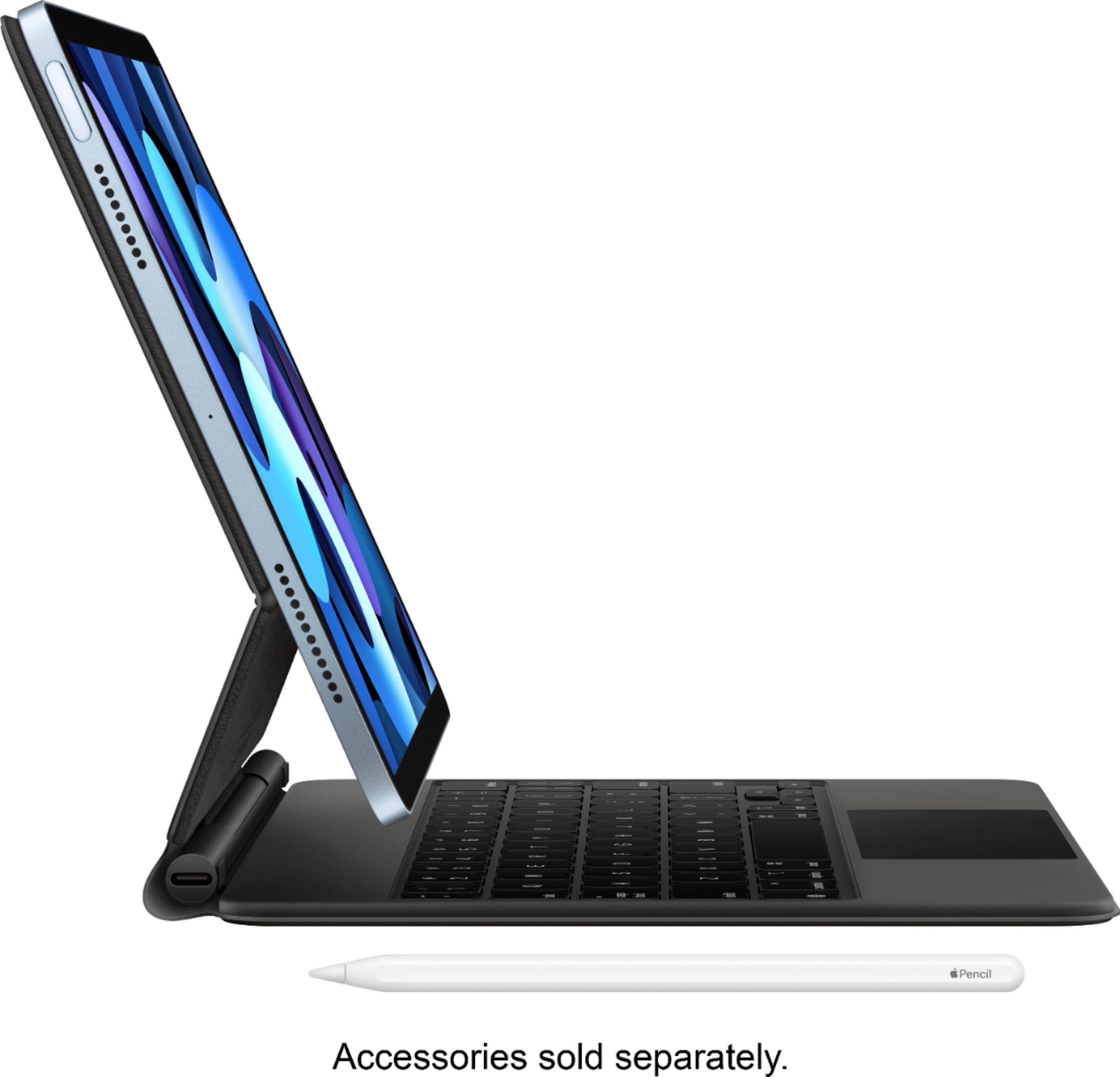
A:AnswerNot a day goes by that I’m not drawing on my new iPad Air. I made the switch from the iPad Pro so I was worried about losing some amount of technicality. Previously I had used a specialty drawing screen protector because I found it so slippery and felt out of control which then visually also made for a dimmer less vibrant looking iPad. This time however, I didn’t worry about the special drawing screen protector and I’m very happy with the Pencil to screen feel on the new iPad Air, besides drawing I also hand write letters and fill in forms. I’ve had to get replacement Tips for my Pencil I use it so much but you get 4 in a pack so they’ll last!
A:AnswerNo, it is the Wifi Model. I suppose you could use it on the go if you find an open hotspot at a restaurant or hotel or someplace. But it is NOT the cellular model. You can buy a cellular model but it is not this one. Whatever you do, keep checking the price on the ipad during the first 14 days you own it. I got screwed by BestBuy when they dropped the price and wouldn't honor the PriceMatch.
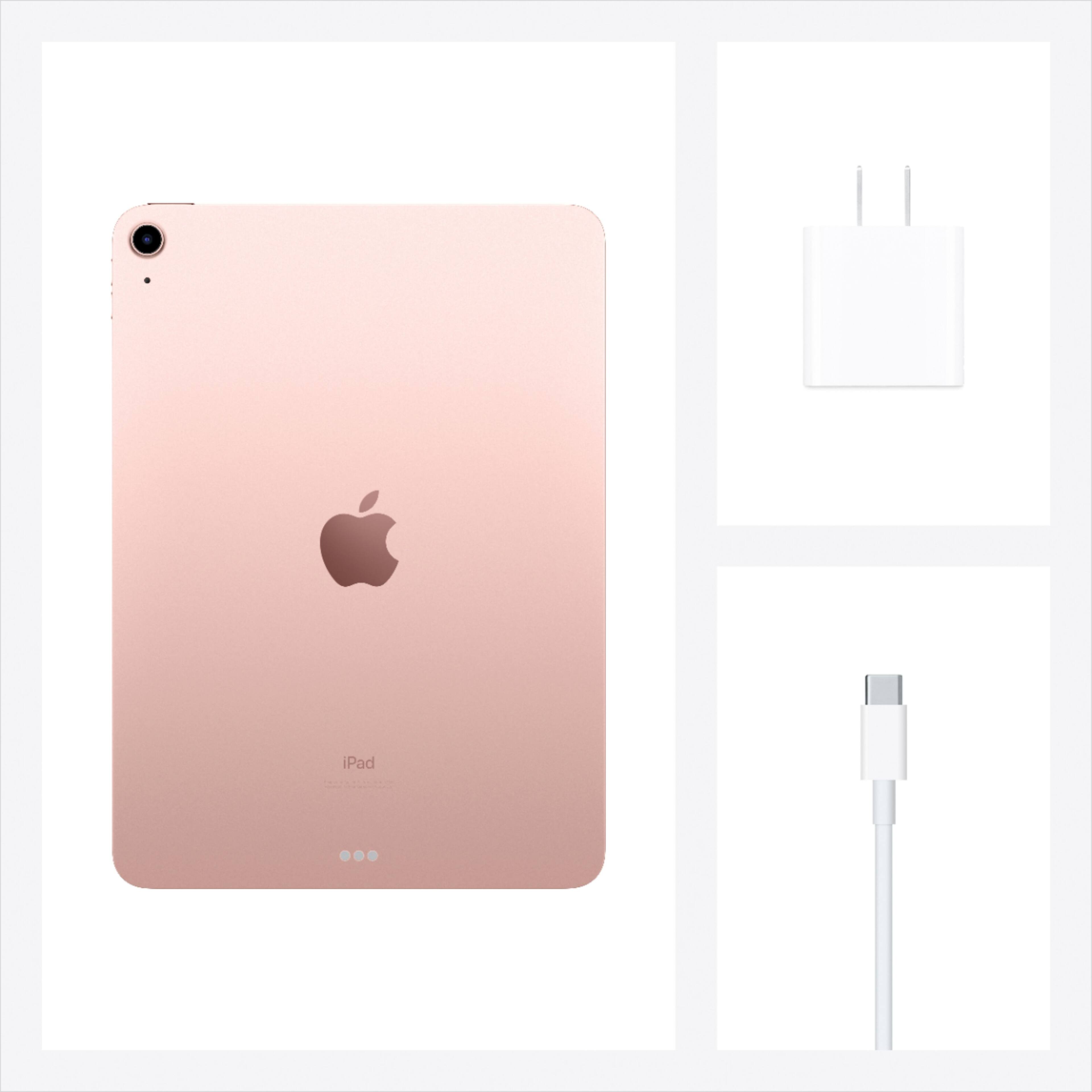
A:AnswerThe latest iPad Air (4) comes with a charging block and connecting cable—all that’s needed to get up and running. If the lucky gift receiver wants to use corded headphones or download anything from a Mac desktop computer, then adapters are required. But most people will be just fine with what comes in the box. I’m on my third iPad, and this iPad Air is the best yet (for me).
A:AnswerThe easiest way is to bring it to customer service at your nearest Best Buy. That’s what I did and the Best Buy representative made the process easy. I was given a Best Buy gift card worth the trade in value of my old iPad.
A:AnswerYour can transfer files, images, etc. from one Apple device to another via Bluetooth, using Airdrop.
If you're wanting to transfer your whole set-up - files, apps, everything - from one iPad to another, then I think as a previous response said, you can do a backup of the old device to iCloud and then restore to the new device from there. You can also do a backup/restore to/from a Mac computer, such as a MacBook.
If you have an app on one iPad and want to have it on another iPad, you can just go to the App Store and download it again, if you're logged in using the same Apple ID. No additional charge. For a different Apple ID, check out Family Sharing.
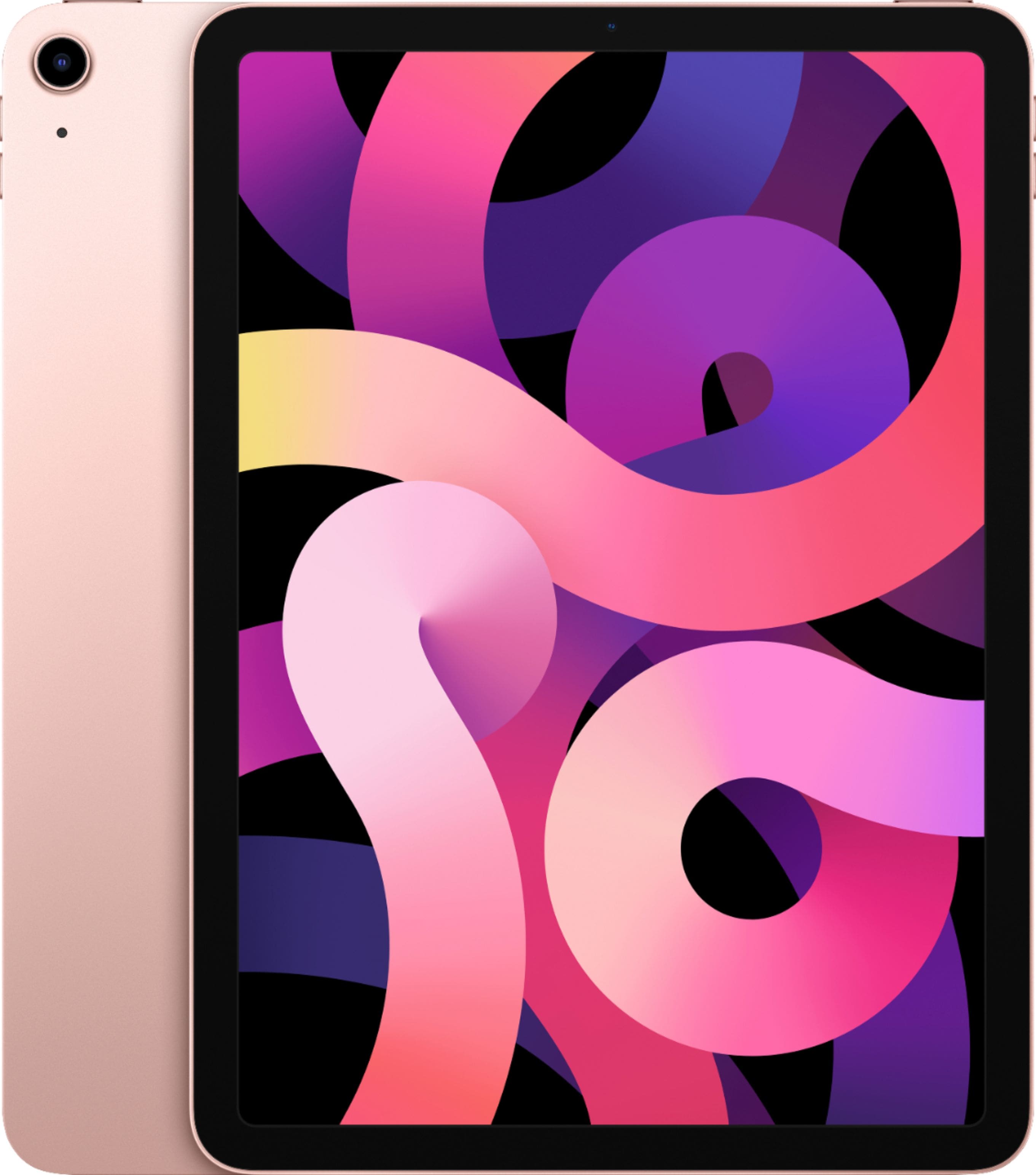
A:AnswerYes, 4th generation iPad Air. It’s the 10.9” screen. I just bought a nice Targus cover for mine that has a flip stand-up feature for BOTH horizontal or vertical viewing. It also has a magnetic tab to keep it closed.