A:AnswerIt happened with Apple products in the past. A lot of the time it is the charger itself. Also, the outlet or surge suppressor you use can also effect this.
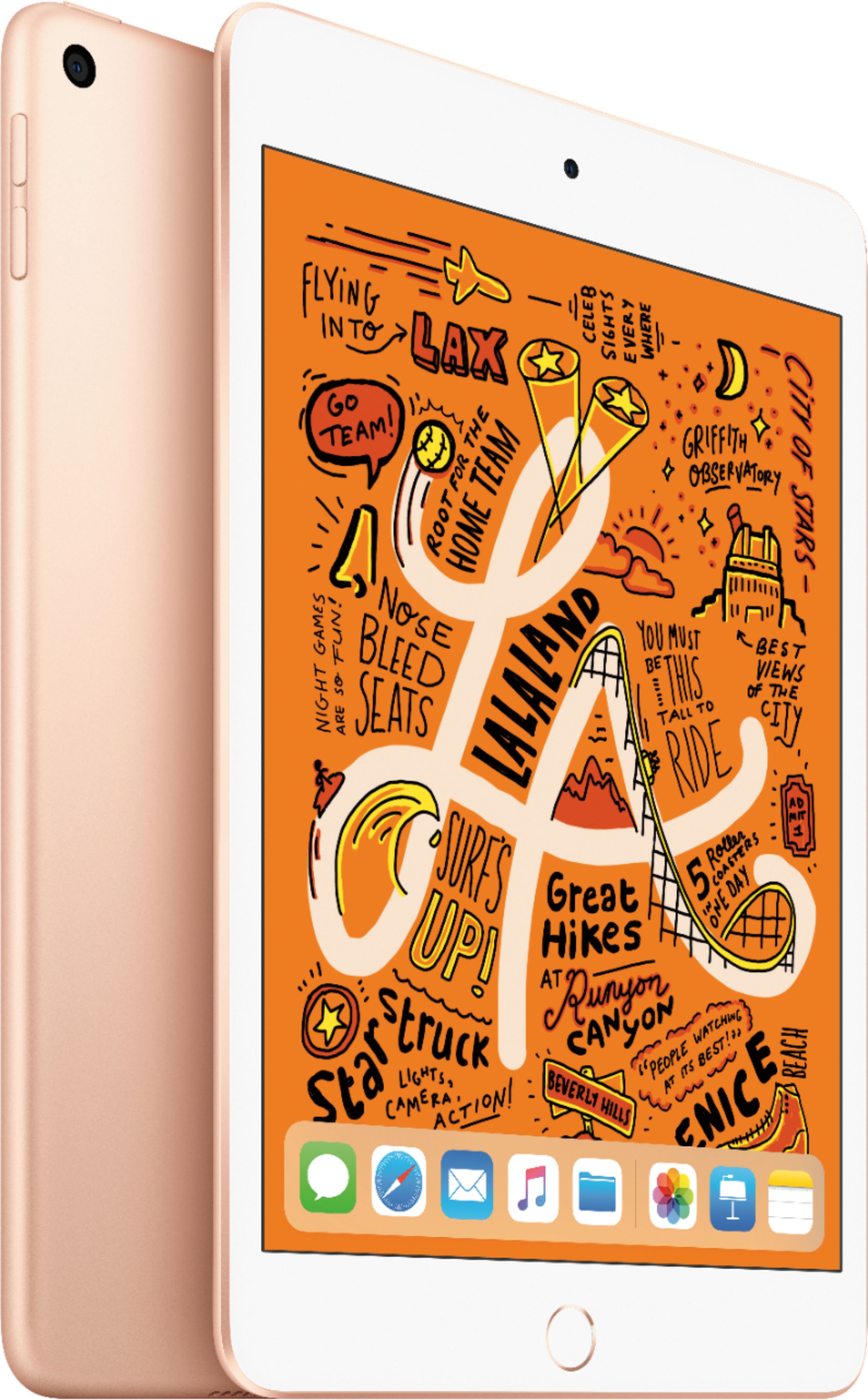
A:AnsweriPad comes with a variety of pre-installed apps including Messages, FaceTime, Safari, Mail, Calendar, Photos, and more. The App Store has even more apps, designed to take advantage of the power and large display of iPad.
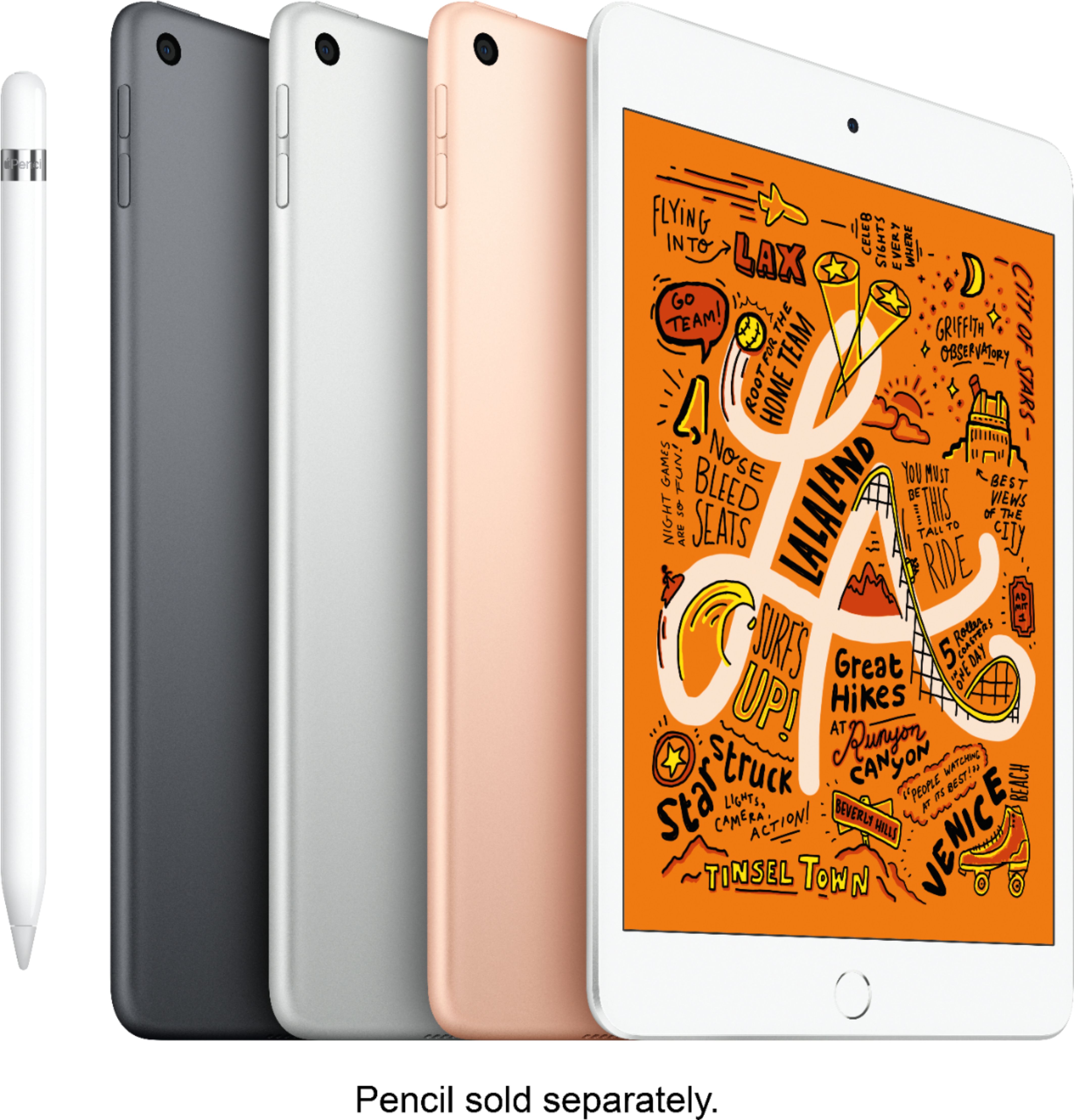
A:AnswerYes you can disable the wifi and use a parent app to protect your child from the dangers of the internet. Parental control on Apple products is flawless. Apple pencil is super precise and the iPad battery will last long for that kind of use.
A:AnswerOnce you get your new IPad, just keep the old one near by and follow the instructions that they both give you. When it comes to transferring all of your apps, data, photos, etc... from the old one, I found it easy to do it from the cloud than transferring ftom IPad to IPad. I hope this helps.
A:AnswerYes and no
It depends on the iPad. Older ones may not be supported but most are able to be fully updated. iPad mini 5 is apples newest iPad mini therefore it can run the latest iOS