A:AnswerYou will need to back up your old iPod to your iTunes account. Then you can set up your new iPod by connecting it to your iTunes and it will ask you if you want to set it up as a new iPod or restore from a backup. You tell it you want to restore from a backup and iTunes will do the rest. After iTunes has finished, your new iPod will look exactly like your old one.
A:AnswerI am not very tech savvy, but in my car I have an aux cord I connect and it plays through my stereo. It is blue tooth capable so I would think it would connect with your stereo if it too was blue tooth enabled, but gain not tech savvy.
A:AnswerThis website was very helpful in determining the differences between the 5th and 6th generation iPod: https://everymac.com/systems/apple/ipod/ipod-faq/differences-between-ipod-touch-5th-gen-6th-gen.html
A:AnswerEverything I read about the IPod Touch, it will record and play iTunes and MP3 music. I've not had the chance to actually record the MP3 music yet. However, just about all the music I have is MP3. This is one of the main reasons I purchased two of the iPod Touch units. Also, if recording iTunes to your Mac, you should be able to convert to the MP3 Version. I hope this helps.
A:AnswerI believe BestBuy do take trade-ins.
As far as trade-ins for an Ipod 5, I'm not sure.
The best advice is to call or actually go to the store and ask.
And paying the "difference" for the 6, I dont see why. I'm not sure if trade-in is $100.
A:AnswerThe battery life on these are the same with most devices today. They start out great (about 40 hours if you are only listening to music), but diminish gradually over time. That is if you do not overcharge, or it could diminish at a faster rate.
A:AnswerThe only service you’d have to pay for would be Apple Music if you choose to do so. There is nothing that forces you to pay for any service unless you sign up for it.
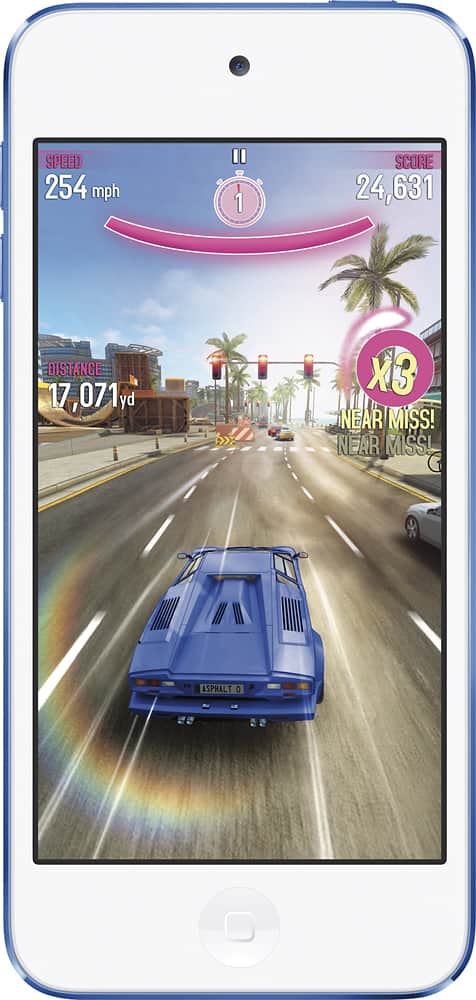
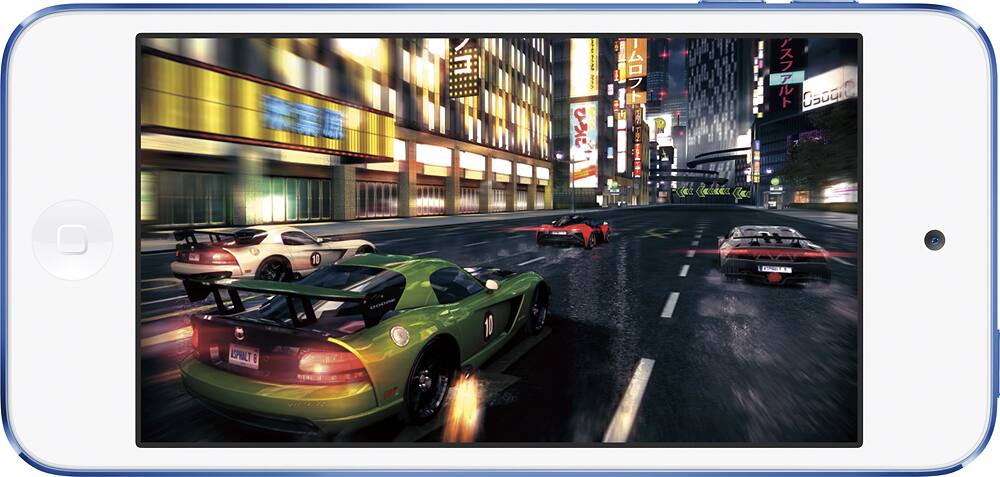
A:AnswerYes, it's basically a smartphone without a mobile data plan. As long as the person can connect to Wifi (internet) at home then they can download games from the App Store.