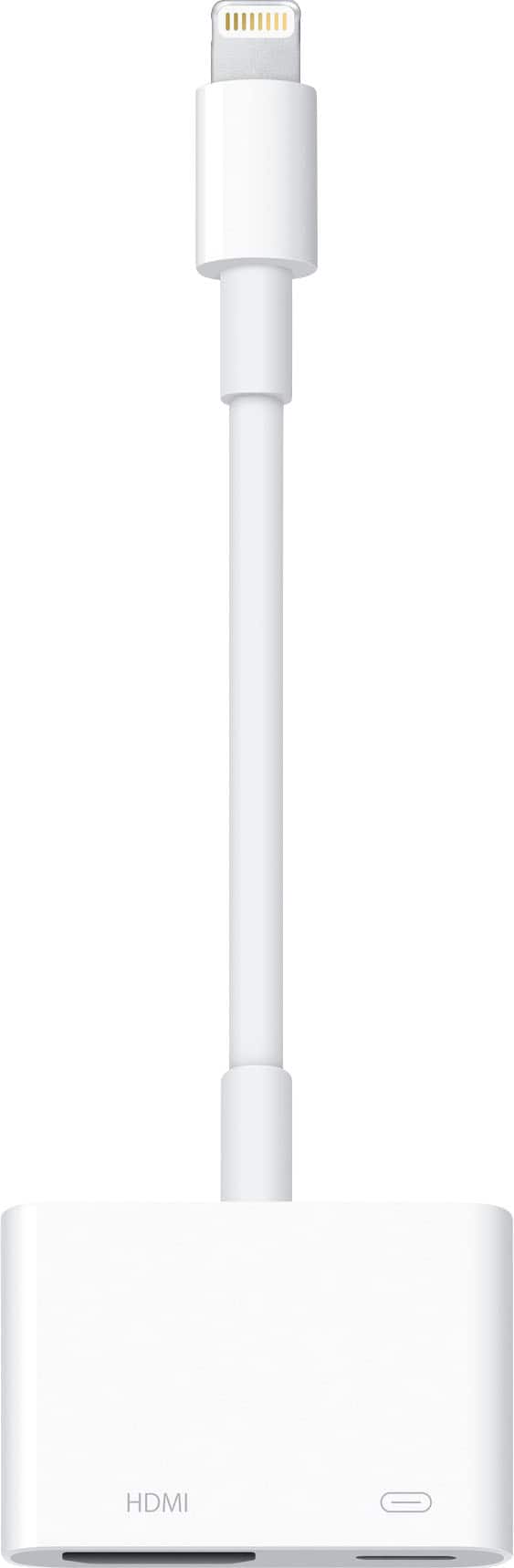
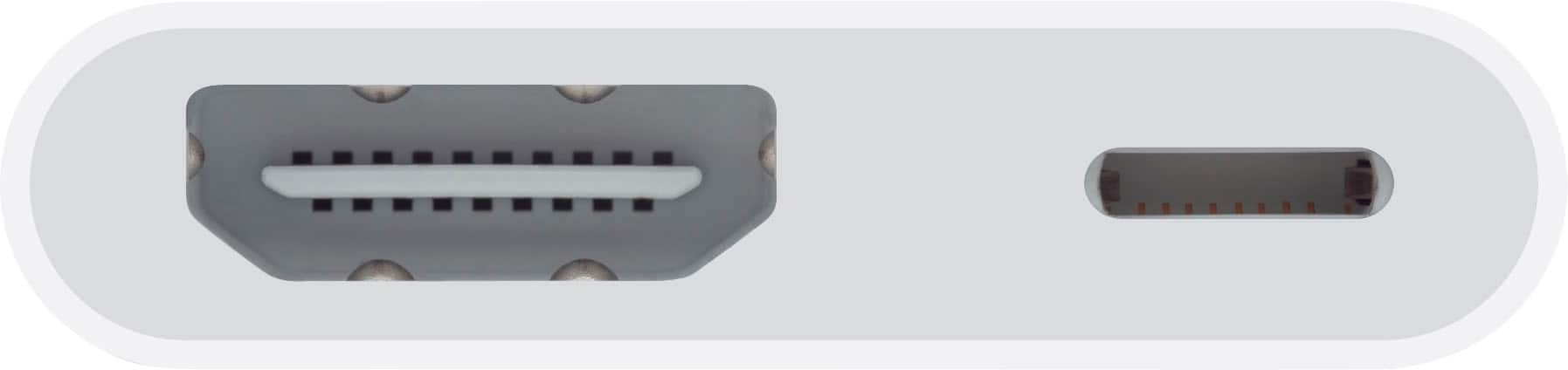
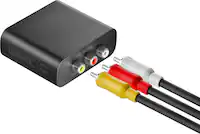
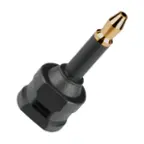
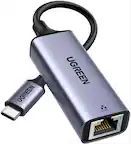
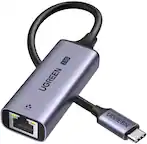
A:AnswerYes if you hook it to the I phone and go to this site on your I phone. Ustvgo you will be able to watch over 80 free cable channels free from your I phone to your tv. Hook the lightning adapter to the bottom of yours iPhone the other end will have a HDMI cable running to that the other end of the HDMI cable will go back of your TV on HDMI 12 or three whatever you use and then find your icon for that on your TV and you’ll be able to watch lotta channels
A:AnswerIf you have already downloaded your movies you should have no problems using this. This device allows you to connect your iPhone or iPad to your television.
A:AnswerYes, just know that Bluetooth (speakers) do not work when the HDMI adapter is used. The speaker on the projector or RCA cables for external speakers must be used.