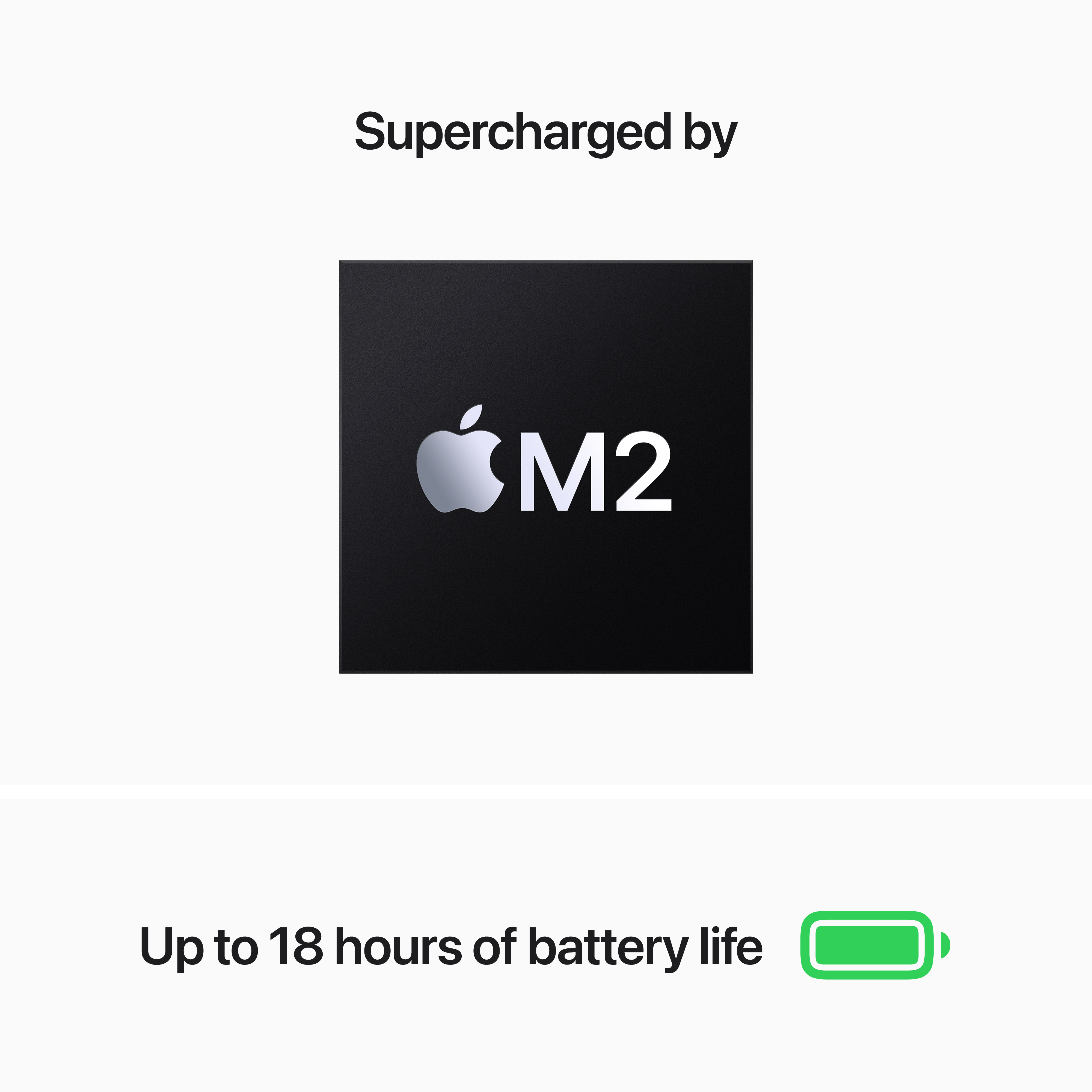
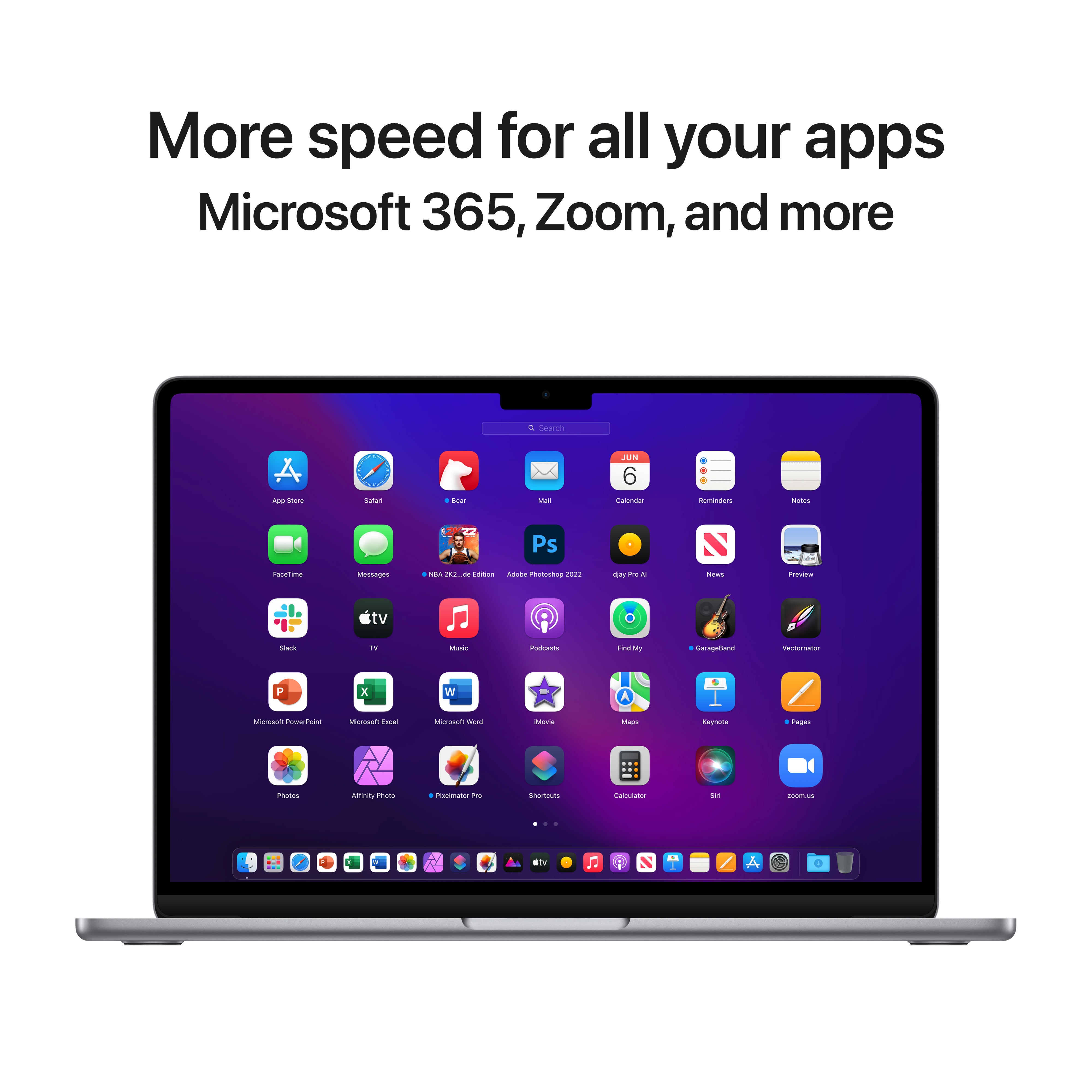
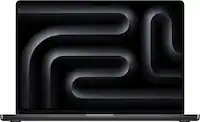
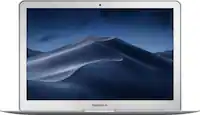
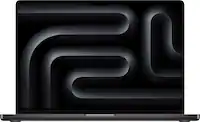
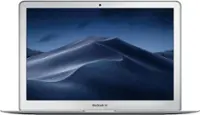
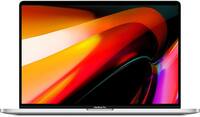
A:AnswerMost “APPS” will not run on a MacBook but the new Mac’s do have a small amount of APPS that are designed to work on a MacBook. In the Apple Store there’s a choice to search for regular Apps or Mac Apps. The way IOS on a Mac and on an I-phone or I-pad runs Apps is different and Apps are mostly very small programs and most processing is done in the cloud instead of by the machine. I was happy to see that the new MacBooks can handle Apps written for them because some apps in my opinion are better than a full program. At least that’s my understanding and what I noticed when I started using my new MacBook. Which I love by the way. The M2 processor is excellent so splurge and pay the extra couple of hundred dollars for the M2 and 512 Gb SSD storage. For normal, everyday use it’s more than enough for “everyday” computing needs. The 8 Gb memory and the 512 Gb should be more than enough computer for a lot of people and you can purchase additional I-cloud storage starting at about $2.99 per month and different levels that go up from there.
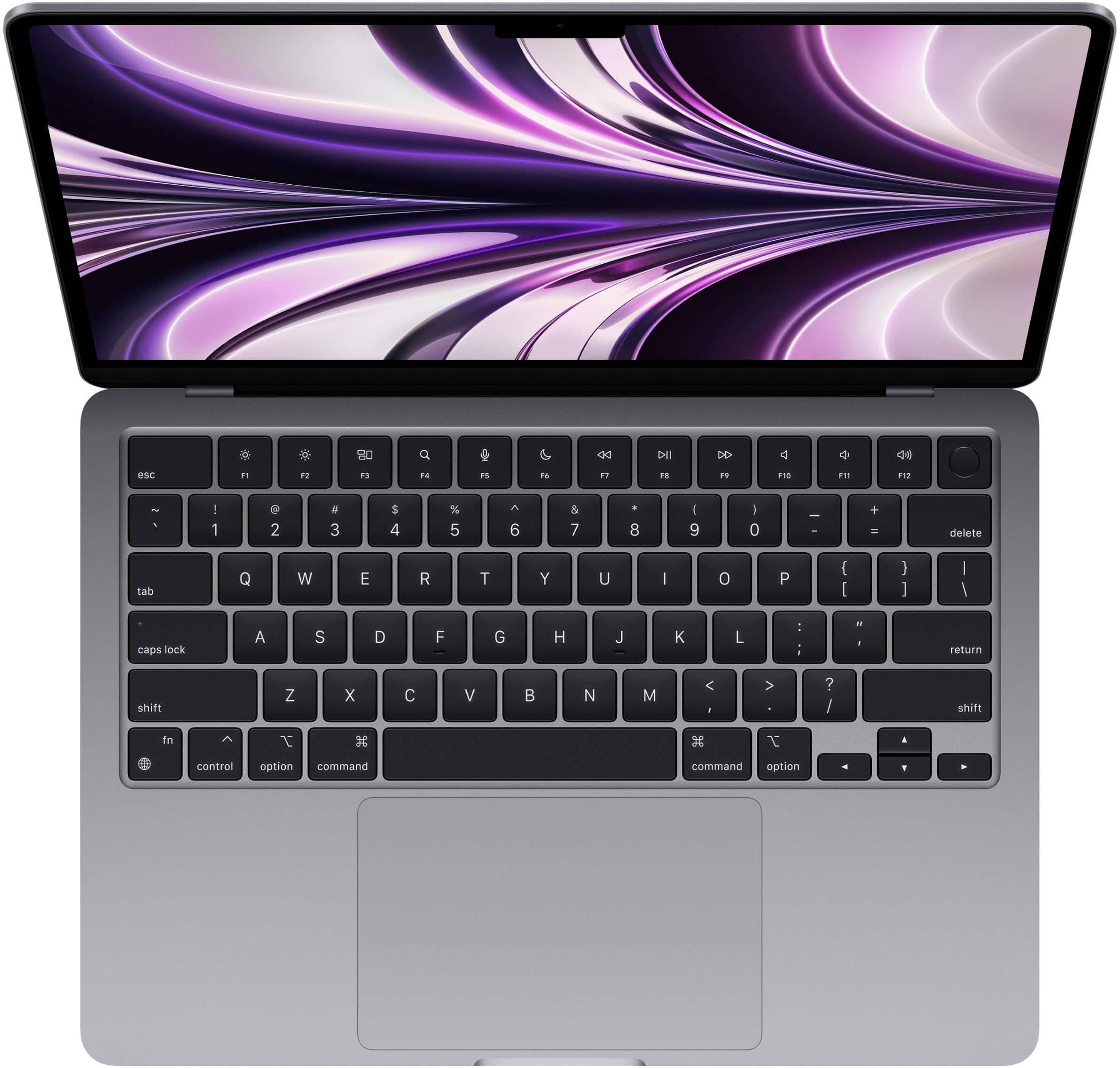
A:AnswerYou can switch the keyboard language to many different languages including Portuguese. If you want a computer with a Portuguese keyboard layout then you'll want to order from Apple directly and chose that as a build to order option.
A:AnswerNo. None of the MacBook’s have touchscreens because Apple wants to keep the products separated as “direct input” for I-pads and I-phones and “indirect input” for MacBooks. I didn’t make that up and apparently Apple feels and keep the product lines separated by not providing touchscreen on MacBooks. I see their point as I very rarely use touchscreens on PC’s but the phone and I-pads are specifically designed touchscreen. I have a new 10th generation I-pad with an optional keyboard attachment along with the pencil which is great but I NEVER use the keyboard. It seems too much of a hassle to get it out even though it attaches automatically if it’s within about 2 or 3 inches of the connection point. I do use the pencil a lot and it’s nice to sign your name and have it actually look like your real signature.
A:AnswerYou have to buy the Apple Care separately but it’s worth it. You get full repairs including cost & labor. You also get accidental protection so if you drop it or waste a can of coke, like I did, on the keyboard it covers repair or replace as well.
A:AnswerI have a 1 tb laptop that last 4 years, as an active college student i found 8gb was not enough and running out of hard drive space fast with computer updates and all