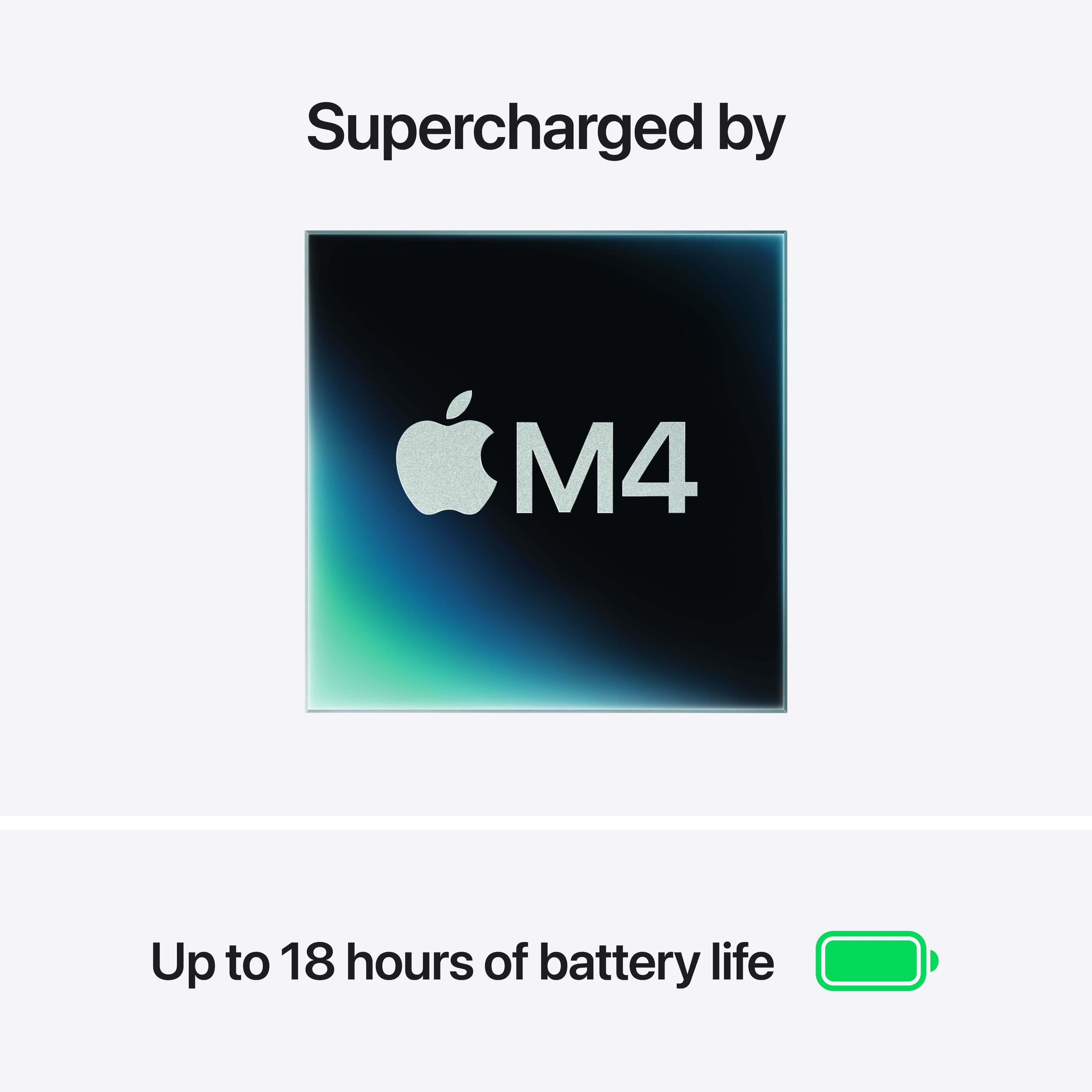
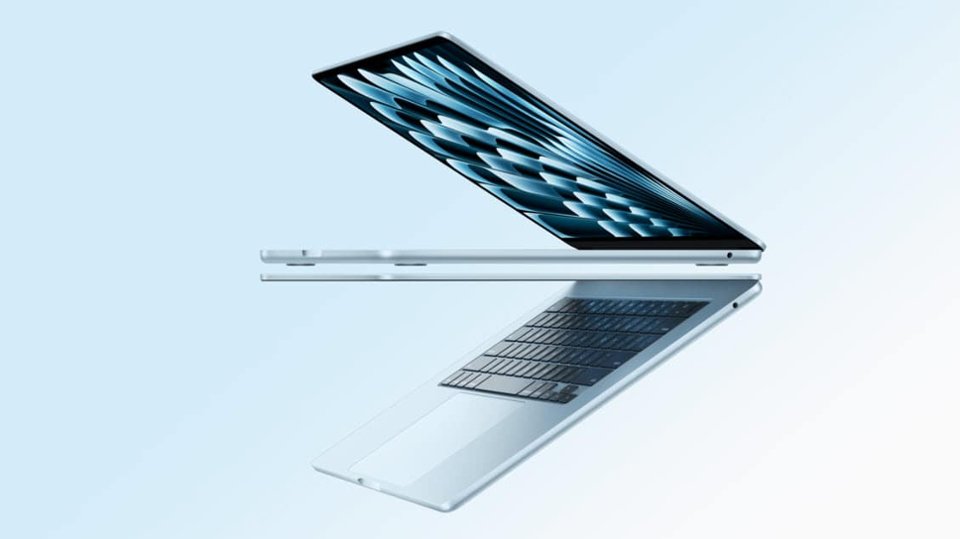
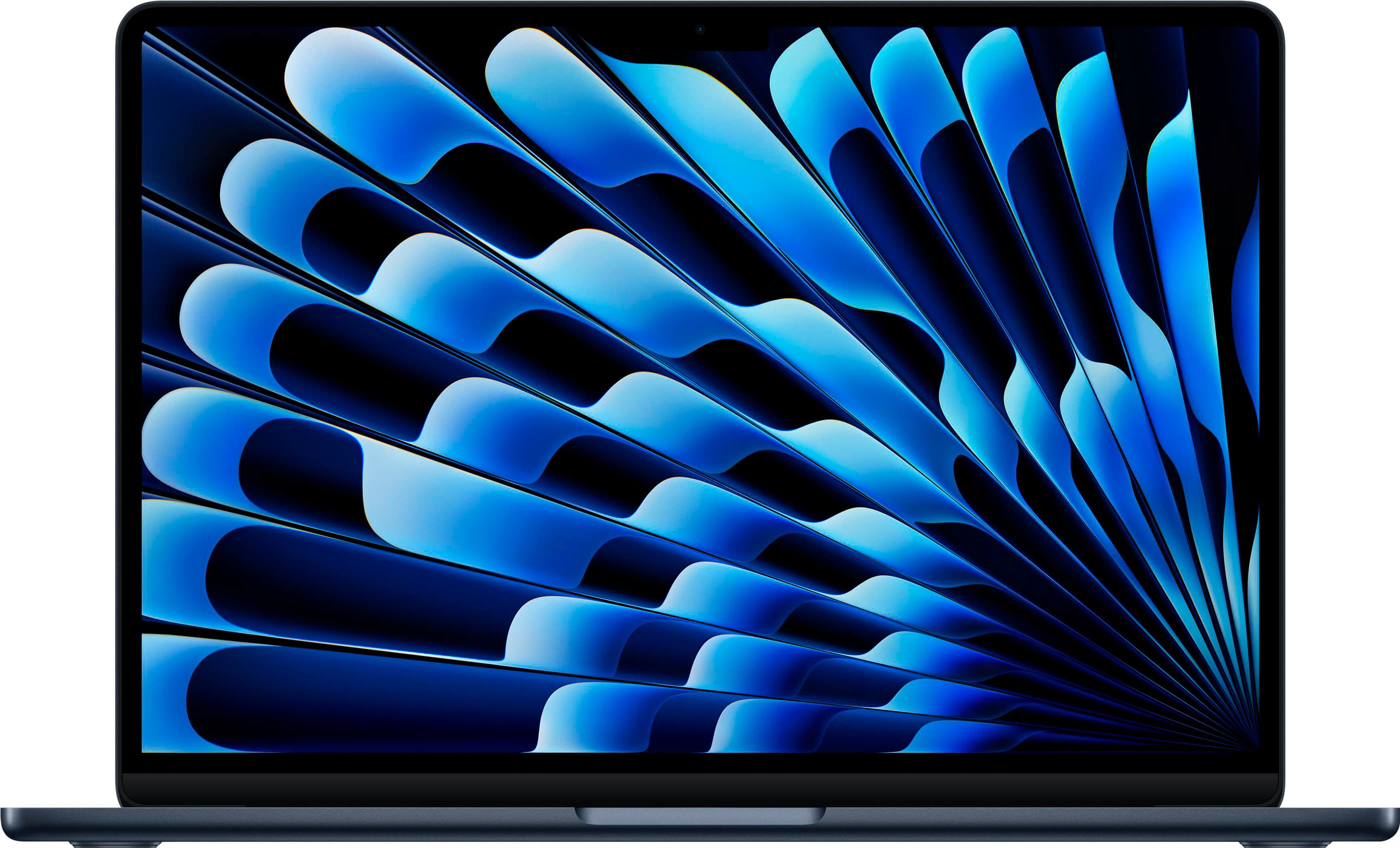
A:Answer 16GB of RAM. The M4 chip is also very powerful. This macbook can run heavy software like the Adobe Suite. If you need to edit 4k or a lot of footage using premiere, I would recommend to get the Pro. For general design and daily work use, this MacBook is powerful. I have also played games on here like Minecraft, small indie games, and such.
![esc F1 F2 F3 F4 F5 F6 F7 FB F9 F10 F11 F12 ! 1 2 # 3 $ 4 % 5 A 6 & 7 + 8 ( 9 ) 0 I - + - delete tab Q W E R T Y U | 0 P { [ } ] | / caps lock A S D F G H J K L : ; 1 I return shift Z X C V B N M < 1 > . ? / shift T T A fn control option command command option Y Y](https://pisces.bbystatic.com/image2/BestBuy_US/images/products/b77bd574-2873-4e4e-9882-ab47ea405001.jpg)