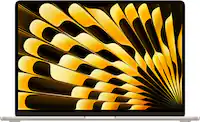
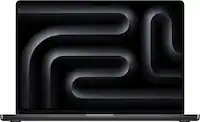
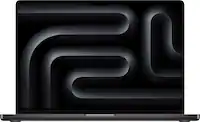
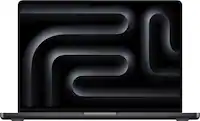
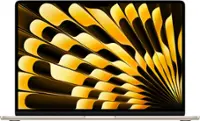
A:AnswerI have had mine for over a month and run it for large bursts of time and have not experienced any overheating! I got the starlight color and purchased hardshell cover and keyboard protector off Amazon in similar color. I love it!
A:AnswerNo, the MacBook Air doesn’t come with separate antivirus software preinstalled — but it doesn’t really need one. macOS includes built-in security features like Gatekeeper, XProtect, and System Integrity Protection, which automatically help protect against viruses and malware.
If you prefer extra protection, you can always install a trusted third-party antivirus program, but for most users, the Mac’s built-in security is more than enough.
A:AnswerThe MacBook Air M4 works with all macOS-compatible software. That includes apps like Safari, Pages, Numbers, Keynote, GarageBand, iMovie, and all software from the App Store. It also runs popular programs like Microsoft Office, Zoom, Google Chrome, and Adobe Creative Cloud.
A:AnswerNot one hundred percent about the warranty, I think it is a year, but I bought a three year extra warranty. Not sure what all it has on it, I just know she loves it.
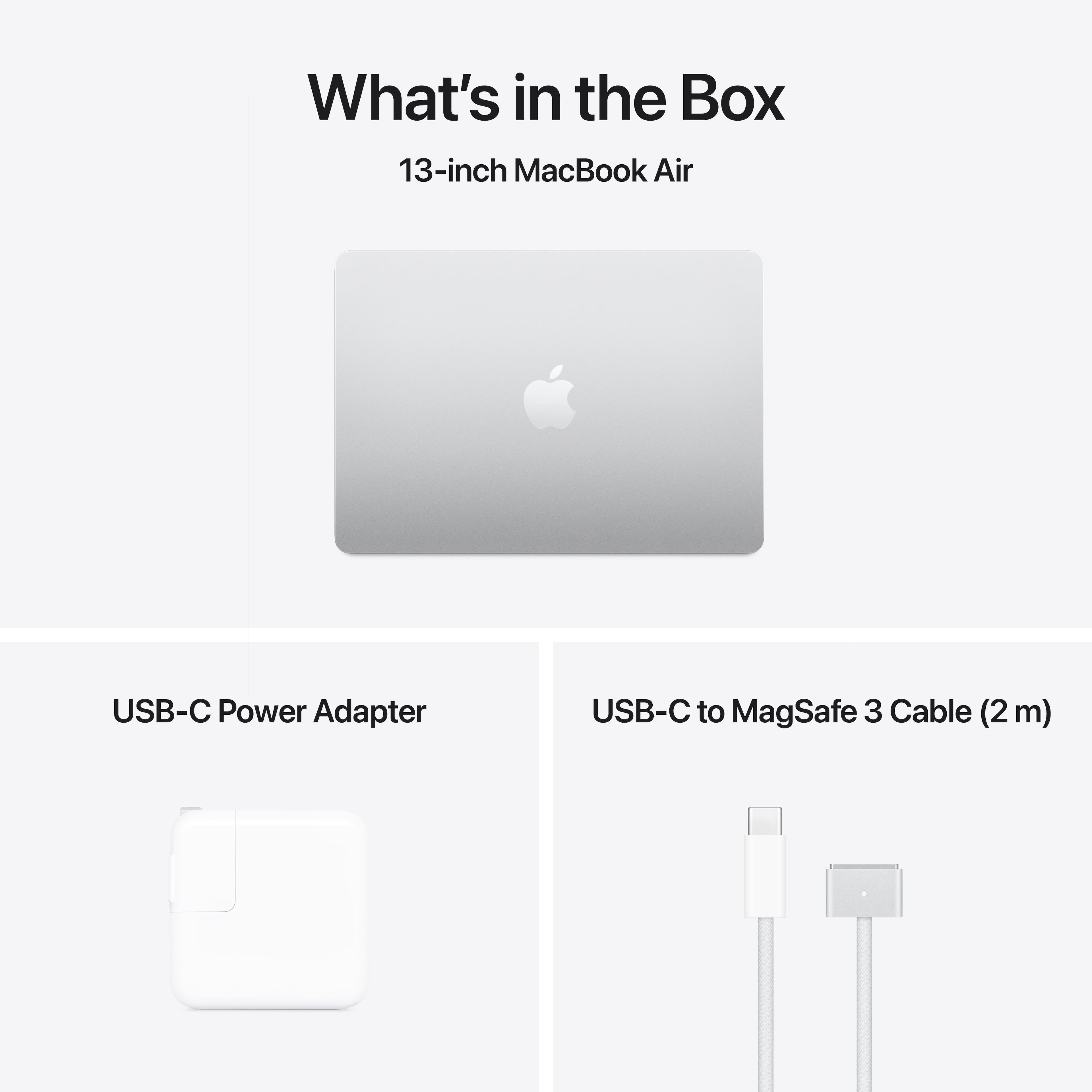
A:AnswerThe base power adapter that most MacBook Airs ship with is the 35W dual usb-c power adapter. I found out that the MacBook Air boxes aren’t built in store like the Apple Watches, they have to be configured from Apple. Some of the higher end MacBook airs provide a 70W usb-c power adapter which is the max power the MacBook Air will receive
A:AnswerHi Carl,
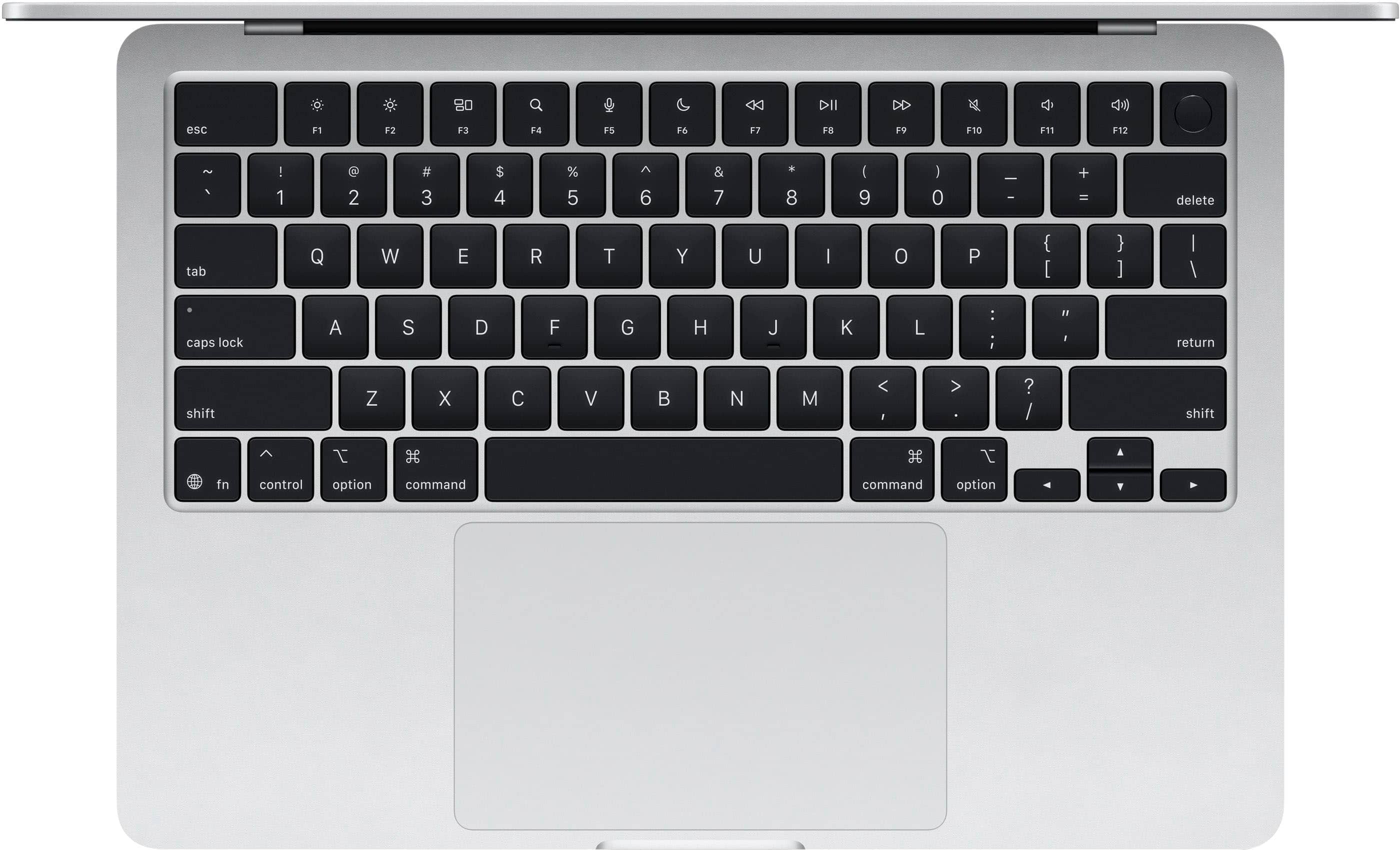
This MacBook Air M4 comes with the standard English (US) keyboard layout. However, macOS allows you to easily switch to the Spanish (Latin American) keyboard layout in the system settings for typing in Spanish.
If you specifically need a physical Spanish (Latin American) keyboard layout with the Ñ key printed on the keyboard, that usually has to be ordered directly through Apple or a custom configuration.
Hope that helps!
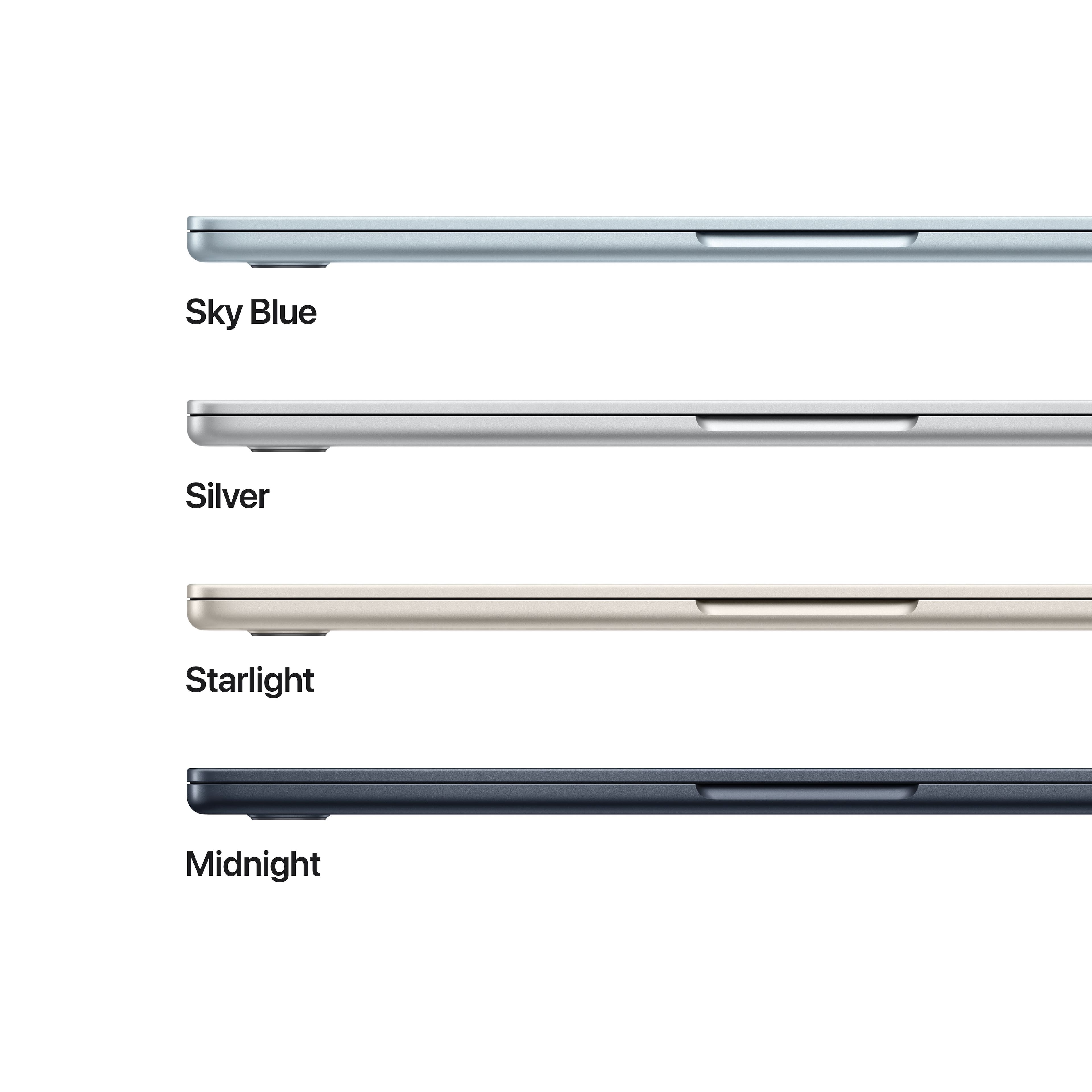
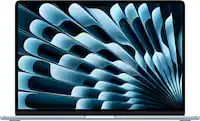
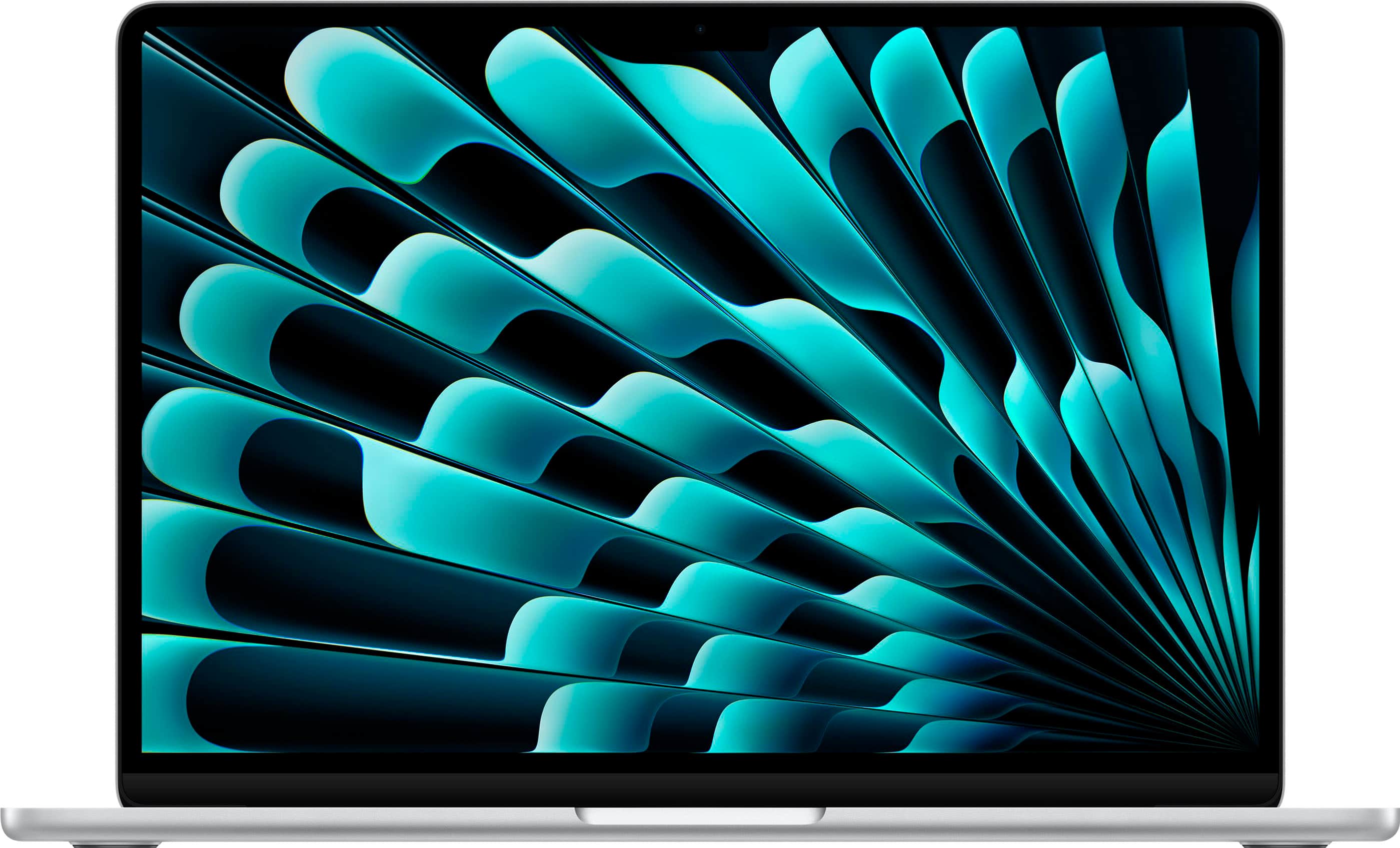
A:AnswerThe M4 MacBook Air (2025) is available in four aluminum finishes: the new Sky Blue, along with Midnight Starlight, and Silver. All models feature a color-matched MagSafe charging cable. Sky Blue is described as a metallic light blue, while Midnight is a deep navy that is almost black.
Available Color Options:
Sky Blue (New): A subtle, light metallic blue.
Midnight: A dark, navy-blue finish.
Starlight: A warm, champagne-gold silver.
Silver: The classic, standard silver.
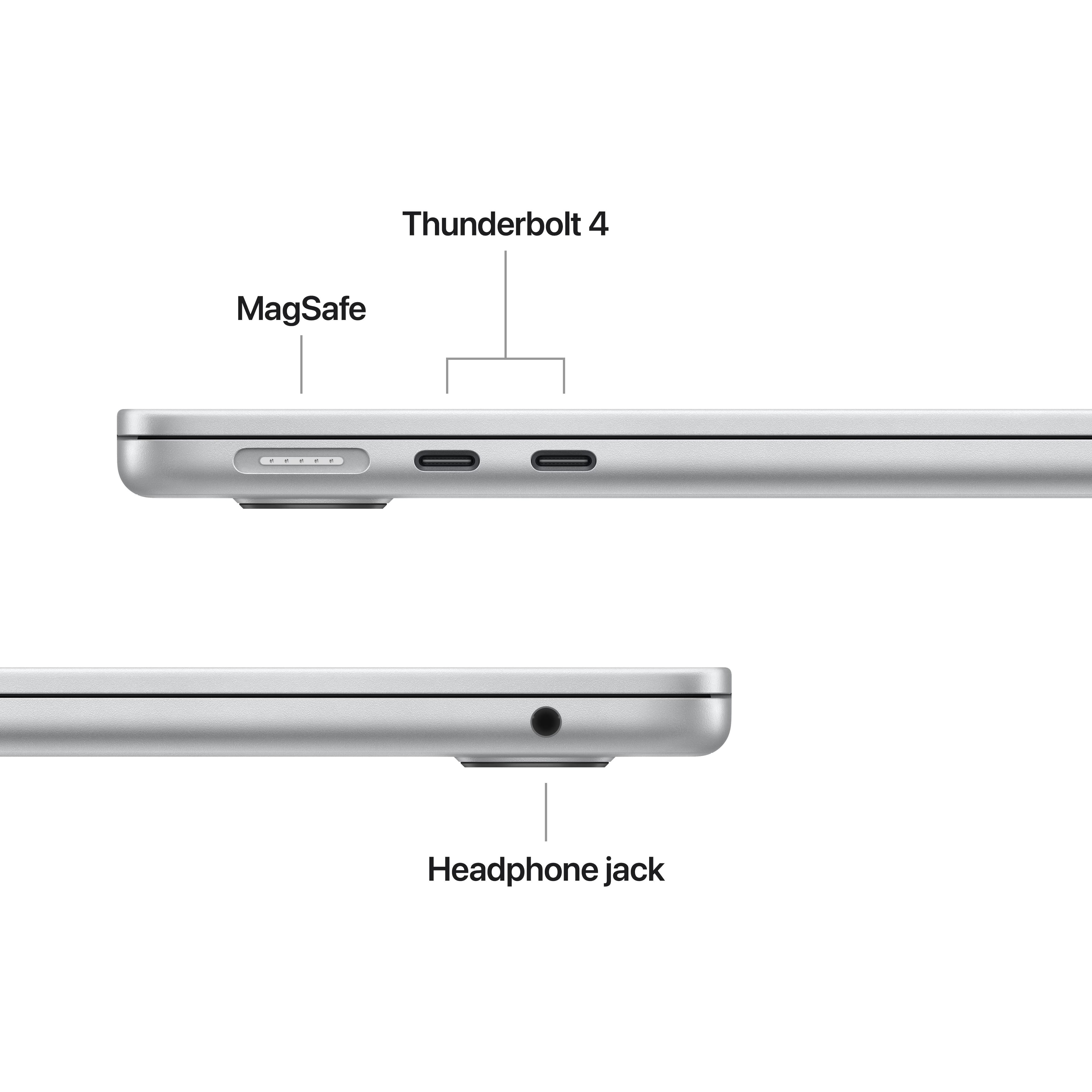
A:AnswerYes, you can use a USB device on a MacBook Air M4, but you will need an adapter or hub because it only features Thunderbolt/USB 4 (USB-C) ports. You can connect standard USB-A drives, mice, or keyboards using a USB-C to USB adapter or a USB-C hub/dock.