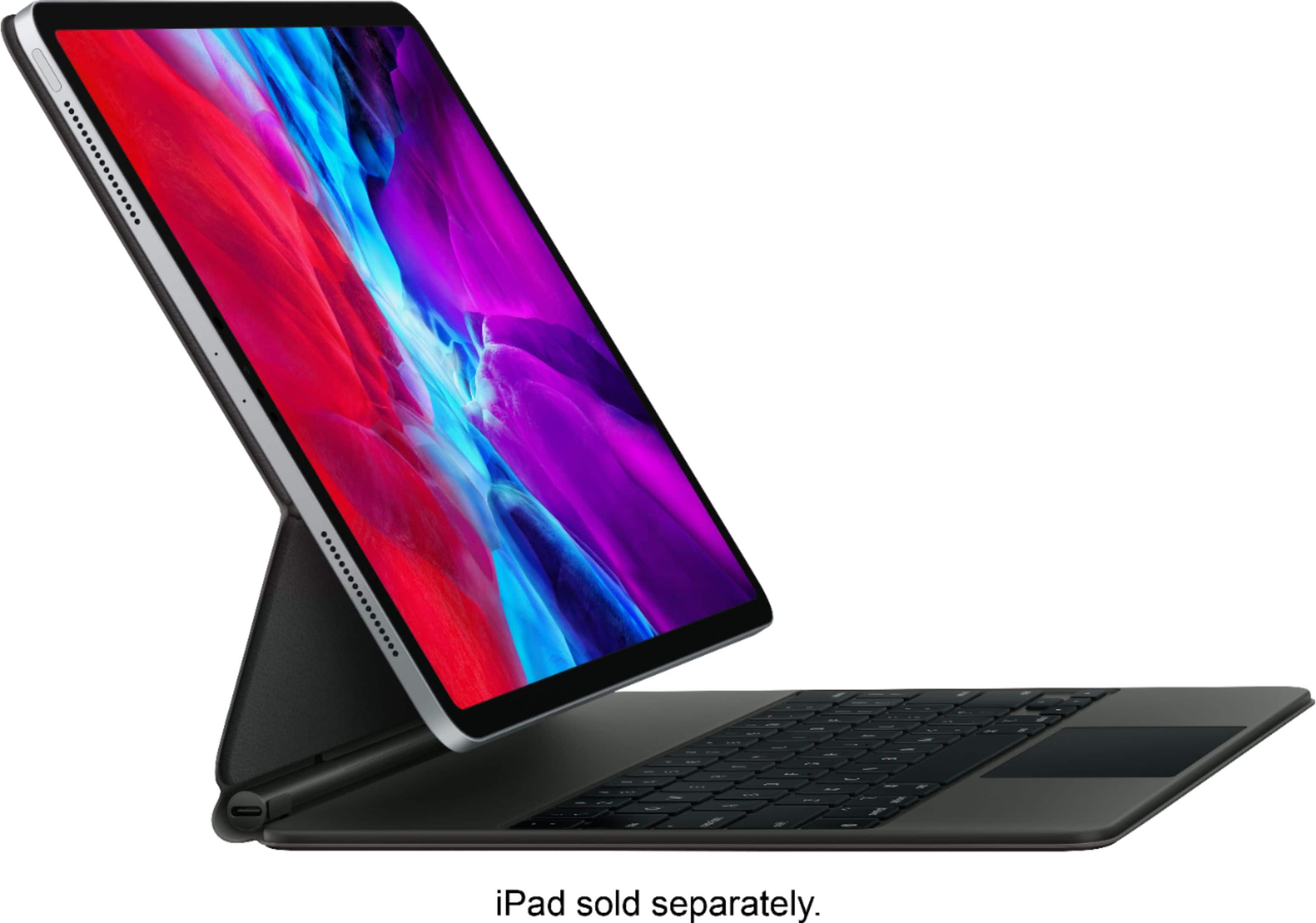
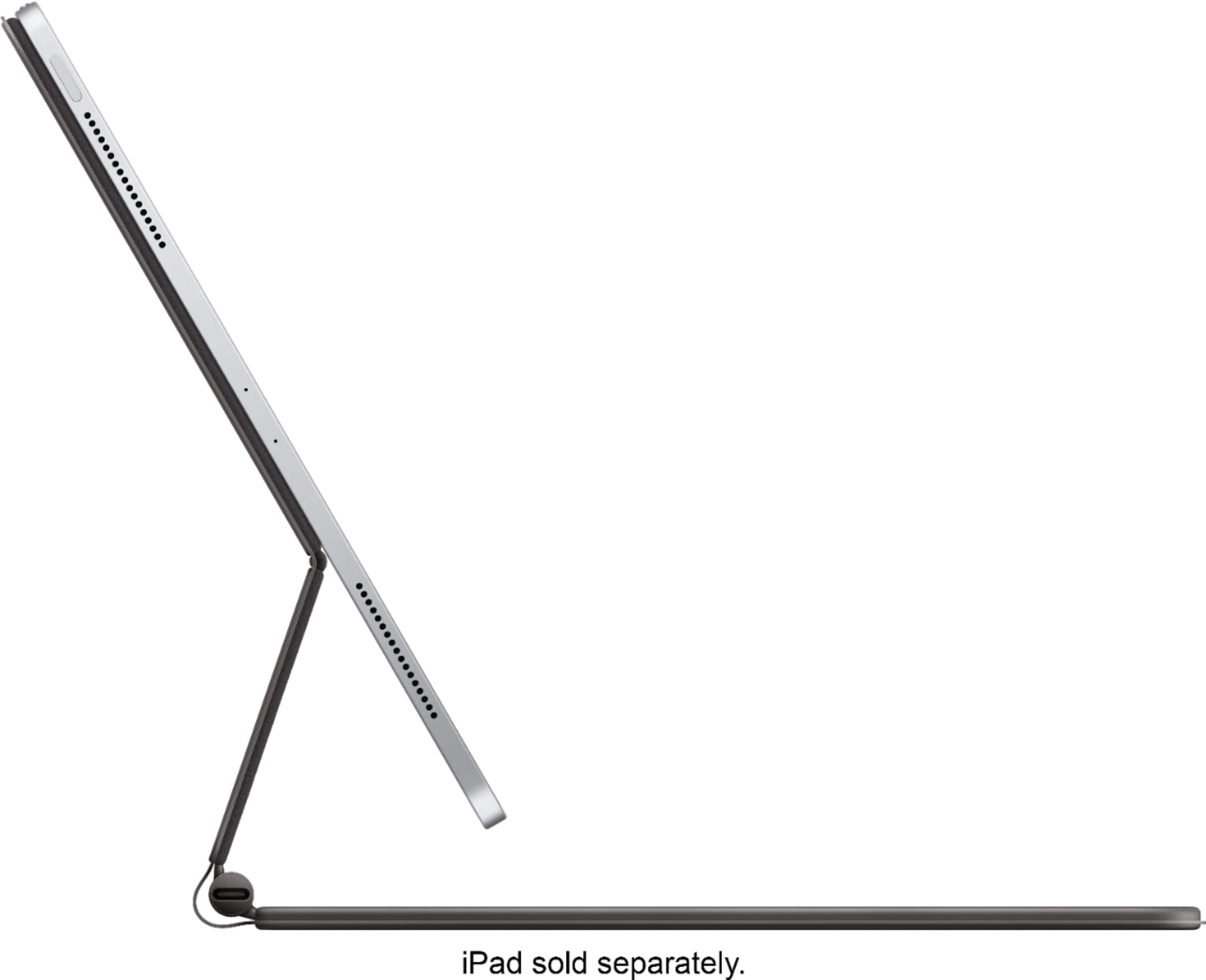
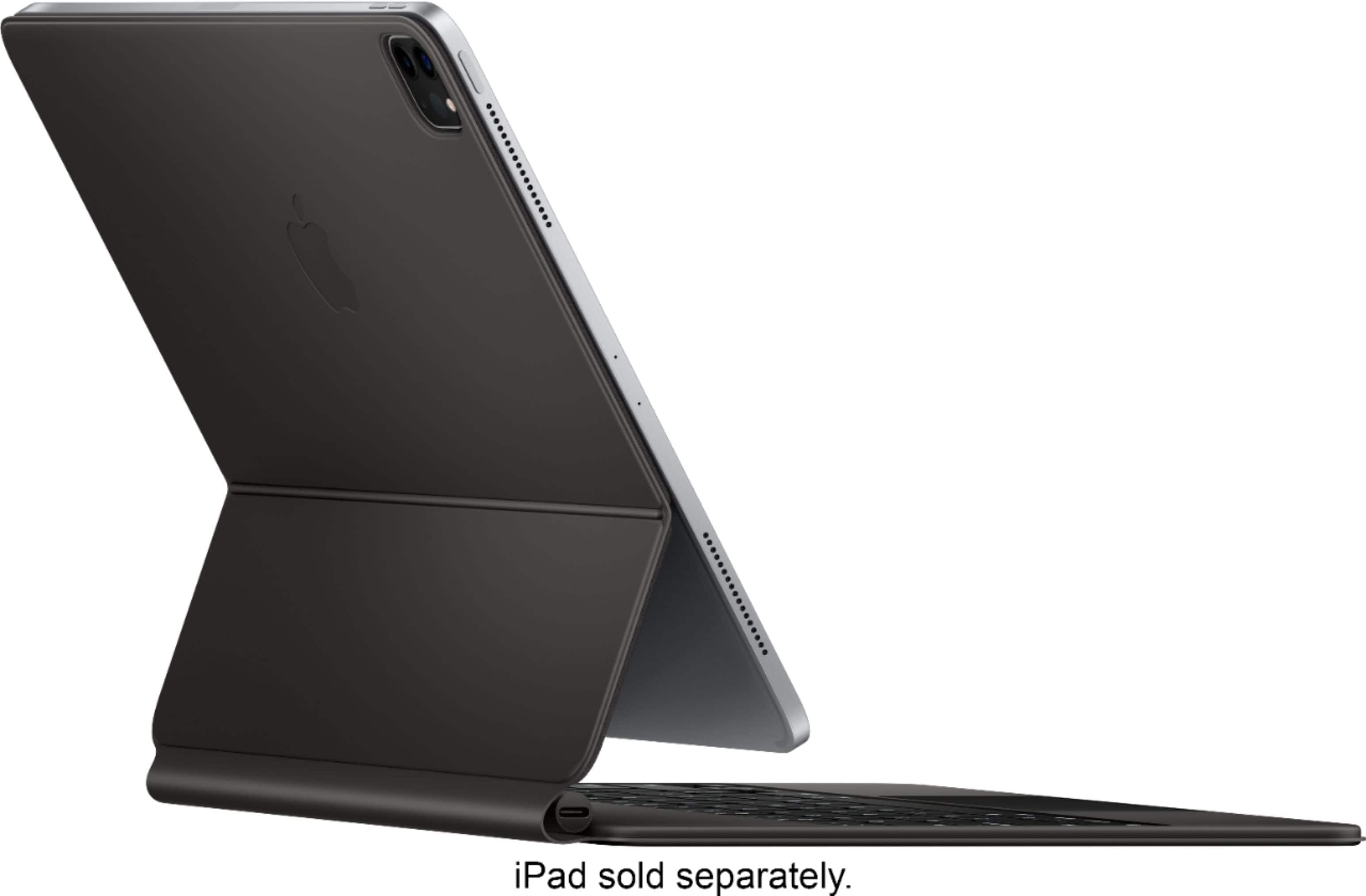
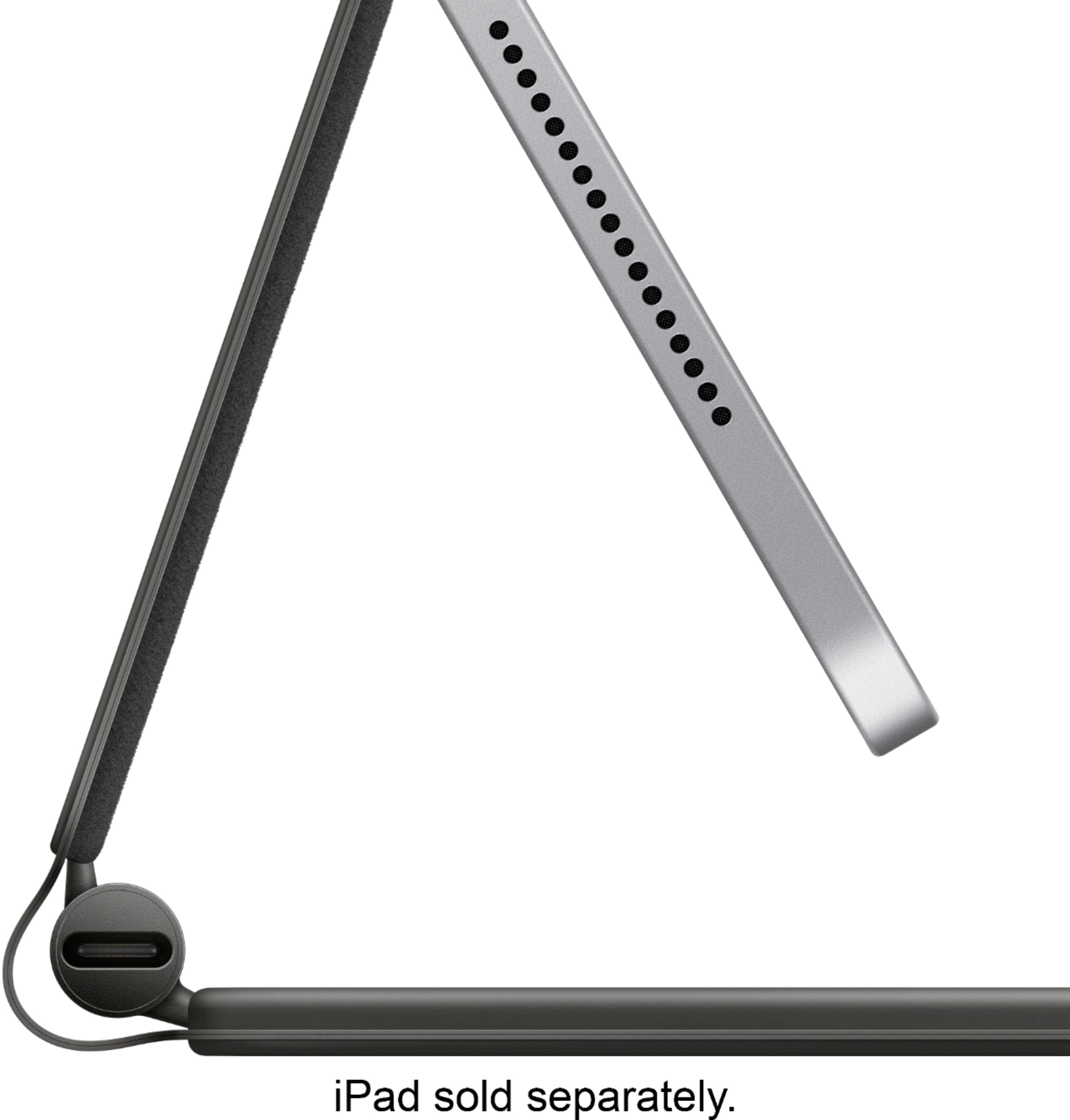
A:AnswerNo memory, all it does is connect to the contactors on the back of the ipad to connect power to the keyboard so the keyboard can have light and use gestures
A:AnswerYou'd have to remove the case. The pin connector won't work with the case on and the magnets probably won't let the iPad stick to them as well as without the case.
A:AnswerNot sure what you are asking, but if the iPad is asleep you can hit any key to wake it up then swipe up on the trackpad with 3 finders to unlock. So you can get in without having to touch the screen.
A:AnswerIt with not fit properly with your iPad Air since it was specifically for iPad Pro model. Logitech and Brydge made great keyboard for iPad Air.
A:AnswerThe keyboard is just a physical input device. If the programs you mention work on your virtual keyboard, I see no reason why they would not work with the Magic Keyboard.