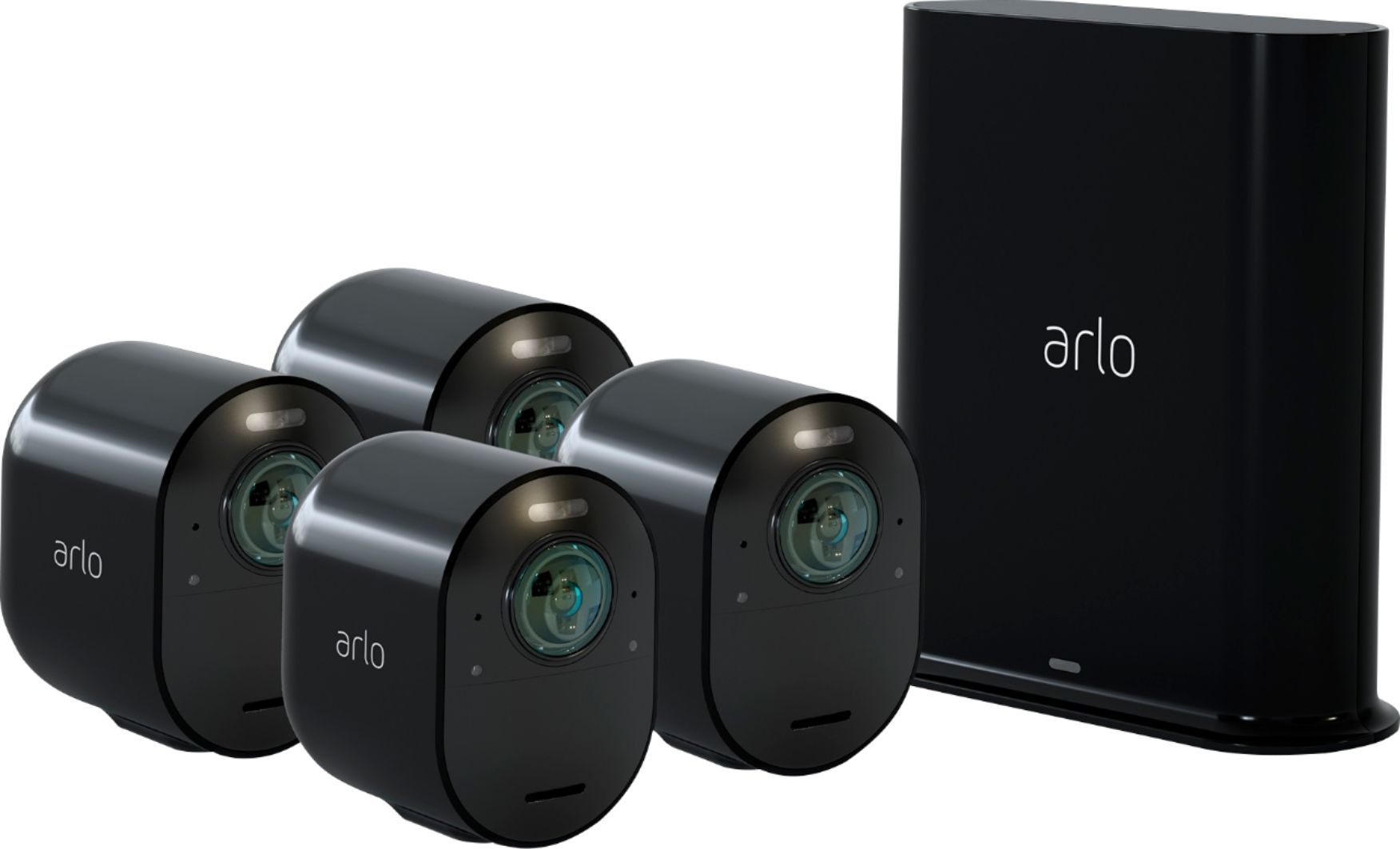
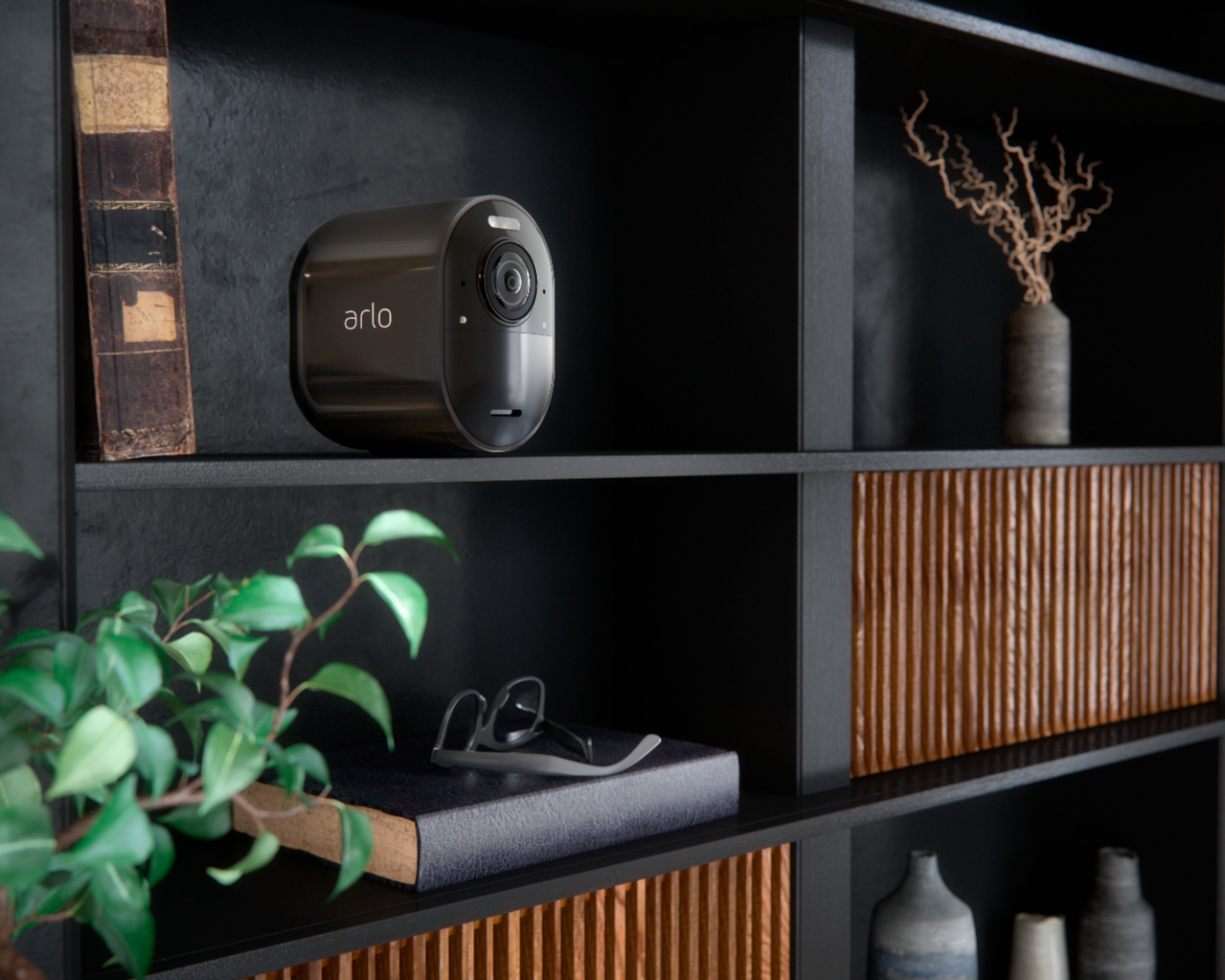
A:AnswerMy ARLO ULTRA hub can manage 5 cameras. But there are different packages that can augment the total of cameras. Need to check on the ARLO site for their packages.
A:AnswerThe Arlo SmartHub helps to protect your footage by adding a secure, personal network to your router. SmartHub also helps to regulate WiFi traffic, improves battery life, and comes with local storage (microSD cards are sold separately). ^KN
A:AnswerIf your WiFi JetPack has an Ethernet port, then yes. Please note that Arlo Ultra needs at least 3 Mbps upload per camera. Please see for full system requirements: https://kb.arlo.com/000062043 ^KN
A:AnswerYes you can as long as they are the 4K cameras. Each camera systems use different base stations and cannot be interchanged. I do believe there is a limit to the number you can add. I just uploaded a review of these cameras. You may want to read before buying the 4K system.
A:AnswerYou can setup the Arlo Ultra to record when there is motion, audio or both. Additionally, you may purchase a CVR (continuous video recording) plan that records all the action 24/7. Learn more about CVR here: http://bit.ly/33QYZzD. ^KN
A:AnswerEverything you said depends on the details related to your question - but if you're upgrading, you most likely are going to Ultra cameras which automatically allows for 10 cameras and gives you 1 yr on the higher end plan for free.