A:AnswerI assume so. I play Guild Wars 2 with ZERO lag(120fps) on the highest settings. I also play Witcher 3, Red Dead Redemption 2, Red Dead Online, Yakuza 0, and Skyrim Special Edition no problem. It's even VR ready, so it is made to handle plenty.
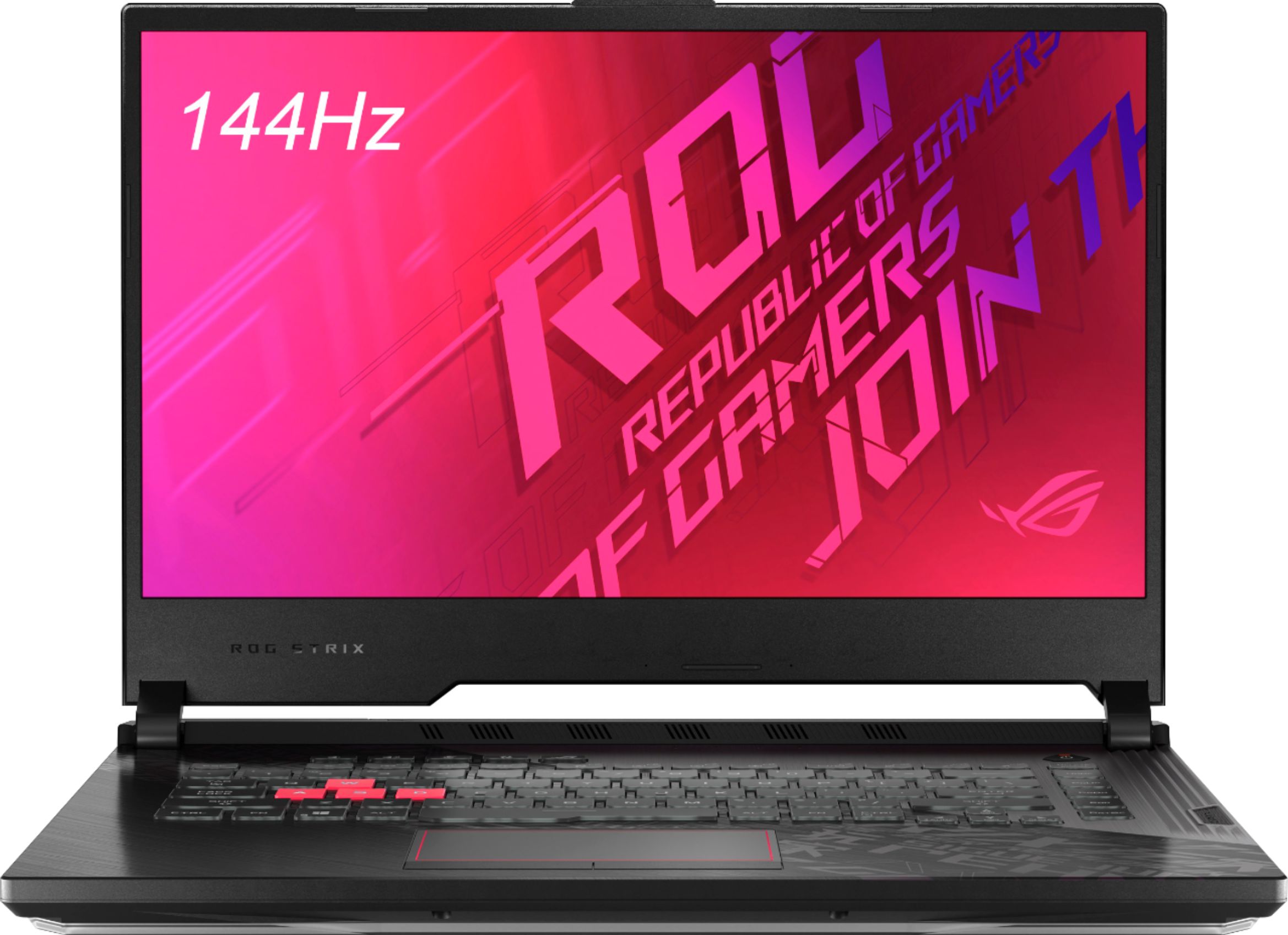
A:AnswerYou can also upgrade it to a total of 32G RAM by removing the original 8G stick and installing 2 new 16G ones. Just be sure to get RAM for laptops or it wont fit.
A:AnswerThat is up to you. They will repair and replace it. I normally get it on electronics over $500.
If something happens to the laptop 1 year and 1 day (outside of manufacturer's warranty - would you be ok with buying another one?
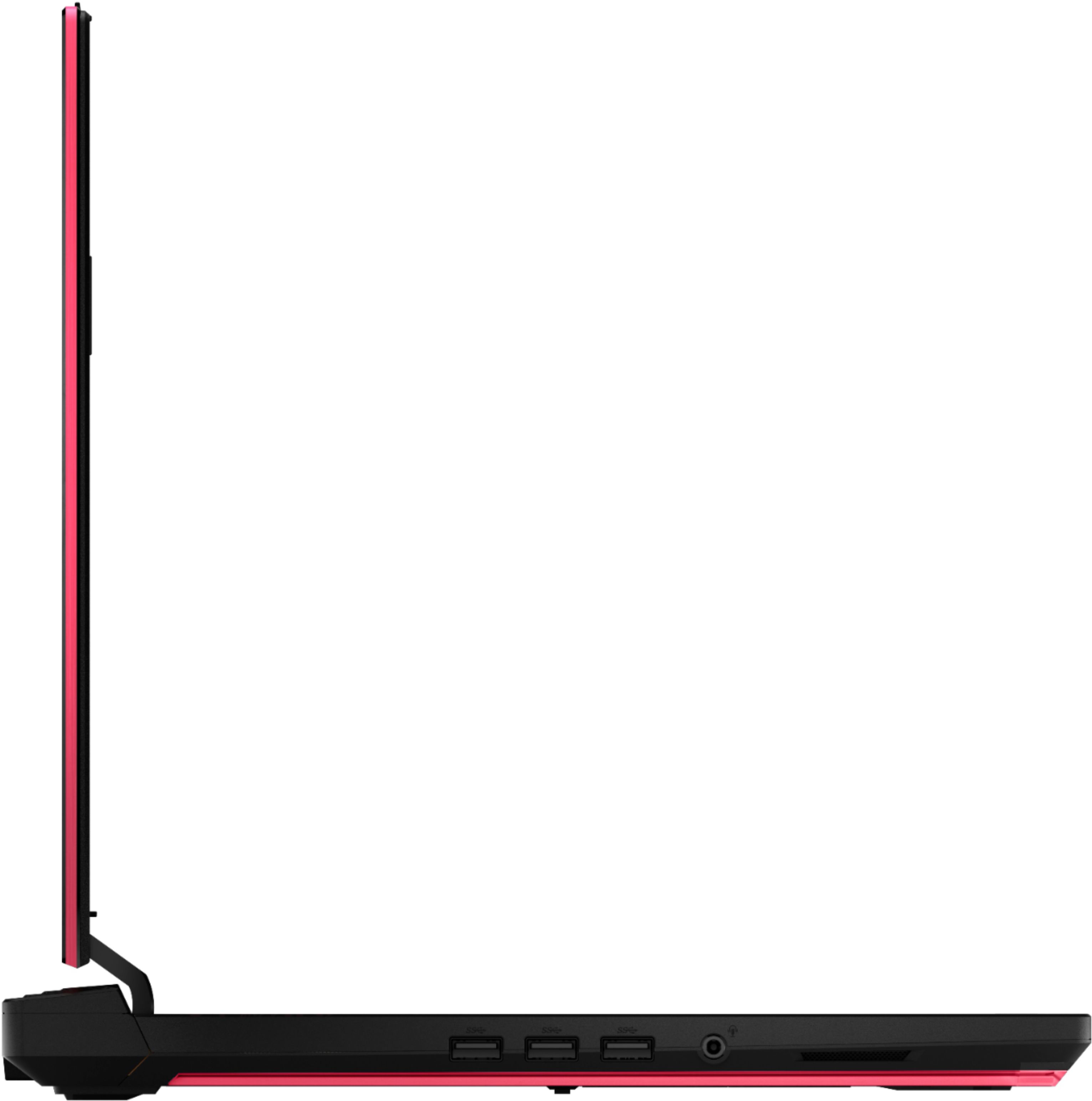
A:AnswerYes and no. You can plug in an external storage device into one of the usb slots but as for opening up the laptop and hooking up an internal ssd, sadly isn’t possible.... Unless it’s an nvme m.2 stick. Those can be placed in any pcie slot and screwed down onto its little metal rest.
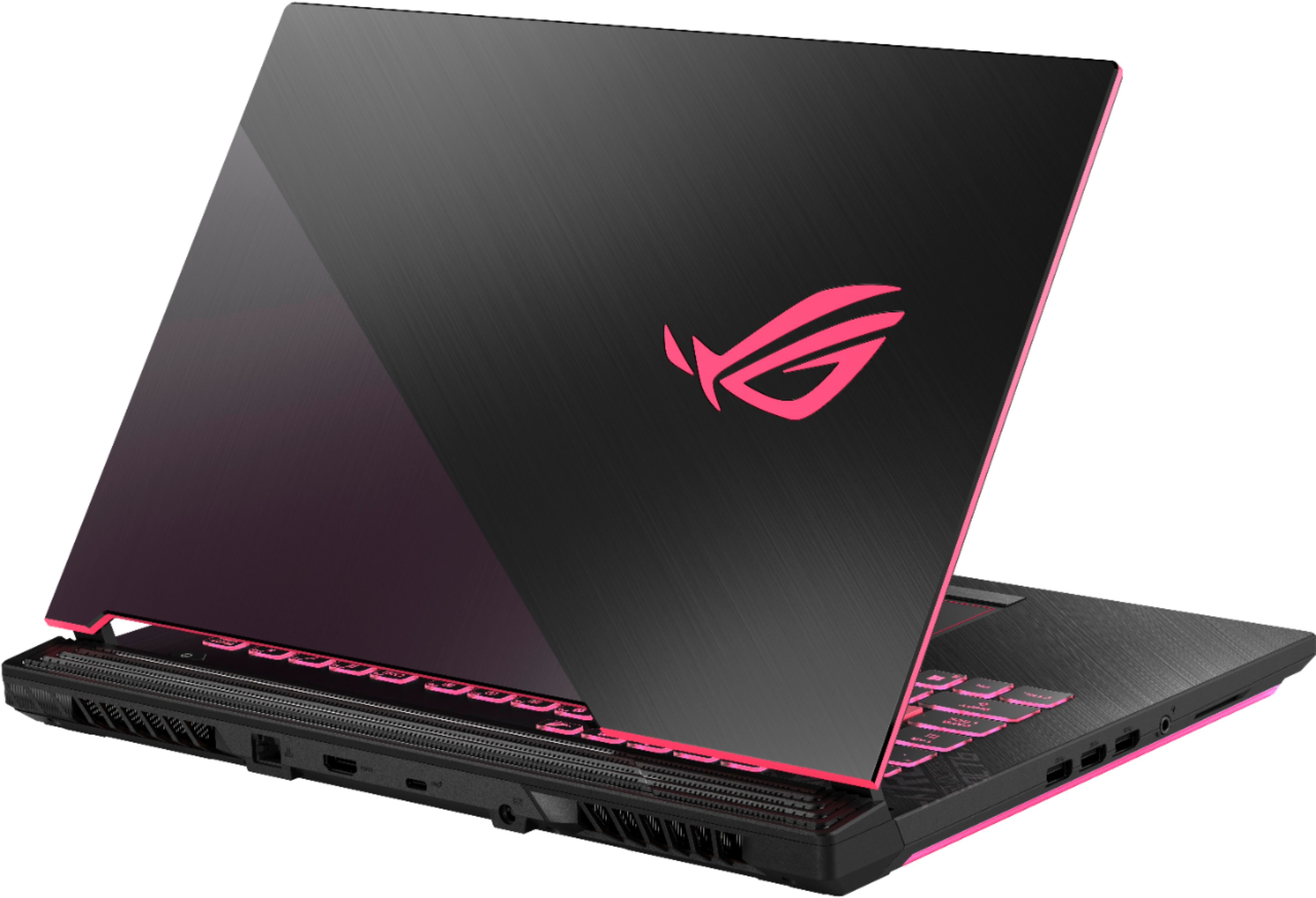
A:AnswerYes, *G-SYNC™ is only supported via USB Type-C. Please review the specifications here: https://rog.asus.com/laptops/rog-strix/rog-strix-g15-series/