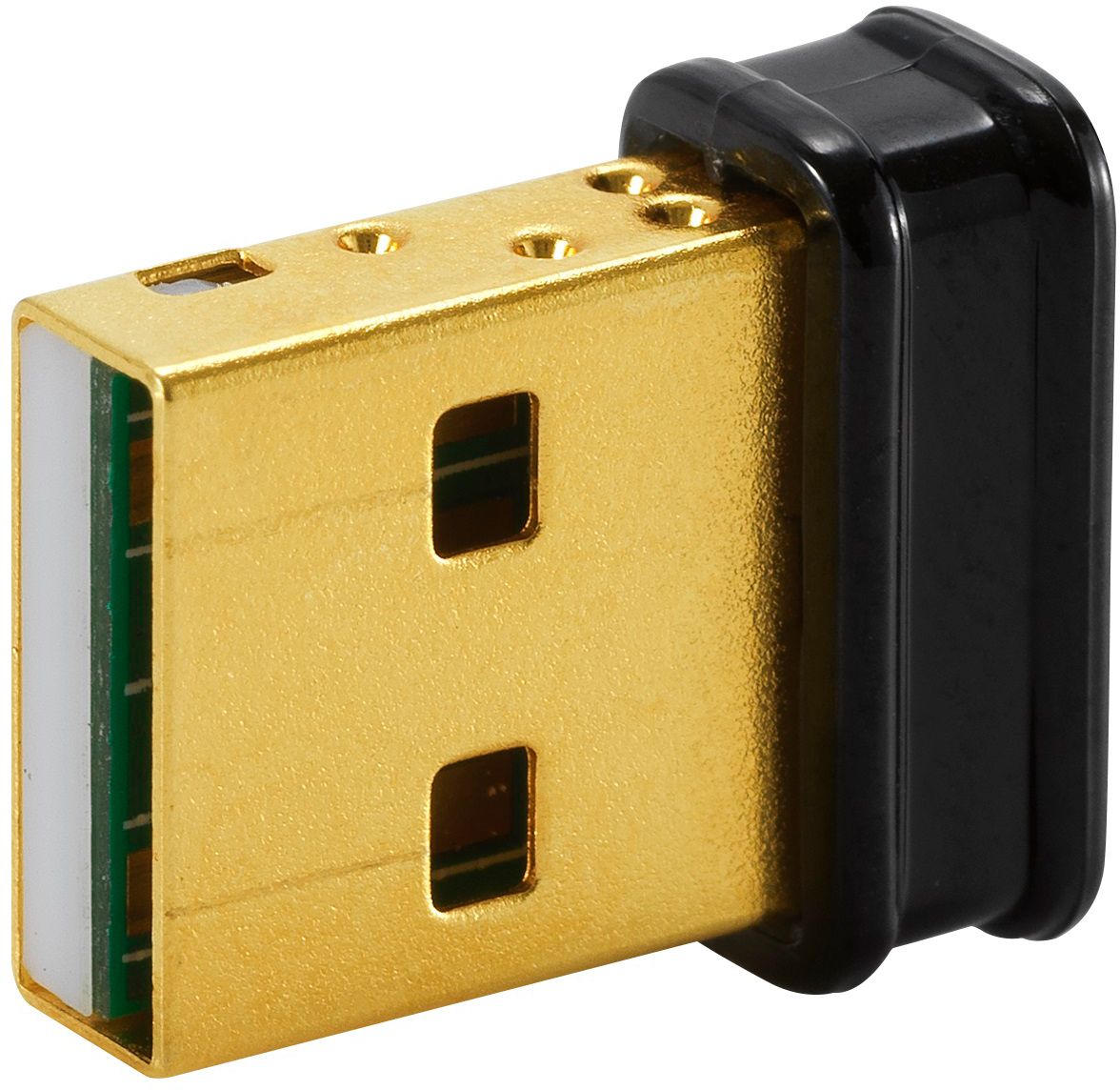
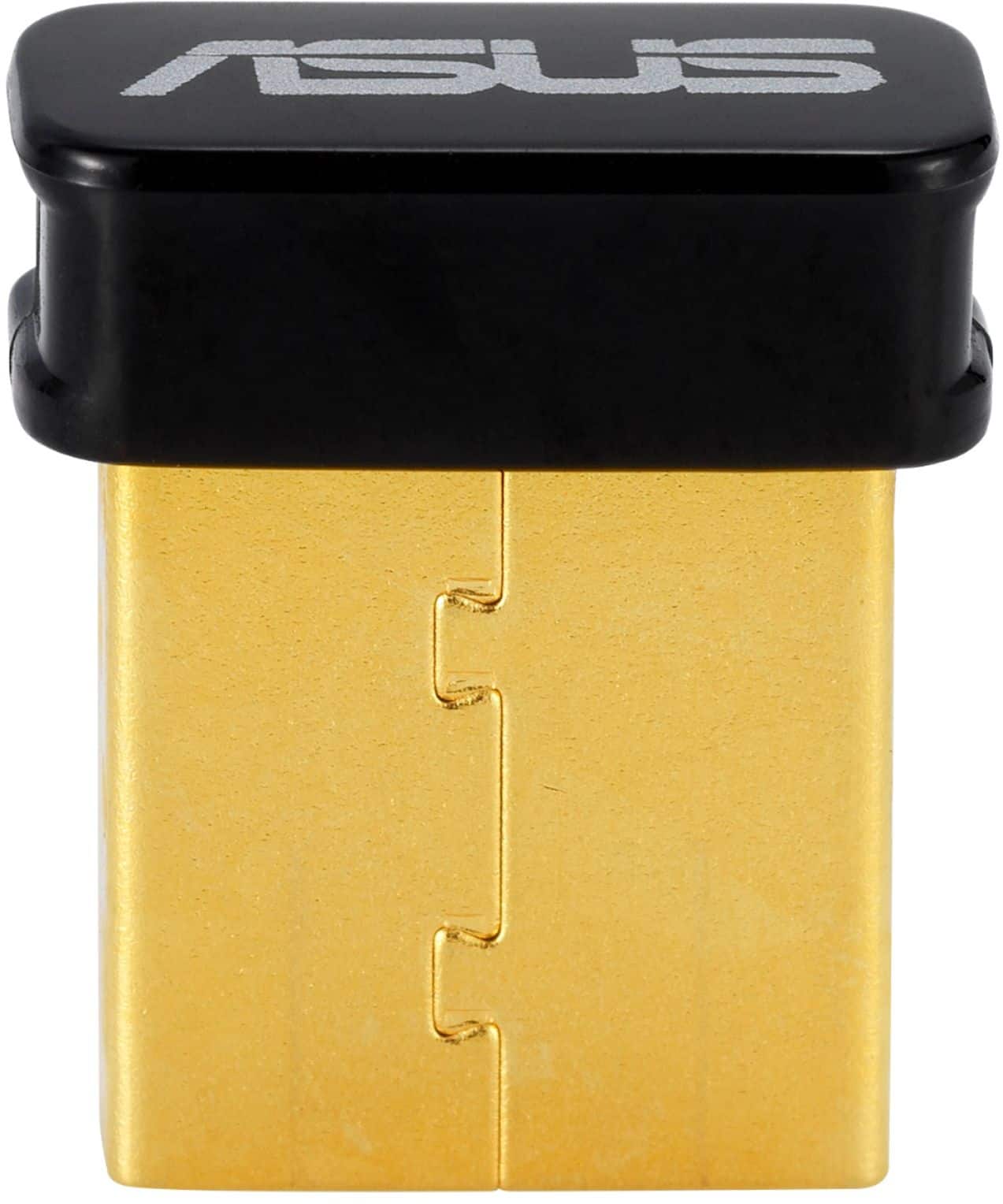
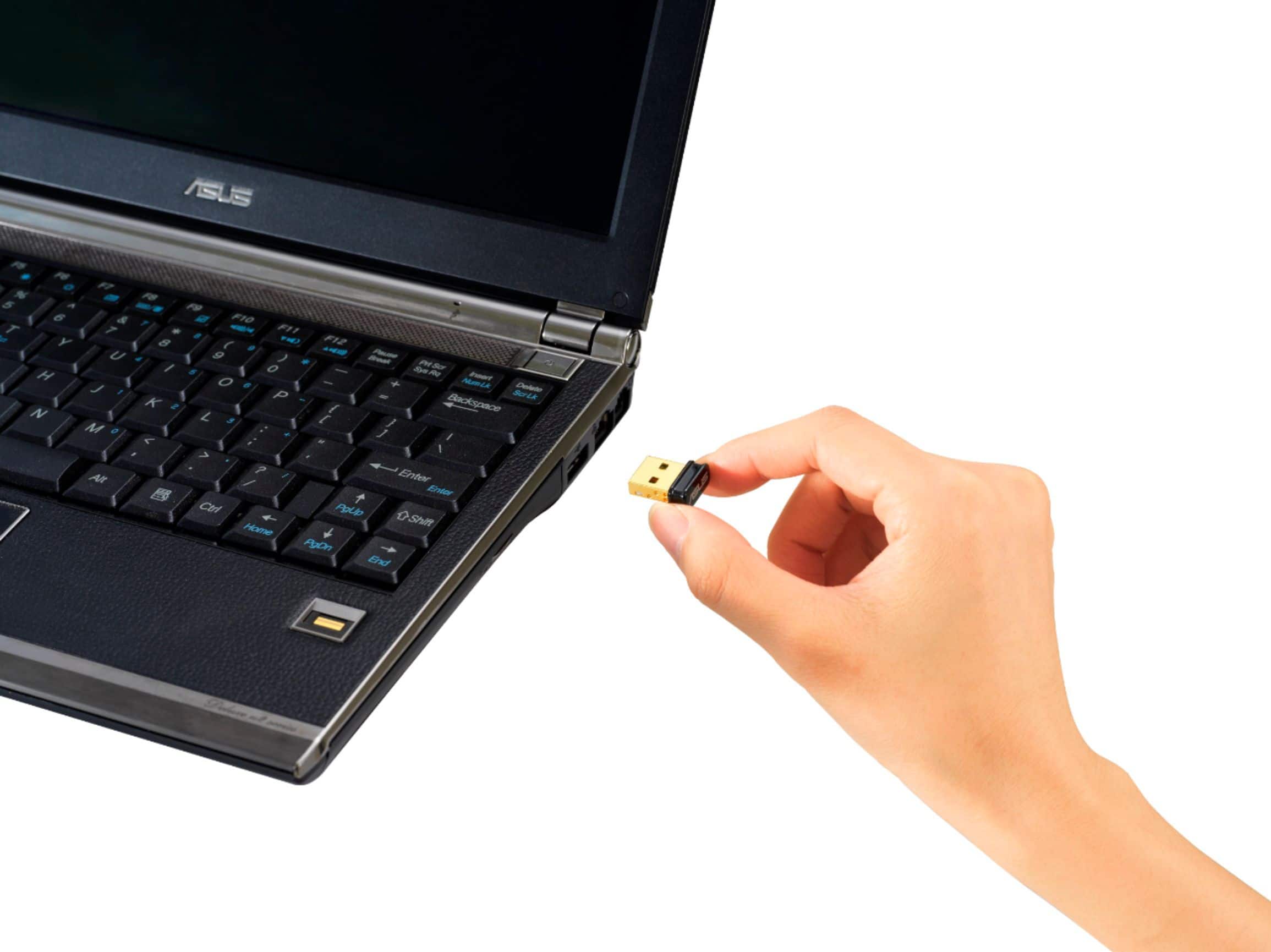
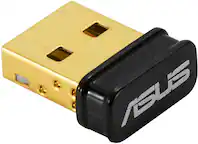
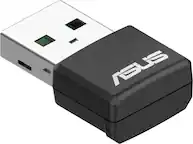
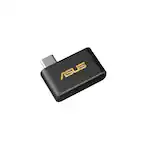
A:AnswerThe ASUS USB-BT500 Bluetooth adapter is primarily designed for use with computers and may not be directly compatible with all TVs. However, some modern TVs have built-in Bluetooth functionality, allowing you to connect Bluetooth devices directly without an adapter. To confirm compatibility, you can check your TV's specifications or user manual to see if it supports Bluetooth.
A:AnswerYes, this USB Bluetooth adapter works well with an Xbox console. If your device is not connecting, check if the Bluetooth device is compatible with the USB Bluetooth adapter and it is working properly.
A:AnswerYes, the ASUS USB-BT500 can serve as a Bluetooth adapter for older PCs running Windows 10. It's a Bluetooth 5.0 USB adapter that enables wireless connectivity with Bluetooth-enabled devices.
A:AnswerUnfortunately, even if you buy two ASUS USB-BT500 adapters, you still won't be able to connect two gaming controllers simultaneously. The ASUS USB-BT500 is designed to support only one Bluetooth device at a time.
A:AnswerYes, you can use the ASUS USB-BT500 Bluetooth adapter to connect your PS5 DualSense controller to your PC. Just make sure your PC's Bluetooth drivers are up to date, and follow the pairing instructions for the DualSense controller.
A:AnswerNo, if you turn off bluetooth in windows it turns off all bluetooth access within the operating system itself. The restriction on the bluetooth connectivity is applied to the bluetooth software protocol itself, not the hardware.
A:AnswerIm unsure of the question. Is your work phone connected to your PC? This will connect a PC to a bluetooth device. So you can connect your bluetooth earbuds to your PC, or pair a cell phone to the PC and make and receive calls through your PC and any headphones connected to the PC.
A:AnswerProbably not.
Any Logitech wireless keyboard I've used has used their own "Unifying Receiver" which might be similar to Bluetooth but is not the same. If your Logitech receiver looks like the linked device, it's not Bluetooth compatible.
https://www.bestbuy.com/site/logitech-usb-unifying-receiver/6201006.p?skuId=6201006
As for WiFi, the ASUS Bluetooth adapter will not connect to WiFi.
A:AnswerThis is not a WiFi adapter. If you have a Bluetooth internet solution, it will work for that. For example, it is likely that your phone can export its Internet via Bluetooth. Your home router is unlikely to support this.
A:AnswerAre you wanting to connect a laptop to Apple CarPlay? No it cannot do that. This would be if you wanted to connect a computer to a device like your phone, earbuds, remotes, or controllers, or any other device that has bluetooth.