A:AnswerWhen accessing this answering system remotely, you can record a new announcement, as well as turn the system on/off, listen to messages, and delete messages.
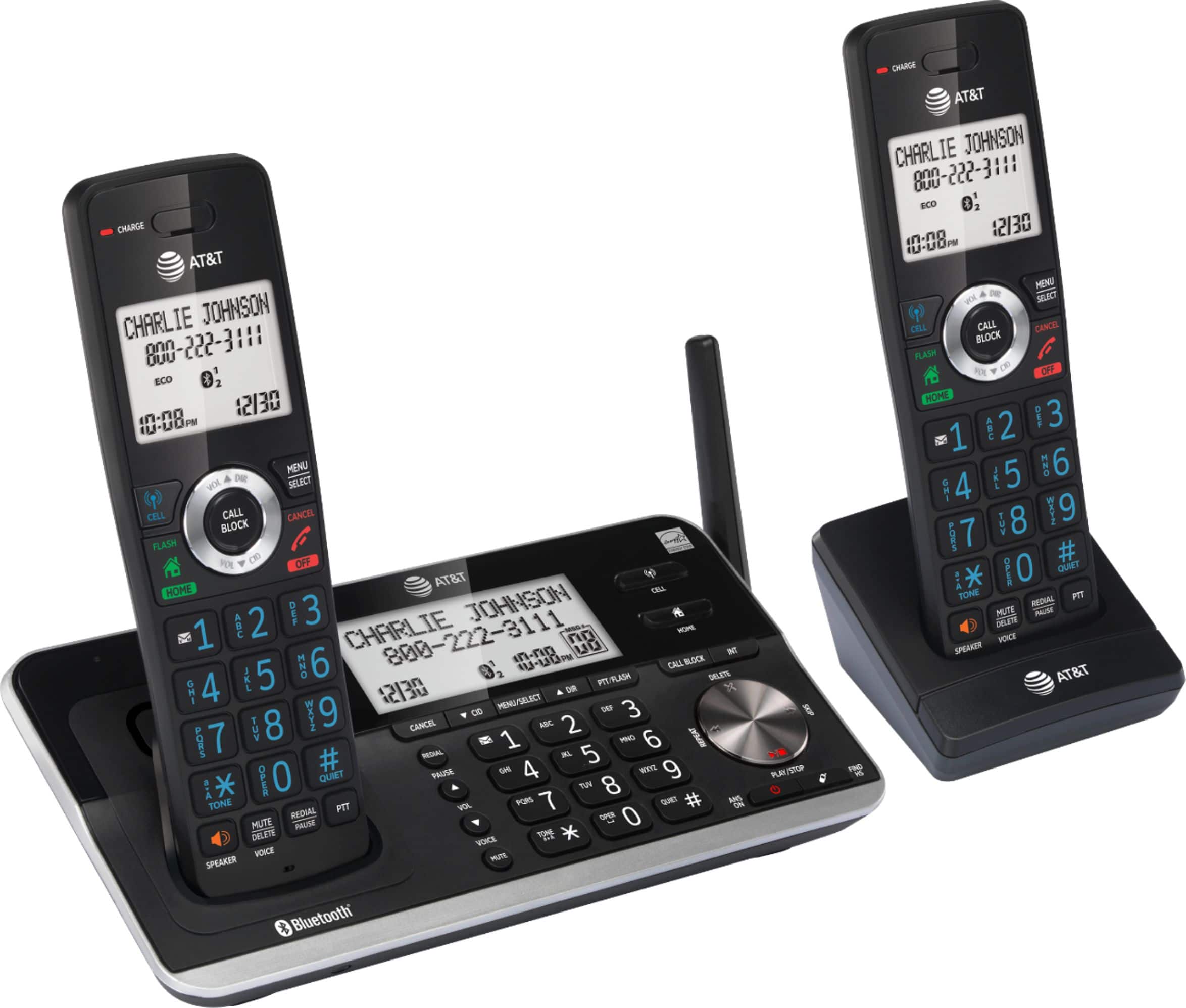
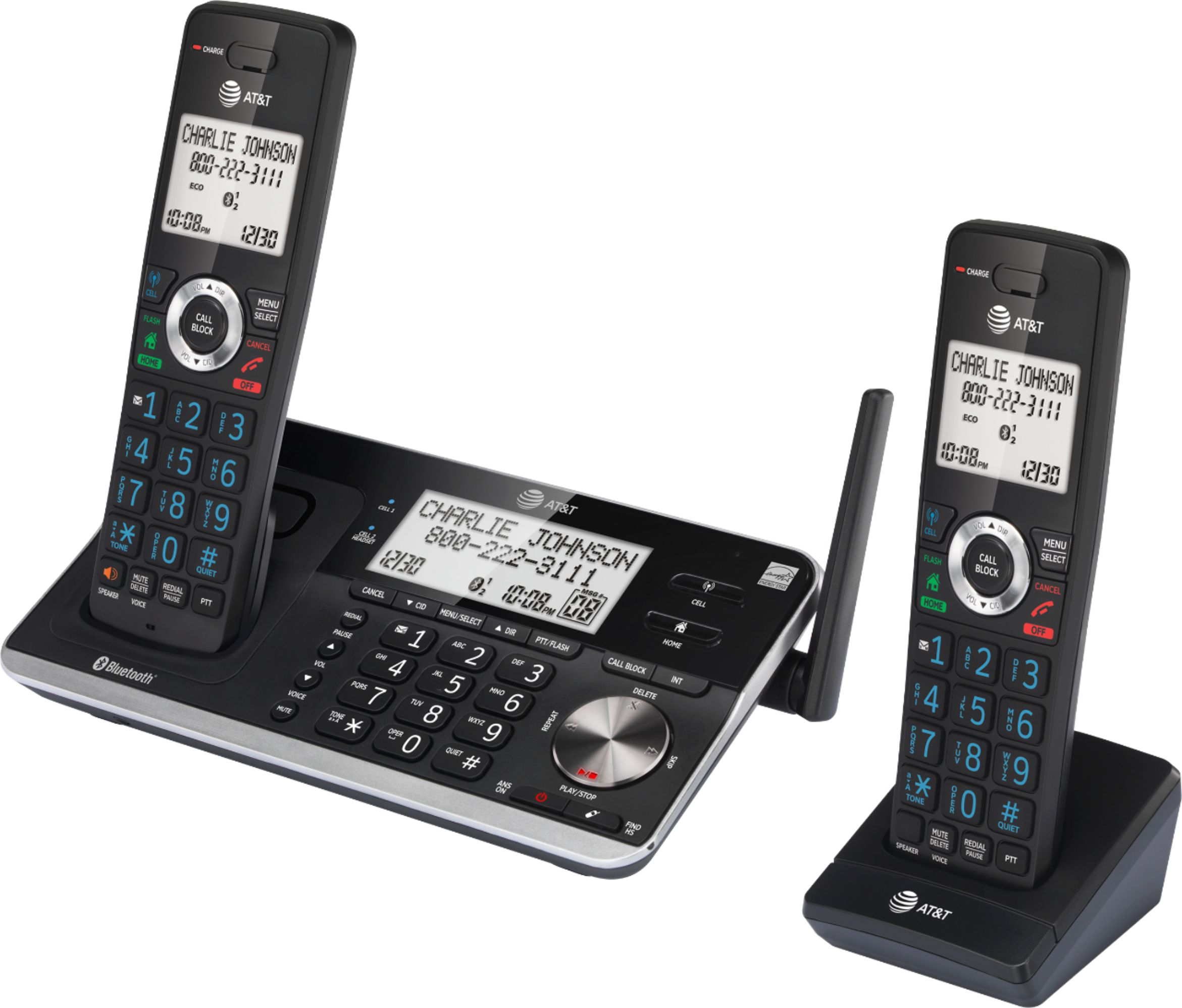
A:AnswerThe primary difference is that the DLP73210 base station has a keypad and can be used to make or answer telephone calls or intercom calls. The system also offers Push-to-talk (PTT) calls, either one-to-one or one-to-group, with the base station and/or up to four cordless handsets.
The keypad and display on the DLP73210 base station can be used to manage and view settings, directory listings, and call information.
A:AnswerTo start an intercom call:
1. Press MENU/SELECT on the handset in idle mode.
2. Press CID or DIR to highlight Intercom, then press MENU/SELECT.
3. Use the dialing keys to enter a device number (1-5).
To answer an intercom call:
Press HOME/FLASH, /CELL or /SPEAKER on the receiving handset.
To end an intercom call:
Press OFF/CANCEL or place the handset back in the telephone base or charger.