A:AnswerYes. The simple program will present a view to you divided into squares. You can then leave or delete squares to customize the view you need/want the camera to monitor and show. Additionally, I found from interaction with the customer service team, the mini-cam will only pick-up motion up to about 35' from the front of the camera; any motion beyond that range may not activate the camera...even though it will obviously show a view out much farther from the camera.
A:AnswerHi there,
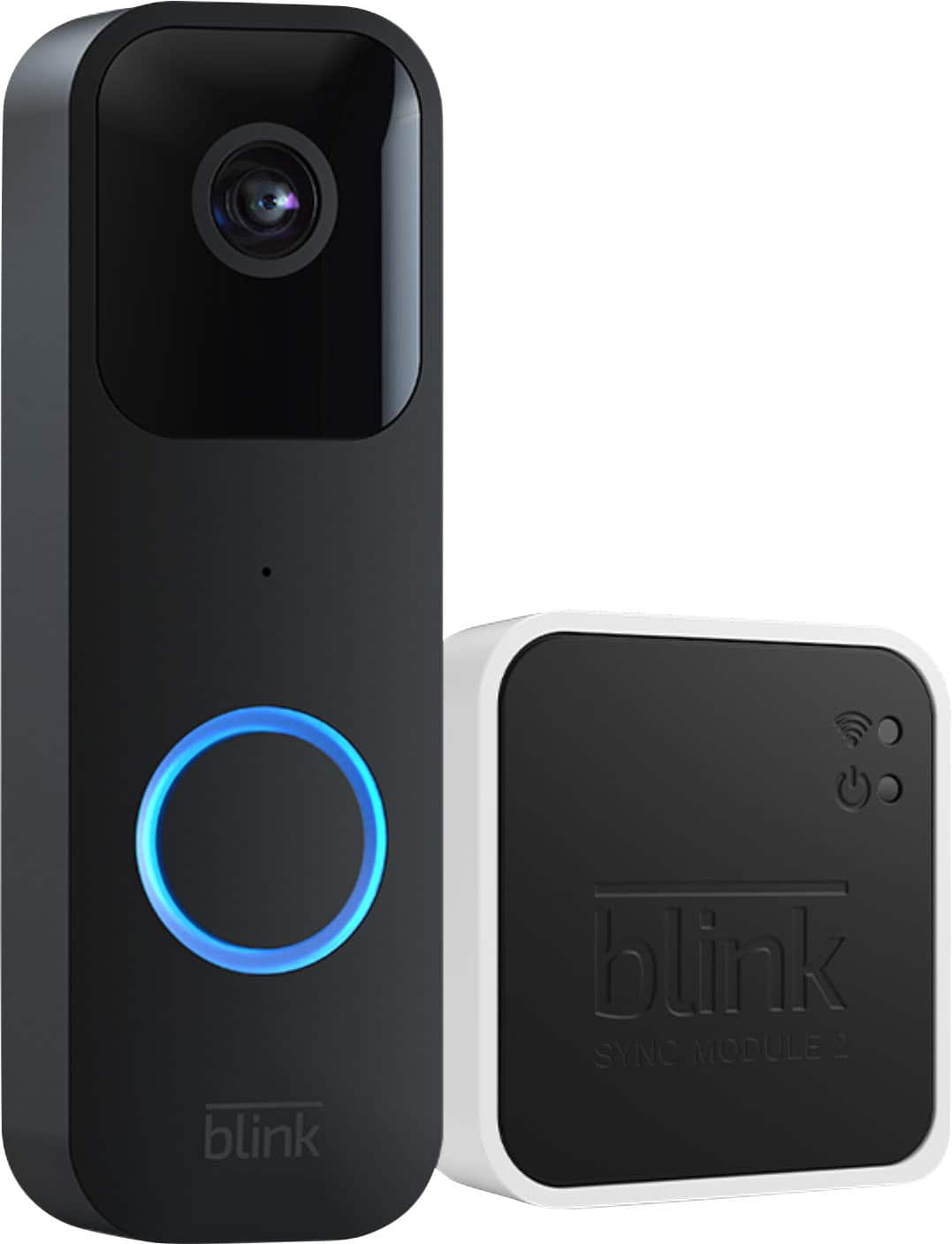
When you're using a USB and Sync Module 2 for local storage, you will be able to see the clips from your Blink app. You can also remove the USB and view on a computer if you wish.
A:AnswerYes! As long as you the the blink hub/module and pay for the subscription! Cheapest subscription is $3/month and it works great for my two cameras(door bell and mini)
A:AnswerFrom my knowledge, you only should need one sync module. We have 4 cameras in total on our sync module, 1 doorbell camera and 3 mounted cameras.