A:AnswerI guess you could but why would you want to when it has its own built in schedule? You can program by day and time to turn off and on at multiple periods through the day.
A:AnswerHi sir/
In my opinion it’s better you call the blink customer service @7813325465
You can also get support through the app
From the menu look for tech support
A:AnswerNo, Alexa is not needed. Also, I don't recommend for use in high traffic areas, battery won't last a week. At least the cameras I received did not.
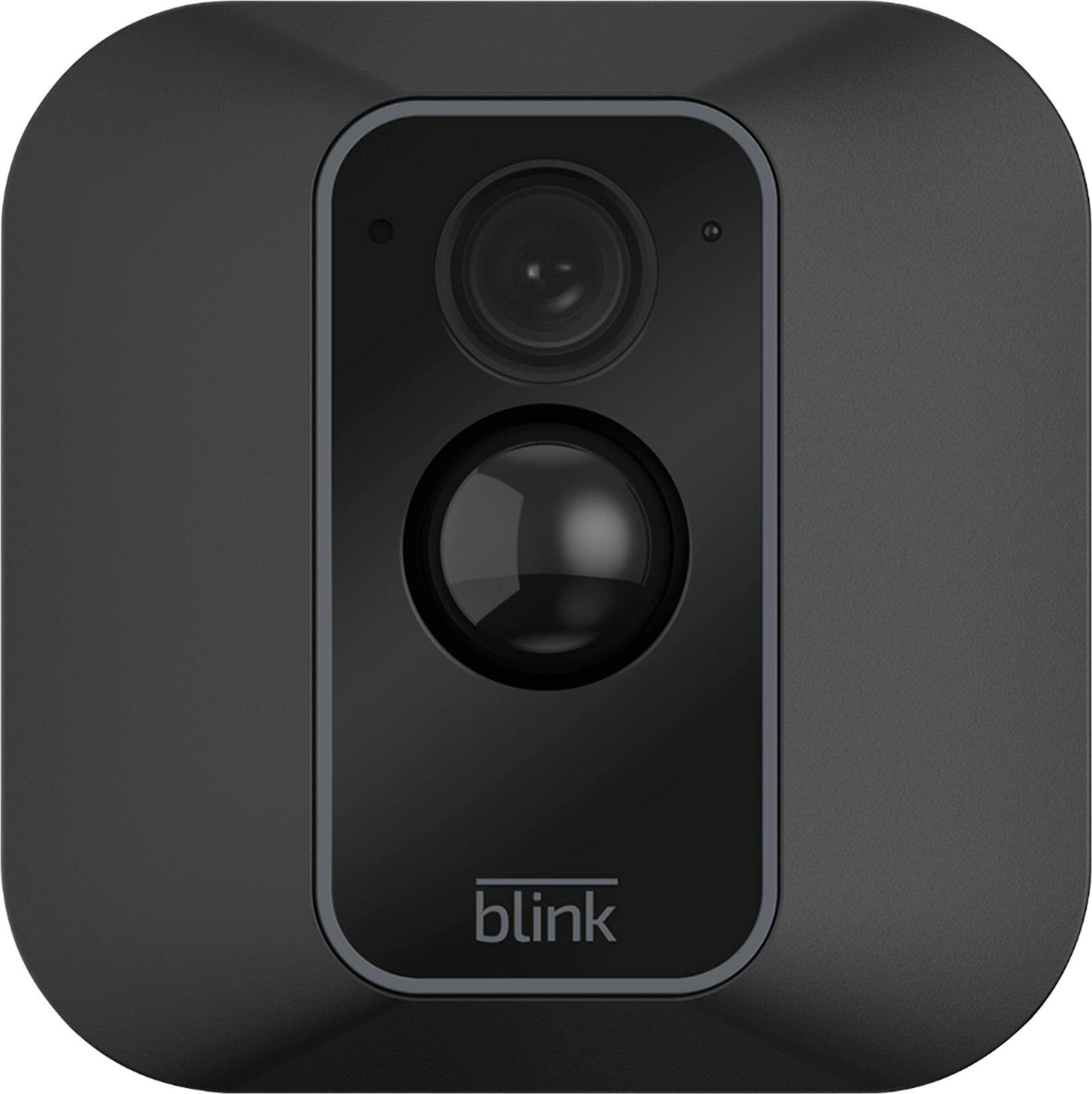
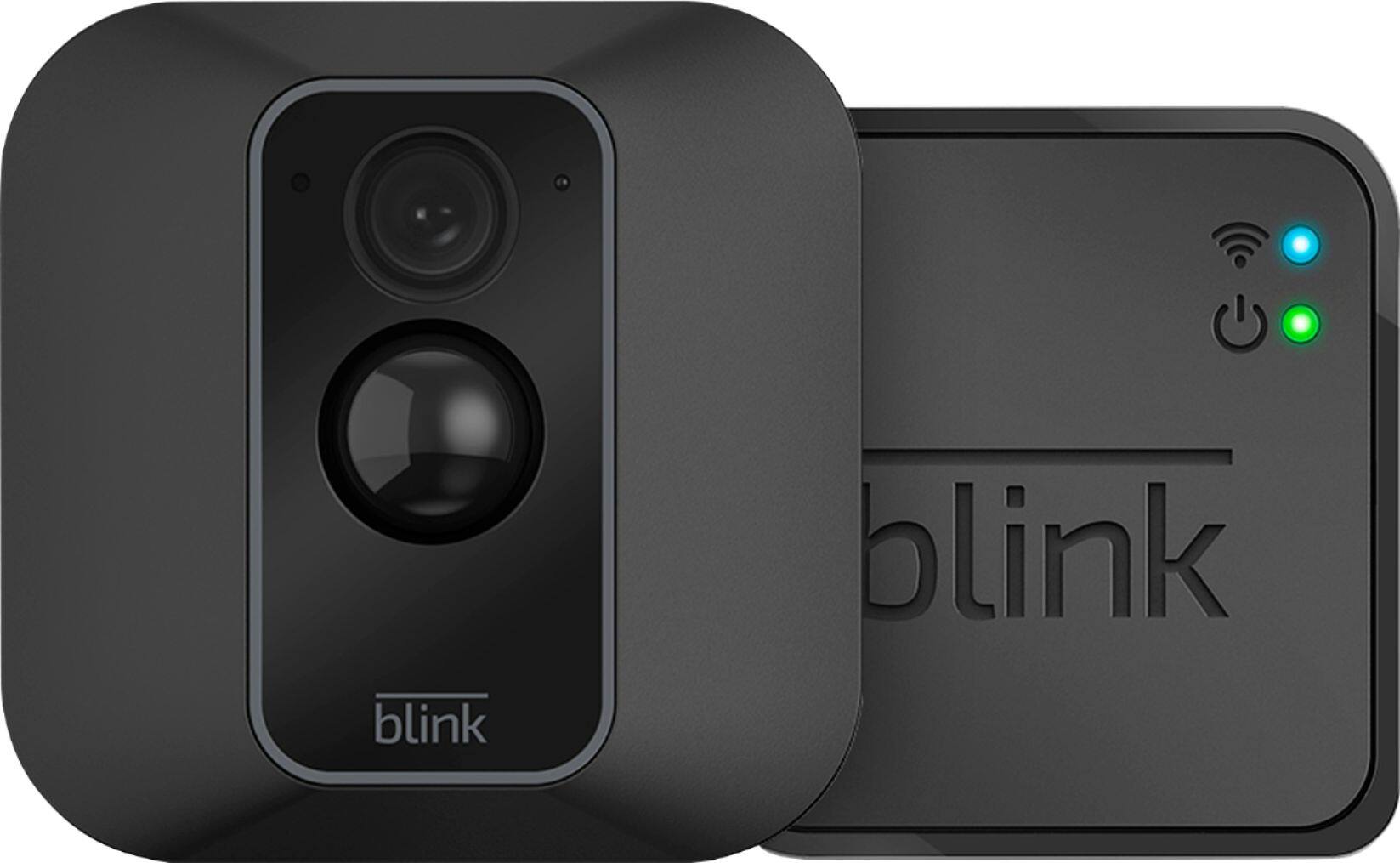
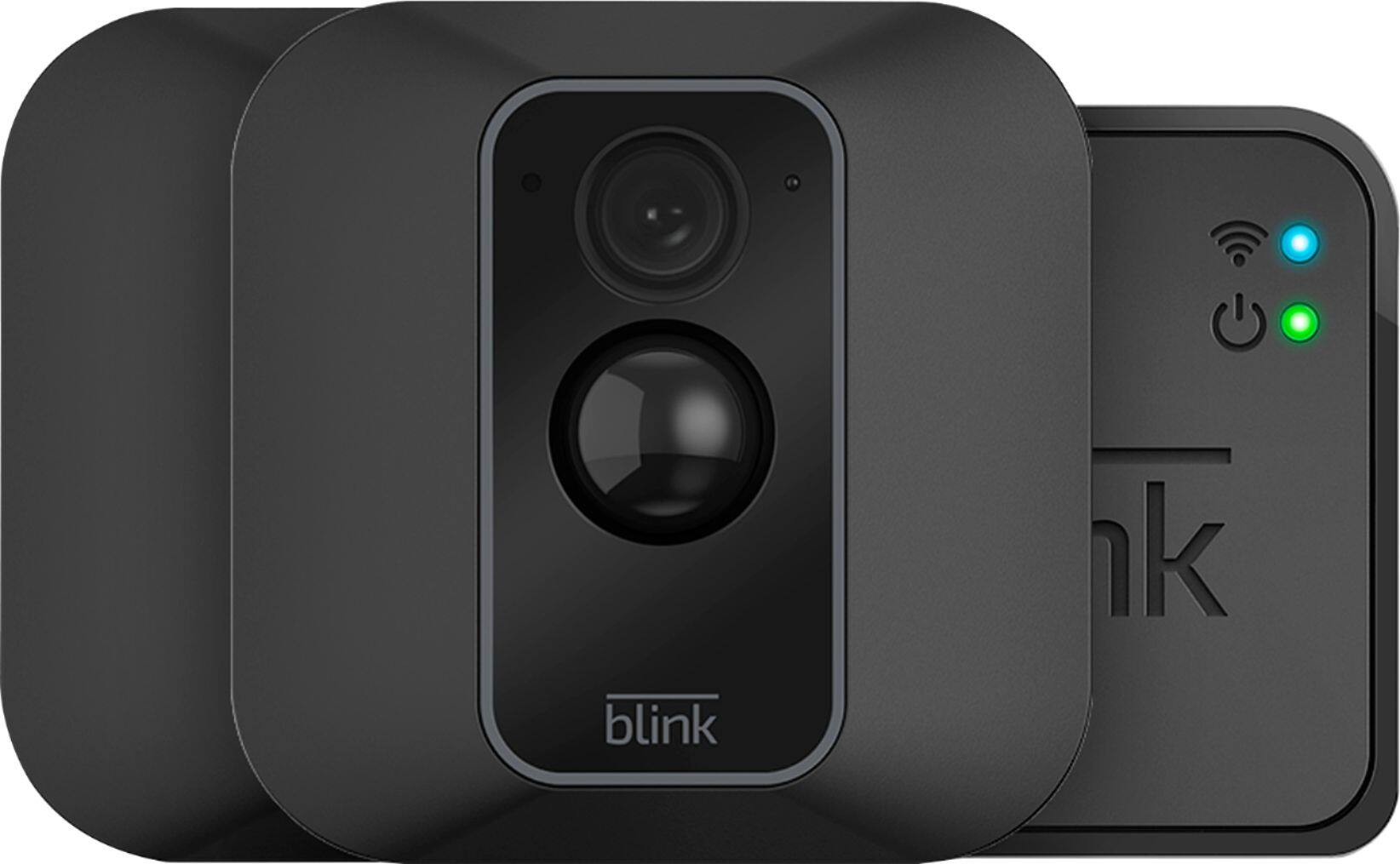
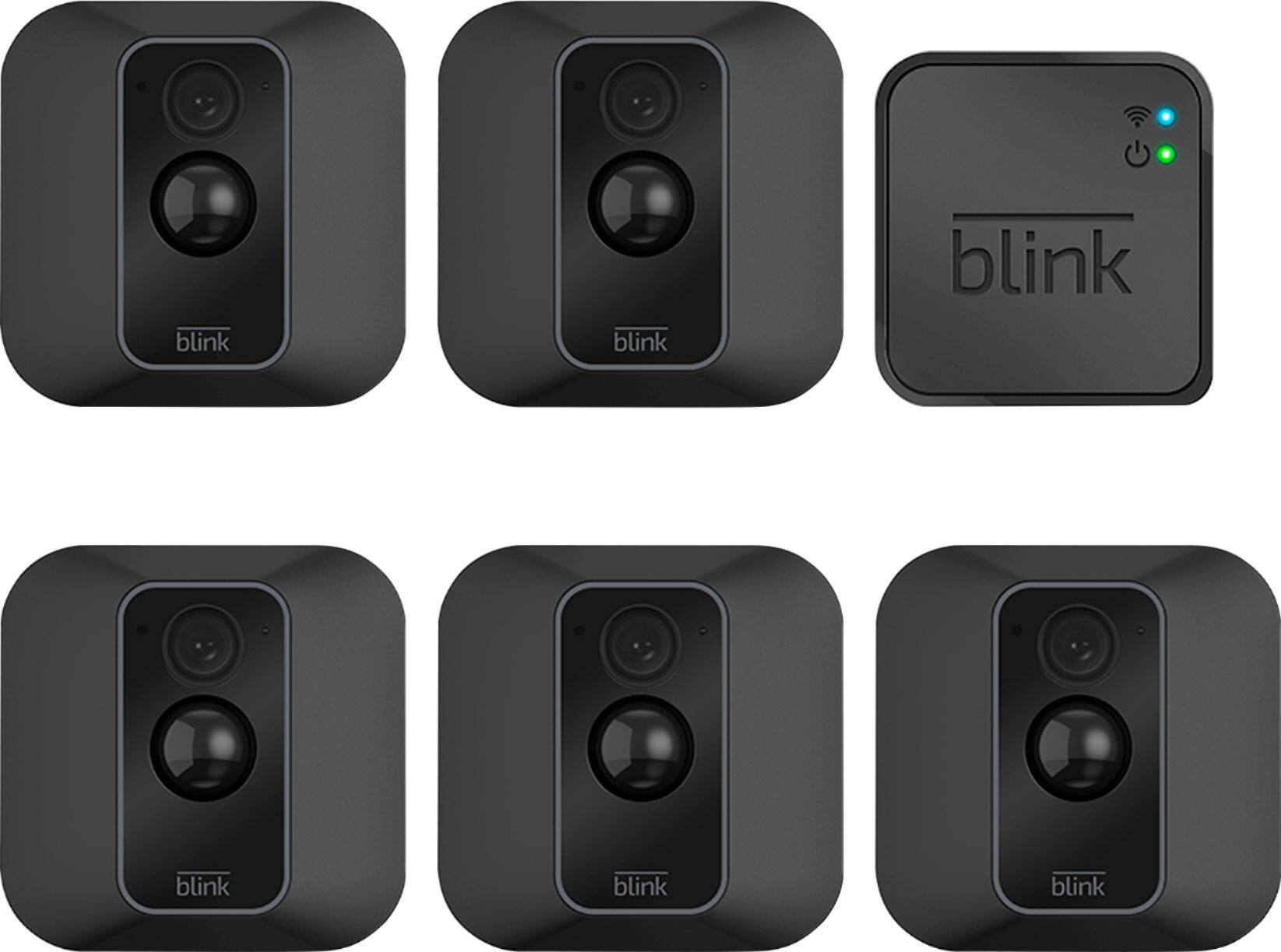
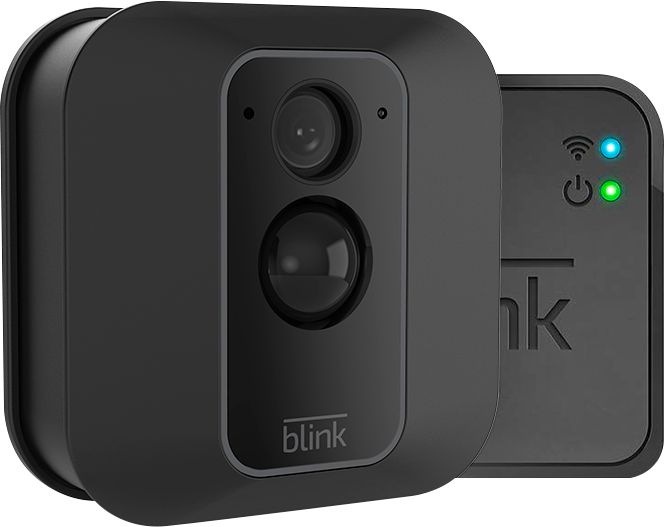
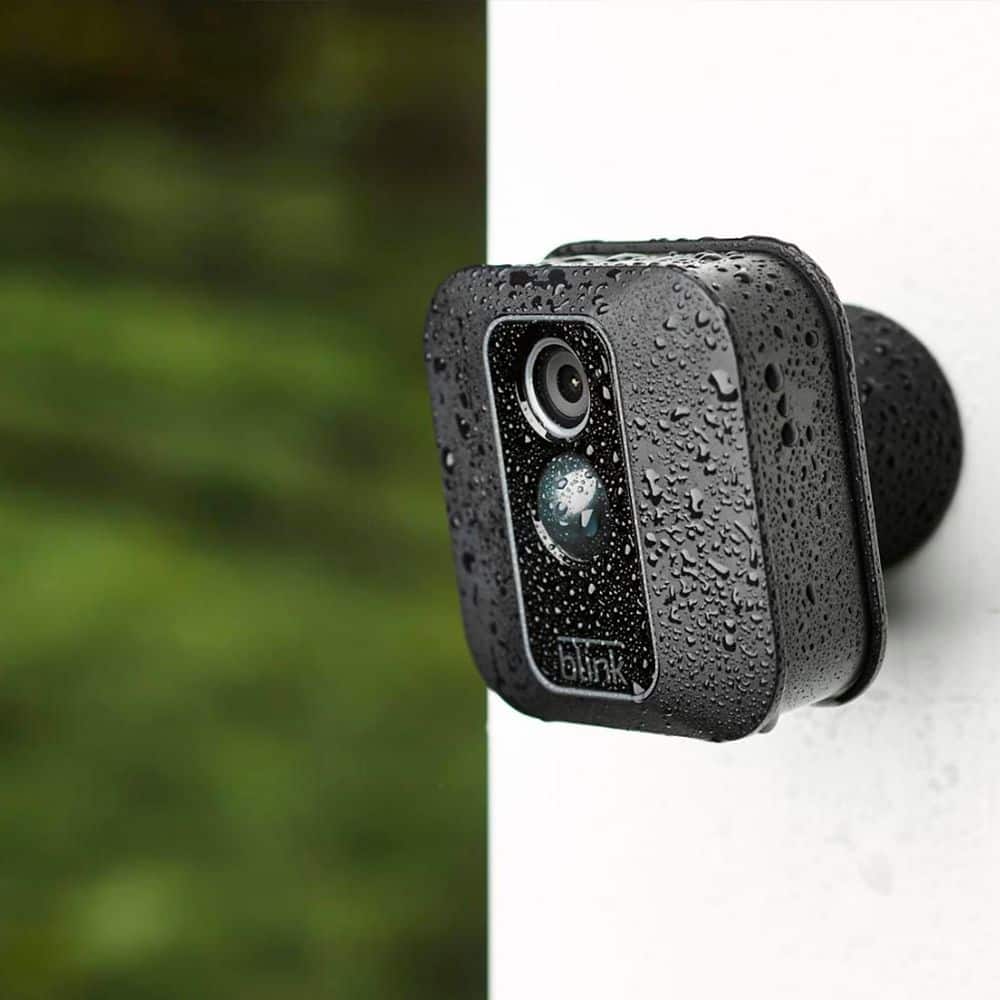
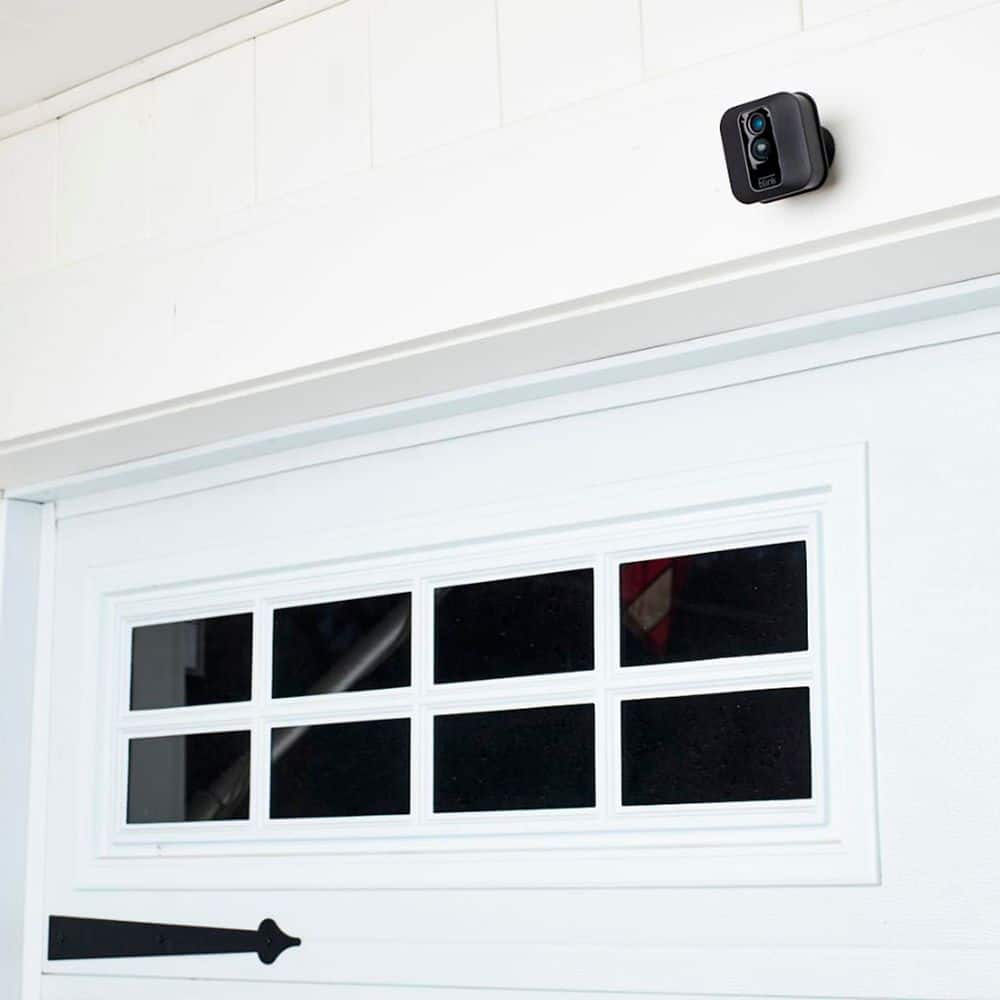
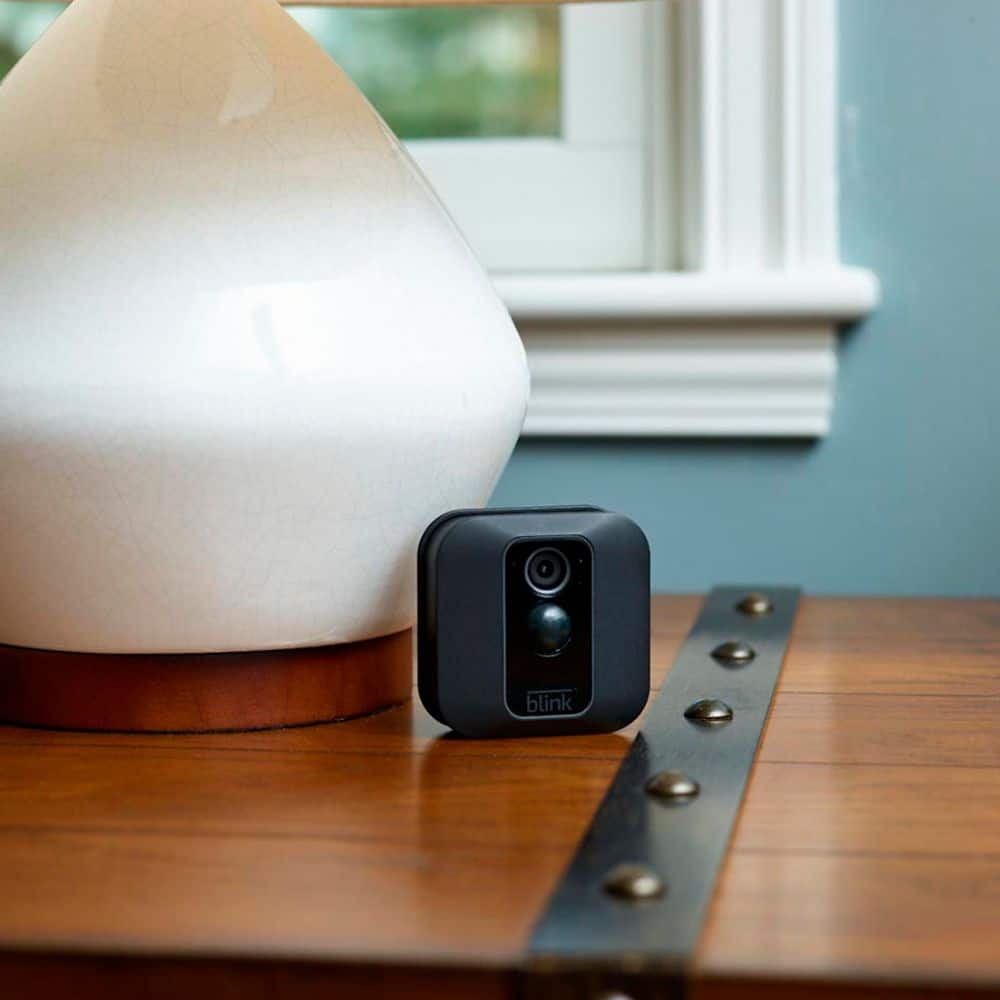
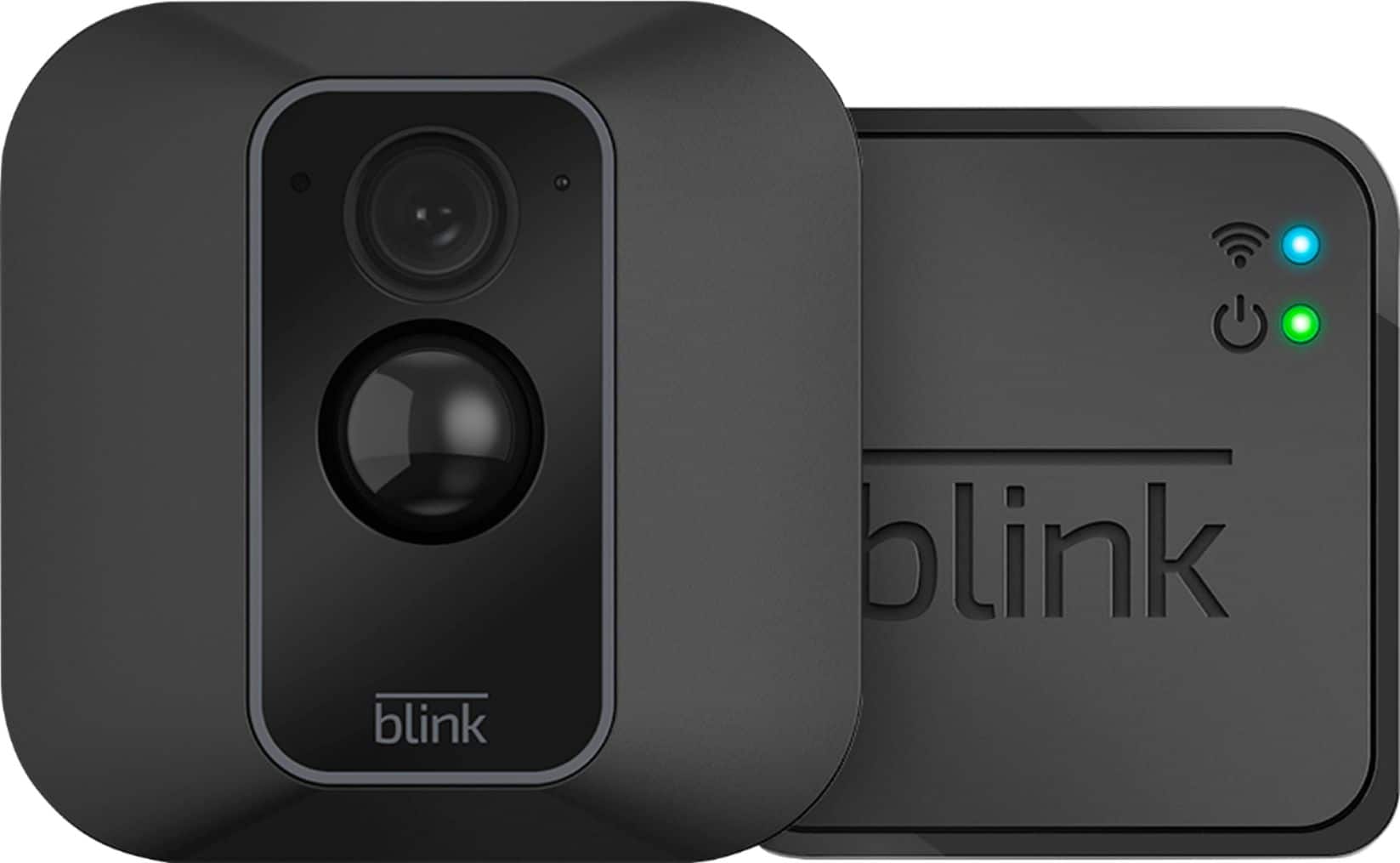
A:AnswerThe Blink Indoor and Outdoor are the next generation of wire-fee battery-powered 1080p HD security cameras that help you monitor and check-in on your home day or night.
A:AnswerI usually delete mine when it’s full. I haven’t had to pay for any storage fees. The ones I want to keep, I email it to myself before it’s deleted.
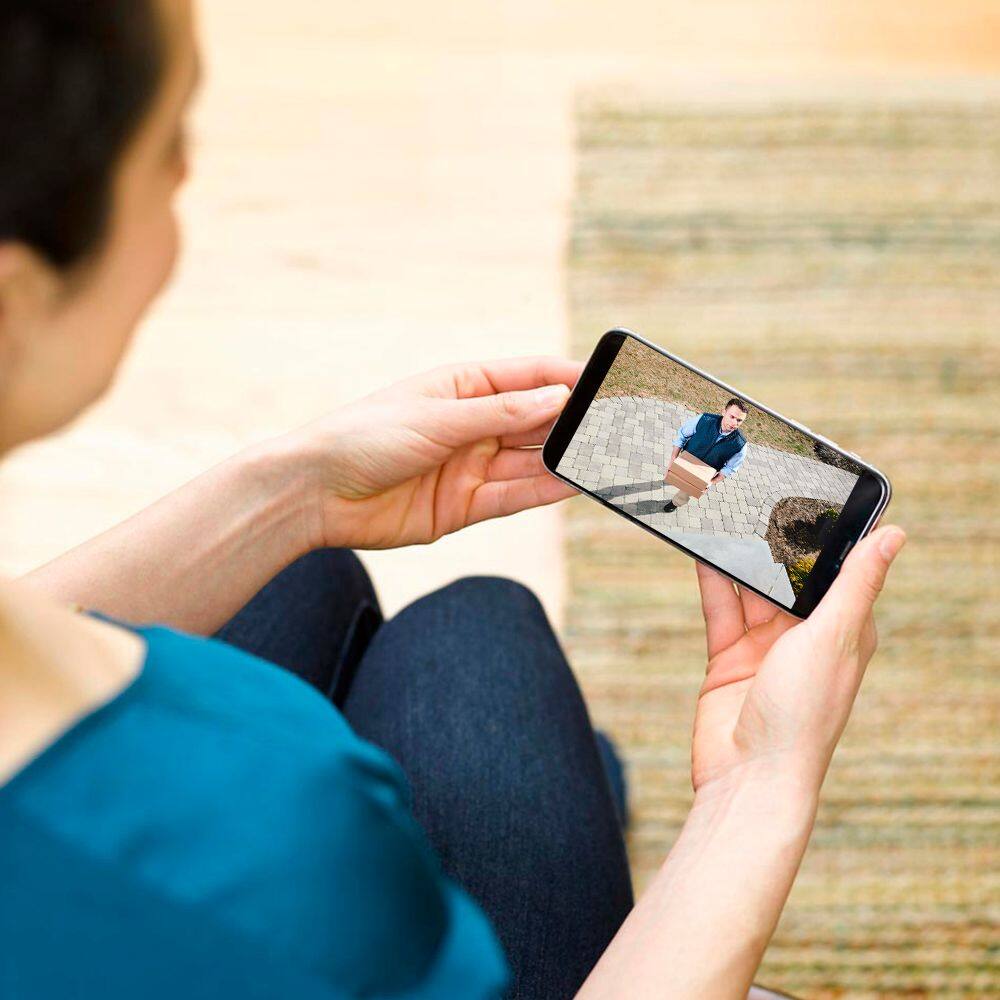
A:AnswerYou are able to adjust your camera settings, view video clips, receive notifications, and access live view through the App on your compatible mobile device from anywhere as long as you have a WIFI or cellular connection. This is important to note for your cellular data plan, watching a five second motion clip without WIFI connection will use about 750KB of your data plan.
A:AnswerWe too live in a rural area with horrible internet service at the time of purchase it still worked fine! It can be slow on review, we have upgraded internet service and it is great, but do not see a big difference in the Blink it works pretty much the same.
A:AnswerYes it does... Log in to your home's WIFI 1st > then follow the steps inside the app to [discover your camera].
My COX router & later NETGEAR router, both broadcast in 2ghz & 5gz bands.