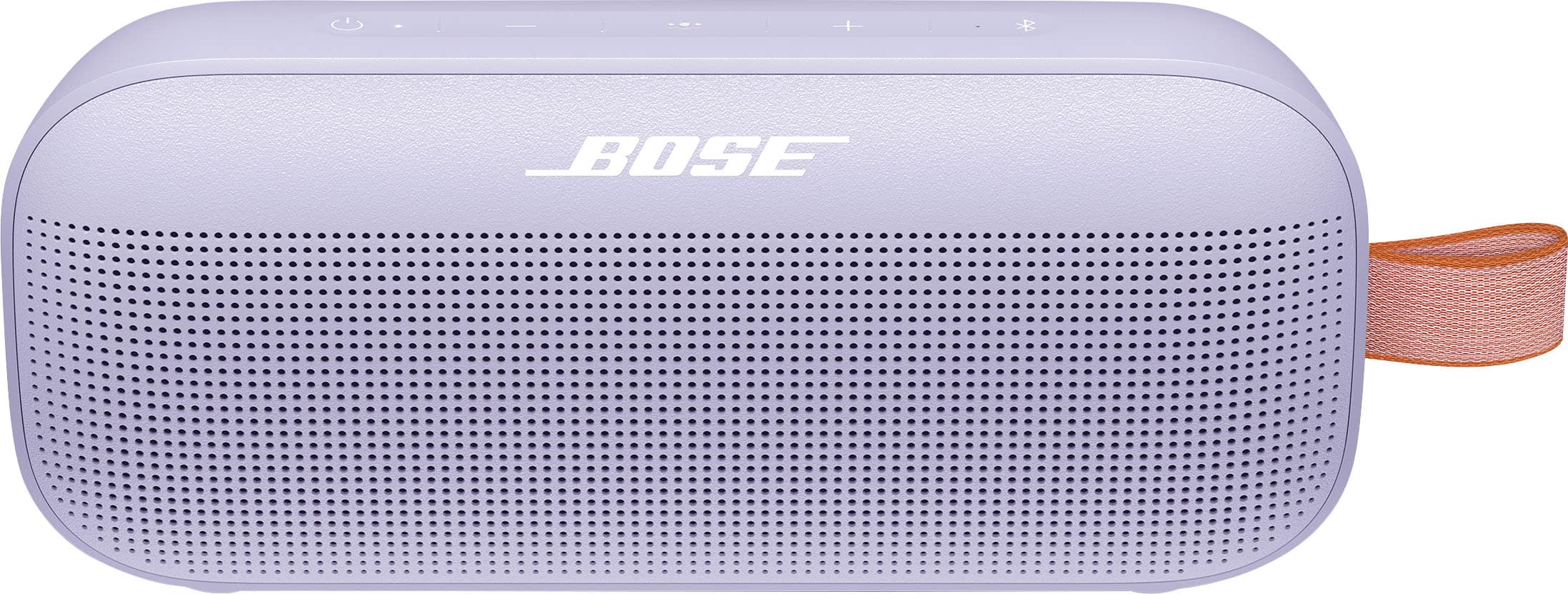
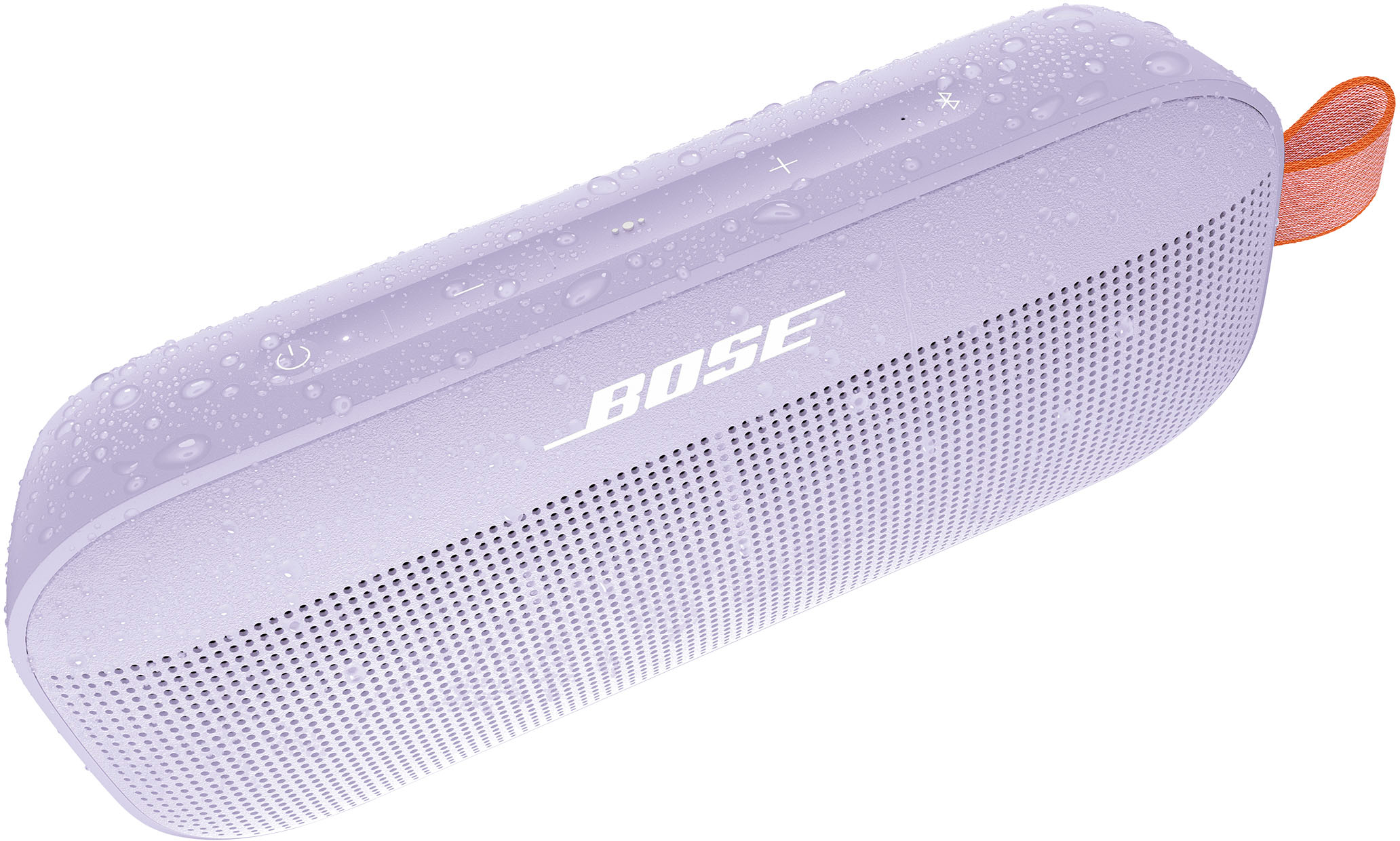
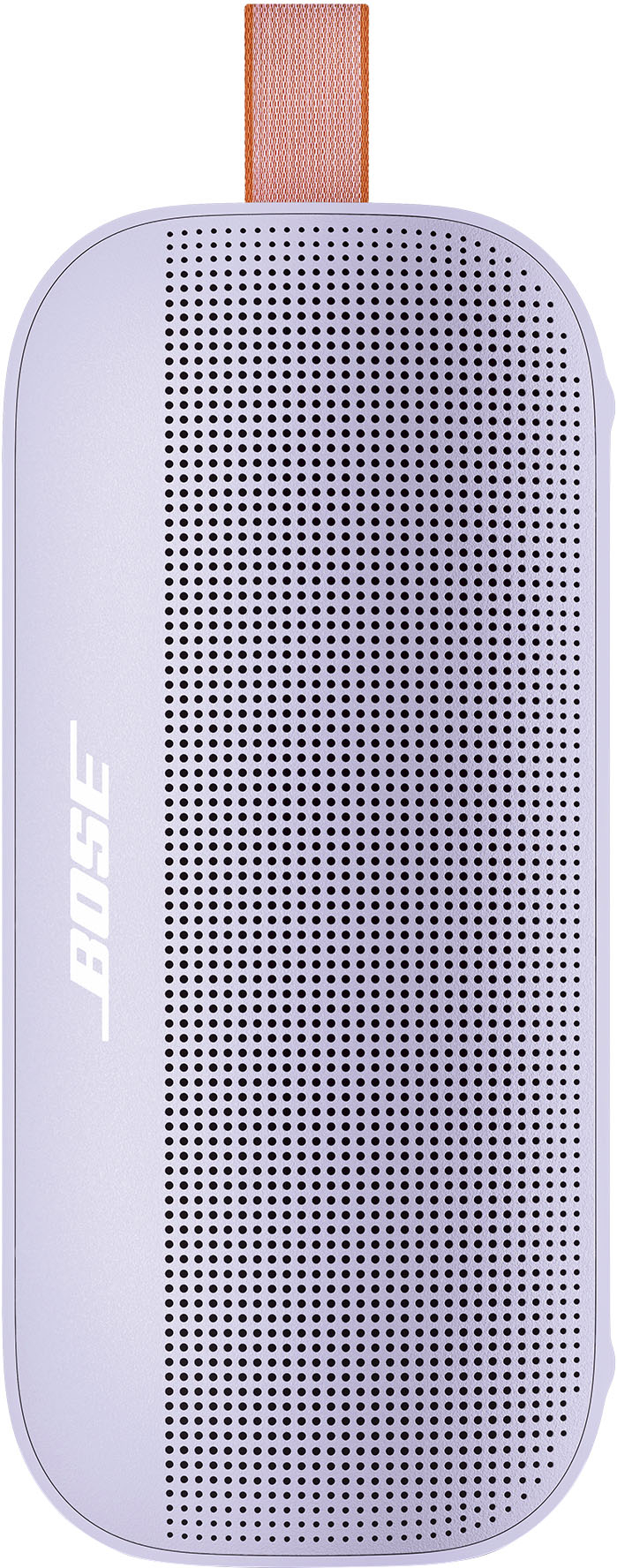
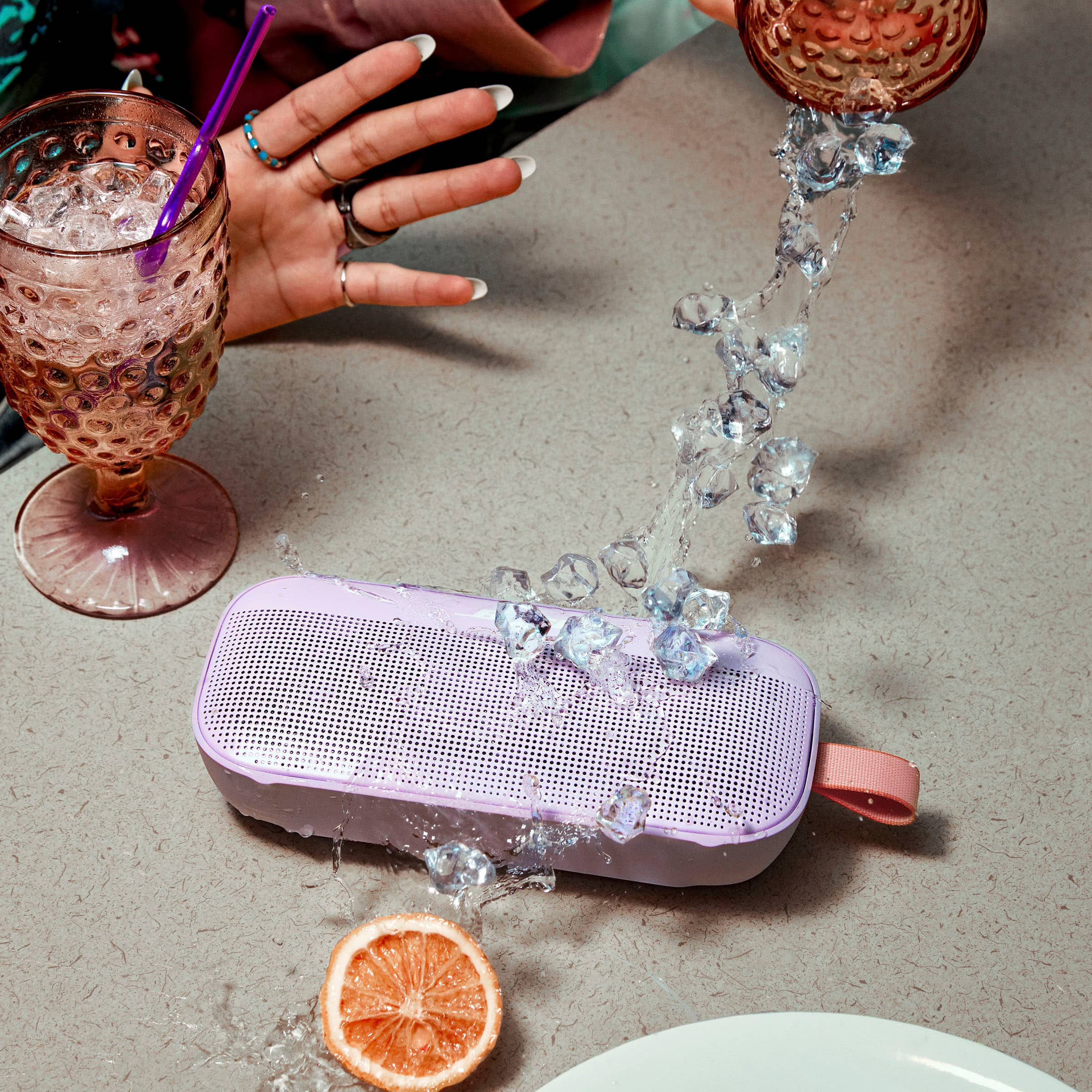
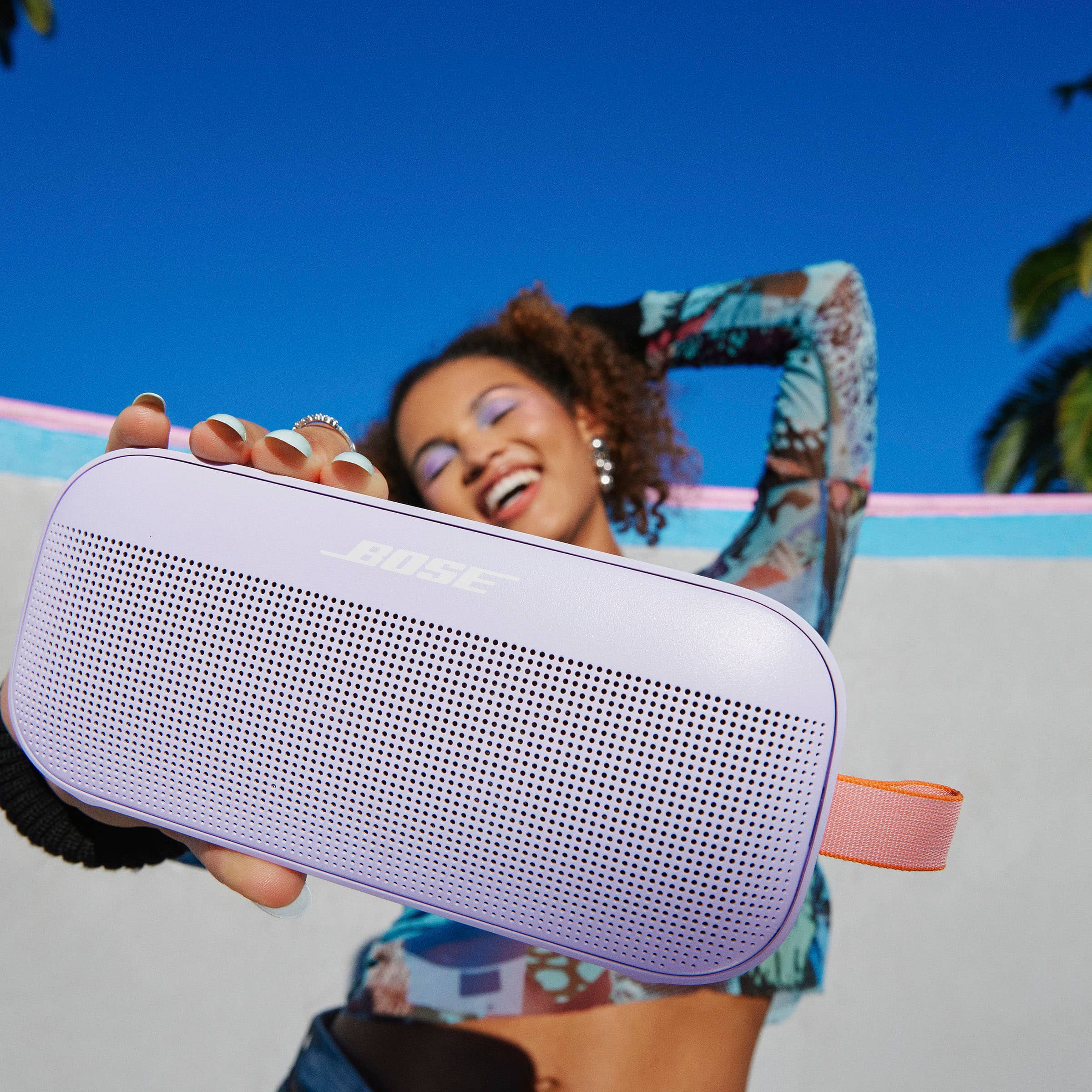
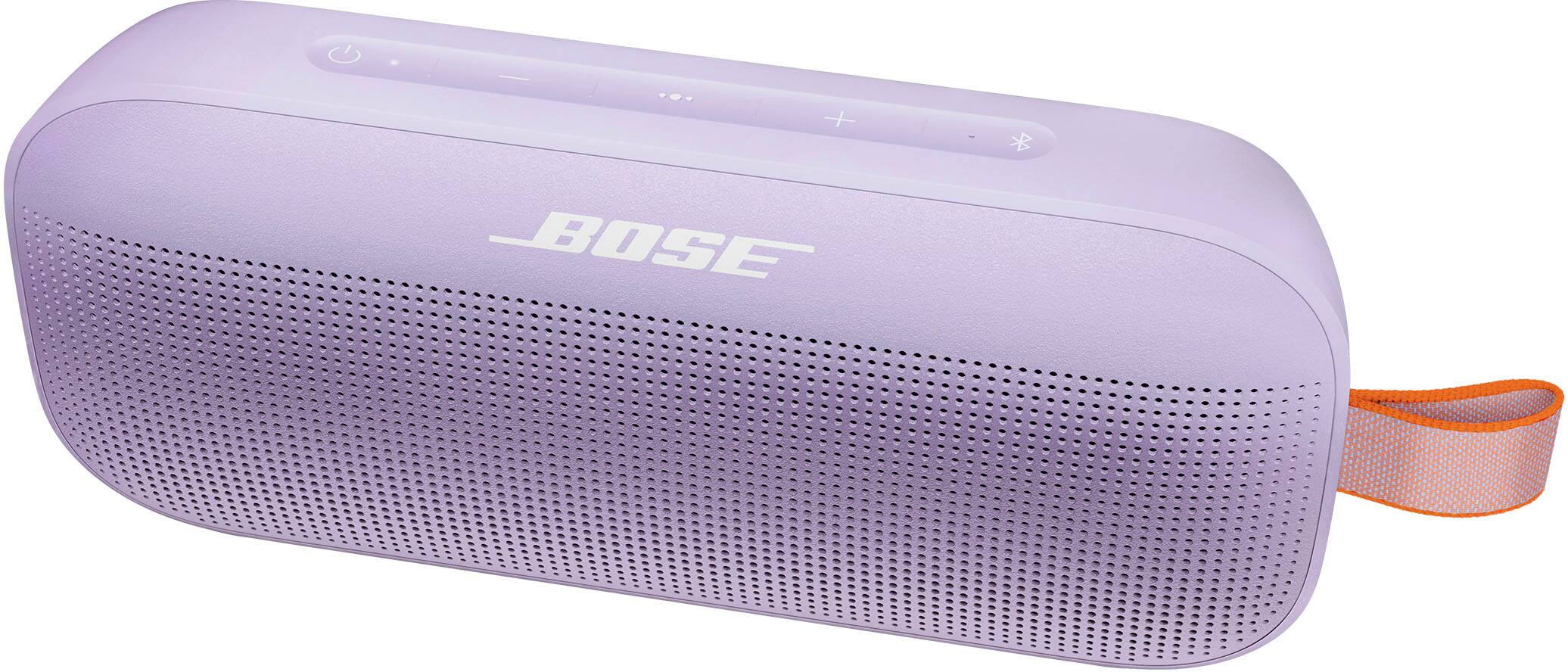
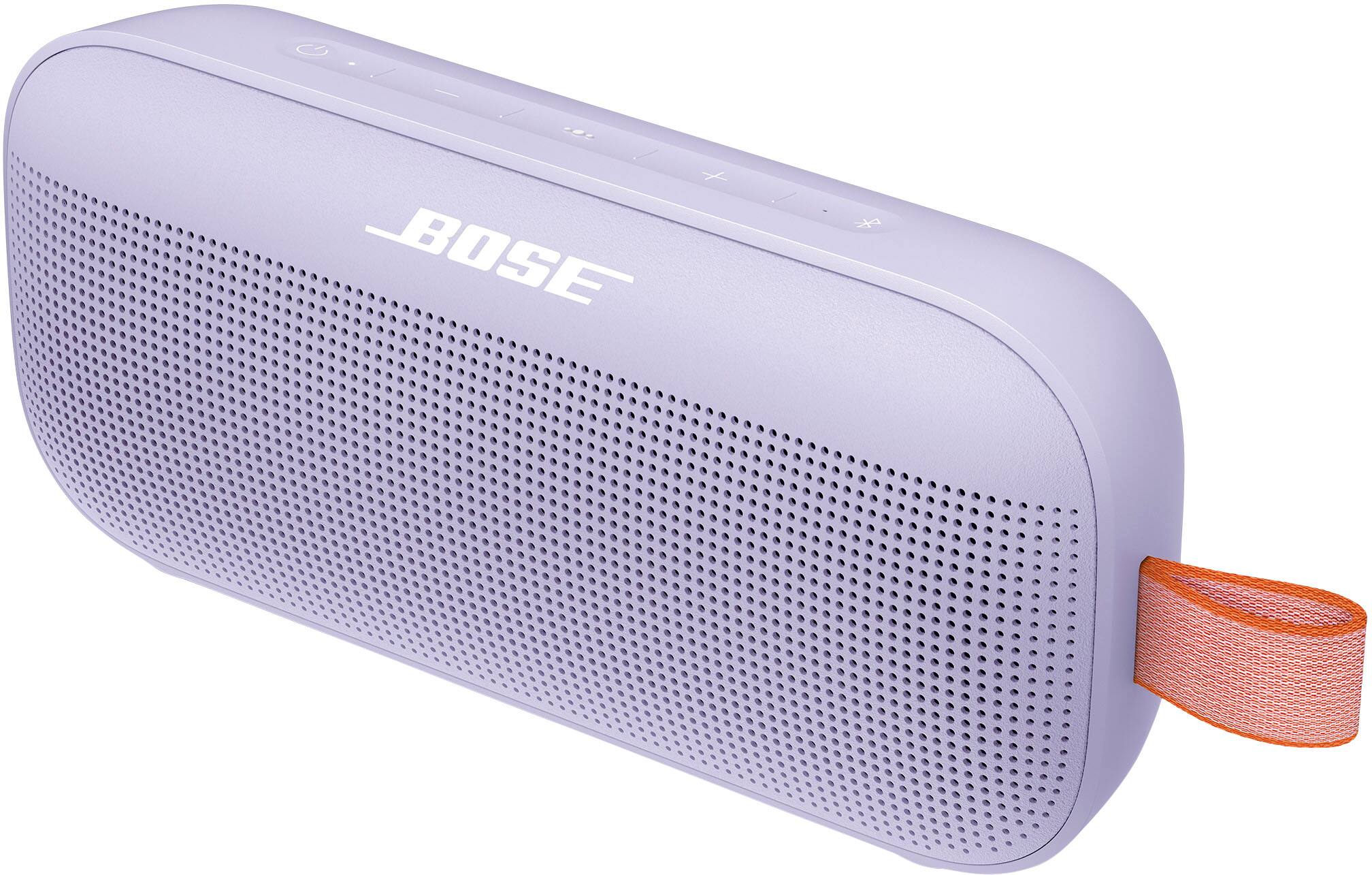
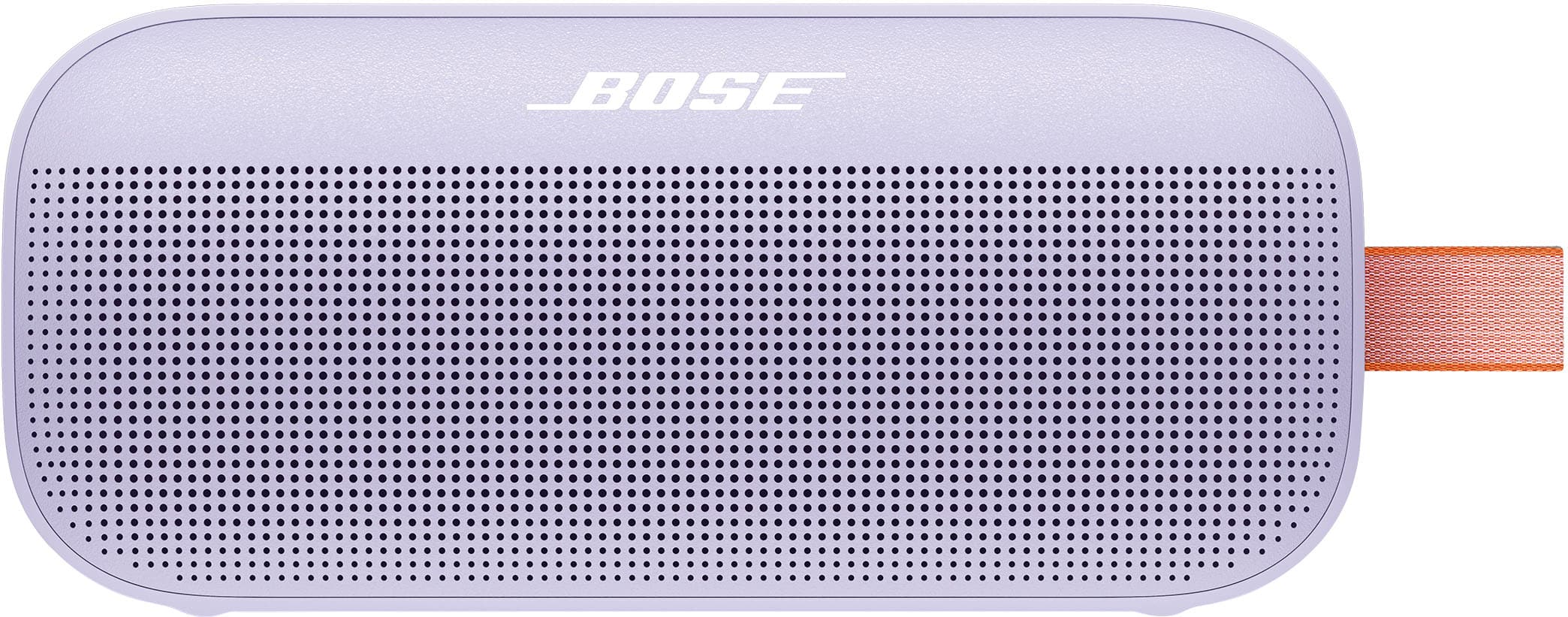
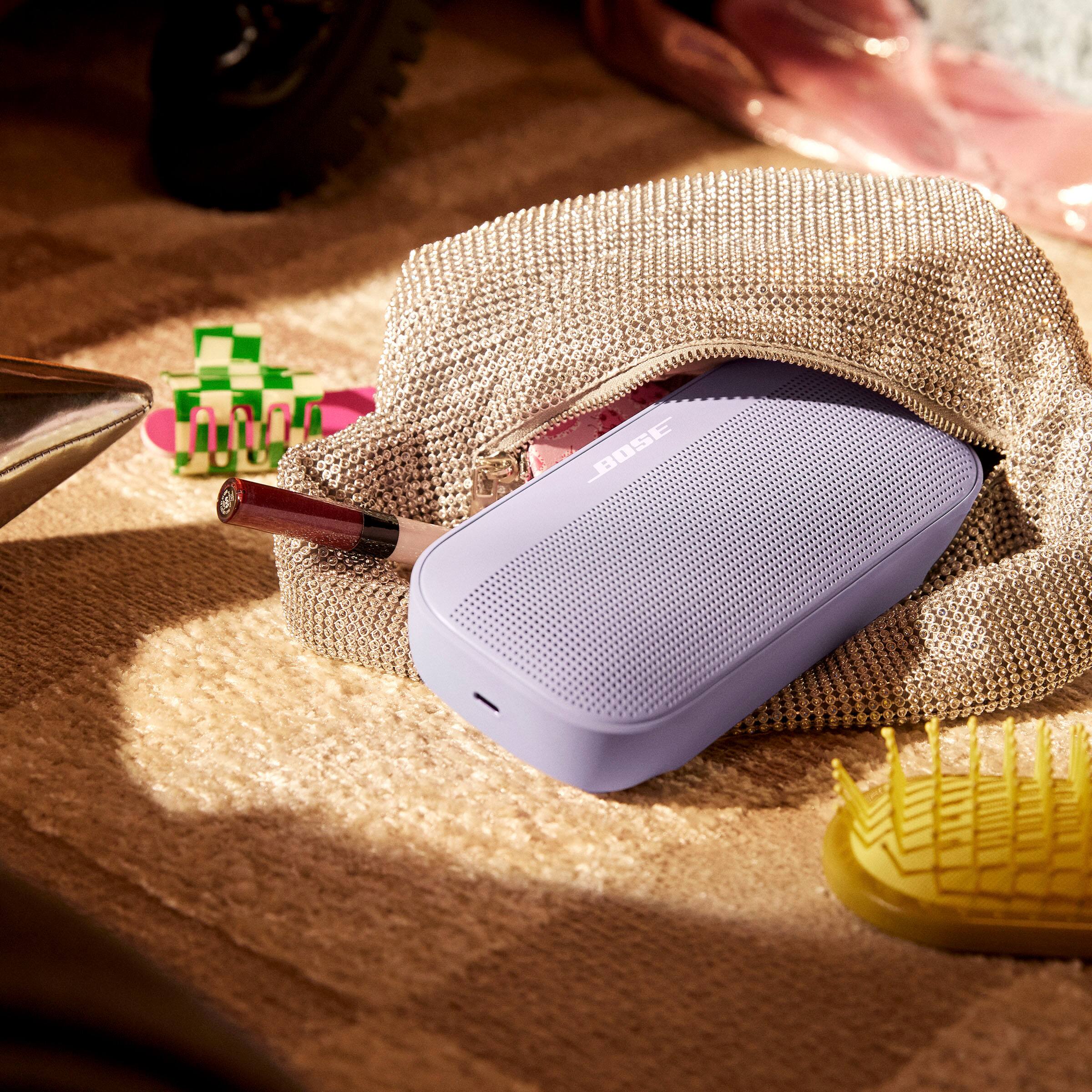
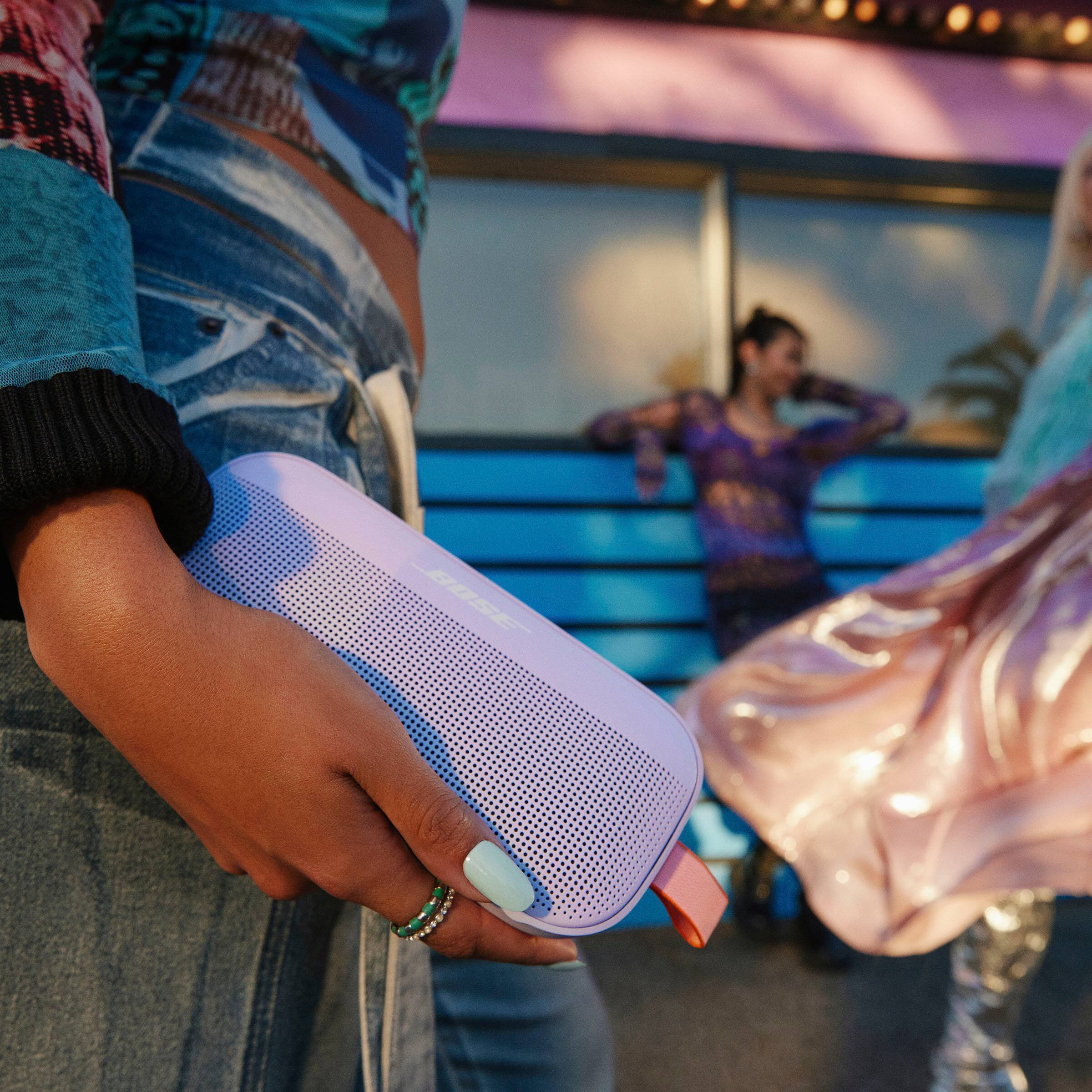
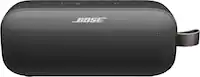
A:Answer No, the SoundLink Flex does not come with a carry case. However, it features a rugged design which is rigorously tested to meet an IP67 rating, making it able to withstand water, dust, and a few bumps and bruises along the way. The powder coat won’t peel or flake, and it’s resistant to rust corrosion and UV light. The tear-resistant utility loop makes it convenient for carrying wherever you go.