A:AnswerHi there! Thank you for your inquiry! Plugging the speaker in overnight will not overcharge the battery, as it’s designed to stop charging once full.
However, while it may seem harmless, frequently leaving your speaker connected to the charger for extended periods can gradually affect the battery’s overall performance and lifespan over time. To maintain optimal battery health, it's best to unplug the speaker once it's fully charged.
Jelyn - Bose Customer Support
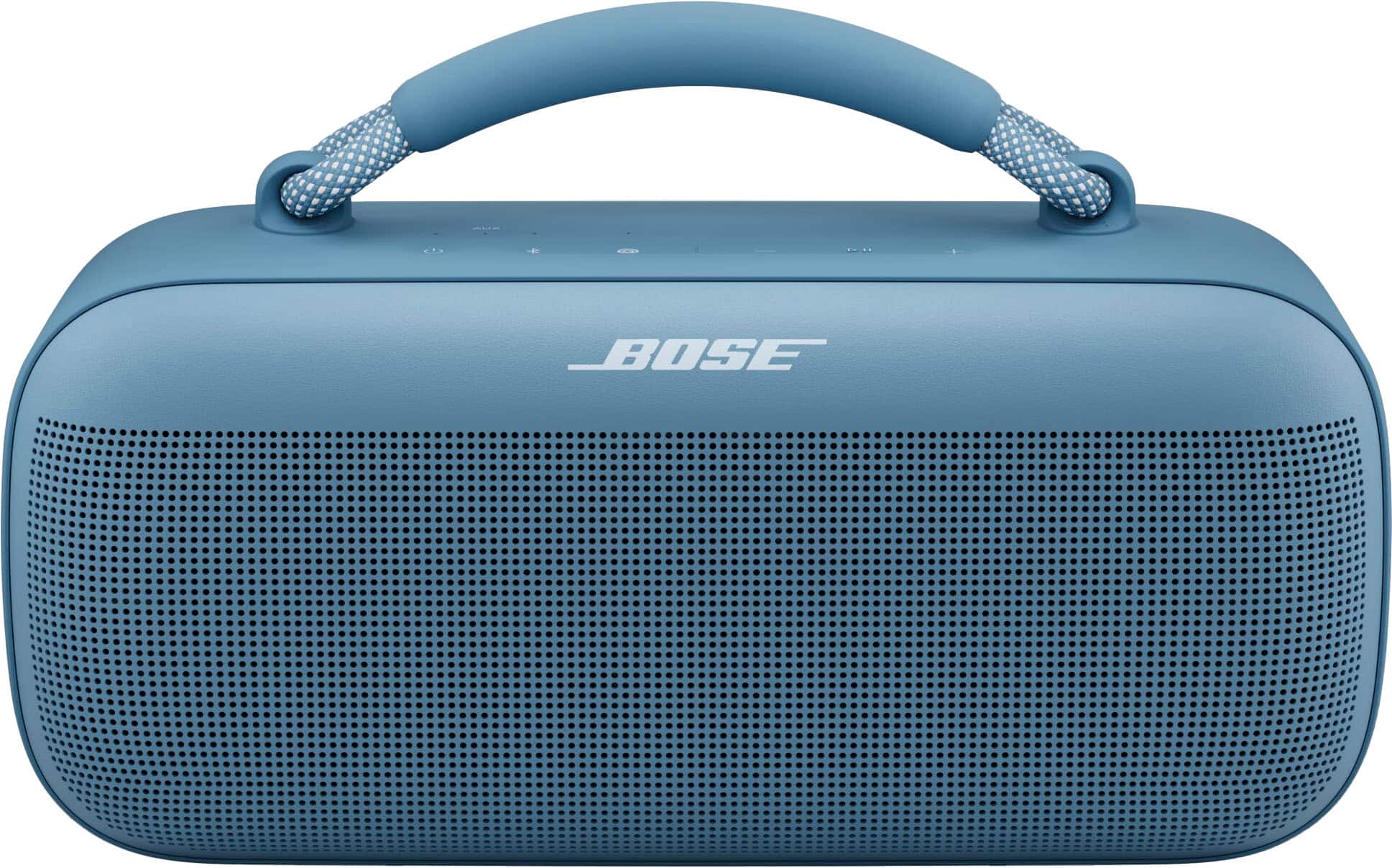
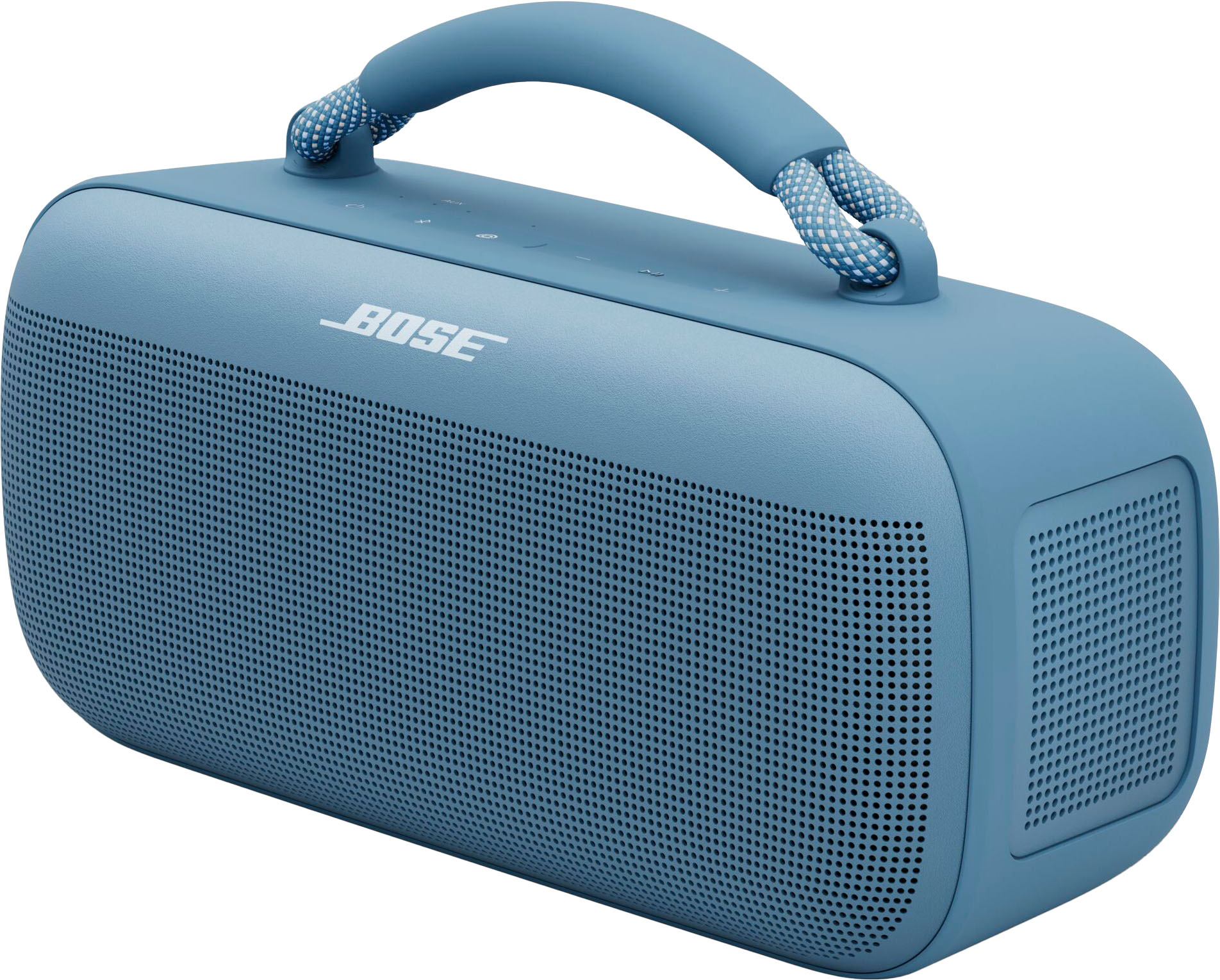
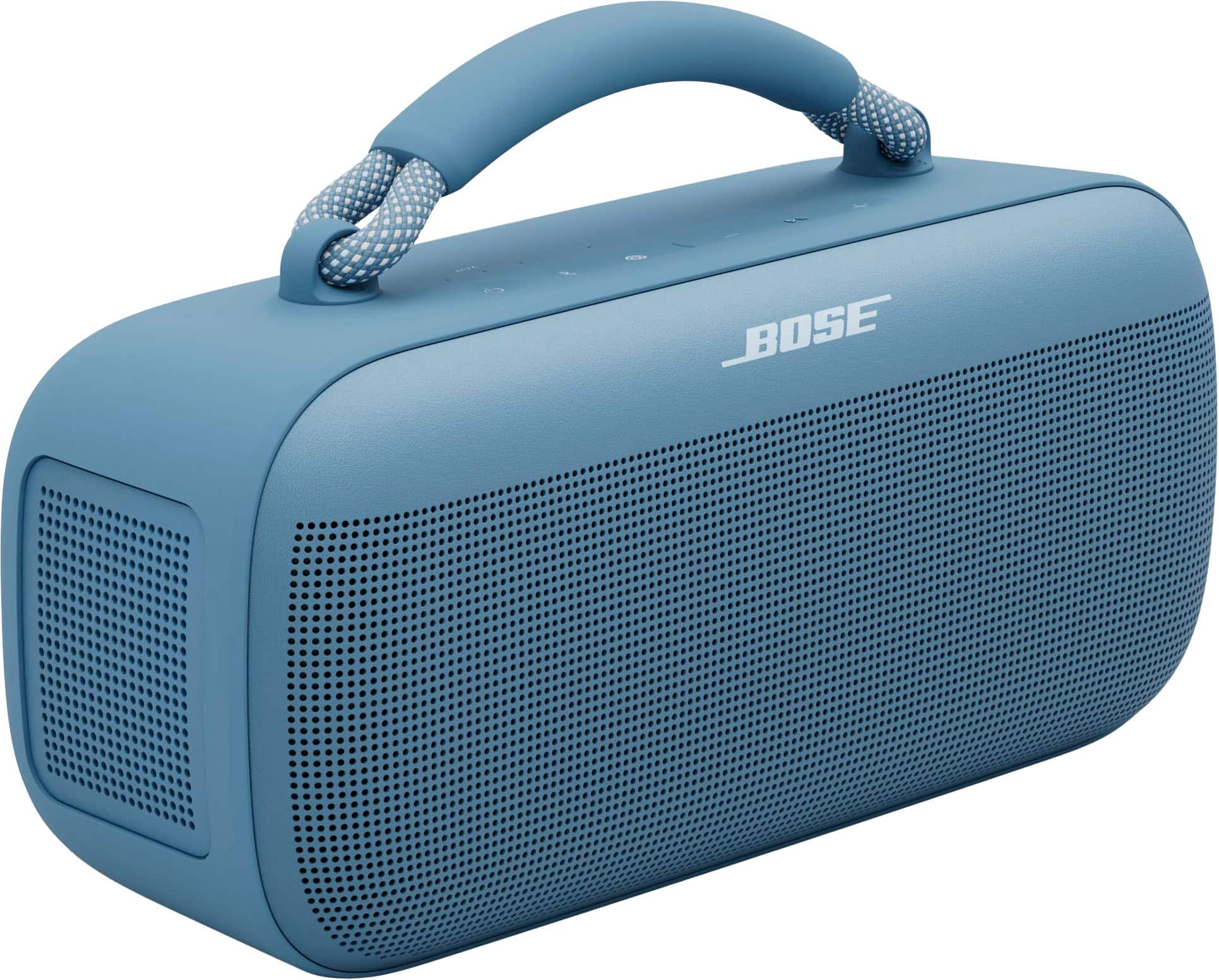
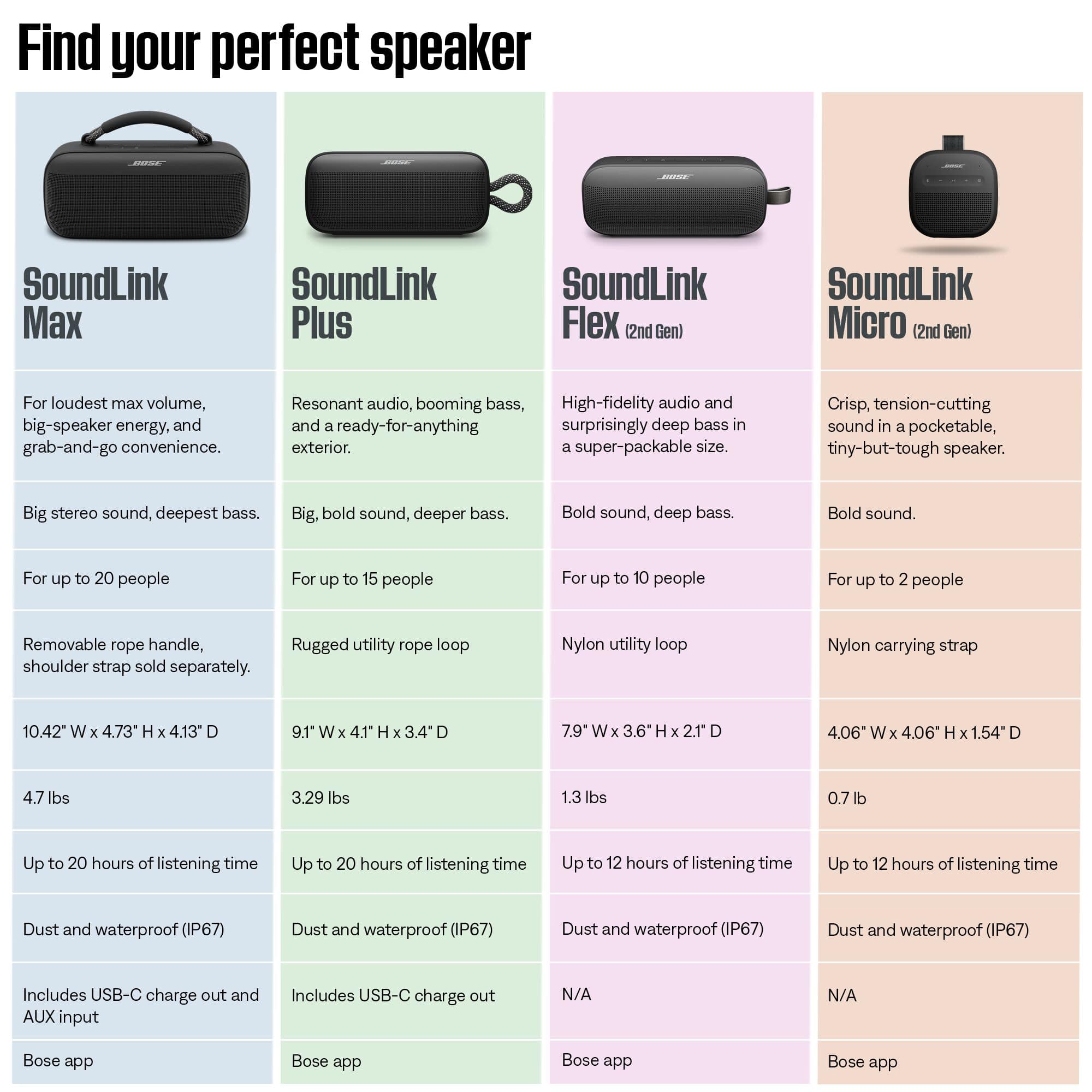
A:AnswerThe SoundLink Max speaker dimension are: 6.38" H x 10.41" W x 4.13" D (16.21 cm H x 26.44 cm W x 10.49 cm D), with different driver components: 3 (2x 2.5 inch Midrange, 1x 0.79 inch Tweeter)
2 Passive radiators. The included battery can last up to 20 hours at moderate volume and 3 hours at maximum volume.
This speaker weights 4.894lb (2.22kg).
A:AnswerThe SoundLink Max speaker was not officially conceived for this purpose, partly as standard Bluetooth processing could introduce a slight delay between your singing and the speaker's reproduction of your voice.
A:AnswerBest Buy i bought my 2nd Bose Max open box. In Brand new condition and saved over 120.00 dollars and you can not tell from brand new. I highly recommend open nox but only EXCELLENT CONDITION ! YOU'LL SAVE AND HAVE A NEW SPEAKER WITH WARRANTY !!!!
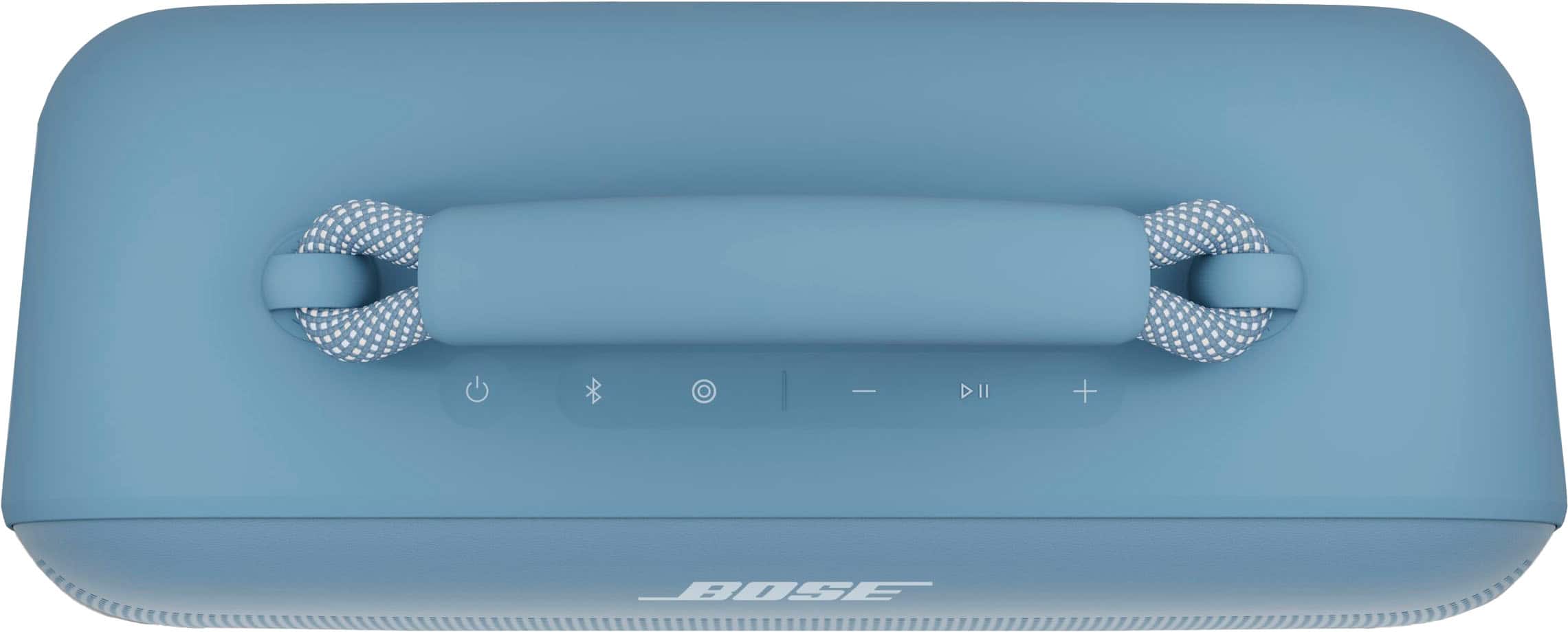
A:AnswerThe Bose SoundLink Max Portable Bluetooth Speaker cannot be turned on or off remotely from the app, nor does it come with a physical remote control.
A:AnswerWe’re sorry to hear about the issue you’re experiencing with the power switch. Please check out our helpful support article here: https://bose.life/3QsSiRV, which may provide steps to improve your experience.
If the switch still does not work after following those steps, we recommend reaching out to our customer support team so we can assist you further: https://bose.life/48FSWlb. We’d love to help ensure everything goes smoothly for you.

A:AnswerHi, the Bose SoundLink Max Portable Speaker cannot be paired with non‑Bose speakers like the Ultimate Boom. It does support Bose SimpleSync, which lets you connect it with compatible Bose products for synchronized audio.
A:AnswerYes, you can keep the SoundLink Max Portable Speaker plugged into a USB‑C charging block and AC outlet while using it indoors with your turntable. The speaker is designed to operate while charging, and its lithium battery has built‑in protection to prevent overcharging. Even when left plugged in, the battery will only recharge once the level drops below a certain point, so you don’t need to worry about damage. This setup is perfectly fine for extended indoor use and ensures uninterrupted playback.
A:AnswerTo connect your SoundLink Max Portable Speaker to your HP Omni computer, make sure the speaker is in Bluetooth pairing mode by holding the Bluetooth button until the light blinks. Then, turn on Bluetooth on your computer and look for the speaker in the device list to connect. For more details, you may refer to the Bose support page at https://bose.life/4lAFAw2
A:AnswerUnfortunately, no. The SoundLink Max Portable Speaker cannot be paired directly with Echo Studio. Most Bluetooth speakers and headphones, including Bose products, are Bluetooth receivers. They can receive and play sound from a Bluetooth transmitter (like a smartphone or laptop), but they cannot send sound to one another.
A:AnswerYes, the Bose SoundLink Max Portable Bluetooth Speaker can play music directly from your iPhone. Once paired via Bluetooth, your iPhone can stream audio (music, videos, etc.) wirelessly to the speaker.
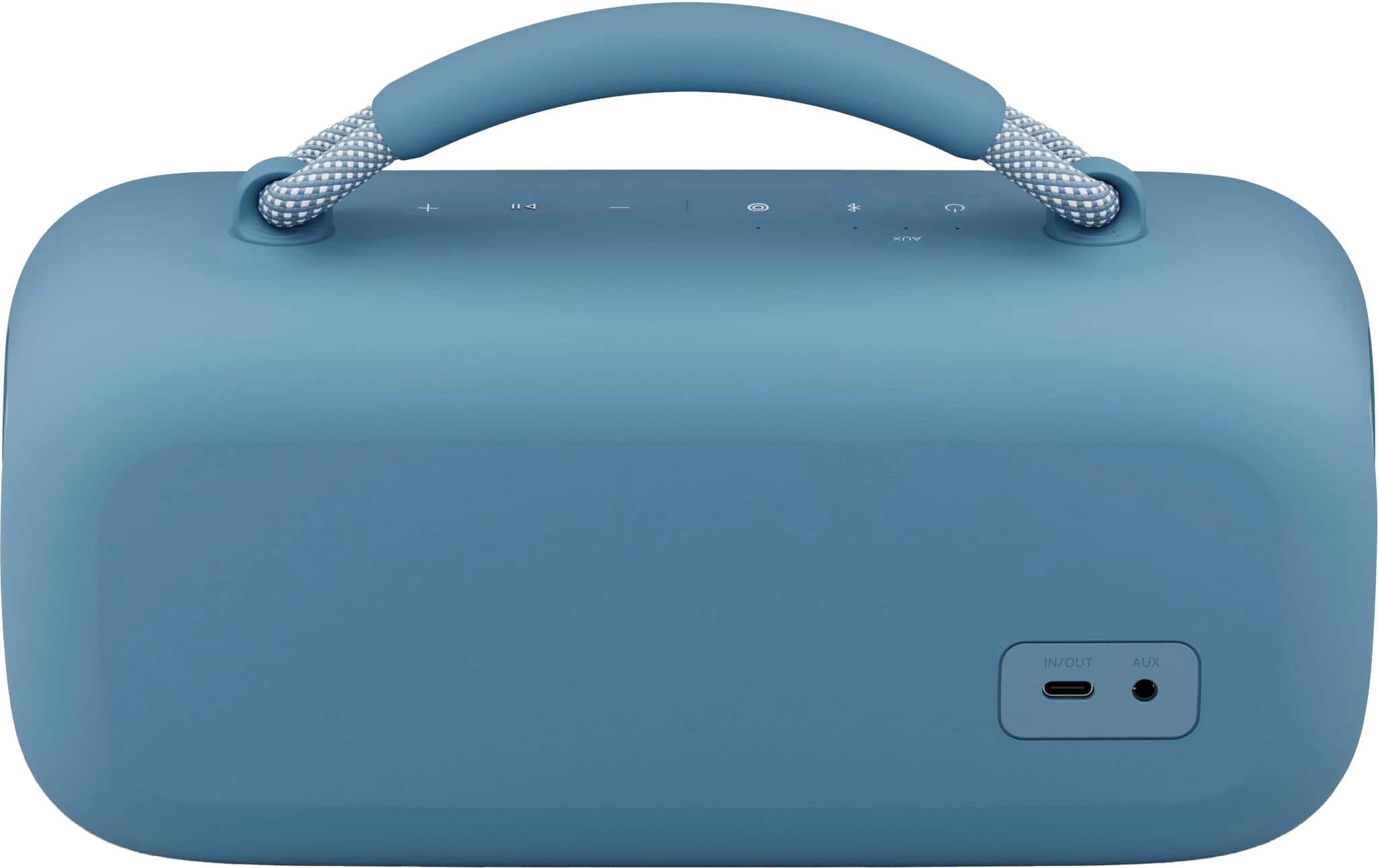
A:AnswerYes, you can connect it to a mixing board using the 3.5 mm AUX input. This gives you a simple, reliable way to enjoy your audio through the speaker.
A:AnswerUnfortunately, there isn’t a way to boost Bluetooth connectivity over long distances. The most reliable option would be to use an auxiliary cable, as it provides a stable connection, but you would need a cable long enough to cover the distance.