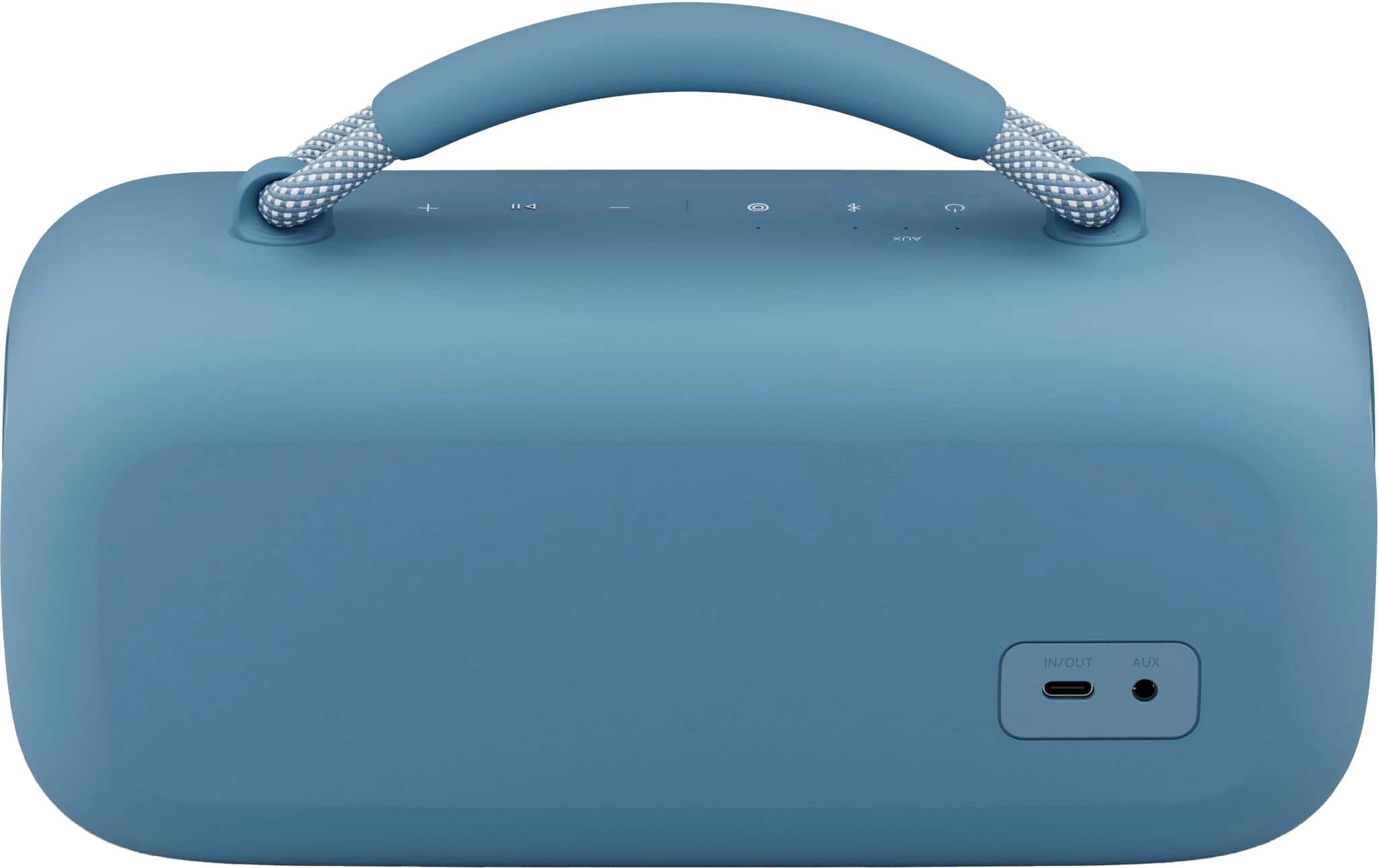
A:AnswerI’ve been able to connect a DJI Lav mic through the 3.5mm input but the latency can be quite a challenge. Still looking for a self (battery) powered mic to plug in directly. Hoping that directly in will eliminate the Blue Tooth latency challenge.
A:AnswerI have a similar model connected to my echo show no problems through Bluetooth. Just make sure you have the pairing on when you're doing your pairing on your echo device auto connect automatically when I turn it on.
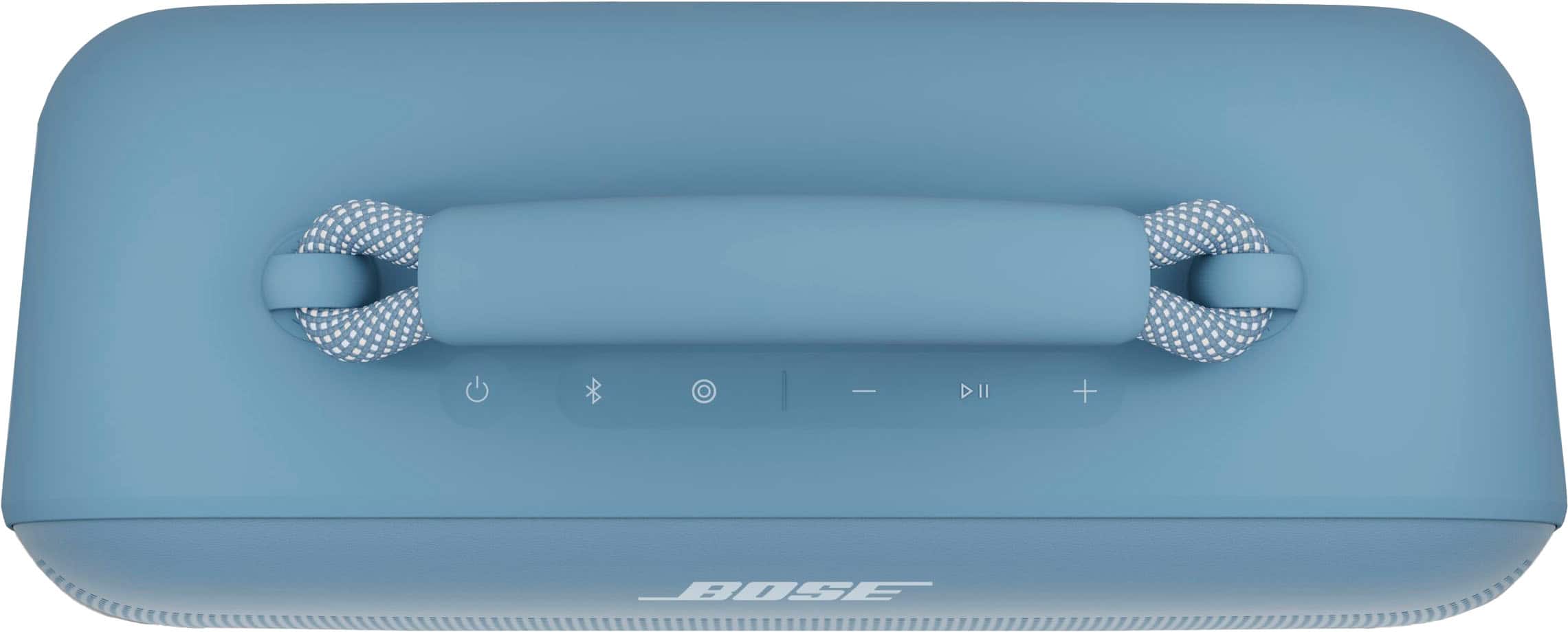
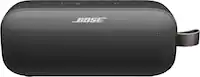
A:AnswerYou can sync any 2 (maximum) bose Bluetooth speakers. 30 feet apart and use short cut button. But its a Must to download The Bose app for PREMIUM sound advantage !!!!
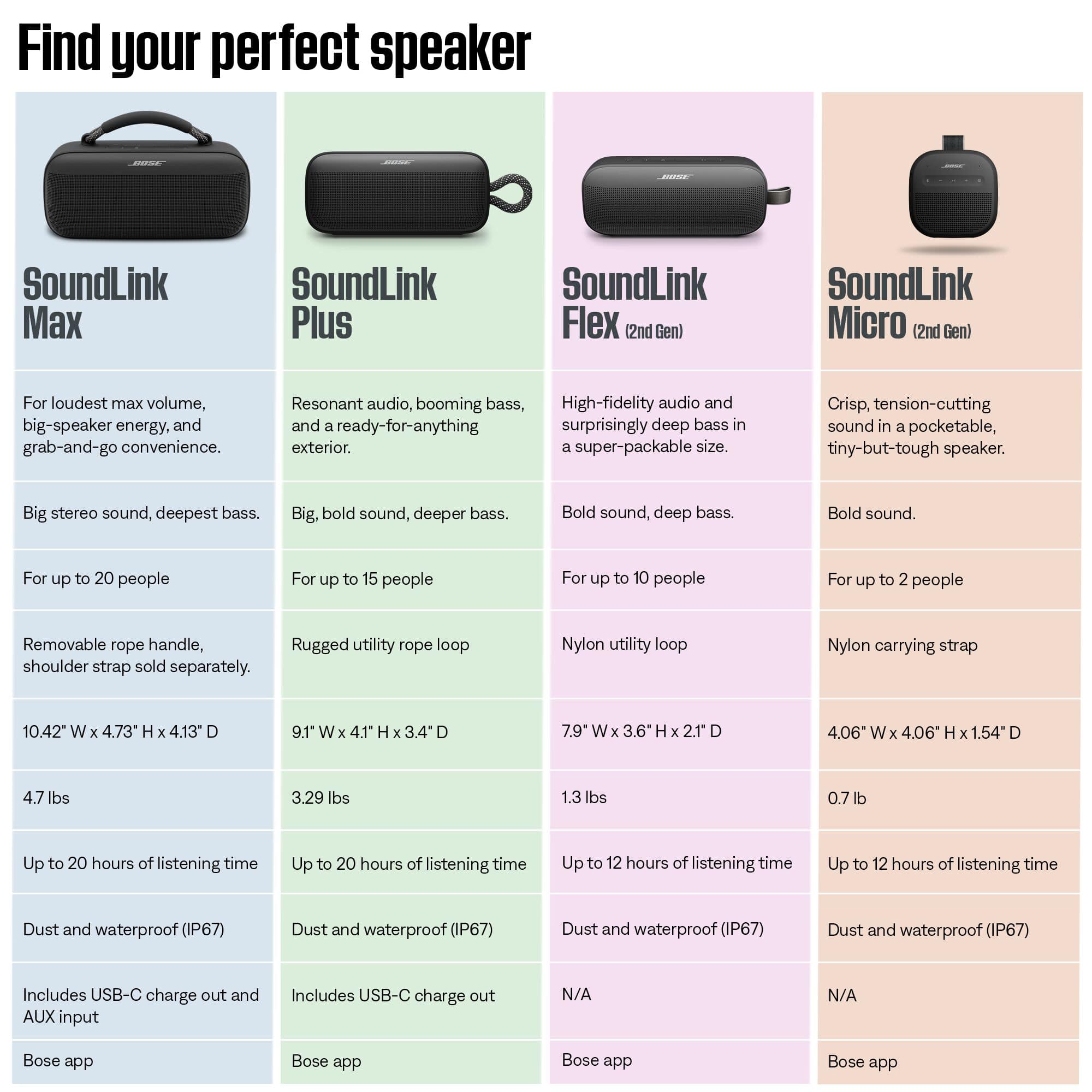
A:AnswerWhile Bose is silent on wattage we can surmise from the excellent 20 watt soundlink flex that being double the size the max will be in the 30-50 watts range which is exceptional for this size speaker not to mention it promises amazing bass and full big speaker sound