A:AnswerThe Soundlink Micro is only capable of playing music through Bluetooth. This means you need a Bluetooth compatible device to pair with the Soundlink Micro.
A:AnswerHello Alabama,
Thanks for the question. Absolutely! The Auto-off feature can be set for 5 minutes and up to a 5 hour time.
Take care,
Mohsin - Bose Support
A:AnswerYes - it works with any bluetooth device from what I can tell. I've used it with my Microsoft book and my galaxy note 8 and it worked just fine.
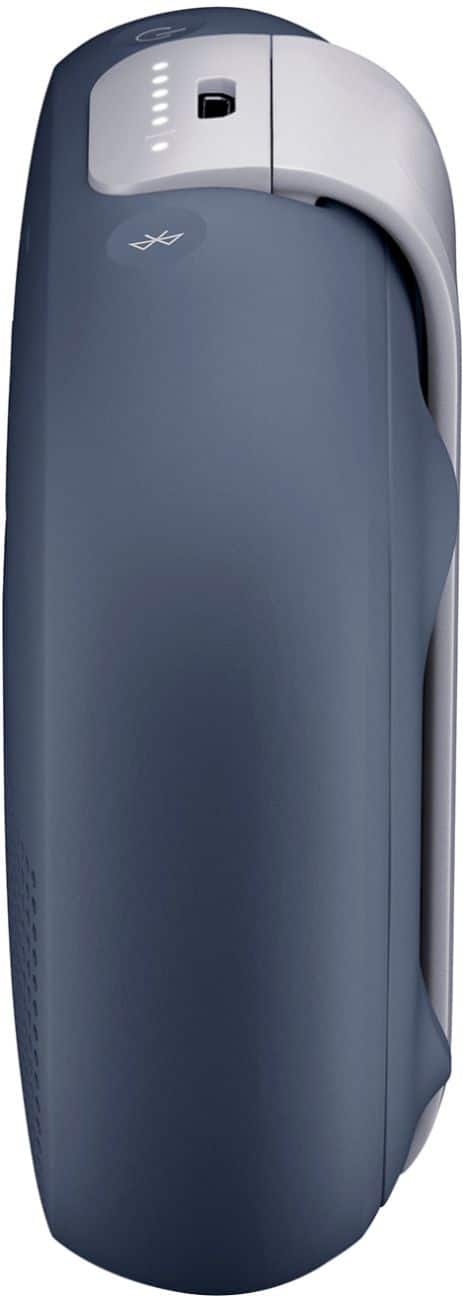
A:AnswerHey Phil, we're happy to help you with this. The SoundLink Micro Bluetooth speaker has a Micro-B USB port, and uses a Male Type A to Male Micro B USB charging cable. If you could please contact our Support team, we'd be happy to further assist (https://bose.life/1RwxI8E). Thank you! Josselyn - Bose Support
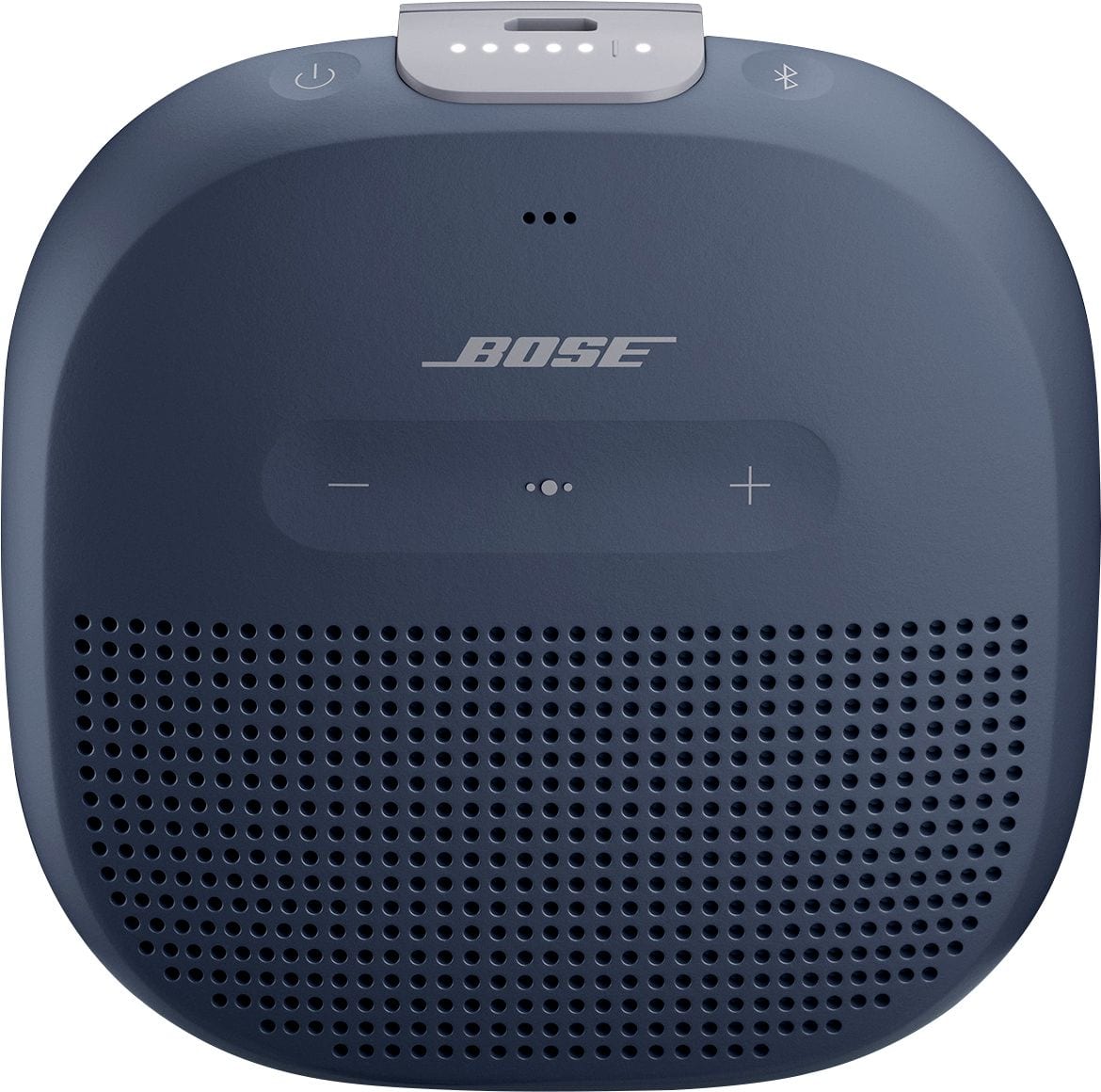
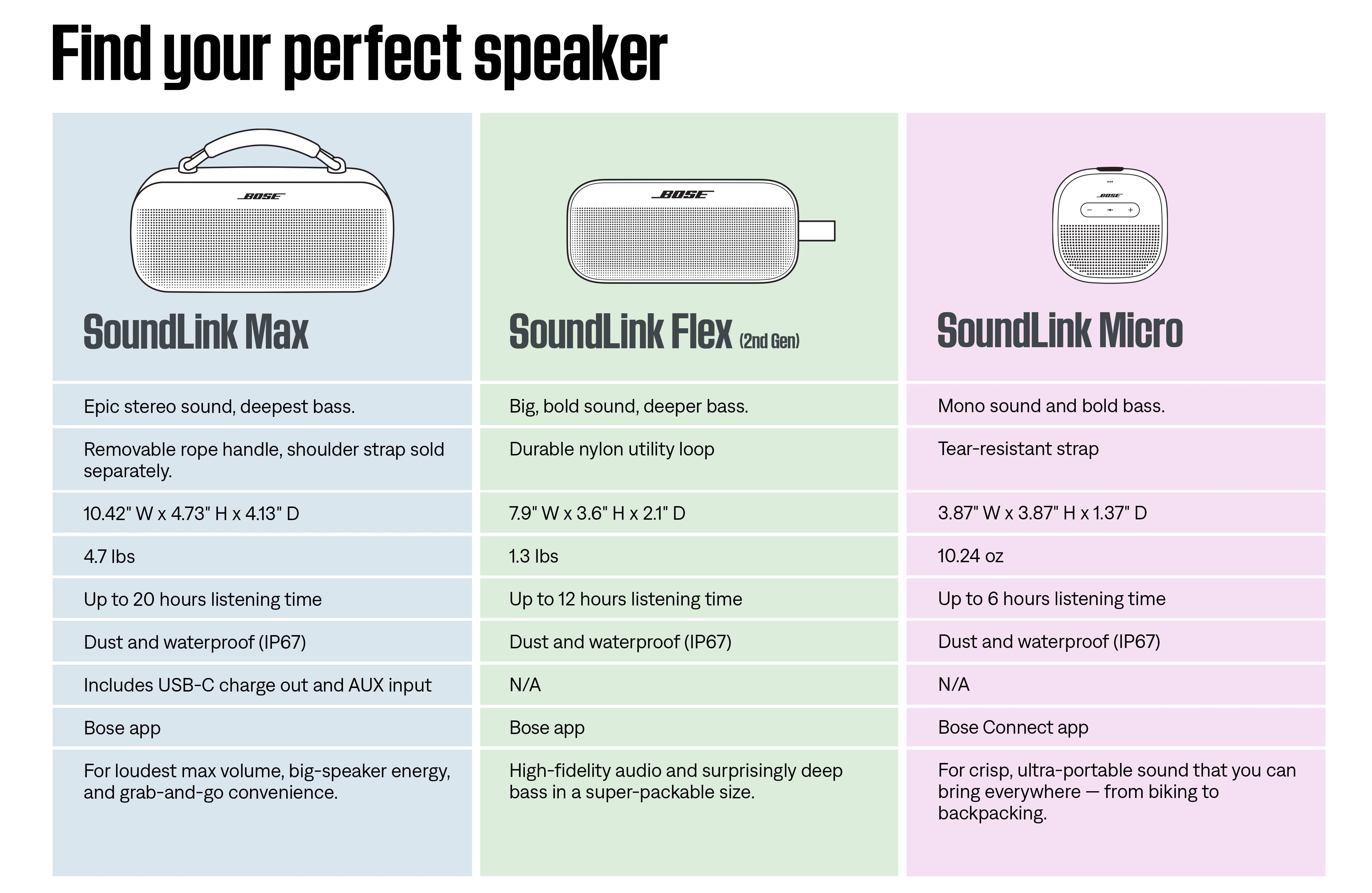
A:AnswerThe Micro only accepts Bluetooth as a source. Also, there is no AUX input. If Google Home can act as a Bluetooth host (a source like your phone), then it should be possible.
A:AnswerHi Iliana, thanks for reaching out! While the Bose SoundLink Micro Bluetooth Speaker doesn’t have an AUX port at this time, there’s no need to worry, the Bluetooth connection offers stable performance up to 30 ft (9 m). You can still enjoy your favorite music wirelessly via Bluetooth with ease.
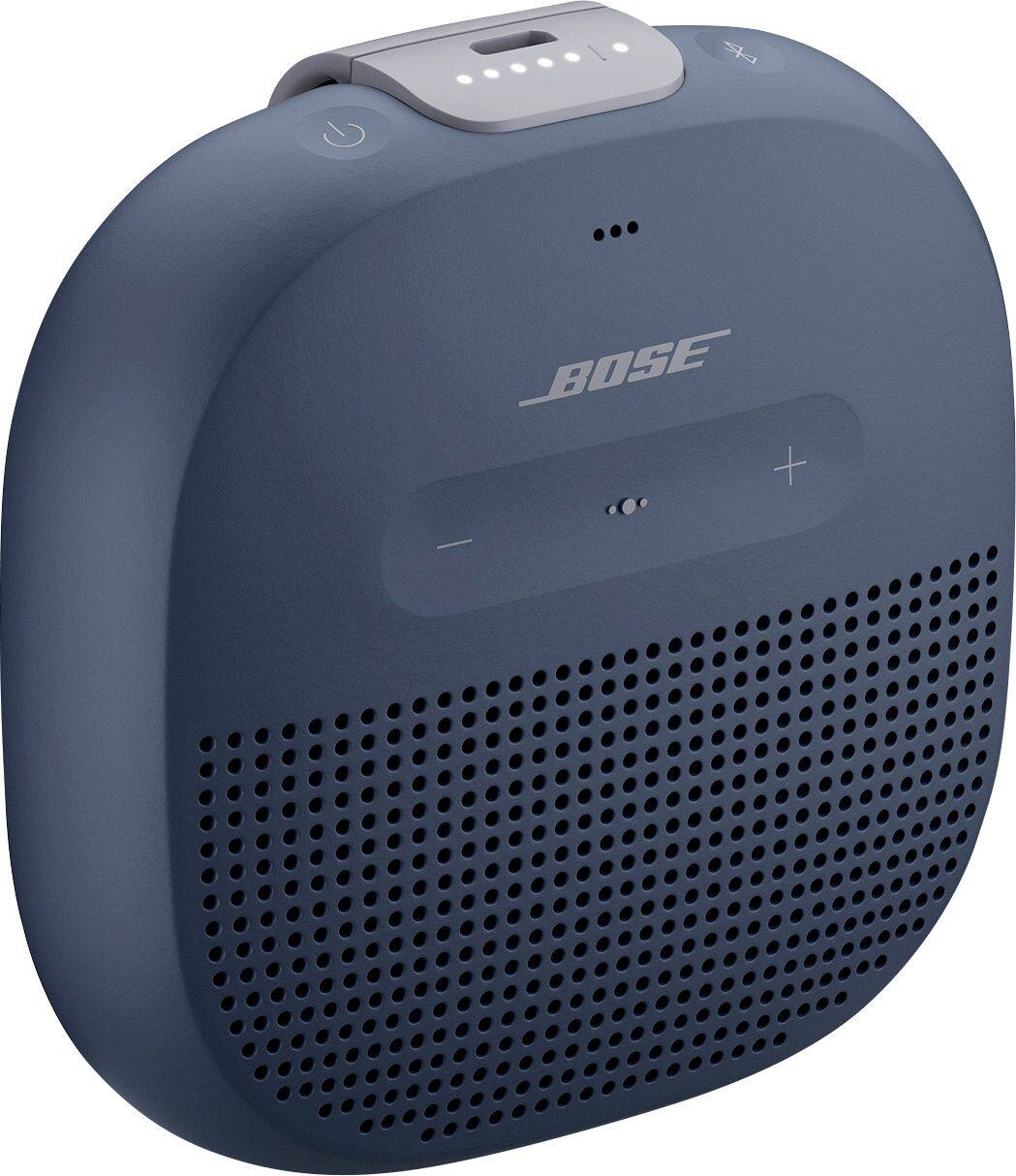
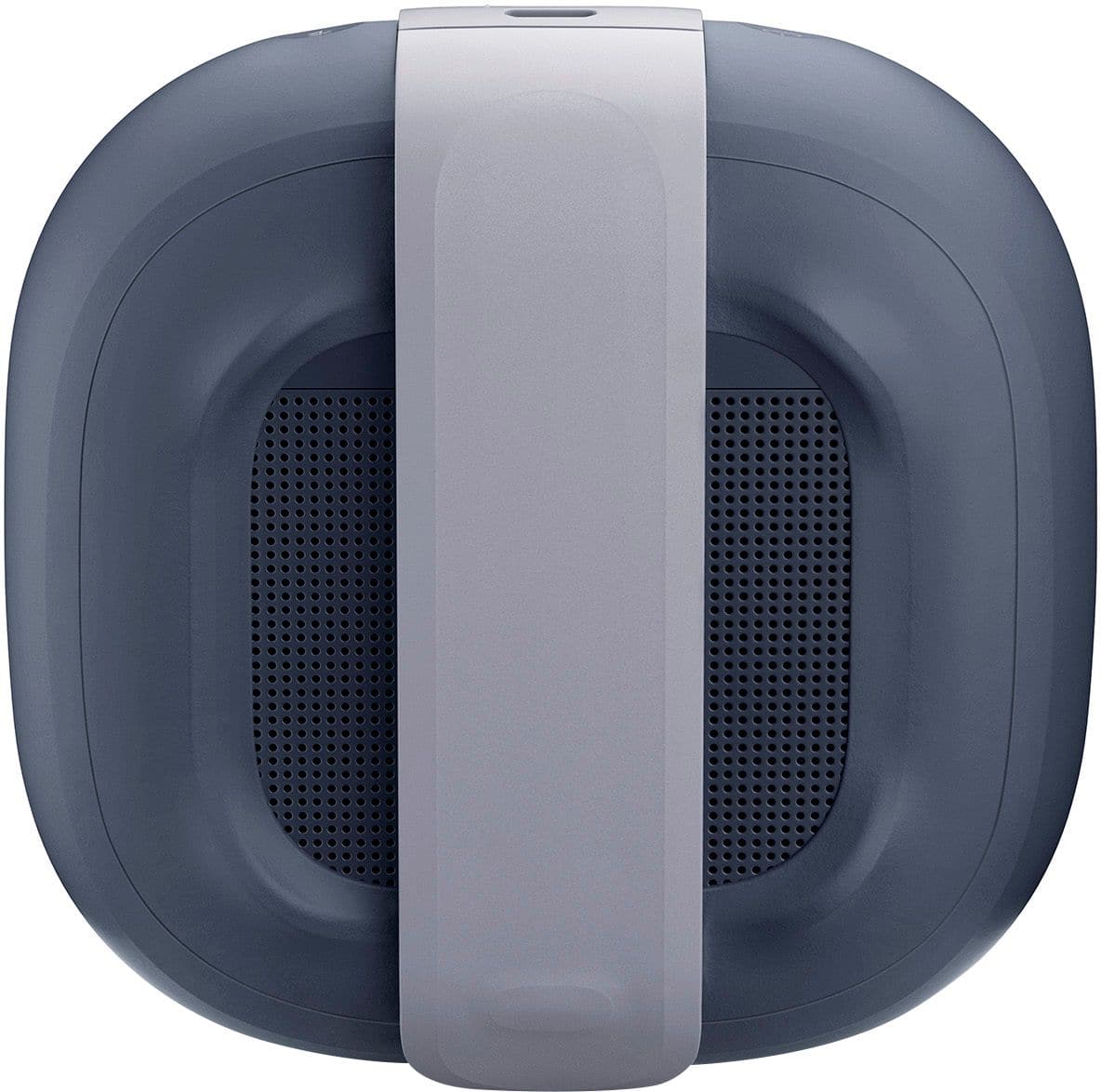
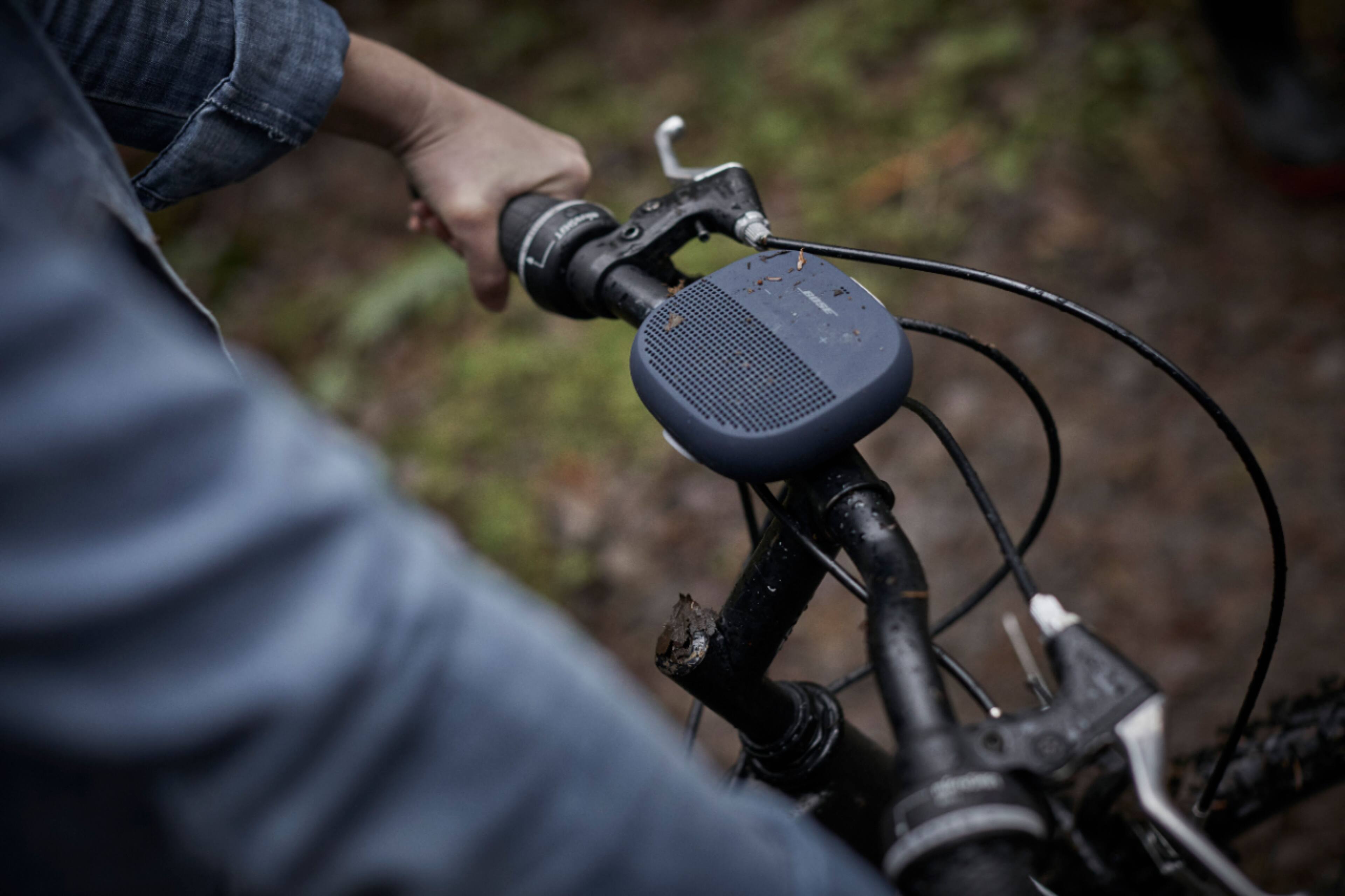
A:AnswerThanks for your question! Yes, the Bose SoundLink Micro does come with a built-in tear-resistant strap that makes it easy to attach to a backpack, bike handlebars, or other gear.
If you're looking for a longer strap or a carry case, we don’t sell those directly, but you can find compatible accessories online—Amazon is a great place to start. They offer a variety of Bose SoundLink Micro carry cases and mounting options that might suit your needs.
-Jelyn, Bose Customer Support

A:AnswerYou can try adjusting the bass controls on the connected Bluetooth device, if it has any. Alternatively, try placing the SoundLink Micro speaker near a wall or corner, which will naturally increase the bass response.
A:AnswerThe micro function in the SoundLink Micro speaker will only be activated when you use it as a speakerphone, so when you want to place or receive a call.