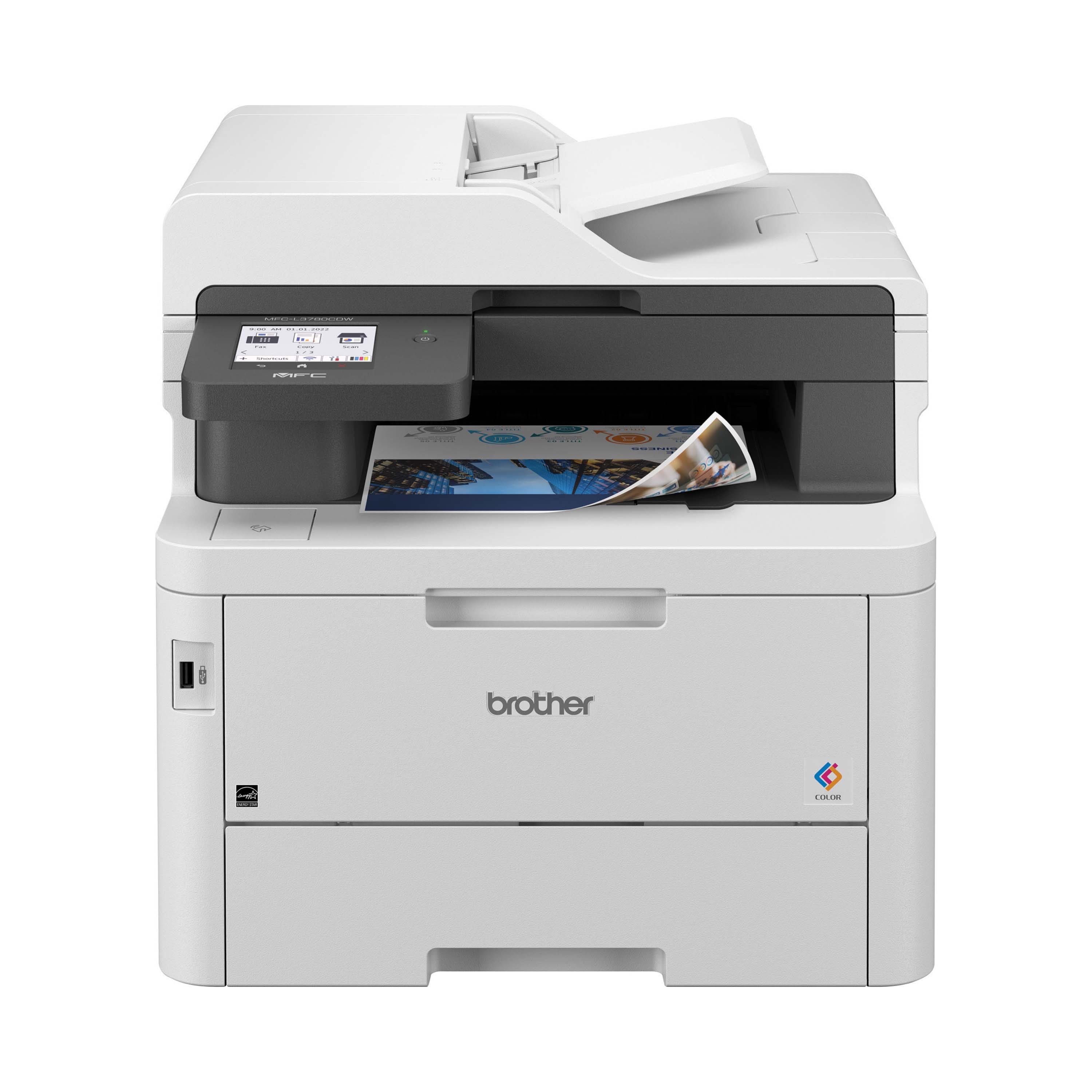
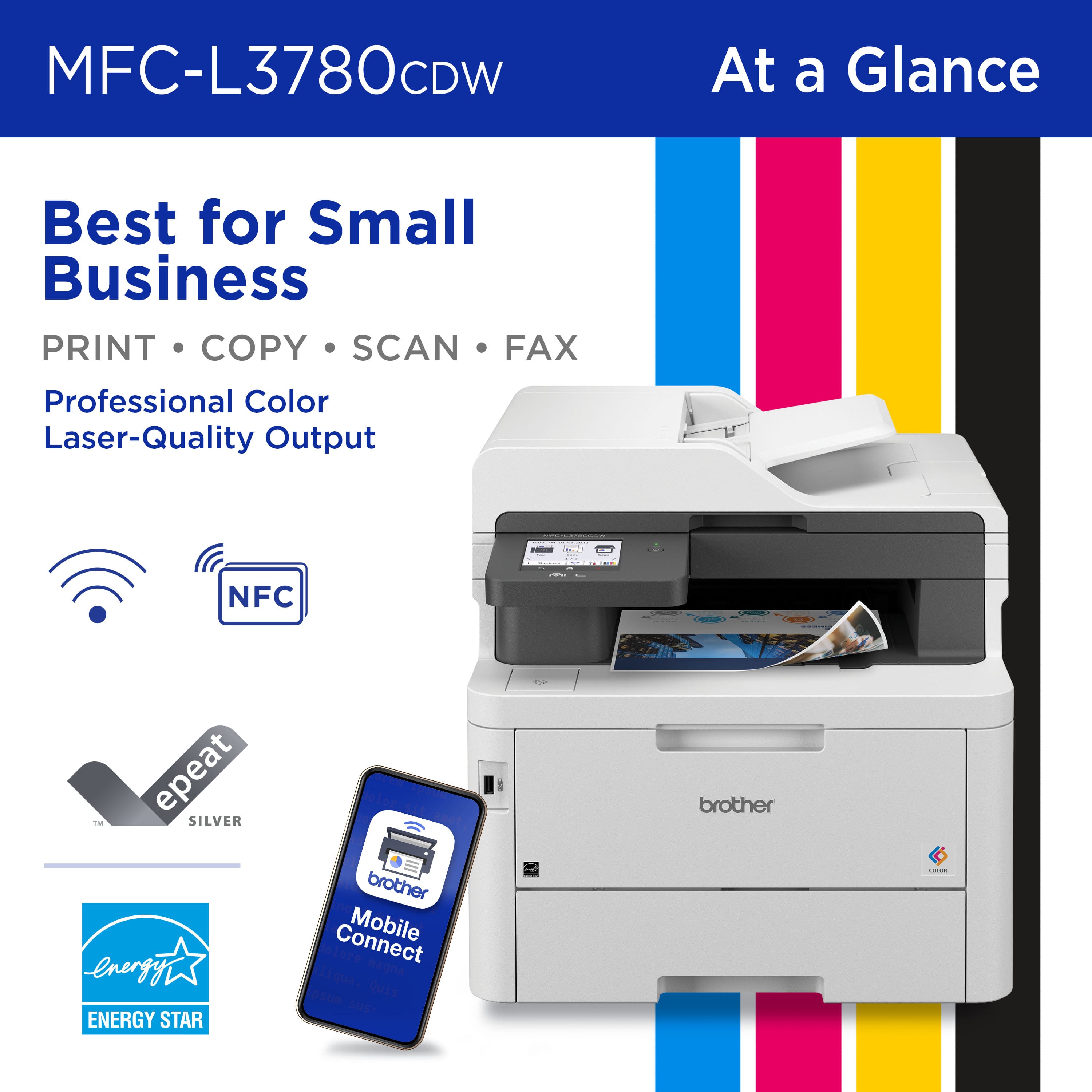
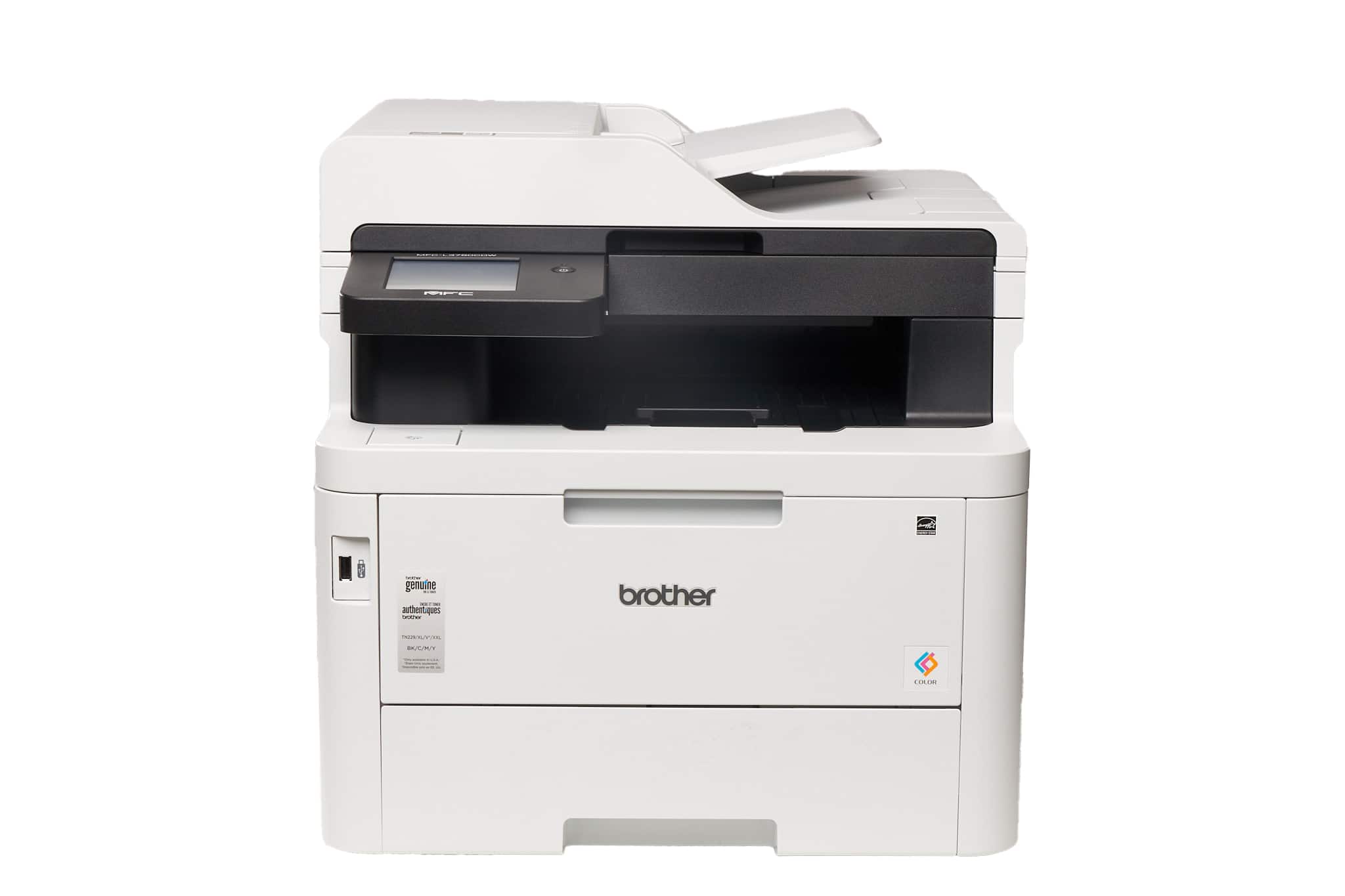
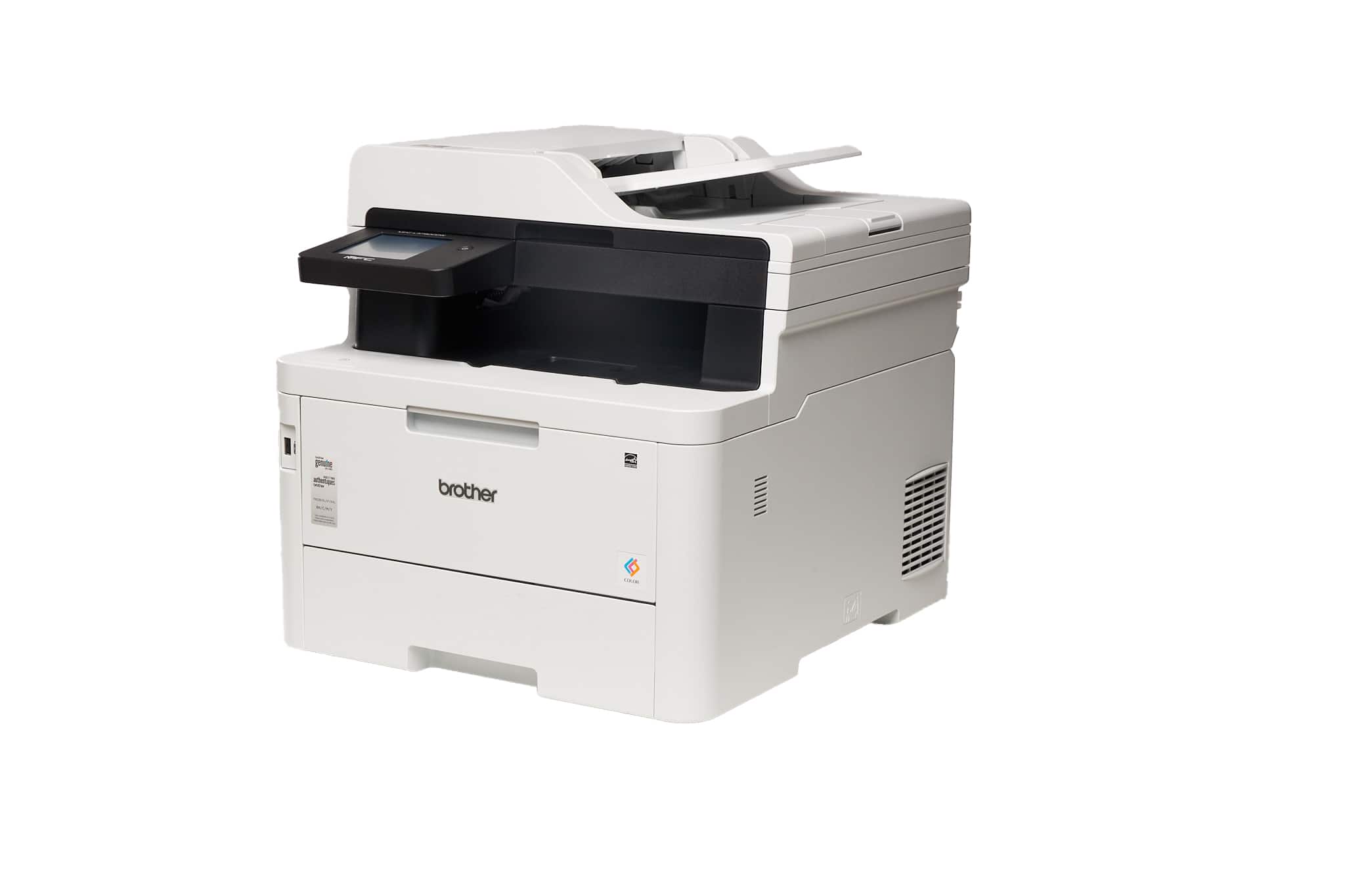
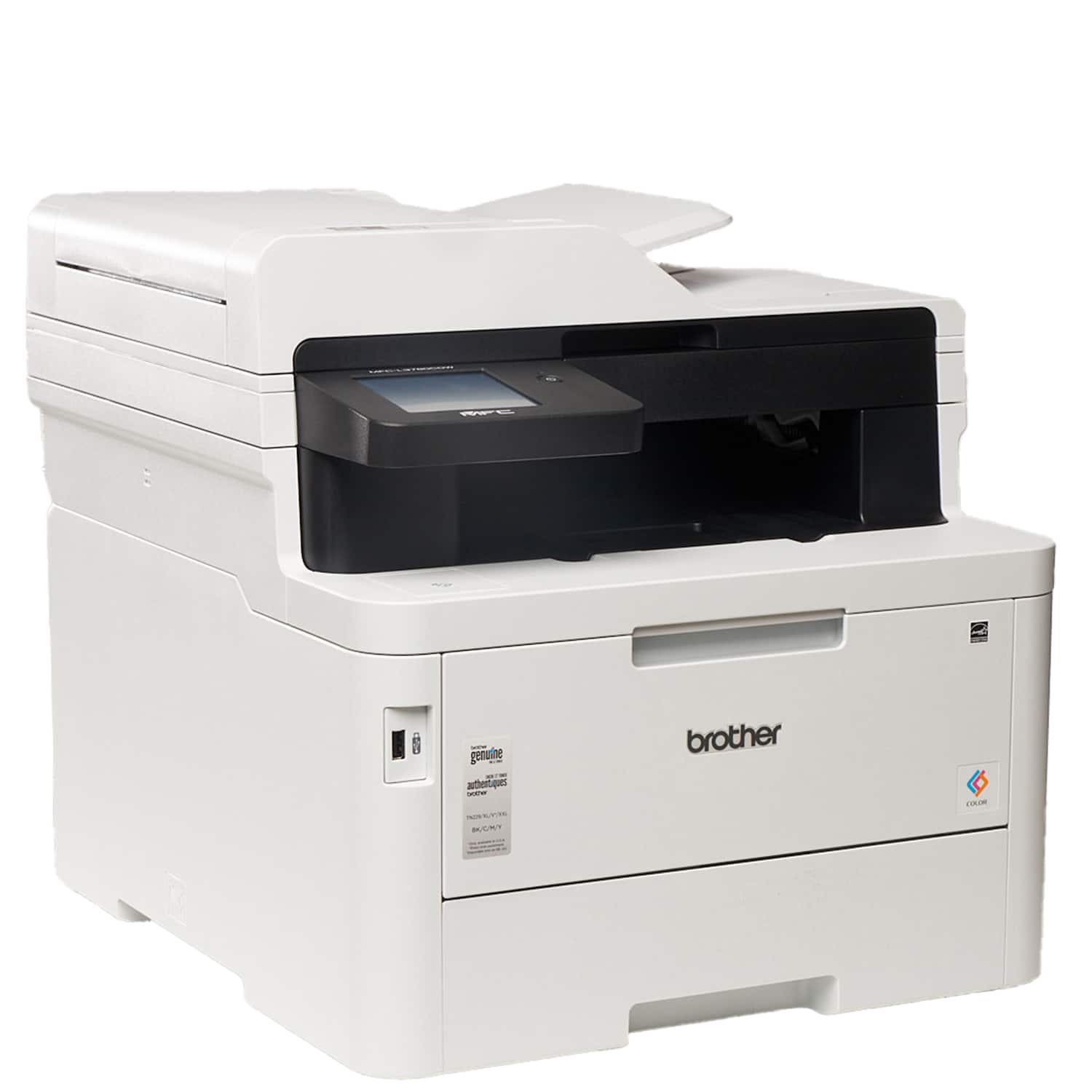
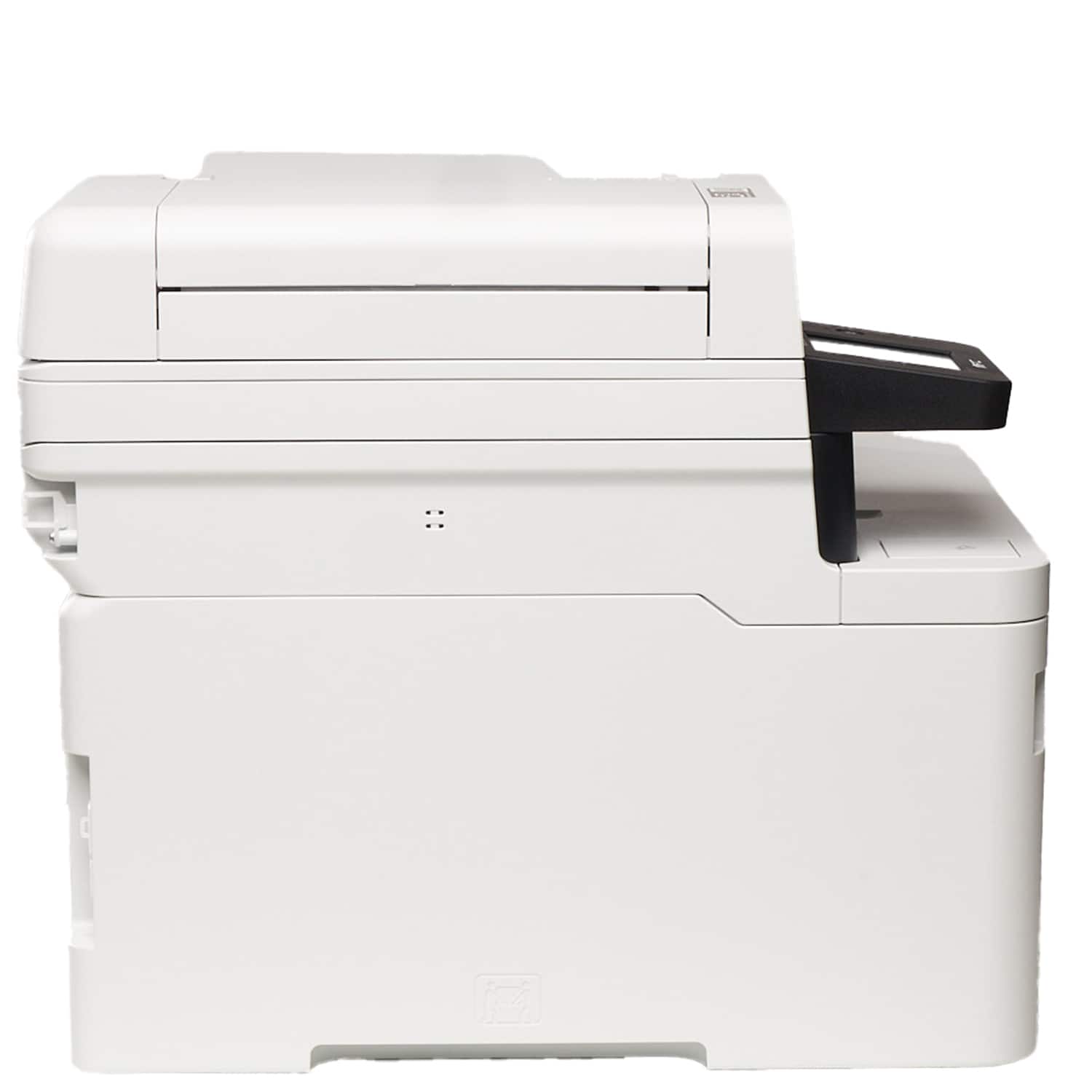
A:AnswerThe Brother MFCL3780CDW support scanning to email. The setup steps can be located using the following link: https://help.brother-usa.com/app/answers/detail/a_id/179376
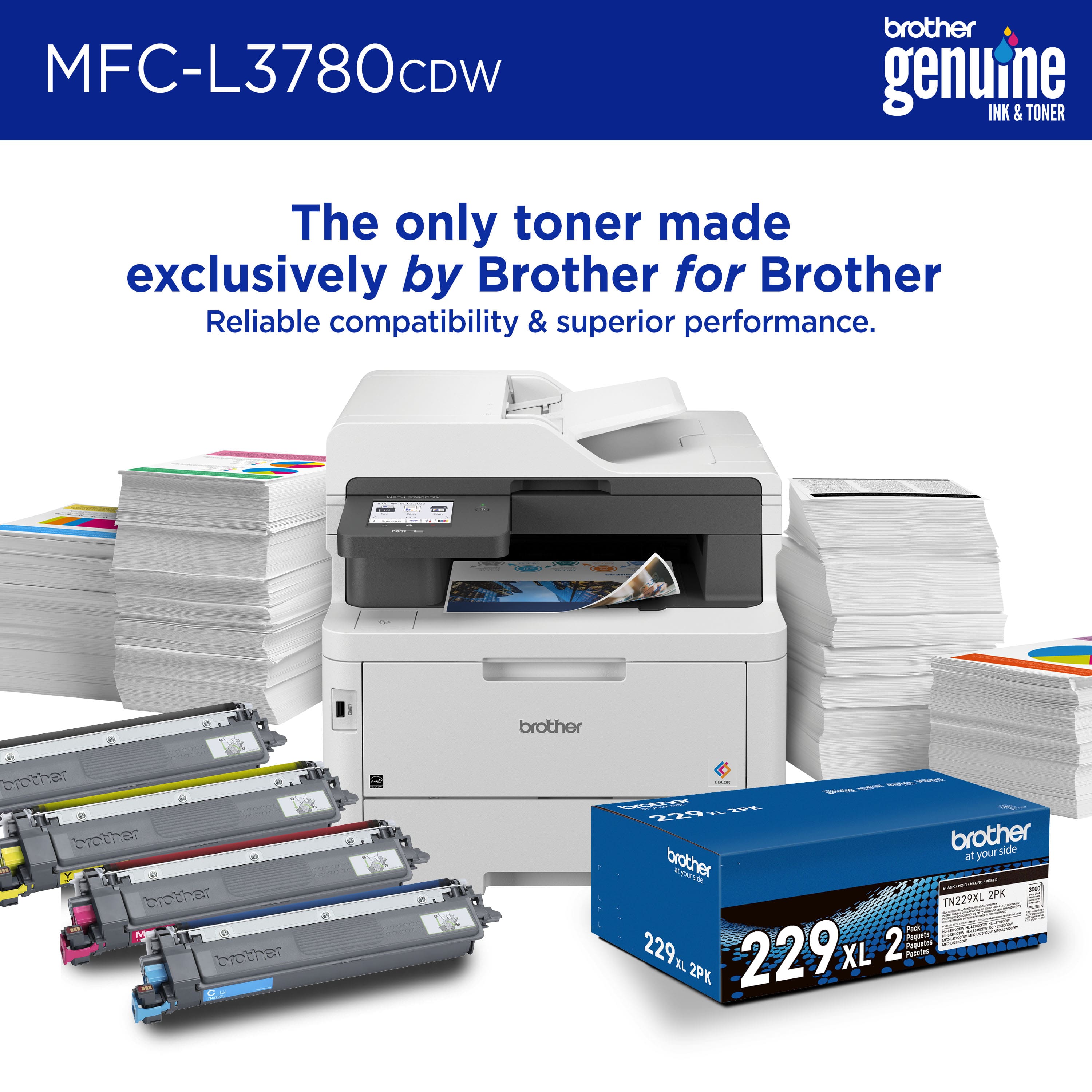
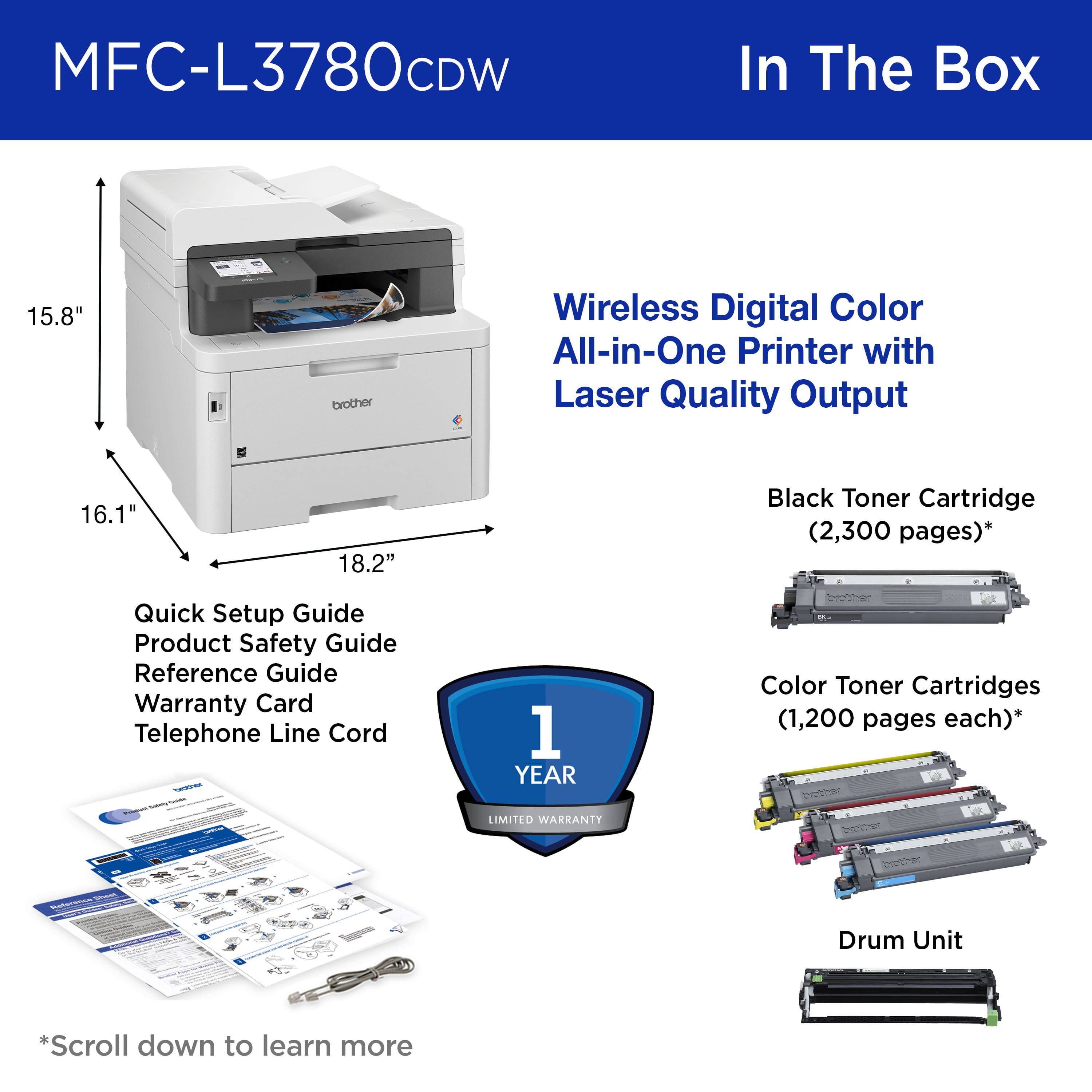
A:AnswerYes, the Brother MFC-L3780CDW printer purchase includes a set of starter toner cartridges. These are a starter set of black, cyan, magenta, and yellow toner cartridges that will get the printer up and running.
A:AnswerI’m sorry to hear that you are having envelopes printing issues with the Brother MFCL3780CDW. I sincerely apologize for any inconvenience this issue may have caused you. We can help with that. I have included a link to the FAQ answer that should assist you. Please follow all the steps listed in the following link:
Answer Link: https://support.brother.com/g/s/id/htmldoc/mfc/cv_dcpl3520cdw/use/html/GUID-F1B1256A-6BAD-4F20-9257-8526539AB033_1.html?c=us&lang=en&prod=mfcl3780cdw_us_as&KEY=print%20envelopes
If you still have difficulties, please contact Brother Customer Service at:
https://www.brother-usa.com/support/MFCL3780CDW
A:AnswerYes, the Brother MFCL3780CDW is able to do Automatic 2-sided Scanning from the Automatic Document Feeder (ADF). Below is a link to the Brother MFCL3780CDW specifications.
Answer Link: https://support.brother.com/g/s/id/htmldoc/mfc/cv_dcpl3520cdw/use/html/GUID-F119590A-C4FB-4CB7-A6D1-FC0E8724BF3F_1.html?c=us&lang=en&prod=mfcl3780cdw_us_as
A:AnswerYes, the Brother MFCL3780CDW is a ble to Scan a multi-page document into a single file PDF using iPrint&Scan. We can help with that. I have included a link to the FAQ answer that should assist you. Please follow all the steps listed in the following link:
Answer Link: https://help.brother-usa.com/AgentWeb/api/contextmanager/v.32509120004/workspaceContext/workspace/processedPrint/Answer/159883
If you still have difficulties, please contact Brother Customer Service at:
https://www.brother-usa.com/support/MFCL3780CDW
A:AnswerYes, the Brother MFCL3780CDW is able to Print a document with mixed paper sizes from different paper trays. We can help with that. I have included a link to the FAQ answer that should assist you. Please follow all the steps listed in the following link:
Answer Link: https://help.brother-usa.com/AgentWeb/api/contextmanager/v.32508170002/workspaceContext/workspace/processedPrint/Answer/145087
If you still have difficulties, please contact Brother Customer Service at:
https://www.brother-usa.com/support/MFCL3780CDW
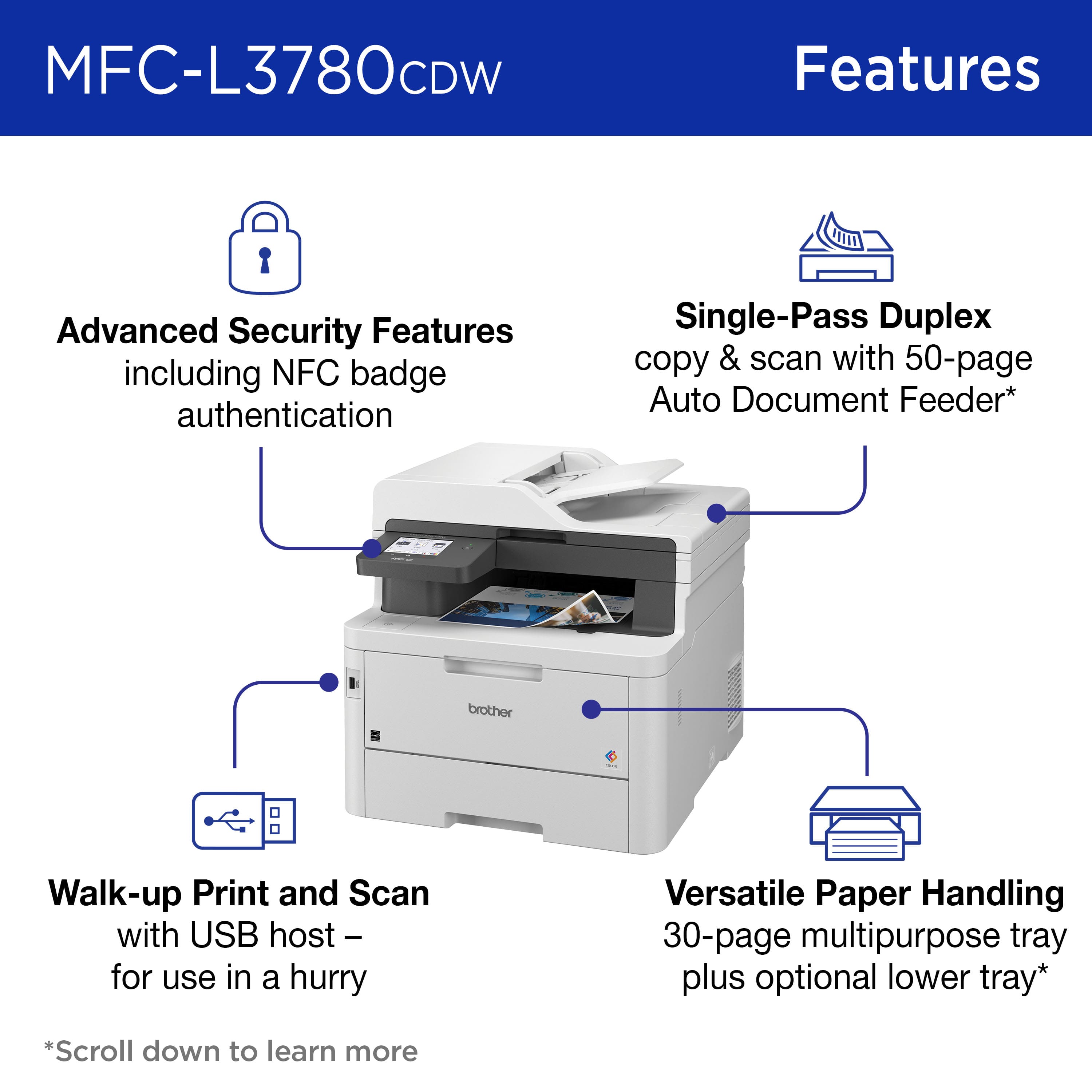
A:AnswerThe Brother MFCL3780CDW is able to duplex print and duplex scan from the ADF. Below is a link with the Brother MFCL3780CDW specifications.
Answer Link: https://support.brother.com/g/s/id/htmldoc/mfc/cv_dcpl3520cdw/use/html/GUID-F119590A-C4FB-4CB7-A6D1-FC0E8724BF3F_1.html?c=us&lang=en&prod=mfcl3780cdw_us_as#
A:AnswerYou would be able to purchase a Optional Paper Tray for the Brother MFCL3780CDW. The Optional Paper Tray model is LT310CL Expads the paper input source capacity 250 sheets input.
Below is a link to the Brother MFCL3780CDW specifications.
Answer Link: https://support.brother.com/g/s/id/htmldoc/mfc/cv_dcpl3520cdw/use/html/GUID-F119590A-C4FB-4CB7-A6D1-FC0E8724BF3F_1.html?c=us&lang=en&prod=mfcl3780cdw_us_as