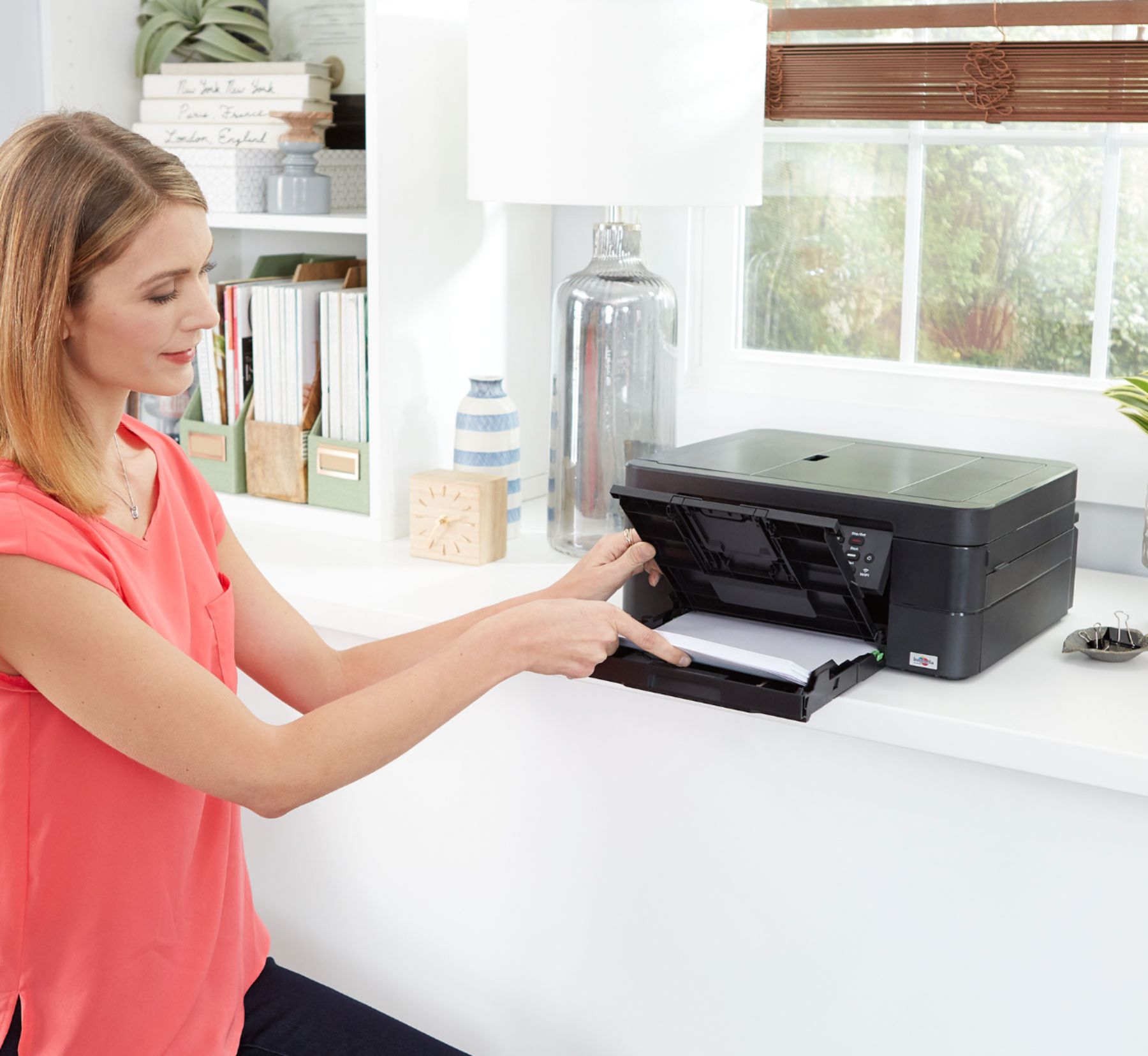
A:AnswerThis printer will print on any envelope that can fit in the tray. It isn't the printer that controls that, it is the settings on your computer. In word, I print envelopes. In the print box which opens for me to input data there is an options radio button. If I click that, there are a plethora of preset sizes. A2 is not there so you pick "custom" and put the exact size of the envelope and you are ready to go.
A:AnswerHad to get Geek Squad to do final setup. Instructions for Initial Setup are lousy! The instructions are written on a large 14" x 20" paper and are mostly written for computer/printer wi-fi data exchange. If you don't mind exposing your personal data to hacking from your Router, that's OK. I use a more secure setup, which I will not reveal here and use USB cable for Computer/Printer data exchange. Brother does not provide a printed Users Manual with the Printer! They want you to go on-line. The slight cost difference would be much better and less prone to wrong optional choices. In my case, I was off by 4 of 41 settings. In the process of logical choices, many settings leave a question as to what the titled selection means, what would be the effect, and how each would interact with other choices.
A:AnswerThis printer will send you constant notifications that the toner is low - even though it is not. They even put a chip in each ink cartridge to count the number of prints so that they automatically break the printer until you buy a new ink cartridge - even if you have ink left in the cartrige. It is so obvious that they are holding you hostage to buy more ink - I will absolutely never ever buy another brother product. Absolute deception at it's worst
A:AnswerYou can use wireless only, however, my 3 Brother printers I used that on printed extremely slow. I now use a USB connection and it is fine, short of printing a #10 envelope which takes an eternity wireless or USB connected
A:AnswerYes, MFC-J497DW is compatible with Mac OS X 13. Here is a link with available All-in-One Black and white printers.
https://www.brother-usa.com/black-and-white-printers#sort=%40productcatalogaverageoverallrating%20descending
A:AnswerWe don't currently offer Google Chrome OS-compatible printer or scanner drivers. However, you may print to your machine using the Google Cloud printing feature. Refer to how to "Register and Print using Google Cloud Print", for your model.
We don't offer support for scanning to your Chrome OS device or Chromebook.