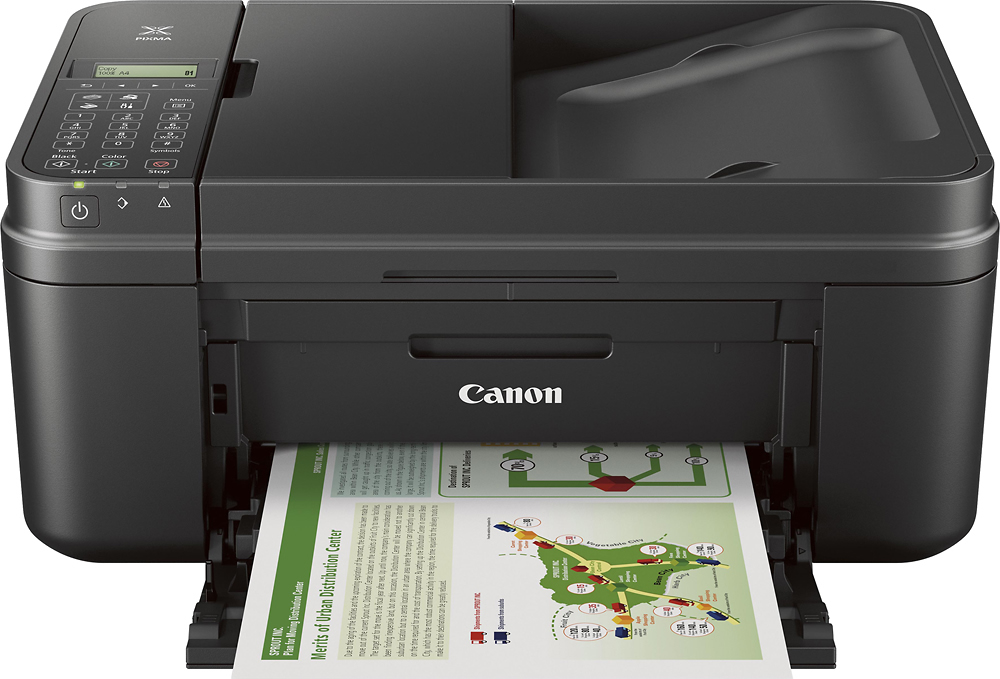
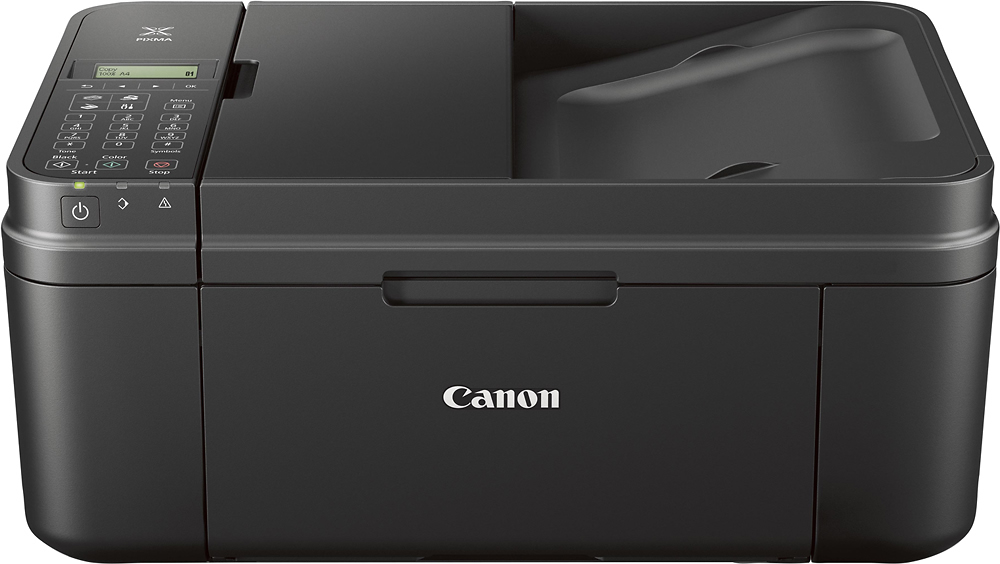
A:Answer As far as I know, you can scan multiple pages either way, with the fold-out document feed tray on top or on the flatbed. If using the flatbed to scan, when it has finished with the page the window will show the word, "Continue" with "Yes" or "No" options. If you select Yes, it will "hold" the output until you've scanned another page or pages. When you're done with the additional page(s), just select "No" and it will finish the output. I've done this both ways and have been successful.