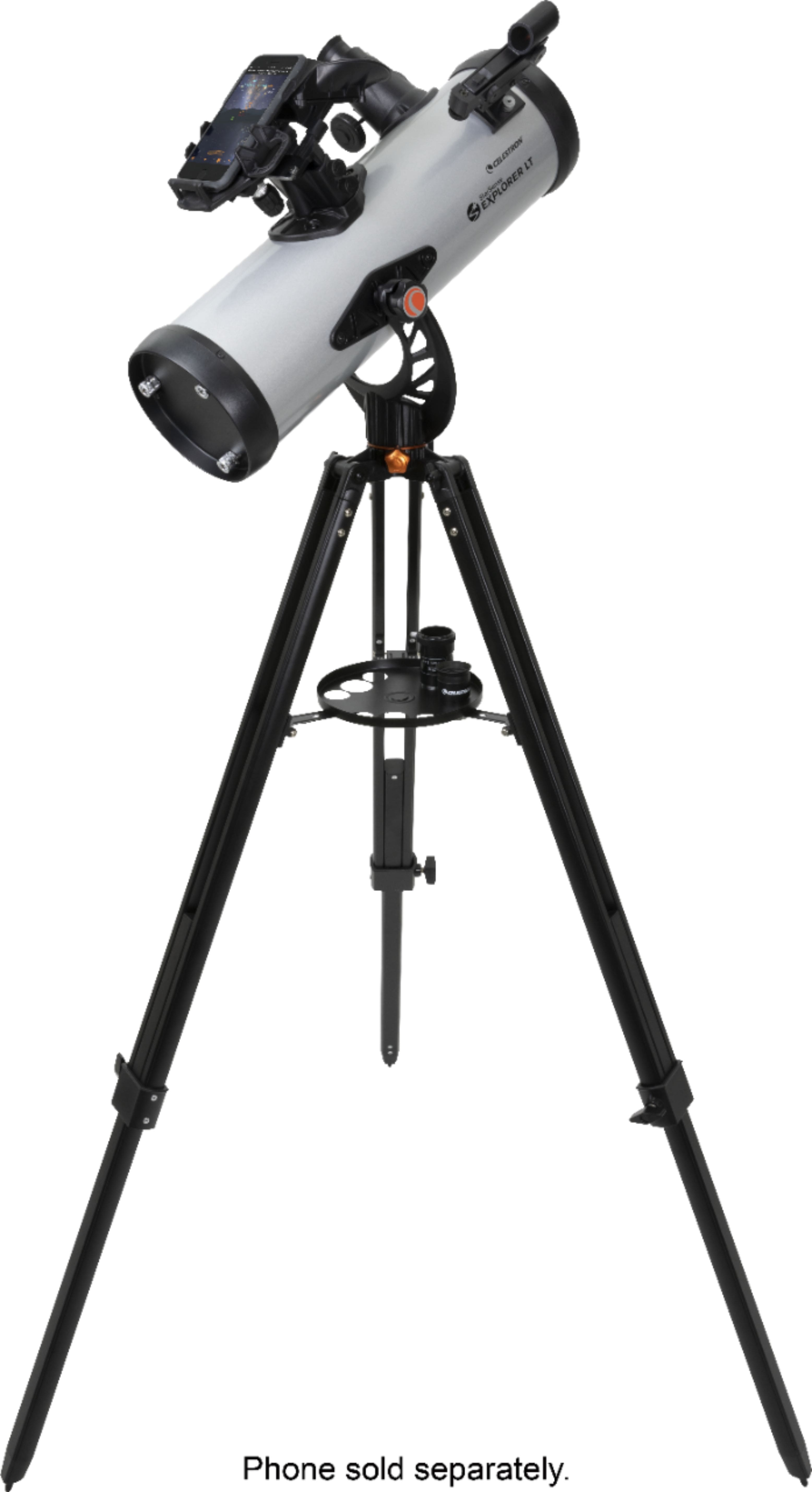
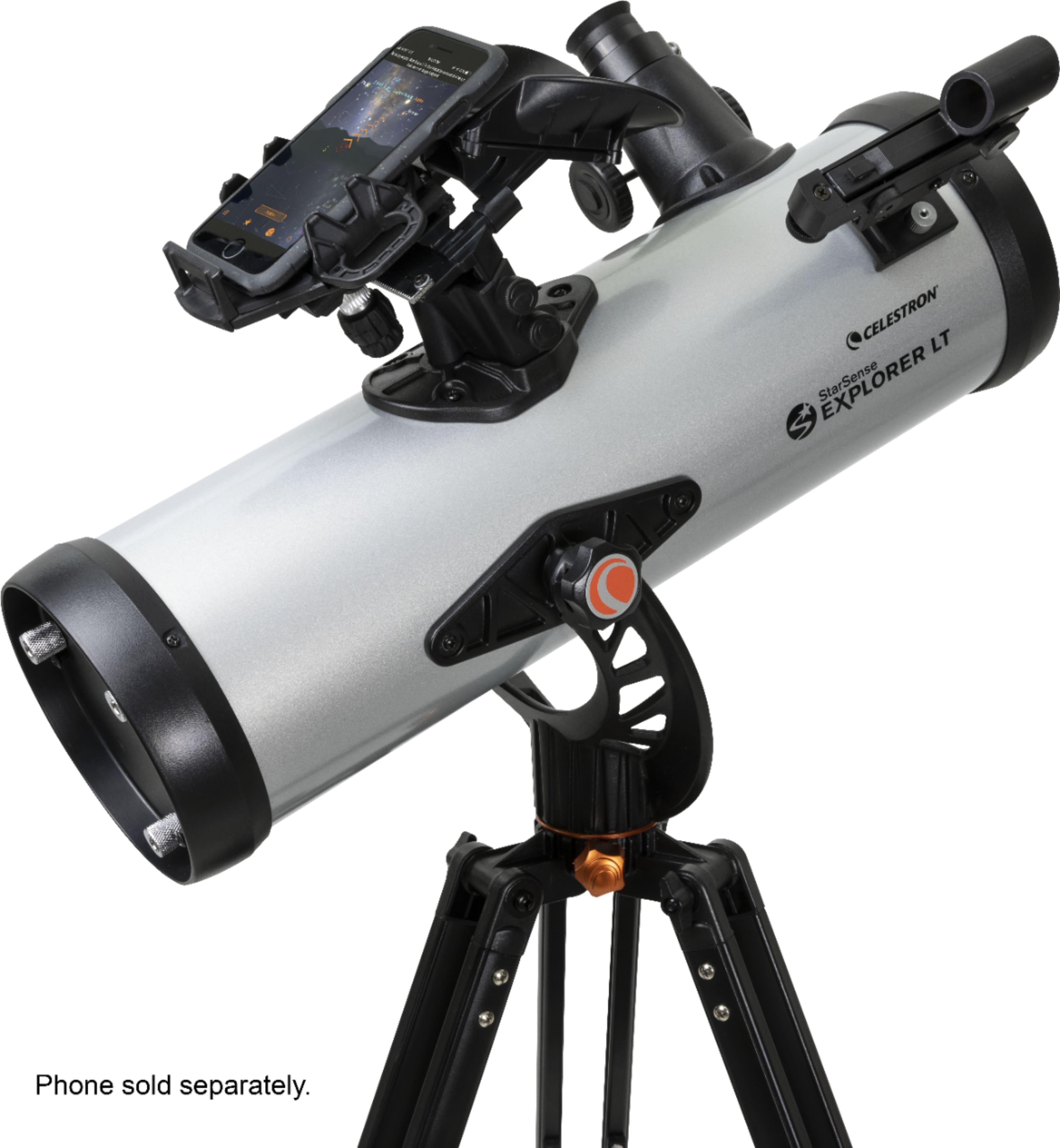
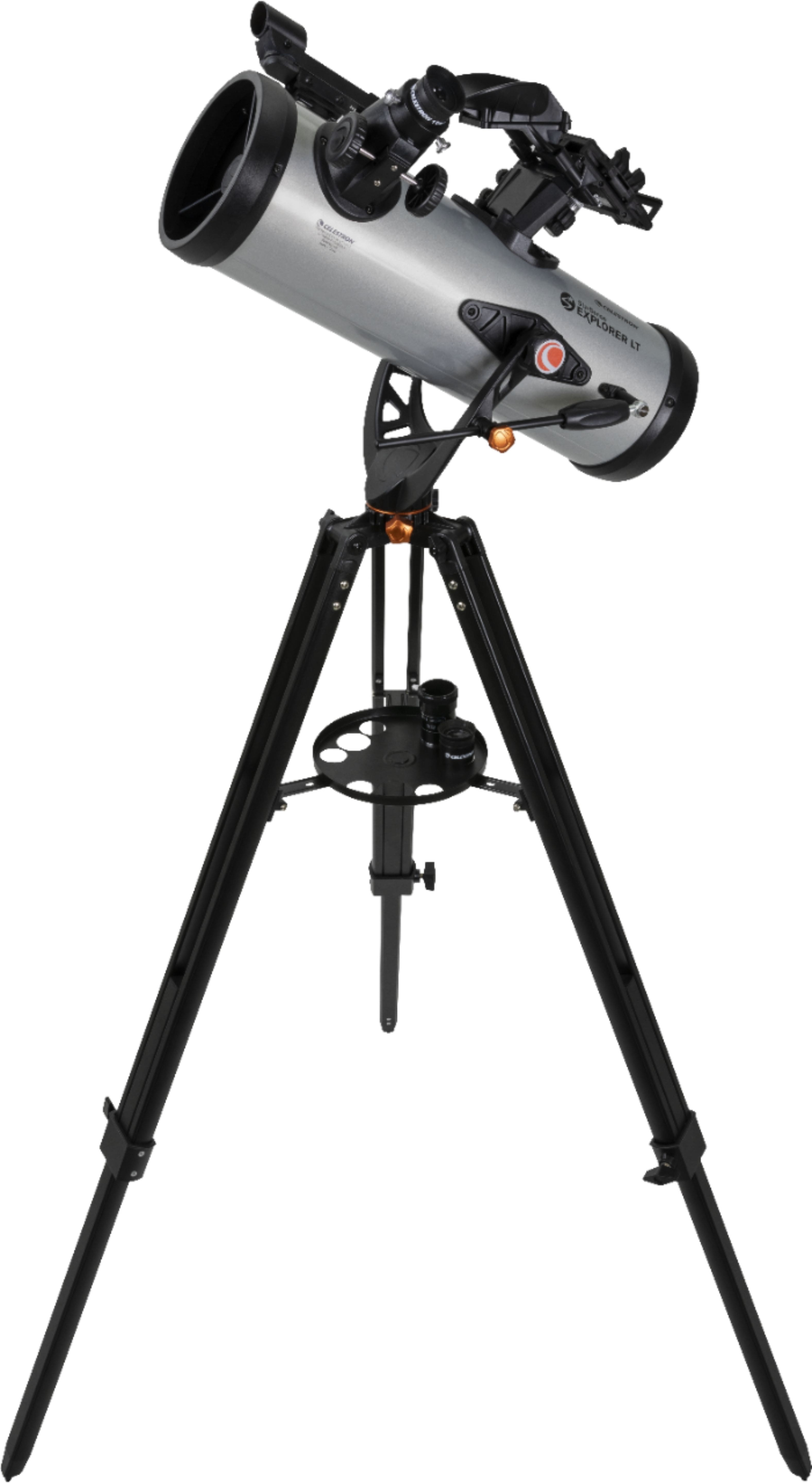
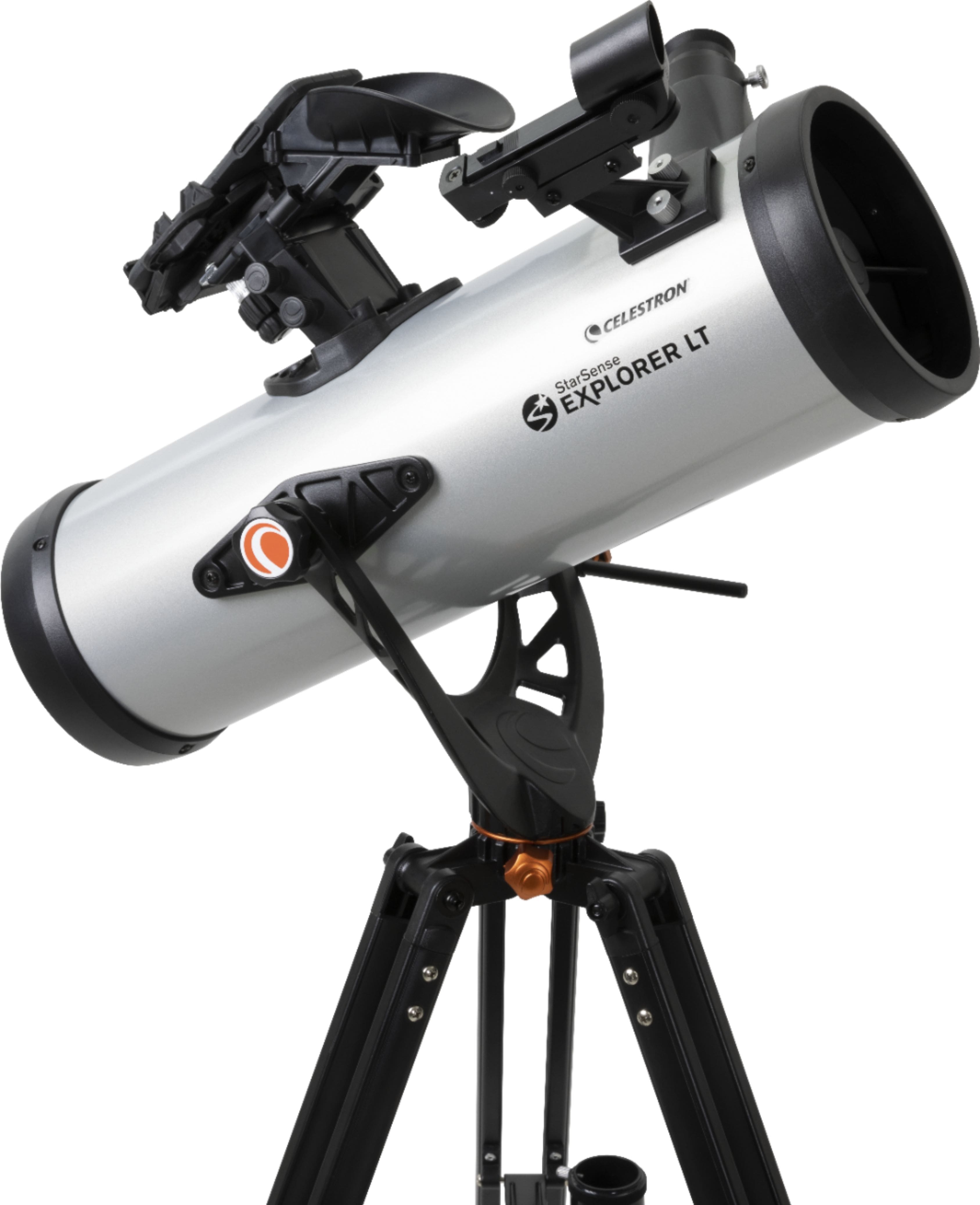
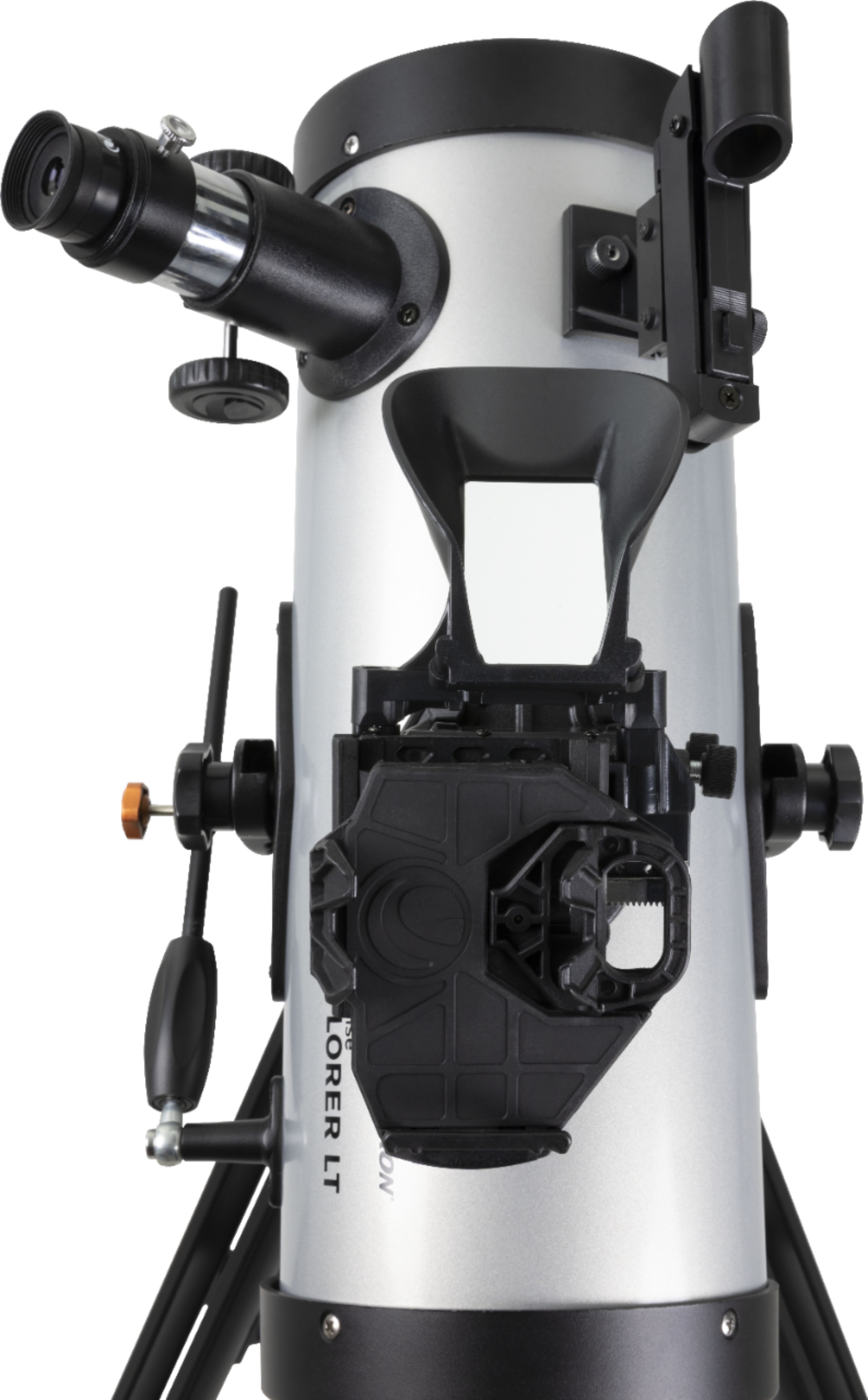
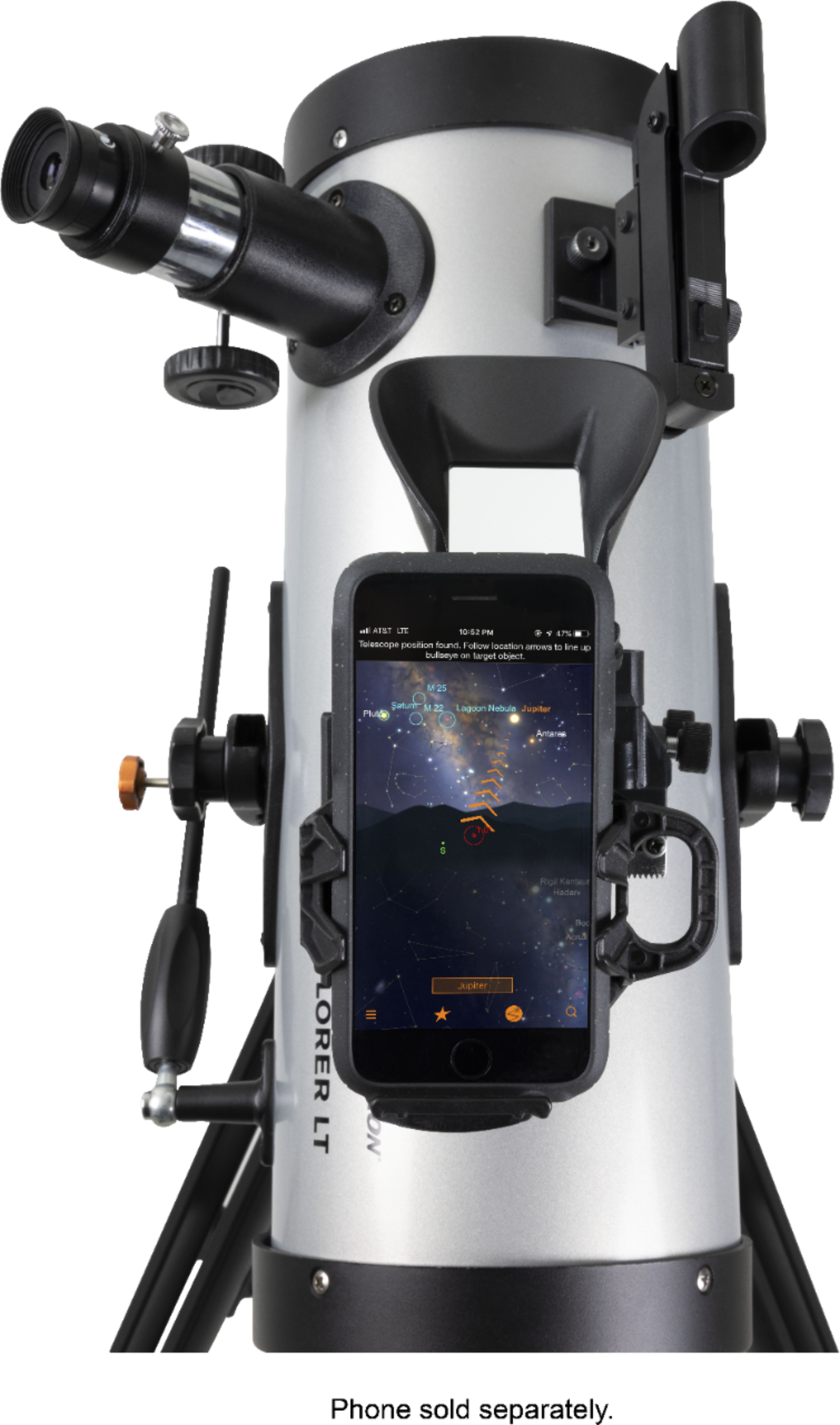
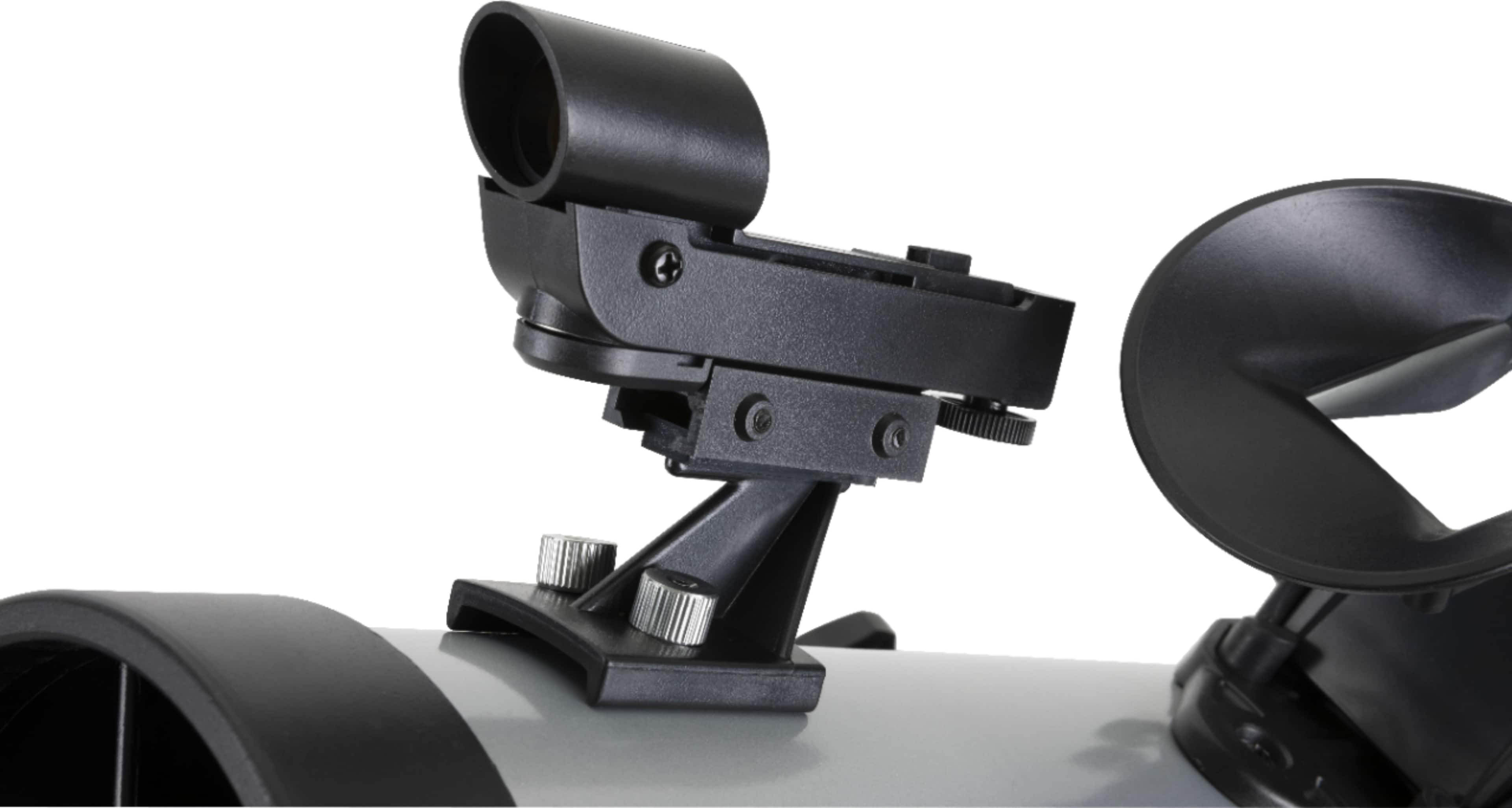
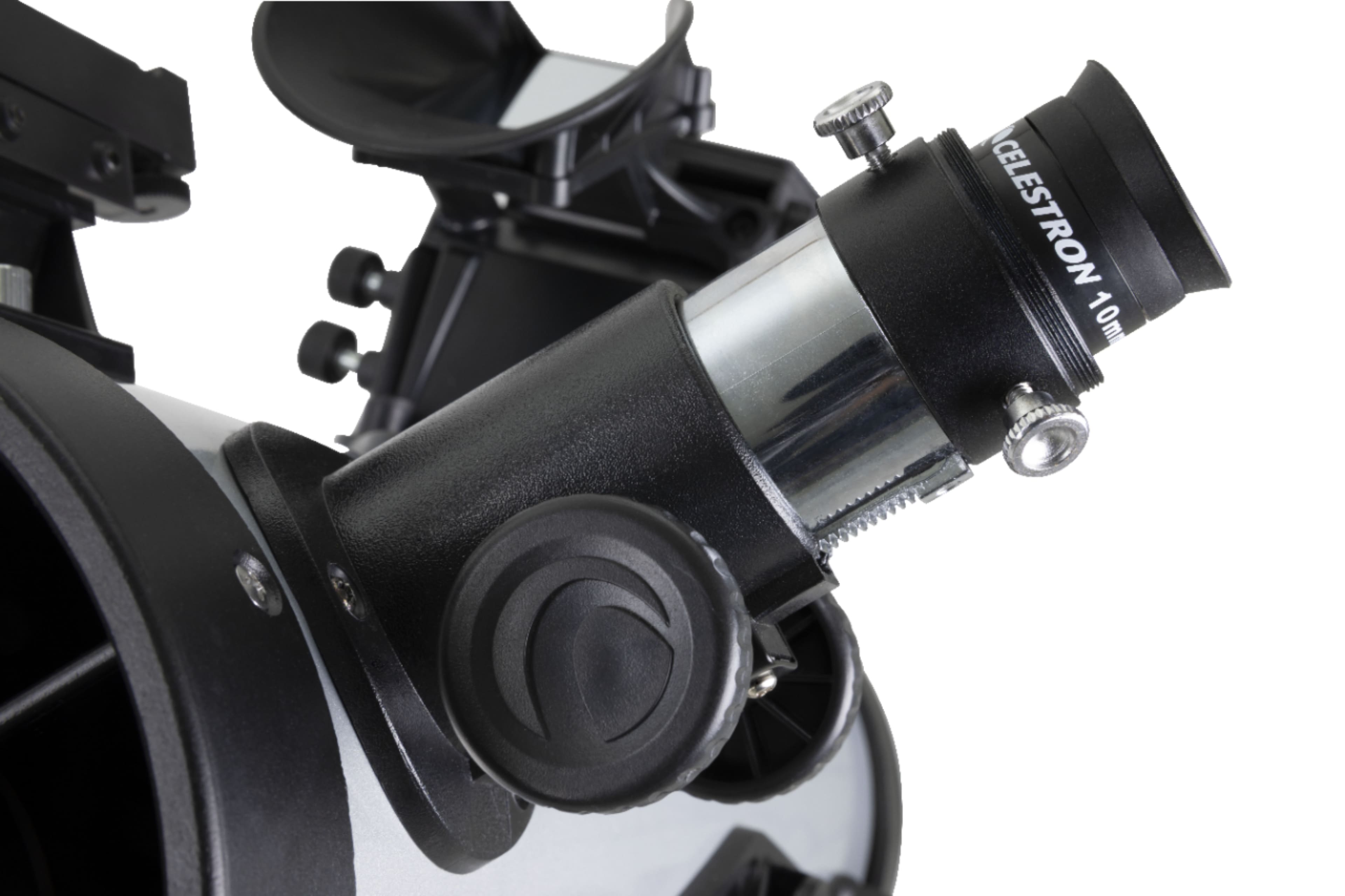
A:AnswerThe Starsense DX130AZ is a manually operated telescope and does not need batteries. Pointing directions are provided by the attached cellphone using the free Starsense Explorer app. The only item needing a battery is the attached Starpointer finder. It comes with a battery and uses the common CR2032 button battery.
A:AnswerI am sorry to hear there was an omission when your telescope was packaged at the factory. if the telescope and app setup guides are all that is missing, they can be found here online: https://celestron-site-support-files.s3.us-east-1.amazonaws.com/support_files/22461_StarSense_Explorer%20DX_130AZ_QSG_5lang_Web.pdf
and here:
https://celestron-site-support-files.s3.us-east-1.amazonaws.com/support_files/22461_StarSense_Explorer%20DX_130AZ_QSG_5lang_Web.pdf
If the card with the 8-character app unlock code is also missing, please contact tech support and provide proof of purchase and they will provide a replacement code: https://www.celestron.com/pages/technical-support
A:AnswerYes you can see planets and stars. You can see pretty much whatever. You program your phone to it and it will tell you what is nearby and you have to know how to adjust in order to find whatever you are looking for.
A:AnswerThe Samsung Galaxy A51 smartphone is not compatible with the StarSense App, as the internal inclinometer/gyro sensors are not high enough resolution for the App to figure out where the scope and phone are pointing. The A50 model is compatible. To see a list of compatible smartphones, please refer to this link: https://starsenseexplorer.simcur.com/
A:AnswerPlease send an email to request a new code card for your StarSense Explorer LT 114AZ telescope to Celestron's Technical Support Department. They can be reached at: USTechSupport@celestron.com
A:AnswerThe easiest way to check your smartphone's compatibility is to visit Celestron.com/sse with your smartphone’s web browser and run a compatibility check. Otherwise, you can go to the same webpage on your computer and view a list of tested Android smartphones. You can also send an email inquiry to Celestron's Technical Support Department: USTechSupport@celestron.com if you have any questions.
A refractor telescope, such as the StarSense LT 80AZ and DX 102AZ, will provide sharp views of bright objects such as the Moon and popular planets. However, its smaller aperture will not collect as much light from faint nebulae and galaxies compared to a large aperture reflector telescope such as the StarSense Explorer LT 114AZ and DX 130AZ. Refractor telescopes can use an erect diagonal image suitable for terrestrial viewing, as objects will be viewed in their right-side-up image orientation. Reflector telescopes are not recommended for terrestrial viewing as objects appear upside down, which is normal for this type of optical design.
A:AnswerWe recommend a refractor telescope such as the StarSense Explorer DX 102AZ. This telescope comes with an erect image diagonal, so the views will be in their correct right-side up image orientation while observing astronomical and terrestrial objects. The Newtonian Reflector model is ideal for astronomical viewing, but is not recommended for terrestrial viewing, as the view will be upside down, which is normal for this type of optical design.
https://www.bestbuy.com/site/celestron-starsense-explorer-102mm-refractor-telescope-silver-black/6398030.p
A:AnswerThe StarSense Explorer DX 130AZ telescope comes with a StarSense Dock to mount your smartphone to help locate celestial objects. If lunar or planetary astrophotography is desired, a second smartphone is required, along with a Smartphone Adapter Kit to help center your targets with the eyepiece: https://www.bhphotovideo.com/c/product/1640214-REG/celestron_81057_nexyz_dx_kit.html
A:AnswerIf you need a new code to activate your StarSense Explorer telescope, please contact Celestron's Technical Support Department. A representative will be available to assist you: https://www.celestron.com/pages/technical-support
A:AnswerNo. I dont think it could reach focus without a barlow lens, in which case you would limited to maybe some lunar photography... a normal star tracker or a computer driven Equatorial mount. Astrophotography is typically quite expensive.
A:AnswerThe phone does not actually connect to the scope. You put the phone in the cradle and run a program and it helps you find objects to look at and then it shows you where to point the telescope
A:AnswerYes, very well. It's best not to try to see much detail on the full moon (it's too bright). The detail you can see along the terminator is very good.
A:AnswerDear Jenkz, we are sorry to hear you did not receive a code. Please contact Celestron Technical Suppport for assistance: https://www.celestron.com/pages/technical-support
A:AnswerThe StarSense Explorer LT 114AZ telescope comes with a StarSense dock to mount a smartphone and use with the StarSense Explorer app. The moon will appear crisp and clear through the telescope.