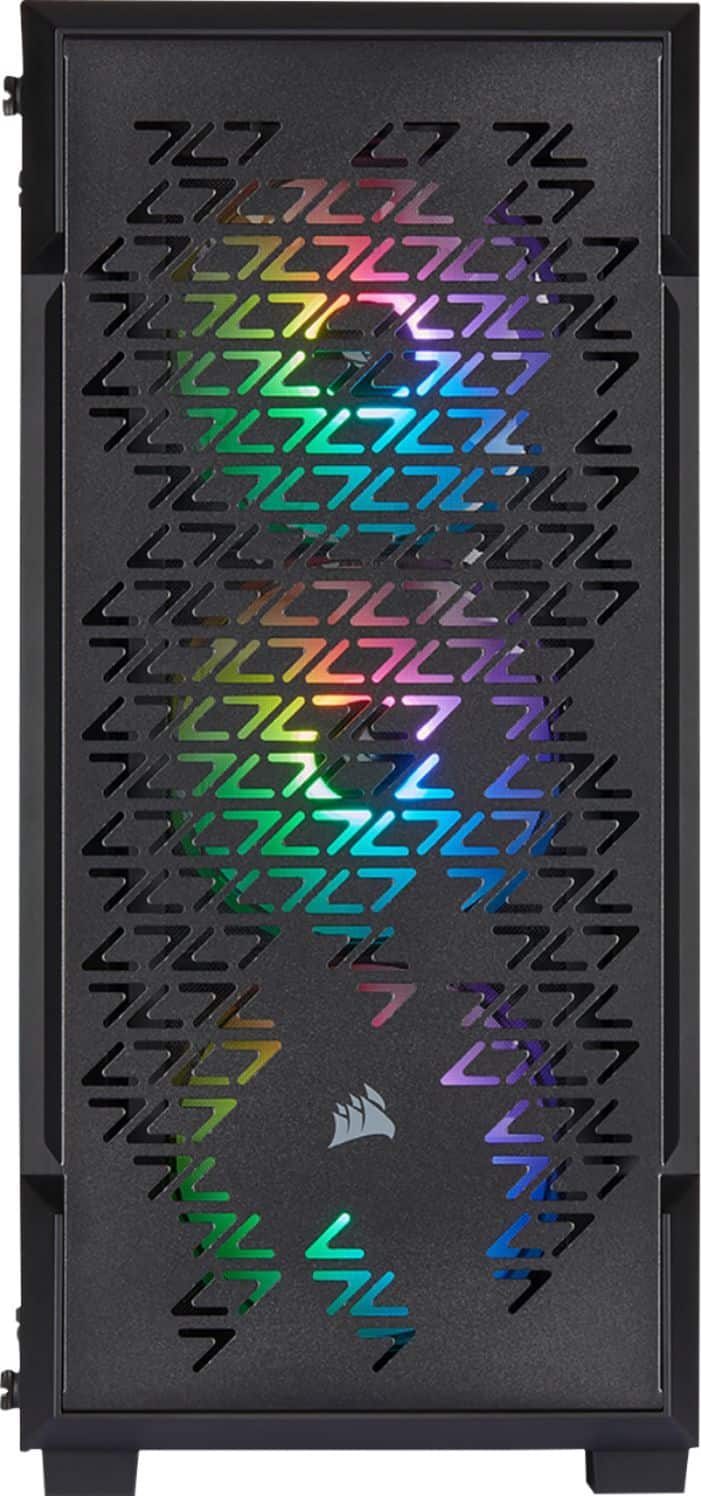
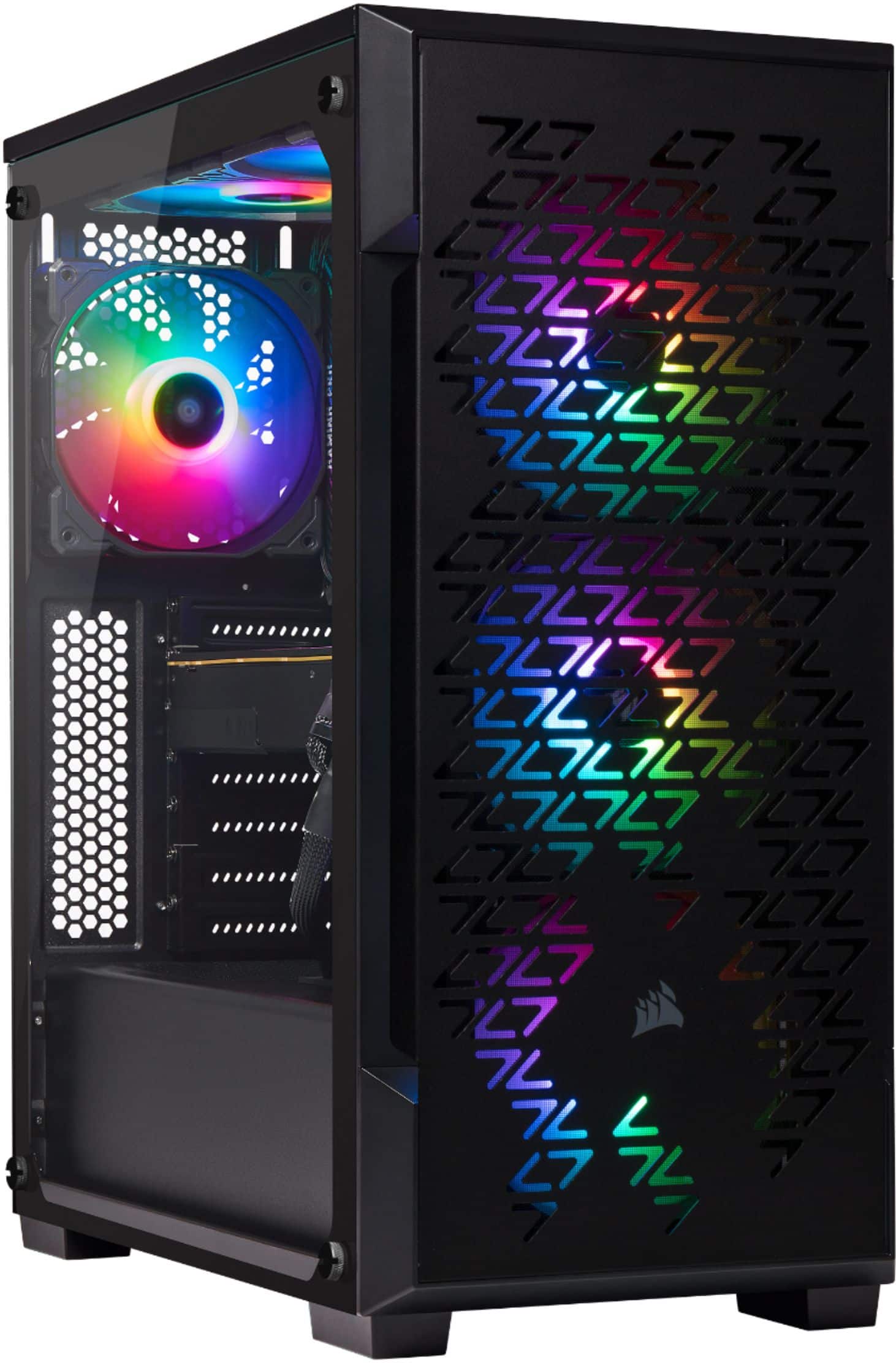
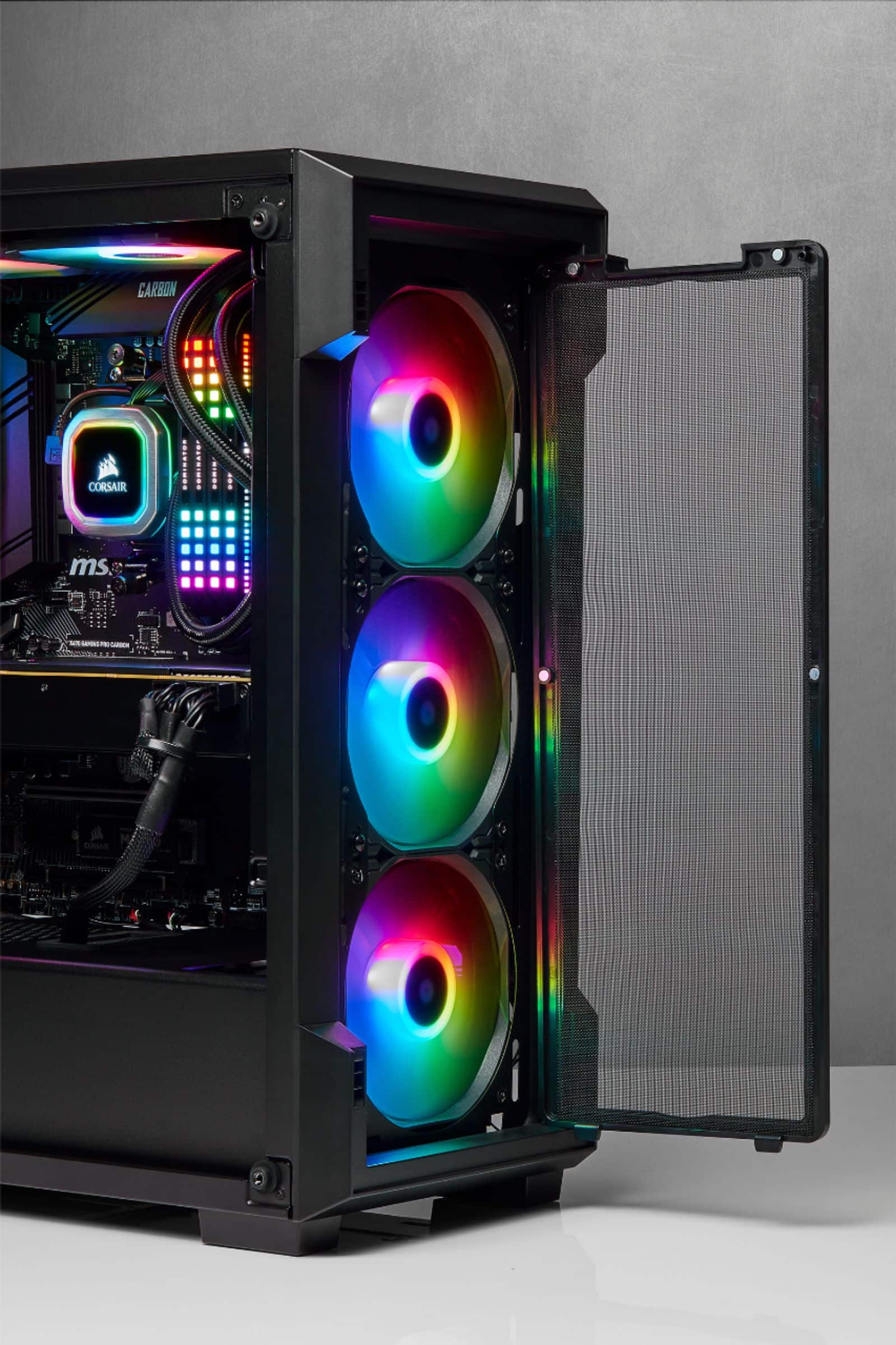
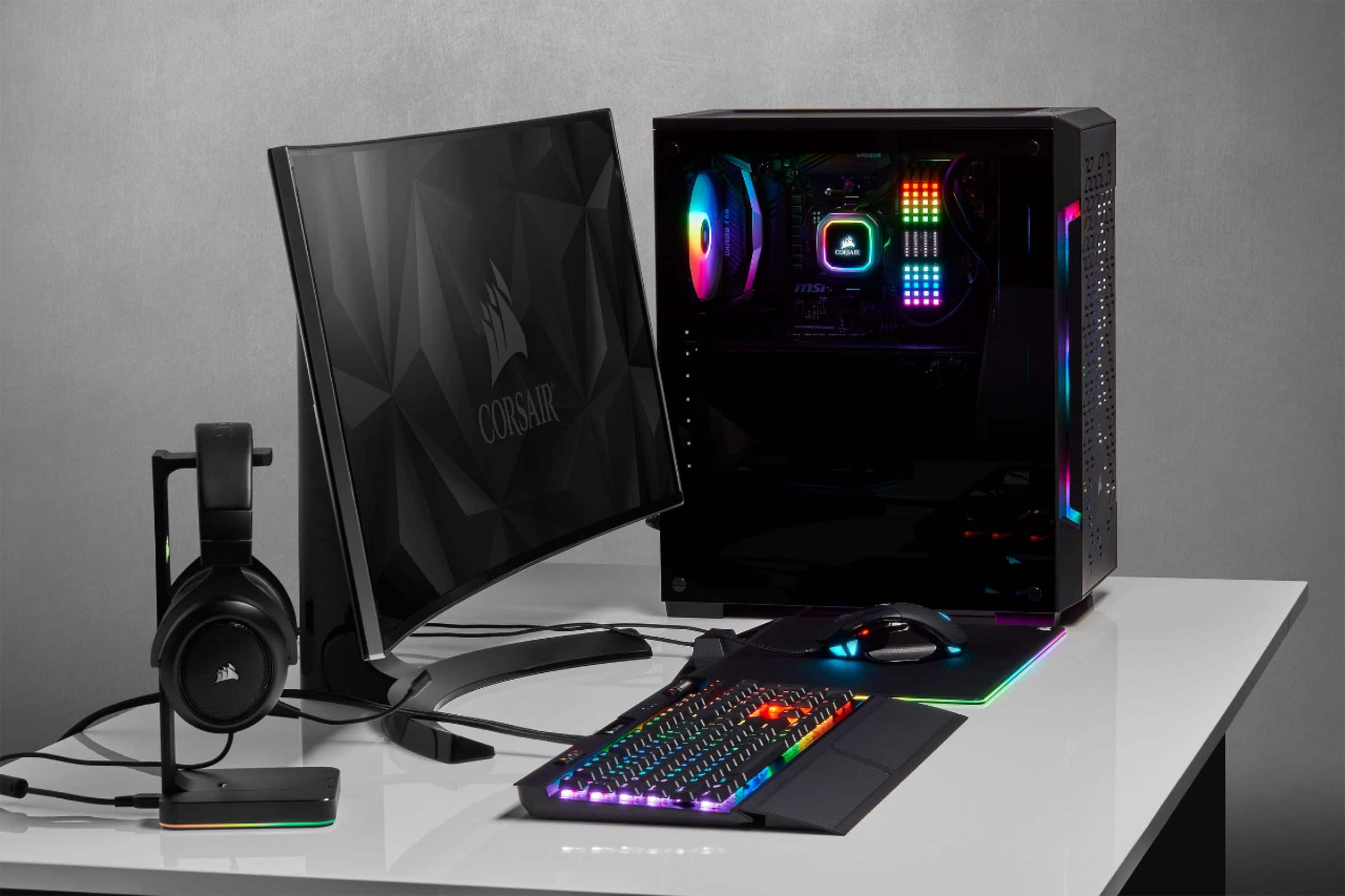
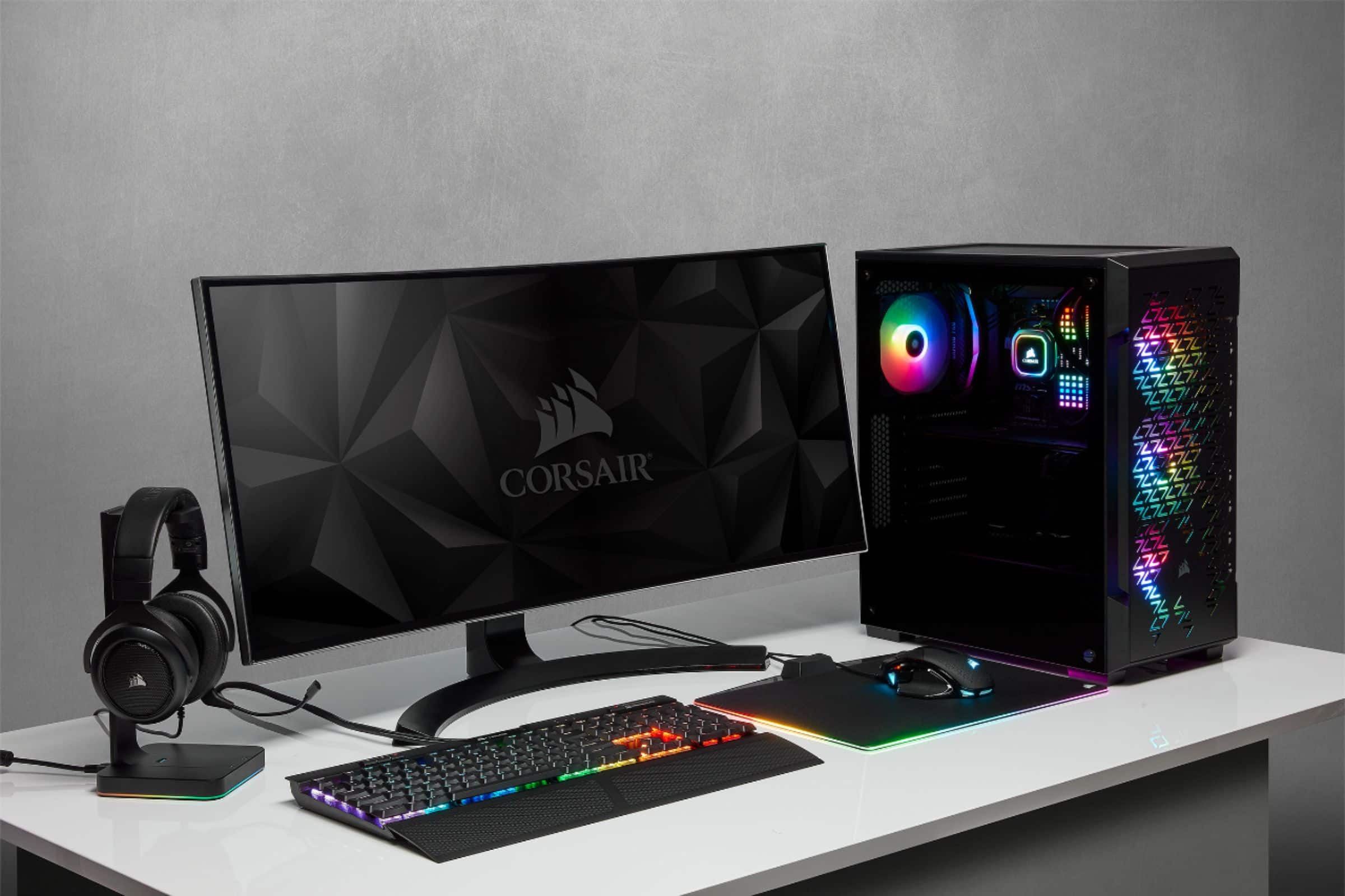
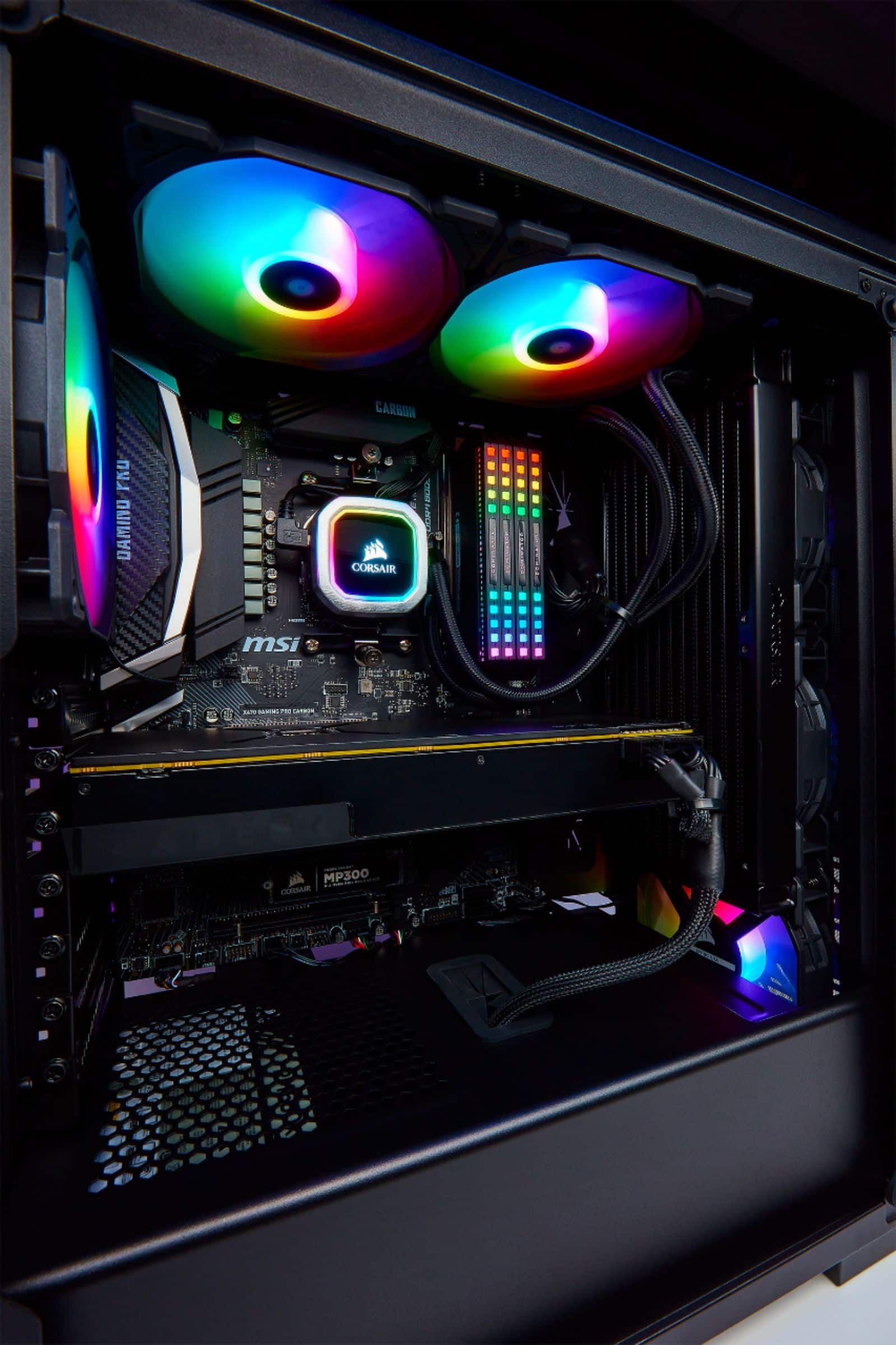
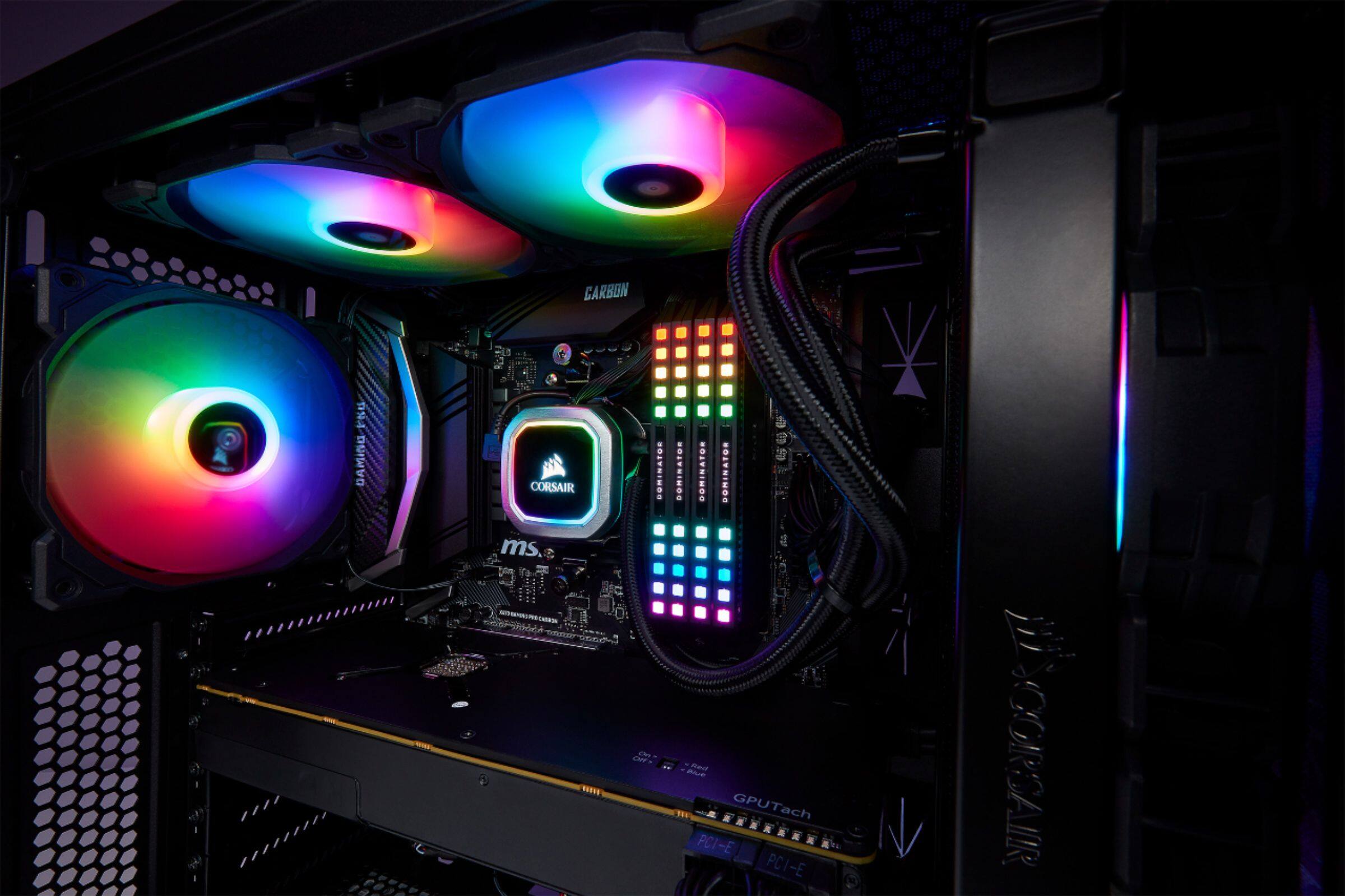
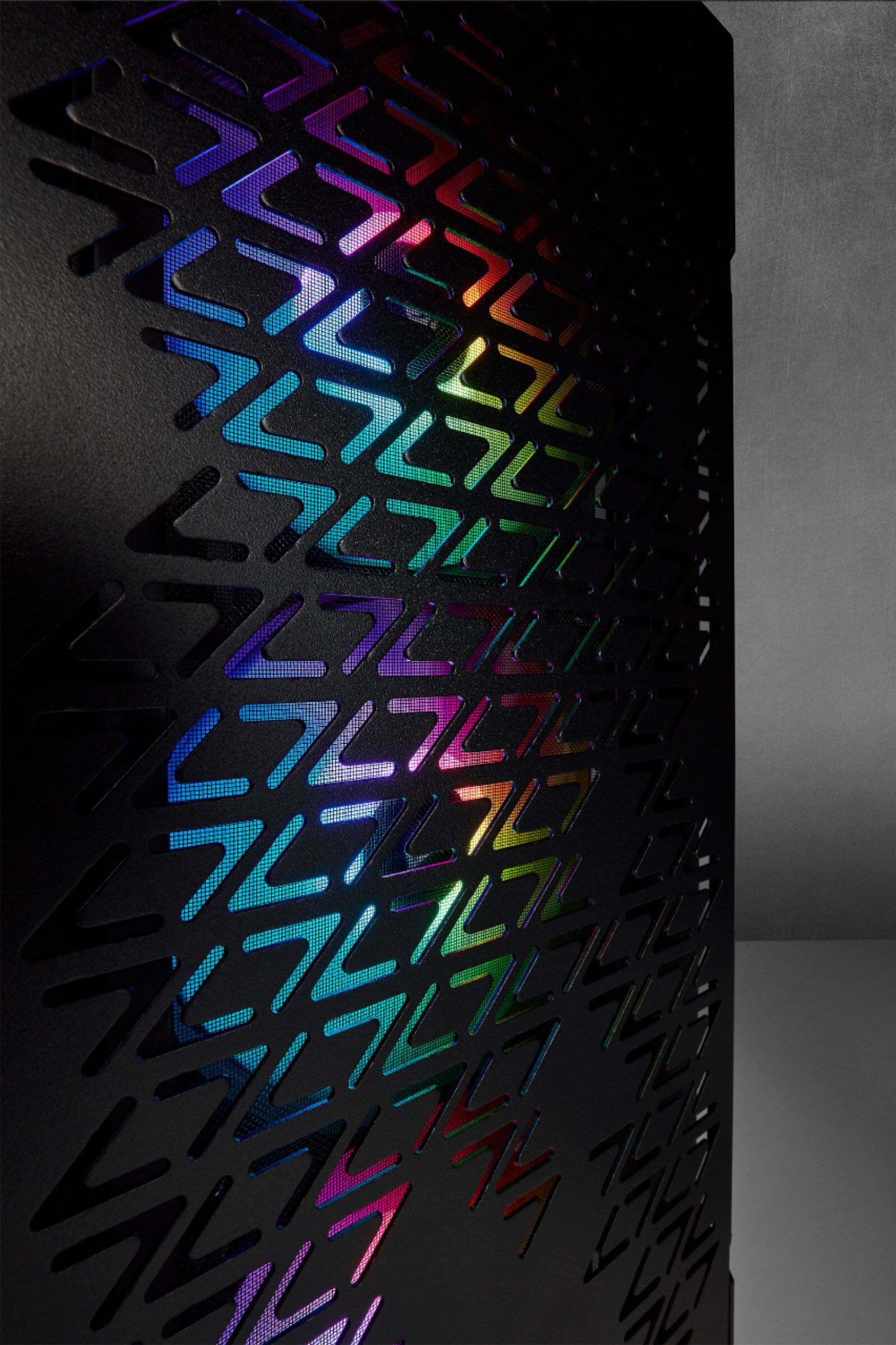
A:Answeryeah i made a build with this case and that cooler. i put in corsair rgb ram and i had to put the cooler on the front but if you have low profile ram like ripjaws or something you should be good anywhere. regardless its a tight squeeze but dooable
A:AnswerHi,
Afraid that it'd be 0 for now as it's just the computer case itself.
If you have anything else we can help with, please reach out: support.corsair.com
-Art
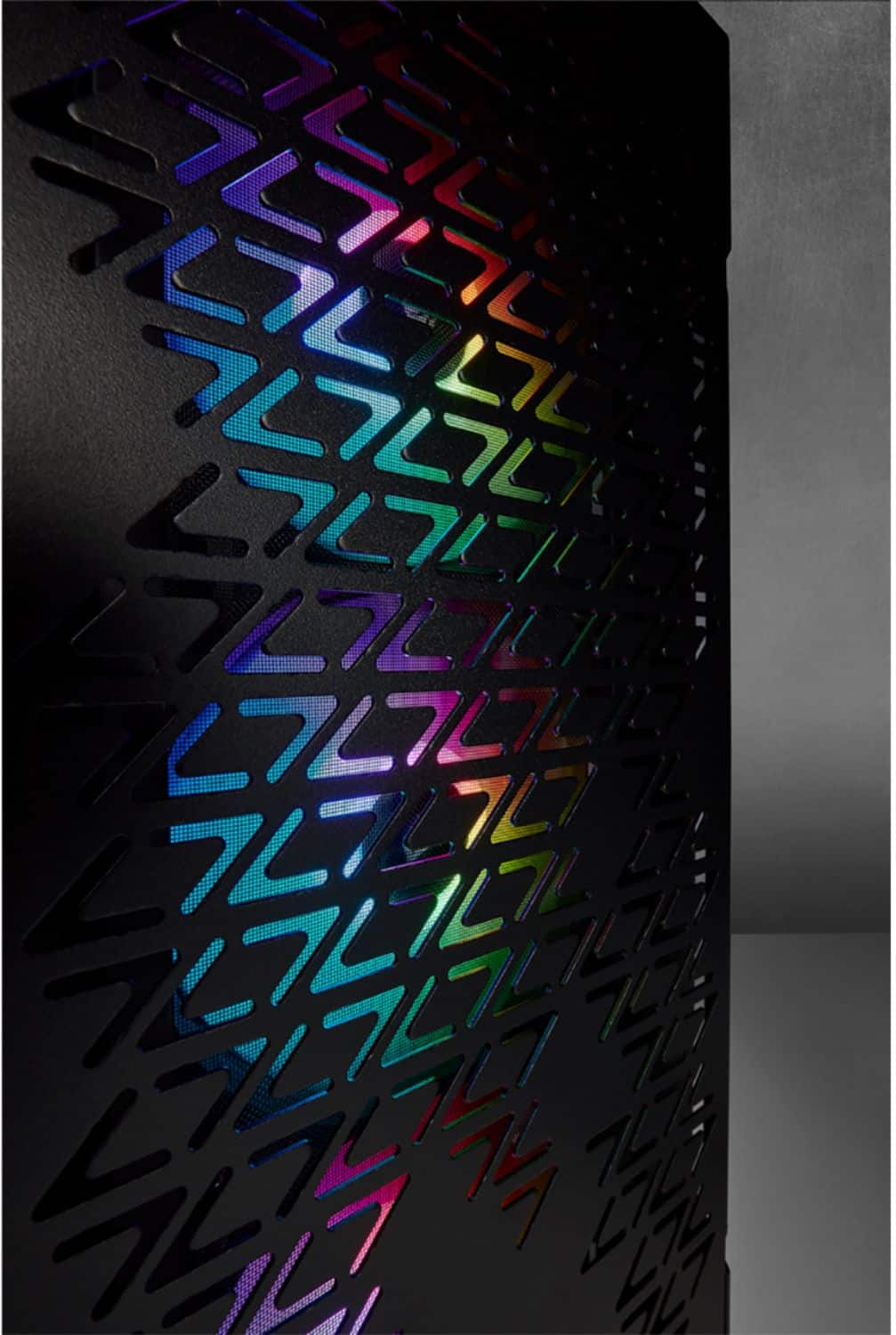
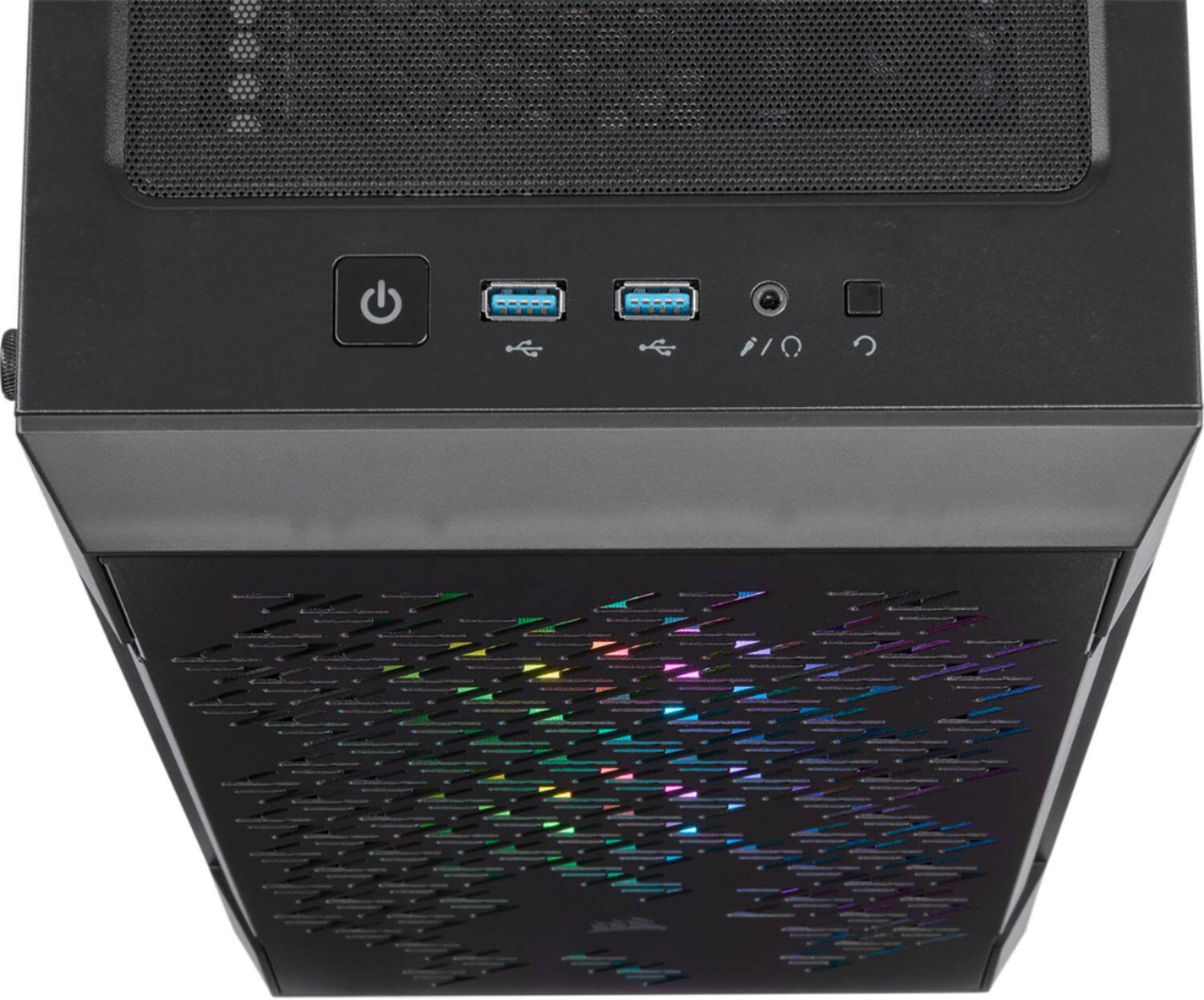
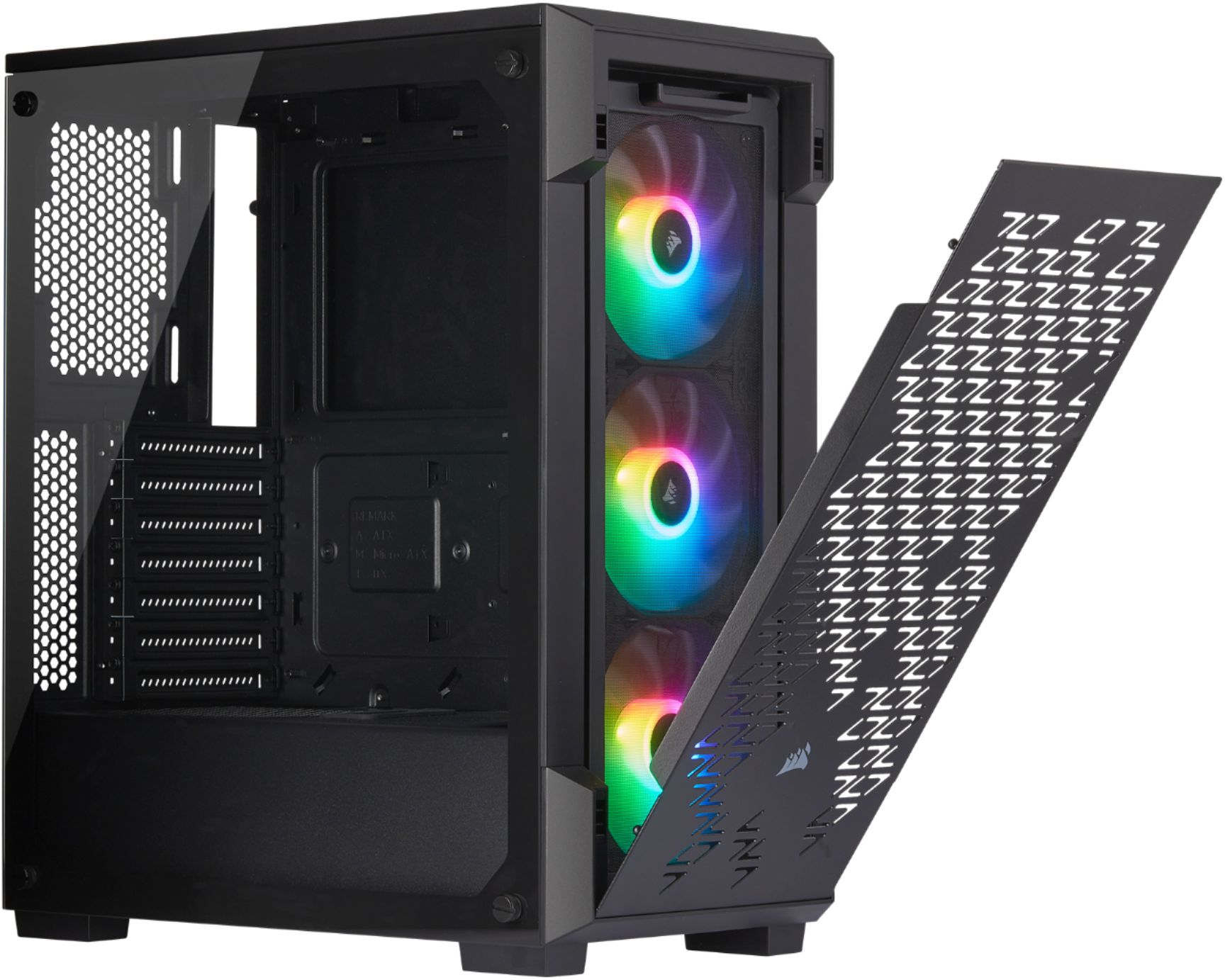
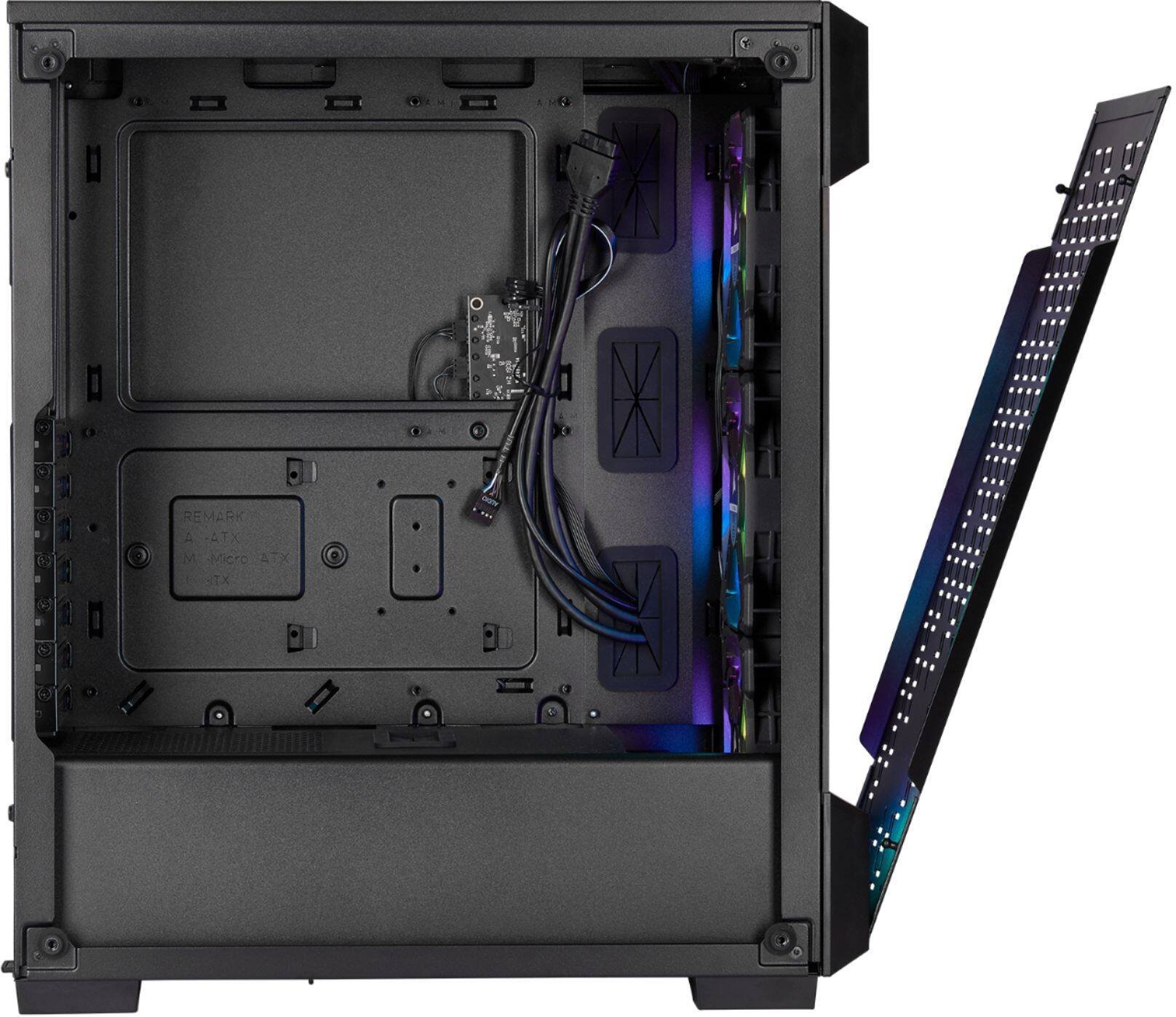
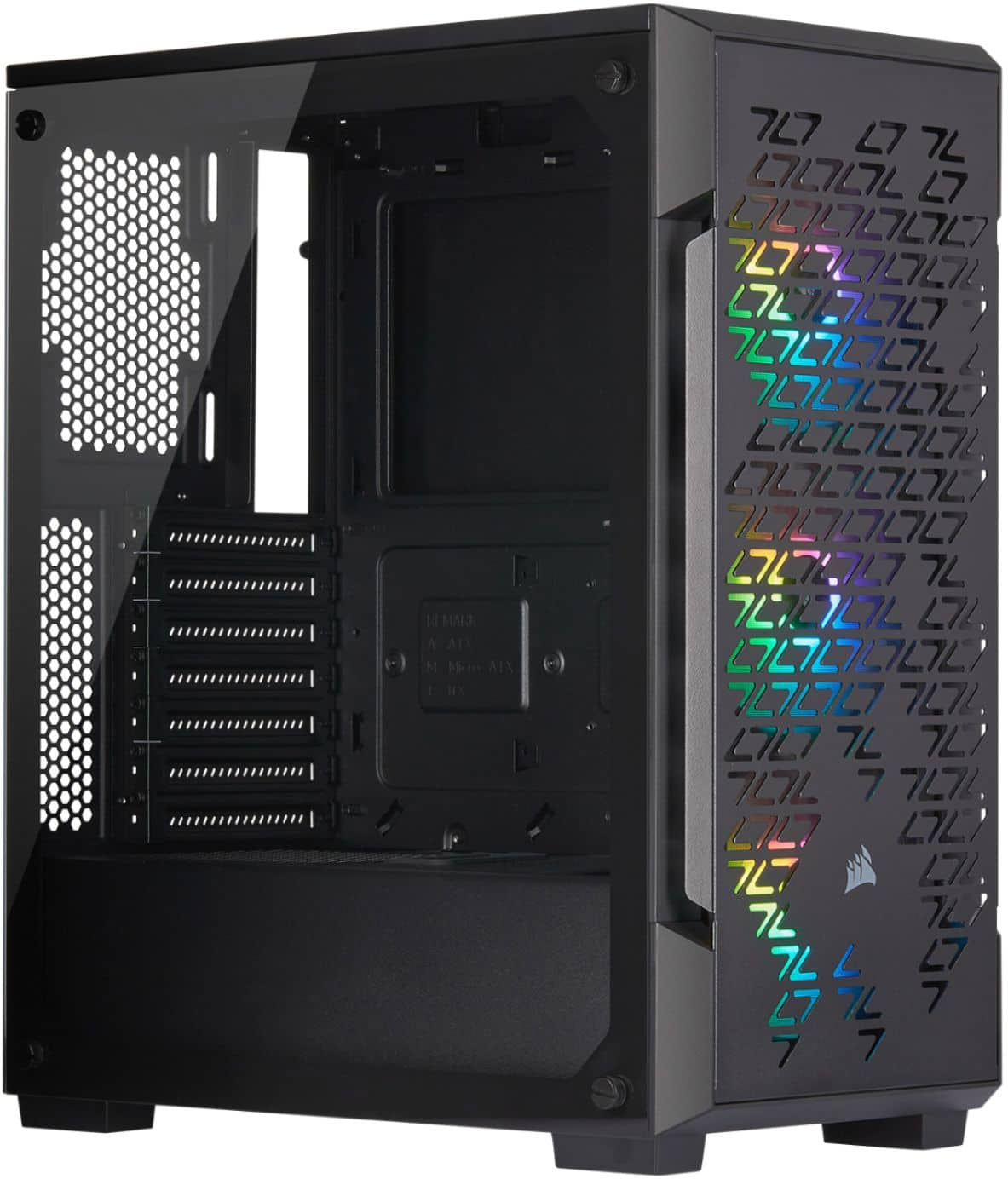
A:AnswerThe only cables that come with the case is the pre installed fans, power button, usb, and reset button. Its just a bare bone case with 3 RGB fans and a RGB controller.
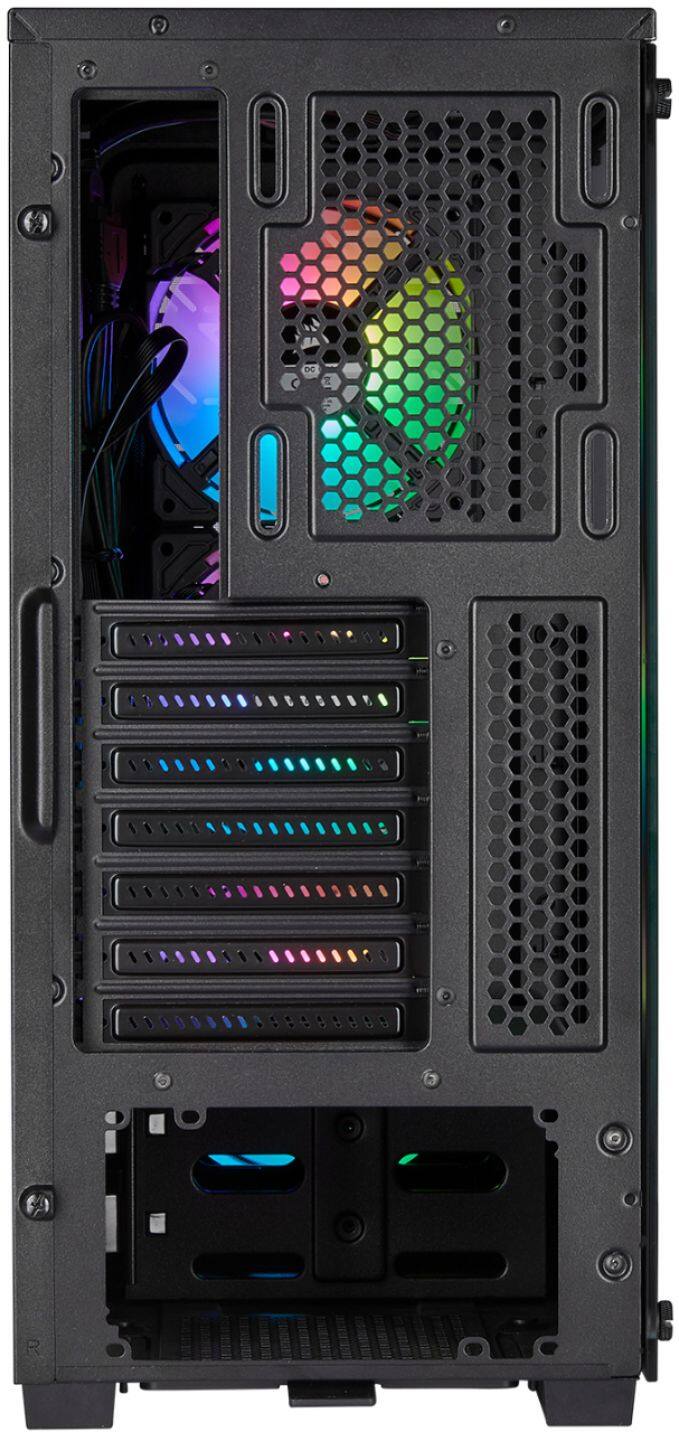
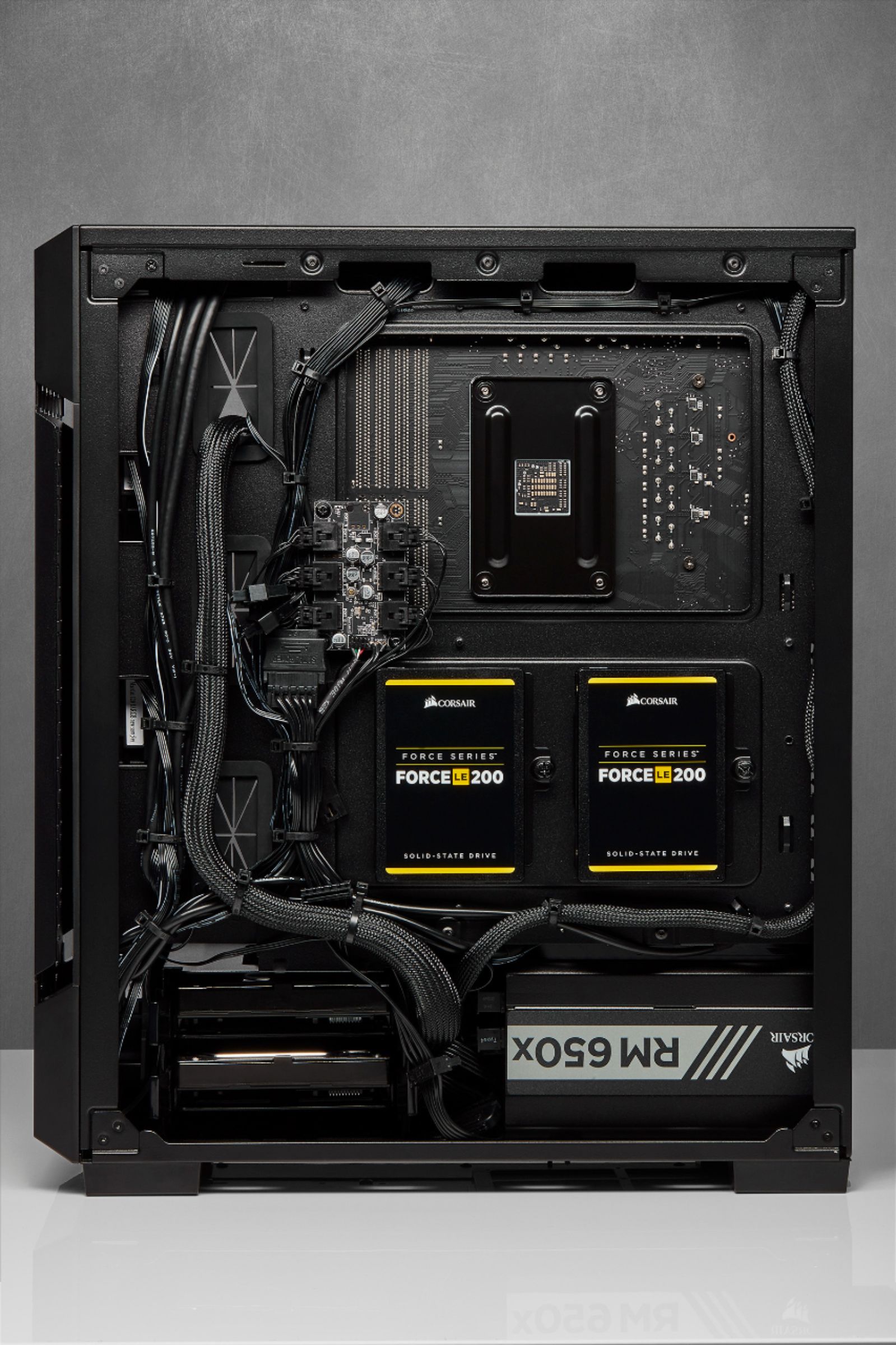
A:AnswerYou can use any 5.5" drive in the drive bays under the PSU shroud for HDD. There are 2x 3.5 SSD mounts on the reverse side of the motherboard tray. Then your motherboard might have M.2 ports to get SSD that mounts directly to the board. M.2 allegedly runs fastest, SSD next, then HDD.
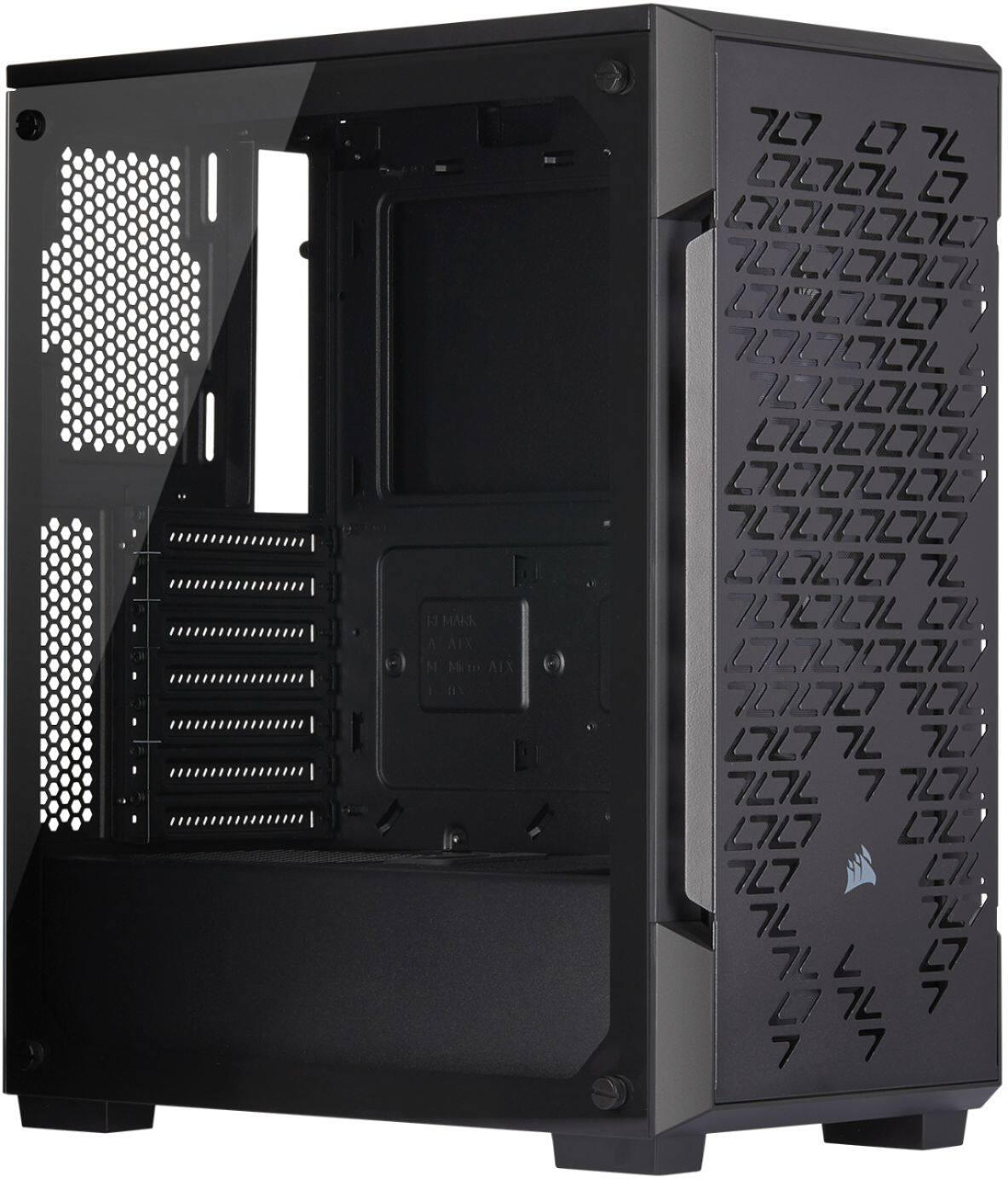
A:AnswerIt comes with a variety of standoffs you can remove them or put them where you want. but yes a Micro ATX board will fit this case. the only thing you will have trouble putting in this case will be a tri fan GPU i hear some will work and some wont with fans installed in the front.