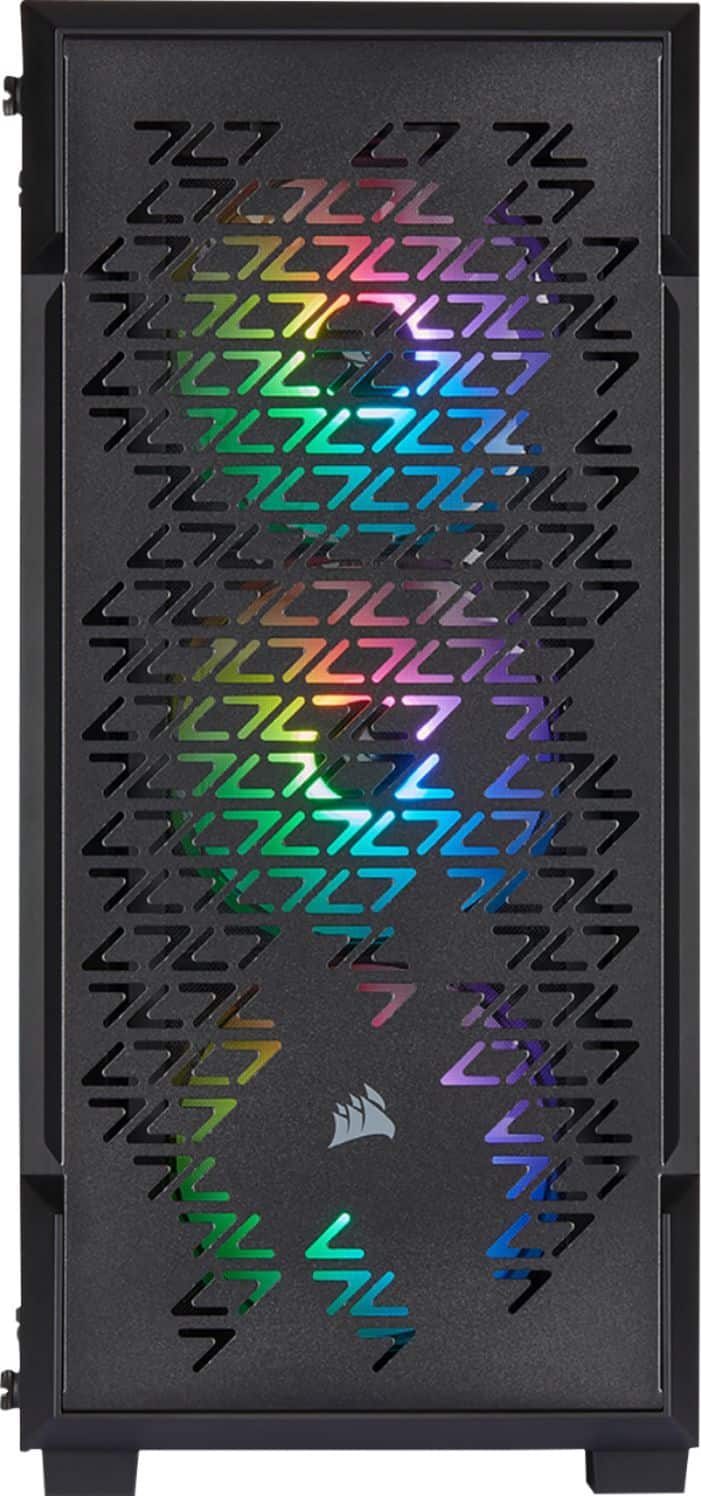
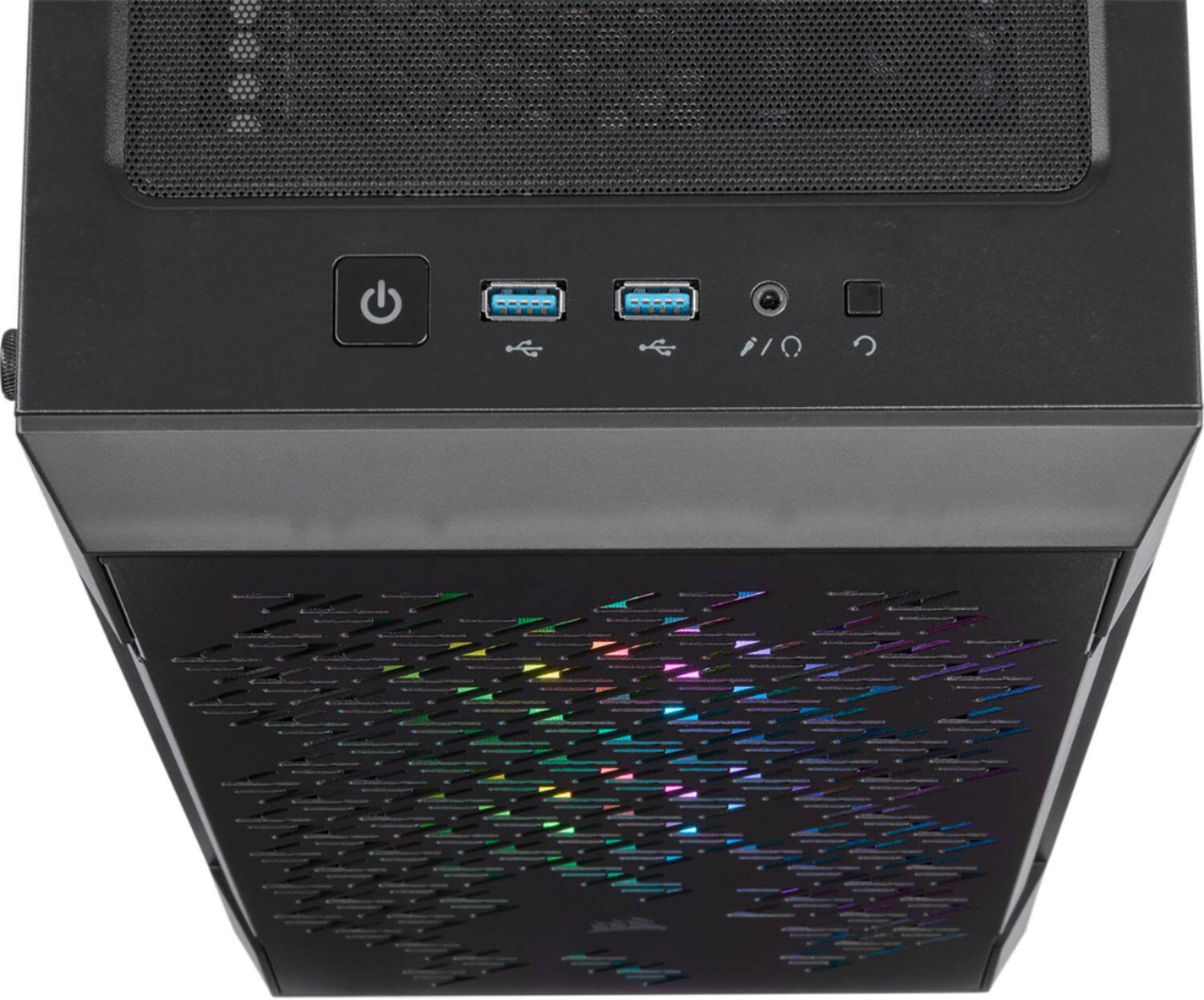
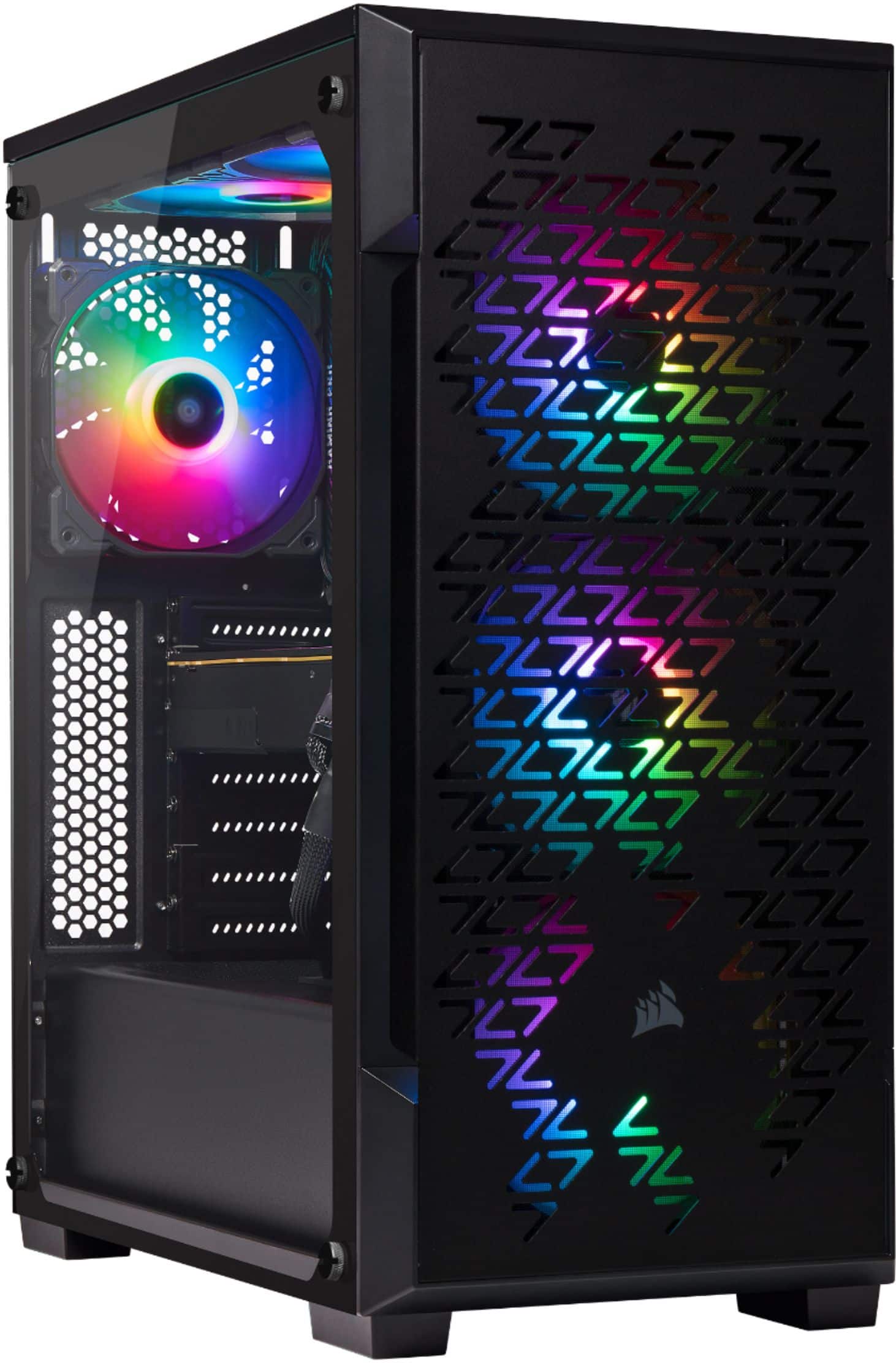
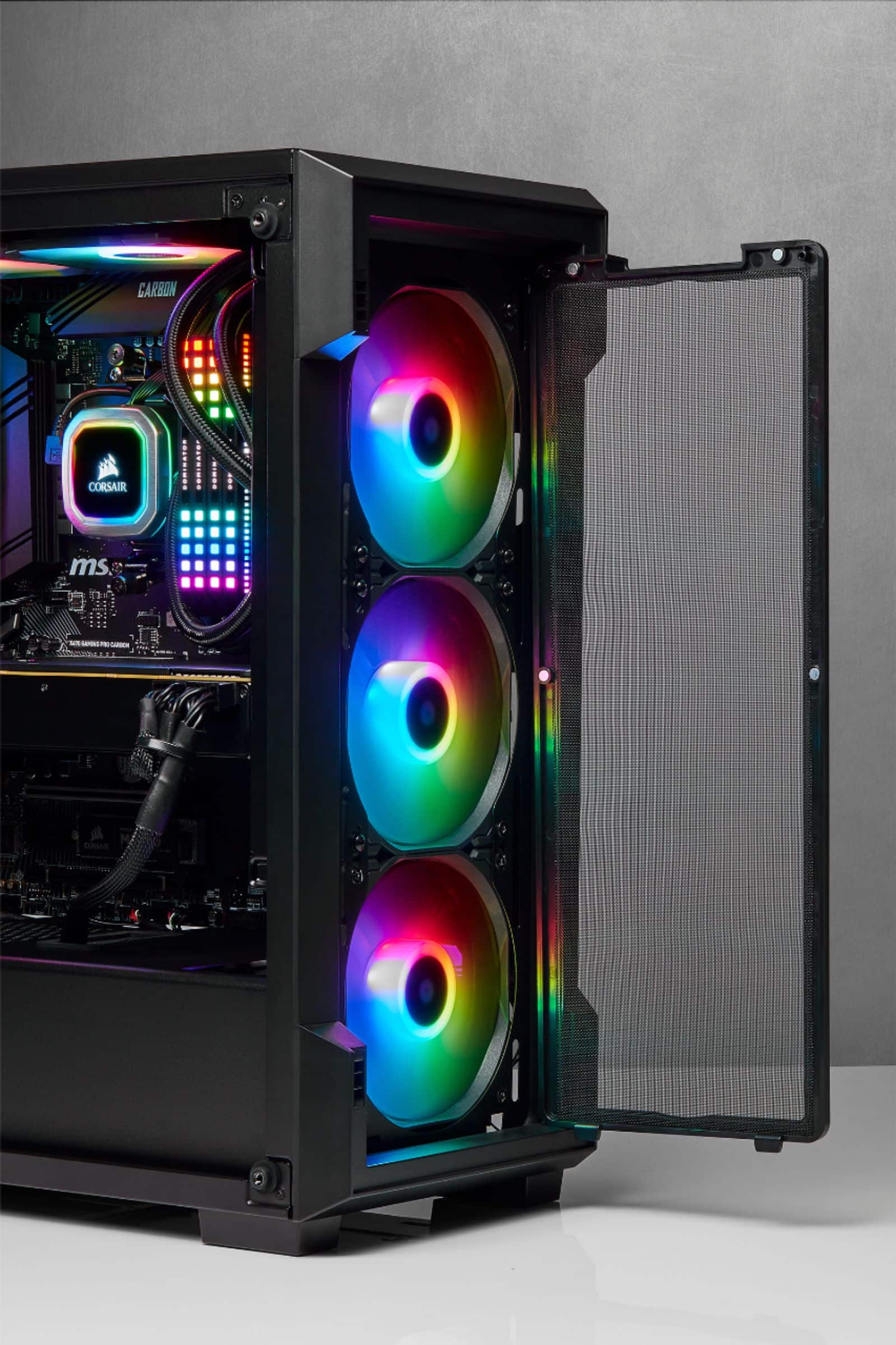
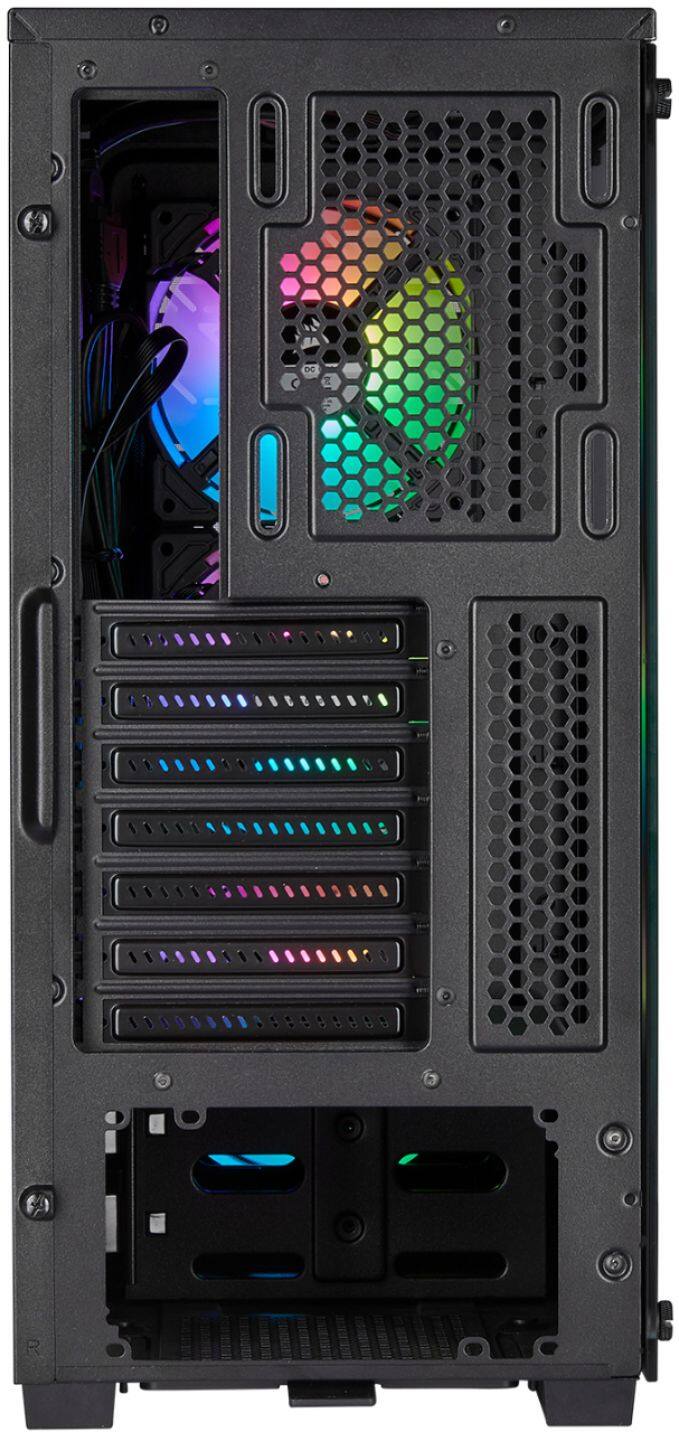
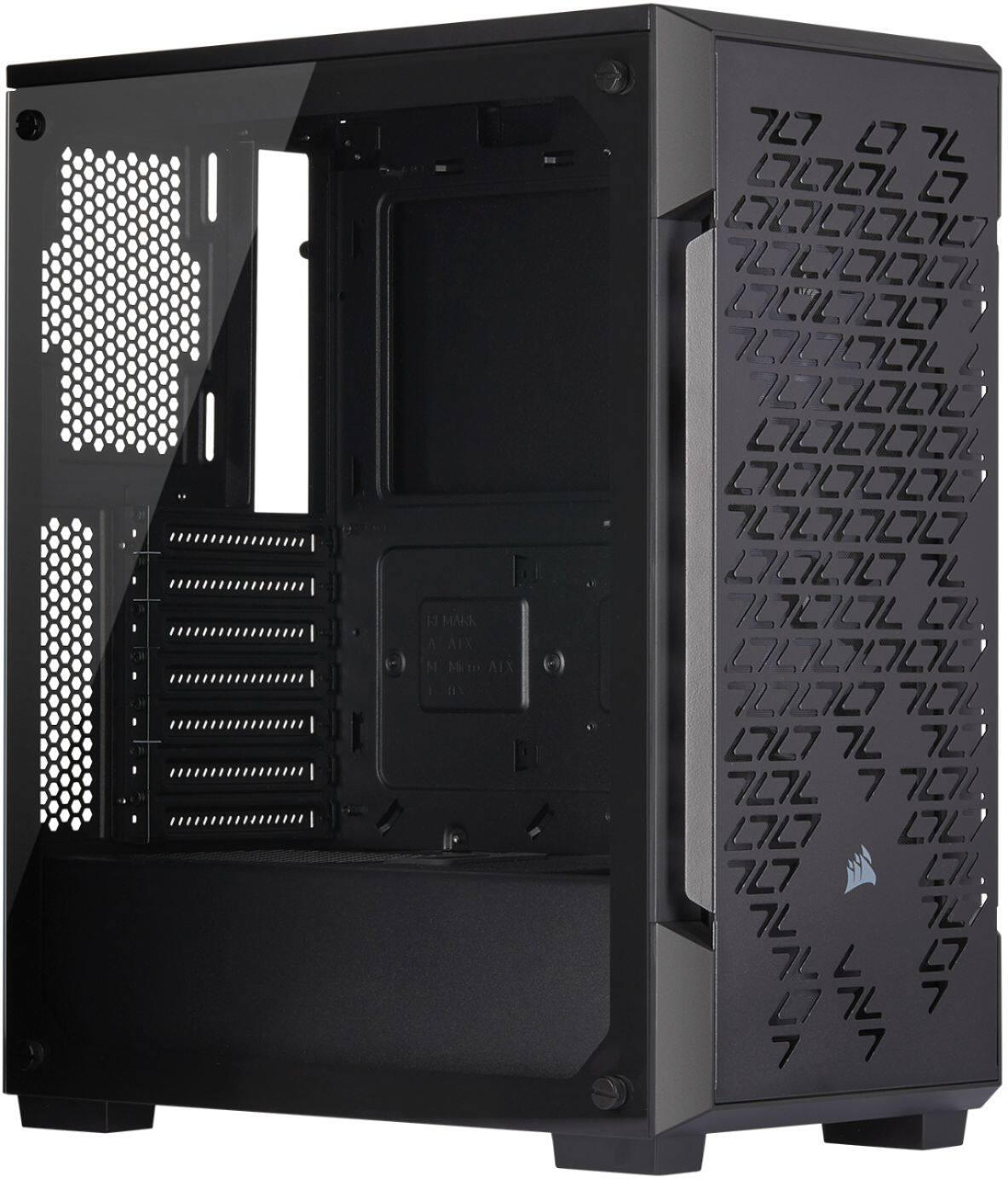
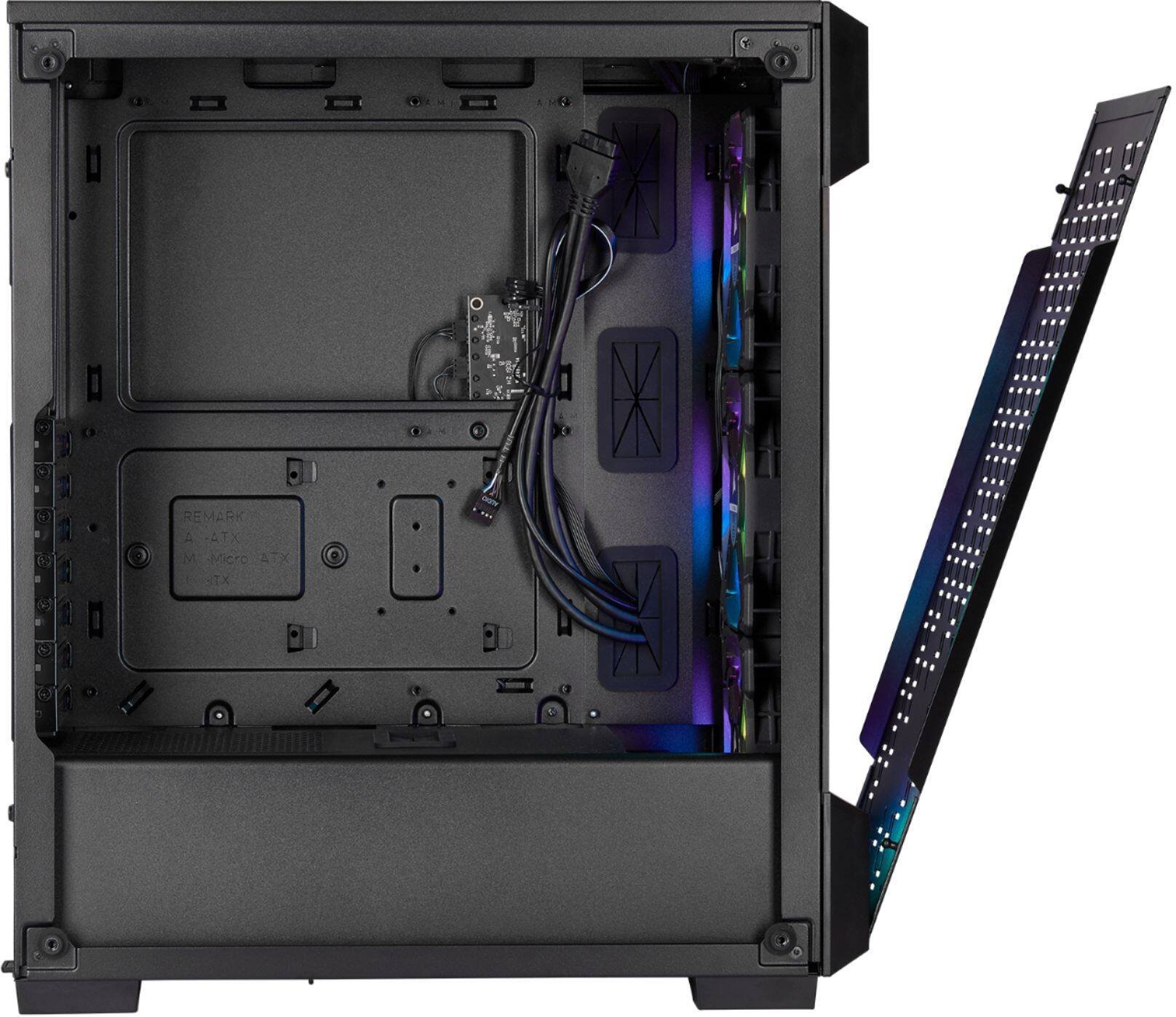
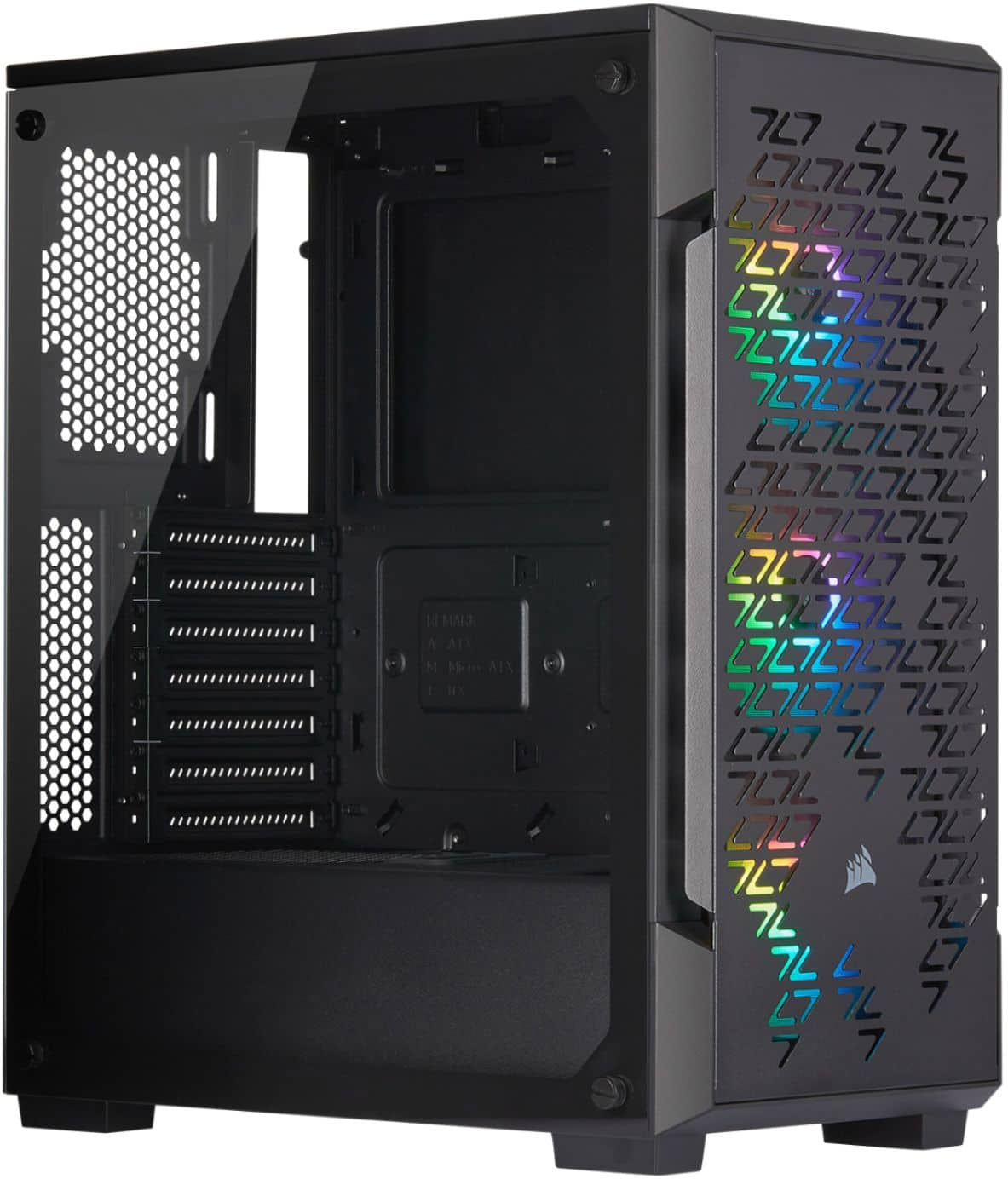
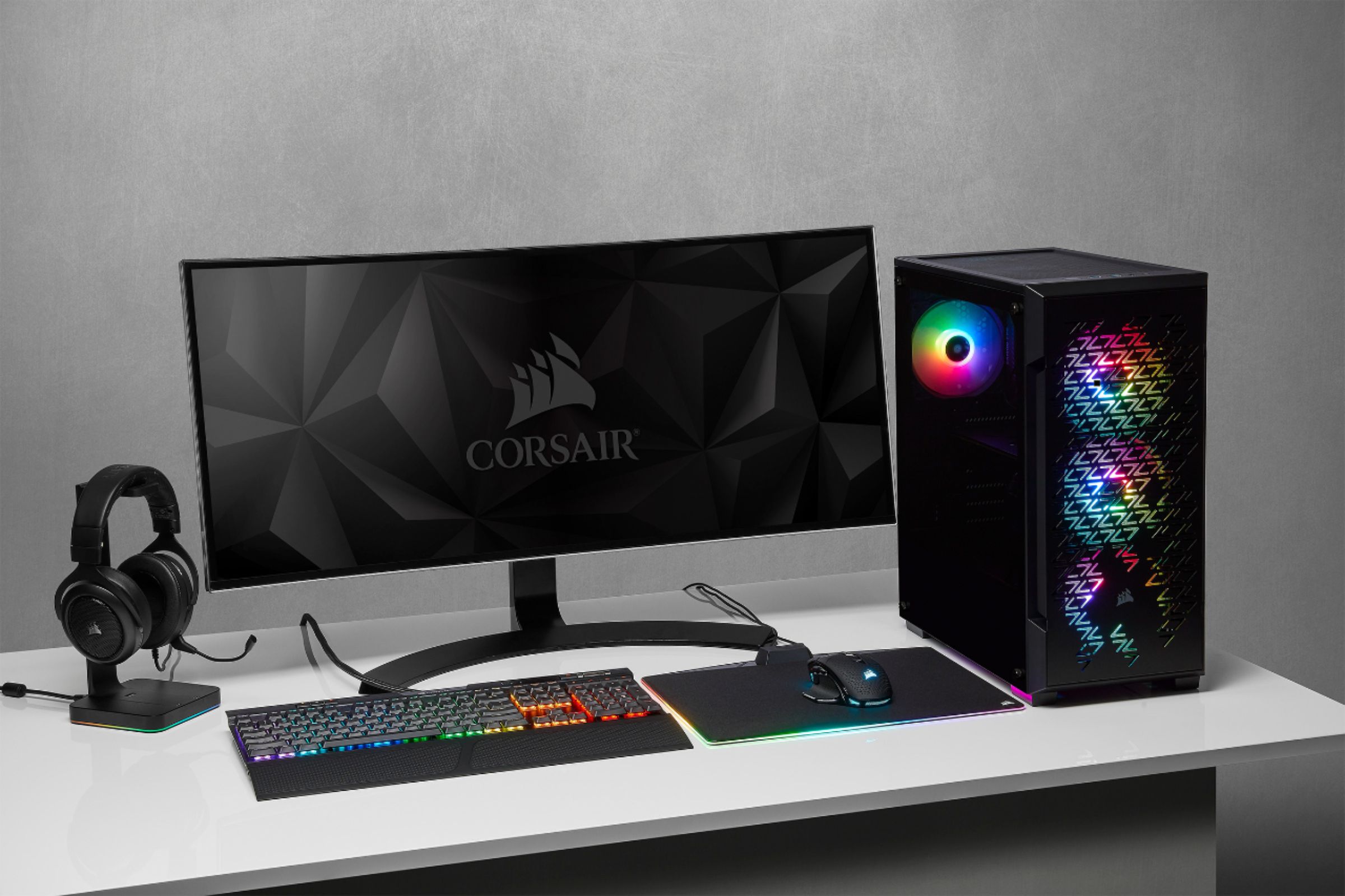
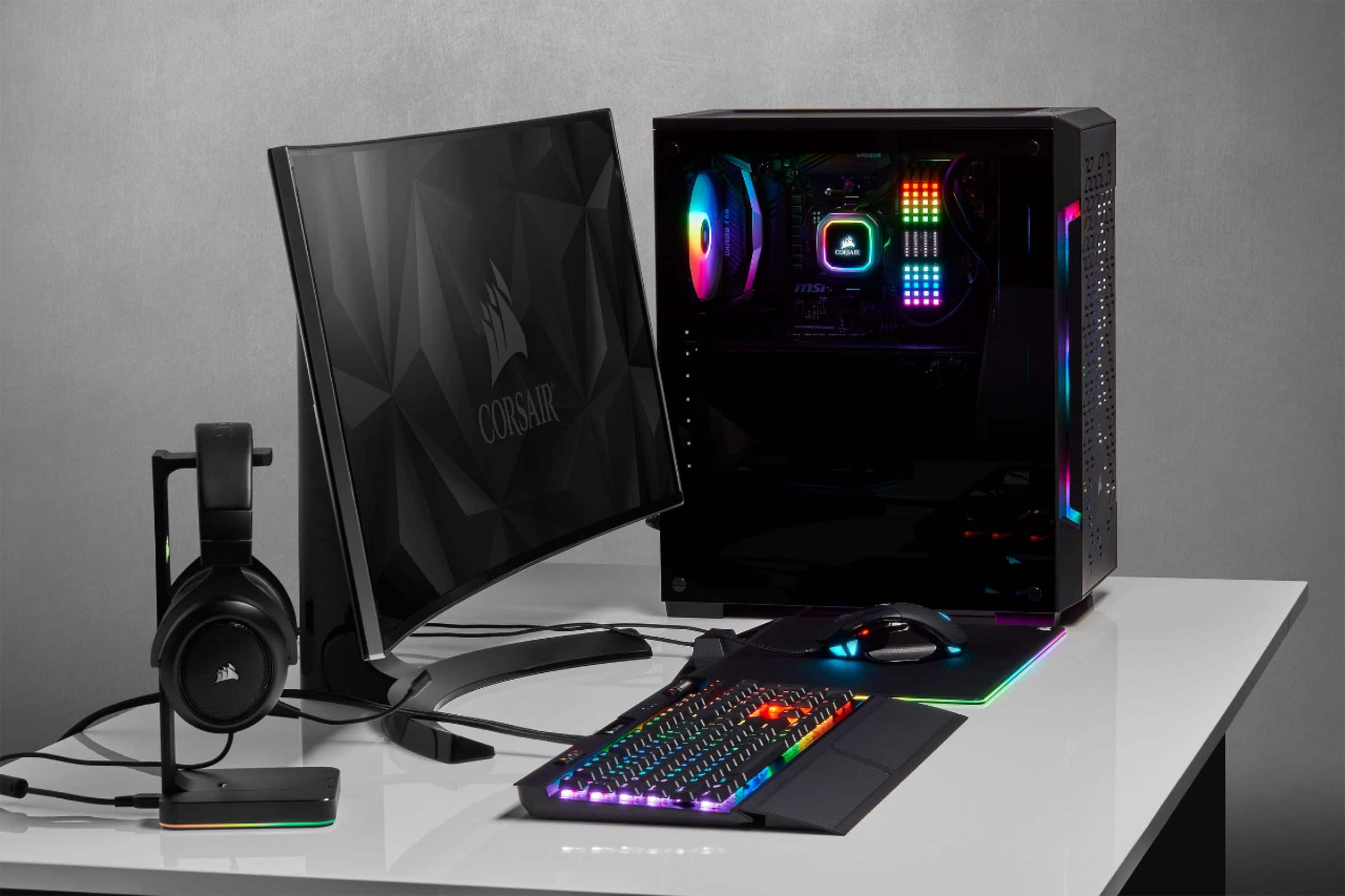
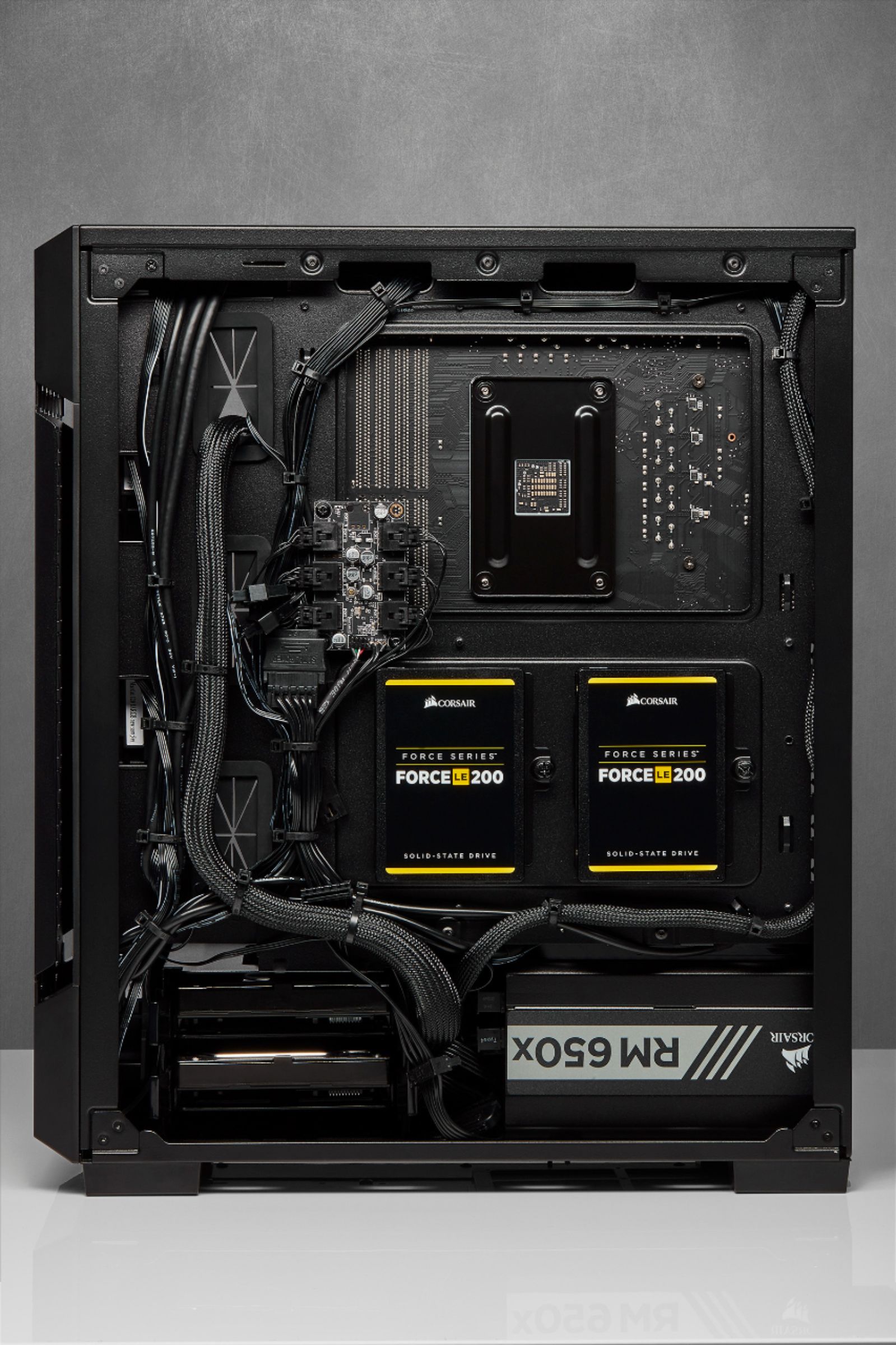
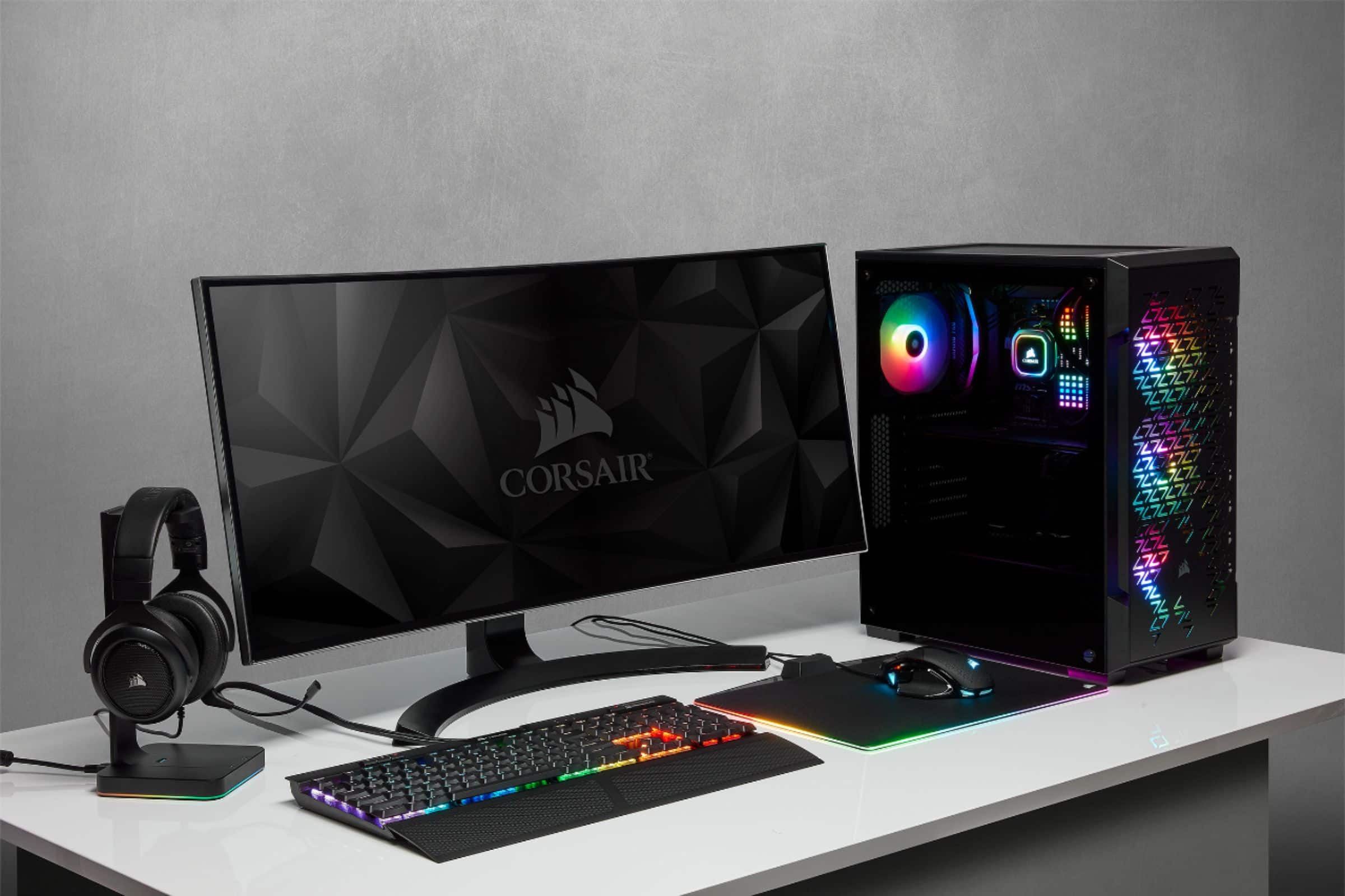
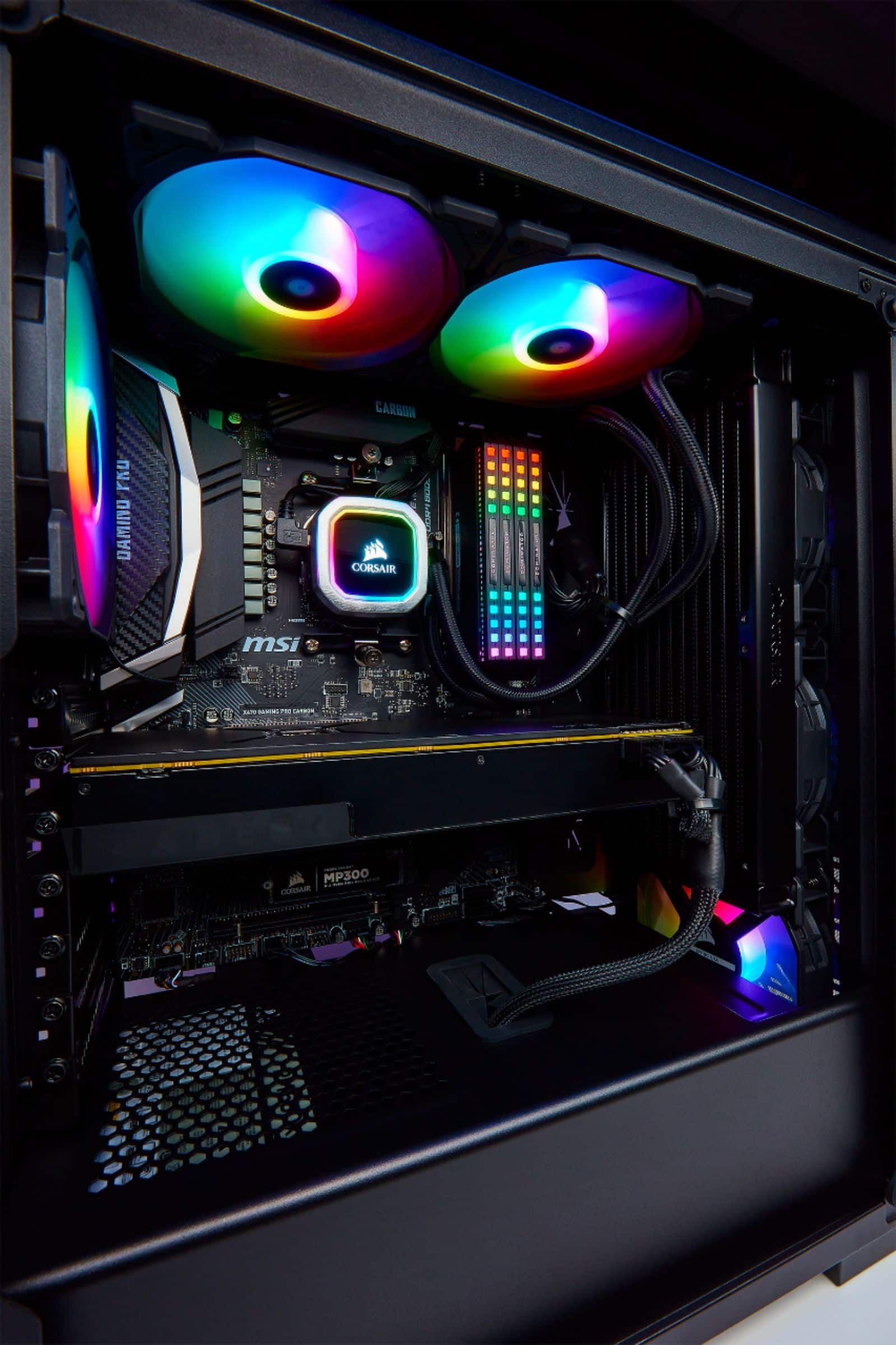
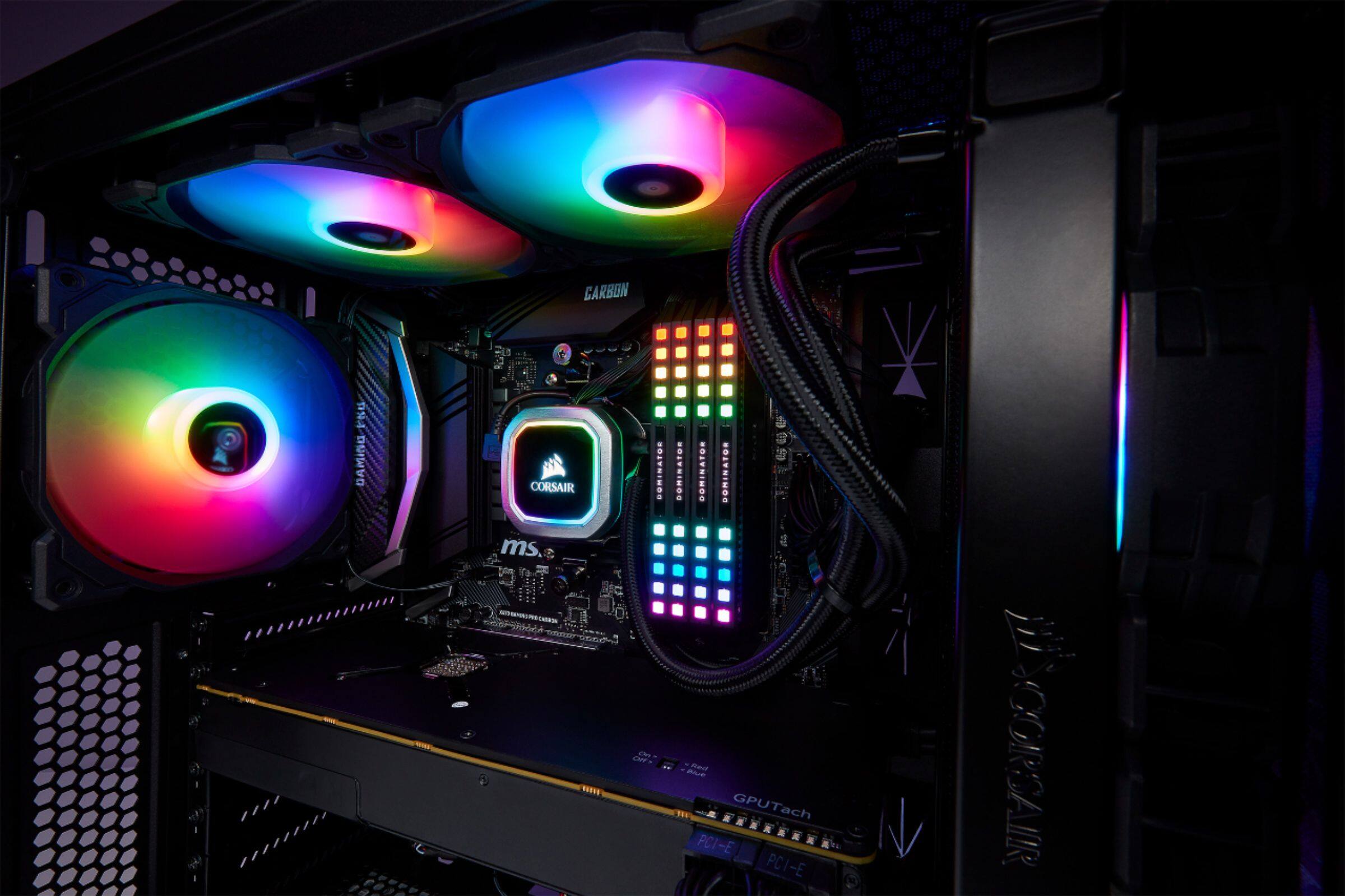
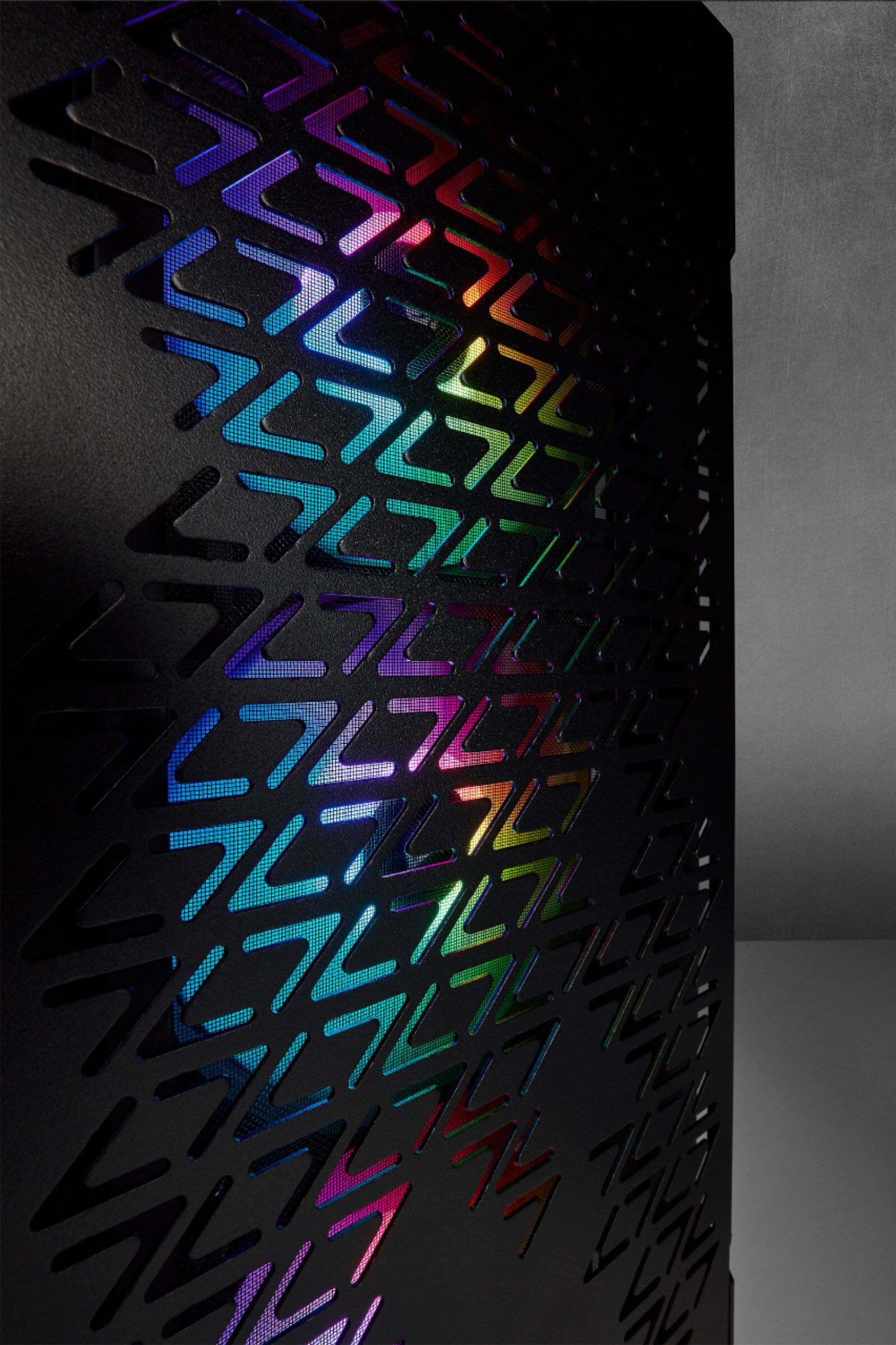
A:AnswerThis is not a pc. It is a computer case only. You will need to build a computer inside it. Depending on which motherboard/ cpu you choose you can connect the monitor to that or a discrete video card.
A:AnswerHi Mindy,
This case does not come with Wi-Fi components. I would check to see if your motherboard includes a wireless adapter - if not, you can always purchase a PCI-E or USB wireless adapter. If you have any additional questions, we'd be happy to help: support.corsair.com
-Albert
A:AnswerHi Tucker,
Yes, the iCUE 220T RGB supports a 360mm radiator at the front. It is worth noting that the HDD cage will have to be removed and having a front-mounted radiator will affect maximum GPU length supported. Please feel free to get in touch with us if you have any additional questions: support.corsair.com
-Albert
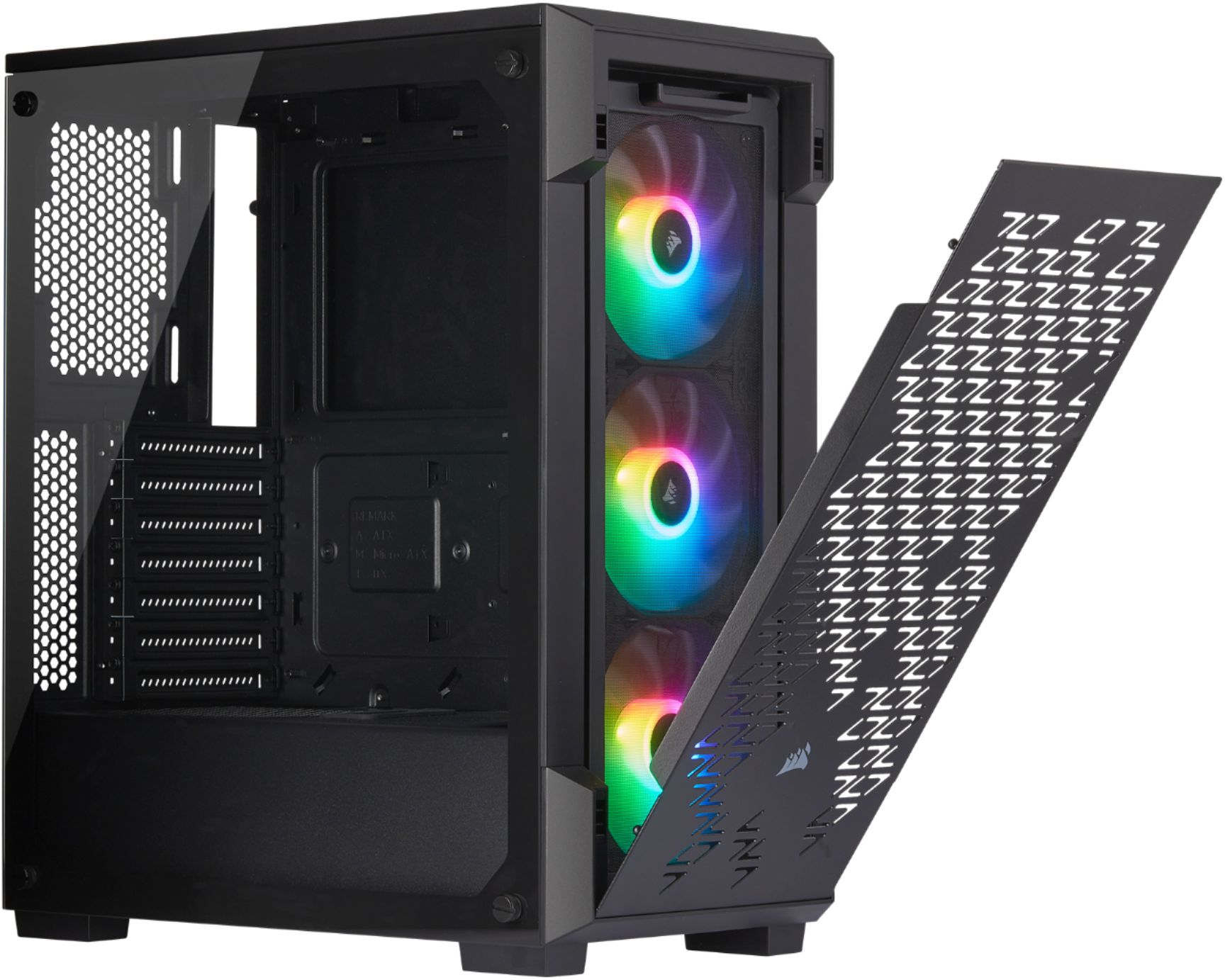
A:AnswerIt's the case and three fans, so you need a motherboard, cpu, gpu, psu, ram, storage, and a little yard gnome to make a computer out of it. The gnome is the most important part.
A:AnswerHi Izzy,
The iCUE 220T RGB is not a full prebuilt PC. If you have any questions regarding prebuilt PCs or building a PC, we'd be happy to help out: support.corsair.com
-Albert
A:AnswerIf the fans act strange or don't light up, be sure to download the iCue software and go to Lighting Setup, then select SP RGB PRO/ELITE Series and set the number of fans to three (if you didn't install more). Also, don't forget to attach the Node Core to a USB 2.0 header on the motherboard, and power the fans separately from MB fan headers. They will work great after that!!
A:AnswerIt has the Lighting Node Core.
There is no fan hub in the case.
And yes, they are compatible with iCue, as are all other Corsair RGB components.