A:AnswerThanks for reaching out Pointer. The computer should last as long as you take care of it. Due to the delicate nature of the parts, we do not know when they will stop functioning, which is why a warranty is offered. You are free to use the warranty as you wish. If you have any further questions or concerns then please do not hesitate to give our tech support agents a call for any assistance; we're always happy to help.
Tech support:
(888)937-5582
-CyberpowerPC Support
A:AnswerThanks for reaching out Bojoe. This computer is one of the top of the line PCs as it is equipped with a GTX 1080 TI and I7-8700k processor. You should see no performance issues while using this PC. If you have any further questions or concerns then please do not hesitate to give our tech support agents a call for any assistance; we're always happy to help.
Tech support:
(888)937-5582
- CyberpowerPC Support
A:AnswerThank you for reaching out nightcap. All of our computers are configured to work in the states so they are set at 115v. If you have any further questions or concerns then please do not hesitate to give our tech support agents a call for any assistance; we're always happy to help.
Tech support:
(888)937-5582
- CyberpowerPC Support
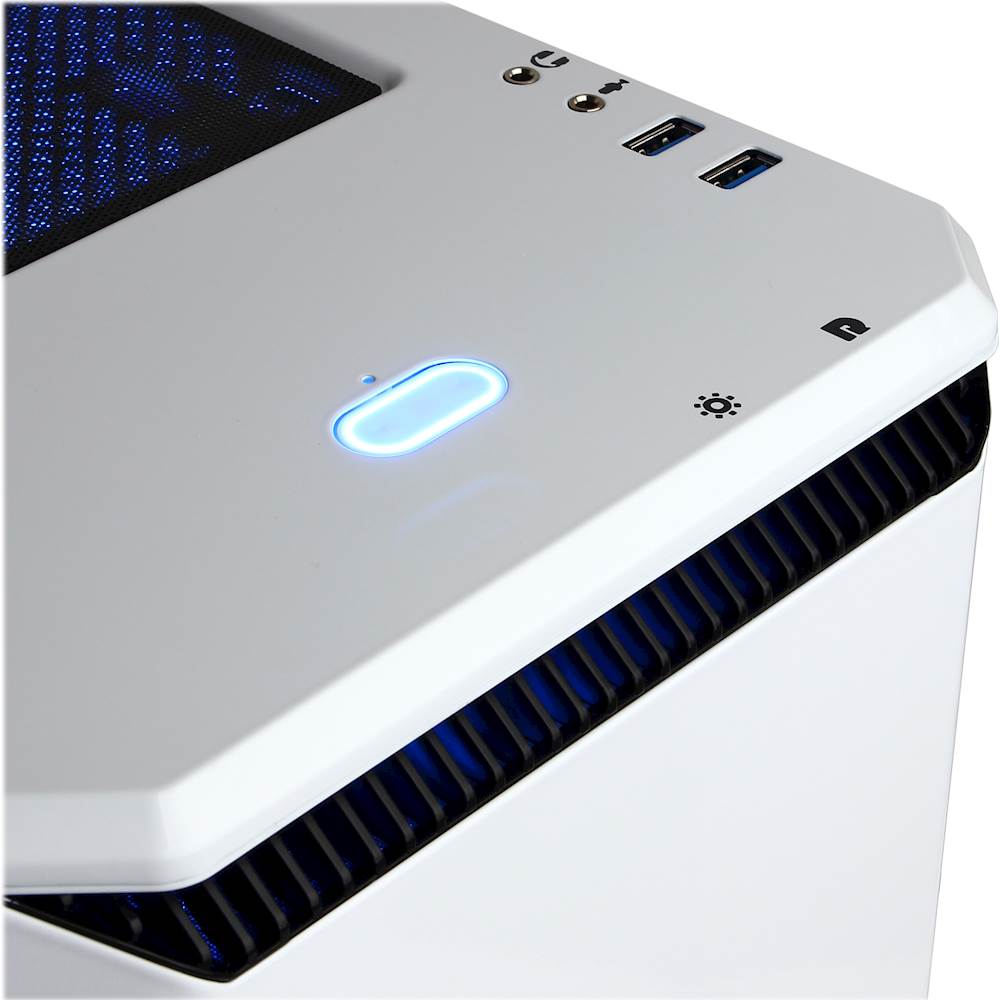
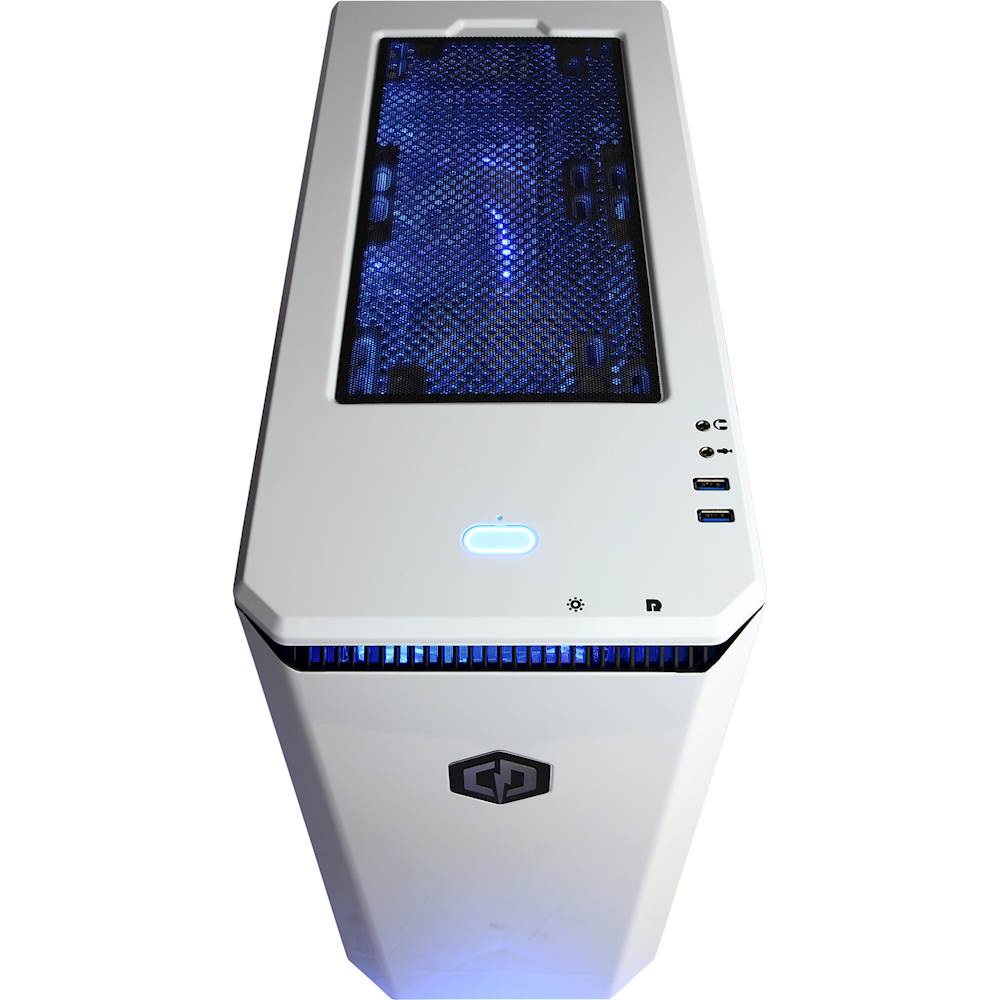
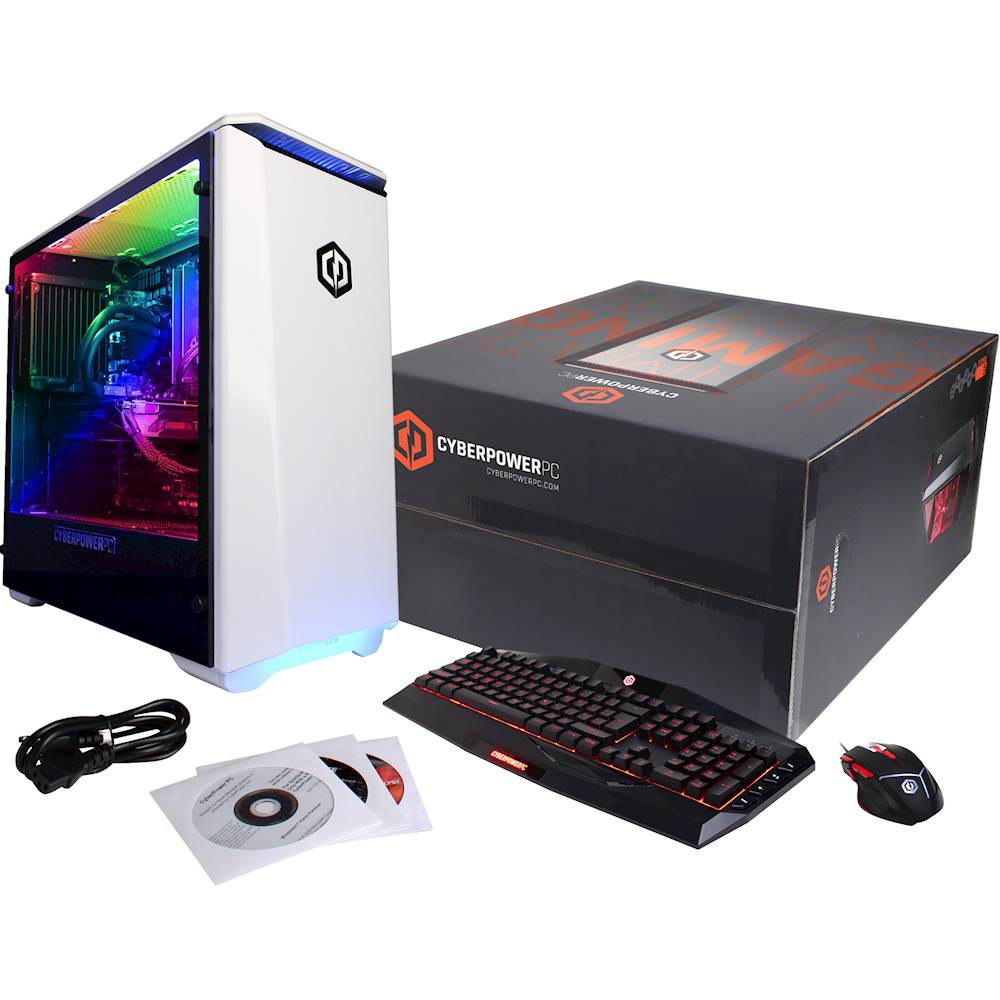
A:AnswerHello Zay, I just received this unit 3 days ago and to quote from the Frequently Asked Questions section of the Quick Start Guide: "The disks supplied are to assist with re-installation of a clean operating system and DO NOT need to be installed before using your computer." The setup was very easy and straight forward. Just remove the protective foam inside the case, connect your display to the graphics card port on the back panel of the unit, connect your peripherals(keyboard, mouse & wifi antenna), and finally the power cord. Windows is pre-installed on the SSD and the Windows product key is already saved on the motherboard. Turn it on, set up a windows username and password and windows update starts automatically. Incredibly smooth and easy. There is also a headphone & microphone jack along with two additional USB's on the top/front of the beautiful steel Phanteks case!
A:AnswerYou may need to install a wireless dongle. Many dongles can be plugged in to the PCs USB ports. If you have any further questions or concerns then please do not hesitate to give our tech support agents a call for any assistance; we're always happy to help.
Tech support:
(888)937-5582
- CyberpowerPC Support
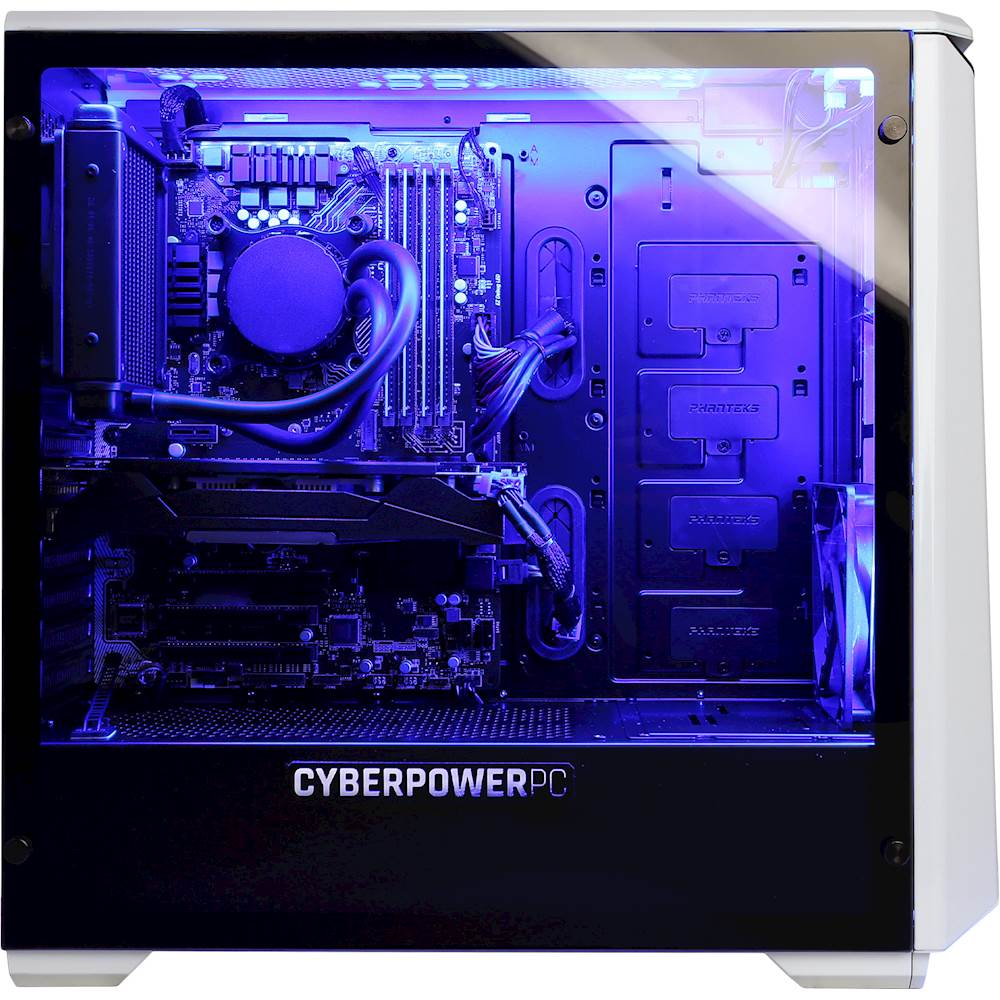
A:AnswerThe radiator comes with two 140mm fans in a push and pull configuration. There is one 120mm fan in front of case. I added three additional 120mm fans. I put one additional in front of case and two at the top. Very happy with my purchase. You will not be disappointed.
A:AnswerWith that large of a power supply then you are capped to what the motherboard can support. The Sata ports on the motherboard reflect how many HDDs you can install. If you have any further questions or concerns please do not hesitate to give our tech support agents a call for any assistance; we're always happy to help.
Tech support:
(888)937-5582
- CyberpowerPC Support
A:AnswerPower Supply - Looks like 800 watts, standard 80 Plus - SLI / Crossfire K Ready.
LAN RJ-45 Port
This unit is built to last, water cooled CPU
1 to 3 year protection plans at extra cost
A:AnswerThe PC can support up to 4 monitors. The hertz will depend on the what the refresh rate of the monitor is and the connection type. Please feel free to call us if you have any other questions at 800.707.0393.
A:AnswerYes as long as the interface for the 2nd graphic card is PCI Express 3.0 x16 and can be SLI linked. You just need to be concerned with the dimensions of the card. It can be a very tight fit with the spacing between the two PCI Express 3.0 x16 slots is not that much. The more powerful graphic cards have bigger heat sinks/fans to compensate with the heat issues and that makes the video cards bigger to add all those components. That means cramming a lot into a space that cannot be adjusted.
A:AnswerThis model PC includes build in wifi connectivity as the Product Features specify "Next-Gen Wireless-AC connectivity". You will need to connect the included antenna's in order to connect to your wifi in your home. Please feel free to call us if you have any other questions at 1.800.707.0393.
A:AnswerThis PC will be configured with an 800 watt power supply. Please note the brand and model are not specified otherwise we use top quality power supplies from various major brand and OEM manufacturers. Please feel free to call us if you have any other questions at 1.800.707.0393.