A:AnswerThank you for reaching out to us Timur. When upgrading the graphics card, it is always recommended that you check the minimum power requirements and make sure your power supply can support it. Also please make sure your power supply has all of the necessary PCI-E cables for your new graphics card. If you have any further questions or concerns then please do not hesitate to give our tech support agents a call for any assistance; we're always happy to help.
Tech Support:
(855) 888-2039
TechTeam@CyberpowerPC.com
Hours of Operation:
Monday - Friday: 8:30AM - 6:00PM PST
Saturday: 9:30AM - 3:00PM PST
-CyberpowerPC Support
A:AnswerMy pc has the Asrock B550AM Gaming M-ATX with wifi, Apevia 800 watt Gold 80 plus and XFX 5700 XT.
My PC has not worked since I bought it 3 days ago and hopefully I can find another one with the Asus hardware.
A:AnswerThank you for reaching out to us HolyBurrito. You can find the drive bays located under the right side panel of the PC near the power supply. If you have any further questions or concerns then please do not hesitate to give our tech support agents a call for any assistance; we're always happy to help.
Tech Support:
(855) 888-2039
TechTeam@CyberpowerPC.com
Hours of Operation:
Monday - Friday: 8:30AM - 6:00PM PST
Saturday: 9:30AM - 3:00PM PST
-CyberpowerPC Support
A:AnswerThank you for reaching out to us M3tti. Normal operating temperatures of a gaming PC is around 60-85c under load. If you have any further questions or concerns then please do not hesitate to give our tech support agents a call for any assistance; we're always happy to help.
Tech Support:
(855) 888-2039
TechTeam@CyberpowerPC.com
Hours of Operation:
Monday - Friday: 8:30AM - 6:00PM PST
Saturday: 9:30AM - 3:00PM PST
-CyberpowerPC Support
A:AnswerIt’s installed on the motherboard under the graphics card. I know this is an old question, but thought I would answer in case anyone else had the question. I had a hard time finding it at first.
A:AnswerThank you for reaching out to us. This PC should be able to run the Oculus Rift as it does meet the minimum system requirements. However, the amount of FPS you receive in-game will vary depending on the resolution and refresh rate of your display, in-game graphics settings, as well as your network connection. It is always recommended that you check the system requirements of the game you would like to play before making your purchase. If you have any further questions or concerns then please do not hesitate to give our tech support agents a call for any assistance; we're always happy to help.
Tech support:
(888)937-5582
-CyberpowerPC Support
A:AnswerThank you for reaching out to us. Unfortunately this system does not include built in speakers, this system should be compatible with most speakers that use a USB or 3.5mm audio jack connection. If you have any further questions or concerns then please do not hesitate to give our tech support agents a call for any assistance; we're always happy to help.
Tech Support:
(855) 888-2039
TechTeam@CyberpowerPC.com
Hours of Operation:
Monday - Friday: 8:30AM - 6:00PM PST
Saturday: 9:30AM - 3:00PM PST
-CyberpowerPC Support
A:AnswerThank you for reaching out to us Jay33. The liquid cooling system included with this PC is a closed loop system and does not have any fittings that can come loose causing it to leak. If you have any further questions or concerns then please do not hesitate to give our tech support agents a call for any assistance; we're always happy to help.
Tech Support:
(855) 888-2039
TechTeam@CyberpowerPC.com
Hours of Operation:
Monday - Friday: 8:30AM - 6:00PM PST
Saturday: 9:30AM - 3:00PM PST
-CyberpowerPC Support
A:AnswerI'm not a tech person but a long time gamer. I have experienced a similar issue not on this computer but others and it was a hardware overheating issue. But the source of the issue may not be the computer but could be graphic settings in the game. In World of Warcraft there are settings for amount of graphics detail etc which impacts the processing. So you can set games at lower graphics settings. Sometimes there are incompatibility issues with the game that you are playing and the computer system...problem with not strong enough system in specific areas. Sometimes a game has an expansion or a patch that causes system problems because of changes that were made. Sometimes the graphics card company doesn't do a good job on a driver update which can cause this. I had one computer, an Alienware, that started this after we had a huge power surge that knocked our power out and evidently did damage to the computer. The computer had to be replaced. Now I have my system on a backup UPS with surge protection also. I found that the Geek Squad peeps were able to test and identify the problem. In my recent case, the last computer problem I had, the system was just a few weeks old and had to be replaced because the system itself came off the assembly line with a problem. I purchased the system from Best Buy with the protection plan so there was no problem with the replacement at all. I've had my CYBERPOWER - R7 - 5700 XT for many months now and it has performed really well. The system before it, which honestly was an excellent brand also, just came off the assembly line with defective hardware part. The system was replace by the current CYBERPOWER which has been working well. The Best Buy Geek Squad are epic and can help with this for sure.
A:AnswerThank you for reaching out to us SLee. This system should include a one years parts and labor warranty. If you have any further questions or concerns then please do not hesitate to give our tech support agents a call for any assistance; we're always happy to help.
Tech Support:
(855) 888-2039
TechTeam@CyberpowerPC.com
Hours of Operation:
Monday - Friday: 8:30AM - 6:00PM PST
Saturday: 9:30AM - 3:00PM PST
-CyberpowerPC Support
A:AnswerThank you for reaching out to us. Please feel free to contact our tech support team at your earliest convenience for further assistance on this matter, we're always happy to help.
Tech Support:
(855) 888-2039
TechTeam@CyberpowerPC.com
Hours of Operation:
Monday - Friday: 8:30AM - 6:00PM PST
Saturday: 9:30AM - 3:00PM PST
-CyberPowerPC Support
A:AnswerIf there are 4 dim slots then yes. But the way these PC’s are built, they don’t use the exact same parts all the time they will use parts with the same line. With that on once you buy it you can check to see what motherboard is installed then go to that companies website and find the mother board to find a compatible list of ram.
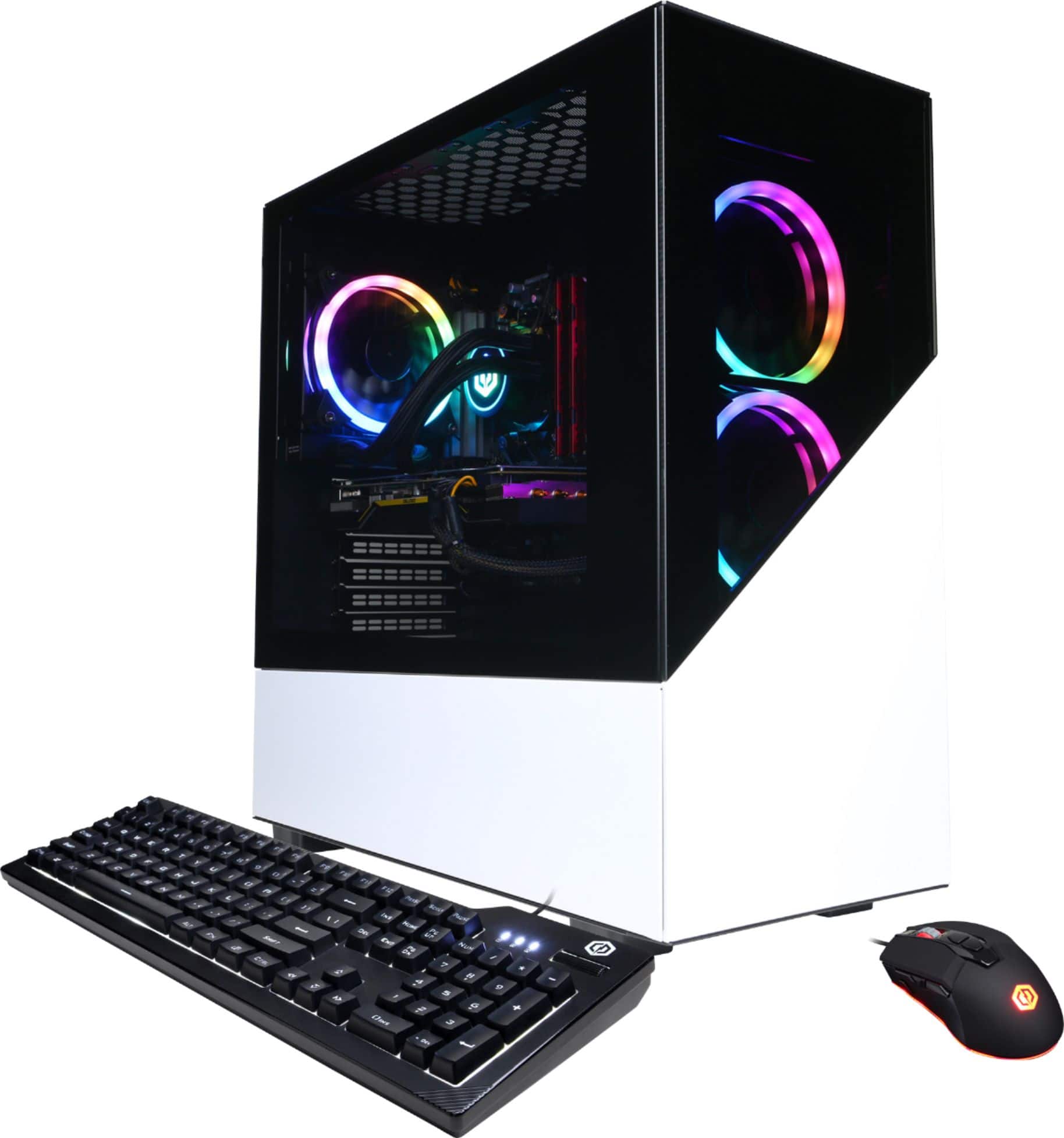
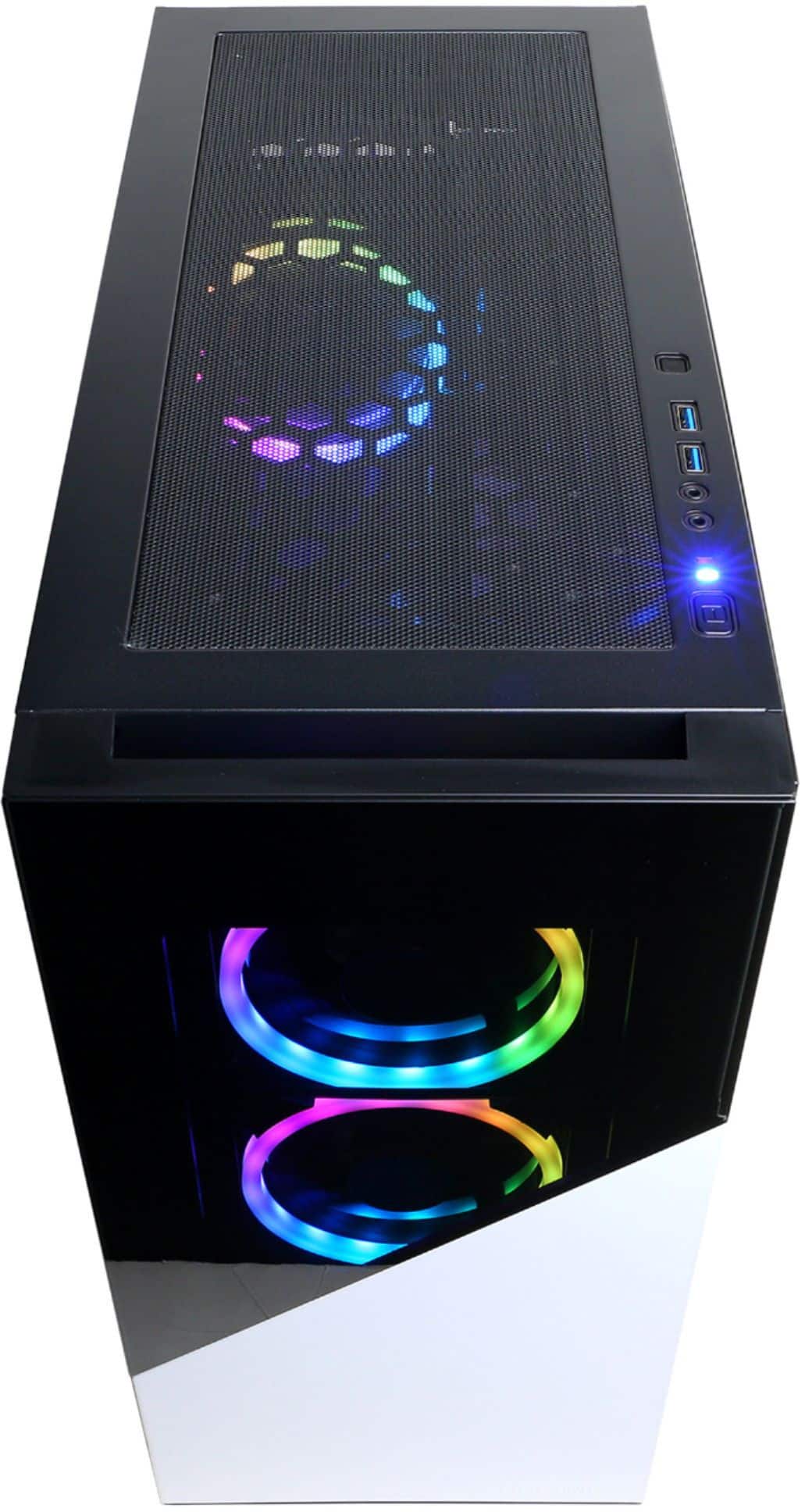
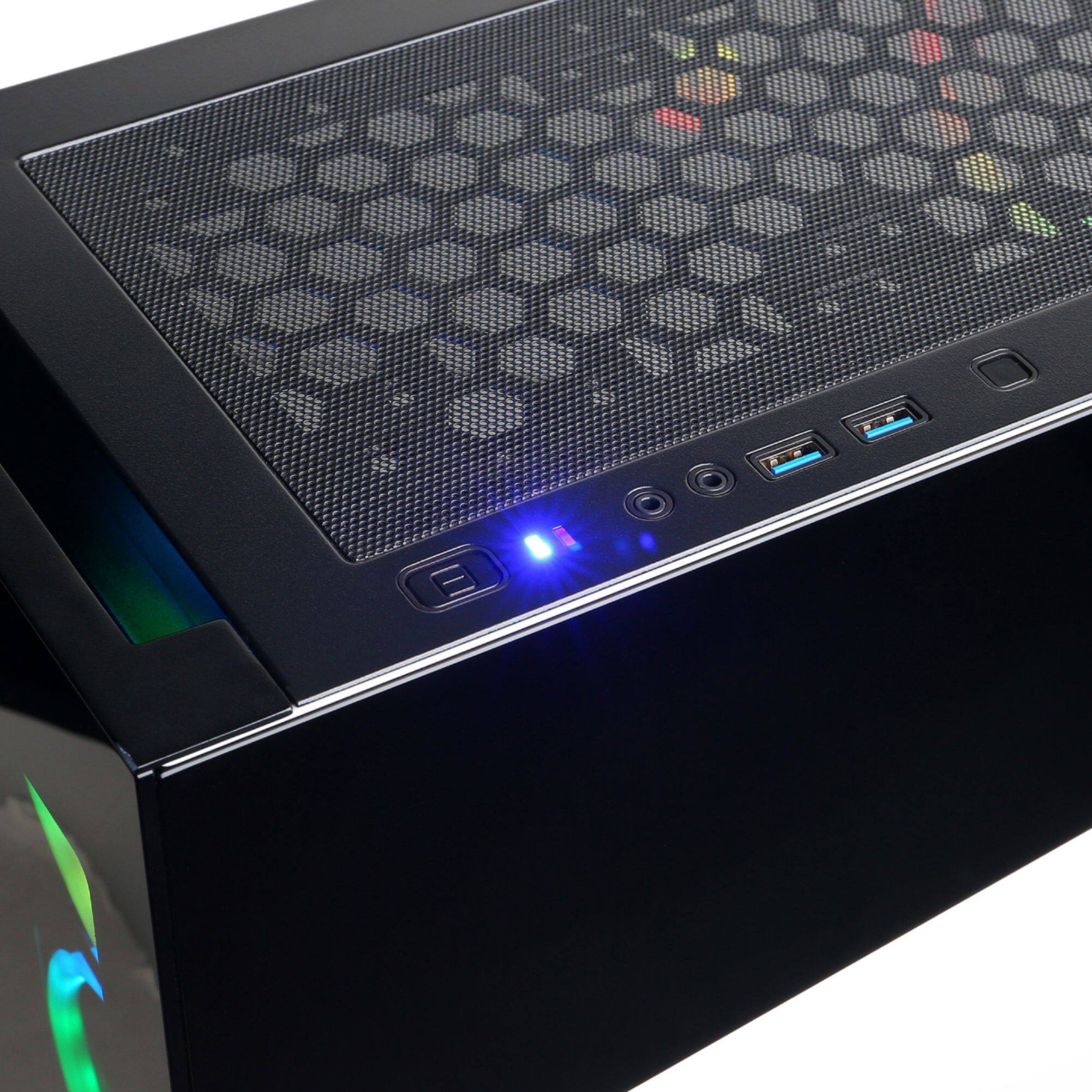
A:AnswerThere is a button on the case. It is on the top near the power on button. If you press this button and nothing happens there is a changes that the wire could have come loose in ship/transport. I would then open both side panels and look for a small wire with LED on it that is not plugged in
A:AnswerThank you for reaching out to us Amir. This PC should be able to support VR as it does meet the minimum system requirements for most VR headsets. However, the amount of FPS you receive in-game will vary depending on the resolution and refresh rate of your display, in-game graphics settings, as well as your network connection. It is always recommended that you check the system requirements of the game you would like to play before making your purchase. If you have any further questions or concerns then please do not hesitate to give our tech support agents a call for any assistance; we're always happy to help.
Tech support:
(888)937-5582
-CyberpowerPC Support
A:AnswerNot a single issue so far. I've only had it a few days but have ran a lot of stress tests and bench marks, gotten benchmarks on par for the 5700xt and have had no problems. Haven't had it crash on me at all. Mine came with the thicc II ultra which did run a little hot, but not outside of the specs. I added three 120mm fans on top because the airflow in the case isn't the best. I average Temps in high 60's to low 70's gaming, stress tests, and benchmarks. So far it's been better than I ever hoped for. I was nervous about some of the reviews and reddit posts I saw too. But so far everything has been great!
A:AnswerOpen your windows settings and ensure you enable both monitors. Adjust the input on the monitor to match the cable type you plugged in. It will run 4 monitors.
A:AnswerYes you can use an external 3.0 ssd, however it comes with a 1tb m2 pcie nvme ssd installed. There are at least 4 open internal sata slots you can use to add more drive space if needed. When I bought mine the motherboard was a b550 instead of a b450, it includes 2 m2 nvme slots on the motherboard allowing you to install a second pci4 x4 nvme drive if you desire.