A:AnswerYou could run this thing on ultra settings and still get well over 100 FPS on CS:GO. I recommend getting Radeon Chill to keep your temperature low though
A:AnswerI had the same problem with a brand new CyberPowerPC Gamer Ultra Desktop AMD FXSeries 16GB Memory 2TB Hard Drive I ordered for my son for Christmas a couple years ago. I called Geek Squad support and did everything they told me, was on the phone for a few hours with no solution. Then had to have Geek Squad come to check it out. They decided it was DOA! Said they had a lot of problems with that brand of PC's and suggested I buy one with an I5 processor instead. I returned the gaming PC and bought the HP Envy Desktop Intel Core i5 12GB Memory 128GB Solid State Drive 1TB Hard Drive HP finish in natural silver instead. I hope this helps you, but hate to tell you your PC just might not work. Ours wasn't even starting up I guess.
A:AnswerIf you are referring to hot-keys on the mouse then no, this PC does not come bundled with that type of mouse. If you have any further questions or concerns then please do not hesitate to give our tech support agents a call for any assistance; we're always happy to help.
Tech support:
(888)937-5582
- CyberpowerPC Support
A:AnswerThere are many to choose from, you have the AM3 FX line that go beyond what the 6300 can do for example the 8000 series and 9000 series line. If you have any further questions or concerns then please do not hesitate to give our tech support agents a call for any assistance; we're always happy to help.
Tech support:
(888)937-5582
- CyberpowerPC Support
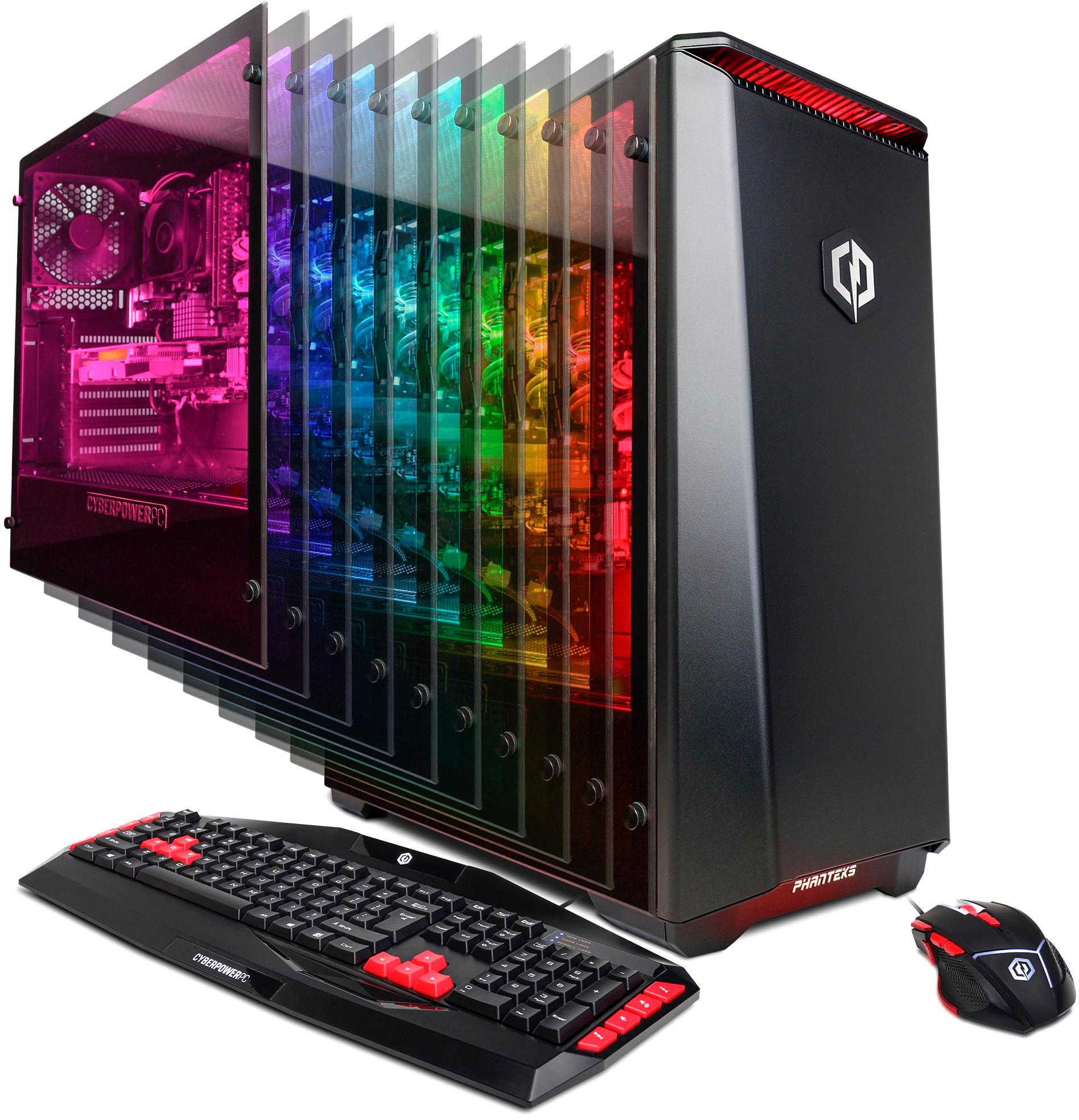
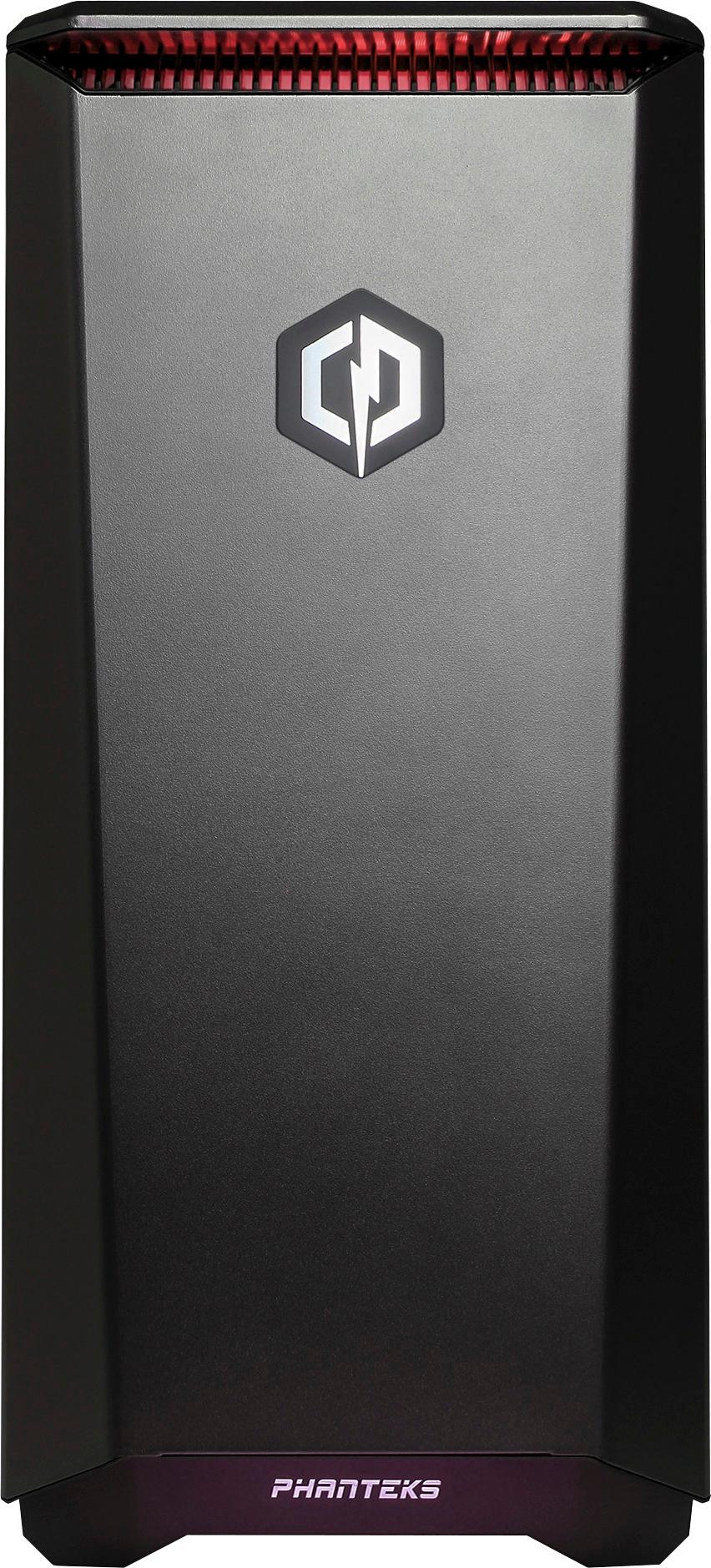
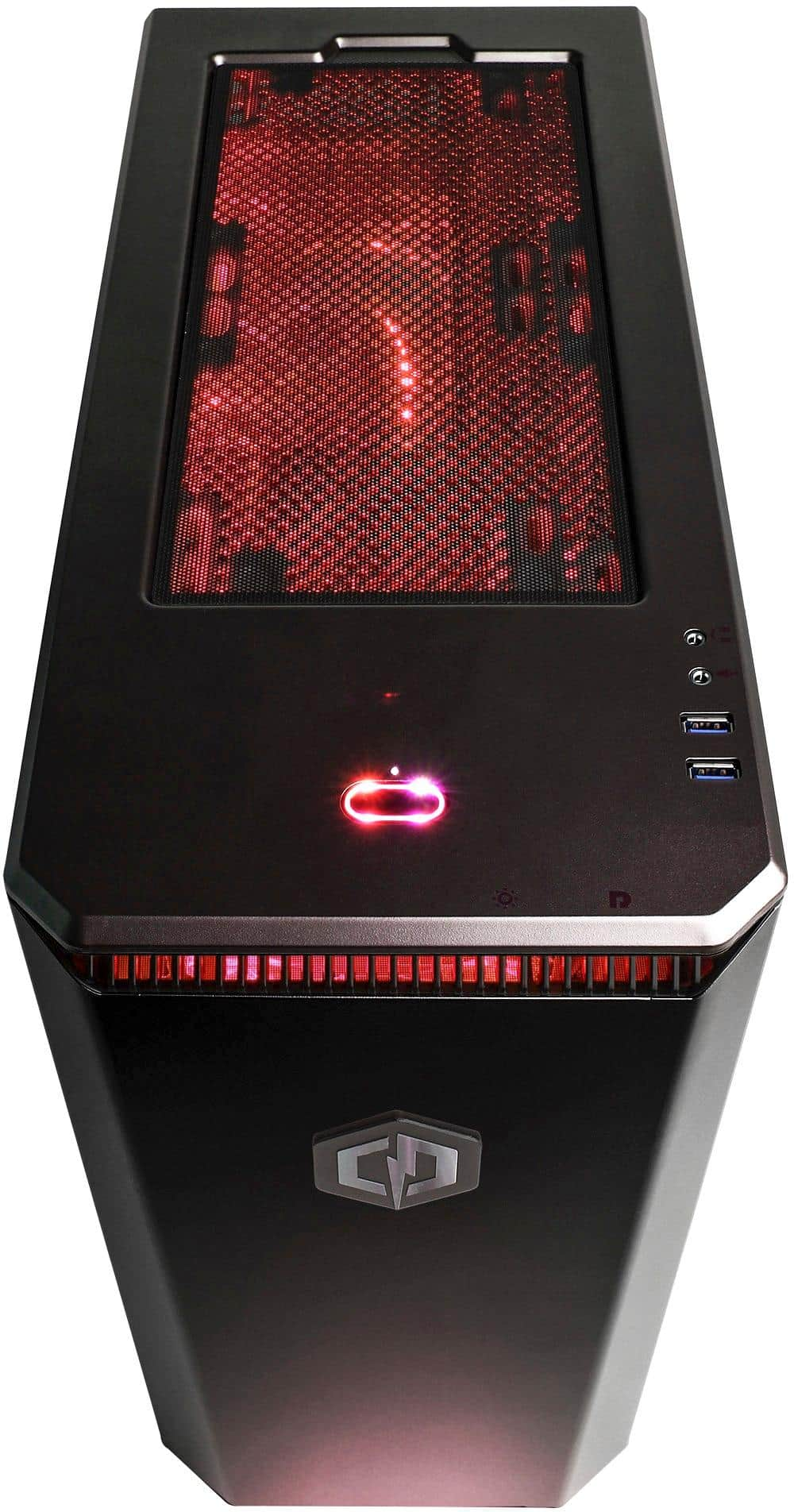
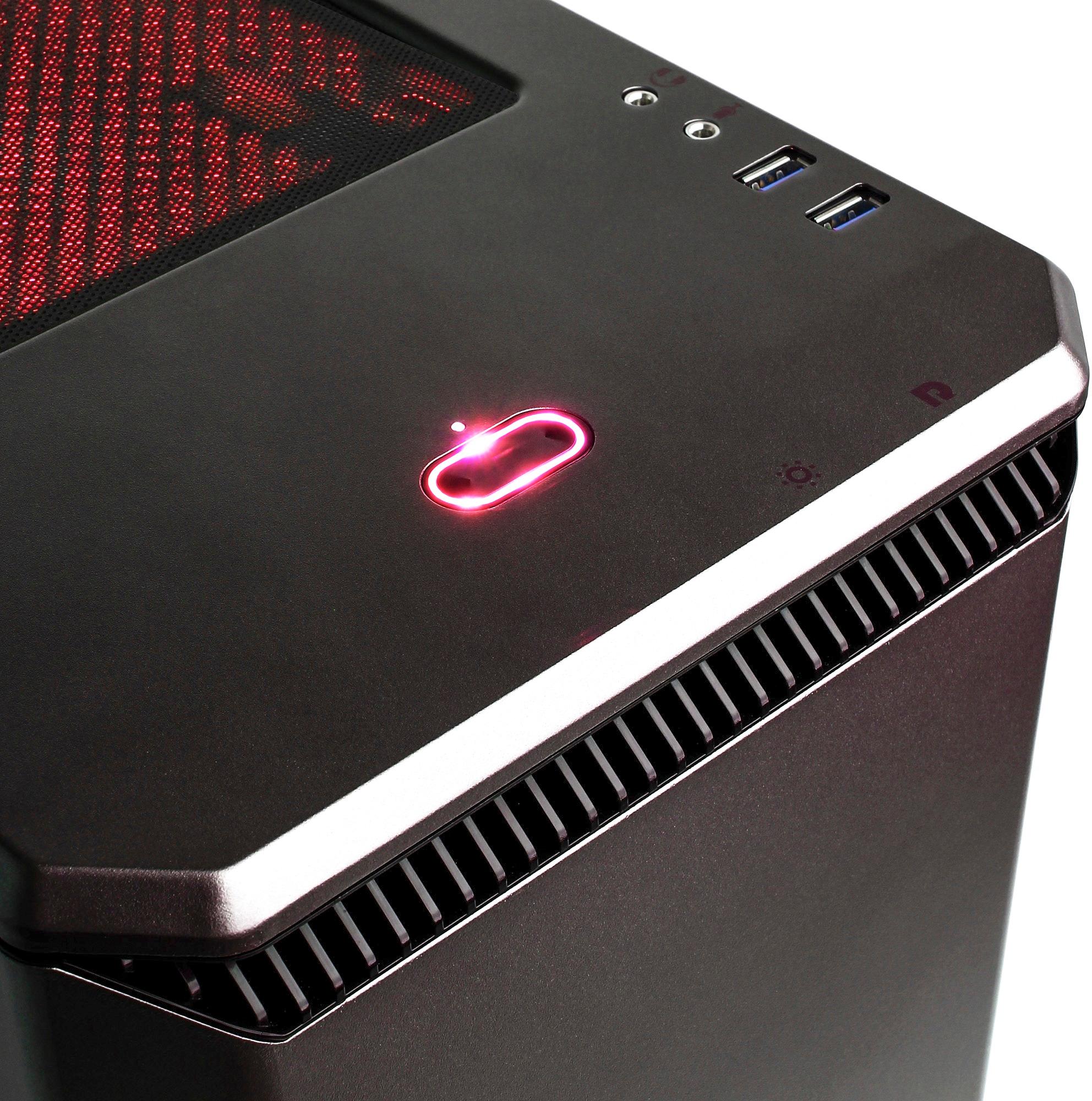
A:AnswerOn the front panel of the PC there is a lip. right underneath the lip closer to the right of the PC is a button that allows you to change the color of the case's lights. If you have any further questions or concerns then please do not hesitate to give our tech support agents a call for any assistance; we're always happy to help.
Tech support:
(888)937-5582
- CyberpowerPC Support
A:AnswerThis model will be able to run Fortnite. If you have any further questions or concerns then please do not hesitate to give our tech support agents a call for any assistance; we're always happy to help.
Tech support:
(888)937-5582
- CyberpowerPC Support
A:AnswerThe motherboard manual can help in providing information on what is compatible. You are more than welcome to email us directly, we can go over various methods to ensure your components are compatible.
Customercare@cyberpowerpc.com
- Cyberpowerpc Support
A:AnswerYES, I currently game and upload videos to youtube with this same PC. I say go for it, you won't be disappointed. PS... I have not tried Twitch but am sure it would work.
A:AnswerThis PC should be able to run Fortnite on low or medium with the right settings. If you have any further questions or concerns then please do not hesitate to give our tech support agents a call for any assistance; we're always happy to help.
Tech support:
(888)937-5582
- CyberpowerPC Support
A:AnswerHave you tried using the second hdmi port? I believe the one that is very visible requires additional software. There should be a red cap thats fitted into one of the hdmi ports that you will have to pull out to expose it.
A:AnswerWe are sorry for the confusion, the PC is actually provided with a digital license. It should activate when connecting to the internet. If the PC continues to fail activation then please do not hesitate to give our support agents a call.
Tech support:
(888)937-5582
- CyberpowerPC Support
A:AnswerThanks for reaching out Jason. This Pc does not actually have a Parallel port, the port you may have noticed is actually the DVI port. For this Pc you will want to connect your monitor to the computers video card ports which are located further down the case, underneath the exhaust fan. The VGA and the DVI port right above it will not provide a display as the motherboard disables its own ports when it detects a video card. If you have any further questions or concerns then please do not hesitate to give our tech support agents a call for any assistance; we're always happy to help.
Tech support:
(888)937-5582
- CyberpowerPC Support