A:AnswerYes, the graphics card can support up to 3 monitors. All monitors just need to be plugged into the graphics card ports. Please contact our technical support department at 888.937.5582 Monday through Friday from 8am to 7pm PST and Saturdays 9:30am to 3pm PST if you need additional assistance.
A:AnswerThis model doesn't meet the recommended system requirements for VR systems like HTC Vive and Oculus Rift. Please feel free to call us if you have any other questions at 800.707.0393.
A:AnswerNo, you won't able to upgrade to Ryzen processor as the FX series processor use a different motherboard from the Ryzen series. Please feel free to call us if you have any other questions at 800.707.0393.
A:AnswerThis model doesn't meet the minimum system requirements needed to run VR. Please feel free to call us if you have any other questions at 800.707.0393.
A:AnswerThe PC only comes with Windows and drivers pre-installed. No other additional software. As long the system specifications are within the system requirements of the software you are going to use, it should run fine. Please feel free to call us if you have any other questions at 800.707.0393.
A:AnswerThat graphics card should work as it uses the same PCIE connection. Please feel free to call us if you have any other questions at 800.707.0393.
A:AnswerThe graphics card has a DVI port. The PC doesn't come with DVI cable. Those are generally included with the monitor. Please feel free to call us if you have any other questions at 800.707.0393.
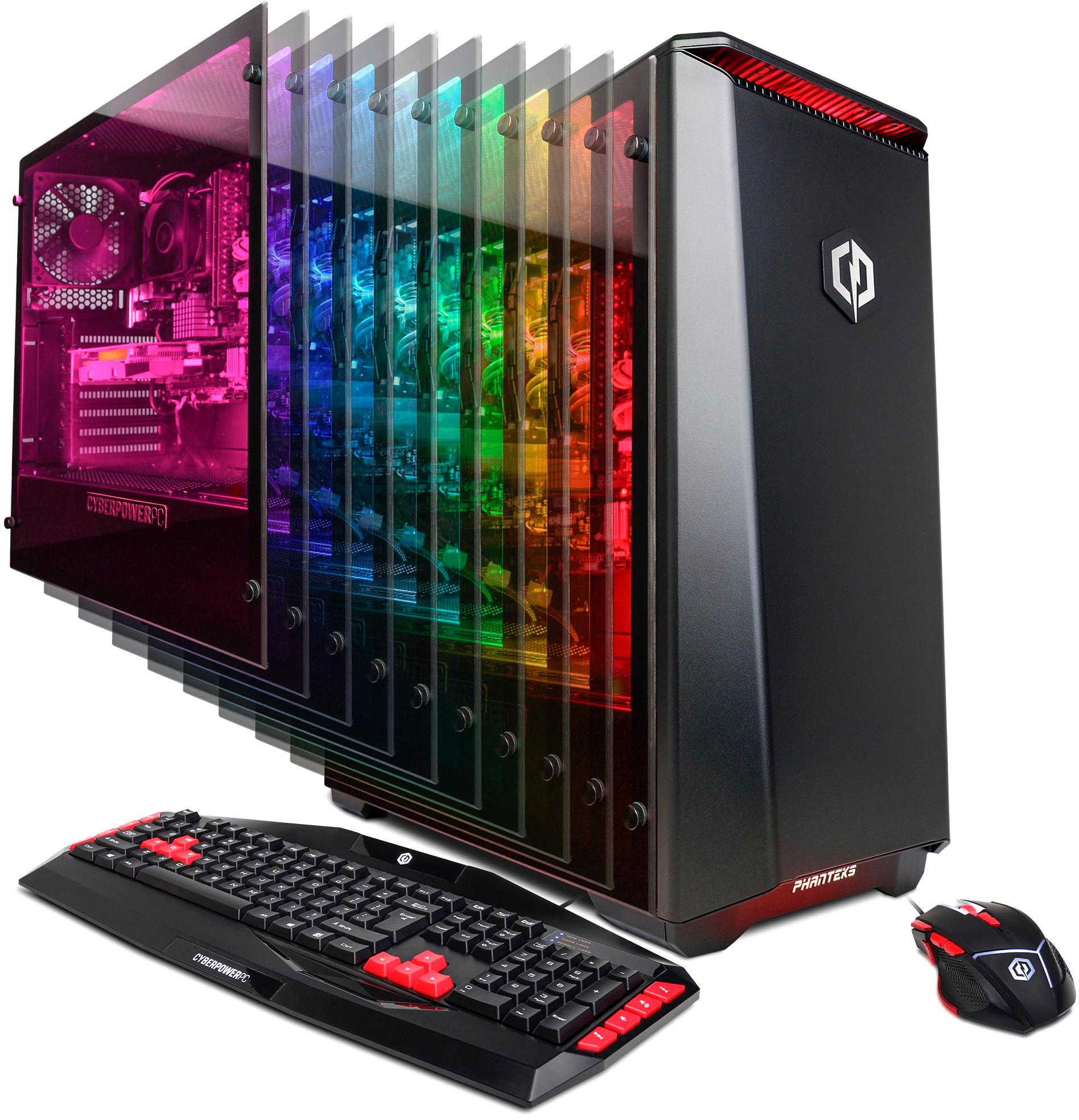
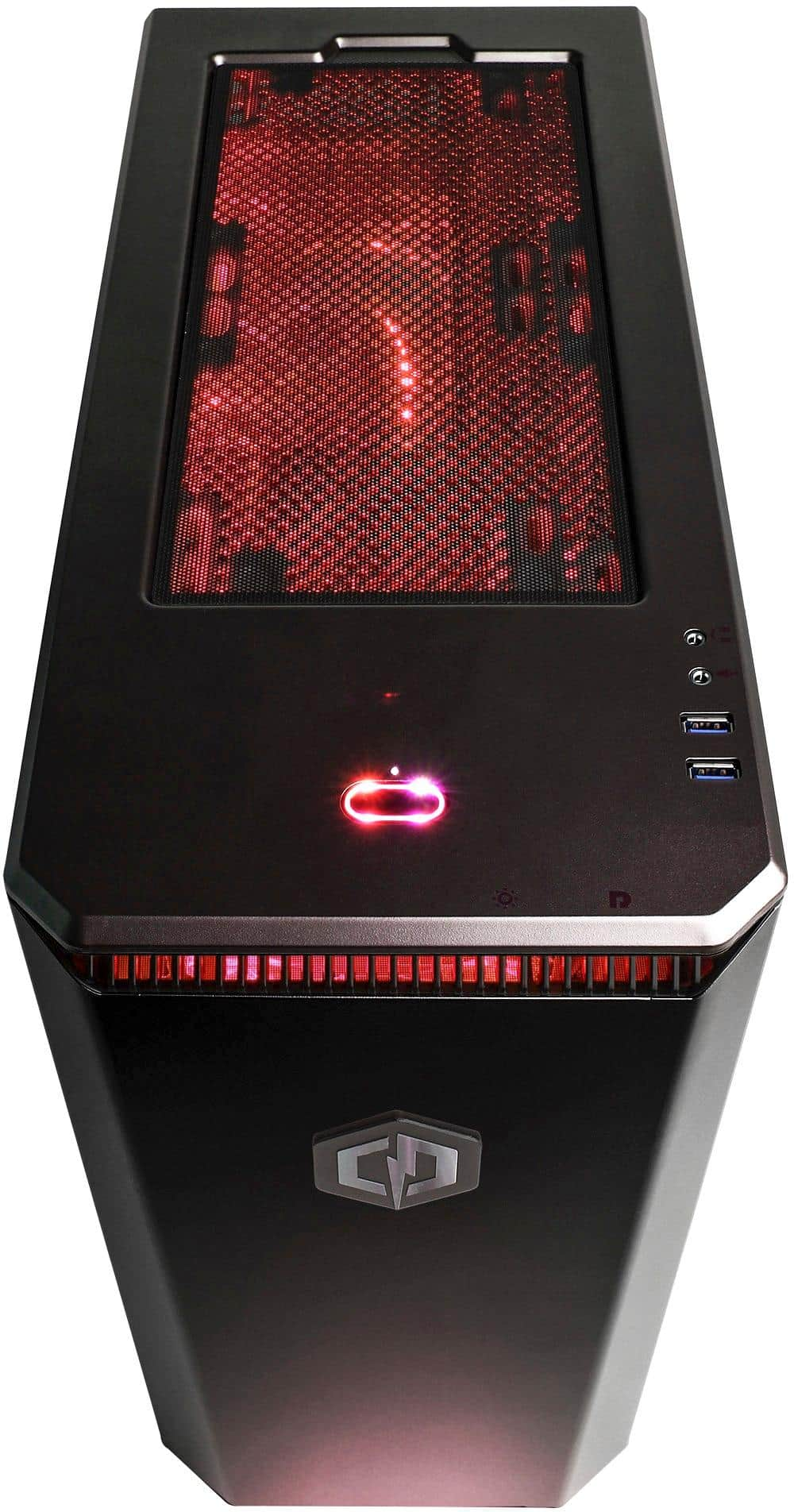
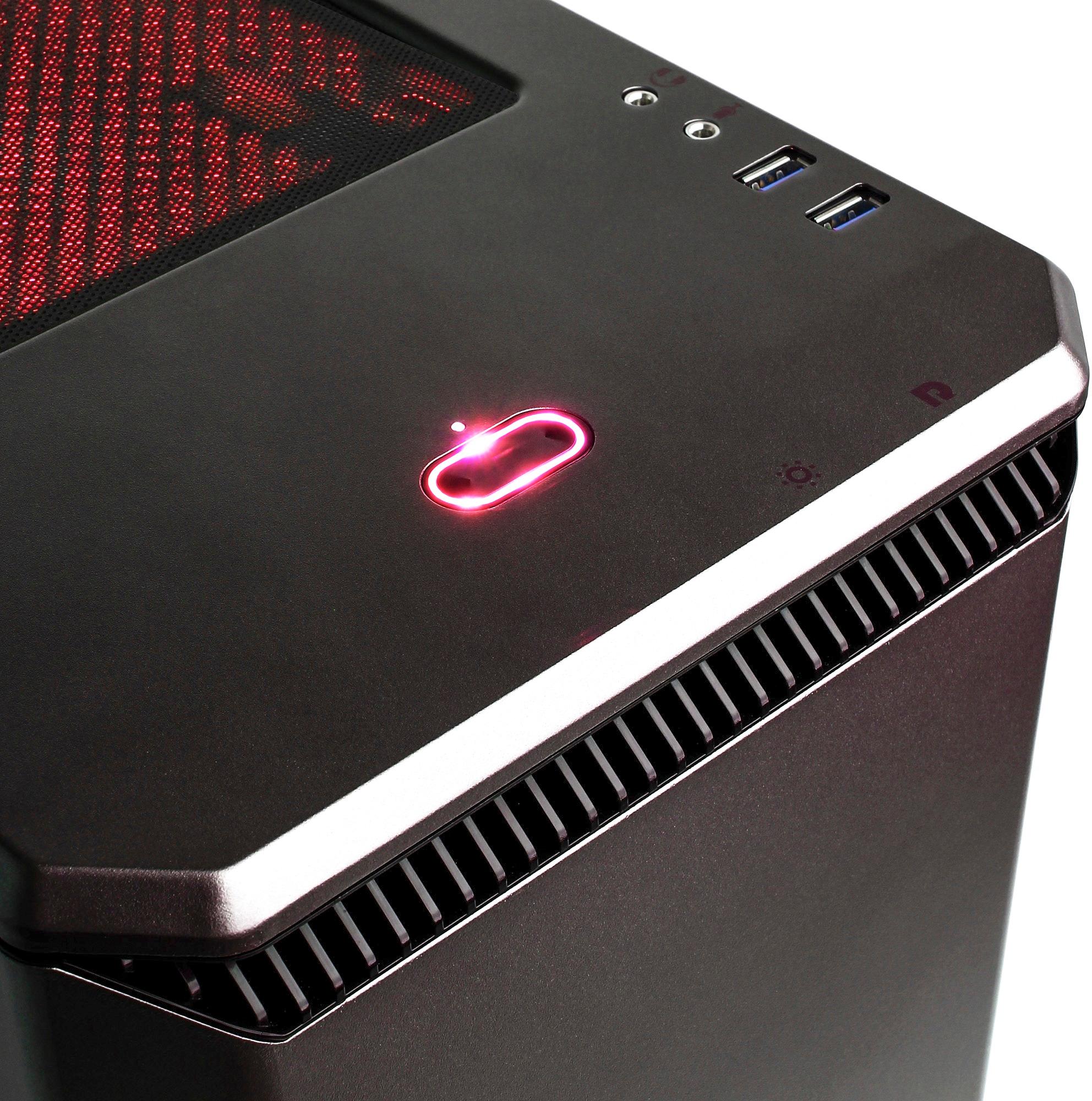
A:AnswerOn the top of the case, there is a sun/light bulb looking symbol. Underneath that is a button you can press to cycle through the colors. Please contact our technical support department at 888.937.5582 Monday through Friday from 8am to 7pm PST and Saturdays 9:30am to 3pm PST for additional assistance.
A:AnswerPlease contact our technical support department at 888.937.5582 Monday through Friday from 8am to 7pm PST and Saturdays 9:30am to 3pm PST and they will further assist you.
A:Answersuper smooth 60fps. You play at the highest setting on this PC when you're playing CSGO. I play on the highest settings and verythings looks and runs great!
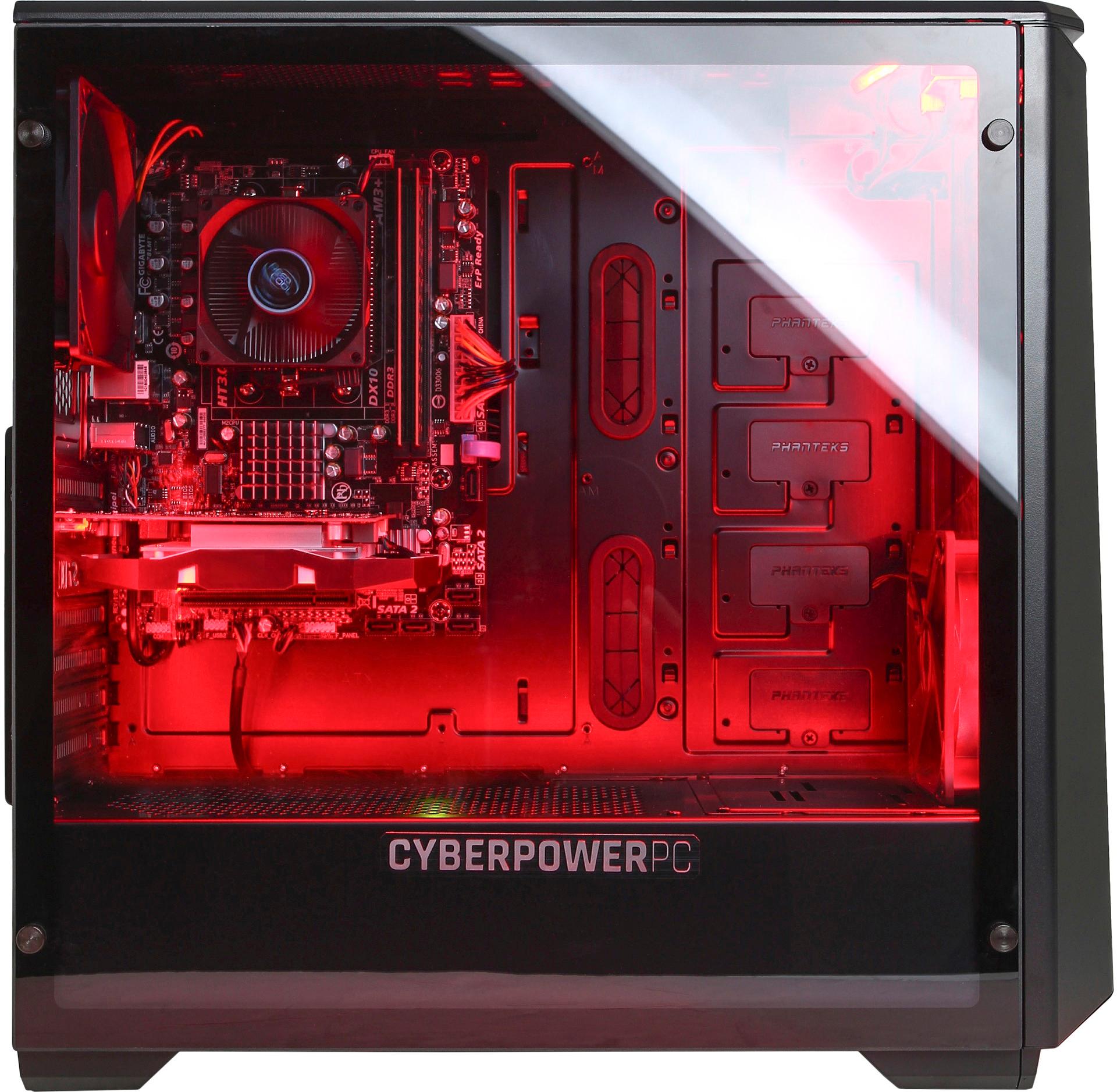
A:AnswerThere is an open PCI E slot available that is located below the video card. I am not sure if you can install another video card that needs two slots as there are SATA cables which might interfere in what you are trying to achieve. I have attached a photo for you.
A:AnswerThe PC exceeds the minimum system requirements and is close to the recommend system requirements for the game. It can run near high settings for the game. Please keep in mind performance will vary depending on resolution. Please feel free to call us if you have any other questions at 800.707.0393.
A:AnswerWindows and drivers are pre-installed on the PC and it is ready for use. Please feel free to call us if you have any other questions at 800.707.0393.
A:AnswerI would use a good HDMI cable, if you are using old dvi conection because of monitor I would upgrade or you not getting best picture and when you got pc it had packaging inside it make sure you open it back up and all the connections are in place firmly and that might fix your issue, but any div should work as long as it matches up.
A:AnswerNot built in, but it comes with a USB adapter without having to buy separately, although kind of a cheap workaround to having in unit. There's no Bluetooth without adding/purchasing separately.
A:AnswerYes, but at a poor frames. Low is a saddening 40 frames per second. Ultra is at 20 - 30 FPS. If you want a decent build for DBD you'd need a Ryzen 1300x with a GTX 1050 Ti 4GB with 8 GB DDR4 ram for optimal frames.