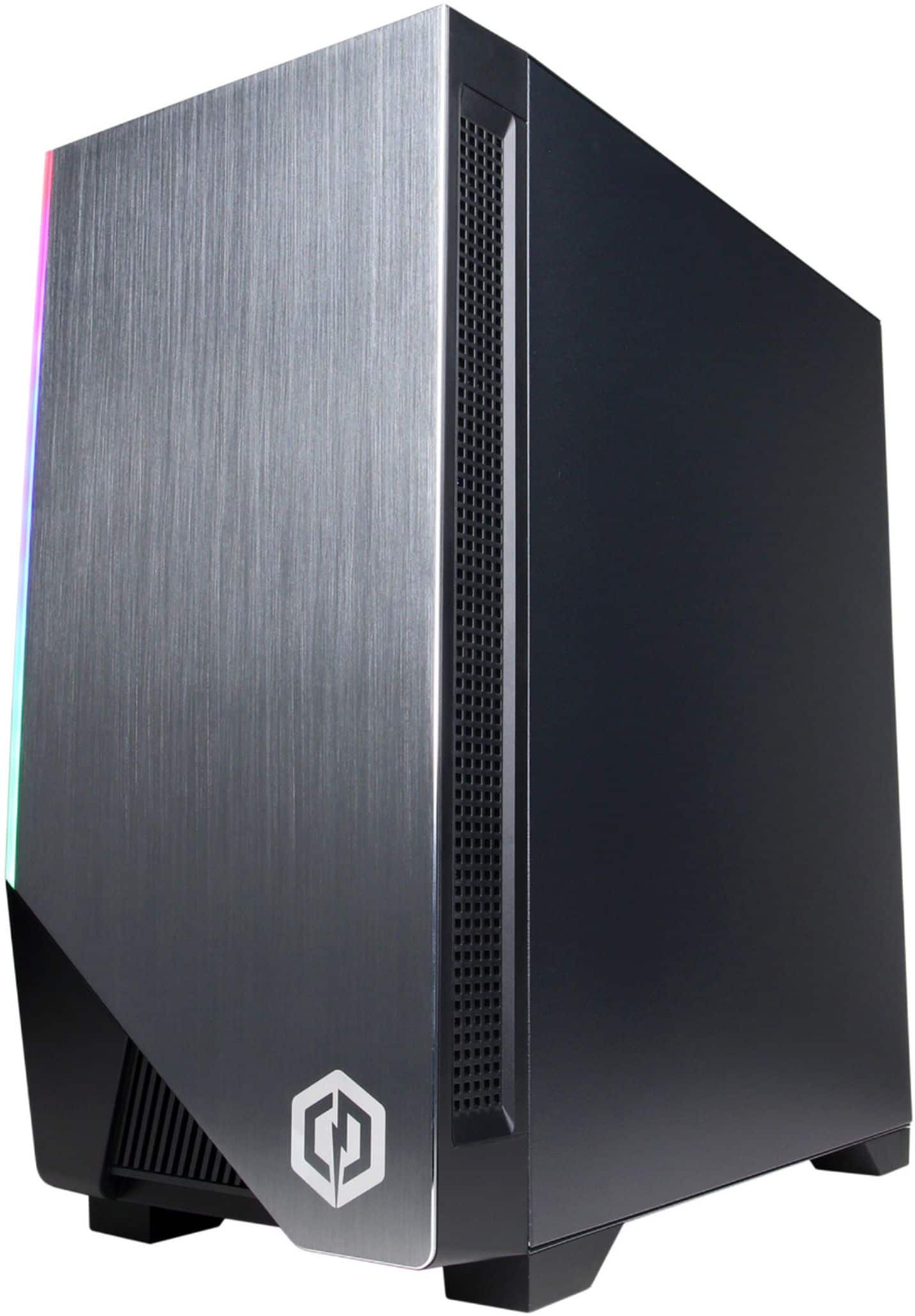
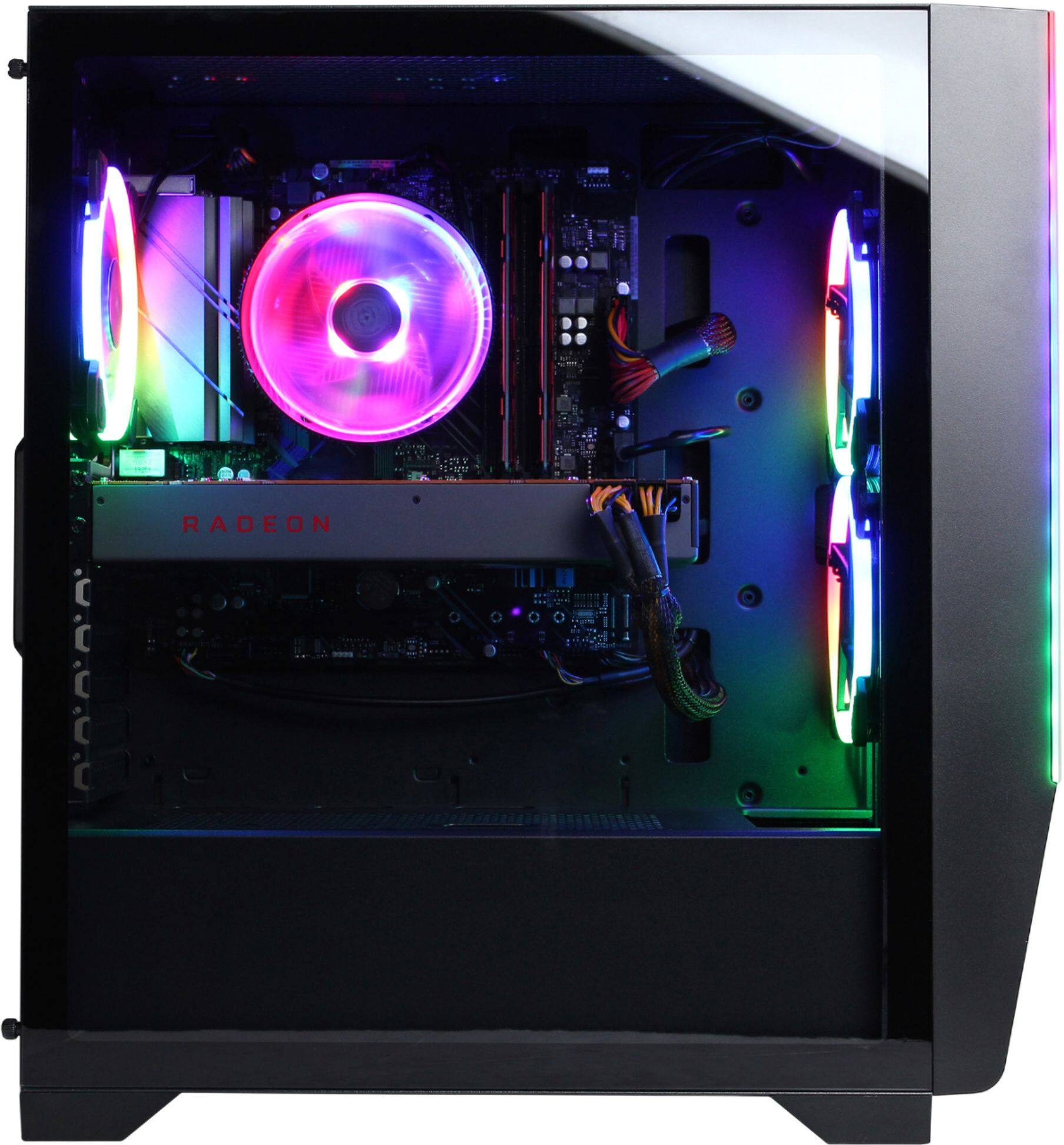
A:AnswerA 3070 Ti recommends a 750w, so if you intend to use GPU heavy games or software I recommend installing a 750w PSU, but if you only plan on using this for casual gaming then a 600-650w PSU should work fine.
A:AnswerThank you for reaching out to us. This system should include a B550AM chipset motherboard. If you have any further questions or concerns then please do not hesitate to give our tech support agents a call for any assistance; we're always happy to help.
Tech Support:
(855) 888-2039
TechTeam@CyberpowerPC.com
Hours of Operation:
Monday - Friday: 8:30AM - 6:00PM PST
Saturday: 9:30AM - 3:00PM PST
-CyberpowerPC Support
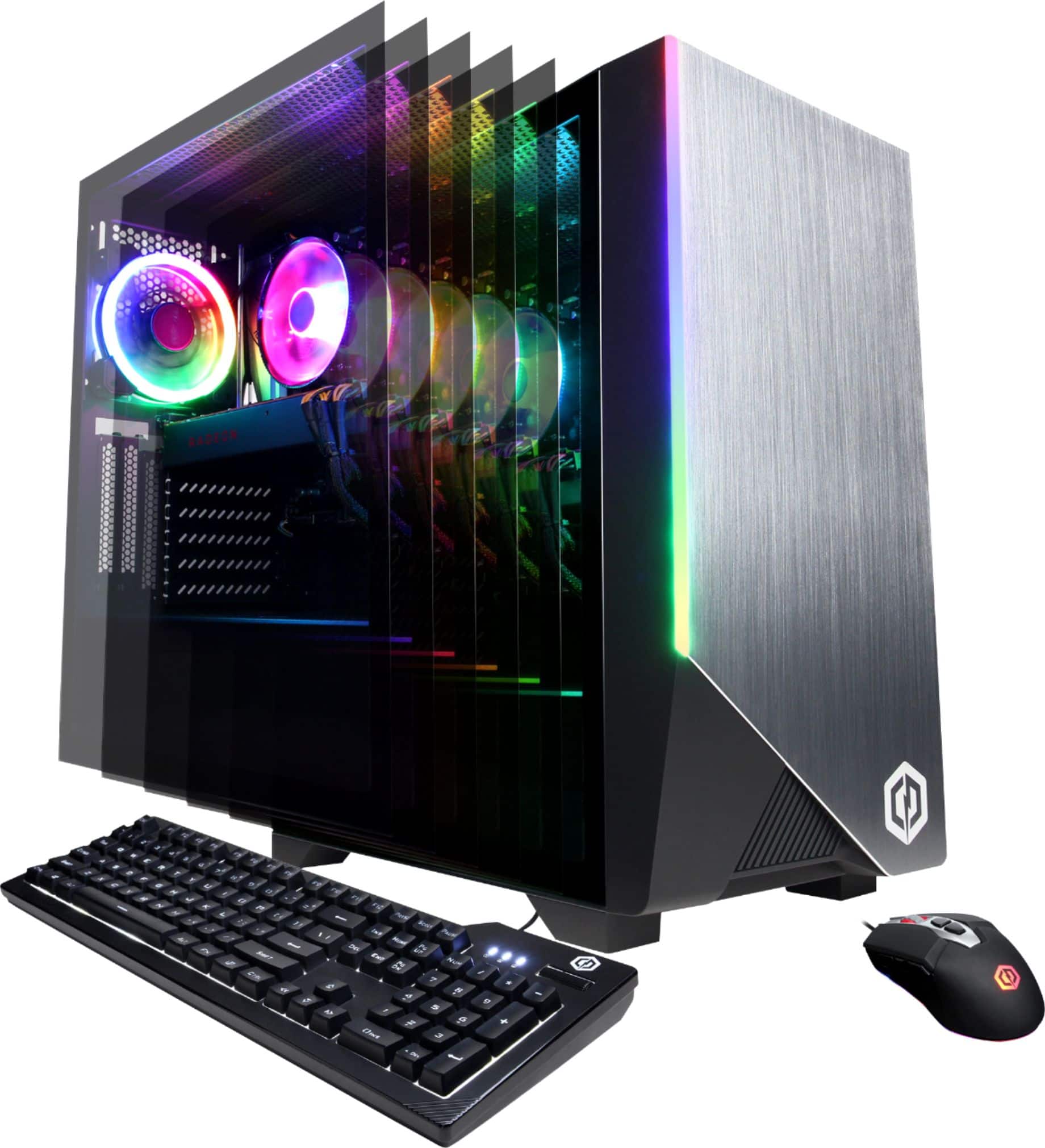
A:AnswerThank you for reaching out to us kevyn. Unfortunately this system does not include a liquid cooling system. If you have any further questions or concerns then please do not hesitate to give our tech support agents a call for any assistance; we're always happy to help.
Tech Support:
(855) 888-2039
TechTeam@CyberpowerPC.com
Hours of Operation:
Monday - Friday: 8:30AM - 6:00PM PST
Saturday: 9:30AM - 3:00PM PST
-CyberpowerPC Support
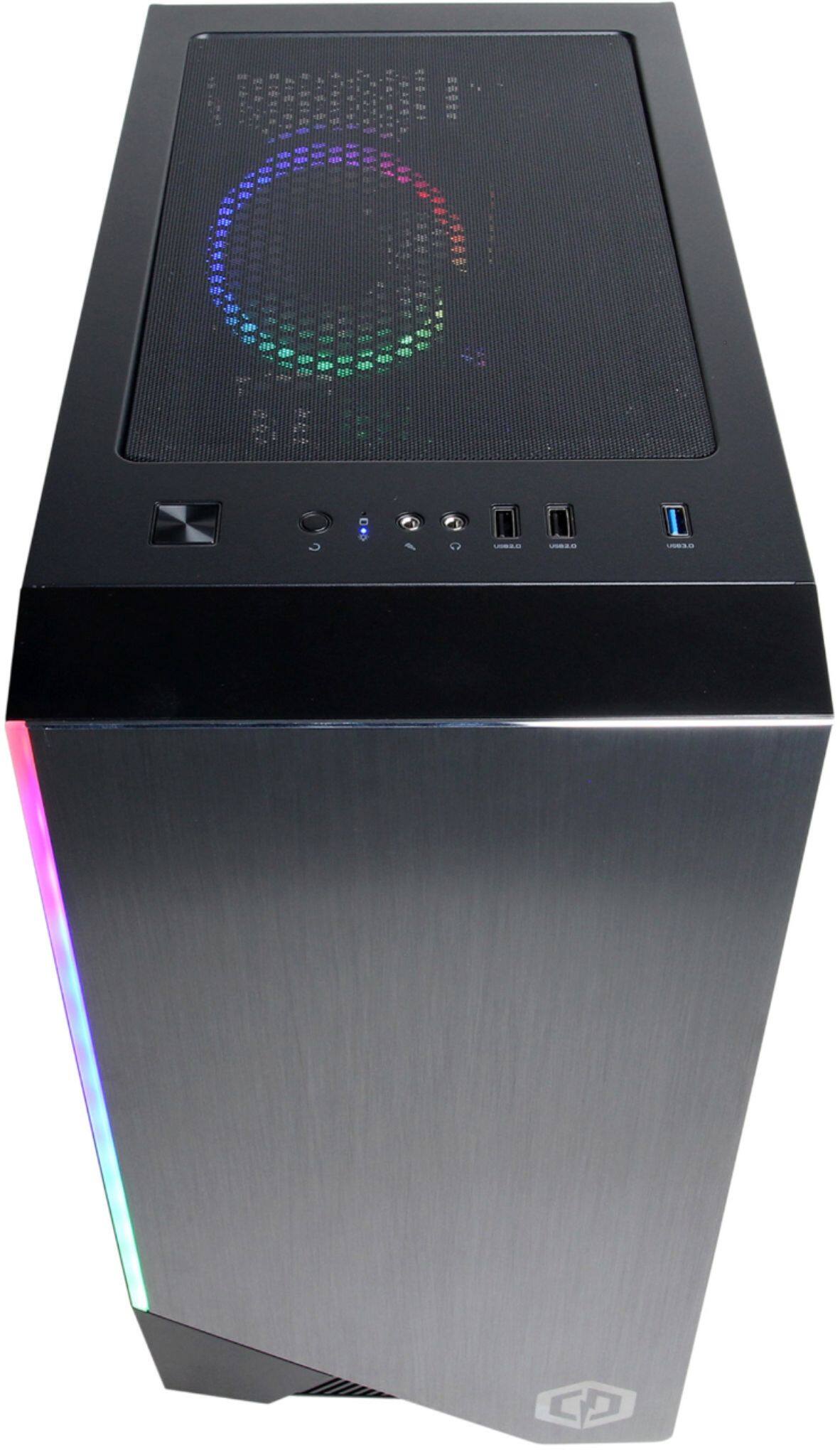
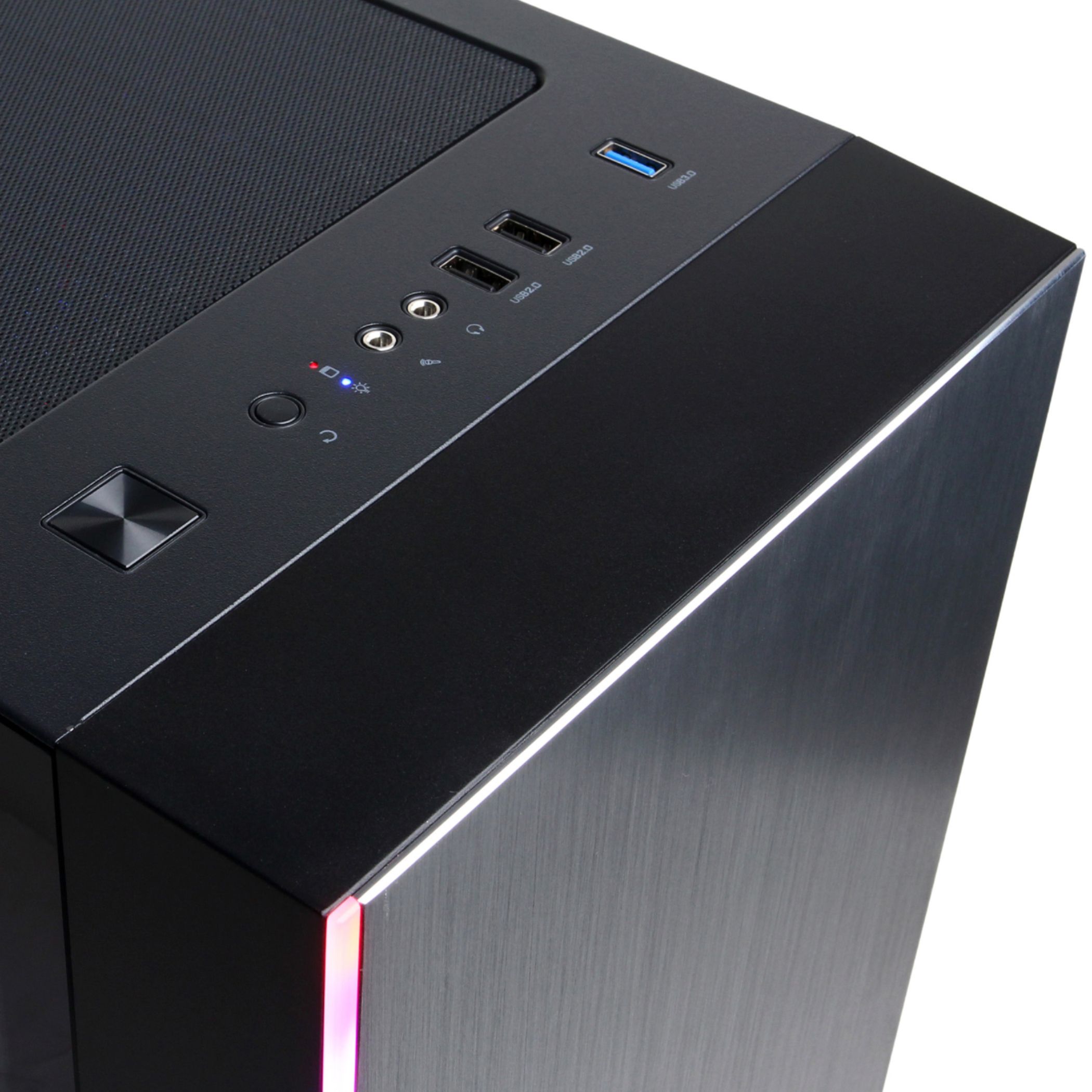
A:AnswerThank you for reaching out to us Seth. You should be able to change the color of the RGB lighting by pressing the button located on top of the PC towards the front. If you have any further questions or concerns then please do not hesitate to give our tech support agents a call for any assistance; we're always happy to help.
Tech Support:
(855) 888-2039
TechTeam@CyberpowerPC.com
Hours of Operation:
Monday - Friday: 8:30AM - 6:00PM PST
Saturday: 9:30AM - 3:00PM PST
-CyberpowerPC Support
A:AnswerThank you for reaching out to us Dugan. This system should include a 600 watt power supply. If you have any further questions or concerns then please do not hesitate to give our tech support agents a call for any assistance; we're always happy to help.
Tech Support:
(855) 888-2039
TechTeam@CyberpowerPC.com
Hours of Operation:
Monday - Friday: 8:30AM - 6:00PM PST
Saturday: 9:30AM - 3:00PM PST
-CyberpowerPC Support
A:AnswerNevermind I figured it out. Had to leave the thumb-drive in the usb before powering down. Simple thing but for not being computer savvy I didn't know this. Hope it helps others.
A:AnswerThank you for reaching out to us Mohamed. Unfortunately this system does not include a Windows 10 Installation media tool, however, you should be able to create your own through. If you have any further questions or concerns then please do not hesitate to give our tech support agents a call for any assistance; we're always happy to help.
Tech Support:
(855) 888-2039
TechTeam@CyberpowerPC.com
Hours of Operation:
Monday - Friday: 8:30AM - 6:00PM PST
Saturday: 9:30AM - 3:00PM PST
-CyberpowerPC Support
A:AnswerThank you for reaching out to us. Please feel free to contact our tech support team at your earliest convenience for further assistance on this matter, we're always happy to help.
Tech Support:
(855) 888-2039
TechTeam@CyberpowerPC.com
Hours of Operation:
Monday - Friday: 8:30AM - 6:00PM PST
Saturday: 9:30AM - 3:00PM PST
-CyberPowerPC Support
A:AnswerThank you for reaching out to us Gav. Please feel free to contact our tech support team at your earliest convenience for further assistance on this matter, we're always happy to help.
Tech Support:
(855) 888-2039
TechTeam@CyberpowerPC.com
Hours of Operation:
Monday - Friday: 8:30AM - 6:00PM PST
Saturday: 9:30AM - 3:00PM PST
-CyberPowerPC Support
A:AnswerThank you for reaching out to us John. This system should come with space for additional drives. If you have any further questions or concerns then please do not hesitate to give our tech support agents a call for any assistance; we're always happy to help.
Tech support:
(855) 888-2039
-CyberpowerPC Support
A:AnswerThank you for reaching out to us babythatrages. The manufacturer and model of the components included with this system may vary depending on what was currently available at the time the PC was built. If you have any further questions or concerns then please do not hesitate to give our tech support agents a call for any assistance; we're always happy to help.
Tech support:
(855) 888-2039
-CyberpowerPC Support
A:AnswerThank you for reaching out to us Riley. The best way to purchase more RAM for the PC would be to look up the serial number on the side of the RAM online and purchase the exact same stick. It is always recommended that you have matching sticks of RAM inside your PC to avoid incompatibility issues. If you have any further questions or concerns then please do not hesitate to give our tech support agents a call for any assistance; we're always happy to help.
Tech support:
(855) 888-2039
-CyberpowerPC Support