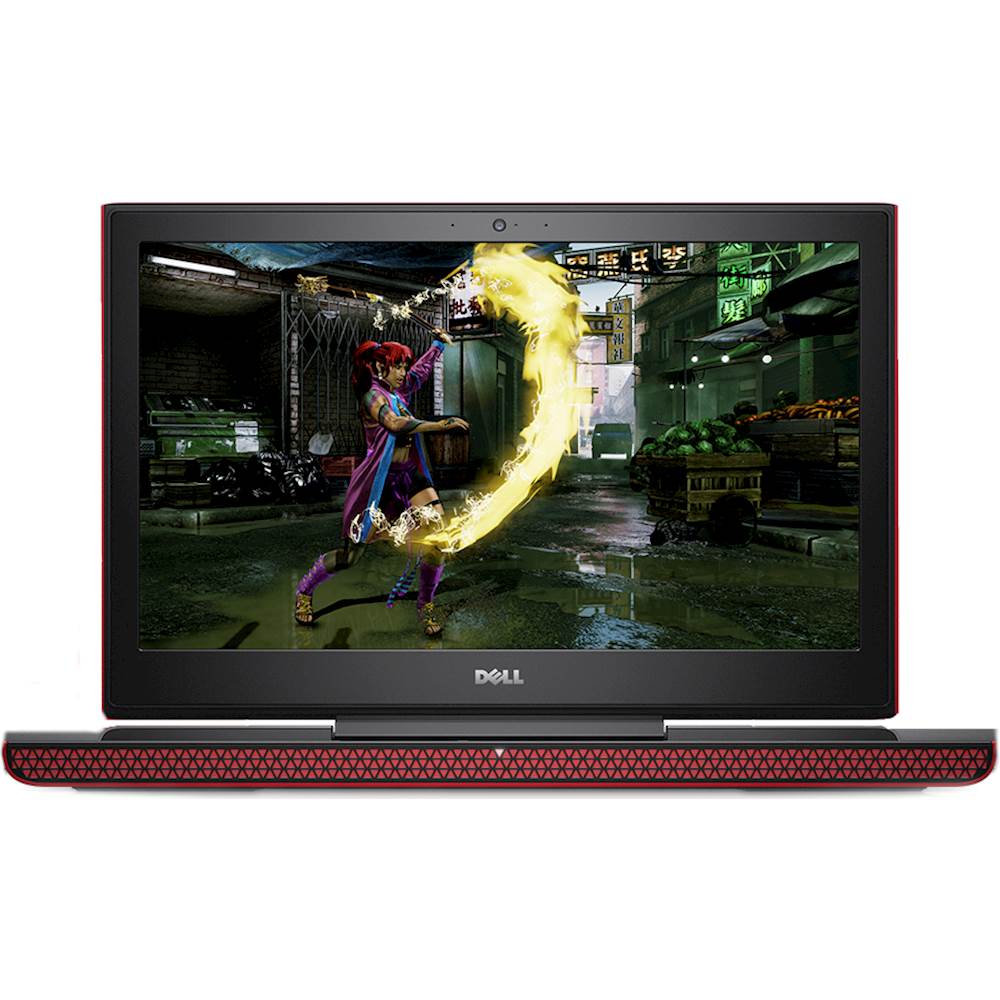
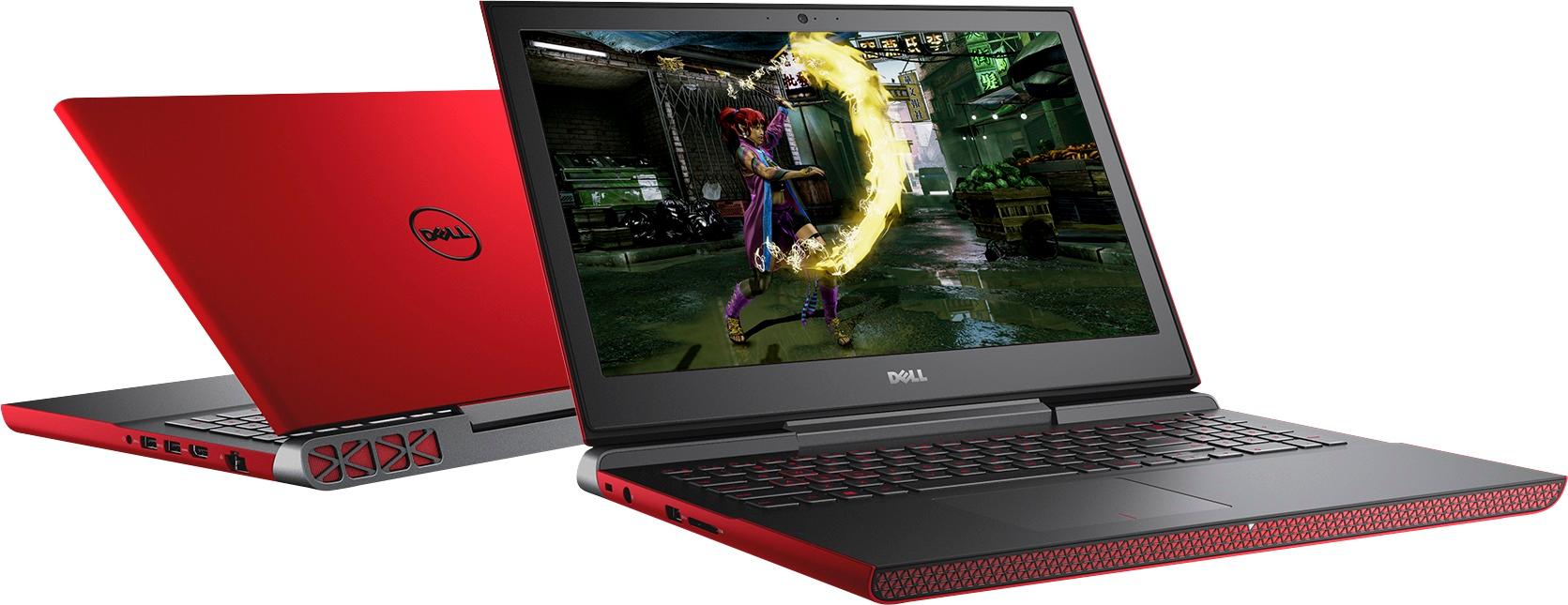
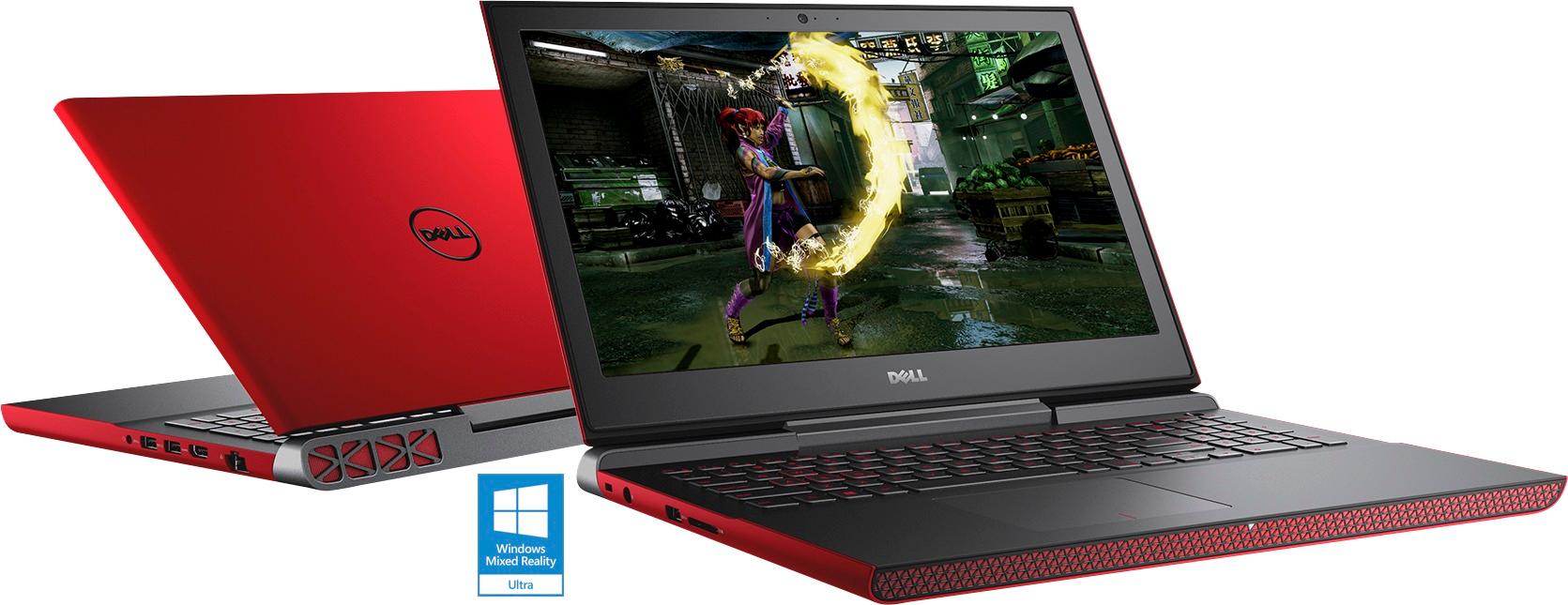
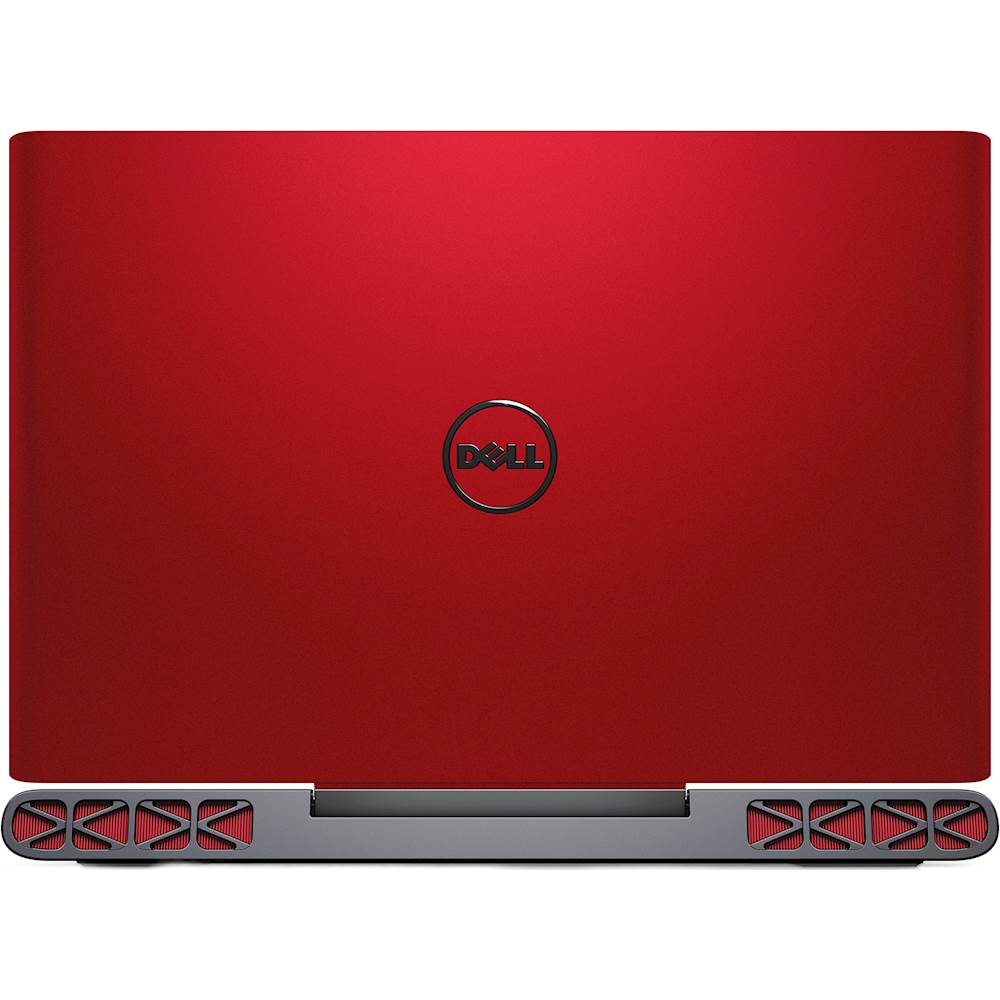
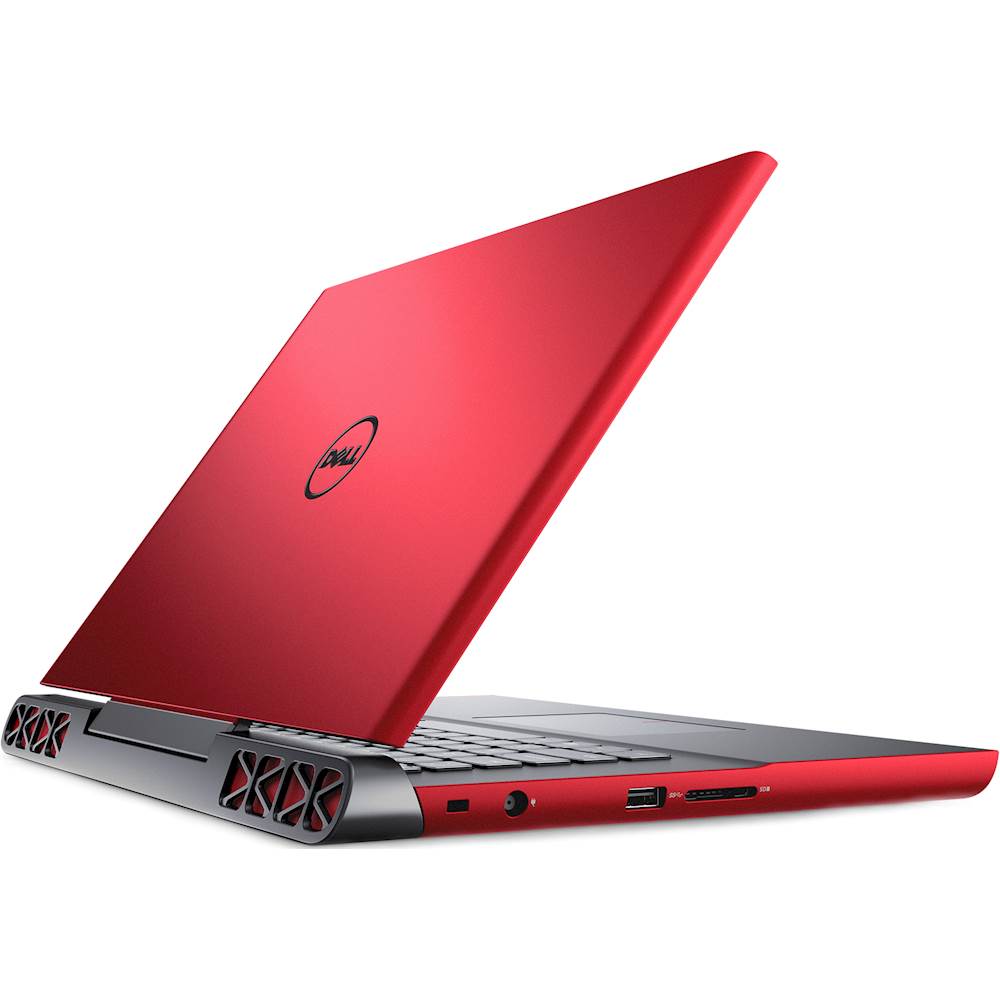
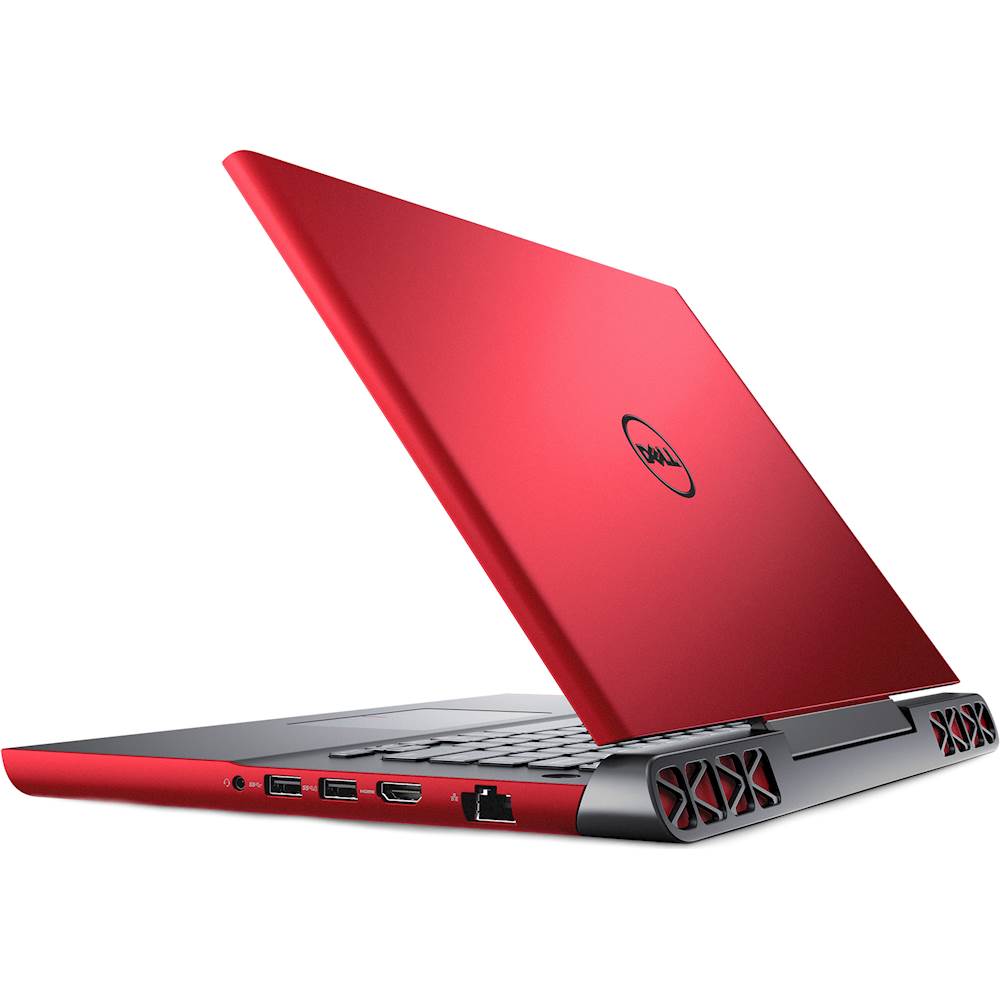
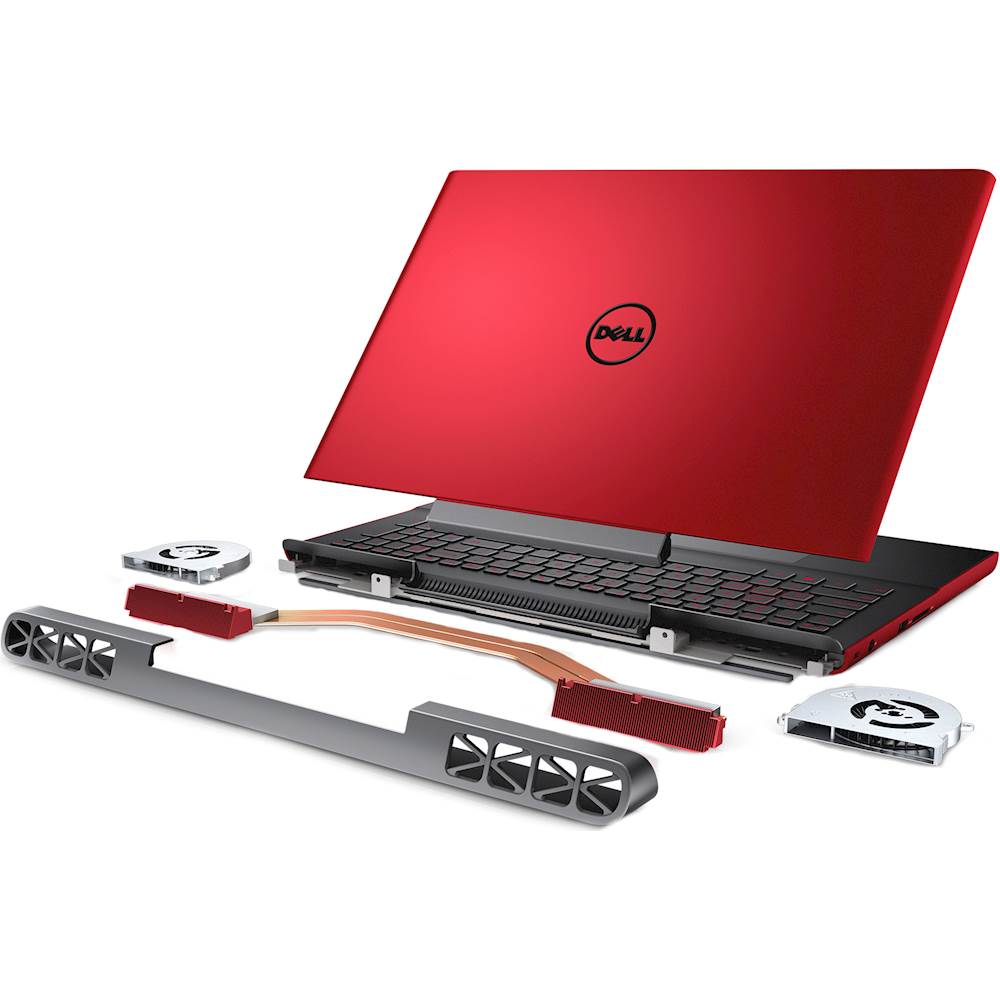
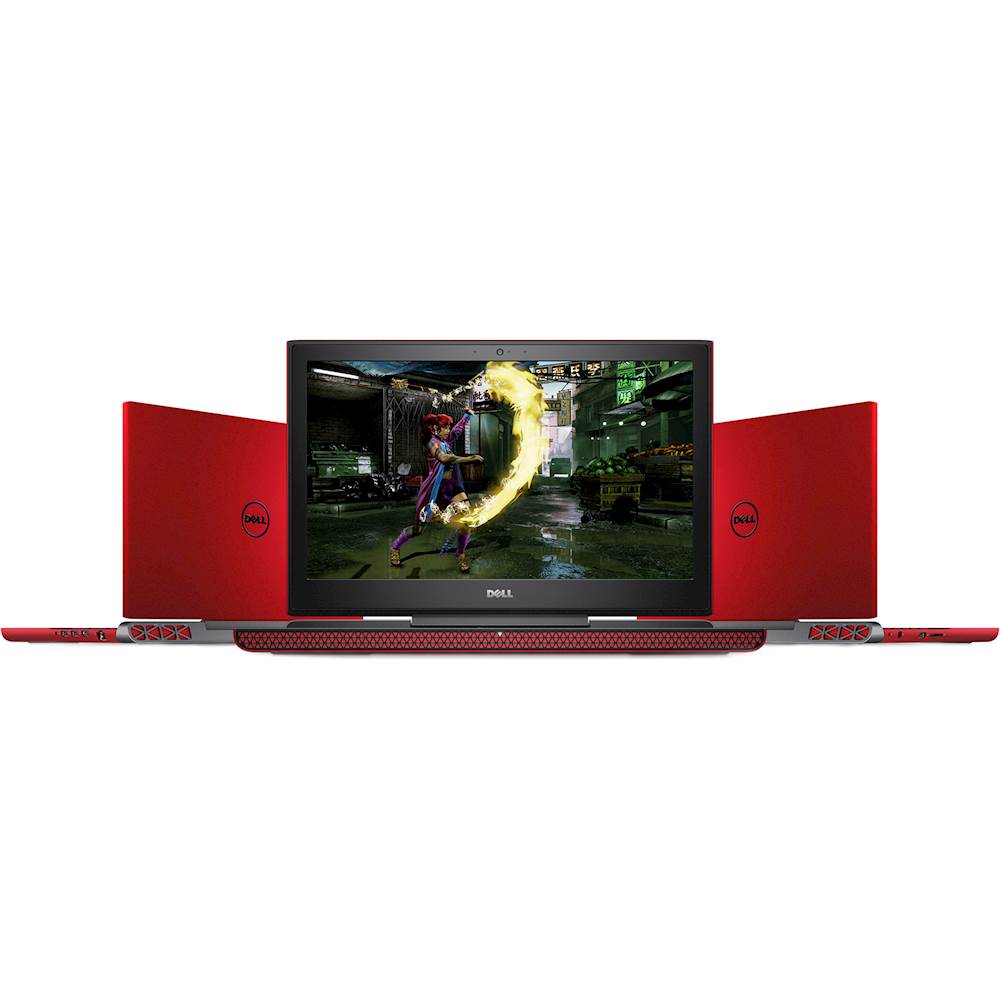
A:Answersir. the 700$ one with 1tb hard drive and a 1050 gtx is a tn panel............... this one with the 256 ssd and gtx 1050ti gtx has a ips screen.
A:AnswerOf course and smoothly so long as you don't force max everything on it while playing in very heavy combat with a lot of shooting and moving. The rest depends on your internet connection to the servers.
A:AnswerSorry, it it was on sale for a week a while back, it was locked at 700$ New and around 645$ Refurbished and checked professionally. Even lower Used. But now its back to its marketing price.
A:AnswerIs the problem being able to select/highlight text, or with the context menu opening (when clicking 2nd mouse button)? (You can always try opening context menu by itself. By clicking 2nd mouse button, or context menu key on keyboard.)
There are many possible causes, need to isolate.
An alternative method to try, if the problem/need is selecting/highlighting text.
Select/Highlight text, by pressing & holding primary/1st mouse button on text or in blank ("white space") area, then dragging (release mouse button to finish drag/select/highlight). This is the more universal method for selecting/highlighting any text.
(You can also use keyboard controls, combination of Shift+ arrow or navigation keys (Home, End, PgUp, PgDn, etc.); use Ctrl+Shift+, to select whole words, blocks, or lines of text.)
Lookup/search, text selection, & context menus; in Windows & online help.
Then you can try the context menu. Clicking 2nd/secondary mouse button on object/context (like highlighted text).
I don't know why double clicking 1st mouse button to select text does not work on this computer. That is a Windows standard supported by most Windows programs, for text selecting & editing, using mouse or keyboard. Only works on text only, not text in link.
Unless it occurs in specific programs only.
Try other programs to compare & help toubleshoot. Programs that support text viewing or editing.
If happens only in specific programs, likely settings in that program.
If happens in all programs/apps or Windows, likely settings for mouse itself (or 3rd party program/service related to mouse or input, that can control or re-assign buttons or keys).
Verify the mouse buttons & parts are working individually.
Check the setup for mouse handedness, left or right, is correct.