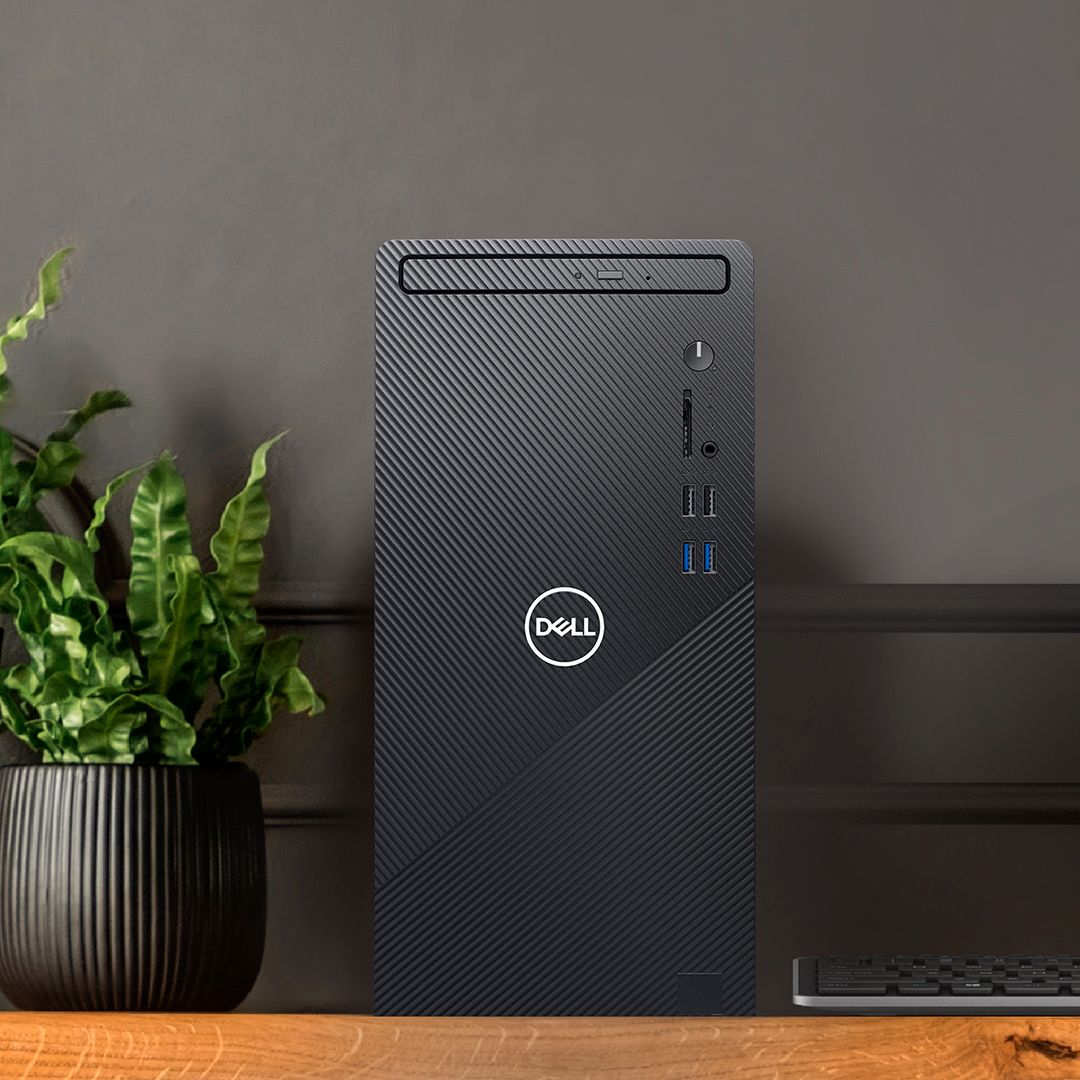
A:AnswerYes it does. Just plug it in and connect it to your monitor, and it will boot up Windows 11 and walk you through the set up. Took about 20 minutes from opening to being able to fully use it. Its super quick and snappy as well.
A:AnswerI do believe they will run but I’m not sure how well with background operations. You my need to upgrade the ram. The 512gb ssd seems to be the max but you can add additional ssds if more storage is needed.
A:AnswerThis computer(with a better processor and storage) would be a great choice to develop and store appraisal reports, images, and other documents.
A:AnswerWe recommend you to reach out to the Dell technical support team. They will review this concern and assist you with the best option to sort this out. They are available 24/7 on social media platforms, Facebook and Twitter(@Dellcares).
A:AnswerIf you go to the "About your PC" area in Windows there is an option to "Change your product key or upgrade your version of Windows". Just select that and it takes you to Microsoft's site. You pay an upgrade fee (It's $99 pre tax if I remember correctly to go from Home to Pro), it downloads some files, does a reboot and you're done. Very simple upgrade and doesn't take very long. I've done it for several of our work PC's. Save yourself a few bucks and give it a try.
A:AnswerThis system comes with Windows 10 Operating System. The system also includes Microsoft Office 30 Day trial and McAfee LiveSafe 30 Day trial packs.
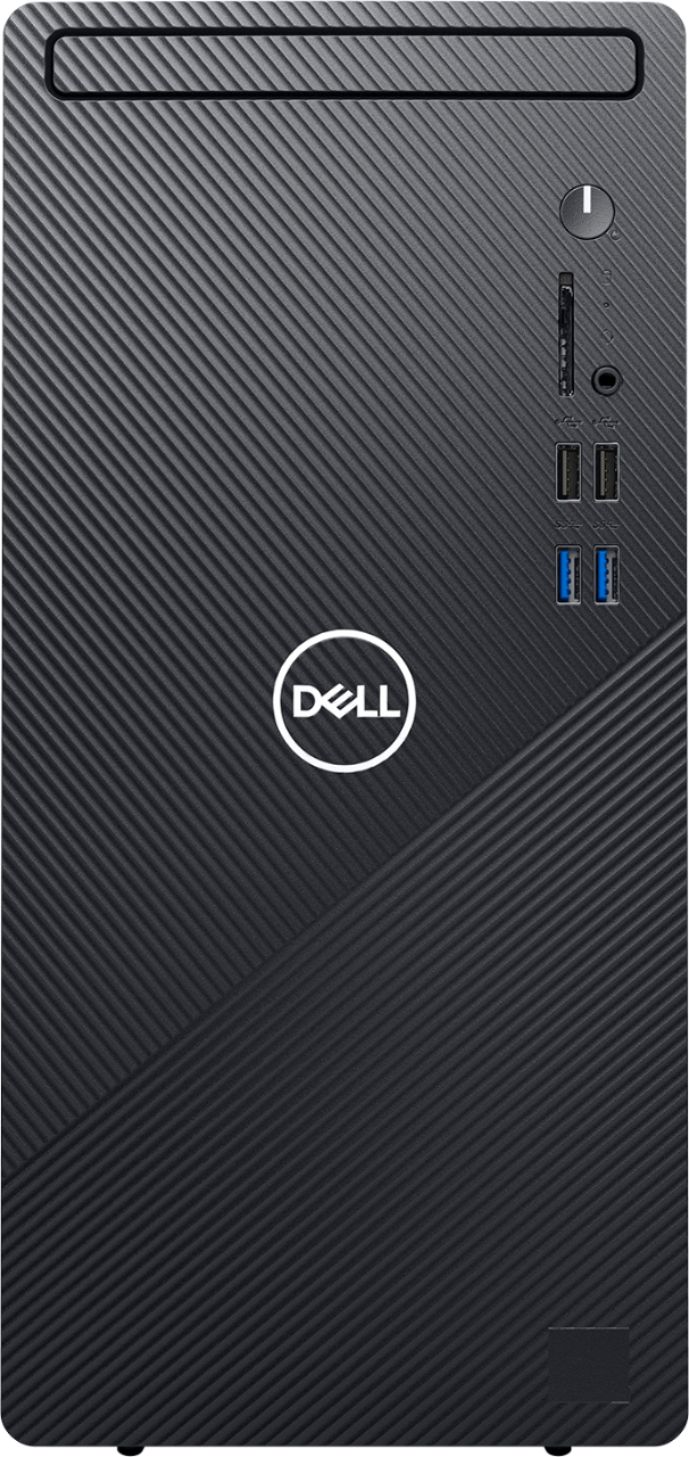
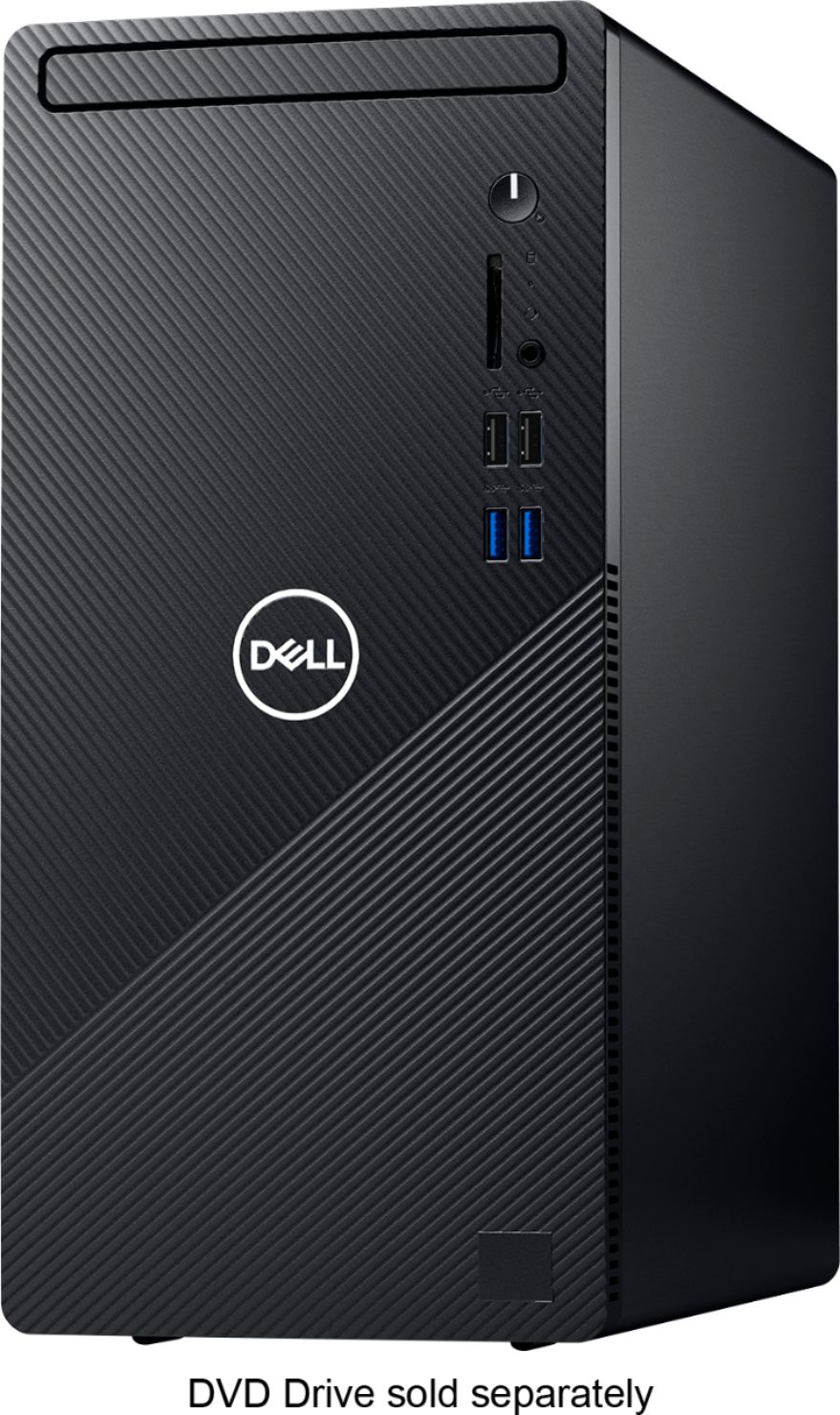
A:AnswerThe audio port on the front panel should support headphone and microphone combo. Should you face any issues, we recommend you to reach out to the Dell technical support team. They will review the issue and assist you to resolve it. They are available 24/7 on social media platforms Facebook and Twitter(@Dellcares).