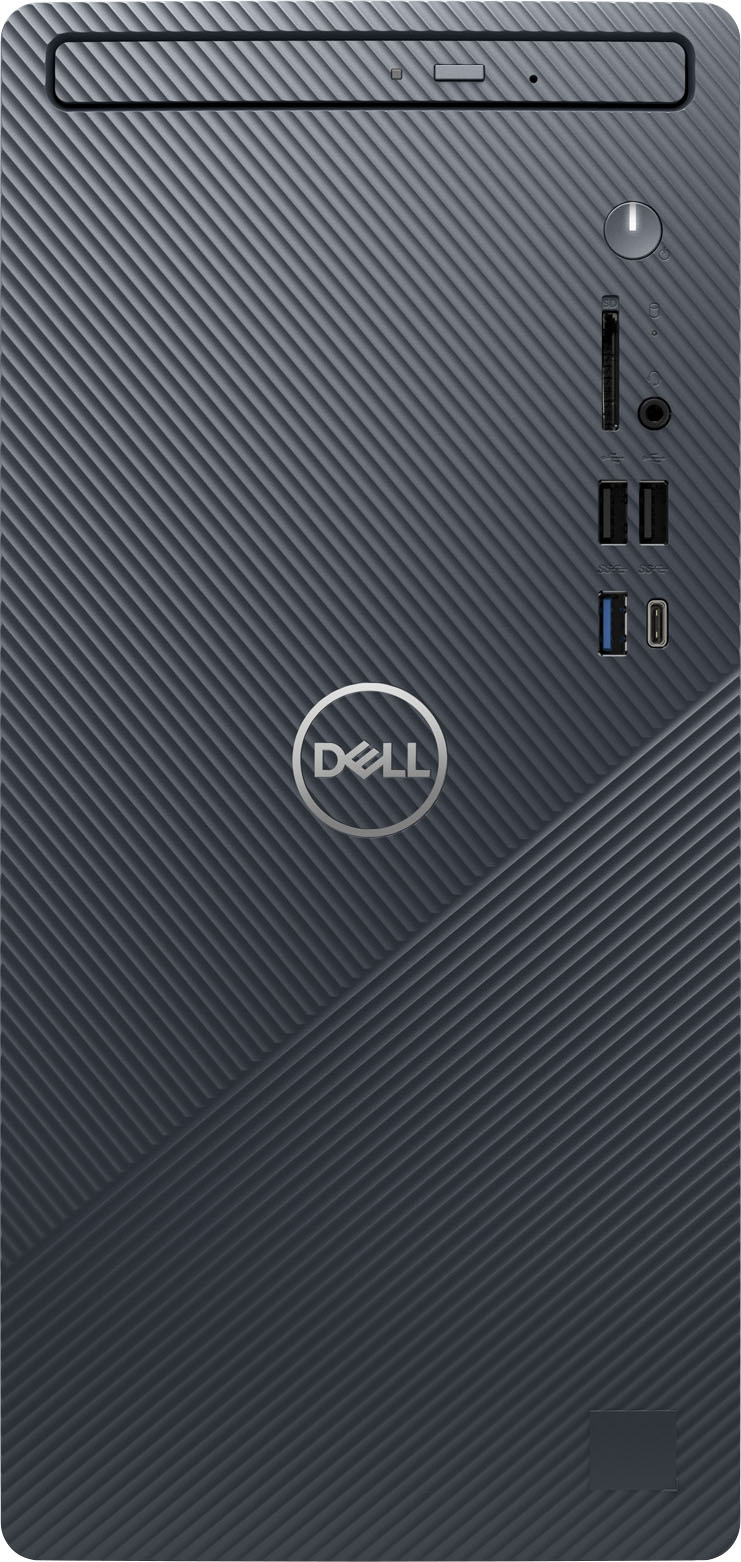
A:AnswerThis desktop supports one of the following storage configurations: ● One 2.5-inch or 3.5-inch hard-drive ● One M.2 2230/2280 solid-state drive ● One 2.5-inch or 3.5-inch hard drive + one M.2 2230/2280 solid-state drive. For more details on parts upgradation, we recommend contacting the Dell Technical Support team for assistance after the purchase. They are available on Facebook and Twitter(@Dellcares).
A:AnswerWe recommend contacting the KVM switch manufacturer for compatibility. For technical assistance on this desktop, please reach out to Dell Technical Support after the purchase. They are available on Facebook and Twitter(@Dellcares).
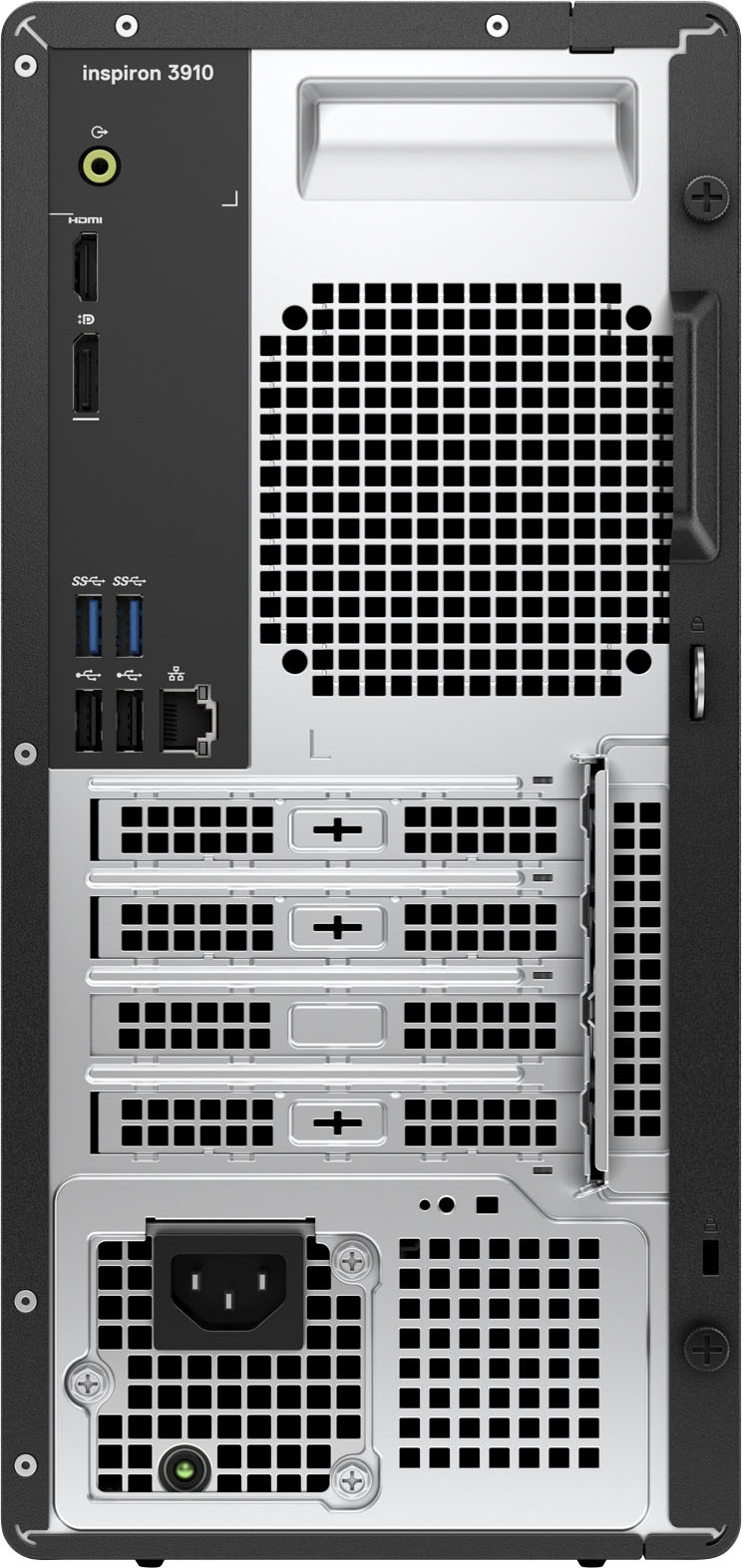
A:AnswerThis desktop comes with one HDMI 1.4b port and one Dual-Mode DisplayPort 1.4 port, compatible external monitors can be connected to these ports. You will require a discrete graphics card to connect more than two external monitors. For more details, we recommend contacting Best Buy support team for assistance: https://www.bestbuy.com/contact-us
A:AnswerI upgraded my system drive with a Samsung 2TB SSD internally, and kept the original 512GB drive in an external enclosure that connects with USB-C. I also have another Samsung 2TB SSD in it’s own enclosure, as well. I also upgraded the RAM from a single 16GB to a dual kit made by Crucial equalling 64GBs.