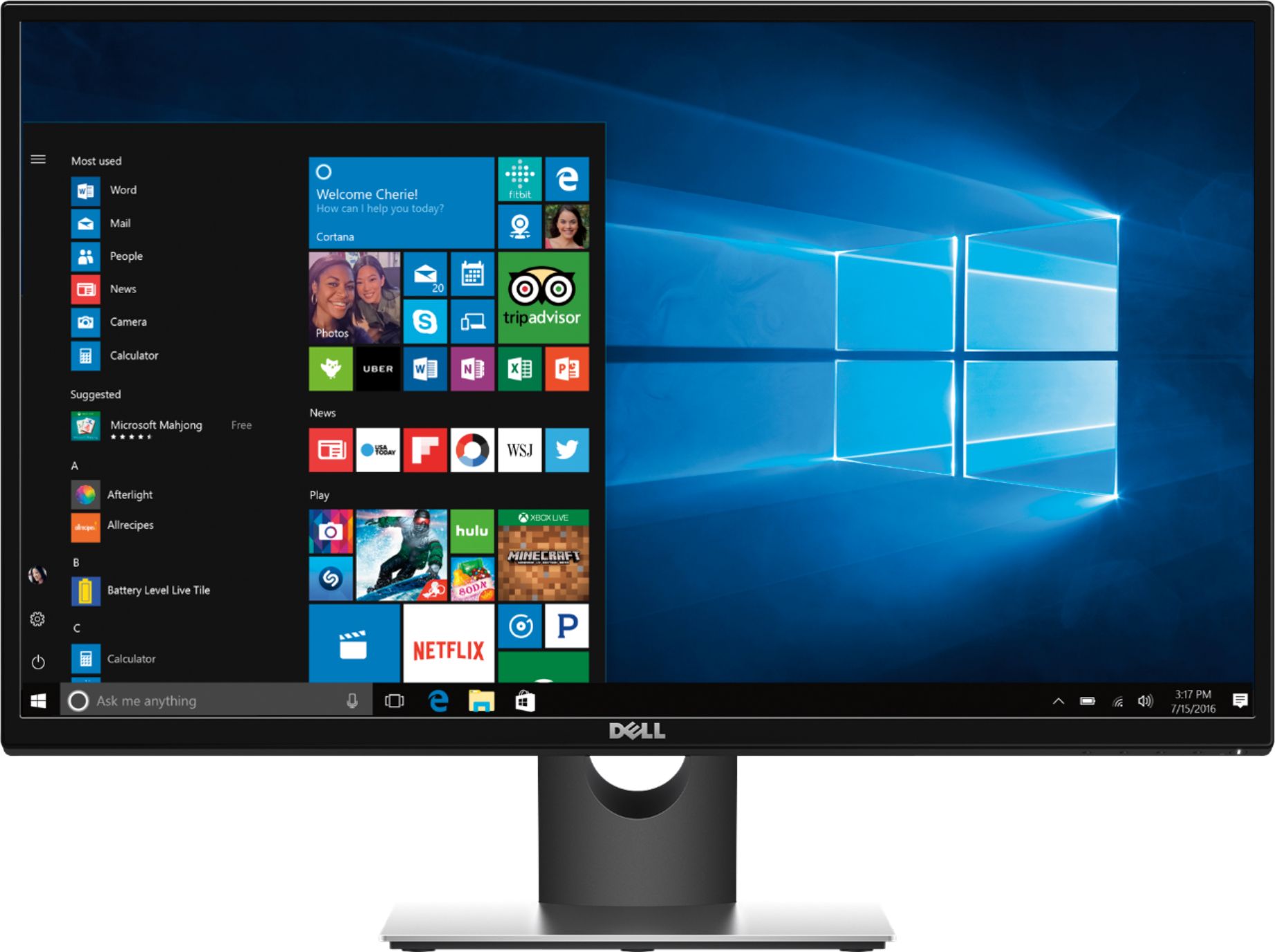
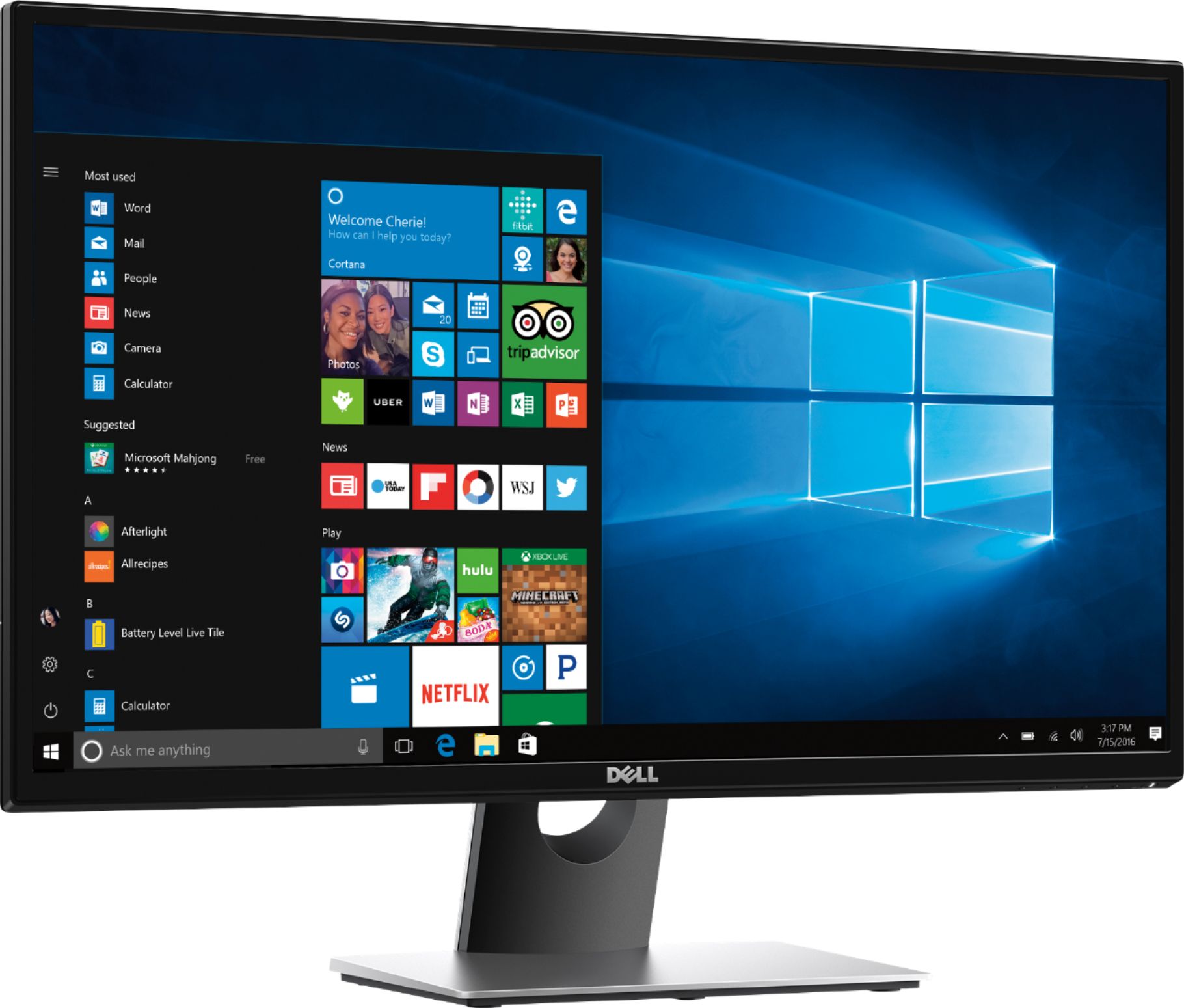
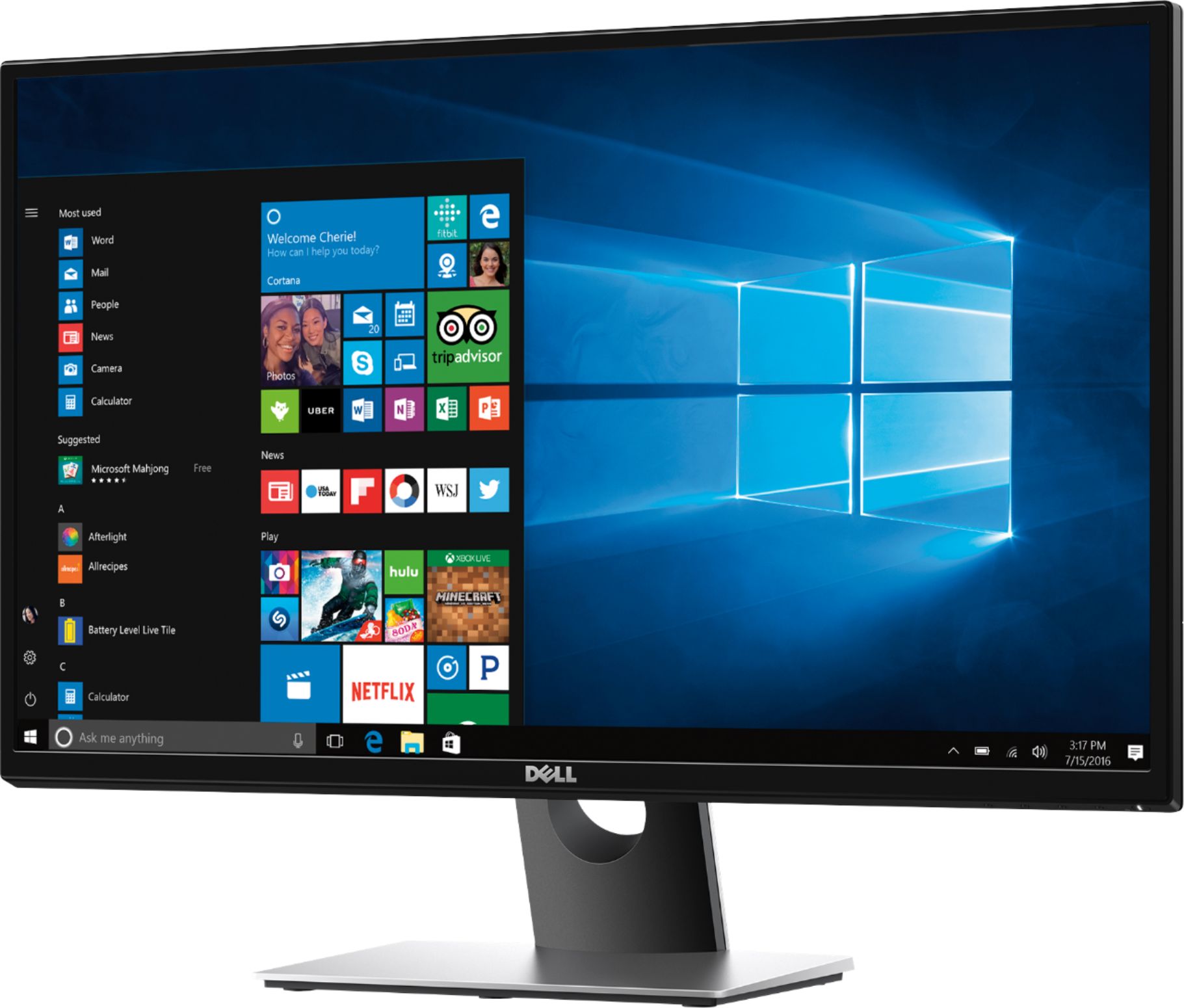
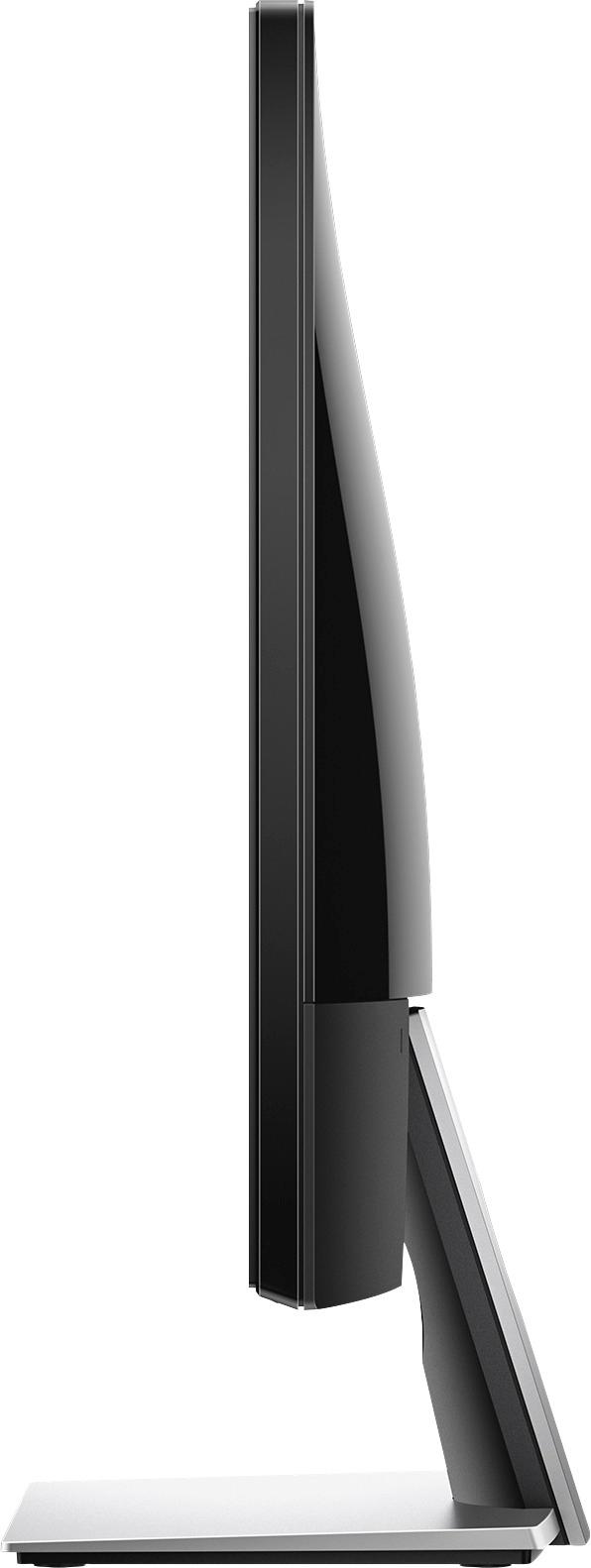
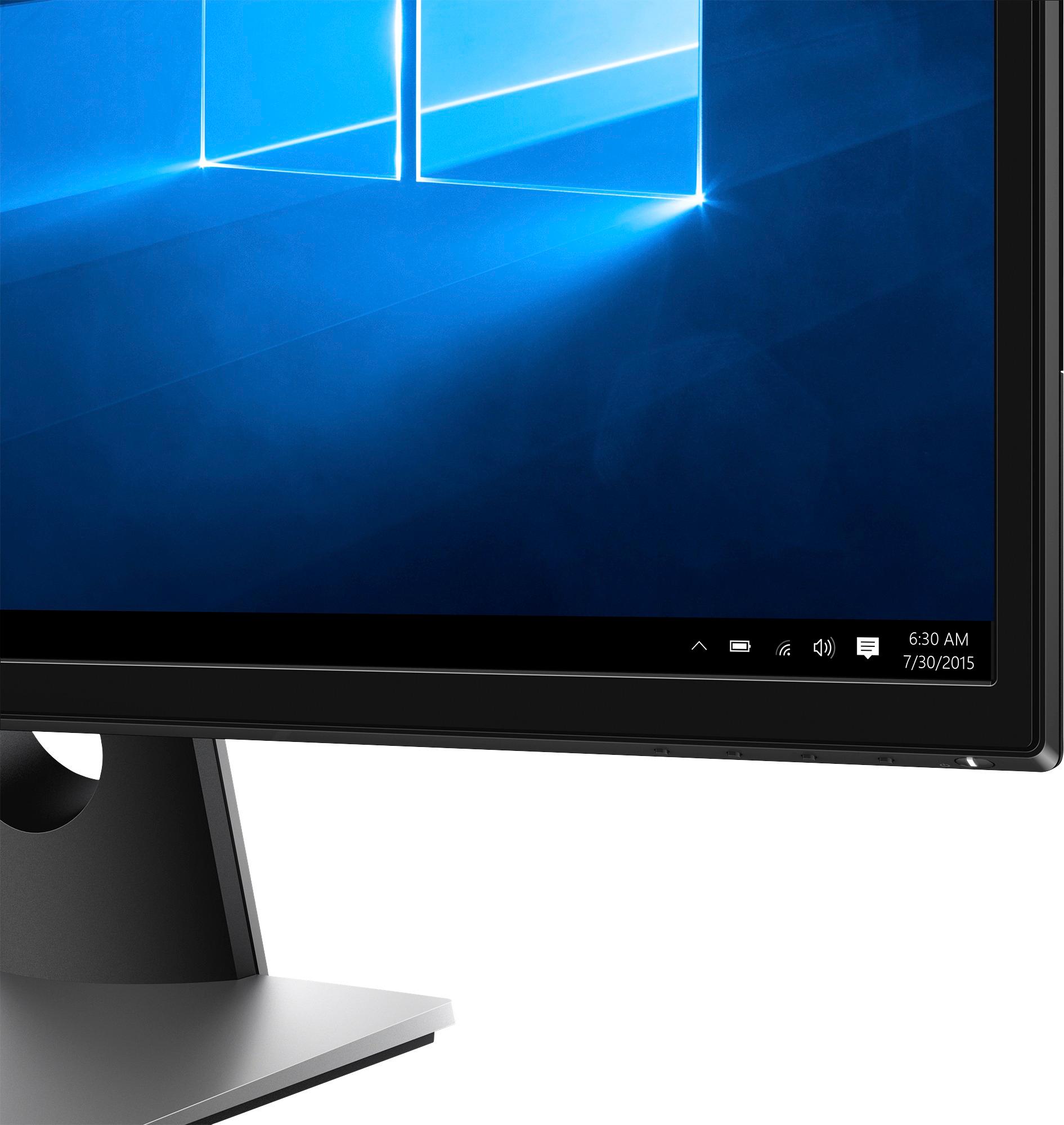
A:AnswerI use it for stock trading, therefore, I wouldn't know if it's good for gaming. For gaming I would recommend an ASUS, I believe that is one of the the best.
A:AnswerPer the specs from the Best Buy website description:
1920 x 1080 resolution at 75Hz
Delivers crystal-clear picture quality with stunning detail.
6 ms response time
Helps prevent blurring, ghosting and streaking during intense action sequences in video games and movies.
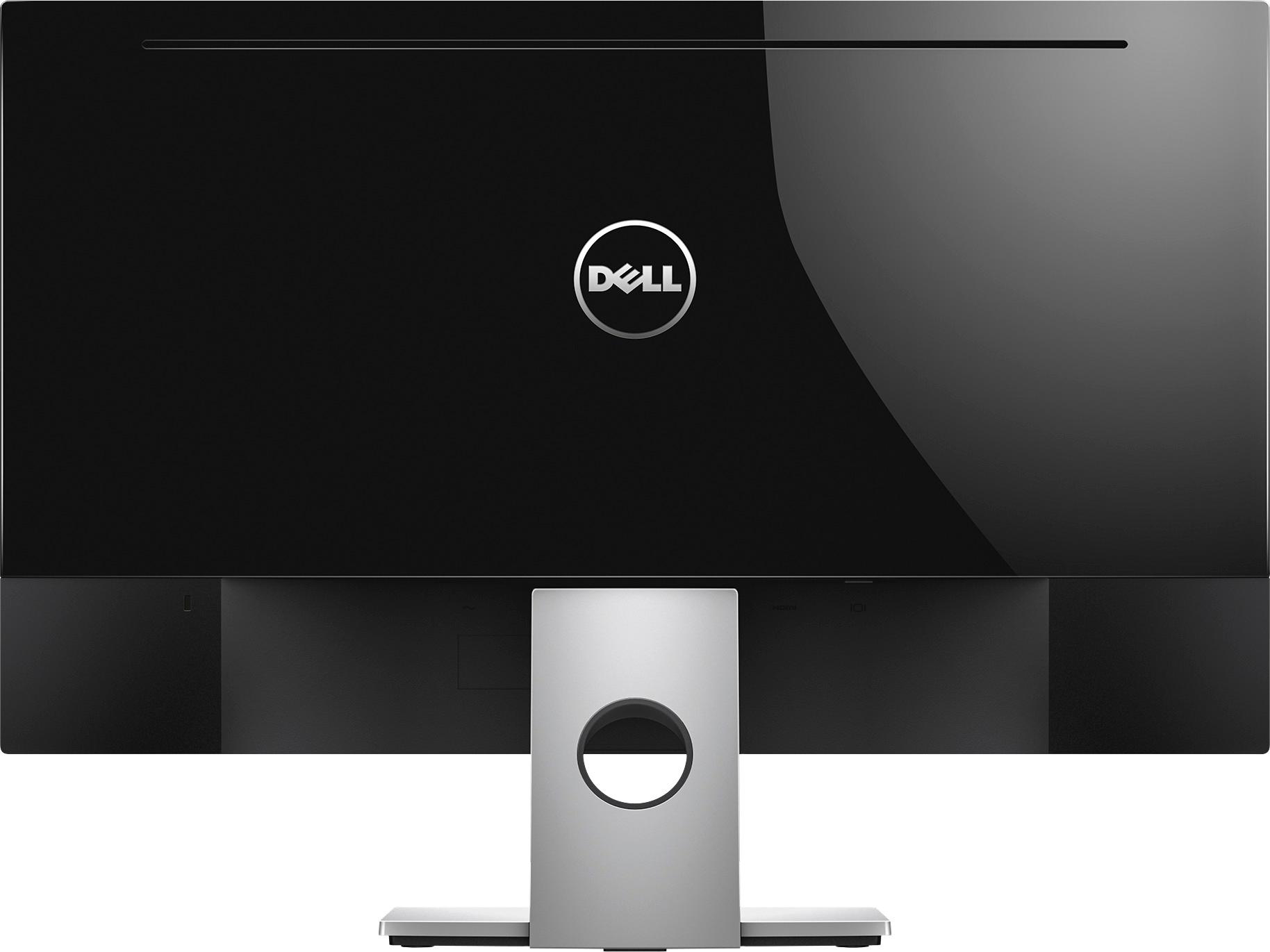
A:AnswerI would guess it is trying to push the sound to the monitor using the HDMI connection. You should be able to change your options for what speakers to use in the sound settings which you can get to by right clicking on the speaker icon by the clock that controls volume.
A:AnswerI recently purchased the same monitor to use as part of a set up to record music. I use external studio monitor speakers, but you should be able to use the sound on your laptop if you do not want to add external speakers. For the price, the monitor offers great size and resolution. For a relatively small investment, Logitech makes some very nice speakers, with a sub-woofer.