A:AnswerYou can if you want but that’s if your flying in flight restrictions zones like airports and building with government contracts. Only need to register if it weights more than 5 pounds. Drone weights 2 pounds with the battery
A:AnswerMy mavic pro fell in lake and was in there for ten seconds before I got it and aired it out, still runs no problems there but the gimbal is all messed up won’t record anymore and the gimbal gets overloaded and overheated super quick now, Don’t get it wet, I’m happy it still flies, it was totally my fault!!!
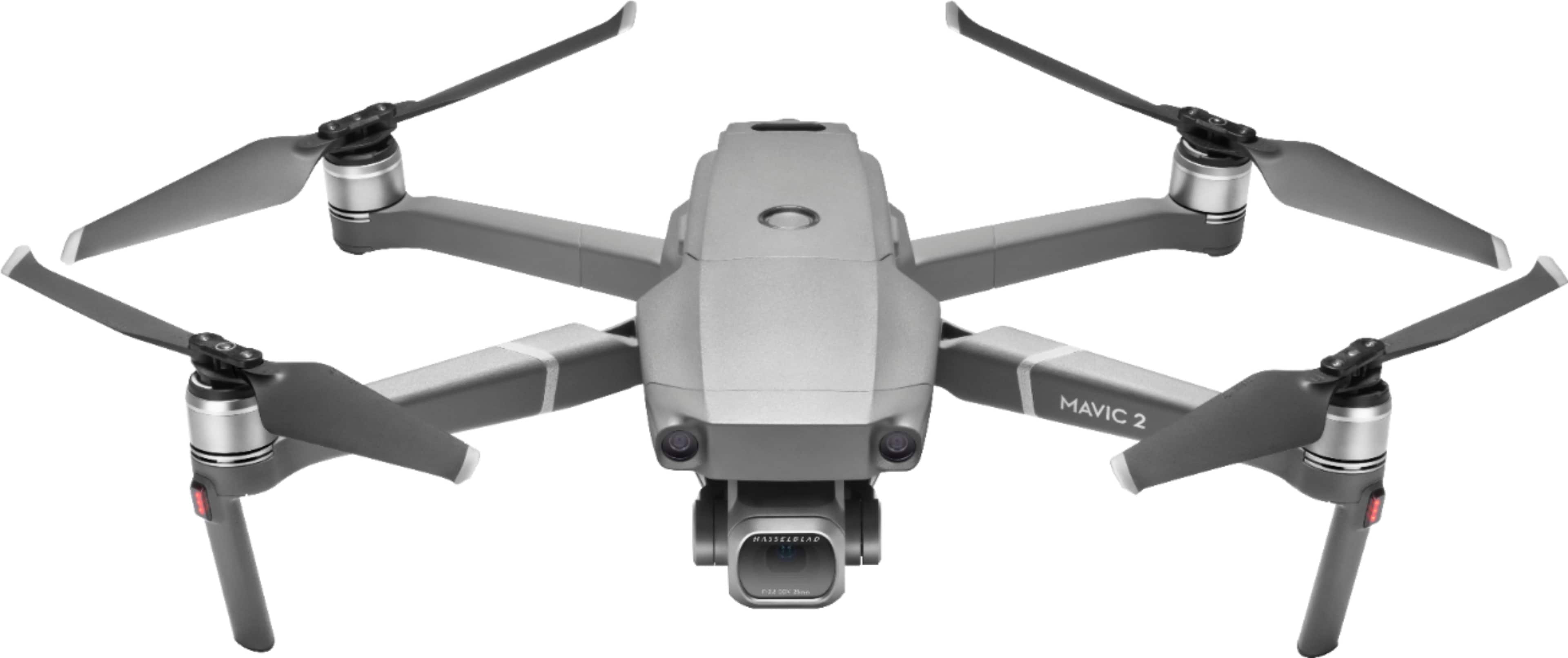
A:AnswerNot from the drone, but you can have it record audio from the controller mic. On Amazon you can buy things to connect/strap a GoPro or something
A:AnswerThis drone is pretty solid. I can't actually answer the question, but I have 108 flights for about 18 hrs of flight time without a single issue.
A:AnswerNo mic. I think all you would get is wind noise and the buzz from the propellers. Does not require internet for operation, but does for firmware and geo zone map updates.
A:Answerfor all the details please visit dji official website it has all the information you need regarding this product.
Go to the website-chose support ,then choose the product ,all users manual plus download able software for your drone update or restore is available
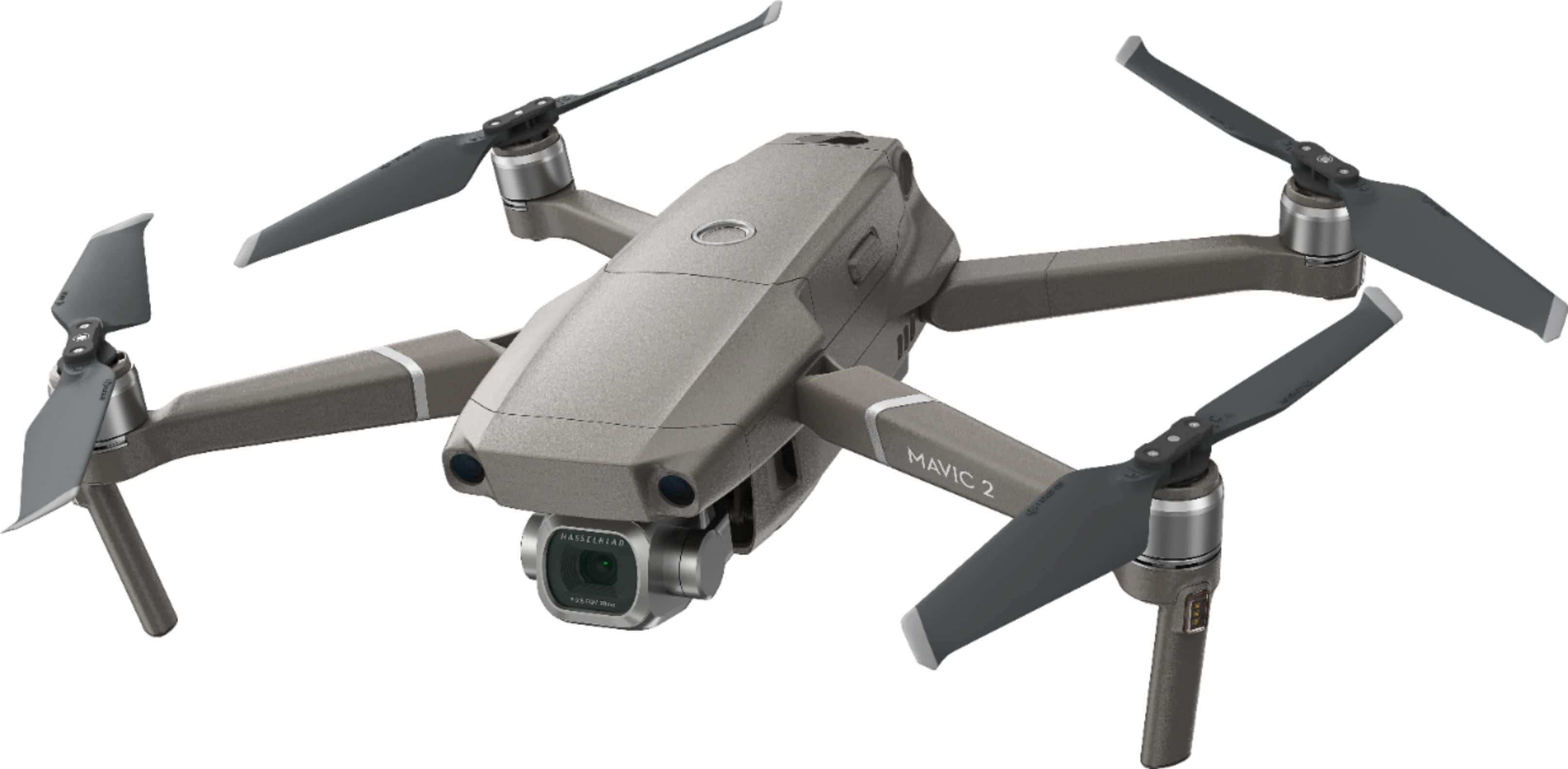
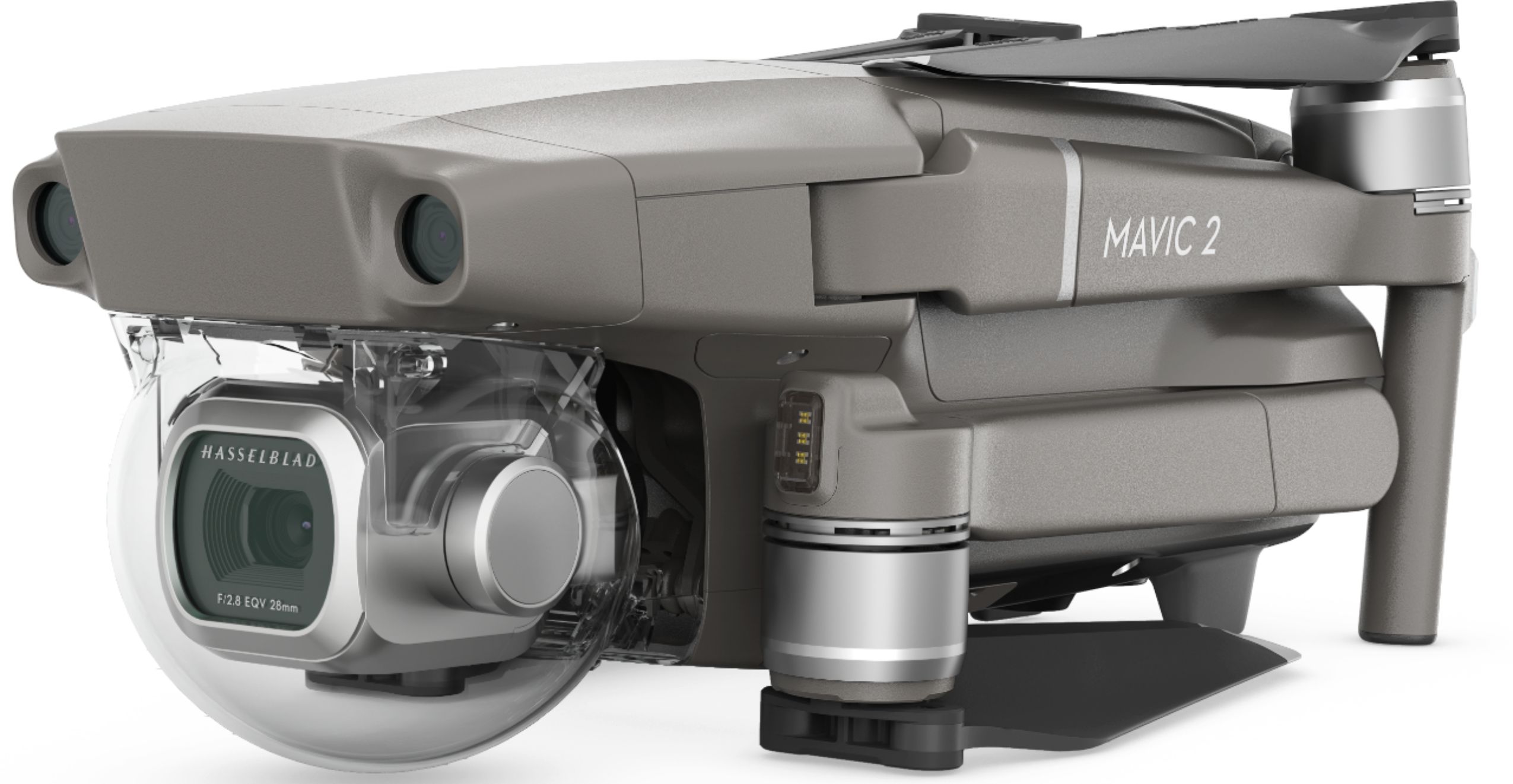
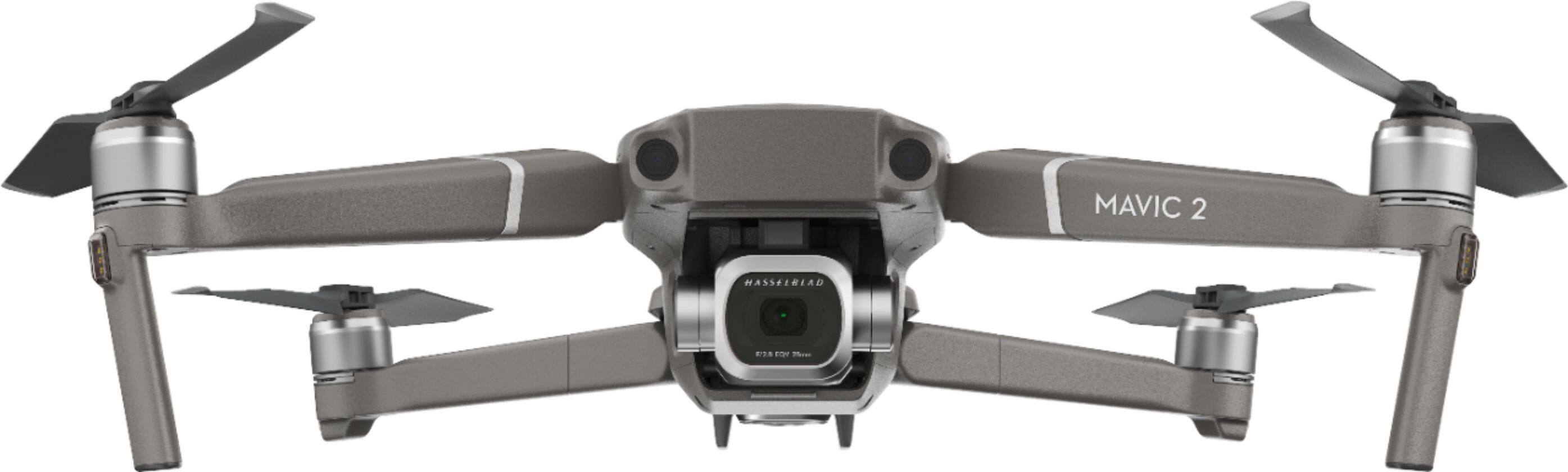
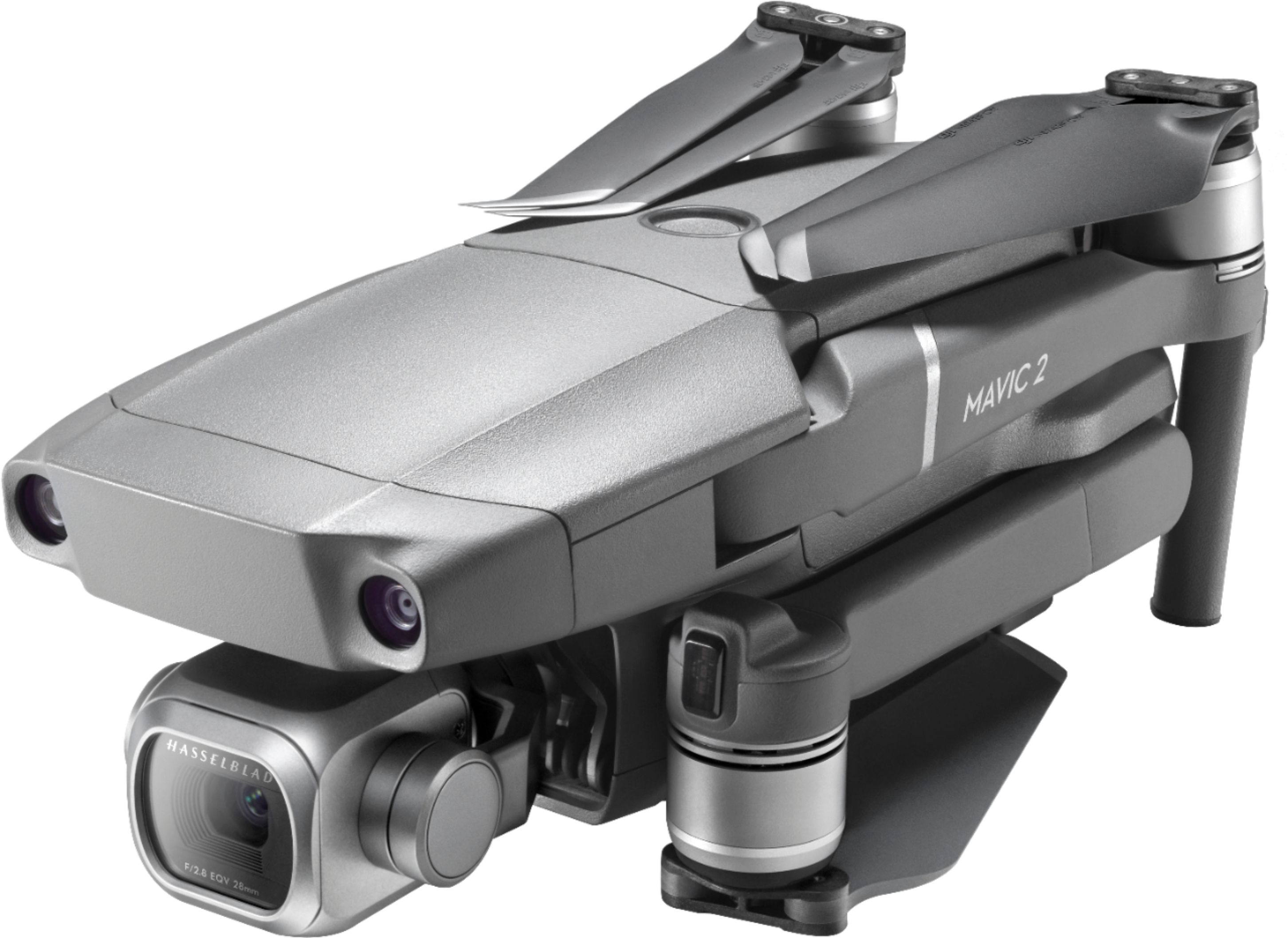
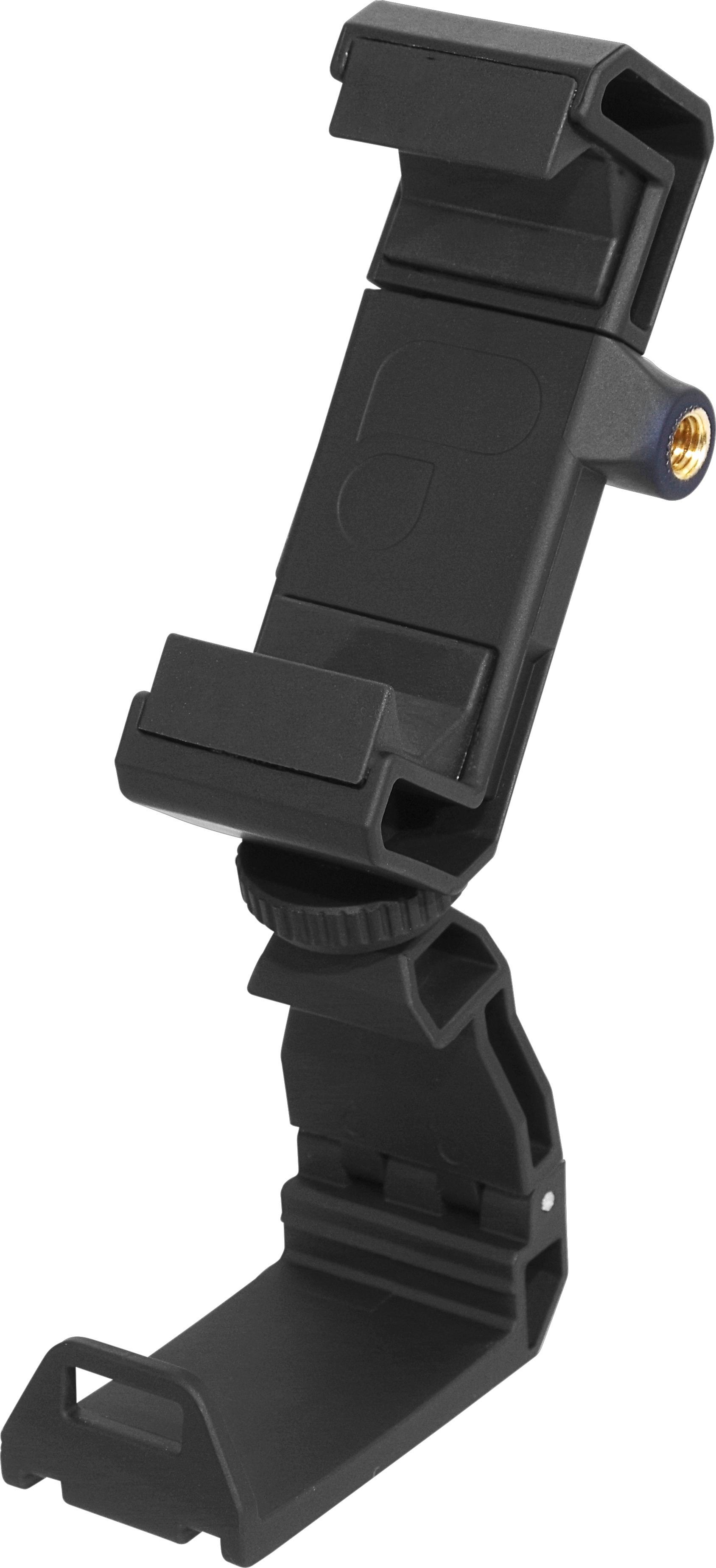
A:AnswerIf you look at the difference in the description and the pictures, you'll notice it's not a black drone. The higher priced model comes with the Smart Controller. This eliminates the need to attach your phone to the controller. If you don't go with the smart controller, I highly recommend using a tablet with the controller, and not your iPhone. The DJI Go 4 app is loaded with advertising trackers.