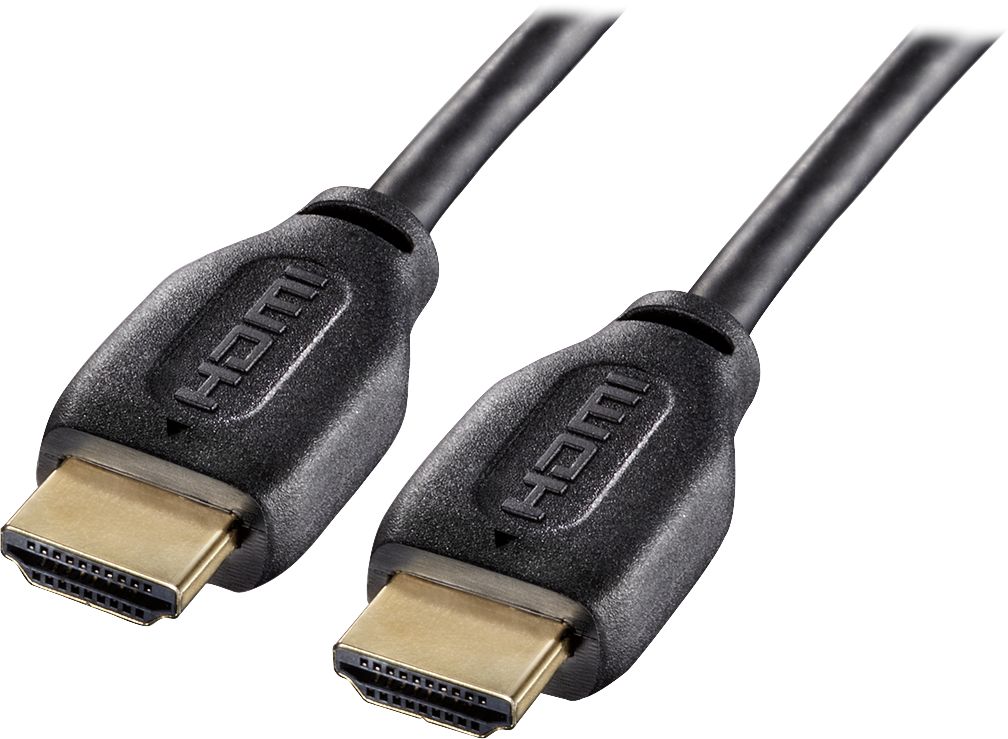
A:AnswerThey do make extension cables with male on one end and female on the other and they do make couplers with female on both ends to connect two cables together, but you are far better off getting a cable long enough to do the job without adding a coupler or extension. This is because of possible signal loss with each coupler or extension you add. There will also be a limit on the length cable you can use with HDMI before you would need to add a signal booster. The cables listed in the review are great for going from one device to another a short distance from each other, or to use with an HDMI switch.
A:Answerunless your pc/laptop has auto-detect video output you might not be able to project to your tv using this hdmi.
on the other hand, your laptop/pc might have some shortcut keys to output to hdmi.
A:AnswerThe same difference as between a USB and mini-stereo connector. Two different animals. Ethernet cables/plugs/jacks are one thing, HDMI another. This one has HDMI male connectors at both ends, to connect an HDMI output to input (and vice versa). Anything involving a typical ethernet input/connector - e.g., RJ45 - needs a cable/connector for ethernet connectors. This is for HDMI to HDMI.