A:AnswerHi help, No, the EcoTank ET-4760 is not a sublimation printer. It is a light-office printer designed for document printing. Regards, Mark - The Epson Team.
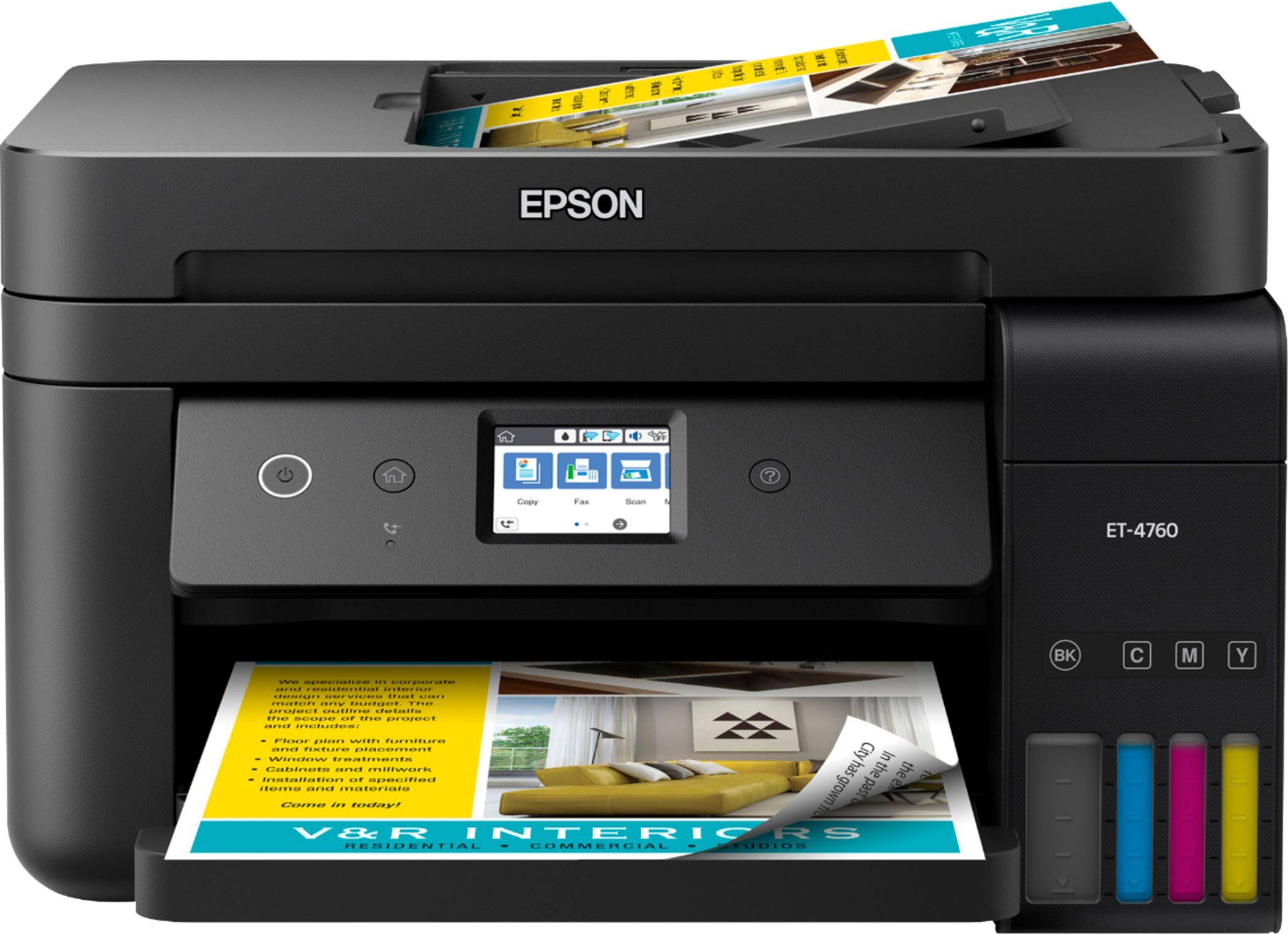
A:AnswerHi, Yes, the EcoTank ET-4760 can scan multiple pages from the auto document feeder. You can load 30 Letter-size sheets at a time. Regards, Mark - The Epson Team.
A:AnswerHi DAVID1986. The Epson EcoTank ET-4760 was designed with only one front-loaded paper cassette. Additionally, this printer supports paperweights between 17 - 24 lbs (64 - 90 gsm) in weight. Regards, Bobby - The Epson Team.
A:AnswerHi Colleen, Rearranging the pages after scanning with the WF-4760 is necessary. Both ScanSmart and Epson Scan 2 allow shift-click and control-click options for multiple selections to streamline the process. Regards, Mark - The Epson Team.
A:AnswerHi MLB711. The EcoTank ET-4760 is supported by Epson Connect, which includes the Epson Scan to Cloud service. This service allows you to scan and send a file as an email or upload it to an online
service directly from your Epson product. Visit the official Epson Support website for more information. Regards, Bobby - The Epson Team.
A:AnswerHi legionary, The EcoTank ET-4760's document feeder holds 30 sheets that can be scanned at once. You also have the option of adding more sheets to the document feeder to scan more pages to a single PDF document. Regards, Mark - The Epson Team.